Business
New CEO Suspends Starbucks Share Buyback Program

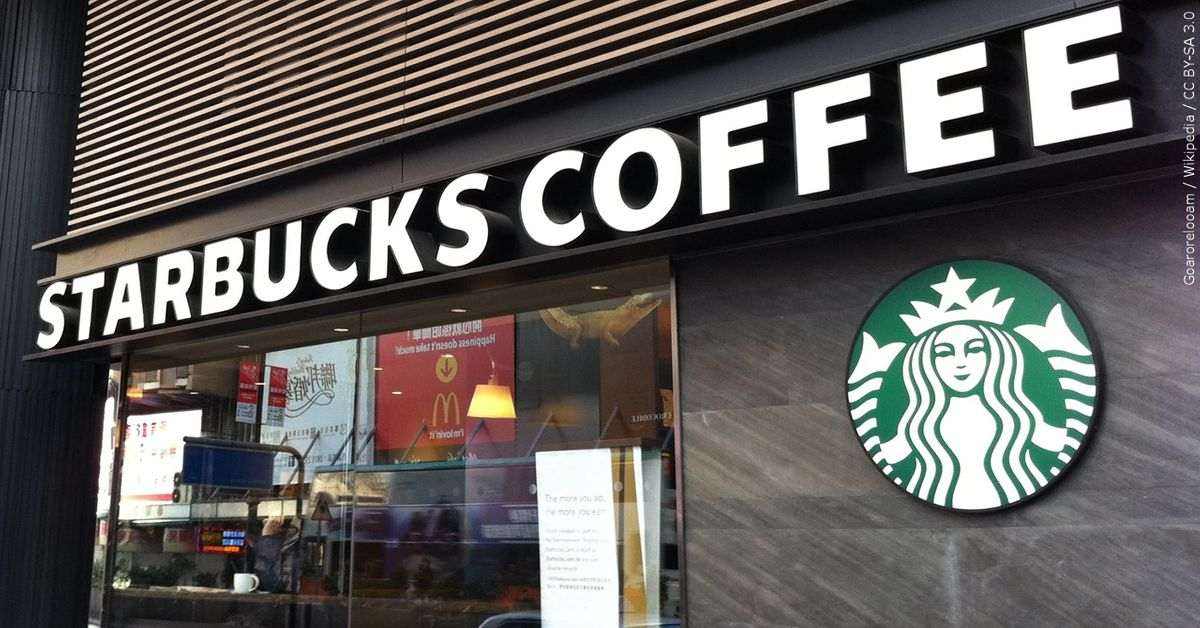
Starbucks announced big plans to lavish its shareholders with new rewards. The company announced it was reinstating the Starbucks share buyback program, promoting a $20 billion commitment in the next few years.
“While Starbucks’ growth this year will not be linear, we are certain our strategy helps a profit-positive company today. And in the long run, it would create value for all stakeholders, partners, customers, and our shareholders,” said Chief Financial Officer Rachel Ruggeri.
However, that plan was thrown out of the window when Howard Schultz assumed office as interim CEO on Monday, taking the company’s reins for the third time.
Why Did CEO Howard Schultz Suspend The Starbucks Share Buyback Program?
Howard Schultz is suspending Starbucks’ share buyback program, announcing on the first day of his third term as the US coffee chain’s CEO. It means redirecting the capital to its stores and staff. The decision is a response to the growing unionization movement in Starbucks. Also, it could be attributed to the rising wage and commodity costs, potential threats due to its suspension of operations in Russia, and COVID- related lockdowns in China.
“This decision will help us invest more in our employees and our stores. It is the only way to create long-term value for all stakeholders,” Schultz said.

What happened? Share buybacks are under political observation after reaching an all-time high of $882 billion among S&P 500 companies in 2021. Giving cash to investors generally boosts share prices by reducing the number available. Still, critics say that money would be better spent on workers and other investments that can broaden the economy.
Last week, US President Joe Biden proposed new rules to curb the practice. However, a Starbucks spokesperson stated that the decision was not about the political climate. The decision to suspend Starbucks’ share buyback program was solely a company’s plan.
The other significant factor, then, is workers. Since December 2021, several Starbucks stores have unionized despite the company’s plans. Schultz has tried to discourage workers from organizing unions, citing the importance of a “direct and shared relationship” with workers.
But at the height of the pandemic, employees who are fed up with long hours and health risks have more power than they used to. Job openings in the United States reached 11.3 million in February as companies struggled to hire and retain workers.
Last Friday, Amazon warehouse workers in Staten Island, New York City, voted to create the first US union in the tech giant’s 27-year history.
In suspending the Starbucks share buyback program, Schultz hoped to set a different tone for his term. This would not be a company playing by Wall Street’s rules but by Main Street. Shareholders would not be the company’s primary stakeholders. Instead, Starbucks would work to make life better for its workers.
The statement was an apparent response to a growing unionization effort underway at almost 200 Starbucks stores around the country. It is part of an effort that has diminished its reputation as an employee-friendly company.
In this situation, generous share buybacks may be more challenging for management to defend, and boards like Starbucks may decide that money should go to staff instead. After all, stockholders had it pretty good during the pandemic.
Shares of Starbucks fell almost 3% in premarket trading on Monday. While they have dropped 22% so far this year, they gained 33% across 2020 and 2021.
“If Starbucks can afford to spend $20 billion on stock buybacks and dividends, it can afford a unionized workforce,” Schultz said.


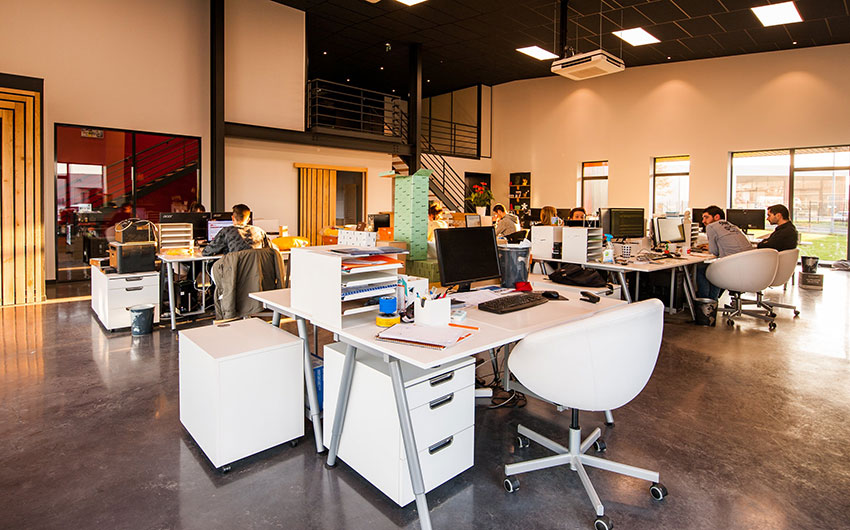
Did you know that your workplace design can impact the productivity of your employees? Aside from this, office design also affects employee safety and health. A study by international architectural firm Gensler in the US states revealed that only 38% of employees strongly agree that their workplace currently provides a great experience, highlighting a major gap between what offices offer today and what employees actually need to perform at their best.
So how does the environment impact the health, safety, and productivity of employees?
Design To Encourage Movements

Our work has a big impact on your health. Most of the time employees spend a lot of time on their desks, so they are becoming sedentary. As we all know, sitting down for long periods of time has adverse effects on our health. In addition, movement offers instant benefits, including cognitive performance boost.
Designing office spaces that encourage movement or walking can help curb these problems for employees and employers alike. There are workstations that are designed to be used in either sitting or standing positions. An open space design also encourages employees to walk from one section of the office to another. Sometimes something as basic as an ergonomically correct chair can help prevent ailments like backaches.
Natural Lighting > Fluorescent

Good lighting can help people see details clearly and increased visibility can help increase productivity. But, this does not mean to say that you can skimp on lighting in the office because a study from Cornell University shows that poor lighting is connected to low production levels and social satisfaction among employees. Many offices are composed of cubicles to give employees privacy to do their work. However, the cubicle arrangement also blocks natural light, which means that some employees are not exposed to natural lighting during an entire work cycle.
Humans are wired to seek natural lighting. In fact, many buildings in Europe encourage exposure to natural light. Employees who had the best views were the most productive and were most likely to describe themselves as healthy.
Dedicated Noise-Isolation Areas

Acoustics is another key contributing factor to productivity. To achieve acoustic comfort, the office must have appropriate acoustic support that is conducive to interaction, confidentiality, and concentrative work. If it is too noisy, workers will not be able to communicate with each other let alone concentrate.
Design your office to have multiple quiet areas where employees can migrate to in order to make calls, have private meetings, or to focus on their work.
Designed With Health In Mind

Aside from these factors, employers should also provide workers with suitable ventilation, access to greenery and the gym to help encourage a healthy lifestyle. Even something as basic as giving them access to increase or reduce the temperature in the office can impact their productivity. Employers should also encourage employees to personalize their workstations so that employees are happier. Workspace design should allow employees to socialize with each other easily while at the same time giving them access to views and privacy so that they can work properly and productively.
Good lighting, comfortable furniture, pleasant color schemes, and access to views or natural lighting can help generate positive energy in the office and employee mood. In fact, 8 out of 10 employees said their working environment affects their mental health.
Featured Image Credit: Photo by CadoMaestro from Pexels



Small business owners have a lot on their plates, having everything working as efficiently as possible. When reducing costs while increasing sales is a priority, you need all the help you can get. This is why a small business inventory management software is a necessity. Here are the top 8:
What is a Small Business Inventory Management Software?
Have you ever found it frustrating to track items or parts throughout your supply chain? Handling the storage, inventory, and sales from manufacturer to wholesaler to retailer can be a Herculean task. This is where small business inventory management software comes in.
This is a tool that automatically tracks how many products or items a business has in stock. It also records and helps monitor how many were sold, returned, or when you should reorder. The most basic software may include accounting tools and point-of-sale systems suitable for small businesses.
The Best Small Business Inventory Management Software
1. Zoho Inventory
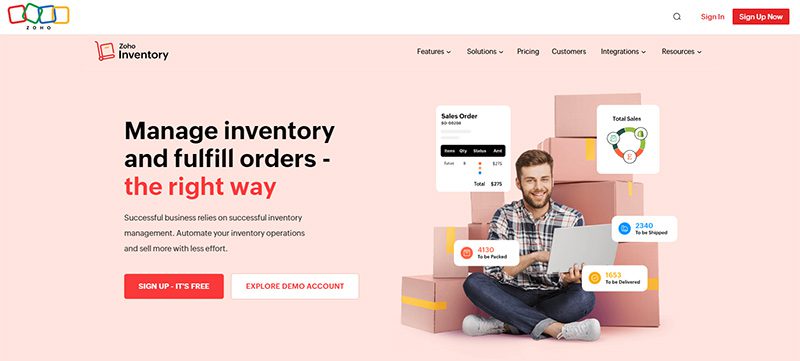
A popular choice for small business owners, Zoho Inventory is great value for your money. It allows you to handle multiple ecommerce stores and warehouses. You can check stock levels, manage warehouse items, and fulfill orders.
It features order management, analytics, reporting, and barcode scanning capabilities. It has a free plan with limited features, so if you want to make the most out of the software, the paid plans are highly recommended.
Pros
- Can handle multiple warehouses, currencies, and channels
- Comes with bundling, kitting, and composite tools
- One of the least expensive options
Cons
- No return management feature
- Limited POS integrations
2. FreshBooks
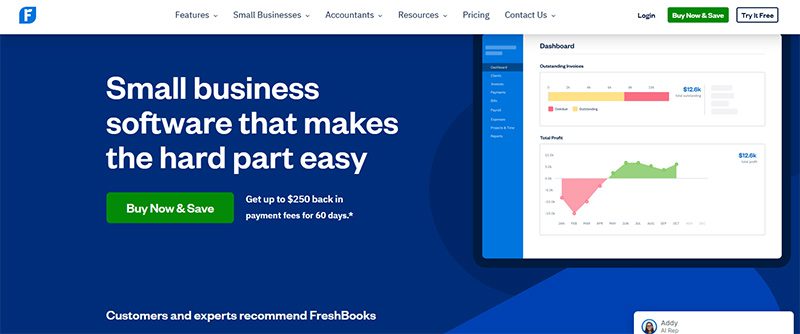
Primarily an accounting software, FreshBooks also has the capabilities of an inventory management software. This is an excellent option for small businesses with fundamental inventory needs. Not only does it enable you to track your items, but it’ll also make accounting easier.
It integrates with many assets and transportation management software, such as 2ship and Barcloud. If you sell in different channels, FreshBooks will come in handy. It automatically gathers data from Shopify or Squarespace for effortless management of your inventories.
Pros
- Easy to navigate user interface
- It comes with excellent invoicing features
- Superb customer support
Cons
- Limited users and clients
- Tier-based pricing is confusing to some users
3. Agiliron
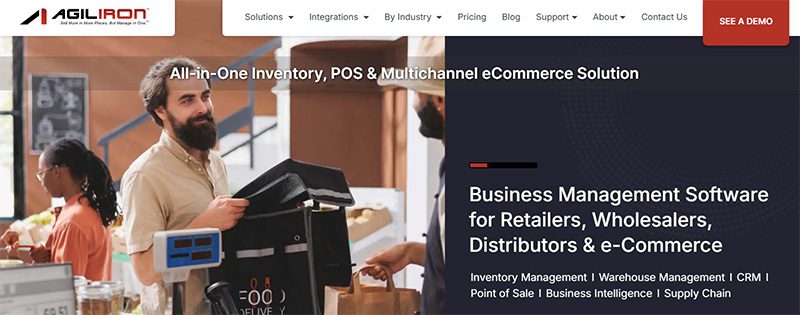
This small business inventory management software is truly cost-effective. Agiliron lets you manage multiple channels with e-commerce, social media, retail, and wholesale features. It will also provide you with comprehensive B2B and B2C inventory, kitting, and many other unique features.
It integrates with QuickBooks, Amazon, Shopify, PayPal, and many other e-commerce-related software and platforms. All its subscription plans offer unlimited orders and 24/7 customer support.
Pros
- Has customer-specific price settings
- International capabilities
- Wide ecommerce applications
Cons
- High learning curve
- Only one user per plan
4. Veeqo
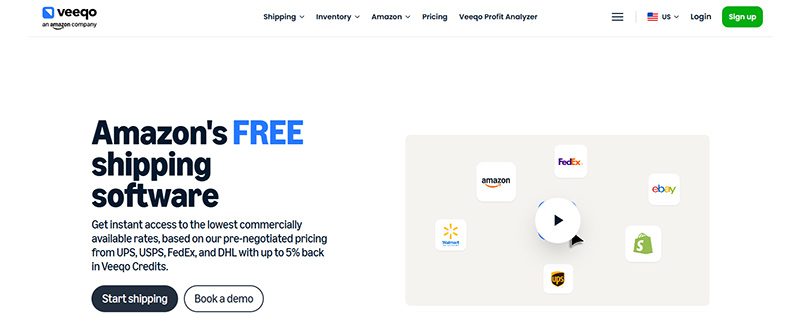
Built explicitly for ecommerce businesses, Veeqo has many features that make inventory and shipping a breeze. It has purchasing, reporting, shipping, and order management tools, whether you have one warehouse or more. Its straightforward platform is centralized to make tracking and management simple and uncomplicated.
One notable feature of Veeqo is its shipping integrations. This includes major shipping couriers such as FedEx and UPS. It has a limited-time, 14-day free trial that lets you try out its service without making a huge commitment.
Pros
- Shipping discounts
- User-friendly interface
- Multi-channel inventory management
Cons
- Some reports of software bugs
- So-so customer support
5. Lightspeed Retail
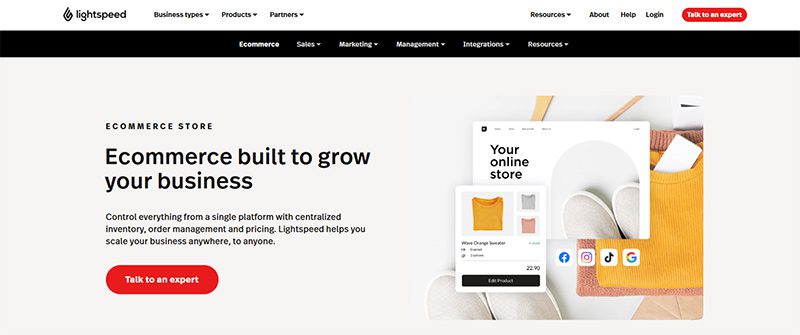
Most popularly known as a point-of-sale software, Lightspeed Rail also has impressive inventory management features. It allows you to conduct sales online or in-store while tracking your inventory levels in real time. This is a very helpful software to have if you’re in the retail industry.
This small business inventory management software lets you select from a wide array of business types, such as apparel, home and gift shops, and many others. Lightspeed will then show you how it can work in your precise retail niche.
Pros
- Offers seamless integration with ecommerce and in-store POS
- Provides advanced reporting on CRM, vendor, and granular inventory
- Unlimited entries across all plans
Cons
- Has no free plan
- No options for managing perishable products
6. Sortly
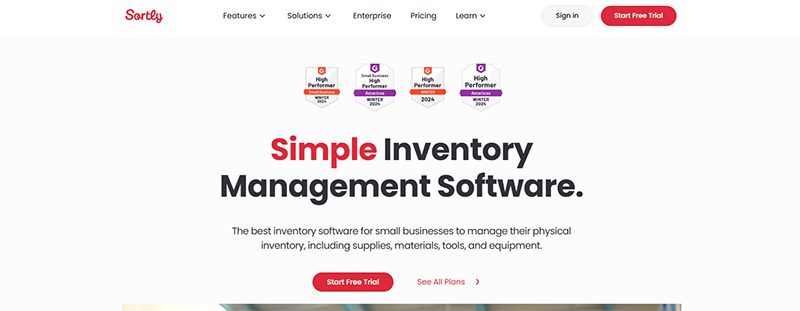
Small non-retail businesses will find Sortly an excellent inventory management software, thanks to its free plan. Well, it’s not only that, this software has many more amazing features to its name. Its intuitive functionality helps new business owners get the hang of tracking inventory and other minute details about their products.
Sortly can help you with warehouse management, inventory control and reports, and barcode scanning, among others. It also enables you to keep track of stock levels and returns through its alerting feature.
Pros
- Reasonably priced premium plans
- Ideal for those starting a new inventory
- Easy-to-use interface
Cons
- Integrating with other apps is for paid plans only
- Customer service may be hard to contact
7. CIN7
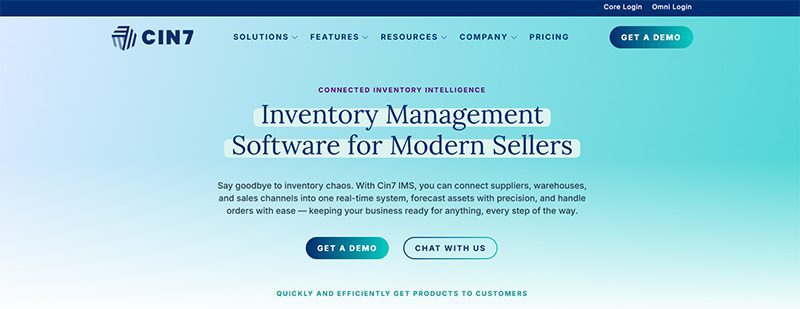
With its robust inventory and multi-warehouse features, CIN7 has become small business owners’ favorite. Among all the small business inventory management software on this list, CIN7 offers the most integrations. It has a return management feature that is essential for ecommerce business owners.
This software offers advanced options for purchase orders, which include duplication, custom fields, and importing and exporting features.
Pros
- Multi-channel, centralized inventory system
- Great workflow automation
- Gives detailed real-time data
Cons
- No free plan
- Android-only mobile app
8. Katana
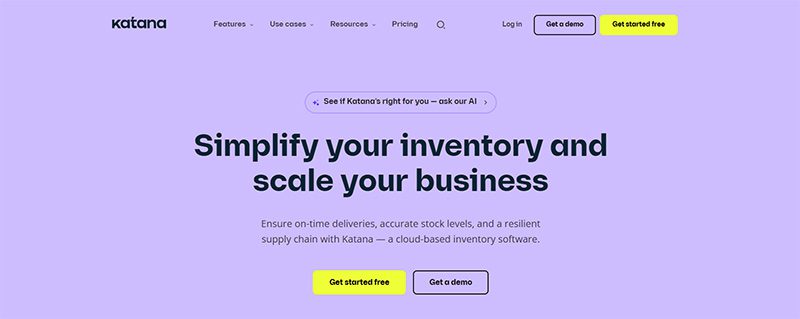
Specifically created for manufacturers, Katana will help you track all your products and supplies at every level of the manufacturing process. Its automatic workflow lets you concentrate on manufacturing. Aside from inventory features, this software will help you with scheduling, production planning and control, and many other tasks.
It has a very low learning curve; you’ll quickly know how to keep track of sales and purchase orders, production receipts, warehouse statuses, productions, and many others.
Pros
- Has inventory control and optimization tools
- Has comprehensive manufacturing shop floor control
- Allows tracking by the expiration date
Cons
- Only has email support
- No mobile app
Honorable Mention
The eight small business inventory management software listed above are our top choices. But there is one outstanding brand that we can’t ignore, so we added it to our honorable mention list:
Megaventory
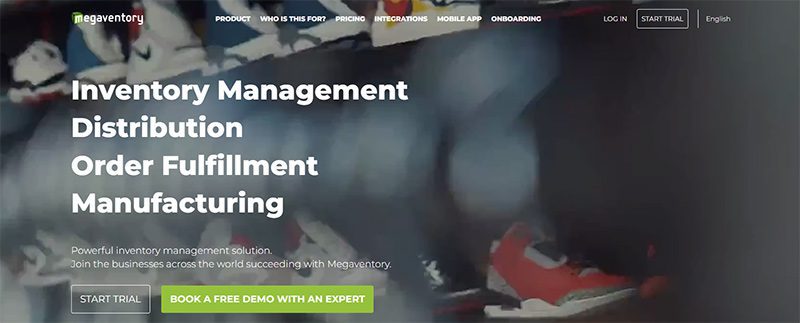
Suitable for small and medium-sized businesses, Megaventory is a cloud-based order and inventory management solution. Its key features include order fulfillment, invoicing, reporting, and manufacturing management. It also offers comprehensive customer support that will help you provide better customer experiences.
Pros
- Alerts you when you are running low on stocks
- Provides automatic calculation of the inventory’s value
- Handles customer and vendor returns without human intervention
Cons
- The dashboard can be hard to navigate on small screens
- The item editor has a high learning curve
Final Thoughts
To find out which small business inventory management software is the best for you, you need to know your inventory tracking needs quite well. After doing so, you can choose from the list above and get the most suitable one for your brand.

Design Hack Your Office For Maximum Productivity

Tips For Starting A Profitable Business

Top 8 Small Business Inventory Management Software for Growth

What’s the Best Logo Design Agency in San Francisco?

What’s the Best Logo Design Agency in Florida?

What’s the Best Logo Design Agency in Texas? Here’s How to Choose

Here are the Best Design Agencies in New Jersey in 2026
Design Hack Your Office For Maximum Productivity
Tips For Starting A Profitable Business
Top 8 Small Business Inventory Management Software for Growth

Top 10 Email Marketing Software Modern Businesses Need Today

The Software As A Service Business Model Explained

The Biggest Hidden Cost in Healthcare Isn’t Staff Time. It’s Operational Friction.

5 Quiet Operational Leaks Costing Fortune 500s Millions
 Business3 hours ago
Design Hack Your Office For Maximum Productivity
- Business6 hours ago
Tips For Starting A Profitable Business
- Business10 hours ago
Top 8 Small Business Inventory Management Software for Growth
- Uncategorized4 days ago
The Biggest Hidden Cost in Agencies Isn’t Talent — It’s Throughput
- Uncategorized4 days ago
Here are the Best Design Agencies in New Jersey in 2026
- Uncategorized4 days ago
The ‘Boring’ Internal Upgrade Behind Many $100M-Scale Companies
- Business23 hours ago
What’s the Best Logo Design Agency in San Francisco?
- Uncategorized1 day ago
What’s the Best Logo Design Agency in Texas? Here’s How to Choose
- Uncategorized1 day ago
What’s the Best Logo Design Agency in Florida?