Startup Central
10 Tools To Help Create Better Content





Entrepreneurs put in significant effort to keep costs to a minimum, more so if you’re a new business owner. You want to save on everything by getting the most cost-effective options. This will allow them to do more with the limited budget they have. Here is a list of the top startup software you can use to begin the new year with optimum savings:
1. Hootsuite
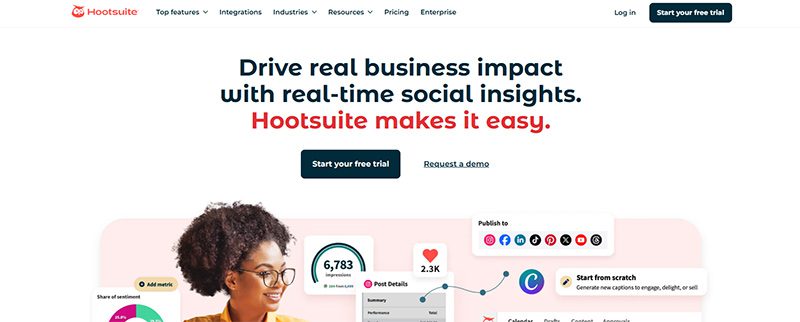
An online presence is a necessity for new businesses. Hootsuite can help you create content and get more followers quickly and easily. It is one of the most popular startup software, with a user-friendly interface and affordable pricing plans.
It has a 30-day free trial that allows you to explore the platform. Not only that, Hootsuite will help you monitor the Return On Investment (ROI) of all your social media campaigns. This will let you know which works and which doesn’t. It has three premium plans that start at $149 per user per month, billed monthly.
2. Google Analytics
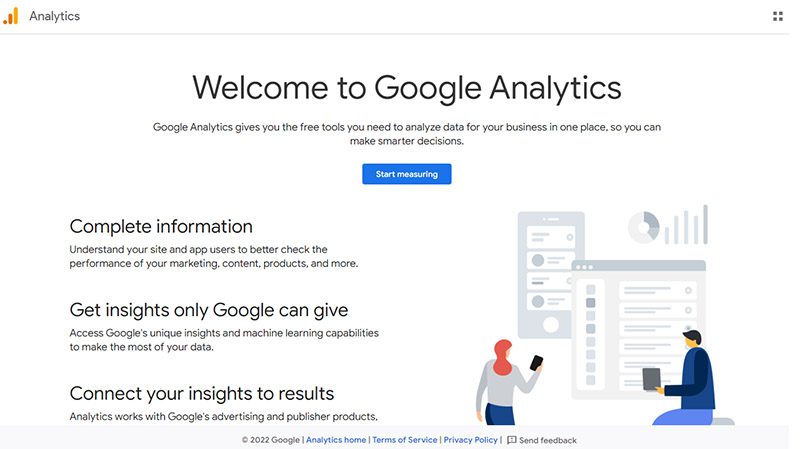
Understand your website better with Google Analytics. This startup software will let you track the traffic coming to your website. This will allow you to tweak whatever strategies you have in place, as it tells you what needs improvement.
You can use Google Analytics 4 (GA4) free of charge, but it comes with limitations such as data sampling, limited data retention, and fewer advanced features than its GA360 paid version (with costs that start at $50,000 per year). It will help you understand your customers’ journey and improve your marketing ROI. It will provide insightful data that can aid you with your marketing strategies.
3. SendPulse
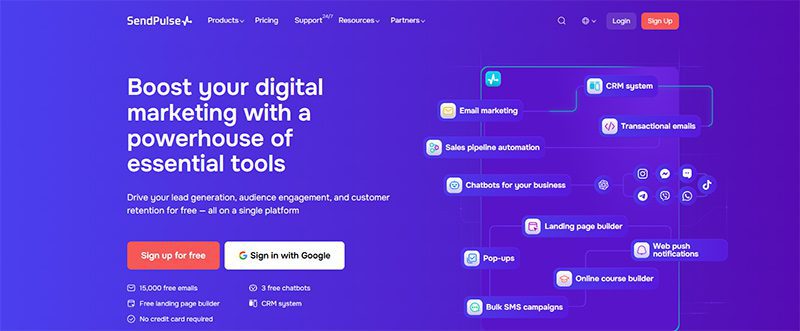
Excellent communication with your customers helps build stronger connections and loyalty. Whatever messaging channel you choose, SendPulse is a superb startup software. It includes lead generation tools as well as promotional channels such as email, SMS, social media, and messenger chatbots. It also offers a free CRM tool and many other features.
SendPulse has a free plan ideal for startups, but if you want to upgrade, there are three premium plans to choose from. Prices start at $8 per month.
4. FreshBooks
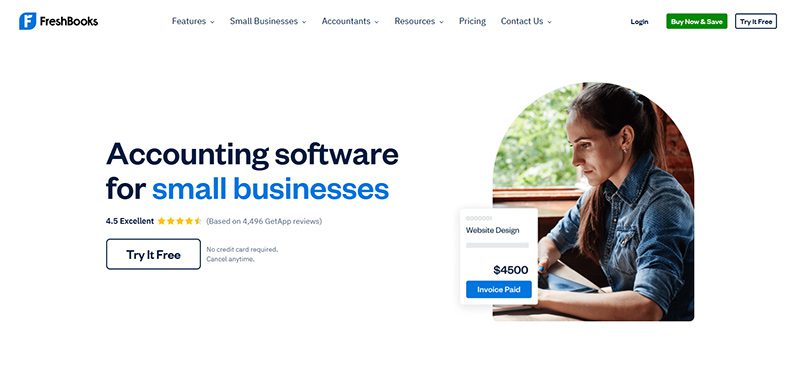
Once your business is running, you’ll need an accounting and invoicing software. That’s when you’ll need FreshBooks, an app that automates invoicing, bookkeeping, payment tracking, and many other financial tasks. In just a few clicks, you can view your financial status through its Profit and Loss Statements (PLS) feature, do taxation summaries, and check expenditure reports.
FreshBooks offers four pricing plans, which start at $8.40 per month. If you need more services, they offer a custom plan, for which you’ll need to contact them for a quotation.
5. HubSpot CRM
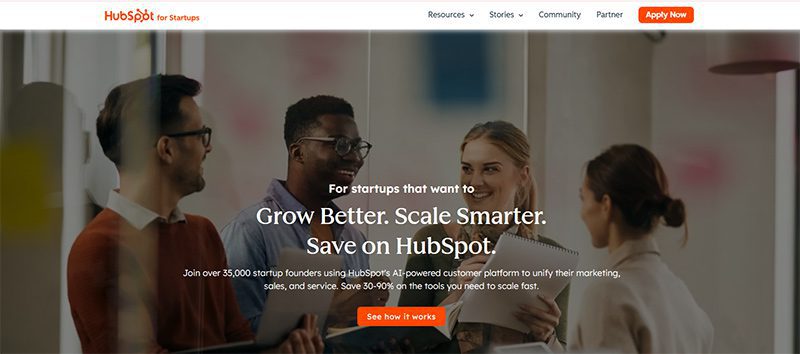
Primarily a CRM (Customer/Contact Relationship Management ) tool, HubSpot CRM is a must-have startup software. It lets you manage contacts, sales, pipelines, lead generation, and digital marketing, among many others. It consists of multiple tools or ‘hubs’ that you can buy separately.
HubSpot CRM offers two pricing plans that start at $10 per month per seat. If you consider what this startup software can do, you’ll know it’s worth every penny.
6. Penji
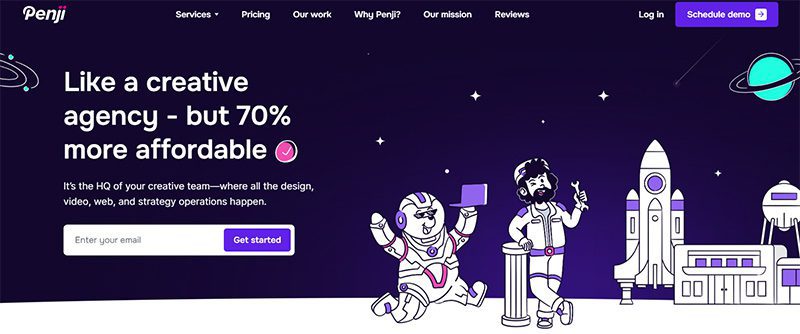
Starting your business involves advertising and marketing. And to do this effectively, you’ll be needing graphic design. It can elevate your business in ways you can’t even imagine. For this, you need Penji, an unlimited graphic design service that lets you request all your visual assets.
For as little as $499 per month, you can request logos, digital ads, social media graphics, and many other branding collaterals. They have two other plans, plus a 30-day money-back guarantee that lets you decide without making a huge commitment.
7. Piktochart
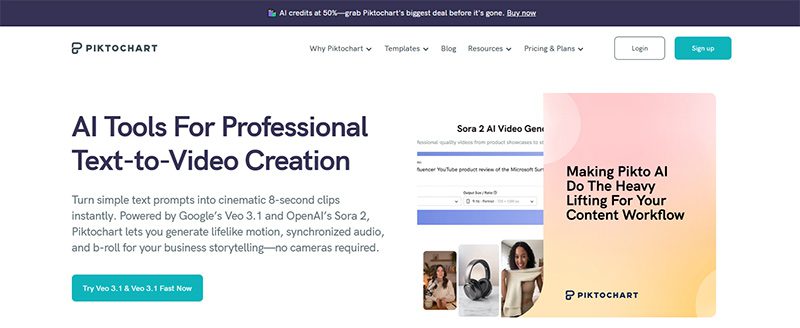
According to statistics, infographics are the fourth most-used type of content marketing. They can increase traffic to your website by 12%. To create interesting and engaging infographics, you can use Piktochart. With this startup program, you can add videos, charts, interactive maps, and many other elements to your infographic and embed them on your website or blog.
Piktochart offers a free plan that’s suitable for startups and medium-sized businesses. If you want to enjoy more of its features, you can get any of its premium plans that start at $29 a month.
8. WordPress
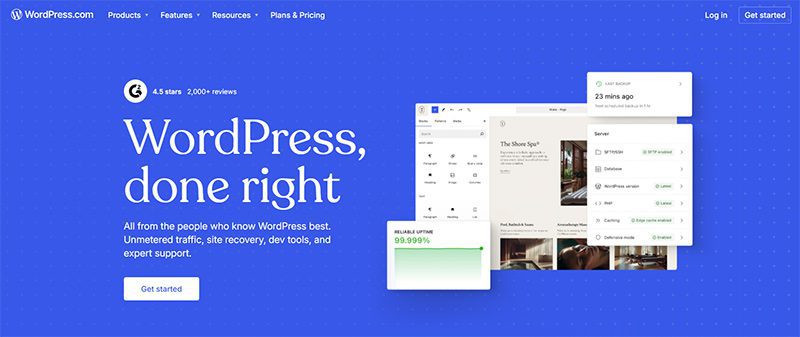
Join the over 585 million websites that use WordPress, the world’s most popular website builder. It is an open-source content management system, which means it’s free to use. You can build the website of your dreams using this startup software’s plugin architecture and template system. It can help you create a website with responsive design, SEO, social sharing, and many other features.
Aside from the free plan, WordPress has four premium plans with pricing that starts at $9 per month and goes up to $70 a month if you pay monthly.
9. Salesflare
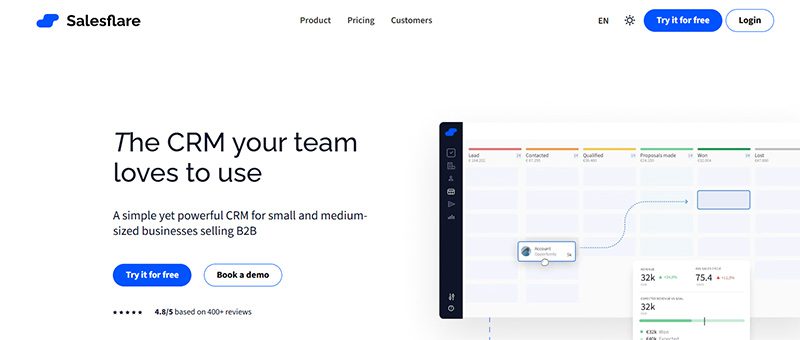
Another CRM tool ideal for startups, Salesflare automates many repetitive tasks to make handling your business easier and faster. It can help with your email applications, social media accounts, company calendars, and many other processes. It also provides you with crucial data such as sales funnel analysis, quota management, sales funnel analysis, and many others.
Salesflare offers simple and affordable pricing. It has three pricing plans that start at $39 per month and go up to $124 a month. It also has a free trial that lets you try the software without a credit card.
10. MailChimp
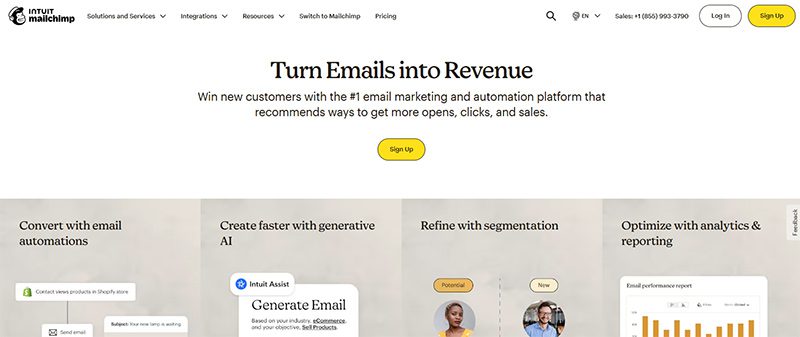
If you’re thinking of strategies to add to your marketing campaigns, you need to add email marketing. It is one of the most effective, but it can involve a laborious process. To make it easy, use MailChimp, a marketing platform that lets you manage and communicate with your clients, customers, and prospects. With it, you can customize your emails, generate leads for your database, and perform many other email-related tasks.
MailChimp has a free plan if you want to try out the service first. However, its three premium plans offer many valuable features you won’t get from the free plan.
Final Thoughts
Growing your business can be an exciting yet arduous endeavor. There is a multitude of concerns, issues, and tasks you need to take care of. Fortunately, there are startup software that you can get to make your life easier. Whether free or paid, these are absolutely helpful and worth looking into.

TLDR: Penji is the best graphic design service for startups because you get unlimited designs, 24-48 hour turnarounds, and flexible pricing that won’t drain your budget. Unlike premium agencies or inconsistent freelancers, Penji scales with your startup.
The best graphic design service for startups is Penji. For $499/month, get unlimited design requests delivered in 24-48 hours with a dedicated team that understands startup urgency. No contracts, no per-project fees, just reliable design support.
Startups burn through design work fast. One week, you need social posts. Next week, you’re updating your pitch deck. Then suddenly, you need a one-pager for investors. Freelancers cost too much per project, and full-time designers? Not in the budget yet. Here’s the graphic design service for startups that comes in, giving you unlimited work for predictable monthly costs.
Top Design Services Startups Actually Use
1. Penji
When you’re hunting for the best graphic design service for startups, you need speed, variety, and affordability all at once. Penji nails all three. Their design as a service platform gives you unlimited designs for $499/month with 24-48 hour turnarounds.
Why Penji works so well for startups:
They handle everything. Logos, pitch decks, social campaigns, you name it. No per-project charges. Your monthly rate stays flat whether you submit two requests or twenty.
Your dedicated team at Penji learns your brand fast. They remember your preferences for future projects instead of treating every request like the first time.
The creative support scales from simple graphics to complete brand guides. You don’t get forced into higher pricing tiers when your needs grow.
No contracts. You can pause when cash is tight and restart when you’re ready. Perfect for unpredictable startup budgets.
Startups choose Penji when they need graphic design services that match their pace without the agency price tag.
2. Superside
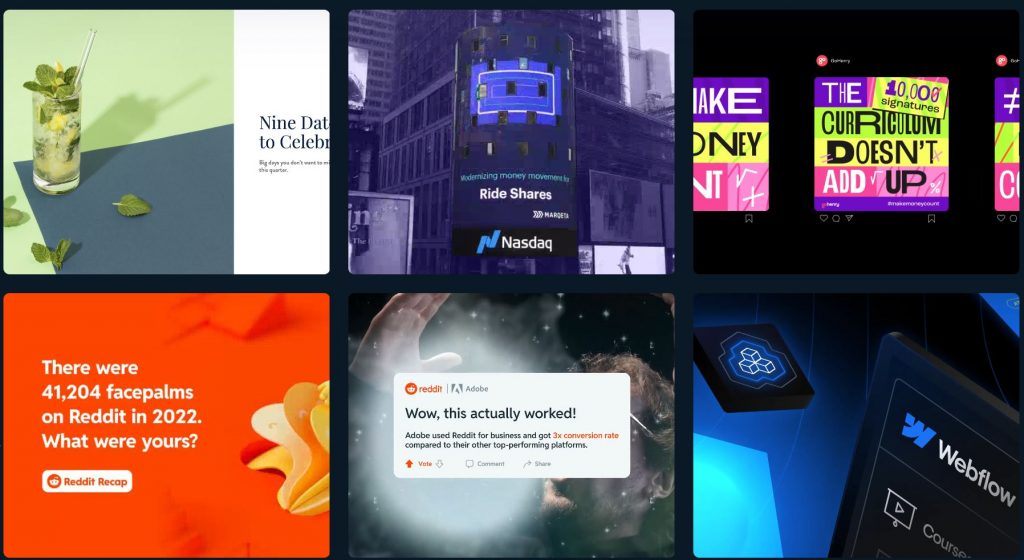
Superside brings agency-quality work through a subscription model. They’re great if you’ve raised significant funding and need premium creative for major campaigns. But plans start around $3,000-$5,000 monthly. Too steep for most early-stage startups.
3. Kimp
Kimp offers subscription design with multiple tiers starting around $500/month. They’re decent for basic needs. The catch? Turnaround times can stretch to 48-72 hours, and their design variety feels more limited than what Penji offers.
Conclusion
The best graphic design service for startups matches your speed and budget without compromise. Penji’s graphic design services handle everything from quick social posts to complex branding work. All for one flat monthly rate that makes financial planning actually possible.
Get Design Support That Moves at Startup Speed
Try Penji today and see why thousands of startups trust them for unlimited design work. Get your first project delivered in 48 hours.
Frequently Asked Questions
Why is Penji better than hiring a freelancer?
Freelancers charge per project and often have slow turnarounds. Penji gives you unlimited designs for one flat monthly rate with 24-48 hour delivery. No chasing invoices or waiting for availability.
How much does Penji cost compared to other services?
Penji starts at $499/month for unlimited designs. Superside costs $3,000-$5,000 monthly. Quality freelancers charge $100-$200 per project, which adds up fast when you’re launching.
Can I get revisions with Penji?
Yes. Unlimited revisions are included in your monthly subscription. Keep requesting changes until the design is exactly what you need.


In 2025, unlimited graphic design has become a crucial part of the day-to-day operations of businesses that can’t afford to hire an in-house designer. And with more unlimited graphic design companies now backed by AI capabilities, scalability and efficiency have increased exponentially.
Let’s unpack all there is to know about unlimited graphic design providers, including features, money-back guarantees, and factors to consider when choosing.
Which Provider Should You Choose?
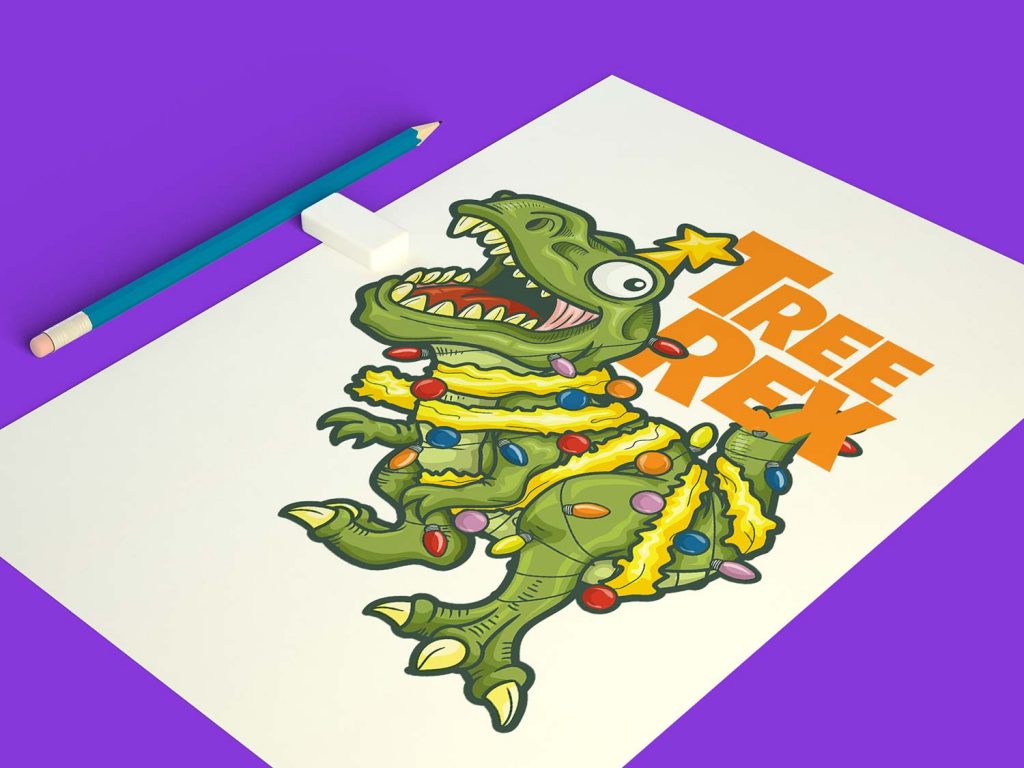
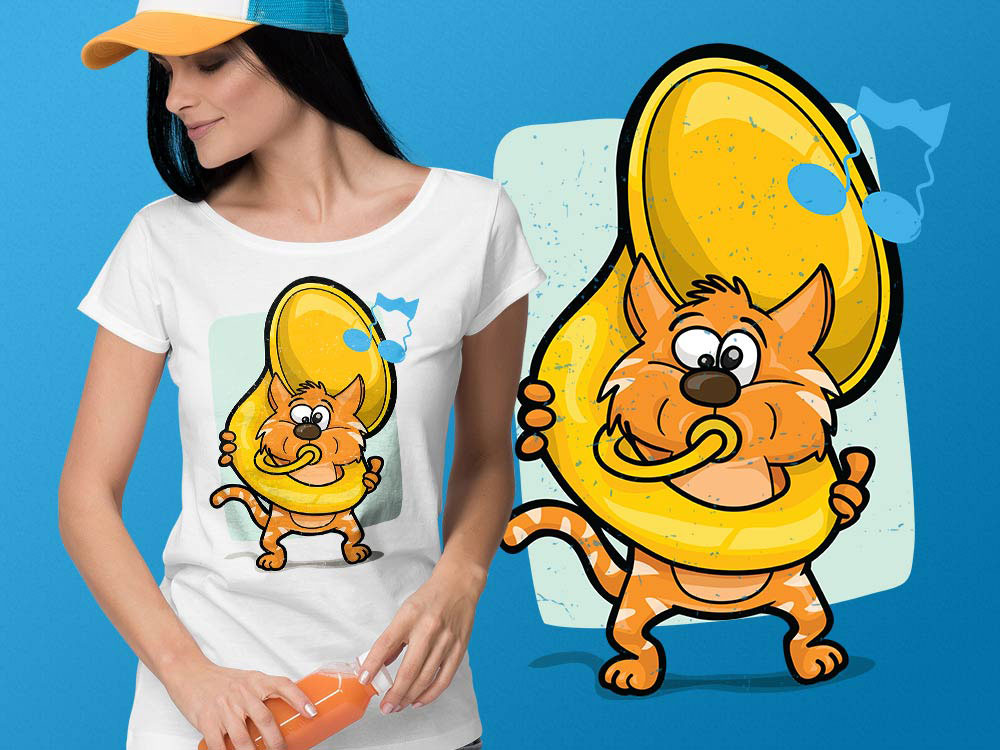
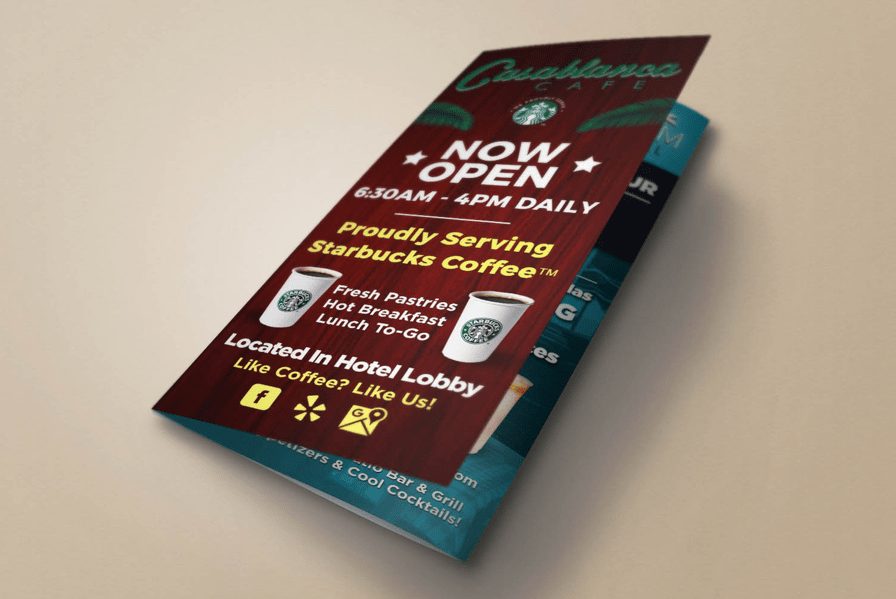
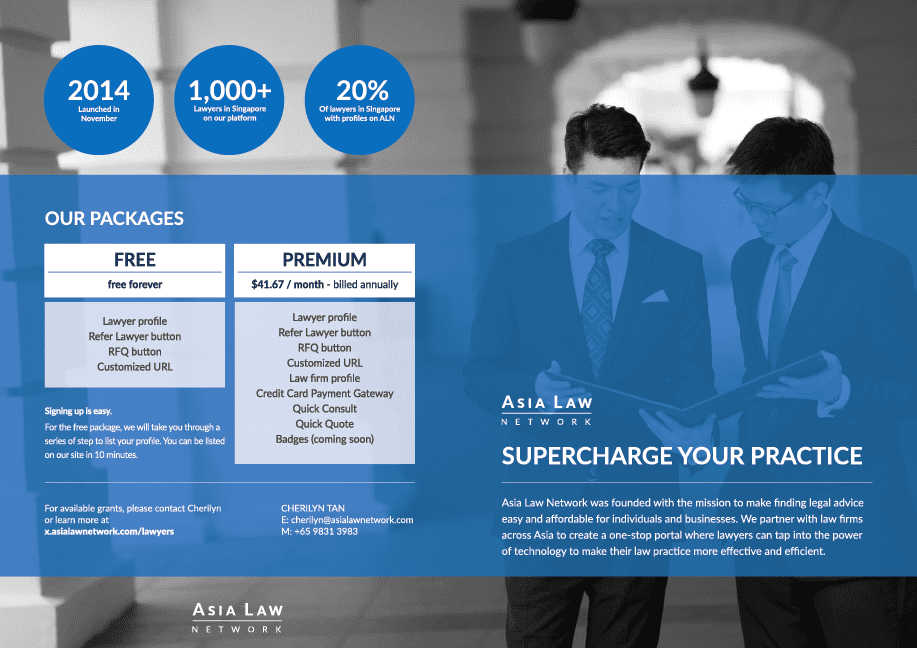
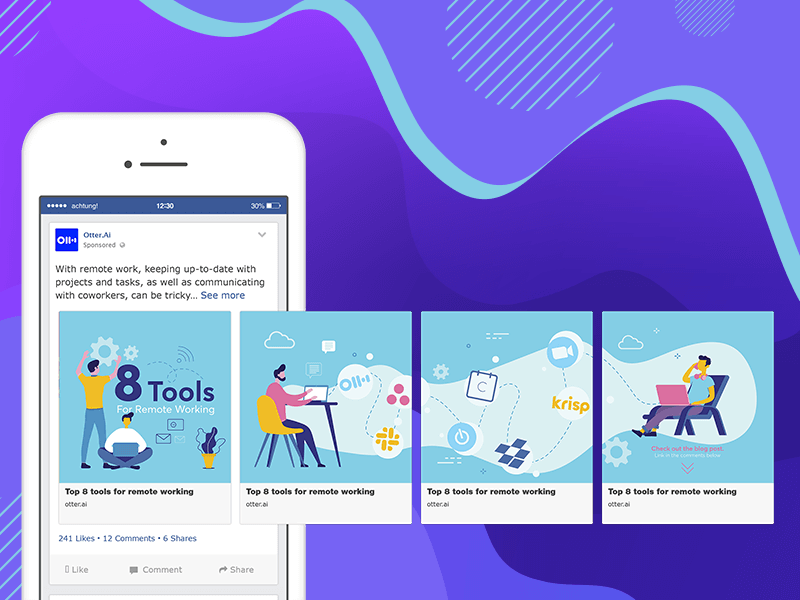
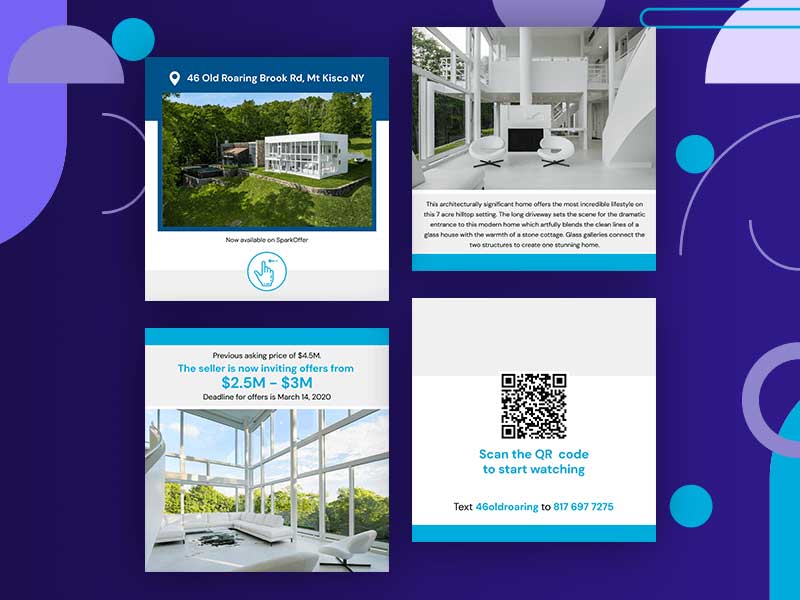
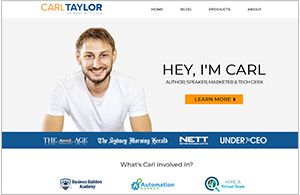
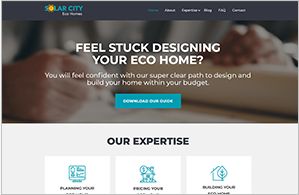
We’ve done the homework and curated a list of Unlimited Graphic Design providers for you and also negotiated special deals on your behalf. You can see them all below and decide which one fits your business based on your needs.
Unlimited Graphic Design Providers



























































What Does Unlimited Graphic Design Mean?
These unlimited graphic design services have a monthly subscription business model. That means you can sign up and cancel whenever you like. What sets them apart from your typical freelancer, agency, or in-house designer is you gain access to a workflow that is designed to be quick and to the point.
You’ll communicate with their team through Trello, email, or an online platform. The option given is dependent on the company you choose. For example, only a small selection of services provide a custom built online platform for their customers.
Once you’re connected to their workflow, you can begin submitting as many design requests as you want. Although they all claim “unlimited”, it generally means you can “create” unlimited design requests. It doesn’t necessarily mean they’ll work on them all at once. Usually, they just work on one design at a time. When one completes, they start the next design.
The usual turnaround time is between 1 – 2 days, and that’s just for the first draft. It doesn’t mean your entire request is complete. If you don’t like it, you can request as many revisions as you want, and that will take more time. So it can take up to a week to actually get the design complete if you have a lot of revisions.
Another thing to keep in mind is content. You need to be able to have everything ready and provide all the content needed in order for their designers to get started.
How Does On-Demand Graphic Design Work?
Most graphic design services listed above offer clients a bespoke design platform. For instance, Penji’s design tool is an all-in-one platform where designers, account managers, customers, and their team members can communicate and collaborate.
Although the steps in working with a graphic design company are similar, we’ll use Penji’s design software to share the step-by-step graphic design process.
1. Log in
Once you’ve selected the subscription plan, log in to your design tool and access your dashboard. Most of these tools are user-friendly with a minimal learning curve and prioritize user experience.
This example of Penji’s dashboard shows a list and thumbnails of ongoing design projects. The menu at the top shows the Active, Completed, Drafted, and On-hold projects.
Submitting a design brief is the first step in the on-demand graphic design process. To submit, click the +New Project button at the upper right side of the dashboard.
2. Fill in the title
Think of a relevant project title that will describe the design accurately. Writing an accurate title will make browsing through ongoing projects easier once you have a long list.
For instance, if you’re creating a company logo, you can write “Logo design” and specify the company or industry beside it if you’re handling multiple brands.
3. Choose from design categories
The next step is to choose from the many design categories. Most unlimited graphic design services have around 100+ design categories. Penji has 120+ design categories. Choose one that fits your project.
4. Write a design brief
This step is crucial when working with on-demand graphic designers, as this will make or break your project outcome. Writing a thorough, clear, and well-thought-out design brief makes it easier for designers to understand exactly what you want.
Penji’s design platform has a few reminders on the left side when writing design briefs. Ensure you follow the tips for a better design outcome.
5. Attach files and images for inspiration
Some customers can’t express themselves clearly through written instructions. You can attach files and images to support your written descriptions with visuals. Attaching sample logos also helps lead designers in the right direction. Attaching your competitors’ logos is also a way to make yours better.
You’ll also need to choose the source file type in this step or let designers pick for you.
6. Choose a brand style guide
Subscribing to unlimited graphic design services means you can request any visuals for multiple brands. Penji’s design tool lets you save and categorize your brand style guides in folders. This way, you only have to choose a branding guideline for designers to follow.
Once you’ve chosen the associated brand, click the Create project button to start the process.
7. Wait 24 to 48 hours
Although most on-demand graphic design services’ turnaround is 24 to 48 hours, some companies may take more than two days. This is due to complex projects like illustrations or web pages.
Wait for the first draft and ask for revisions until you’re 100 percent happy with the design. Download the source file, and you’re good to go!
Why Should You Sign Up for Unlimited Graphic Design Services
Subscribing to unlimited graphic design services is more convenient than hiring freelance designers.
Here are factors why many users choose to outsource their design needs to unlimited graphic design services:
- Work with vetted designers and choose from various skill sets. There is no need to search for another designer fit for a particular project. The company will assign you the most suitable designer.
- AI integration. The best unlimited graphic design providers make sure that their vetted designers have updated training and are able to take advantage of the latest tech, including AI.
- No need to worry about additional fees as you only have to pay fixed monthly rates and get unlimited designs. Revisions also come at no extra cost.
- You don’t have to worry about graphic designers going MIA and abandoning crucial projects. Each design project is managed by an account manager who will check if deadlines are met on time.
- Signing up and canceling subscriptions with on-demand graphic design services is easy. You can sign up if you need a stream of designs while setting up shop and cancel anytime without incurring cancellation fees.
- Fast 24 to 48-hour turnaround, which prevents any bottlenecks in your marketing campaigns.
- Request to change assigned designers if you’re unhappy with their work at no additional cost.
- Organize your projects and brand style guides if you request multiple brand designs. The custom design platforms make managing projects efficient and convenient.
Are they worth it?
If you have a lot of design needs, they’re definitely worth it. Being that it’s a monthly recurring investment, you’ll need to make sure that you have the need for an ongoing graphic design service. This graphic design service model is comparable to outsourcing a designer yourself, except much of all the management work is done by the company. The quality of designs and turnaround time also tends to be significantly better when outsourcing a designer yourself.
21 bit casino bonuscode

Top 10 Video Marketing Agencies You Must Check Out in 2026
Casino mobile apps

The Top 8 Webinar Platforms For Your Next Virtual Event or Demo
Hash casino
Bizzo casino deposit bonus
Geheime casino tricks de erfahrung

Top 10 Presentation Software To Use in 2026
Top 10 Video Marketing Agencies You Must Check Out in 2026

Top 10 Social Media Scheduler Apps to Automate Your Postings

How Marketing Optimization Tools Level Up Your Marketing Game
The Top 8 Webinar Platforms For Your Next Virtual Event or Demo

What’s the Best Unlimited Graphic Design Subscription Platform?

The Top CRM Platforms for Small Agencies & Service Businesses
 Business2 days ago
Top 10 Video Marketing Agencies You Must Check Out in 2026
- Technology3 days ago
The Top 8 Webinar Platforms For Your Next Virtual Event or Demo
- cresuscasino5 days ago
Cadoola casino review
- Business4 days ago
What’s the Best Design Agency in Chicago
- azurcasino5 days ago
888 casino willkommensbonus
- Business4 days ago
What’s the Best Graphic Design Service for Ongoing Marketing?
- leonbetcasino4 days ago
Doubledown casino free chips bonus collector
- cresuscasino4 days ago
Casino chateaufarine
- Business3 days ago
What’s the Best Design Agency in Los Angeles?
- leonbetcasino4 days ago
Essence geant casino annemasse