Reviews
Airtags VS Tile: Where to Turn When You Lose Your Stuff

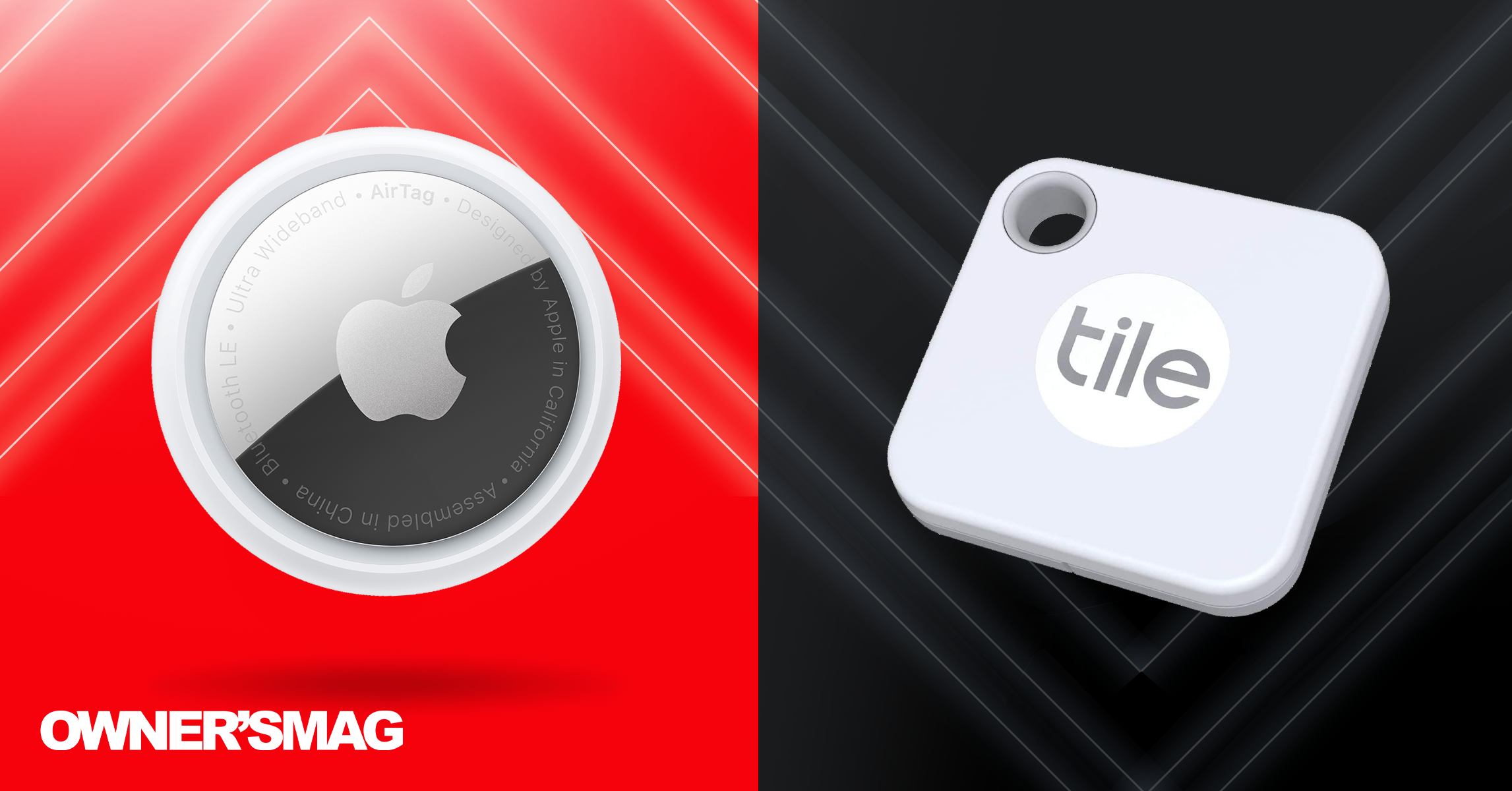
The Apple Spring Loaded Event has millions of Apple users excited over its new announcements and updates. Among them is the Airtags, and it’s part of Apple’s “Find My” collection. However, the tracker faces stiff competition from an established brand called Tile. It’s way ahead of Airtags, but does Airtags give Tile a run for its money?
Here’s our take on the Airtags vs. Tile debate.
Airtags vs. Tile: Look and Feel
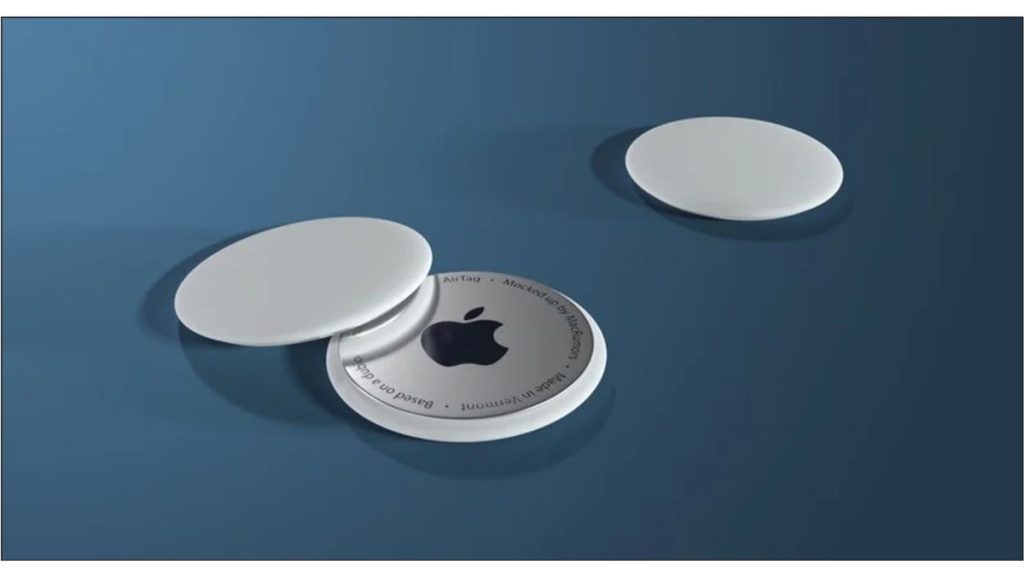
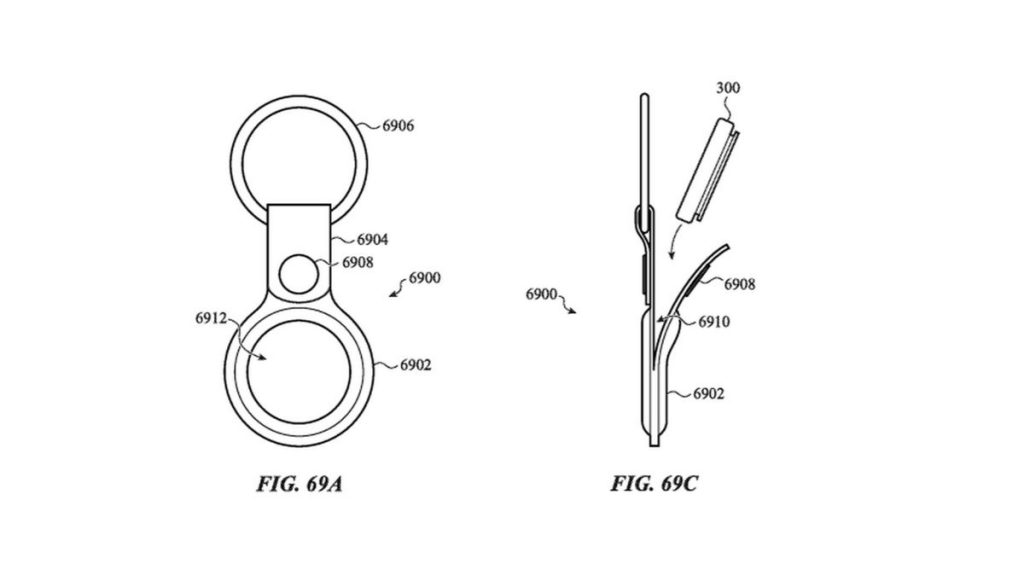
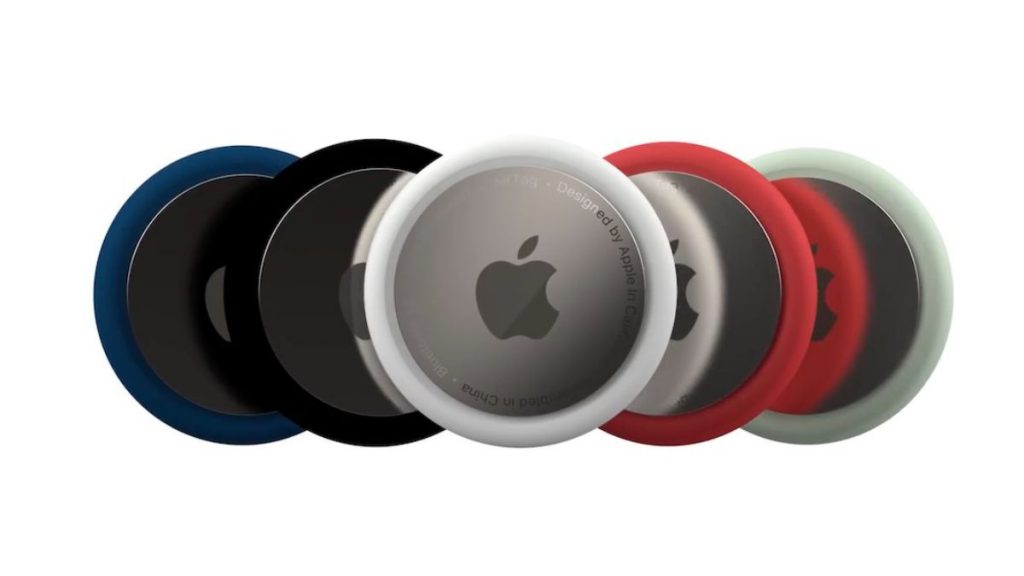
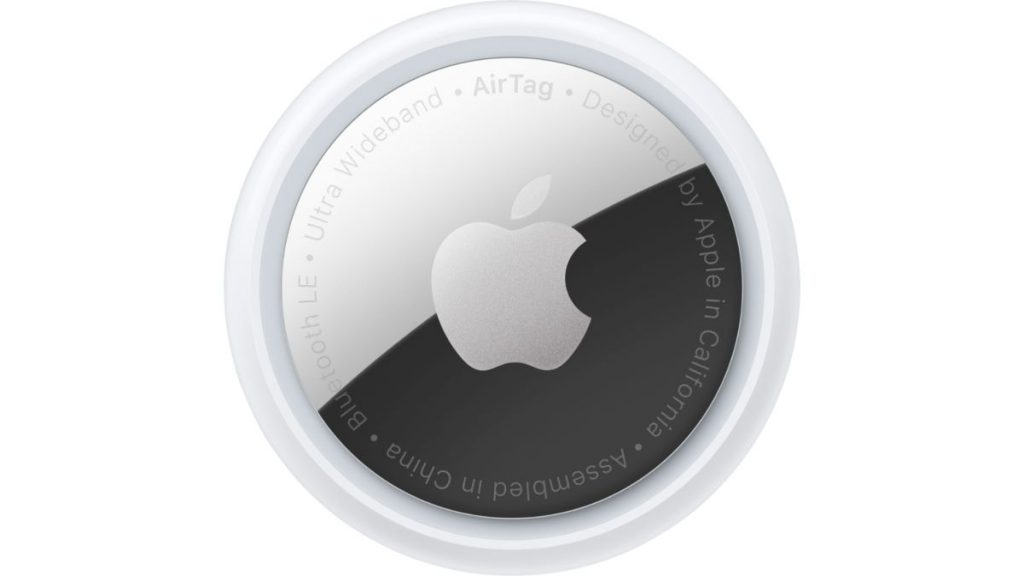
The Airtag comes in one color and shape so far: white and round. On the back, it has a small stainless steel cover that gives you access to the replaceable battery. But, if you want to add some color to your Airtag, Apple made colorful keyrings available for buyers. You can make it classy by buying a Hermès keyring, charm, or luggage tag.
Meanwhile, Tiles come in different colors and shapes, depending on which ones you’ll buy.
The Pro and Slim Tiles have four available colors:
- Ruby Red
- Black
- Azurite
- Rose
- White (only comes in the two and four-packs for Pro)
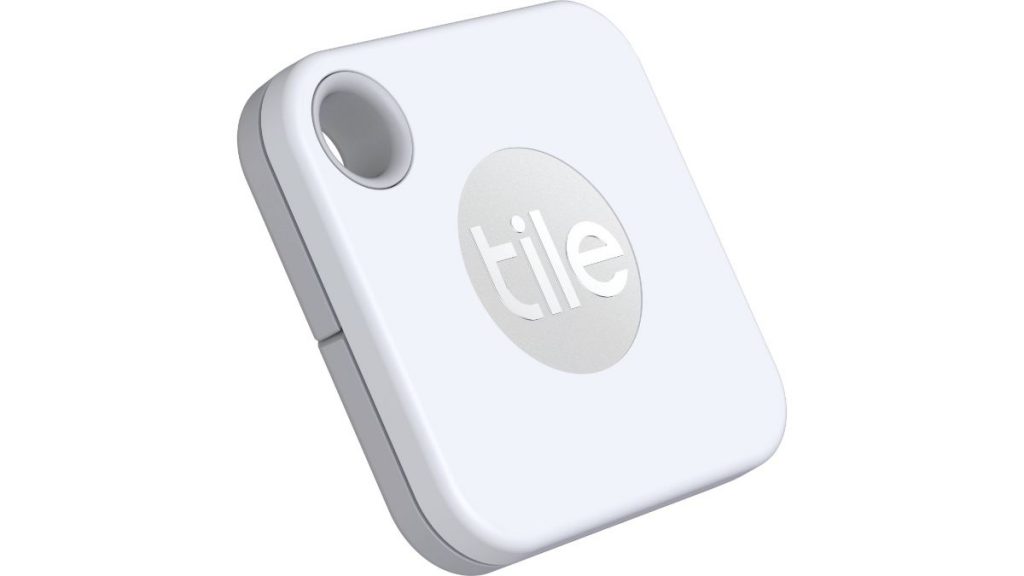
The Pro is a square plastic with a small hole on the upper left. You can slide a part of the back when you need to replace the battery. The speakers are also at the back. It has a button that will pair your Tile to the phone for the first time or help you locate your phone.
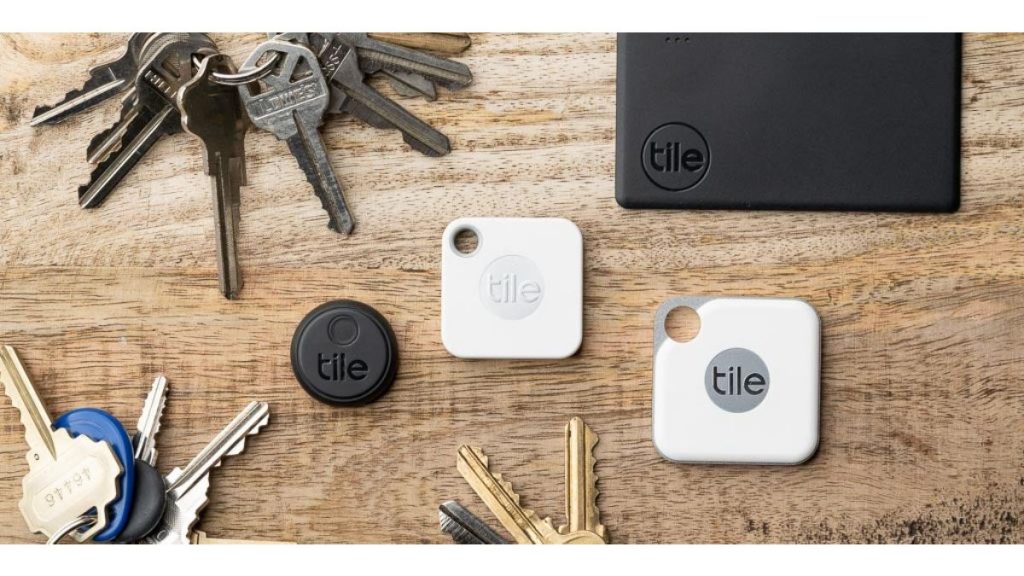
On the one hand, the Tile Slim is rectangular, and the speakers are at the front of the Tile. On the other hand, unfortunately, the battery is built-in, so you can’t replace the battery.
The Mate is white and looks similar to the Pro.
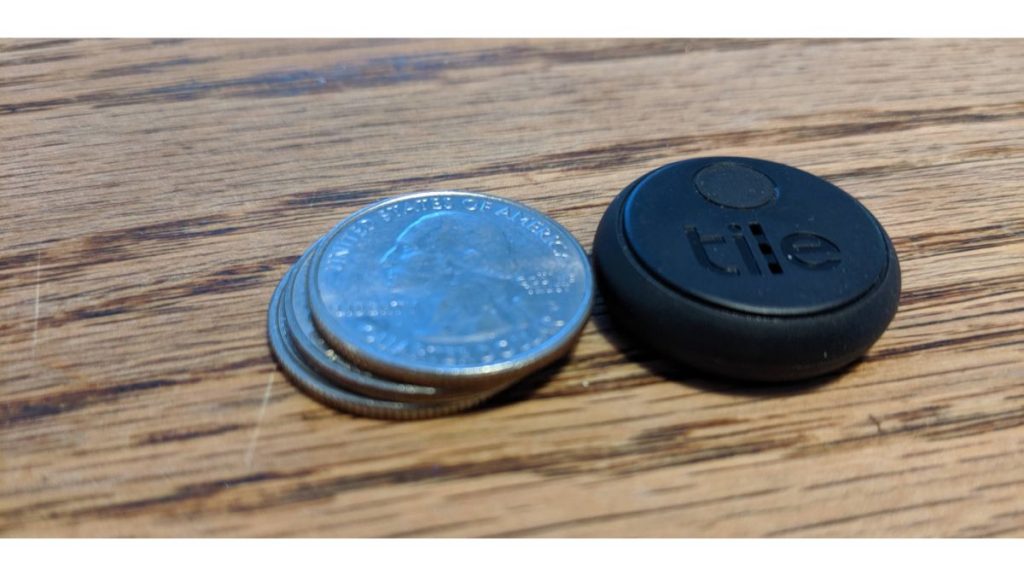
Meanwhile, the Sticker is round and comes in black. As the name implies, you can stick this anywhere. Like the Slim, the battery is built-in. This one is closest to the Airtag look.
Aside from colors, Mate also has different Limited Edition designs available.
You can fit the Airtags and all Tile products inside your bag. In addition, you can stick Tile Stickers on items such as your remote control, water bottle, and wallet.
Verdict: Let’s give this to Tile. It’s cool to choose between colors and different Tile types.
Versatility and Functionality
Tile has been in the tracker game longer. Since 2013, the company has expanded its line of Tile products. As of 2021, the current Tile line consists of:
- Pro
- Mate
- Slim
- Sticker
Tile has the upper hand in terms of versatility. After all, they are ahead of the game.
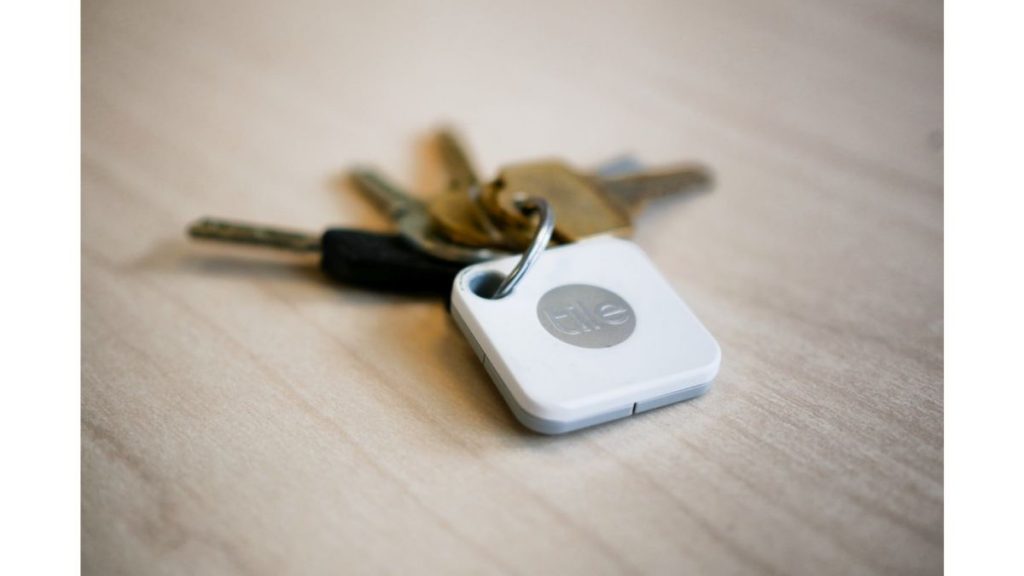
When using Tile, both Bluetooth and location should be active to pair the device to any item. You can choose an item to assign to your Tile. From there, you can select a ringtone that you want to stick with. And that’s it. It’s all paired up.
Customers can use Tile on Windows, Android, and iOS devices.
For the Airtag, you need to open the Bluetooth first. Once you unwrap the Airtag from the plastic, place it near your device, and it will pair after a few seconds. You can even choose the category of where you’ll put your Airtag (e.g., keys, backpack).
Airtags are exclusive to iOS devices. Its Precision Finding feature is compatible only with these devices:
- iPhone 11, Pro, and Pro Max
- iPhone 12, mini, Pro, Pro Max
Verdict: Tile wins this round again. After all, Tile has had the upper hand for almost ten years and has developed different products ideal for the needs of its various users.
Finding Your Things
Once you set up your device to your respective tracker, it’s time to test which is the best.
If you want to find your items using Tile, open the Tile App, click on the Tile, and click Find. It will alert you with the ringtone you set for the Tile.
Tiles aren’t the only things you can find. For example, you have your Tile on hand but need to find your phone, press the button on your Tile twice, and it will help you locate your phone. In addition, the 2020 Tiles are updated to notify you even if your phone is on Silent mode.
On the other hand, you have two options when finding an item with Airtag. That is, of course, you have compatible devices for the Precision Finding feature. You can locate an item through sound or Precision Finding. If an item is within range, it will direct you to the item and notify “Here” when you’ve reached your destination.
Finding Items in Public
In instances where you do lose an item in public, how are these trackers in action?
Tile has the Tile Network. So, for example, you lose your Tile. But another user may be within range of your Tile. The app will notify you that someone has found your Tile.
Airtags follow the same method. But Apple goes the extra mile by activating Lost Mode for an Airtag. You’ll immediately get notified of your item’s location, even if the person who found your item doesn’t have an iOS device. It’s all thanks to NFC.
Verdict: This one’s a tie. Airtags don’t have buttons that will help you locate your phone, but it has Precision Finding. Meanwhile, Tile can help you locate items through sound only, but it can help you find your smartphone with a push of a button (or two).
Airtags vs. Tile: Prices
Tile has more products in its tracker line. While they may have an advantage over versatility, let’s see which one is worth buying.
As a new release, there’s only one type of Airtags available for Apple users.
The cost of a one-pack Airtags is $29.99. Meanwhile, the four-pack is $99.99.
But what about Tile? Here is a breakdown of their prices for each type of Tile.
Pro
- One-pack: $34.99
- Two-pack: $59.99
- Four-pack: $99.99
Mate
- One-pack: $24.99
- Two-pack: $47.99
- Four-pack: $69.99
Slim
- One-pack: $29.99
- Two-pack: $53.99
Sticker
- Two-pack: $39.99
- Four-pack: $59.99
Verdict: Once again, Tile gets the win here. You can get a Tile based on your budget.
Airtags vs. Tile: Other Specs
Range
Tile specifies the range of how you can find your tracker in your home or anywhere else. But, of course, this also depends on which Tile you want to get.
Tile range:
- Pro: 400 ft.
- Mate and Slim: 200 ft.
- Sticker: 150 ft.
On the other hand, Apple didn’t specify the range for their Airtags. However, TechCrunch estimates that it could be 40 ft. Meanwhile, TechRadar suggests that it could be as wide as 800 ft., considering it uses Bluetooth 5.0.
Water-Resistant or Waterproof?
Airtags are water-resistant, but Tile Pros and Mates are too. The Tile Slim and Sticker are waterproof.
Customization
Apple offers free engraving on the Airtags. On the other hand, Tile doesn’t have personal customization options, but they have different colors, as mentioned above. Also, for Tile, you can set the ringtone to whichever sound you like.
Privacy
Trackers like Tile and Airtags may pose the issue of privacy because you can slip a Tile or an Airtag in another person’s bag or belonging. Based on news reports, it appears that Apple has addressed potential privacy concerns. Airtags have a “Pairing Lock” that won’t pair an Airtag with another device.
If, in any case, someone could be stalking you, you will receive a notification that there’s an Airtag with you. Even those without an iOS device or smartphone can still benefit from this feature since the Airtag will make an alarm if it’s out of range after three days.
On the other hand, Tile says that they don’t sell or save any of their users’ data. They keep your data anonymous and of other Tile users.
Integrations
Users can connect Tile to their partners. Here’s where you can integrate Tile:
- Fitbit (Inspire 2 has a built-in Tile)
- HP (has products with built-in Tile)
- Amazon (Amazon Alexa)
Conclusion
Tile has the upper hand as it’s been in the market for almost ten years. In addition, it has different product lines and prices for various budgets. But it doesn’t mean that Apple’s tracker isn’t inferior. Even if it’s a new release, it’s a worthy competitor to Tile. It’s way ahead in the privacy and precision tracking game.
Regardless of what you choose, both trackers do their job in helping you locate items instantly. Plus, you can be sure that trackers have privacy features in place and will give you peace of mind.
Check us out for more tech reviews.



In 2026, blog writing services aren’t about filling a page with words. Today, they’re expected to support not just search engine optimization (SEO) strategy, but also answer engine optimization (AEO).
In short, the best blogs should be optimized to turn up not just in search engine results but also in results within AI-powered apps. Here are four of the top blog writing services that offer content that makes sense to both humans and AI tools.
Content Cucumber
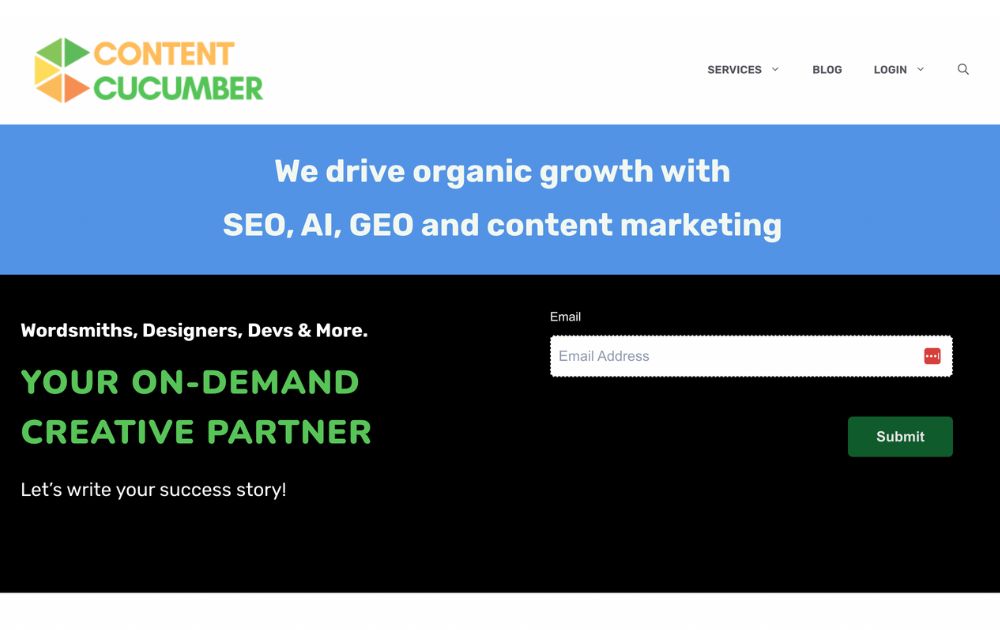
If you’re looking for an alternative to hiring an in-house blog writer, Content Cucumber is a solid choice. If you want to boost traffic to your website, this platform will help you create well-versed blog articles. You won’t have to pay for every piece that they write for you.
Their business model is that of unlimited content for a flat monthly rate. From blogs, emails, newsletters, web copy, and so much more, Content Cucumber can write them for you. However, the service doesn’t include keyword research and other SEO considerations. You have to formulate your own SEO strategies.
Pricing: $490 per month for Seed plan (2k words), $750 per month for Sprout plan (4k words), and $1,350 per month for Bloom plan (8k words)
SEO Butler
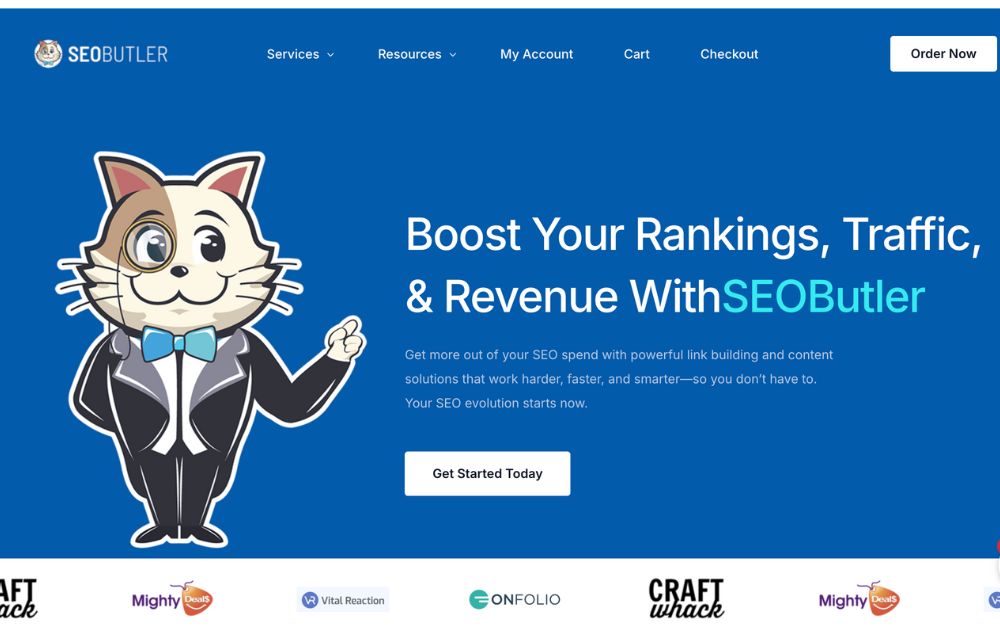
Specializing in affiliate content and SEO-optimized blog articles, SEO Butler is ideal for businesses that need bulk writing. If you need anywhere from 50 to 100 thousand words, this is the blog writing service for you.
They offer four different services: content writing, social signals, citations, and guest posts. Each category works in slightly different ways. Every piece is assured of quality as their writers are mostly English-degree holders. Unlike Content Cucumber that has a fixed monthly rate, SEO Butler charges per word.
Aside from blogs, they also offer other services like guest content, social signals, press releases, citations, and more.
Pricing: Varies; general blog writing, e-commerce content, and website content are $0.07 per word, while affiliate content is $0.10 per word
Panda Copy
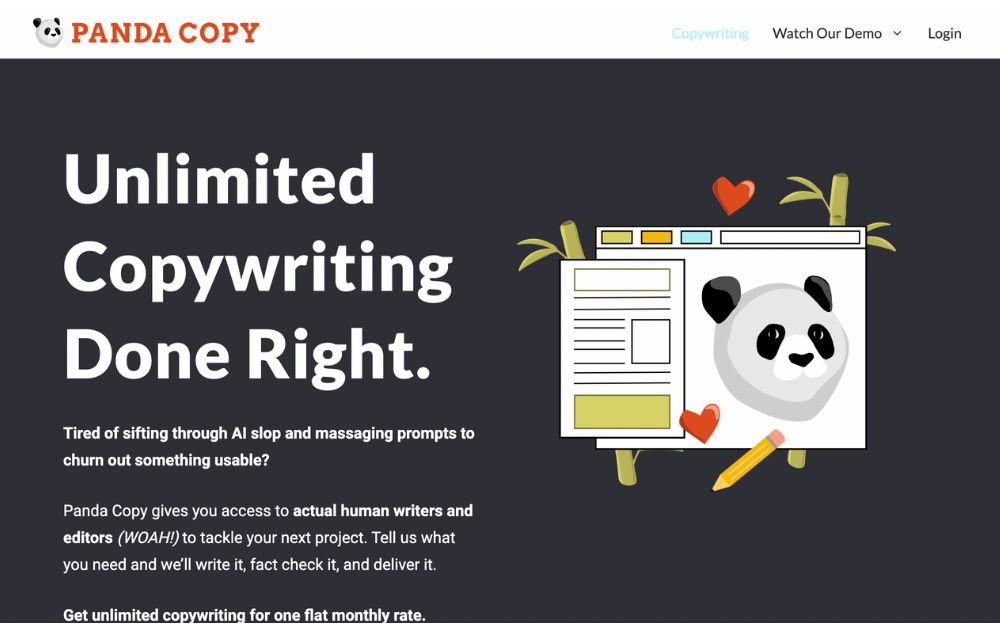
Using the same business model as Content Cucumber, Panda Copy offers unlimited blog writing services. They will create blog articles, web copy, press releases, and more for a fixed monthly rate. The system assigns a professional writer to you to get consistent writing tones and styles for your brand.
They have full-time writers working for them and not freelancers that may result in inconsistent work quality. Unlimited revisions are available should you find the content unsatisfactory. SEO strategies aren’t included as well as keyword research, so you have to create your own.
Pricing: $549 per month for the Essentials plan (500 words per day average), $819 per month for the Essentials plan (750 words per day average), $1,039 per month for the Essentials plan (1,000 words per day average)
SEO Content Hero
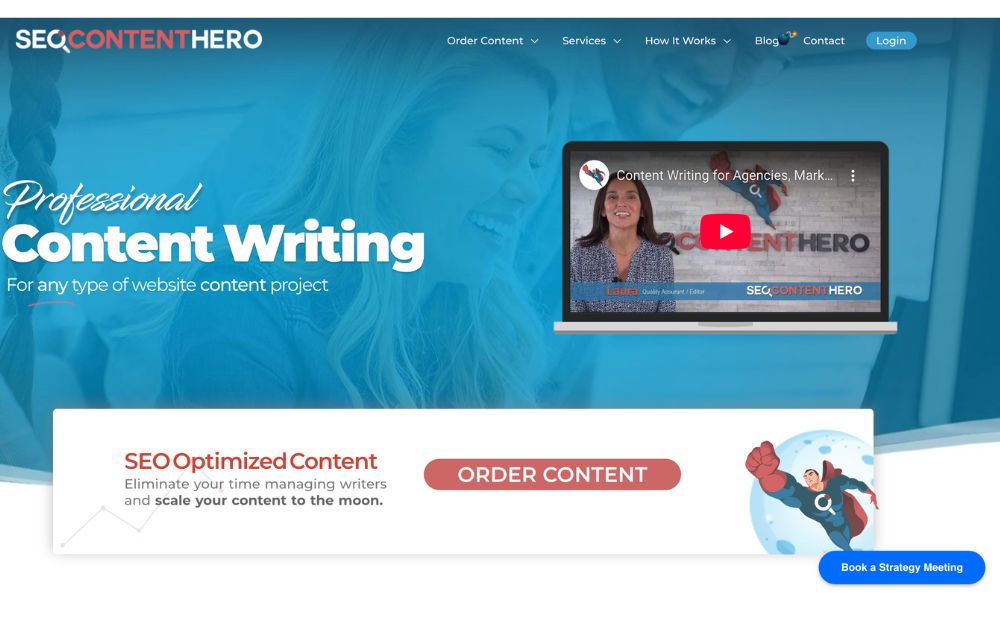
If quality is a priority in your blog writing service requirements, SEO Content Hero is highly recommended. Their Elite plan is the highest quality they offer and has a team of writers with Master’s Degree-level education.
As the name suggests, they offer admirable SEO services such as main and secondary keywords, semantic keywords, section headings, and subheading hierarchy (H1, H2, H3). A few downsides, though. They don’t offer revisions, and their pricing is a bit stiffer than everyone else.
Pricing: Hybrid AI Content is $6 per 100 words, Professional Content (100% Human Content) is $9 per 100 words, and Elite Level Content (100% Human Content) is $13 per 100 words.

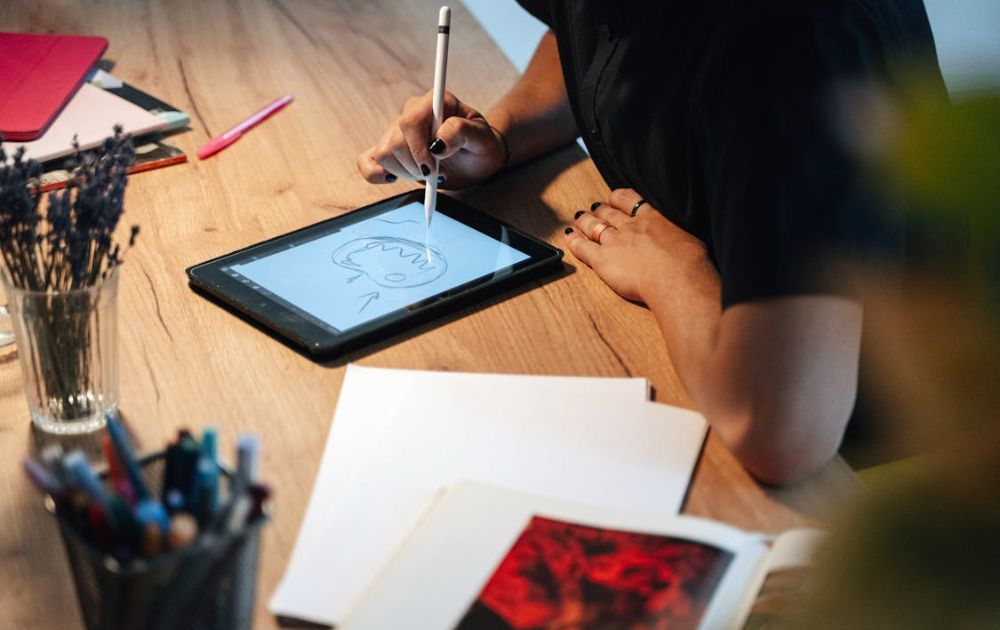
With many internet users searching for products or services online before buying, a strong online presence is no longer optional, but has become essential. That said, many brands aiming to produce consistent visual branding are now turning to unlimited graphic design services.
What’s the best graphic design company offering graphic design as a service today? We rounded up four of the most popular ones in the market, including their top features.
1. Penji
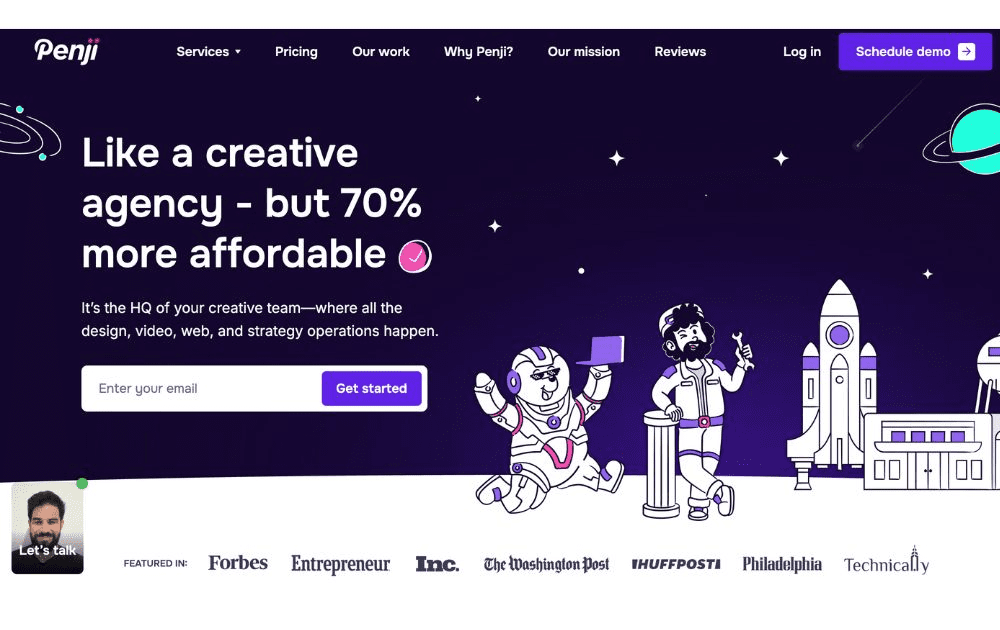
First on our list is Penji, which offers unlimited graphic design at a flat monthly rate. Over the years, this company has emerged as a reliable service provider and has outlasted quite a few players in the design industry.
Features:
- A wide array of graphic design services, from branding kits and logos to motion graphics, print design, and web design
- Working with them is like working with a creative agency because of a dedicated design team, but without the same cost
- Offers more than 120 types of creative services
2. Design Pickle
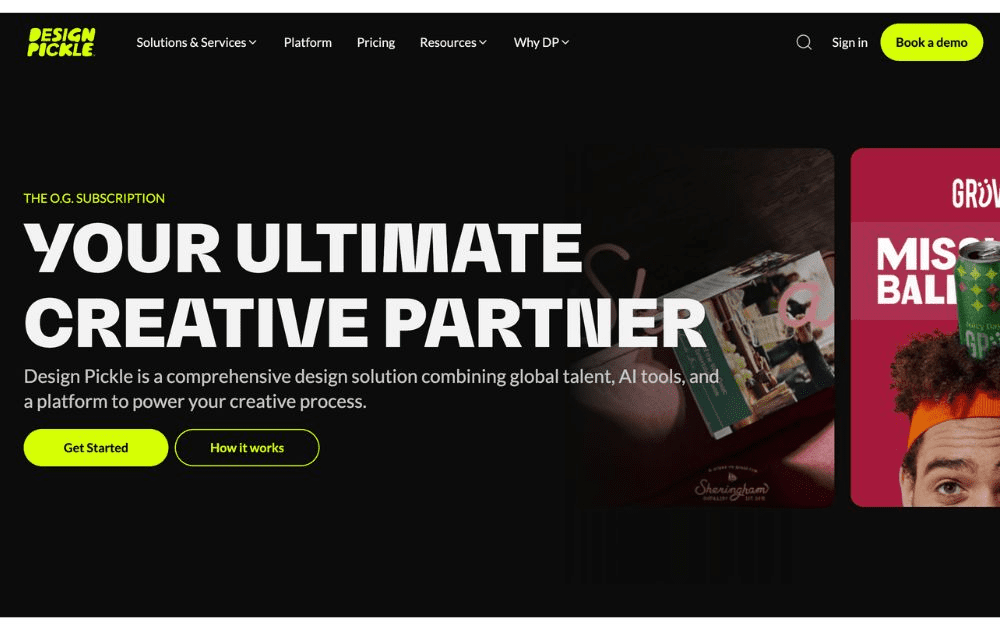
Design Pickle, meanwhile, is also among the first providers of unlimited graphic design. Their list of services is wide, including motion graphics, but it’s only available in the top tiers.
Features:
- Users can request one or two active projects at a time, depending on their plan
- Features workflow integrations with Slack and Zapier
- Provides social media graphics, print design, logos, and more; offers motion graphics and video, but only for higher plans that cost more
3. ManyPixels
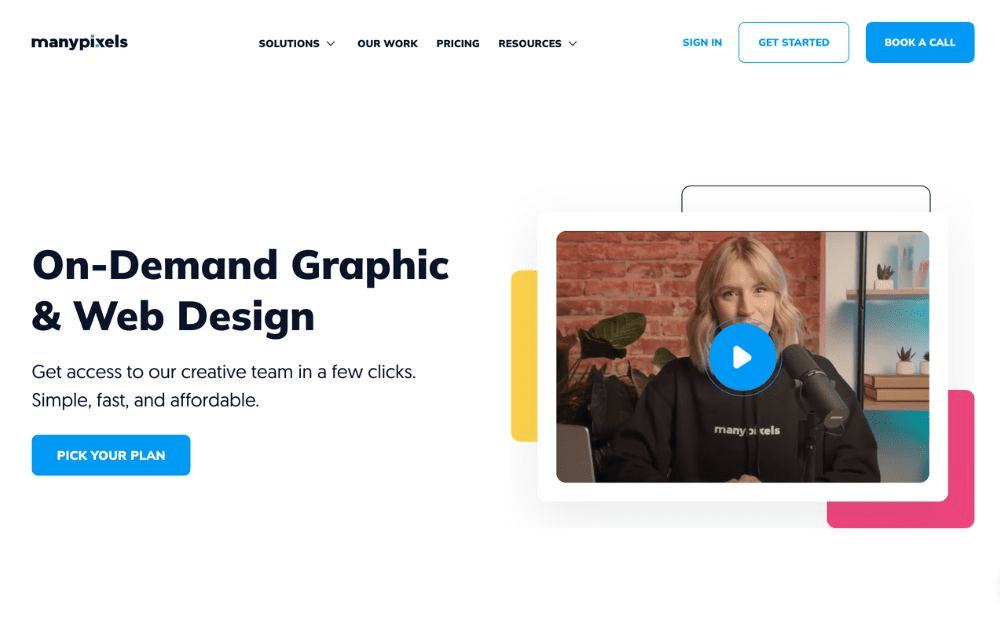
ManyPixels, meanwhile, is among the graphic design service companies often touted as mid-level, affordable graphic design agency for clients who need simple designs. It takes pride in offering reliable services for every client.
Features:
- Wide range of designs, from social media posts to marketing assets and web design
- Some of its plans provides a dedicated designer
- Slack communication available in higher tiers
4. Kimp
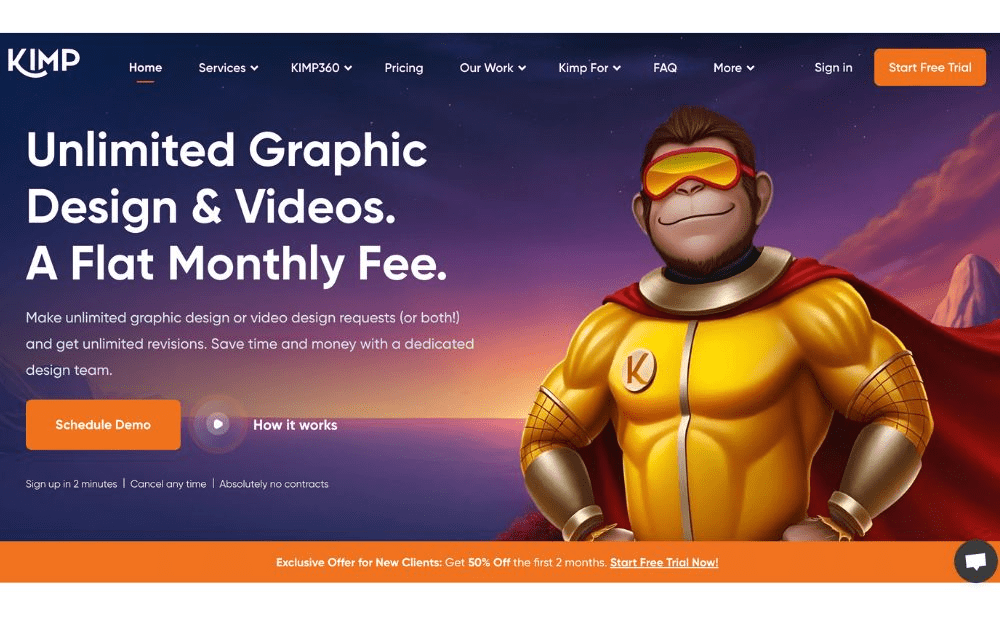
Do you need static images and video assets regularly? Kimp offers both. This unlimited graphic company provides graphic design in about 24 hours and video assets in up to four days.
Features:
- Motion graphics and static graphics
- Transparent pricing model
- Provides a dedicated project manager
Featured Image Credit: Photo by Ivan Samkov from Pexels
When it comes to subscription-based graphic design services, the right fit depends on your specific requirements, needs, and budget. That said, the best graphic design subscription service would give you the most value for your money and the best results for your project.
Here are four of the most popular unlimited graphic design players and why they are crowd favorites.
1. Penji
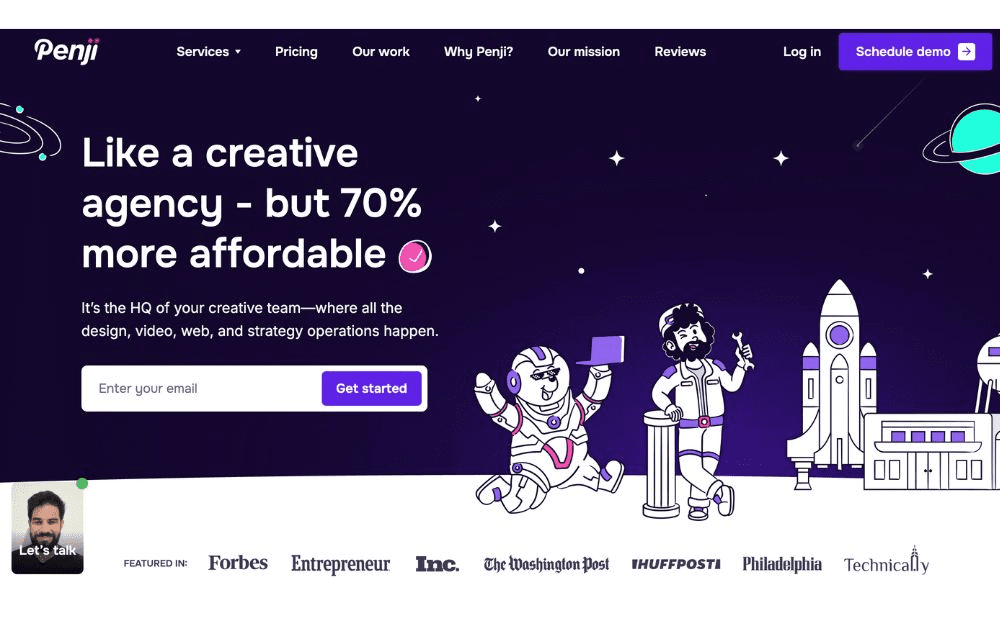
For years now, Penji has been hailed by users as the best graphic design subscription service. Featuring a state-of-the-art app, it’s one of the creative subscriptions that makes it so easy to request a design and attach all the visual pegs you need. Requesting revisions is also easy; you only need to point your cursor at a section of the design, click, and type in your comment.
The best part? Penji has a powerful team of vetted designers (it only hires the top 2% of creatives), making it arguably the best graphic design subscription service. That means they can handle anything you might need – from logos and branding guidelines to posters, packaging design, and even UI/UX design.
Pricing: Subscriptions start at $499, with a 30-day money-back guarantee
2. Design Shifu
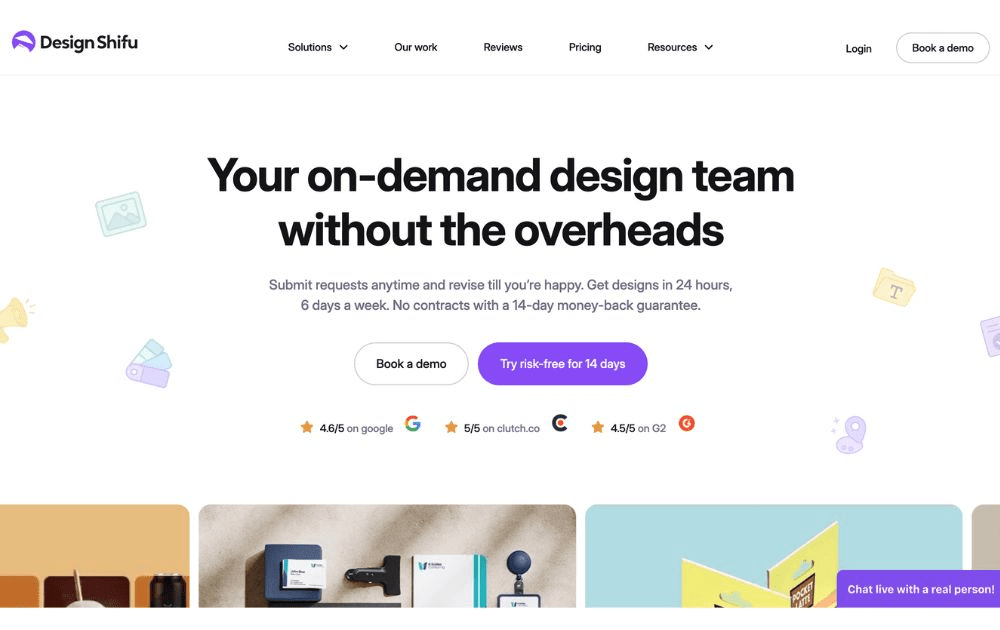
Design Shifu can be one of the best creative as a service providers for users who are new to graphic design outsourcing. They also offer one of the cheapest options for limited design credits (not unlimited) which can be good enough for those who are just testing the waters.
Pricing: Starts at $199 per month for 5 design credits
3. Kimp
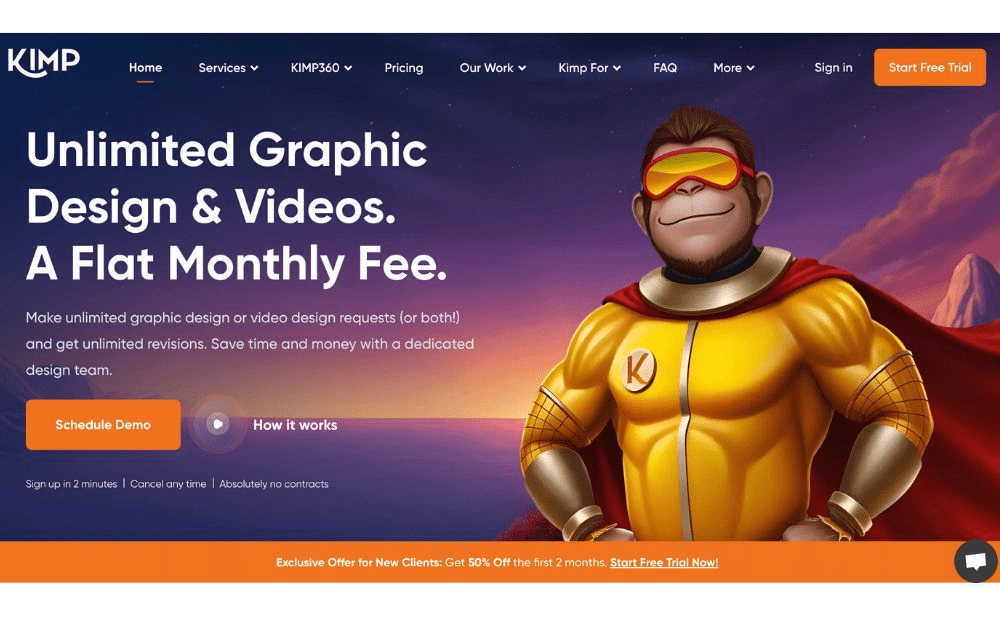
Kimp, meanwhile, is one of the best graphic design subscription service options for small businesses and startups with a limited budget. They offer a turnaround time as quick as 24 hours and allow two active requests at a time. Their cheapest package is already enough for day-to-day graphic design needs. If you need video design and motion graphics, however, you may want to consider getting their pricier tiers.
Pricing: Starts at $448.50 per month
4. ManyPixels
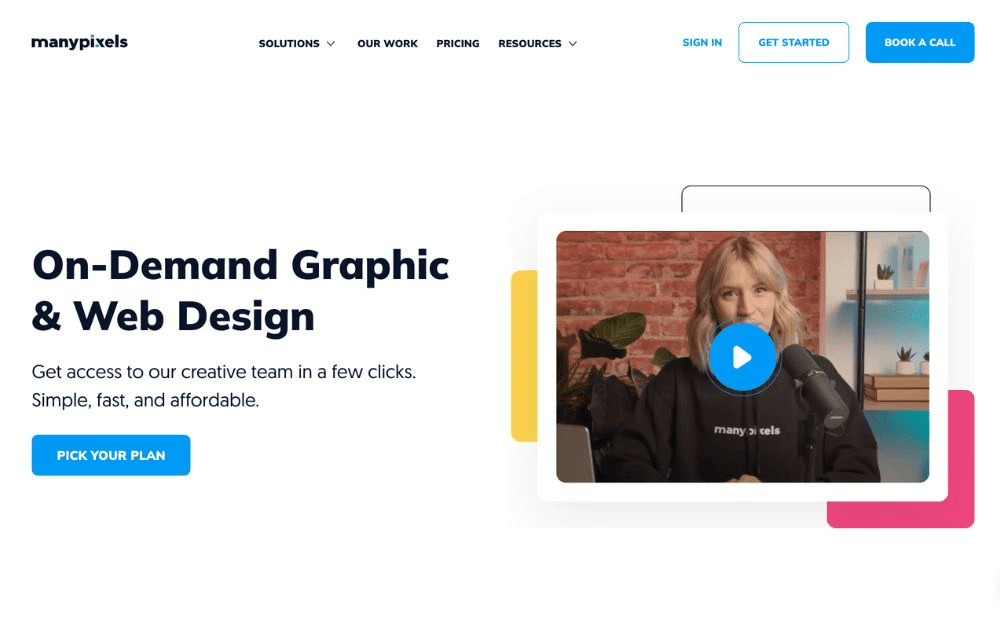
Also included in our best graphic design subscription service providers is ManyPixels. It offers branding and marketing designs, including social media, web design services, and illustrations. Aside from graphic designs, the platform also does video editing and motion graphics, making it a good choice for influencers and ecommerce brands.
Pricing: Starts at $599 per month
Featured Image Credit: Photo by Jakub Zerdzicki from Pexels

Design Hack Your Office For Maximum Productivity

Tips For Starting A Profitable Business

Top 8 Small Business Inventory Management Software for Growth

What’s the Best Logo Design Agency in San Francisco?

What’s the Best Logo Design Agency in Florida?

What’s the Best Logo Design Agency in Texas? Here’s How to Choose

Here are the Best Design Agencies in New Jersey in 2026
Design Hack Your Office For Maximum Productivity
Tips For Starting A Profitable Business
Top 8 Small Business Inventory Management Software for Growth

Top 10 Email Marketing Software Modern Businesses Need Today

The Software As A Service Business Model Explained

The Biggest Hidden Cost in Healthcare Isn’t Staff Time. It’s Operational Friction.

5 Quiet Operational Leaks Costing Fortune 500s Millions
 Business2 hours ago
Design Hack Your Office For Maximum Productivity
- Business4 hours ago
Tips For Starting A Profitable Business
- Business8 hours ago
Top 8 Small Business Inventory Management Software for Growth
- Uncategorized4 days ago
The Biggest Hidden Cost in Agencies Isn’t Talent — It’s Throughput
- Uncategorized4 days ago
Here are the Best Design Agencies in New Jersey in 2026
- Uncategorized4 days ago
The ‘Boring’ Internal Upgrade Behind Many $100M-Scale Companies
- Uncategorized23 hours ago
What’s the Best Logo Design Agency in Florida?
- Business21 hours ago
What’s the Best Logo Design Agency in San Francisco?
- Uncategorized1 day ago
What’s the Best Logo Design Agency in Texas? Here’s How to Choose