Startup Central
Why Having an Advisory Board Could Make or Break Your Startup


Facing severe challenges as a startup is almost inevitable, and you can’t always power through them alone. That’s why a startup advisory board is one of the smartest assets you can build when launching your business.
Many new entrepreneurs spend sleepless nights searching for solutions but still come up short. That’s why having a trusted advisory board is crucial—it fills the gaps in knowledge and experience, helping you navigate the toughest parts of your entrepreneurial journey.
Here’s why a startup advisory board is vital and how to choose the right people.
But first, a common question –
What is an advisory board?

A startup advisory board is a group of experienced professionals who provide strategic guidance to help entrepreneurs grow their businesses. If you’ve ever wondered, what does an advisory board do? — they offer mostly offer the following without being directly involved in daily operations:
- Valuable insights
- Industry connections
- Mentorship
So, what is the role of a startup advisor? These advisors help founders make smarter decisions in areas like attracting investors, scaling operations, building company culture, and navigating challenges. They can also guide startups through critical stages like product development or planning an exit strategy.
With the advisory board responsibilities being met, you will have guidance in the following aspects:
- Inviting more investors
- Creating a compelling company culture
- Establishing growth techniques
- Attracting the right talent
- Retaining the right employees
- Planning and executing your exit strategy when all else fails
An entrepreneur’s relationship with the advisory board representatives is often informal and personal. This means communication is done via video chat, email, or text.
Why an Advisory Board is Vital

Some startup advisory board examples include boards composed of people with deep industry experience and can open doors that founders might not reach on their own, such as:
- Former CEOs
- Investors
- Legal experts
- Marketing leaders
Some entrepreneurs forgo the aspect or take it lightly due to the costs of startup advisory board compensation. Is it worth paying these individuals? Here are the benefits of having an advisory board:
- They can fill knowledge gaps that will enhance your performance as the CEO of your startup
- They will add credibility to your startup and boost trust among customers and investors
- They give you business advice that you might never think of due to a lack of experience
- You’ll become trustworthy in the eyes of external and internal stakeholders
How to Choose the Right Members for your Advisory Board
Selecting the right members for your advisory board is crucial, as you need people to add value to your business. Here’s how:
1. Assess your Knowledge and Needs
It’s crucial to determine why you’re choosing an advisory board in the first place. For instance, data reveals that 65% of respondents sought accounting or finance competencies for advisory boards while 51% sought expertise in sales and marketing. That said, look within yourself to find the right people. What do you need help for? Is it to hit the ground running or perhaps to recession-proof your business? Assess your experience, knowledge, and needs. For instance, if you need someone knowledgeable about finding funding, choose someone with connections to investors.
2. Take Advantage of Personal Relationships
The purpose of a business mentor is to have someone you can turn to when you need them the most. They act as your confidant and trusted ally. If you already have someone in your circle whom you think can add value to your business, see if you can leverage that relationship.

3. Do Your Due Diligence
As responsible entrepreneurs, it’s your job to screen candidates thoroughly. Do your due diligence and perform background checks on each candidate. Do they have a proven track record? Have they garnered some positive testimonials from previous clients? What are their strengths and weaknesses? Do they have advocacies or different principles that might cloud their judgment? By aligning your values and beliefs, ensure that the candidate is the right fit.
4. Attend Entrepreneurial Events
Another way to find like-minded individuals is to attend business events and conferences. These are some occasions when business-minded people come together to share ideas and experiences. It’s also an excellent way to meet others who can potentially be your business mentor.
Conclusion
Building a startup advisory board can be one of the most valuable steps you take as a founder. It’s more than just gathering experts; it’s about surrounding yourself with people who can offer wisdom, challenge your ideas, and guide you through tough decisions.
The right advisors can help you grow faster, avoid costly mistakes, and open doors you might not reach on your own. By carefully selecting and nurturing these relationships, you can strengthen your business, sharpen your leadership, and create a company that’s built to last.





Entrepreneurs put in significant effort to keep costs to a minimum, more so if you’re a new business owner. You want to save on everything by getting the most cost-effective options. This will allow them to do more with the limited budget they have. Here is a list of the top startup software you can use to begin the new year with optimum savings:
1. Hootsuite
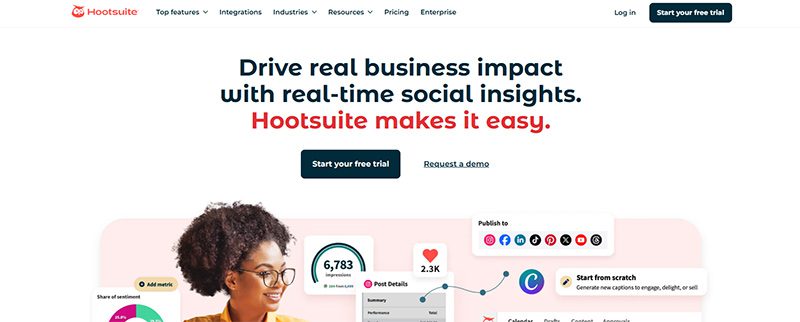
An online presence is a necessity for new businesses. Hootsuite can help you create content and get more followers quickly and easily. It is one of the most popular startup software, with a user-friendly interface and affordable pricing plans.
It has a 30-day free trial that allows you to explore the platform. Not only that, Hootsuite will help you monitor the Return On Investment (ROI) of all your social media campaigns. This will let you know which works and which doesn’t. It has three premium plans that start at $149 per user per month, billed monthly.
2. Google Analytics
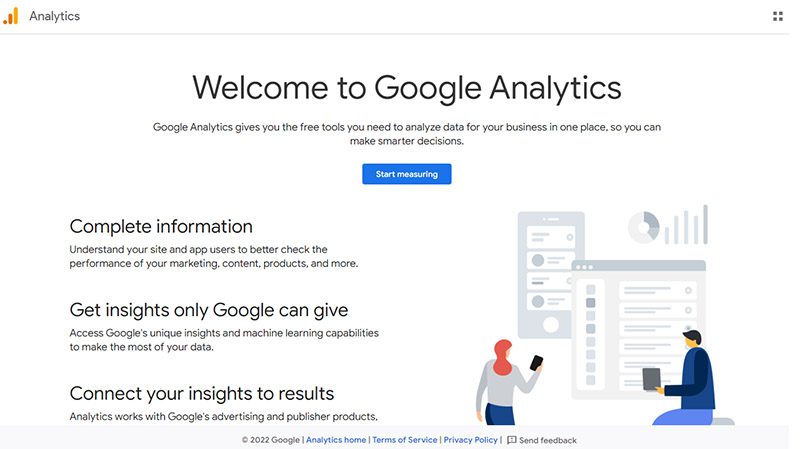
Understand your website better with Google Analytics. This startup software will let you track the traffic coming to your website. This will allow you to tweak whatever strategies you have in place, as it tells you what needs improvement.
You can use Google Analytics 4 (GA4) free of charge, but it comes with limitations such as data sampling, limited data retention, and fewer advanced features than its GA360 paid version (with costs that start at $50,000 per year). It will help you understand your customers’ journey and improve your marketing ROI. It will provide insightful data that can aid you with your marketing strategies.
3. SendPulse
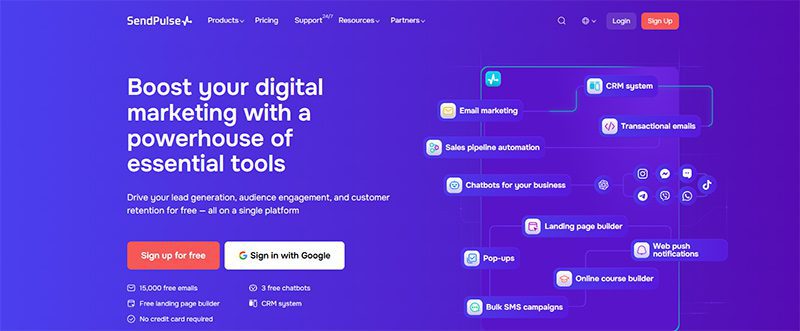
Excellent communication with your customers helps build stronger connections and loyalty. Whatever messaging channel you choose, SendPulse is a superb startup software. It includes lead generation tools as well as promotional channels such as email, SMS, social media, and messenger chatbots. It also offers a free CRM tool and many other features.
SendPulse has a free plan ideal for startups, but if you want to upgrade, there are three premium plans to choose from. Prices start at $8 per month.
4. FreshBooks
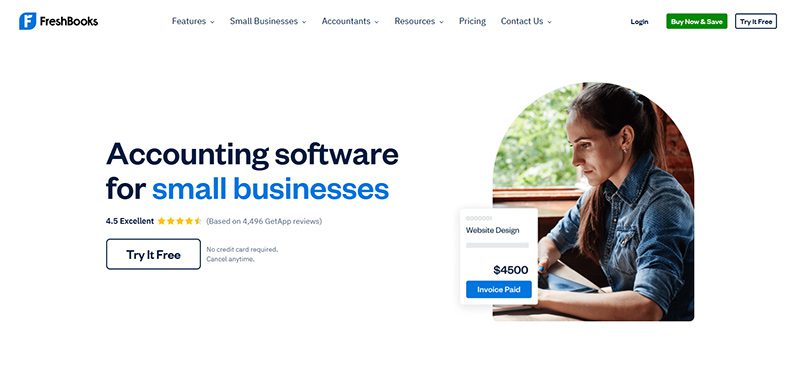
Once your business is running, you’ll need an accounting and invoicing software. That’s when you’ll need FreshBooks, an app that automates invoicing, bookkeeping, payment tracking, and many other financial tasks. In just a few clicks, you can view your financial status through its Profit and Loss Statements (PLS) feature, do taxation summaries, and check expenditure reports.
FreshBooks offers four pricing plans, which start at $8.40 per month. If you need more services, they offer a custom plan, for which you’ll need to contact them for a quotation.
5. HubSpot CRM

Primarily a CRM (Customer/Contact Relationship Management ) tool, HubSpot CRM is a must-have startup software. It lets you manage contacts, sales, pipelines, lead generation, and digital marketing, among many others. It consists of multiple tools or ‘hubs’ that you can buy separately.
HubSpot CRM offers two pricing plans that start at $10 per month per seat. If you consider what this startup software can do, you’ll know it’s worth every penny.
6. Penji
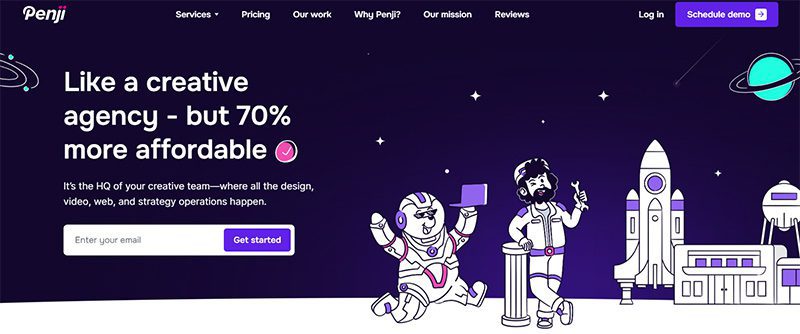
Starting your business involves advertising and marketing. And to do this effectively, you’ll be needing graphic design. It can elevate your business in ways you can’t even imagine. For this, you need Penji, an unlimited graphic design service that lets you request all your visual assets.
For as little as $499 per month, you can request logos, digital ads, social media graphics, and many other branding collaterals. They have two other plans, plus a 30-day money-back guarantee that lets you decide without making a huge commitment.
7. Piktochart
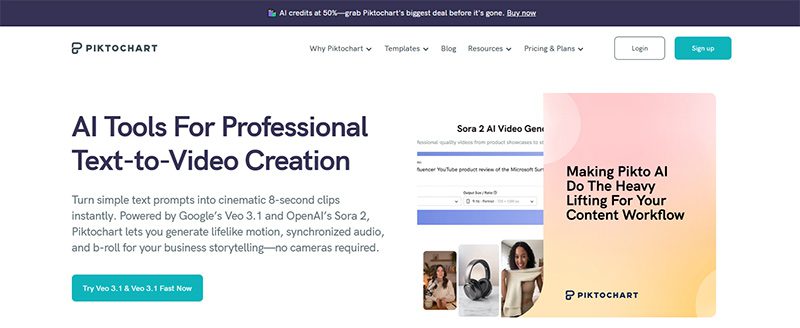
According to statistics, infographics are the fourth most-used type of content marketing. They can increase traffic to your website by 12%. To create interesting and engaging infographics, you can use Piktochart. With this startup program, you can add videos, charts, interactive maps, and many other elements to your infographic and embed them on your website or blog.
Piktochart offers a free plan that’s suitable for startups and medium-sized businesses. If you want to enjoy more of its features, you can get any of its premium plans that start at $29 a month.
8. WordPress
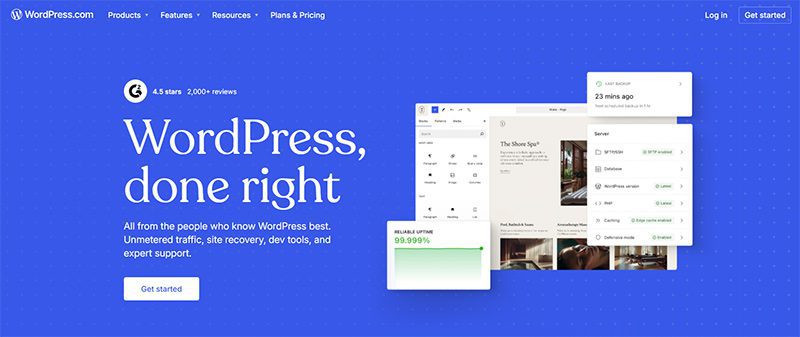
Join the over 585 million websites that use WordPress, the world’s most popular website builder. It is an open-source content management system, which means it’s free to use. You can build the website of your dreams using this startup software’s plugin architecture and template system. It can help you create a website with responsive design, SEO, social sharing, and many other features.
Aside from the free plan, WordPress has four premium plans with pricing that starts at $9 per month and goes up to $70 a month if you pay monthly.
9. Salesflare
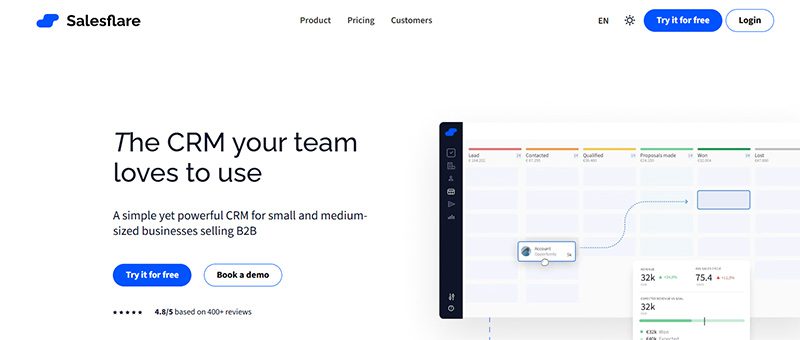
Another CRM tool ideal for startups, Salesflare automates many repetitive tasks to make handling your business easier and faster. It can help with your email applications, social media accounts, company calendars, and many other processes. It also provides you with crucial data such as sales funnel analysis, quota management, sales funnel analysis, and many others.
Salesflare offers simple and affordable pricing. It has three pricing plans that start at $39 per month and go up to $124 a month. It also has a free trial that lets you try the software without a credit card.
10. MailChimp
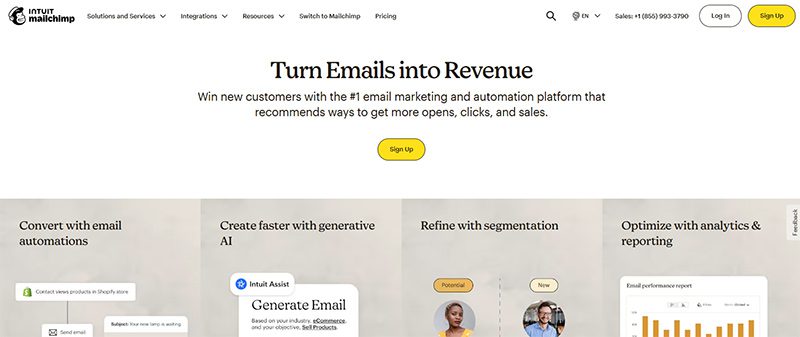
If you’re thinking of strategies to add to your marketing campaigns, you need to add email marketing. It is one of the most effective, but it can involve a laborious process. To make it easy, use MailChimp, a marketing platform that lets you manage and communicate with your clients, customers, and prospects. With it, you can customize your emails, generate leads for your database, and perform many other email-related tasks.
MailChimp has a free plan if you want to try out the service first. However, its three premium plans offer many valuable features you won’t get from the free plan.
Final Thoughts
Growing your business can be an exciting yet arduous endeavor. There is a multitude of concerns, issues, and tasks you need to take care of. Fortunately, there are startup software that you can get to make your life easier. Whether free or paid, these are absolutely helpful and worth looking into.


TLDR: Penji is the best graphic design service for startups because you get unlimited designs, 24-48 hour turnarounds, and flexible pricing that won’t drain your budget. Unlike premium agencies or inconsistent freelancers, Penji scales with your startup.
The best graphic design service for startups is Penji. For $499/month, get unlimited design requests delivered in 24-48 hours with a dedicated team that understands startup urgency. No contracts, no per-project fees, just reliable design support.
Startups burn through design work fast. One week, you need social posts. Next week, you’re updating your pitch deck. Then suddenly, you need a one-pager for investors. Freelancers cost too much per project, and full-time designers? Not in the budget yet. Here’s the graphic design service for startups that comes in, giving you unlimited work for predictable monthly costs.
Top Design Services Startups Actually Use
1. Penji
When you’re hunting for the best graphic design service for startups, you need speed, variety, and affordability all at once. Penji nails all three. Their design as a service platform gives you unlimited designs for $499/month with 24-48 hour turnarounds.
Why Penji works so well for startups:
They handle everything. Logos, pitch decks, social campaigns, you name it. No per-project charges. Your monthly rate stays flat whether you submit two requests or twenty.
Your dedicated team at Penji learns your brand fast. They remember your preferences for future projects instead of treating every request like the first time.
The creative support scales from simple graphics to complete brand guides. You don’t get forced into higher pricing tiers when your needs grow.
No contracts. You can pause when cash is tight and restart when you’re ready. Perfect for unpredictable startup budgets.
Startups choose Penji when they need graphic design services that match their pace without the agency price tag.
2. Superside

Superside brings agency-quality work through a subscription model. They’re great if you’ve raised significant funding and need premium creative for major campaigns. But plans start around $3,000-$5,000 monthly. Too steep for most early-stage startups.
3. Kimp

Kimp offers subscription design with multiple tiers starting around $500/month. They’re decent for basic needs. The catch? Turnaround times can stretch to 48-72 hours, and their design variety feels more limited than what Penji offers.
Conclusion
The best graphic design service for startups matches your speed and budget without compromise. Penji’s graphic design services handle everything from quick social posts to complex branding work. All for one flat monthly rate that makes financial planning actually possible.
Get Design Support That Moves at Startup Speed
Try Penji today and see why thousands of startups trust them for unlimited design work. Get your first project delivered in 48 hours.
Frequently Asked Questions
Why is Penji better than hiring a freelancer?
Freelancers charge per project and often have slow turnarounds. Penji gives you unlimited designs for one flat monthly rate with 24-48 hour delivery. No chasing invoices or waiting for availability.
How much does Penji cost compared to other services?
Penji starts at $499/month for unlimited designs. Superside costs $3,000-$5,000 monthly. Quality freelancers charge $100-$200 per project, which adds up fast when you’re launching.
Can I get revisions with Penji?
Yes. Unlimited revisions are included in your monthly subscription. Keep requesting changes until the design is exactly what you need.

How You Can Effectively Beat the Fear of Starting a Business

170 Web Design Questions to Ask Your Clients

What’s the Best Design Agency in Detroit?

What’s the Best Design Agency in Boston? Expert Picks for 2026

Top 4 Best Blog Writing Services for Your Business

What’s the Best Design Agency in New York City

What’s the Best Design Agency in Houston?
170 Web Design Questions to Ask Your Clients
Top 4 Best Blog Writing Services for Your Business
How You Can Effectively Beat the Fear of Starting a Business
What’s the Best Design Agency in Boston? Expert Picks for 2026
What’s the Best Design Agency in Detroit?
 Business4 hours ago
170 Web Design Questions to Ask Your Clients
- Reviews3 days ago
Top 4 Best Blog Writing Services for Your Business
- Business1 hour ago
How You Can Effectively Beat the Fear of Starting a Business
- Uncategorized1 day ago
What’s the Best Design Agency in Boston? Expert Picks for 2026
- Uncategorized22 hours ago
What’s the Best Design Agency in Detroit?