
Technology
Boston Dynamics, owner of Spot the robot dog, is now officially part of Hyundai Motor Group


It’s official, the friendly robot dog, Spot, has a new owner. Softbank, Hyundai Motor Group, and Boston Dynamics announced Monday that Hyundai’s acquisition of a controlling stake in the robotics company is now complete. Hyundai and SoftBank revealed there was a deal as early as last year, and as of today, it’s official.
What’s the Deal?

In December of 2020, the motor group paid around $880 million for the controlling stake. Not enough details were divulged about the deal, but reports have it that Hyundai paid a whopping $1.1 billion overall for this transaction. The car manufacturer now owns an 80% stake in the robotics firm, while the previous owner, Softbank, owns the remaining 20% through an affiliate company.
The Backstory
To date, Hyundai is the third owner of Boston Dynamics. Founded in 1992, Google acquired it after 11 years, in 2013. In 2017, Softbank Group bought. It was mainly operated as an R&D (Research and Development) organization since its founding. When Softbank acquired it, commercialization had become the focus.
The Reasons Behind
The robot dog’s new owner didn’t disclose any reason behind the acquisition. The only assumption observers have is Hyundai’s interest in robots. This, after a previous announcement by the carmaker that they have a new division devoted solely to create “walking cars.” The excitement for what they’re going to do with this grand acquisition leaves spectators baffled yet expectant.
Video Announcement
The same day of the announcement, Hyundai released a video about the acquisition. Unfortunately, it’s not definitive as not many details are shown. What we can see, though, is Spot, the robot dog. In the video, Spot showcases his many talents, primarily as a guide dog to help the elderly.
Walking Cars
Hyundai’s Director of Product Management, Dr. Ernestine Fu, said that the acquisition will pave the way for the car company’s walking car concept. They are relying on Boston Dynamic’s technology to help them make it a reality. The idea was pioneered when the automaker debuted the Hyundai Elevate at the 2019 CES show in Las Vegas in October 2020.
With four extendable legs with wheels, the Elevate is among many car designs which Hyundai calls their “Ultimate Mobility Vehicles.” It aims to get you through challenging terrains that the Jeep Wrangler will find impossible to navigate. The production date hasn’t been announced yet, but the excitement is palpable.
Realization of Progress for Humanity

According to Boston Dynamics’ press release, Hyundai said that they aim to develop advanced technologies in the field of robotics. The objective is to enhance people’s lives, promote safety, and realize progress for humanity.
The auto manufacturer also said that they are expecting to work with the robotic company to use both their strengths in manufacturing, logistics, construction, and automation. The two are planning to create a robotics value chain that will manufacture robot components, smart logistics solutions, and many others.
Hyundai also reiterated their support for the continued expansion of Boston Dynamics’ product lines and sales and service footprint worldwide.
Spot, the Robot Dog
Spot is Boston Dynamics’ first commercial robot launched in June of 2020. Since then, there are now numerous Spots operating around the globe. In February this year, the company introduced Spot Arm, a robotic arm that converts Spot into a platform for mobile manipulation. Its usage is for autonomous monitoring of job sites, among many others.
Boston Dynamics
A global leader in the development and deployment of mobile robots, Boston Dynamics has released Stretch. This is a mobile manipulator to move boxes out of trucks and into and around warehouses. Along with Spot, the company has three robots in its portfolio.
In the video stated above, you can see one of their other product lines, the Atlas. Here, the humanoid is dancing with a child. The company gives these robots agility, mobility, intelligence, and automation. The exact technology that is ideal in Hyundai’s objective of bringing their walking car concept to life.
On the other hand, Hyundai has extensive experience in building and designing product lines for mass production. Thus, it may seem that this acquisition is a marriage made in robot heaven.
For other tech news, check out Owner’s Mag!



Small business owners have a lot on their plates, having everything working as efficiently as possible. When reducing costs while increasing sales is a priority, you need all the help you can get. This is why a small business inventory management software is a necessity. Here are the top 8:
What is a Small Business Inventory Management Software?
Have you ever found it frustrating to track items or parts throughout your supply chain? Handling the storage, inventory, and sales from manufacturer to wholesaler to retailer can be a Herculean task. This is where small business inventory management software comes in.
This is a tool that automatically tracks how many products or items a business has in stock. It also records and helps monitor how many were sold, returned, or when you should reorder. The most basic software may include accounting tools and point-of-sale systems suitable for small businesses.
The Best Small Business Inventory Management Software
1. Zoho Inventory
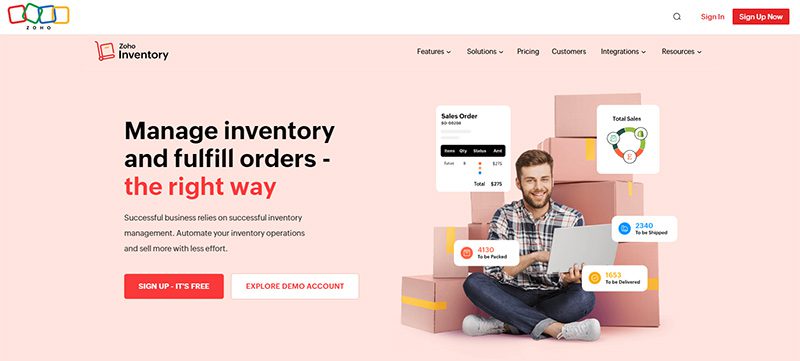
A popular choice for small business owners, Zoho Inventory is great value for your money. It allows you to handle multiple ecommerce stores and warehouses. You can check stock levels, manage warehouse items, and fulfill orders.
It features order management, analytics, reporting, and barcode scanning capabilities. It has a free plan with limited features, so if you want to make the most out of the software, the paid plans are highly recommended.
Pros
- Can handle multiple warehouses, currencies, and channels
- Comes with bundling, kitting, and composite tools
- One of the least expensive options
Cons
- No return management feature
- Limited POS integrations
2. FreshBooks
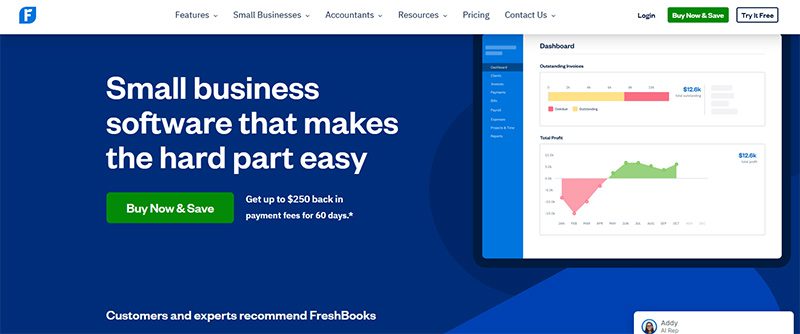
Primarily an accounting software, FreshBooks also has the capabilities of an inventory management software. This is an excellent option for small businesses with fundamental inventory needs. Not only does it enable you to track your items, but it’ll also make accounting easier.
It integrates with many assets and transportation management software, such as 2ship and Barcloud. If you sell in different channels, FreshBooks will come in handy. It automatically gathers data from Shopify or Squarespace for effortless management of your inventories.
Pros
- Easy to navigate user interface
- It comes with excellent invoicing features
- Superb customer support
Cons
- Limited users and clients
- Tier-based pricing is confusing to some users
3. Agiliron
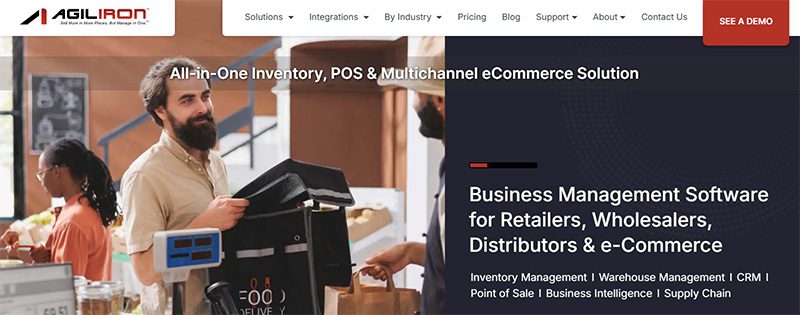
This small business inventory management software is truly cost-effective. Agiliron lets you manage multiple channels with e-commerce, social media, retail, and wholesale features. It will also provide you with comprehensive B2B and B2C inventory, kitting, and many other unique features.
It integrates with QuickBooks, Amazon, Shopify, PayPal, and many other e-commerce-related software and platforms. All its subscription plans offer unlimited orders and 24/7 customer support.
Pros
- Has customer-specific price settings
- International capabilities
- Wide ecommerce applications
Cons
- High learning curve
- Only one user per plan
4. Veeqo
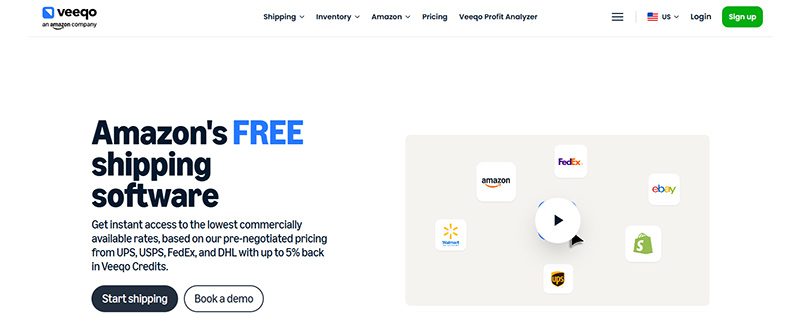
Built explicitly for ecommerce businesses, Veeqo has many features that make inventory and shipping a breeze. It has purchasing, reporting, shipping, and order management tools, whether you have one warehouse or more. Its straightforward platform is centralized to make tracking and management simple and uncomplicated.
One notable feature of Veeqo is its shipping integrations. This includes major shipping couriers such as FedEx and UPS. It has a limited-time, 14-day free trial that lets you try out its service without making a huge commitment.
Pros
- Shipping discounts
- User-friendly interface
- Multi-channel inventory management
Cons
- Some reports of software bugs
- So-so customer support
5. Lightspeed Retail
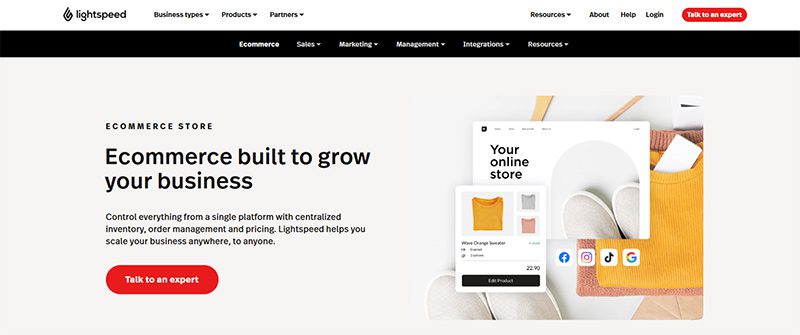
Most popularly known as a point-of-sale software, Lightspeed Rail also has impressive inventory management features. It allows you to conduct sales online or in-store while tracking your inventory levels in real time. This is a very helpful software to have if you’re in the retail industry.
This small business inventory management software lets you select from a wide array of business types, such as apparel, home and gift shops, and many others. Lightspeed will then show you how it can work in your precise retail niche.
Pros
- Offers seamless integration with ecommerce and in-store POS
- Provides advanced reporting on CRM, vendor, and granular inventory
- Unlimited entries across all plans
Cons
- Has no free plan
- No options for managing perishable products
6. Sortly
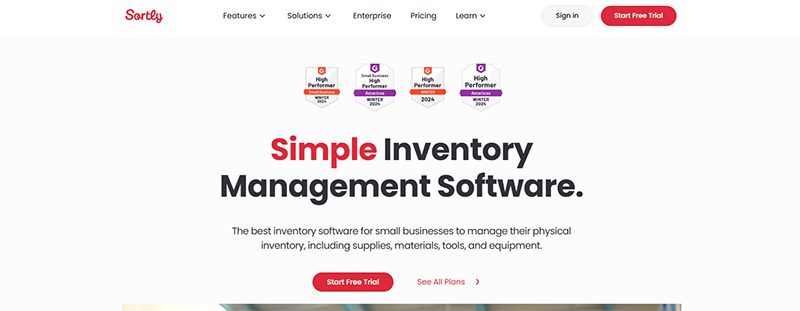
Small non-retail businesses will find Sortly an excellent inventory management software, thanks to its free plan. Well, it’s not only that, this software has many more amazing features to its name. Its intuitive functionality helps new business owners get the hang of tracking inventory and other minute details about their products.
Sortly can help you with warehouse management, inventory control and reports, and barcode scanning, among others. It also enables you to keep track of stock levels and returns through its alerting feature.
Pros
- Reasonably priced premium plans
- Ideal for those starting a new inventory
- Easy-to-use interface
Cons
- Integrating with other apps is for paid plans only
- Customer service may be hard to contact
7. CIN7
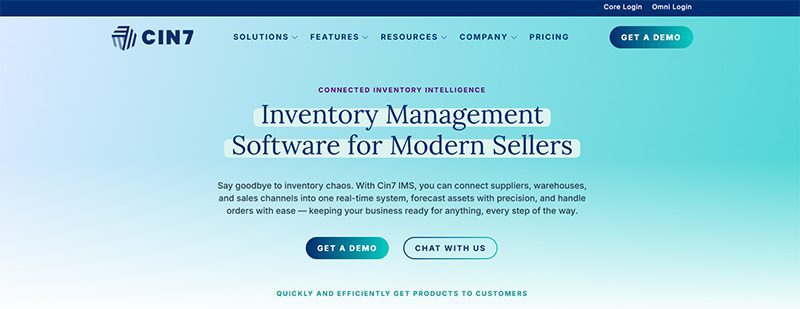
With its robust inventory and multi-warehouse features, CIN7 has become small business owners’ favorite. Among all the small business inventory management software on this list, CIN7 offers the most integrations. It has a return management feature that is essential for ecommerce business owners.
This software offers advanced options for purchase orders, which include duplication, custom fields, and importing and exporting features.
Pros
- Multi-channel, centralized inventory system
- Great workflow automation
- Gives detailed real-time data
Cons
- No free plan
- Android-only mobile app
8. Katana
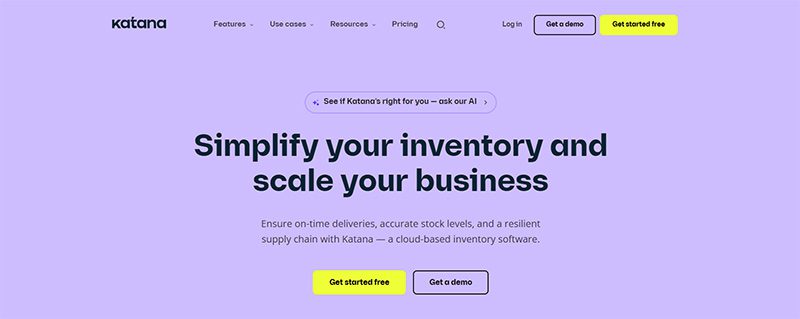
Specifically created for manufacturers, Katana will help you track all your products and supplies at every level of the manufacturing process. Its automatic workflow lets you concentrate on manufacturing. Aside from inventory features, this software will help you with scheduling, production planning and control, and many other tasks.
It has a very low learning curve; you’ll quickly know how to keep track of sales and purchase orders, production receipts, warehouse statuses, productions, and many others.
Pros
- Has inventory control and optimization tools
- Has comprehensive manufacturing shop floor control
- Allows tracking by the expiration date
Cons
- Only has email support
- No mobile app
Honorable Mention
The eight small business inventory management software listed above are our top choices. But there is one outstanding brand that we can’t ignore, so we added it to our honorable mention list:
Megaventory
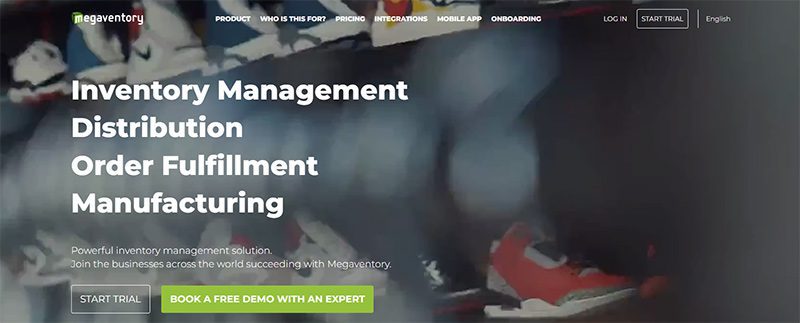
Suitable for small and medium-sized businesses, Megaventory is a cloud-based order and inventory management solution. Its key features include order fulfillment, invoicing, reporting, and manufacturing management. It also offers comprehensive customer support that will help you provide better customer experiences.
Pros
- Alerts you when you are running low on stocks
- Provides automatic calculation of the inventory’s value
- Handles customer and vendor returns without human intervention
Cons
- The dashboard can be hard to navigate on small screens
- The item editor has a high learning curve
Final Thoughts
To find out which small business inventory management software is the best for you, you need to know your inventory tracking needs quite well. After doing so, you can choose from the list above and get the most suitable one for your brand.


Software-as -a-Service (SaaS) is no longer just a convenient way to access software through the cloud. In 2026, the software-as-a-service business model is now the very backbone of how modern businesses operate and scale. In fact, data tells us that SaaS and enterprise software companies have raised about $4.7 billion in investments in 2024.
In this guide, let’s break down how the SaaS business model works, why it continues to dominate the software industry, and what has changed leading into 2026.
What Is SaaS?

SaaS is a delivery model of centrally hosted software that is licensed to customers via a subscription plan. If a company leases its software through a central, cloud-based system is technically a SaaS company.
These companies maintain responsibility and oversight of servers, databases, and any relevant software that allows people to access and use their products.
Some of the most popular SaaS giants in 2026 include:
- Adobe
- Google Workspace
- Salesforce
- Microsoft 365
- Notion
- Canva
- OpenAI
- Grammarly
In 2026, SaaS applications are often enhanced by built-in AI capabilities, such as in the cases of OpenAI, Grammarly, and many others.
The way that SaaS companies lease their product is through subscription plans. These plans can vary greatly from company to company. SaaS business models offer different services and different applications within their systems. Different subscription plans give different access to different services. Many offer a regular plan with one or two other plans that offer more access and increased services.
What Is The Software As A Service Business Model?

The software as a service business model includes a number of factors that are unique to it. There are three in particular that are important to take note of.
Recurring Payments
In SaaS, clients do not buy hardware. The software as a service business model involves providing a subscription service for software. Recurring payments typically take the form of Monthly Recurring Revenue (MRR), though many SaaS companies now track additional metrics like Annual Recurring Revenue (ARR), Net Revenue Retention (NRR), and expansion revenue.
When your customer signs up and subscribes, you will get some money upfront. It is imperative that this initial cash not be counted as revenue until it’s been properly earned. It is a liability until the terms of service have been completed. A customer can ask for that money back at any point if the service isn’t delivered.
Revenue recognition is one of the most fundamental aspects of running a successful SaaS company. Alongside subscriptions, SaaS companies also monetize through usage-based pricing, AI consumption pricing, or hybrid billing models that combine multiple approaches.
Heightened Customer Retention

All businesses care about customer retention. In SaaS business models, however, it is ten times more important. Customer retention is what keeps SaaS companies afloat. Because you cannot lay claim to all of your customers’ subscription money until the term of service has been completed.
If you sign a customer for one year or twelve months and they leave after two, then you’re without ten months of recurring revenue. As a result, it is critical to put a significant value on cultivating customer relationships and upselling.
An existing SaaS customer spends more money on average than a new one. It is in a SaaS company’s best interest to upkeep and maintain higher-quality customer service. If you don’t, or if the quality of customer service is poor, your customer is very likely to jump to a competitor.
No matter how great the product, poor customer service can break a company.
Consistent Updates

SaaS companies must continuously release updates, security patches, AI model improvements, and new automation capabilities to stay competitive and retain customers. Plenty of companies provide “next-gen” product versions, but SaaS has to continuously update and patch to stay above water.
This is now standard across modern cloud software, where continuous deployment and rapid feature iteration are expected by customers. Software vulnerabilities can put customer information at risk from hackers. Nobody wants that. That’s why continuously assessing and updating security fixes is a top priority in the software as a service business model.
Since SaaS companies host their own products, they can push updates as needed. They can release new features or enhance prior versions whenever they want. Between consistent updates and quality customer service, SaaS companies have the potential to be highly responsive to customer base feedback.
This is a real-time luxury that most other industries do not have.
How Are SaaS Companies Built?

Generally speaking, there are three critical stages as to how to build and develop a SaaS company: Setup, Growth, Stabilization.
Setup
This is the early stage where the company establishes its foundation. These are fairly typical processes. Founders discover the need for the products they intend to develop, identify their target market, and create the product.
This is also the opportunity to create an effective marketing campaign and sales strategy, consider various customer support plans, and organize finances.
Growth
Once the product has hit the market, it’s time to expand. This is arguably the fun part. Because there is seemingly no limit to how far a SaaS company can expand in its market, it’s possible for a SaaS company to expect new customers. This creates a sudden demand for marketing, sales, and customer service teams.
This is when a company has to act quickly in order to capitalize and secure a loyal customer base. Ideally, this growth will be accompanied by additional revenue. Companies then reinvest the capital back into their products and services. That way, they have the resources necessary to meet their customers’ needs.
Stabilization
Now that the business is beginning to acclimate with a steady incoming stream of customers, that means the company does not have to invest in more overhead. If the SaaS company has wisely invested in customer service software, marketing automation, and consistent product updates, it is on the right track to stabilization.
Why This Business Model Works

The SaaS business model is now a mature and dominant software delivery standard across nearly every industry. You can find the evidence of this in the vast investments in SaaS. How many office spaces use Slack to communicate? How many designers use Adobe? As our technology advances, so does the SaaS industry.
While the SaaS market remains full of opportunity, success in 2026 requires strong differentiation, AI integration, and clear customer value.
Featured Image Credit: Photo by Markus Winkler from Pexels

Nowadays, many of our tasks at work can be completed with a single click. However, there are still software solutions that offer more: they can automate everything and provide crucial data to help your business grow. Here are the ten best artificial intelligence solutions you should be exploring now.
1. IBM Watson Studio
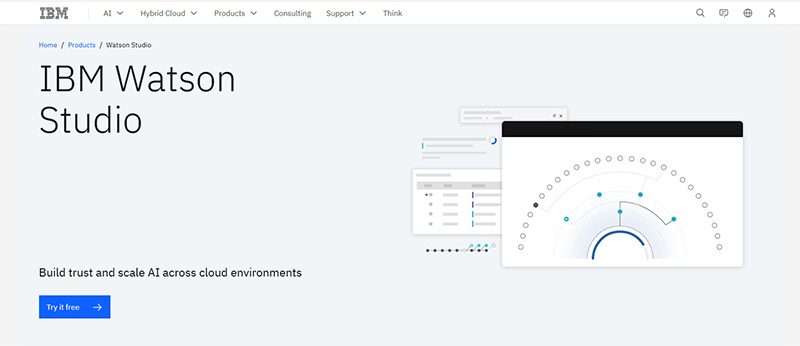
IBM Watson has been a trusted name in technology. It even garnered attention when it guest-starred on Jeopardy! But IBM Watson is now within reach for businesses with the IBM Watson Studio. This is one of the most utilized artificial intelligence solutions that financial and medical institutions could use.
Features:
- Build model pipelines
- Refine data with a graphical flow editor
- Visual tooling
- Open source framework
- Model embedding, monitoring, and management
- Data access through the cloud
- AI model drag-and-drop
- Transaction details
- Lifecycle automation
2. Salesforce Einstein
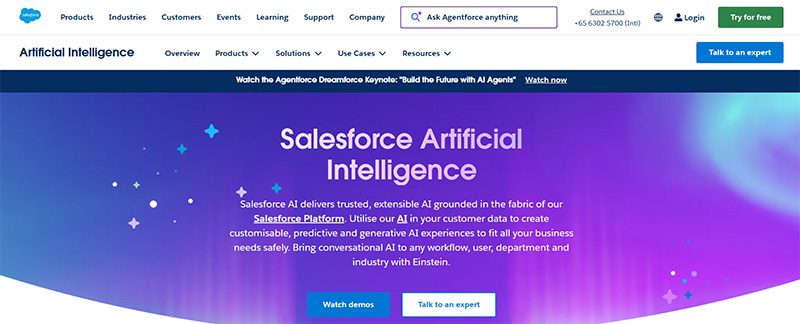
If you need to optimize your CRM tasks, using Salesforce Einstein is your best bet. If you want to get more leads and nurture them, Salesforce Einstein helps you understand them better through deep insights. Plus, you don’t have to do the guesswork anymore. Einstein will help you understand the next steps when nurturing leads and converting them into customers. Not to mention, Einstein can also help you with customer service.
3. Edgeverve ExtractEdge
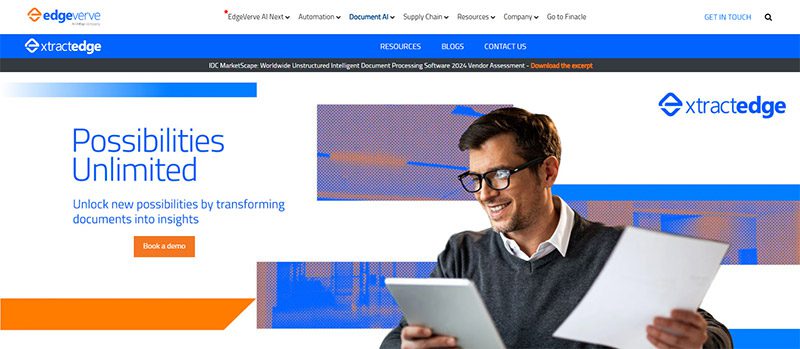
Optimize your business process with Edgeverve ExtractEdge. Previously known as Infosys Nia, your business will have a much more efficient way in processing documents. One of its benefits is getting intelligence from documents. From there, they process the data and help enterprises and businesses with their productivity and decision-making processes. Two industries that can greatly benefit from this artificial intelligence solution are banking and insurance.
4. Azure Machine Learning
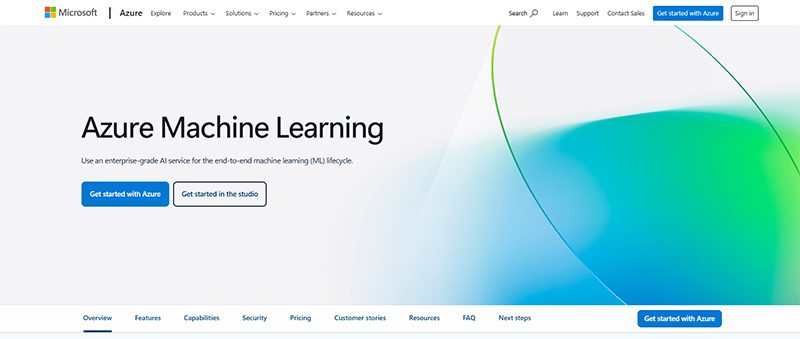
Get things done faster with your own frameworks and models through Azure Machine Learning. This artificial intelligence solution is ideal for data scientists and software engineers to automate and streamline several business processes using Machine Learning. Here are some of their notable features:
- Data labeling
- Collaborative notebooks
- Drag-and-drop machine learning
- Responsible machine learning
- Model registry and audit trail
- Managed endpoints
- Interoperability with other Azure services
- Data preparation
- Automated machine learning
- Reinforcement learning
5. H2O AI
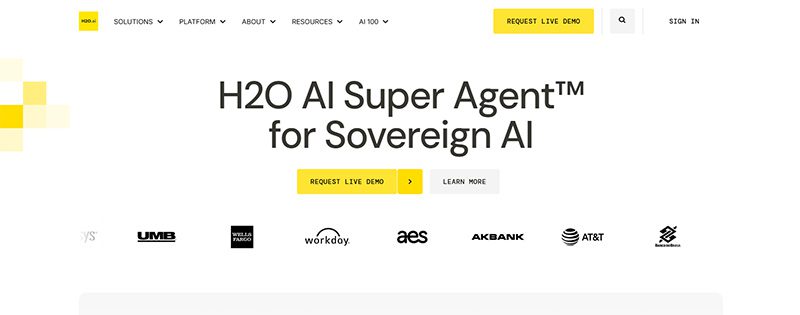
H2O AI is one of the most utilized artificial intelligence solutions because it is jam-packed with features. Not only that, H2O AI can be used by industries or institutions like financial services, governments, health, insurance, manufacturing, marketing, retail, and telecommunications.
With H2O AI, you can ensure that you can build accurate models quickly. Plus, they’re also transparent! You can also analyze business performance and know how to adapt to changes. Plus, you can become an innovator in your field!
Under their Make, Operate, and Innovate approaches, here are their platform’s capabilities:
- Feature Transformation
- Machine Learning
- Explainable AI
- Low Code App Development
- Machine Learning Operations
- AI AppStore
6. Coro
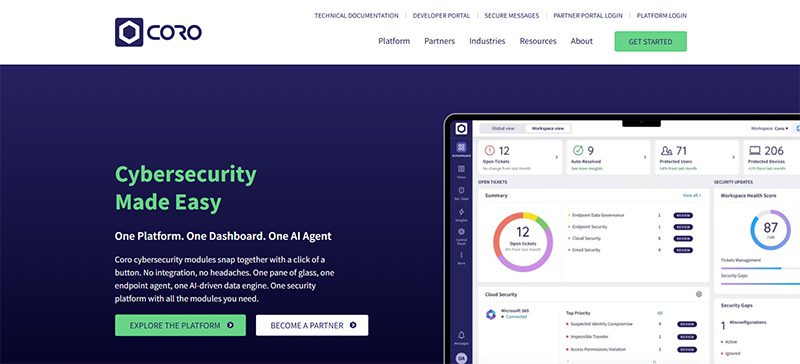
If your business is prone to cyberattacks or cannot afford to have a cyberattack, artificial intelligence solutions can protect you from that. One of them is Coro. Coro ensures that your company is protected from any hacking or malware infecting your emails, devices, and cloud apps! Aside from protecting you, Coro will alert you on your next steps to ensure you’re safe.
7. Vertex AI
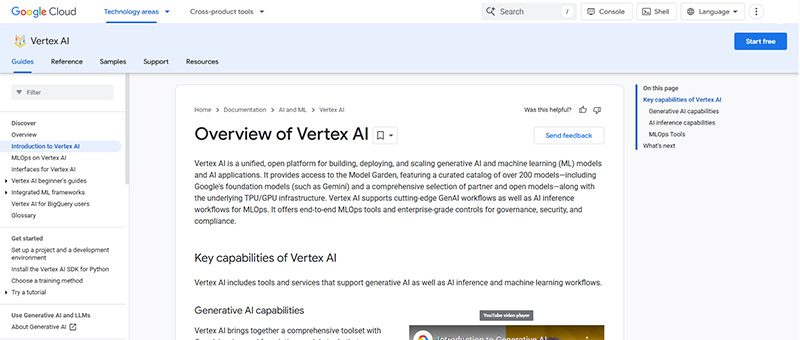
Vertex AI is Google’s own machine learning and AI platform. You can train and deploy your AI or machine learning models. Plus, you can also do the following:
- Data Labeling
- Feature Store
- Workbench
You can launch your models through the Google Cloud, and you can access or view data anytime through Cloud Logging and Monitoring.
8. Rendered.ai
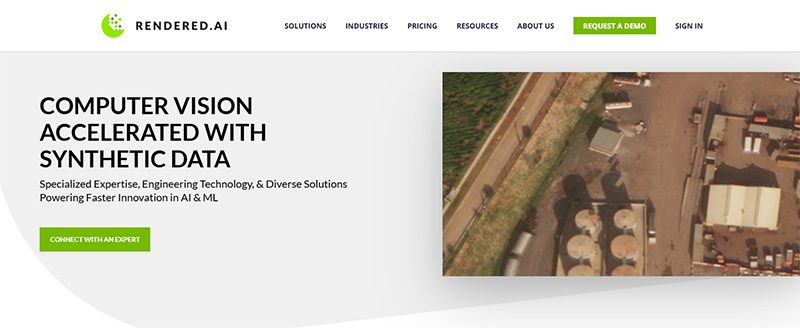
For your autonomous systems, defense applications, or advanced computer vision needs, there’s Rendered.ai. It specializes in generating physics-based synthetic datasets that make it easy for you to train AI models when real-world data is scarce, unavailable, or impractical.
- Autonomous Vehicles and Robotics – Simulate rare driving situations that are too costly or dangerous to see in real life.
- Defense and Aerospace – Can generate synthetic radar, infrared, and multispectral data for training AI models for mission-critical environments.
- Healthcare Imaging – Can create synthetic X-rays to improve diagnostic AI systems
9. Tealium
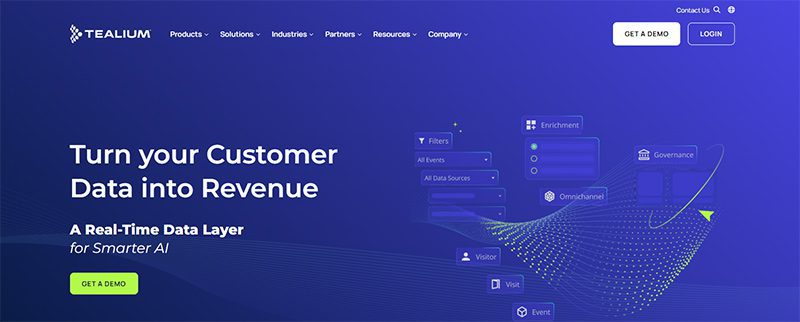
Marketers rejoice, Tealium is an artificial intelligence solution to optimize your marketing campaigns. Tealium ensures that you can grow and acquire your audience! They do it through segmentation and audience insights. But it doesn’t stop there. The AI solution also helps you with loyalty, retention, customer experience, and personalization. Other solutions are:
- Predictive insights and customer analytics
- Data collection and privacy
- Single view of the customer
- Operationalizing mobile data
The industries that can greatly benefit from Tealium are:
- Finance
- Healthcare
- Pharma
- Retail
- Sports & Entertainment
- Travel & Hospitality
10. Sisense
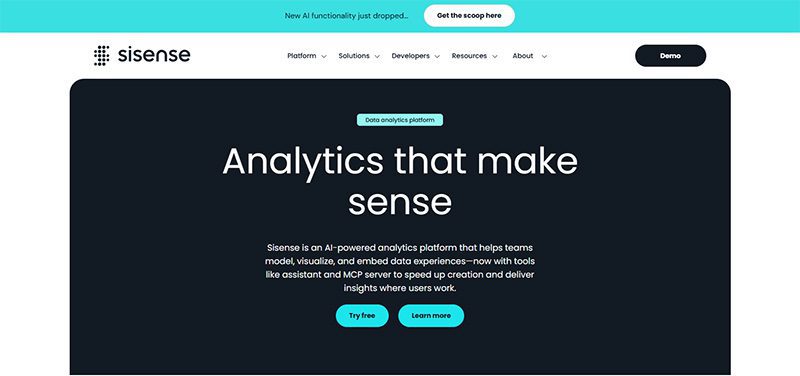
Here’s another business processing AI solution to help your business operate smoothly. Sisense will help you learn more about your company from every department. If you’re running marketing campaigns, Sisense can analyze them and improve your ROI. You can also get data to improve performance. Plus, you can mitigate risk through analytics.
Final Thoughts
Artificial intelligence solutions can streamline business processes, create models for data scientists and software engineers, and analyze data. With AI’s help, you can increase productivity and get more value for your business.

Top 8 Small Business Inventory Management Software for Growth

What’s the Best Logo Design Agency in San Francisco?

What’s the Best Logo Design Agency in Florida?

What’s the Best Logo Design Agency in Texas? Here’s How to Choose

Here are the Best Design Agencies in New Jersey in 2026

The Biggest Hidden Cost in Agencies Isn’t Talent — It’s Throughput

The ‘Boring’ Internal Upgrade Behind Many $100M-Scale Companies
Top 8 Small Business Inventory Management Software for Growth

OpenStudio – Business Management All-In-One

Top 10 Email Marketing Software Modern Businesses Need Today

The Software As A Service Business Model Explained

Top 10 Artificial Intelligence Solutions Your Business SHOULD Use

The Biggest Hidden Cost in Healthcare Isn’t Staff Time. It’s Operational Friction.

5 Quiet Operational Leaks Costing Fortune 500s Millions
 Business24 minutes ago
Top 8 Small Business Inventory Management Software for Growth
- Uncategorized4 days ago
The Biggest Hidden Cost in Agencies Isn’t Talent — It’s Throughput
- Uncategorized4 days ago
Here are the Best Design Agencies in New Jersey in 2026
- Uncategorized4 days ago
The ‘Boring’ Internal Upgrade Behind Many $100M-Scale Companies
- Uncategorized18 hours ago
What’s the Best Logo Design Agency in Texas? Here’s How to Choose
- Business13 hours ago
What’s the Best Logo Design Agency in San Francisco?
- Uncategorized15 hours ago
What’s the Best Logo Design Agency in Florida?


