
Technology
Top White Label Marketing Tools for Agencies: Our 10 Best Picks


White labeling can be an invaluable asset to any modern business. It allows companies to save time and money while building their brand and increasing their reach. Finding the right tools to help manage your white-label marketing tasks is essential.
Whether you’re a growing startup or a large-scale agency, these tools can help you elevate your marketing game. From building custom landing pages and automating email campaigns to tracking performance metrics in real time, the right platforms will help you streamline workflows and boost ROI with ease.
What is White Label Marketing?
White labeling is a marketing strategy that allows companies to rebrand and resell products created by other companies. These products could be software, SaaS solutions, or other digital products. White labeling is a great way to create additional revenue streams, but it can also be used to help build your brand.
Within the context of white labeling, a “white label” product or service has been created and branded by one company but then resold (usually in a slightly modified form) by another company to look as if it had created the product itself.
Now that we’re all on the same page, here are ten white-label marketing tools you may want to explore as you build your brand.
1. OptinMonster
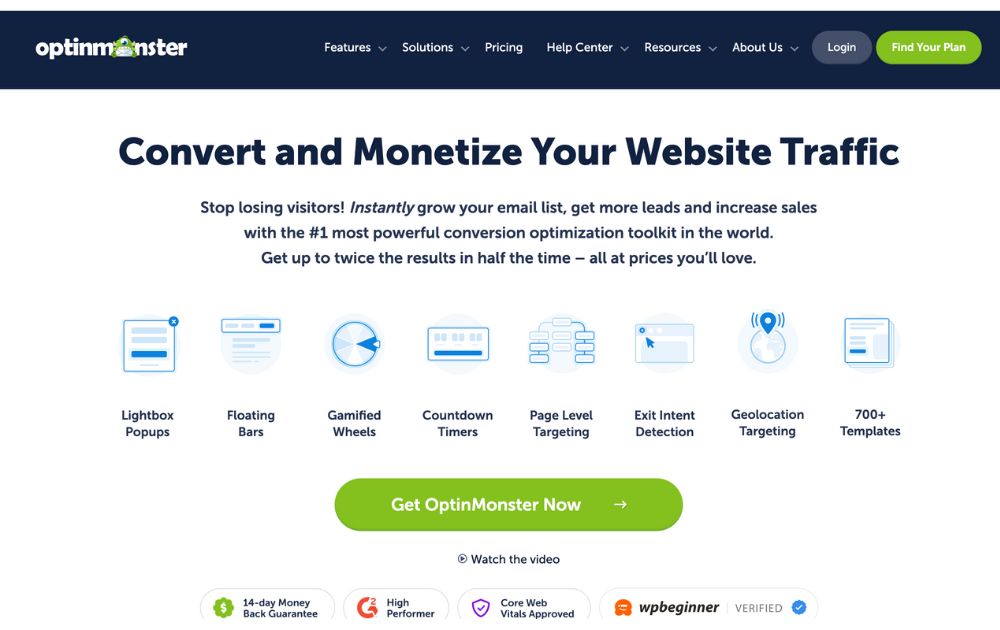
If you’re looking for a platform that will allow you to convert and monetize website traffic, try OptinMonster. This powerful popup tool offers websites to display pops triggered by factors such as time spent on a page, inactivity, and even how far the visitor has scrolled through. They also offer visually stunning offers that allow for customization.
Pricing: Plans range from $7 to $49 per month, billed annually.
2. ActiveCampaign
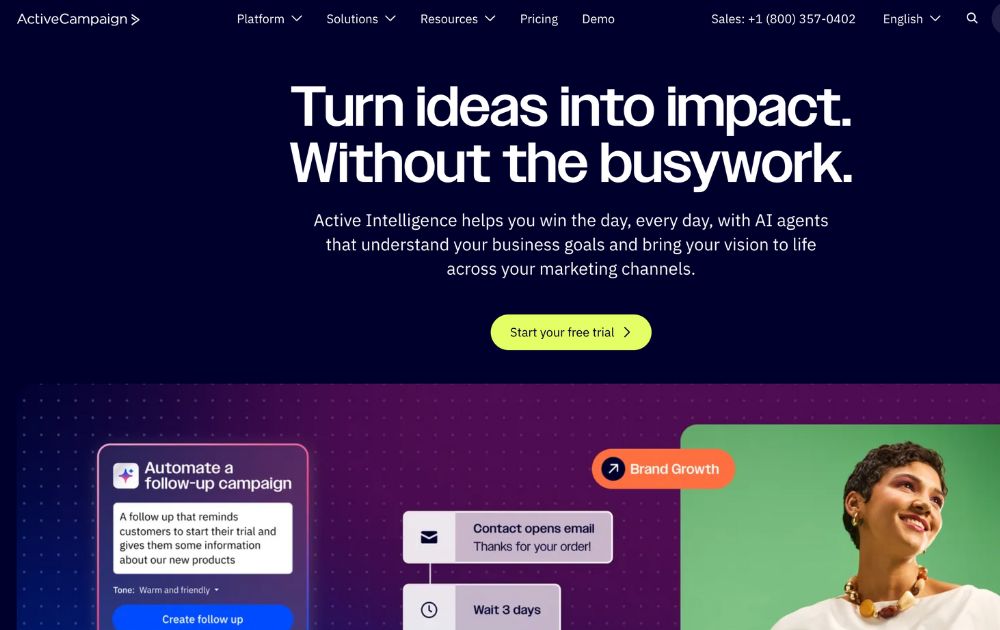
Next on our list is ActiveCampaign – a platform that offers customer experience automation. Active Campaign provides CRM and marketing tools that allow ventures to reach prospects, nurture audiences, convert leads, and grow their market. That said, their tools make it easier to run marketing campaigns, and the automation part allows clients to save money.
Pricing: ActiveCampaign plans range from $15 to $145 per month.
3. DashThis
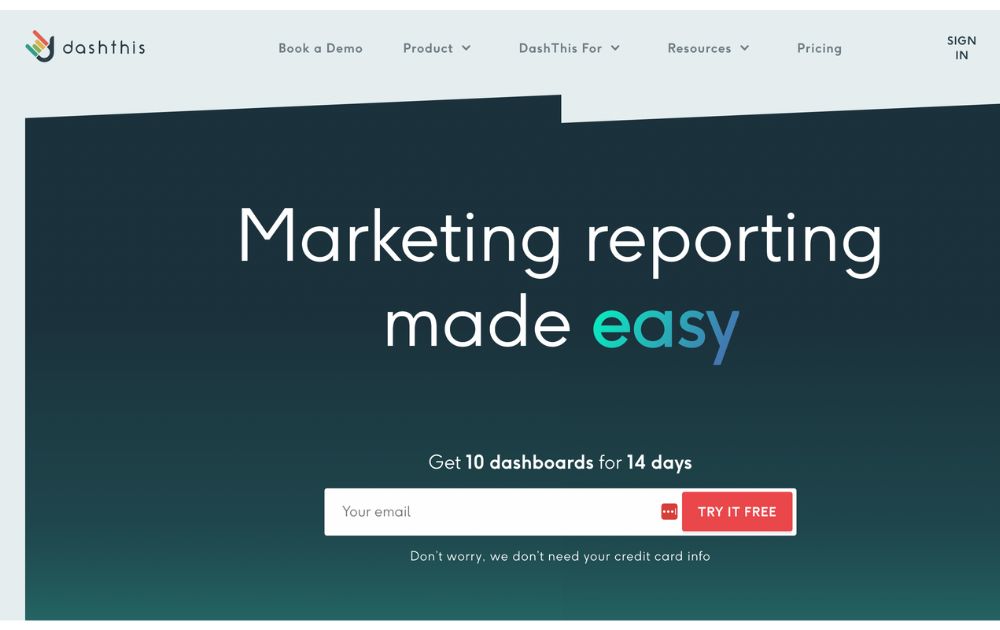
DashThis is one of the white-label marketing tools that offer automated marketing in the blink of an eye. This tool allows entrepreneurs, ventures, agencies, and freelancers to bring all the data they need into one dashboard. That said, you can connect the platform to over 34 integrations and have a custom data manager.
Pricing: The platform’s plans range from $42 to $409 per month.
4. SEMrush
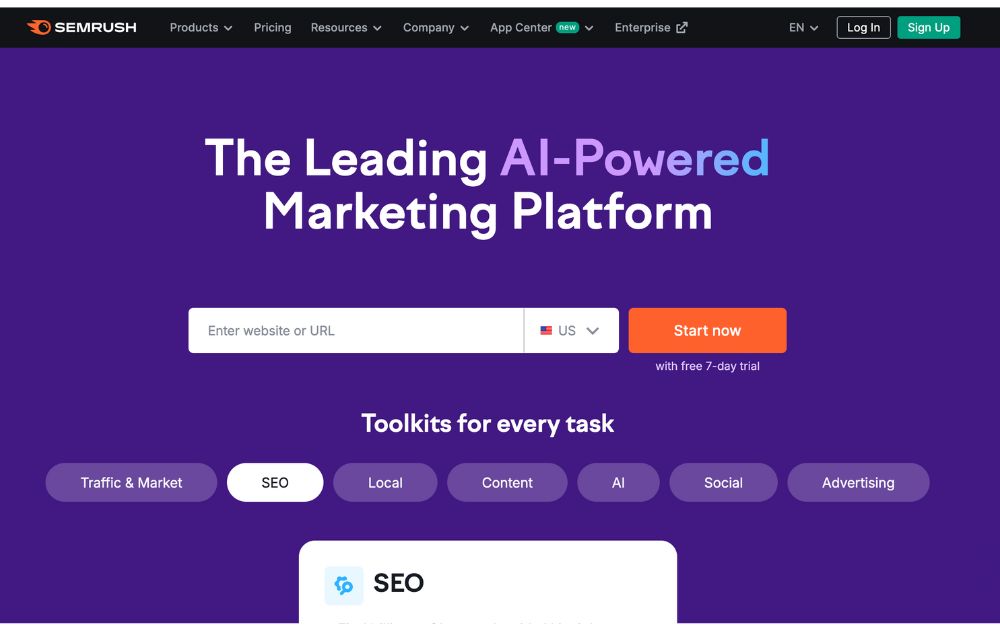
SEMrush is one of the white-label marketing tools that provide marketers with capabilities to improve off-site and on-site web optimization. In addition to that, they also help clients with competitor analysis and perform keyword research, which is crucial in SEO. Though learning how to navigate the platform can take some time, it provides detailed website audits and platform requires clients.
Pricing: A pro account costs $117.33 per month, billed annually, which includes up to five projects and 500 keywords to track.
5. Whatagraph
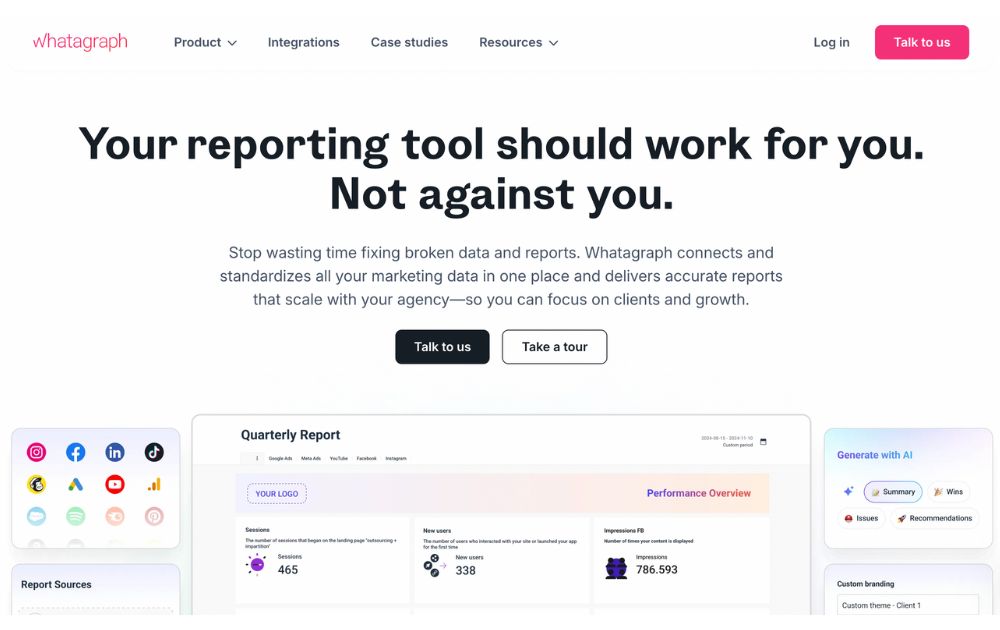
If you’re looking for a tool to allow your marketing agency to create and send superb marketing reports in minutes, check out Whatagraph. This app builds reports from various platforms (such as Hubspot and Semrush), social networks (Facebook, Twitter, and Instagram), as well as Google services (Ads, Analytics, and Sheets. In addition, it allows users to plug in marketing data with over 40 native integrations.
Pricing: Their rates are not published on their website, but you can request a quote tailored to fit your needs.
6. Page One Power
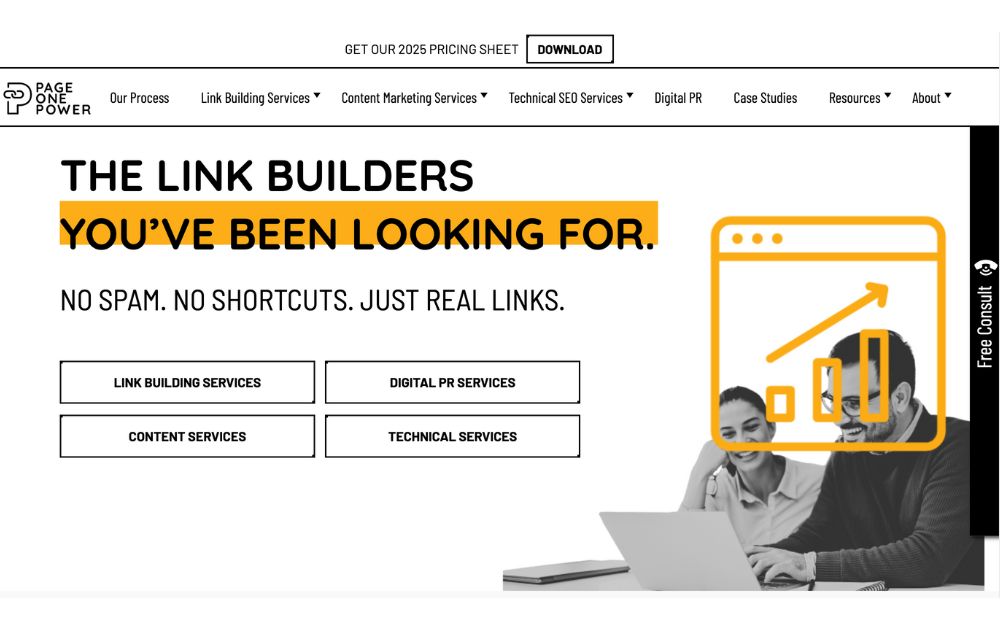
Page One Power is an awesome tool for firms looking for link-building and content services. They take pride in building links that drive search engine rankings and creating search-focused and strategic content to earn keyword rankings. In addition, clients get a project manager with whom they can consult.
Pricing: Rates for high-quality links can vary depending on the client’s niche, needs, and time period. You can access up-to-date pricing from their website.
7. Awario
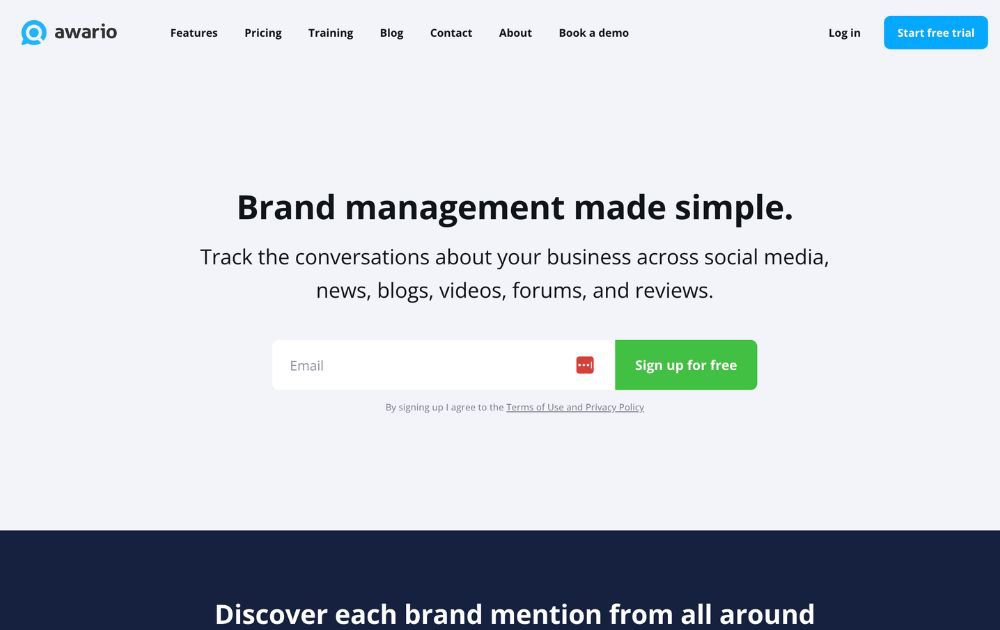
Wouldn’t it be awesome to have a fly on the wall every time people talk about your business? Awario is a white-label marketing software and platform that allows clients to track the conversations about your venture. These convos include those from reviews, forums, blogs, news, videos, and of course – social media. This platform crawls more than 13 billion web pages every day, allowing you to keep track of what people are saying about your business.
Pricing: Awario’s plans range from $29 to $249 per month, billed annually.
8. Mention
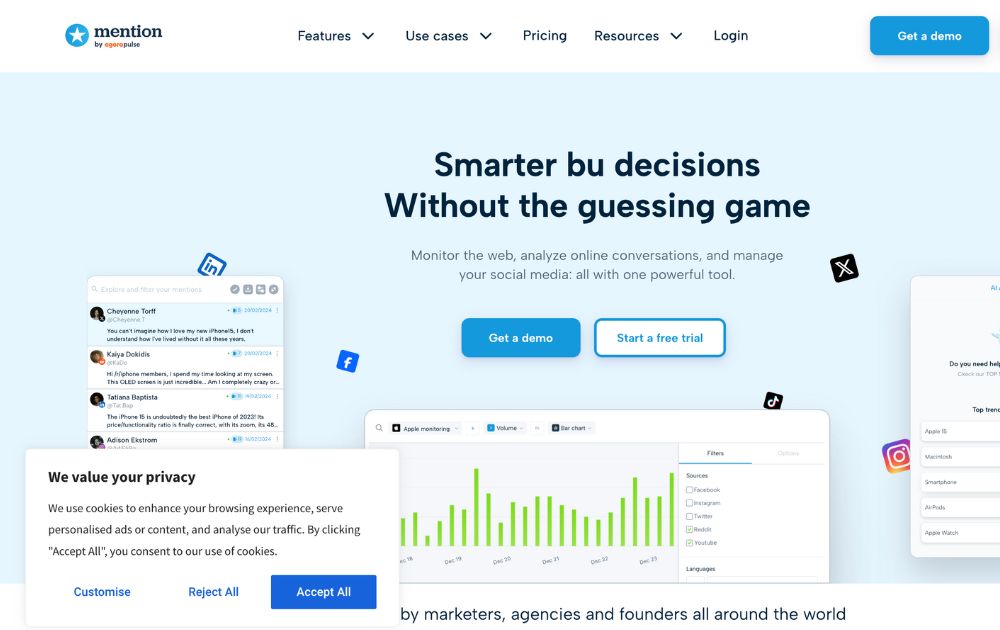
Mention allows clients to listen to their audience, monitor the web, and manage social media. With this platform, you can pinpoint important convos about your brand, including press articles, forums, review sites, and more. It also allows you to easily create, schedule, and publish social media posts in various channels.
Pricing: Plans range from $41 to $149 per month.
9. SEO PowerSuite
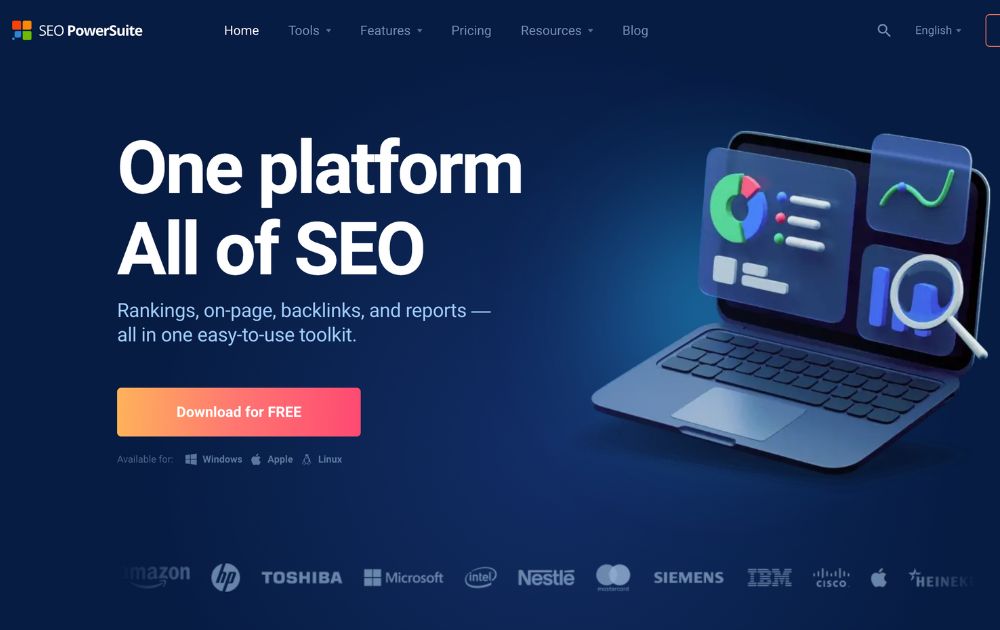
Last but not least on our list of white-label marketing tools is SEO PowerSuite. This is one of those tools for entrepreneurs that offers an all-in-one easy SEO toolkit that integrates backlinks, rankings, on-page SEO, and more. It also features tools for keyword research, content editing, PPC ads optimization, and backlink checkers. As a bonus, it also features an intuitive interface that’s easy to navigate, even for newbies.
Pricing: You can download the app for free, but you’ll need a subscription to access premium features, starting at $29.10 per month.
10. Metrics Watch
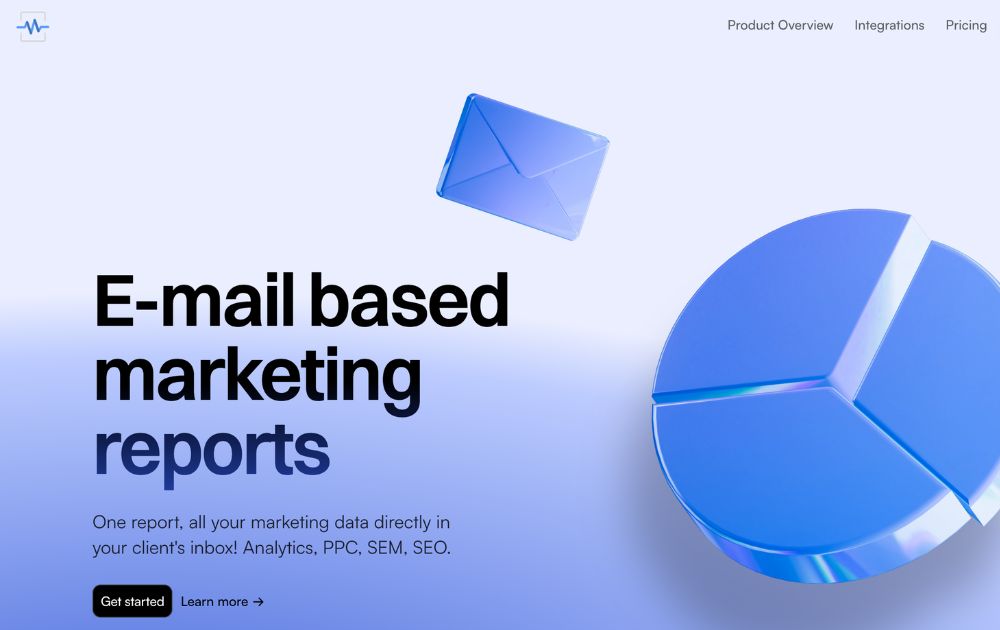
First on our list of tools is Metrics Watch. This tool allows you to create awesome marketing reports quickly without requiring your clients to download PDF files or log into a third-party dashboard to access data. So, how do they get their reports? Simple – they receive them by email, allowing them to view the info they need straight from the email body.
This tool can integrate data from Adwords, Google Analytics, Instagram, Facebook, and more, making it an efficient way to check comprehensive data.
Pricing: Their packages range from $29 to $300 per month, with a free trial included.



Nowadays, many of our tasks at work can be completed with a single click. However, there are still software solutions that offer more: they can automate everything and provide crucial data to help your business grow. Here are the ten best artificial intelligence solutions you should be exploring now.
1. IBM Watson Studio
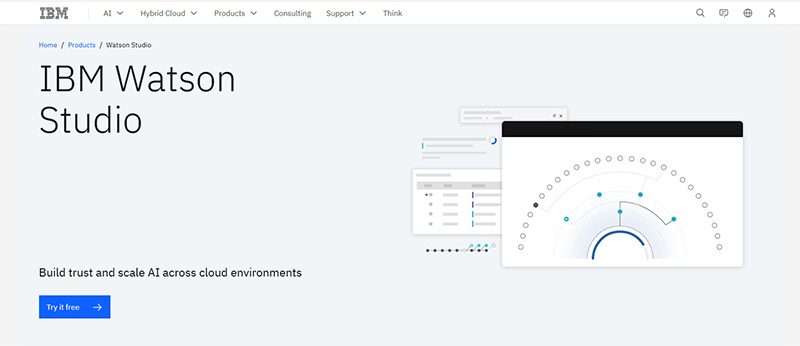
IBM Watson has been a trusted name in technology. It even garnered attention when it guest-starred on Jeopardy! But IBM Watson is now within reach for businesses with the IBM Watson Studio. This is one of the most utilized artificial intelligence solutions that financial and medical institutions could use.
Features:
- Build model pipelines
- Refine data with a graphical flow editor
- Visual tooling
- Open source framework
- Model embedding, monitoring, and management
- Data access through the cloud
- AI model drag-and-drop
- Transaction details
- Lifecycle automation
2. Salesforce Einstein
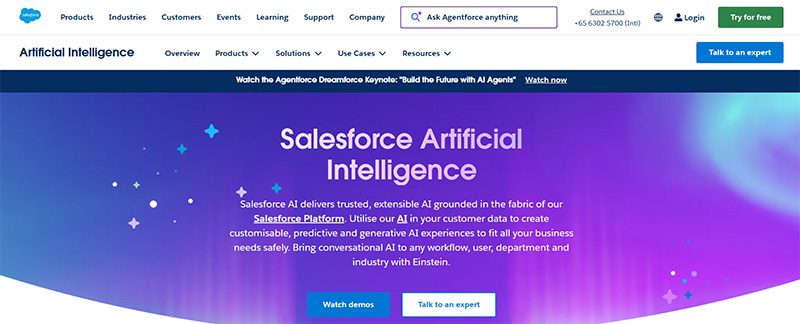
If you need to optimize your CRM tasks, using Salesforce Einstein is your best bet. If you want to get more leads and nurture them, Salesforce Einstein helps you understand them better through deep insights. Plus, you don’t have to do the guesswork anymore. Einstein will help you understand the next steps when nurturing leads and converting them into customers. Not to mention, Einstein can also help you with customer service.
3. Edgeverve ExtractEdge
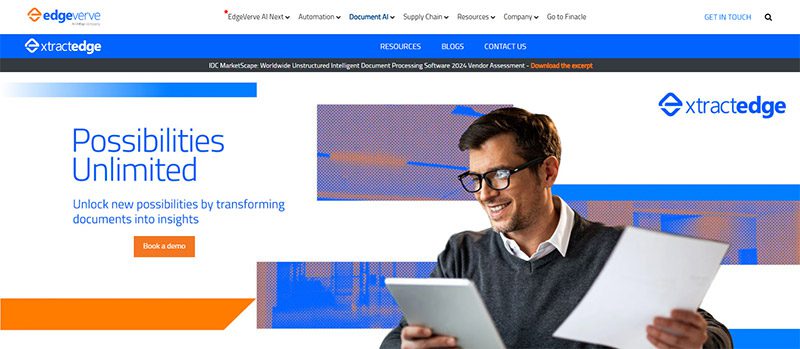
Optimize your business process with Edgeverve ExtractEdge. Previously known as Infosys Nia, your business will have a much more efficient way in processing documents. One of its benefits is getting intelligence from documents. From there, they process the data and help enterprises and businesses with their productivity and decision-making processes. Two industries that can greatly benefit from this artificial intelligence solution are banking and insurance.
4. Azure Machine Learning
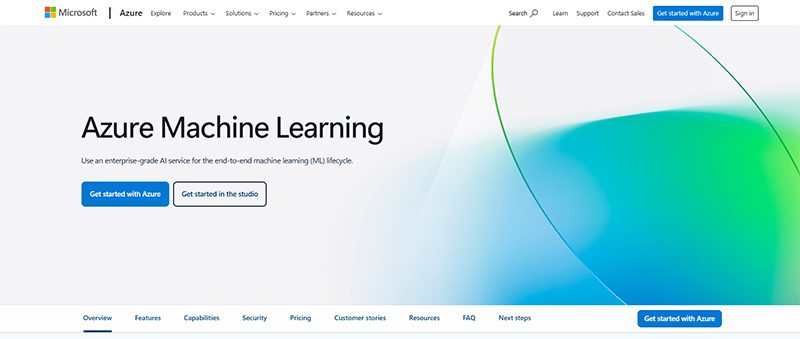
Get things done faster with your own frameworks and models through Azure Machine Learning. This artificial intelligence solution is ideal for data scientists and software engineers to automate and streamline several business processes using Machine Learning. Here are some of their notable features:
- Data labeling
- Collaborative notebooks
- Drag-and-drop machine learning
- Responsible machine learning
- Model registry and audit trail
- Managed endpoints
- Interoperability with other Azure services
- Data preparation
- Automated machine learning
- Reinforcement learning
5. H2O AI
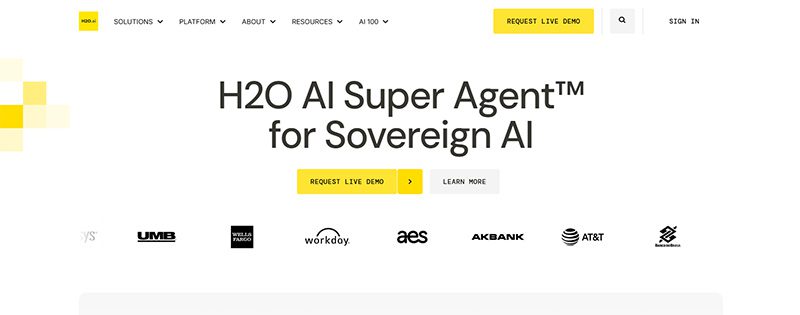
H2O AI is one of the most utilized artificial intelligence solutions because it is jam-packed with features. Not only that, H2O AI can be used by industries or institutions like financial services, governments, health, insurance, manufacturing, marketing, retail, and telecommunications.
With H2O AI, you can ensure that you can build accurate models quickly. Plus, they’re also transparent! You can also analyze business performance and know how to adapt to changes. Plus, you can become an innovator in your field!
Under their Make, Operate, and Innovate approaches, here are their platform’s capabilities:
- Feature Transformation
- Machine Learning
- Explainable AI
- Low Code App Development
- Machine Learning Operations
- AI AppStore
6. Coro
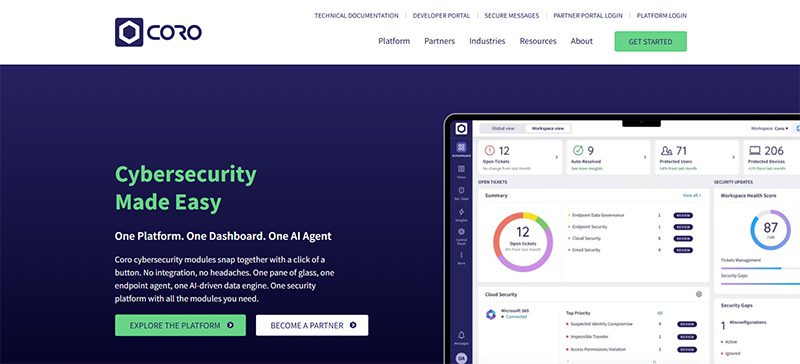
If your business is prone to cyberattacks or cannot afford to have a cyberattack, artificial intelligence solutions can protect you from that. One of them is Coro. Coro ensures that your company is protected from any hacking or malware infecting your emails, devices, and cloud apps! Aside from protecting you, Coro will alert you on your next steps to ensure you’re safe.
7. Vertex AI
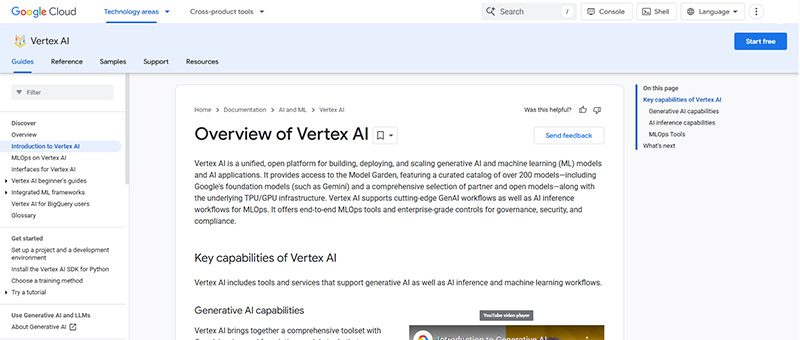
Vertex AI is Google’s own machine learning and AI platform. You can train and deploy your AI or machine learning models. Plus, you can also do the following:
- Data Labeling
- Feature Store
- Workbench
You can launch your models through the Google Cloud, and you can access or view data anytime through Cloud Logging and Monitoring.
8. Rendered.ai
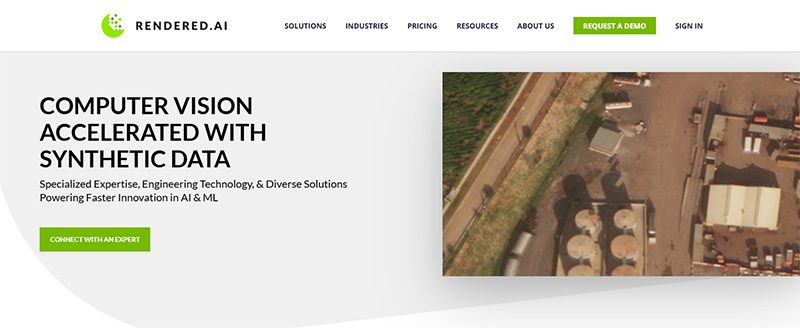
For your autonomous systems, defense applications, or advanced computer vision needs, there’s Rendered.ai. It specializes in generating physics-based synthetic datasets that make it easy for you to train AI models when real-world data is scarce, unavailable, or impractical.
- Autonomous Vehicles and Robotics – Simulate rare driving situations that are too costly or dangerous to see in real life.
- Defense and Aerospace – Can generate synthetic radar, infrared, and multispectral data for training AI models for mission-critical environments.
- Healthcare Imaging – Can create synthetic X-rays to improve diagnostic AI systems
9. Tealium
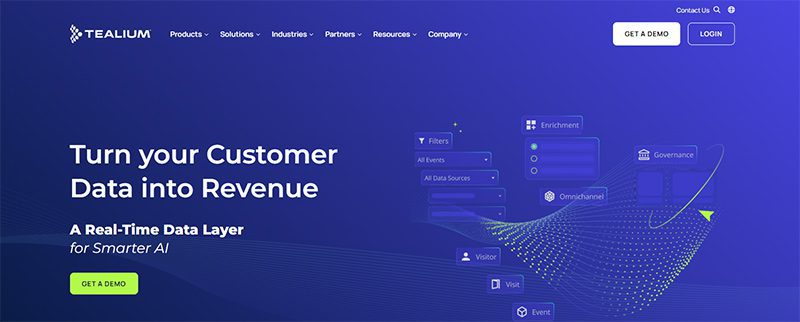
Marketers rejoice, Tealium is an artificial intelligence solution to optimize your marketing campaigns. Tealium ensures that you can grow and acquire your audience! They do it through segmentation and audience insights. But it doesn’t stop there. The AI solution also helps you with loyalty, retention, customer experience, and personalization. Other solutions are:
- Predictive insights and customer analytics
- Data collection and privacy
- Single view of the customer
- Operationalizing mobile data
The industries that can greatly benefit from Tealium are:
- Finance
- Healthcare
- Pharma
- Retail
- Sports & Entertainment
- Travel & Hospitality
10. Sisense
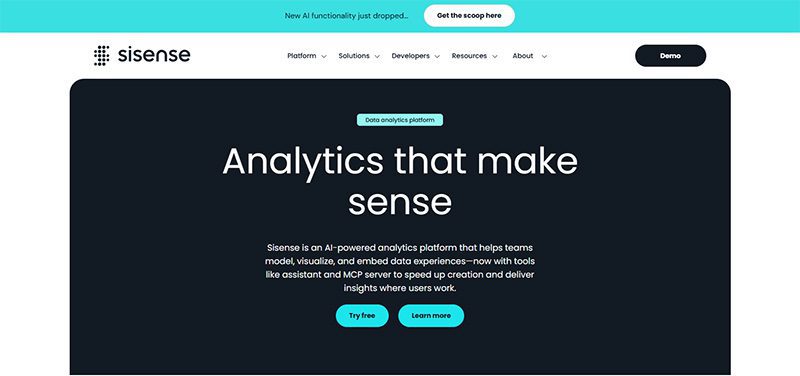
Here’s another business processing AI solution to help your business operate smoothly. Sisense will help you learn more about your company from every department. If you’re running marketing campaigns, Sisense can analyze them and improve your ROI. You can also get data to improve performance. Plus, you can mitigate risk through analytics.
Final Thoughts
Artificial intelligence solutions can streamline business processes, create models for data scientists and software engineers, and analyze data. With AI’s help, you can increase productivity and get more value for your business.




5 Quiet Operational Leaks Costing Fortune 500s Millions

The Biggest Hidden Cost in Healthcare Isn’t Staff Time. It’s Operational Friction.

5 Things Even Fortune 500 Companies Quietly Waste Money On

The Biggest Hidden SaaS Cost Isn’t Ads—It’s Post-Click Execution

Top 10 Artificial Intelligence Solutions Your Business SHOULD Use

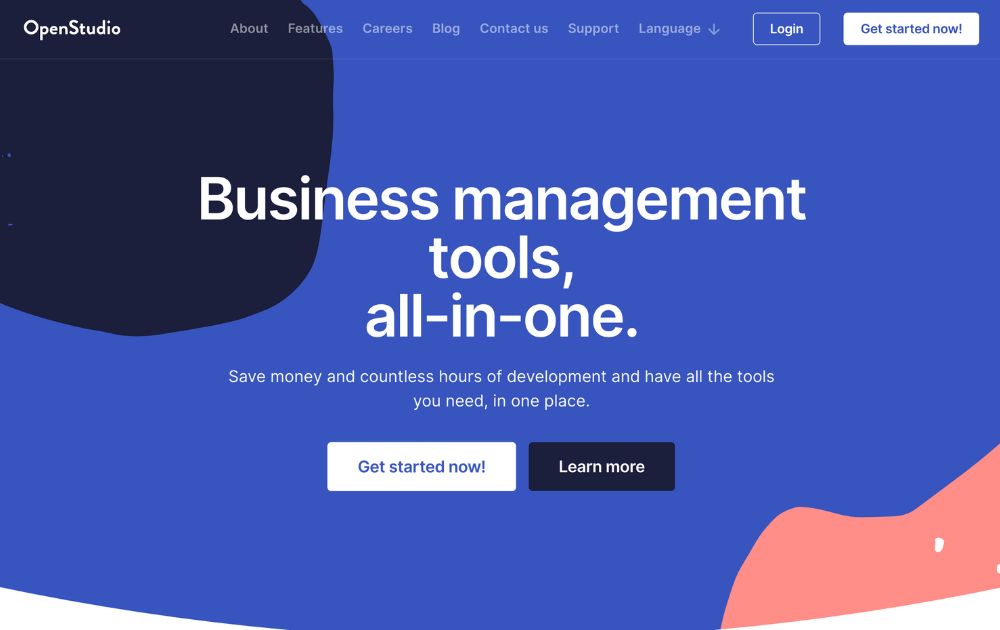
OpenStudio – Business Management All-In-One

What’s the best logo design agency in Los Angeles?

How to Determine Which Social Network Is Right For Your Business

Know These Logo Statistics and Facts to Grow Your Business

How To Do Business Marketing For Free
OpenStudio – Business Management All-In-One
Top 10 Artificial Intelligence Solutions Your Business SHOULD Use

Here’s How You Can Scale Your Business Beyond a 7-Figure Revenue

What’s the Best Design Agency in Las Vegas?
 Business3 days ago
OpenStudio – Business Management All-In-One
- Technology3 days ago
Top 10 Artificial Intelligence Solutions Your Business SHOULD Use
- Uncategorized4 days ago
What’s the Best Design Agency in Arizona for Small Businesses?
- Business4 days ago
What’s the best logo design agency in Los Angeles?
- People3 hours ago
The Biggest Hidden Cost in Healthcare Isn’t Staff Time. It’s Operational Friction.
- Uncategorized5 hours ago
The Biggest Hidden SaaS Cost Isn’t Ads—It’s Post-Click Execution
- Business2 hours ago
5 Quiet Operational Leaks Costing Fortune 500s Millions
- Business4 hours ago
5 Things Even Fortune 500 Companies Quietly Waste Money On


