Top 10
What’s the Best Design Subscription Service? Here’s What to Know


What’s the best design subscription service? It’s a common question among users looking for the best design subscription service that will give them the best value for their money.
Whether you’re looking for an influencer marketing tool to help you earn more followers or a content marketing tool to boost your business, here are the top graphic design services you should consider:
1. Penji
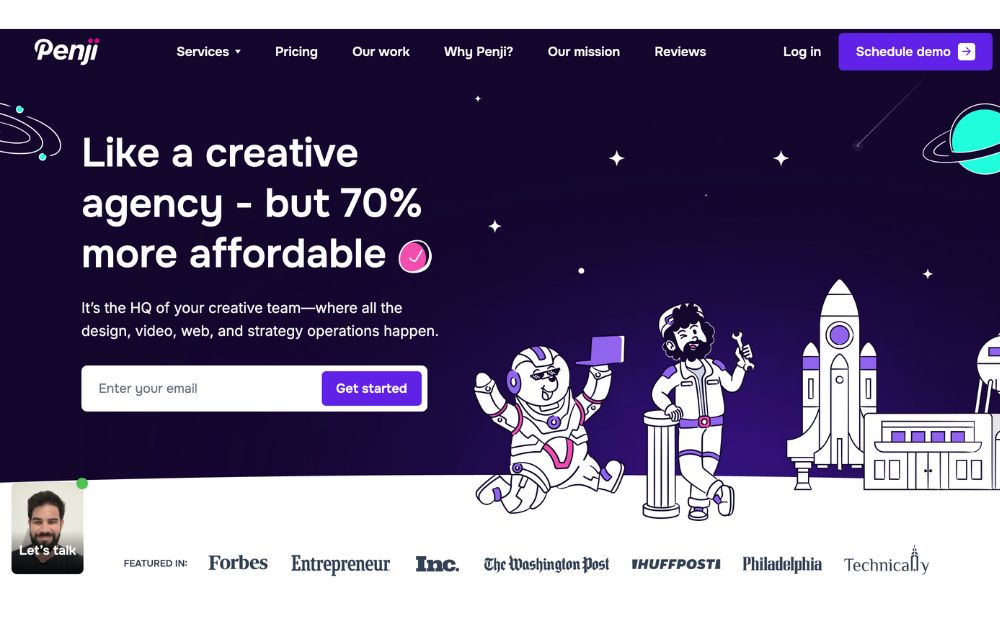
For those looking for the best unlimited graphic design, Penji remains to be the top contender. Offering unlimited designs and unlimited revisions at a flat monthly rate, the platform provides access to the world’s top 2% designers, with a turnaround time of 24-48 hours.
Why we recommend Penji: The platform offers superb designs by professional designers at a predictable price per month. It also offers a dashboard and a point-and-comment app feature that speeds up revisions.
2. ManyPixels
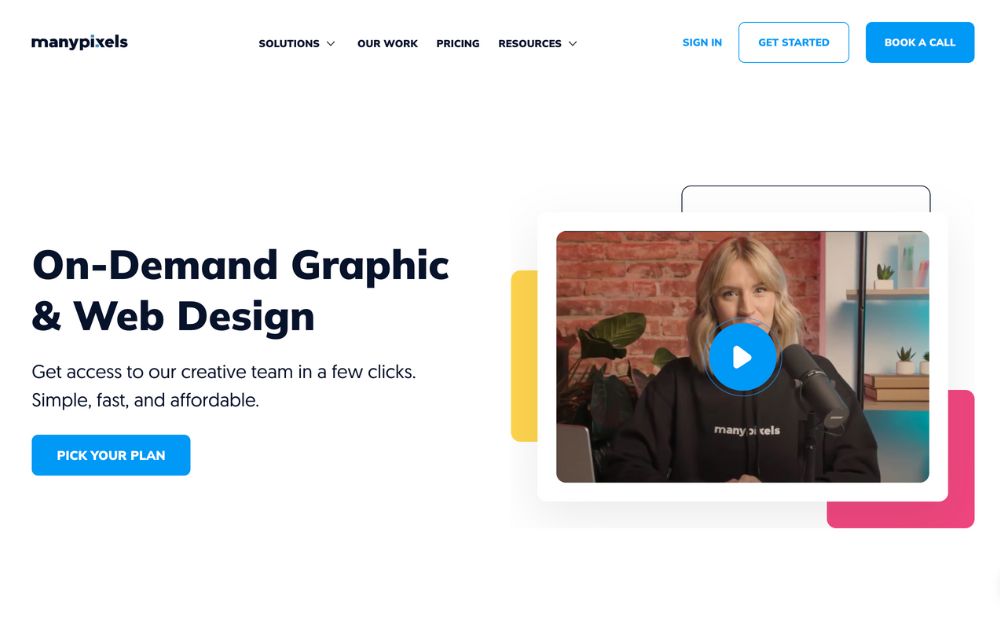
ManyPixels makes it easy to get designs without having to go through the process of hiring an in-house designer. You only need to put in a request, review the design, and approve or request for a revision.
Why we recommend ManyPixels: This graphic design company promises to deliver designs in 1-2 days and offers on-demand graphic design at a flat monthly rate.
3. Superside
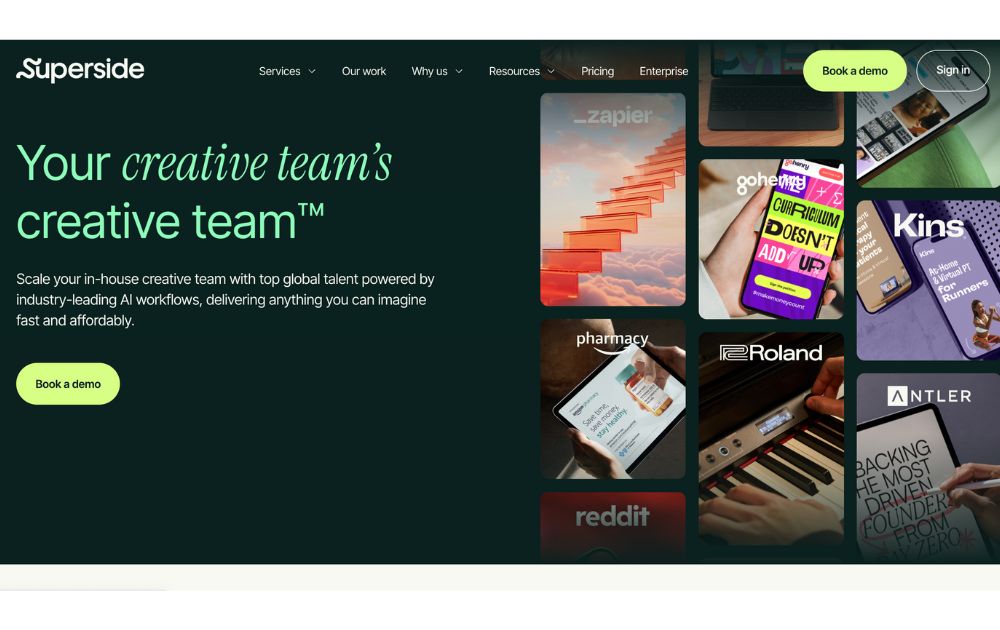
Superside takes pride in providing graphic design powered by AI workflow. However, its clientele may be restricted to bigger corporations, with subscriptions starting at $10,000 as per its website.
Why we recommend Superside: Superside offers enterprise-scale models and creative talent from all over the globe.
4. Design Shifu
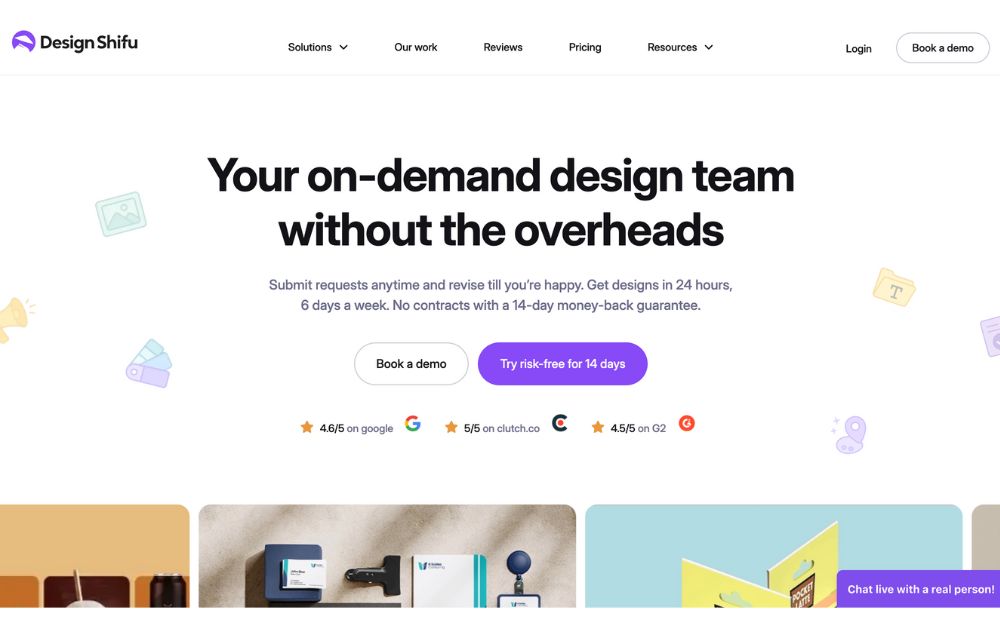
If you’re looking for a more affordable option, Design Shifu would be right up your alley. Though it’s fairly new and has limited reviews online, it’s proving to be a good option for those who are new design subscription services.
Why we recommend Design Shifu: For those testing out the waters, this platform has a relatively cheap plan at $199 but it only comes with 5 design credits.
Featured image credit: Michael Burrows from Pexels





Are you looking to create a stunning presentation that keeps your audience engaged? It would be best if you had excellent presentation software to take your slides to new heights. Let’s review the ten best presentation software in 2026 so you can choose the best for your business.
1. Visme
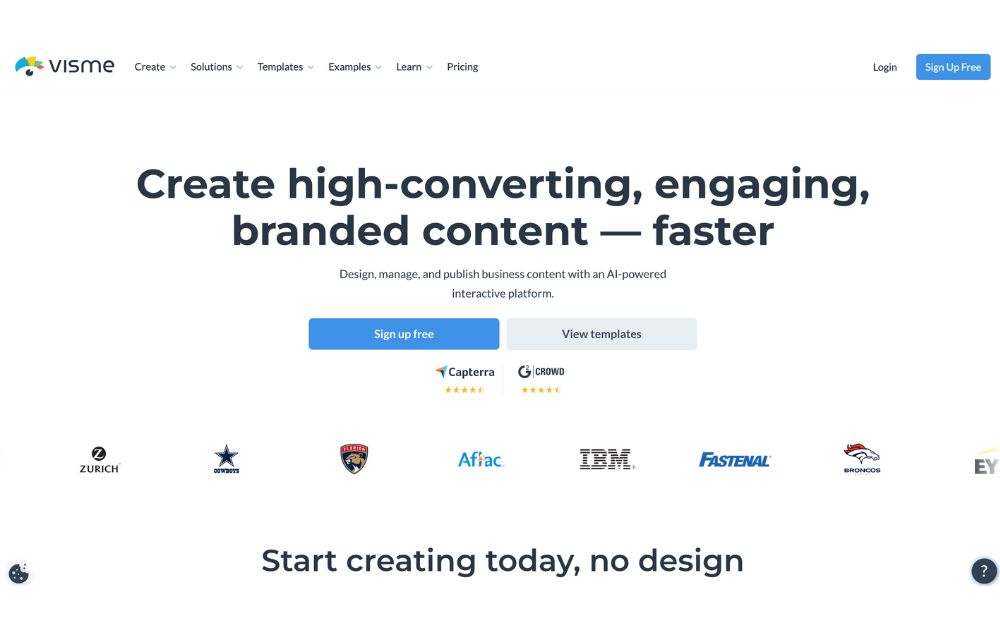
Visme is a cloud-based presentation software that enables users to create visually engaging and interactive presentations, infographics, and other visual content. Its user-friendly drag-and-drop interface makes it easy for users to add text, images, charts, and other elements to their presentations. Likewise, it offers design options like custom color schemes, fonts, and layouts. On top of that are interactive features like videos which can engage audiences and make the presentation more interactive.
Visme also offers collaboration features that allow multiple users to work on a presentation simultaneously. Users can also share it for feedback and review.
Best for: Visme is perfect for small and large businesses, marketers, project managers, content creators, and educators.
Pricing:
- Personal: $12.25/month paid annually
- Business: $24.75/month paid annually
- Enterprise: Custom
2. Prezi
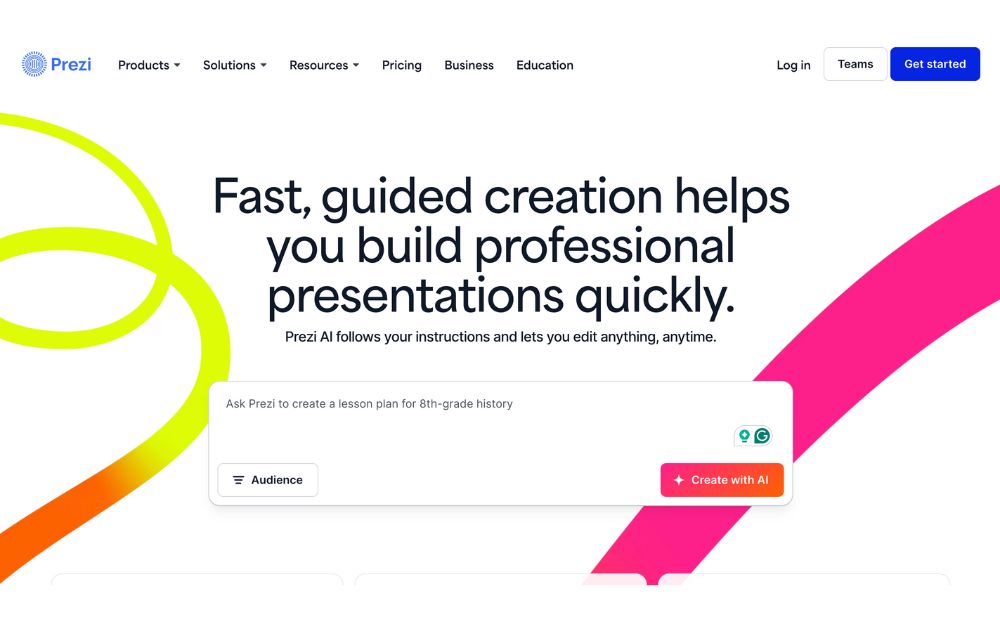
Prezi offers a great alternative to the typical presentation format that goes slide by slide. Prezi’s creative idea is to create an animated, non-sequential flow of slides with hidden topics and subtopics until you zoom in. While Prezi’s interface can be slightly complicated, it is a good option for people who want to add a creative touch to their slides.
Best for: Businesses and educators.
Pricing:
- Free plan: $0
- Plus: $15/month
- Premium: $25/month
- Teams: Starts at $39/month
3. Google Slides
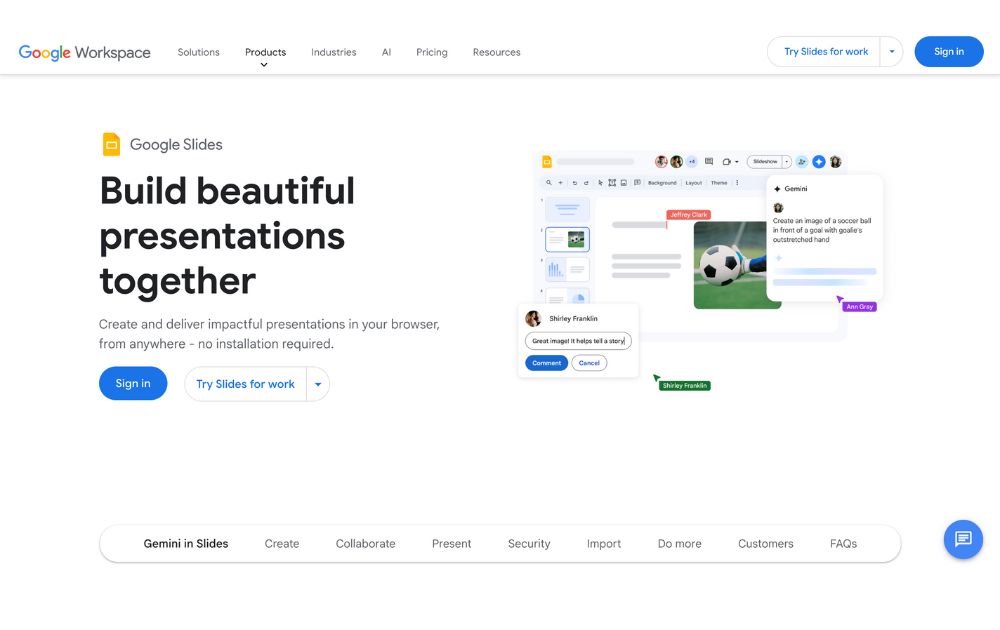
One of the most used tools online, Google Slides is a web-based presentation software part of the Google Suite of productivity tools. Google Slides is a web-based presentation software part of the Google Suite of productivity tools. It enables users to create, edit, and share presentations online, and it is similar in functionality to other presentation software such as Microsoft PowerPoint.
With Google Slides, users can create a new presentation from scratch or use one of the many templates provided by Google. Users can add text, images, charts, and other elements to their presentations using a simple drag-and-drop interface. Google Slides also offers a wide range of design options, including custom color schemes, fonts, and layouts, as well as the ability to add animations, transitions, and other effects to slides.
Best for: Business professionals, educators and students
Pricing:
- Free to use for anyone with a Google account.
- Plans for business accounts start at $6.30/user/month.
4. Keynote
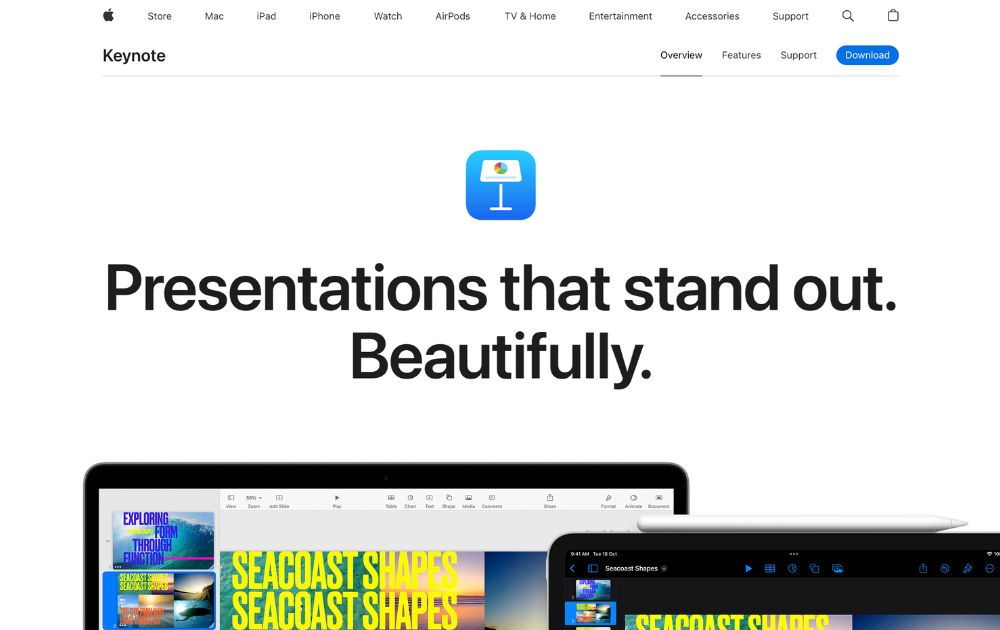
Keynote is an Apple presentation software and one of the original alternatives to Microsoft’s PowerPoint. The best thing with Keynote is that it is the most similar to PowerPoint and Google Slides.
Best for: Keynote is good for businesses, educators, and individuals.
Pricing: Free for anyone with Apple ID
5. Microsoft PowerPoint
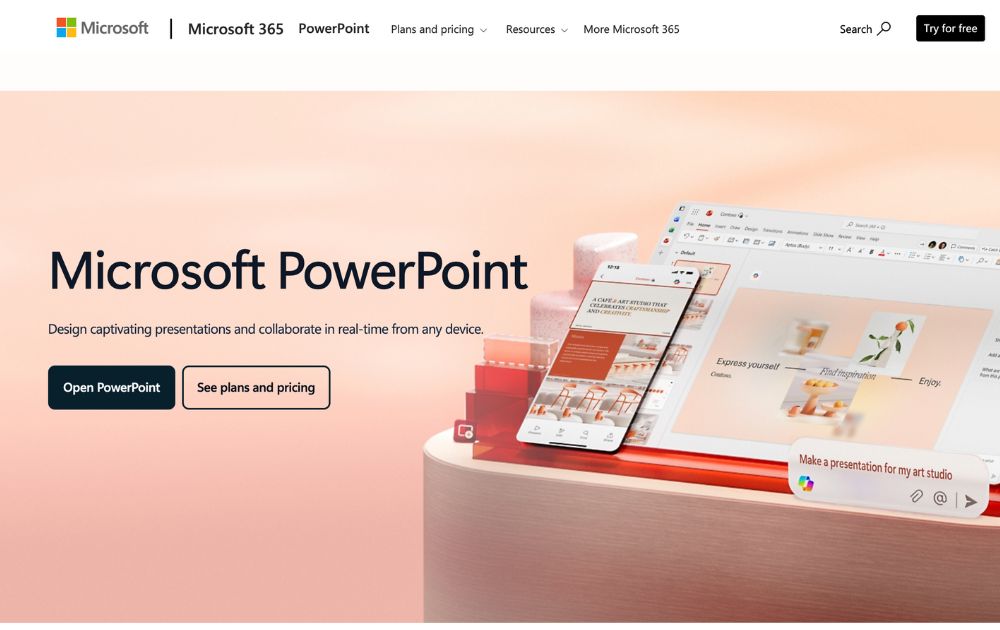
Microsoft PowerPoint is the world’s most widely used presentation software. It is similar in functionality to other presentation software such as Apple Keynote and Google Slides.
PowerPoint also offers collaboration capabilities, including sharing presentations for feedback and review. It also allows users to work on presentations with other users simultaneously. Plus, it enables users to export their presentations in PDF, PPTX, and JPG formats.
Best for: Businesses, individuals, students, teachers and individual who use a Windows PC or device.
Pricing:
- Free to download on desktop or mobile devices
- Microsoft 365 Personal starts at $9.99/month
6. Ludus
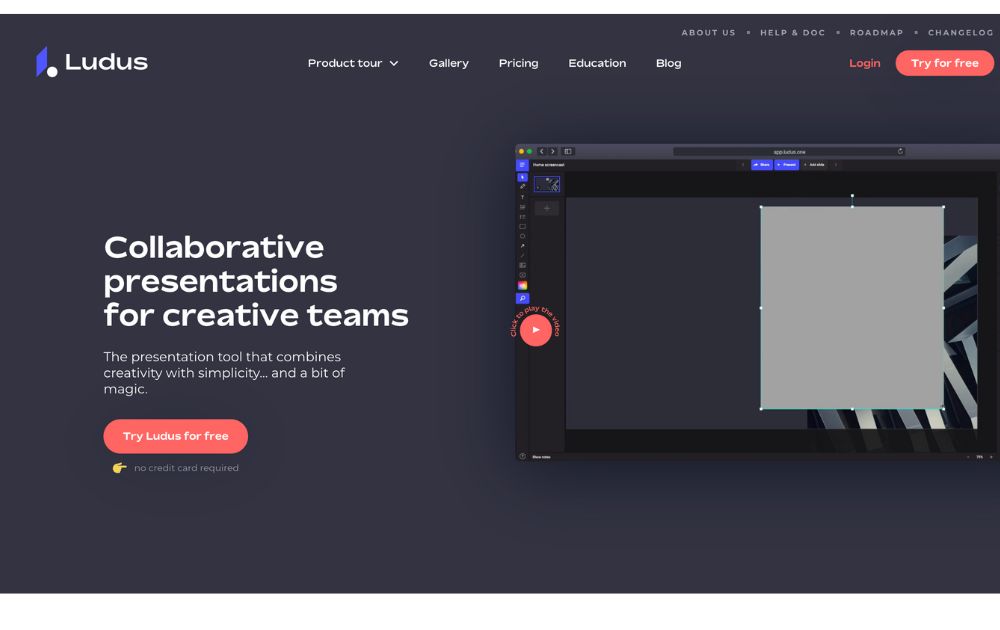
Ludus is one of the coolest presentation tools available online. The main attractions of Ludus are the clean black screen to edit on and the number of integrations that provide importing capabilities for all sorts of content.
Best for: Designers and business owners
Pricing:
- Starts at $14.90/month for teams of 1-15 people.
- Offers a 30-day free trial
7. Slides
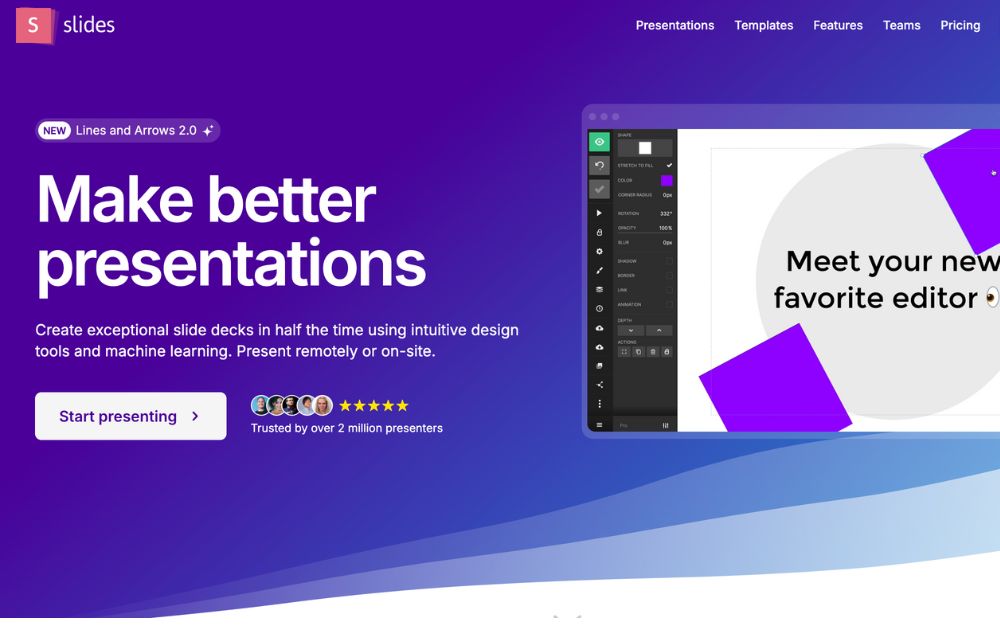
Slides promotes itself as “pixel-perfect” presentation software. Its editor includes a built-in grid to help with composition. Slides have a lower cost at the highest price tag, which suits smaller businesses.
Best for: Small business owners, startups, and individuals.
Pricing:
- Free plan
- Paid plans start at $5/month
8. Slidebean
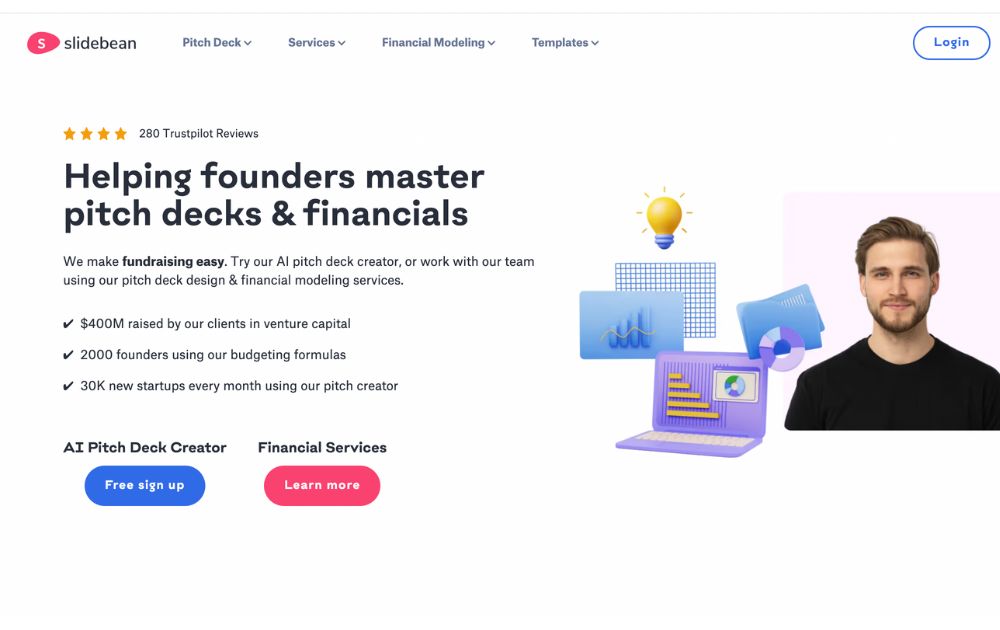
SlideBean is a cloud-based presentation software that enables users to create visually engaging and professional presentations quickly and easily. The software is developed as user-friendly and intuitive, making it easy for users to create high-quality presentations without any design experience.
Slidebean also takes pride in its AI pitch deck creator, which offers a fast way to create a presentation.
Best for: Small businesses, startups, and entrepreneurs.
Pricing:
- Paid plans start at $12/month
9. Beautiful.ai
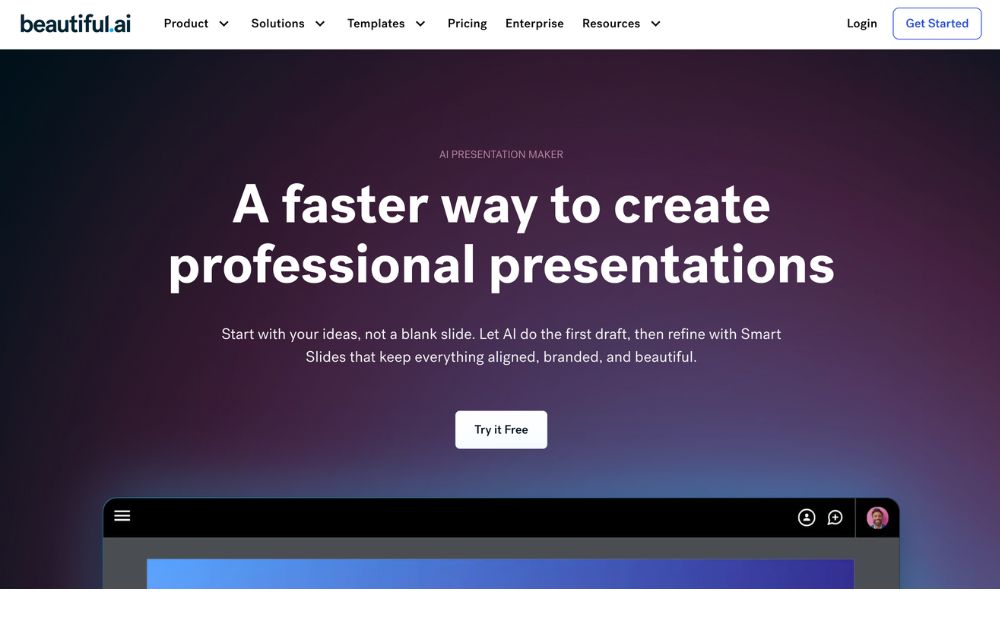
The cloud-based presentation software Beautiful.ai uses artificial intelligence to help users create visually stunning and professional-looking presentations. It has user-friendly and intuitive features, making it easy for users to create high-quality presentations without any design experience.
Best for: Beautiful.ai is a perfect tool for beginners and non-designers.
Pricing:
- Pro plan: $12/month, billed annually
- Team plan: $40/month, billed annually
- Offers a 14-day free trial
10. Zoho Show
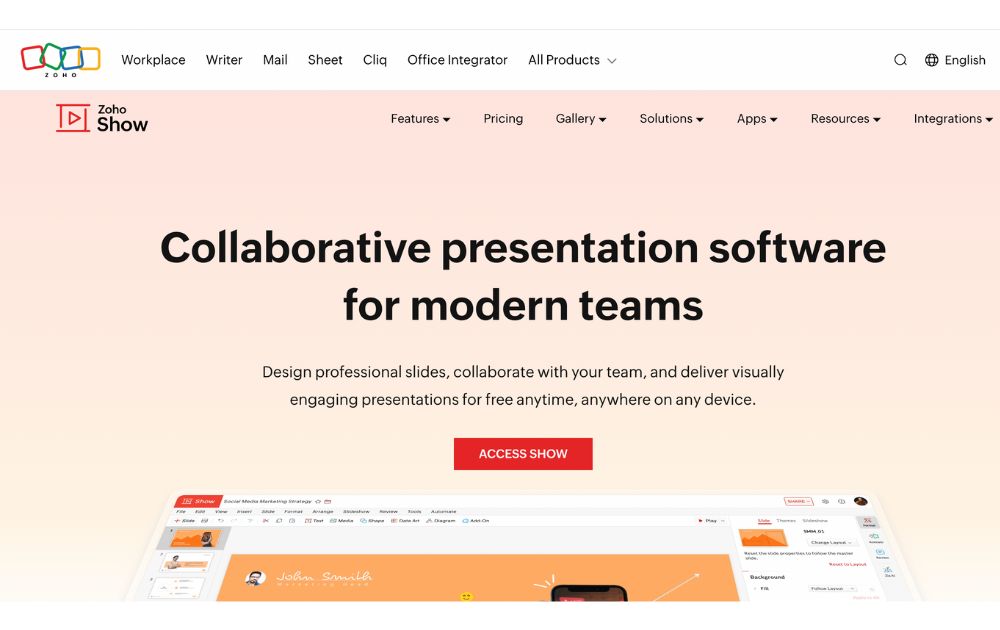
Zoho Show is a web-based presentation software developed by Zoho, a company that provides a suite of productivity and collaboration tools. It is part of the Zoho Office Suite, which also includes tools such as Zoho Writer for word processing, Zoho Sheet for spreadsheets, and Zoho Meeting for online meetings.
With Zoho Show, users can create a new presentation from scratch or use one of the many templates provided. Users can add text, images, charts, and other elements to their presentations using a simple drag-and-drop interface.
Best for: Businesses, entrepreneurs, educators, and students.
Pricing:
- Free plan: up to 5 users
- Paid plans start from $2.5/user/month, paid annually
The Lowdown
Presentation software is the most common tool used to pitch an idea to investors and present proposals to prospective clients. Likewise, it is utilized by many organizations to introduce new products or services, train staff on new policies, or teach students new or complex concepts. The collection of the best presentation software will help broaden your choices regarding the tools that will improve your productivity.
Featured Image Credit: Photo by RDNE Stock project from Pexels


Social media managers have a lot on their plates. Creating, scheduling, and publishing posts can take up a huge chunk of their time. Fortunately, there are social media schedulers that can make your life easy. Here is our list of the 10 best:
Best Time and Day to Post on Social Media
Before we discuss the top 10 social media scheduling apps, you might wonder what the best time is to post on social media. Search Engine Journal and Sprout Social report that the best days to do it are Tuesday through Thursday. Meanwhile, the best time to post it is from 9 AM to 10 AM on those days. Avoid posting on Sundays.
But should you follow this?
The thing is, you don’t have to follow this social media best practice. One way to determine the best day and time to post for your business is through testing. For example, you can post at 2 PM ET for two weeks. Then, you can run a new test by switching to 3 PM after two weeks.
Now, let’s hop into the top 10 social media scheduler apps you can try.
1. Buffer
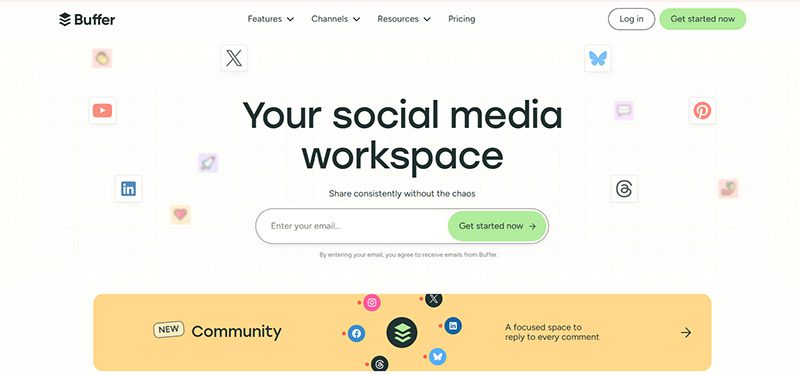
Buffer is an all-in-one social media management tool. Beyond being a social media scheduling tool, it can help you level up your social media marketing. You can add the first comment on your Instagram post and drive more traffic to your website. Aside from that, you have control before publishing your TikTok posts. Buffer will send you a notification, and you can approve the post before it goes out.
Pricing:
- Free
- Essentials – $6/mo/channel
- Team – $12/mo/channel
2. Hootsuite
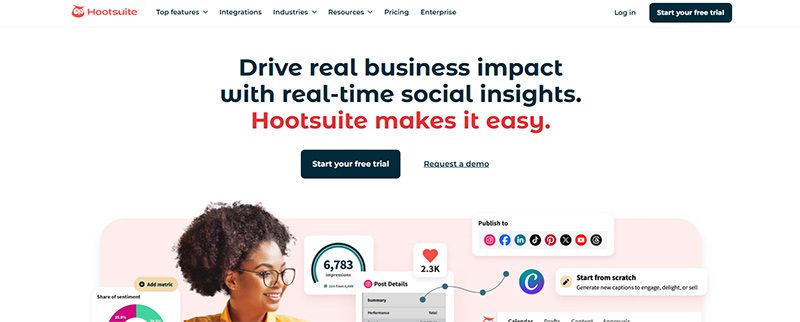
Hootsuite has been a well-known social media scheduler since the early 2010s. And the social media management tool is still the leading choice for 200,000+ businesses worldwide. Once you subscribe to Hootsuite, you can access its Hootsuite Planner. This enables you to schedule posts at any time. Plus, you can publish bulk posts on different social media channels, such as Facebook, Instagram, Twitter, and LinkedIn.
Pricing:
- Standard – $149/user/mo
- Advanced – $399/user/mo
- Enterprise – Contact sales
3. Agorapulse

If you need a collaborative social media scheduler, Agorapulse is one of the best options for your team. Team members can approve, reject, and leave feedback on draft posts before scheduling them. And if you manage different brands, you can organize and store files in folders. Aside from that, they have a rescheduling feature. This allows you to republish an old post and promote it again on your social media channels. Plus, if you’re on the go, they have an app too!
Pricing:
- Standard – $99/user/mo
- Professional – $149/user/mo
- Advanced – $199/user/mo
- Custom – Contact sales
4. SocialPilot
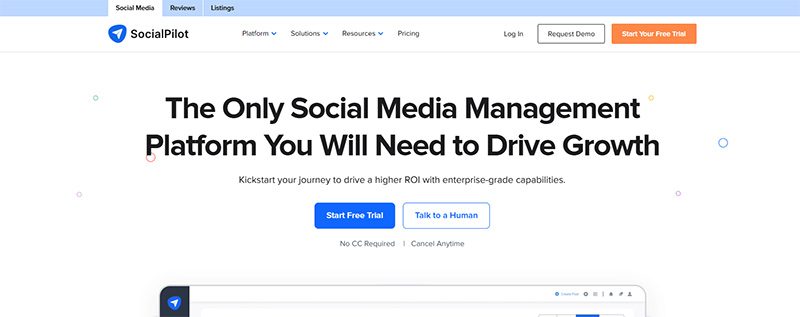
If you want an all-around social media scheduler, SocialPilot should be one of your top choices. You can publish posts on the following platforms:
- TikTok
- YouTube
- Google Business Profile
Aside from that, you can publish 500 posts in one go! You don’t have to worry about posting every week or month. You can be ahead and save time to do other tasks!
Pricing:
- Essentials – $30/mo
- Standard – $50/mo
- Premium – $100/mo
- Ultimate – $200/mo
- Enterprise – Contact sales
5. Sprout Social
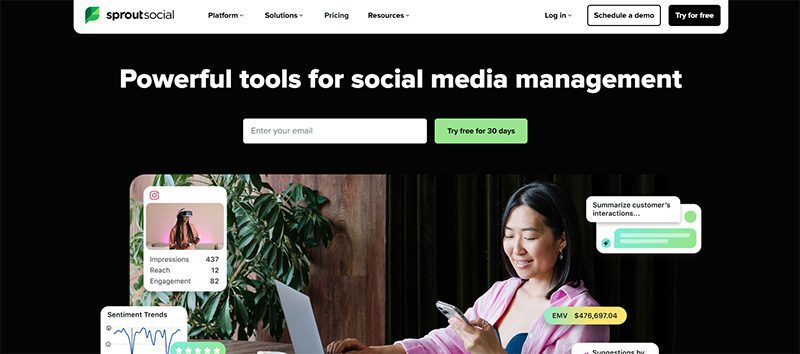
eCommerce businesses and agencies will benefit from using Sprout Social. For eCommerce businesses, they can integrate Shopify and Facebook Shops into Sprout Social. You can share your assets seamlessly on Sprout Social.
Meanwhile, agencies can benefit from Sprout Social’s asset library and message-approval workflows. This allows collaboration between your teams and clients.
Another useful feature of Sprout Social is content suggestions. If you run out of inspiration, Sprout Social can provide post ideas to help you create engaging content.
Pricing:
- Standard – $199/per seat/mo
- Professional – $299/per seat/mo
- Advanced – $399/per seat/mo
- Enterprise – Request a demo
6. MeetEdgar
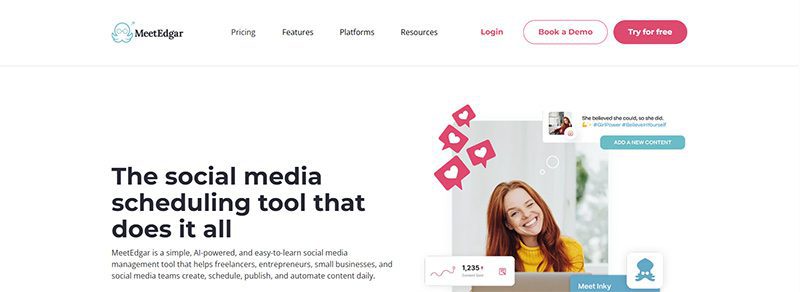
If you want to organize your social media posts according to categories, MeetEdgar should be one of your top choices. The platform allows you to create “Categories.” This enables you to organize the content you want to share on a specific social media platform. Aside from that feature, you can also easily upload your assets to your library and import content. Finally, get an overview of your postings for the next two weeks and review them before they’re published!
Pricing:
- Eddie – $29.99/mo
- Edgar – $49.99/mo
7. SocialBee
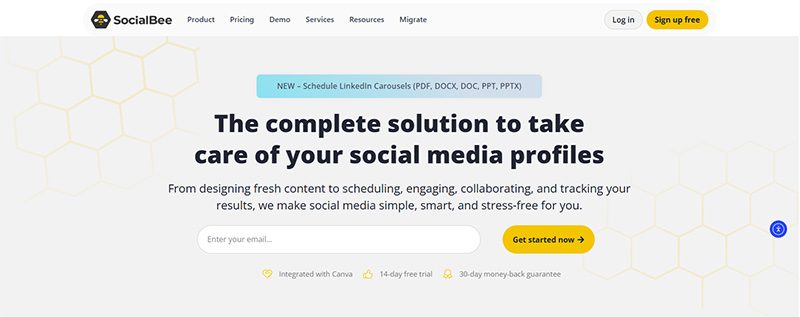
SocialBee is an excellent choice for social media experts who need more control over scheduling and publishing. You can choose to publish your content on ALL active social media platforms or select channels. Plus, SocialBee has a recurring schedule feature where you can repost old content at a later time. However, you can reverse the recurring feature by “expiring” a post. You can stop it when it reaches a number of shares or after a certain time.
Pricing (Standard):
- Bootstrap – $29/mo
- Accelerate – $49/mo
- Pro – $99/mo
Pricing (Agency):
- Pro50 – $179/mo
- Pro100 – $329/mo
- Pro150 – $449/mo
8. Later

Does your business love reposting user-generated content? Later is the best option for your business. You can follow a hashtag on the dashboard and share the post immediately on your social media channels. When uploading assets, you can use the library or connect your Google Drive or Dropbox account for seamless uploads. Finally, you can download their Chrome extension for faster sharing of images to share on your social media accounts.
Pricing:
- Starter – $25/mo
- Growth – $50/mo
- Scale – $110/mo
9. Pallyy
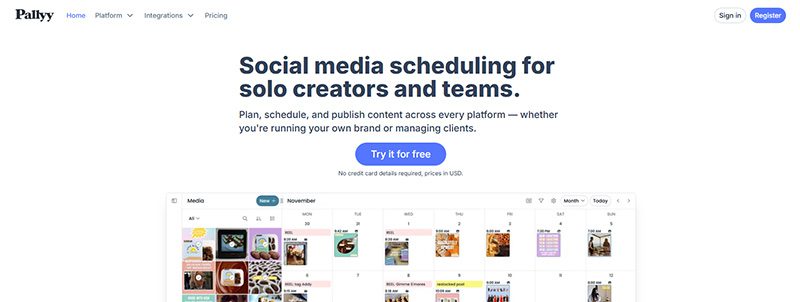
If you run an agency and need a social media scheduling tool, you should consider Pallyy as your primary social media management tool. You can create brand folders to organize posts. You can also select what post you’re publishing on the dashboard. Plus, it’s easy to collaborate with team members and leave drafts for next time. With Pallyy, you can post on popular social media sites like Facebook, Twitter, Instagram, and TikTok.
Pricing:
- Starter – $15/mo
- Pro – $25/mo
- Agency – $99/mo
- Scale – $199/mo
10. Planable
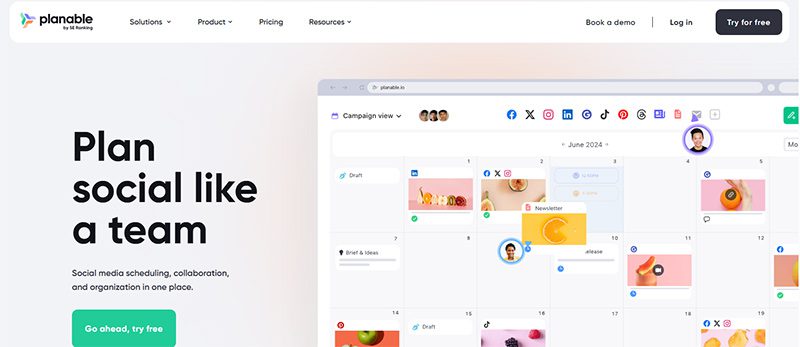
Planable is another social media scheduler focused on team collaboration. Before a team member schedules or publishes a post, other team members can chime in with feedback. Plus, like most apps on this list, you can preview a post before publishing it to your social media channels. Many businesses that use this app have saved time by scheduling multiple posts to various channels.
Pricing:
- Free
- Basic – $39/workspace/mo
- Pro – $59/workspace/mo
- Enterprise – Contact sales

Maximizing ROI in 2026: The Top 10 Facebook Ads Strategy Ideas to Try

What’s the Best Design Agency in Austin for Businesses in 2026?

What’s the Best Design Agency in Jacksonville?
Die Logik hinter dem Zufall – Vulkan Vegas Casino analysiert
Wie Wildz Casino Zufall in messbare Chancen verwandelt
Play frank casino bonus code
Die Wissenschaft des klugen Spiels bei Wildz Casino

Top 10 Presentation Software To Use in 2026

Top 10 Video Marketing Agencies You Must Check Out in 2026

Top 10 Social Media Scheduler Apps to Automate Your Postings

How Marketing Optimization Tools Level Up Your Marketing Game

The Top 8 Webinar Platforms For Your Next Virtual Event or Demo
Maximizing ROI in 2026: The Top 10 Facebook Ads Strategy Ideas to Try

What’s the Best Graphic Design Service for Ongoing Marketing?
 Business1 hour ago
Maximizing ROI in 2026: The Top 10 Facebook Ads Strategy Ideas to Try
- Uncategorized4 days ago
Logik, Zahlen und Strategie: Das Fundament im Vox Casino
- Uncategorized4 days ago
Richard casino sign up bonus
- Uncategorized4 days ago
King s casino live stream heute
- Uncategorized4 days ago
Wild joker casino no deposit bonus codes
- Uncategorized4 days ago
Locowin casino
- Uncategorized4 days ago
Princeali casino
- Uncategorized4 days ago
Verde casino registration bonus
- Uncategorized4 days ago
Xrp casino coin
- Uncategorized4 days ago
Ritzo casino