Technology
Top 10 Tablets to Use in 2023

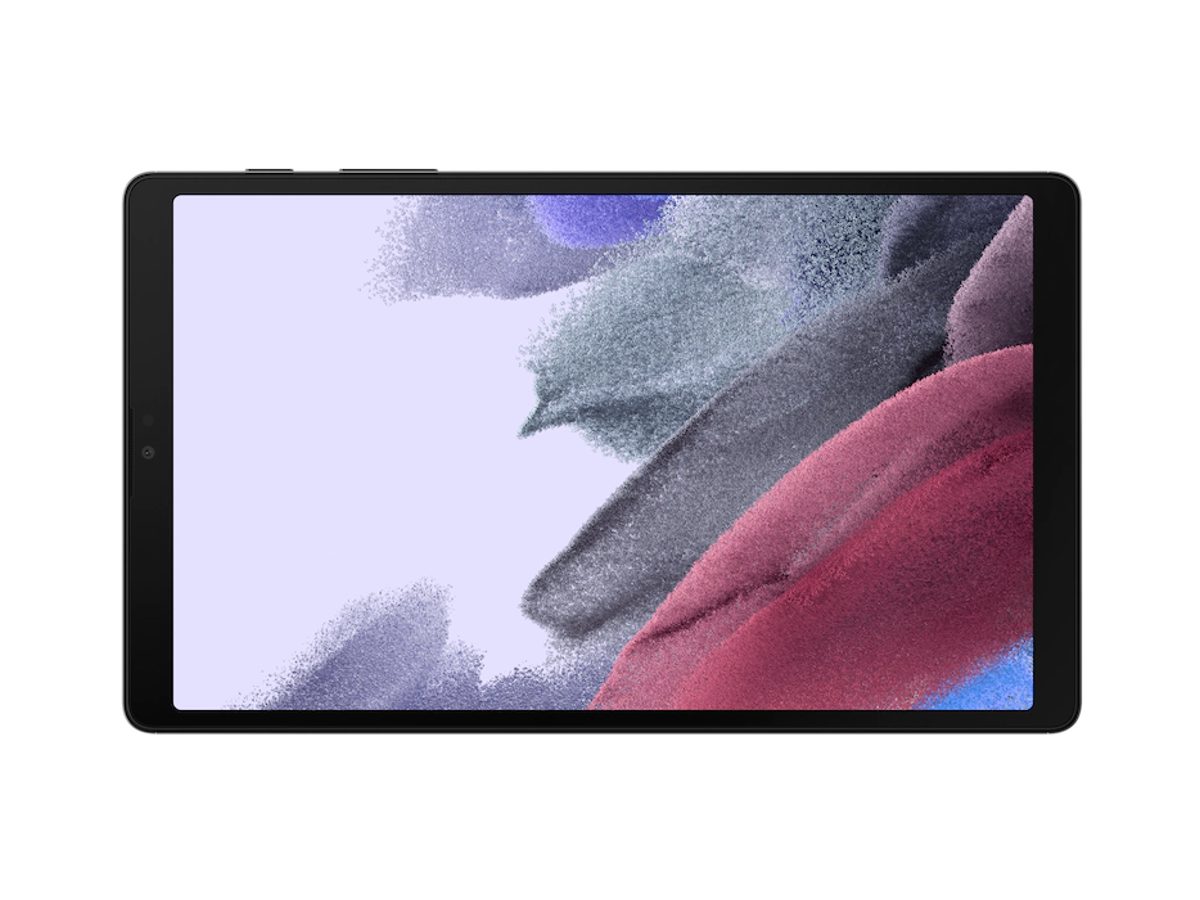
Tablets have become a handy companion for anyone on the go. You don’t have to bring a heavy laptop anywhere and worry about finding a plug since most tablets have longer battery life than laptops. Not only that, but many tablets have multitasking features allowing you to work and play all day. But which tablets are the best? Here are our top 10 tablets of 2023 that are smaller than 9 inches!
1. iPad Mini
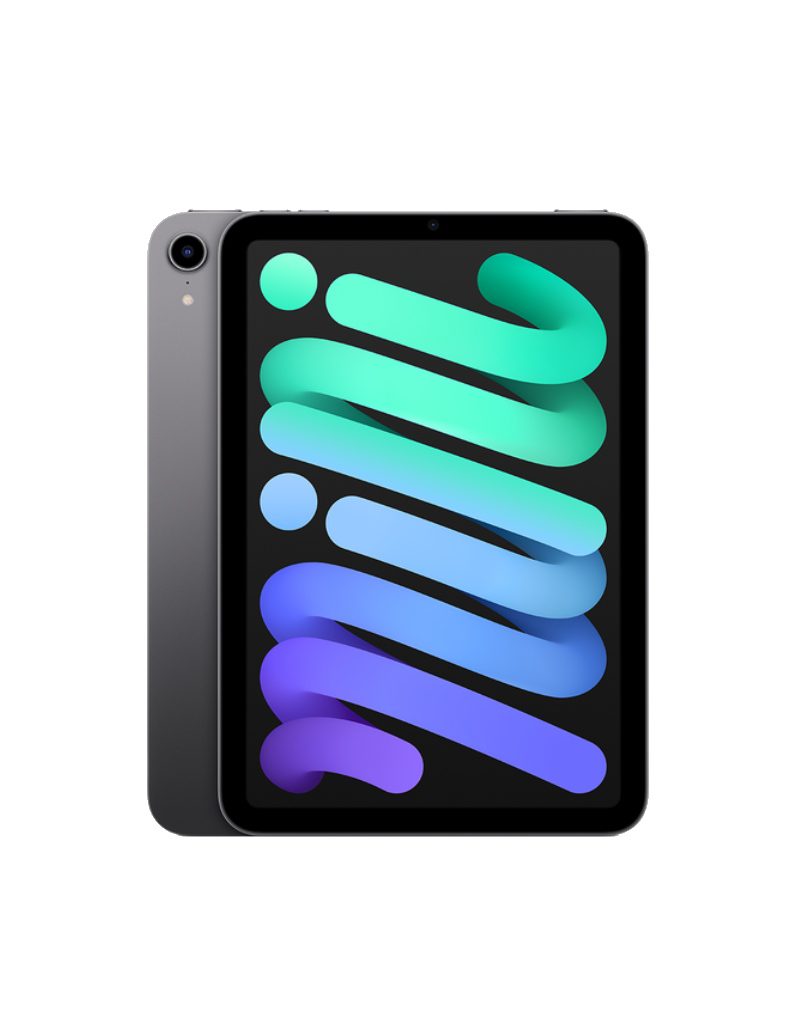
Size: 8.3”
Price: Starts at $499
The iPad Mini may be smaller than Apple’s other iPad products, but it packs a punch. It has all the features you can find in most iPad products and is light enough to bring anywhere. With the iPad mini, you can do everything like draw or illustrate, play games, and watch Apple TV without a hitch.
Despite its amazing features, jelly scrolling is one major drawback of using the iPad mini. What happens is that part of the screen doesn’t load yet, creating a jelly-like effect. Even so, the iPad mini is one of the best tablets out there.
2. Samsung Galaxy Tab Active3
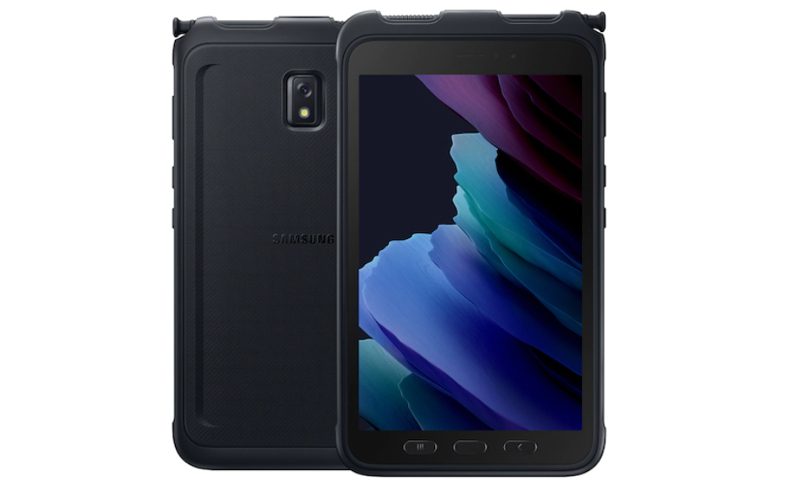
Size: 8”
Price: $569.22
If you love staying active and need a handy and rugged tablet to keep you company, the Samsung Galaxy Tab Active3 is one of the top 10 tablets of 2023. You can dock the Active3 tab on your bicycle or even use it for mountain climbing.
Plus, you don’t have to worry if you’re getting splashed with water during your rides or climbs since this is a water and dust-resistant tablet. Additionally, medical professionals can also use this to treat patients even without taking their gloves off. Some caveats many users find when using the Active3 are its outdated design and price.
3. Samsung Galaxy Tab A7 Lite
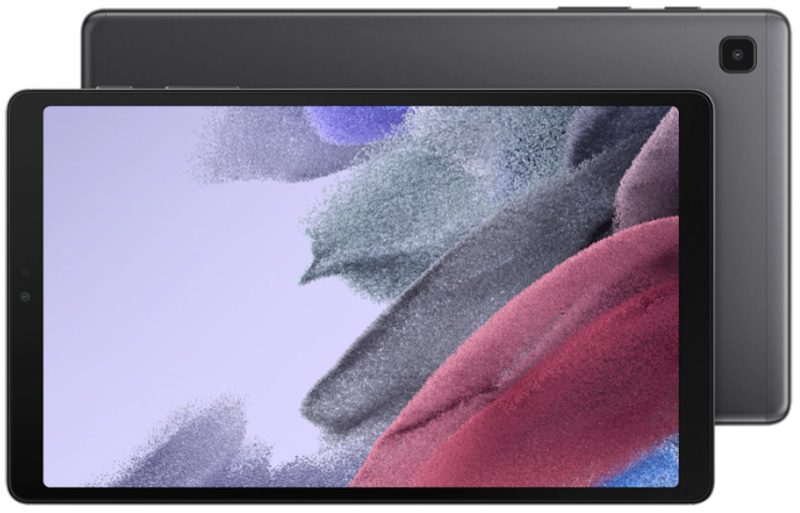
Size: 8.7”
Price: Starts at $159.99
Here’s another Samsung entry on this list of the top 10 tablets of 2023. This is an ideal tablet for families who love streaming their favorite shows and movies anywhere. Plus, if your family owns other Samsung devices, you can connect to the A7 Lite without any problems, making it seamless to use your apps. However, the A7 Lite isn’t the best at photos, and you might experience performance issues.
4. Lenovo Tab M8 HD
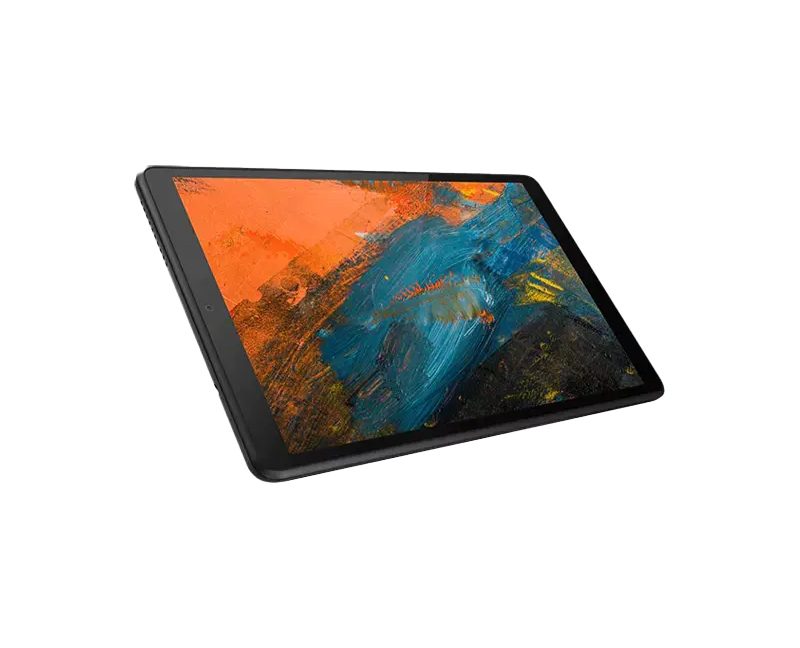
Size: 8”
Price: Starts at $89.99
Although released in 2019, the Lenovo Tab M8 HD is still one of the top tablets to use beyond its release date. The M8 HD is another great tablet for streaming and playing games because of its long battery life. It’s also engaging to use because of the display.
However, even with Dolby Audio, the Lenovo Tab M8 isn’t exactly the best at sound. Plus, the tablet can be a little slow at times.
5. Amazon Fire HD8
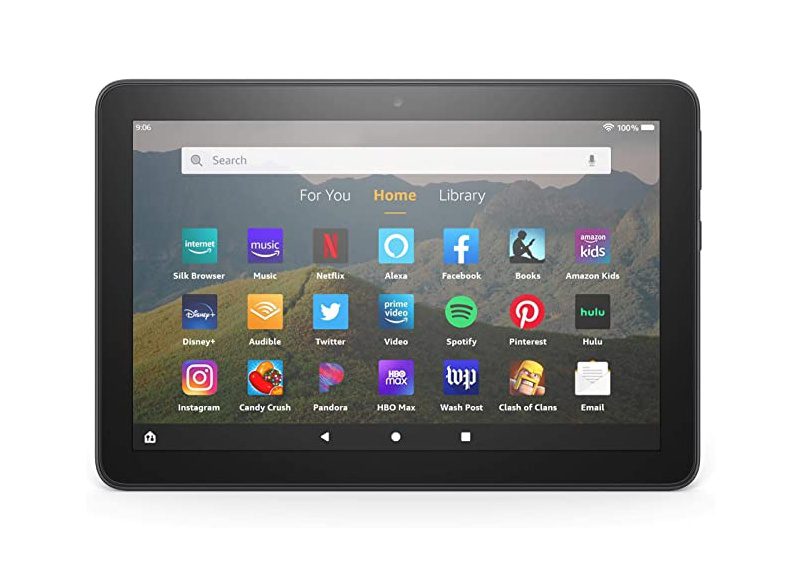
Size: 8”
Price: Starts at $89.99
Even if Amazon is releasing its newest Fire HD8 generation on Oct. 19, 2022, the Amazon Fire HD8 (2020) is still a worthy predecessor to use in 2023. The Fire HD8 lets you do everything from answering emails, reading your favorite eBooks, and streaming music, shows, and movies. Plus, if you own an Alexa device, you can use this tablet hands-free by connecting it to the smart assistant.
Although it holds a candle to some of the top tablets out there, the Amazon Fire HD8 can be slow, and users may not have access to many apps.
6. Vanquisher Ruggedized Tablet PC
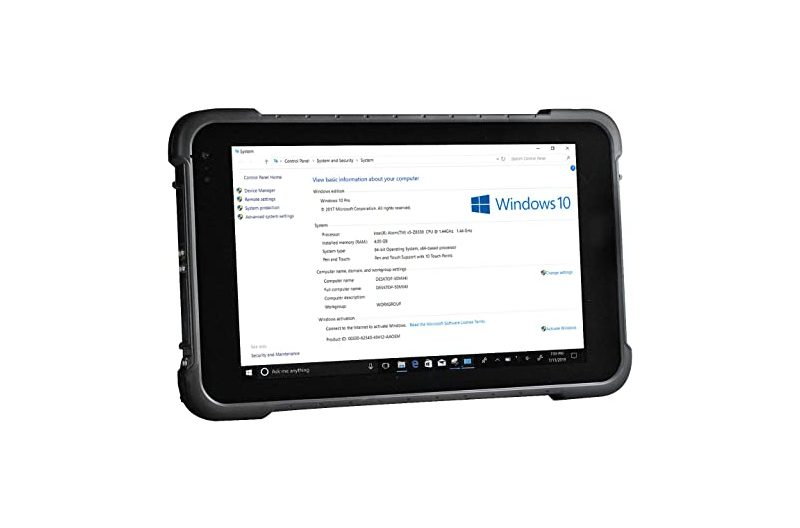
Size: 8”
Price: $519.99
If you’re a professional doing field work regularly and need a reliable tablet that can handle all the data you collect, the Vanquisher Ruggedized Tablet PC is ideal for you. In terms of performance, the Vanquisher is one of the most powerful tablets out there, considering its specs and capabilities.
Many choose the Vanquisher Tablet PC for field work because you won’t lose any data or progress even if you’re in an area with low cell service. And if you need to do location tracking or mapping, it also has a built-in GPS to guide you. And you don’t have to hold it all the time when you’re out in the field since you can mount it on a bracket.
It doesn’t have the best camera, but it’s still one of the top 10 tablets of 2023.
7. Coopers CP80
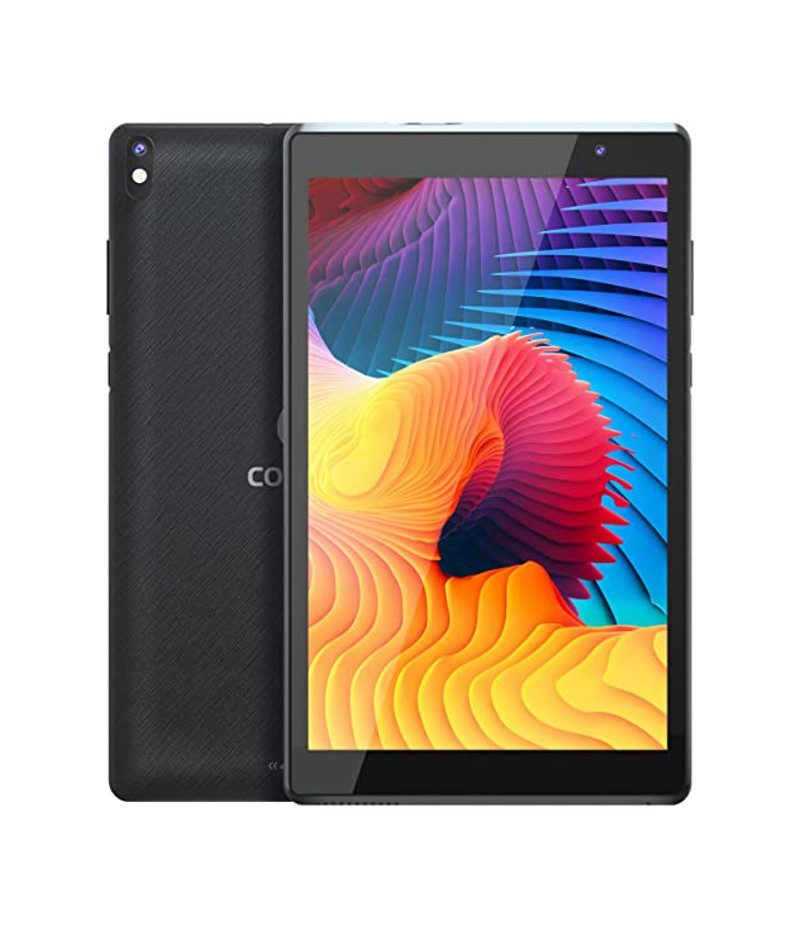
Size: 8”
Price: $49.99
Are you looking for a cheap tablet to use at home? The Coopers CP80 Tablet is your best bet. It’s great to use for simple tasks, such as reading and answering emails. Plus, if you have kids, the Coopers CP80 Tablet is a decent starter tablet for them, allowing them to use it for school work, games, and videos.
You do get what you pay when you buy this tablet. Unfortunately, battery life isn’t all that great since it drains very quickly.
8. Venturer Voyager
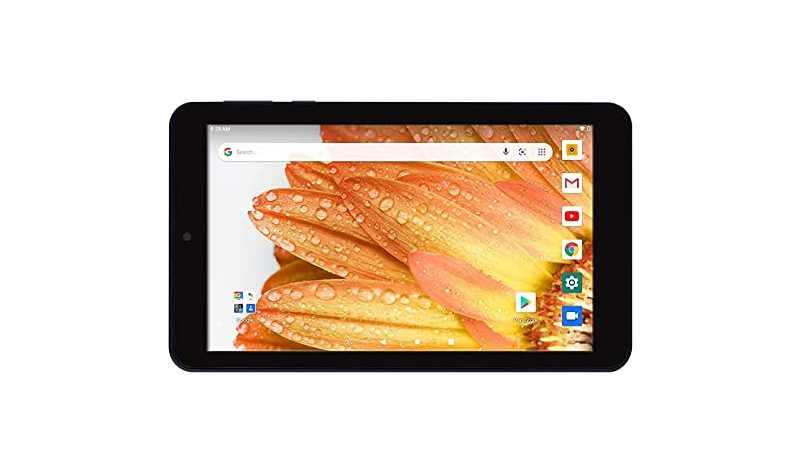
Size: 7”
Price: $49.99
Here’s another affordable tablet to use in 2023. The Venturer Voyager 7-inch tablet is great to use for reading. Once again, it’s a tablet that kids can use for school or stream their favorite videos on YouTube. It’s also decent enough to play some games. Plus, it’s also lightweight and small; you can bring it anywhere.
Similar to the Coopers CP80, the Venturer Voyager’s battery is quick to drain, considering that you can only use the tablet for a 5-hour use on a single charge.
9. Boox Nova

Size: 7.8”
Price: $319.99
If you want to use a tablet to read your favorite eBooks and take notes while doing so, the Boox Nova is the best tablet for you. It comes with a pen, and you can use that to write notes on your textbooks or eBooks and a to-do list for all your shopping needs or reading.
Since it’s an e-reader tablet, functionality is limited to reading and note-taking. Plus, some users have reported issues connecting to the Wi-Fi or overall functionality.
10. onn Tablet Pro
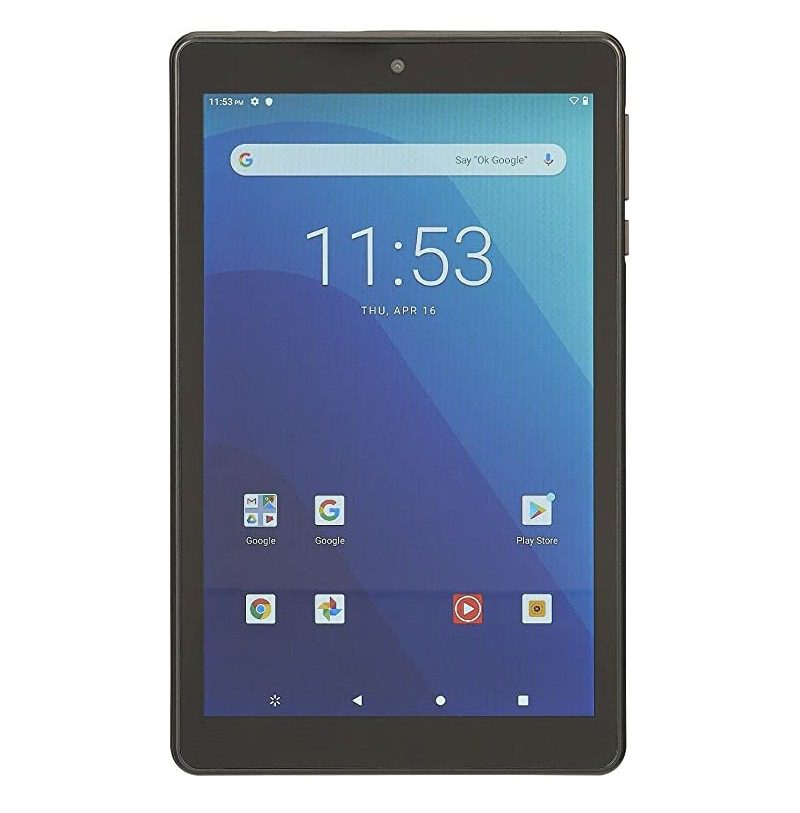
Size: 8”
Price: $99.99
The onn Tablet Pro is our last tablet on the list. Similar to the other higher-priced tablets for well-known brands, the onn tablet helps you with work or school. Plus, you can stream anytime and anywhere and even play games. Kids can have fun on this tablet, thanks to the Google Kids Space built-in to the tablet. You can let them enjoy their favorite videos and games without worry.
And like many tablets on this list, onn also suffers a battery problem because of charging issues.
Final Thoughts
Most mini tablets may seem low on performance, but the top 10 tablets up there show us that they’re giving their bigger counterparts or competitors a run for their money. Plus, some of these tablets here are decent enough for school or work, and you can bring them anywhere if you want to work or study outside. In addition, kids can definitely enjoy watching videos and playing games with smaller tablets. Overall, these top 10 tablets show us that smaller can be better.



Running a small business can get overwhelming without the right systems in place. That’s why finding the best small business organization tools is key to saving time, reducing stress, and keeping your operations on track.
If you’re wondering, what are the organizational tools for small businesses? They include everything from project management apps to file-sharing platforms and automation software.
Here, we’ve gathered some of the most reliable and easy-to-use tools that can help you stay organized and productive.
1. Trello
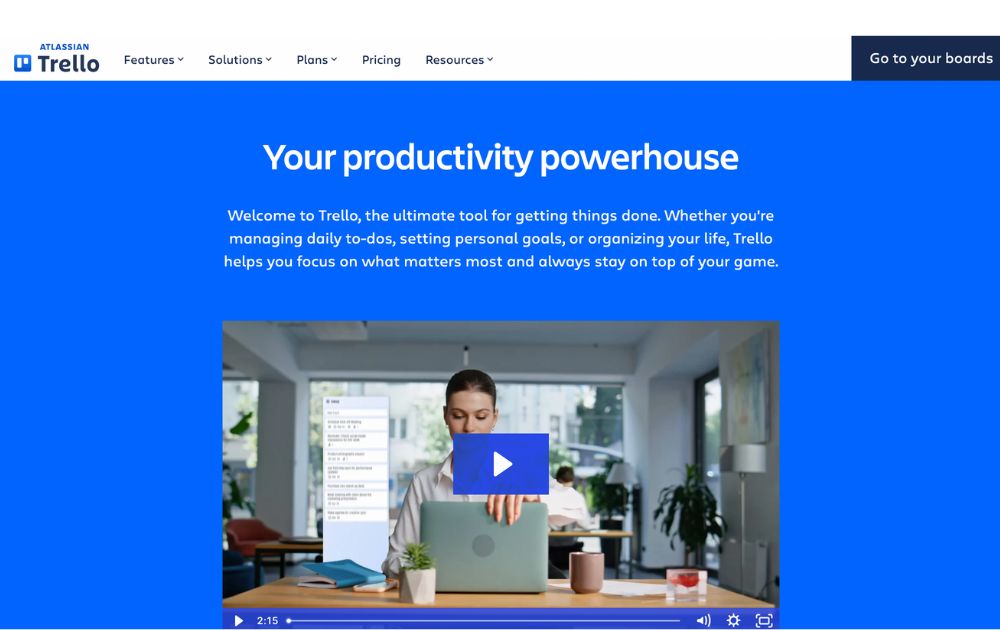
A project management software, Trello has boards that will help you organize tasks for each team member. At a glance, you’ll instantly know who is working on what and also see the progress for each. You’ll know when something is due and when something has already been done.
It’s one of the small business organization tools free forever, making it a major draw. For upgrades, Trello now offers:
- Standard: $5 per user/month (billed annually)
- Premium: $10 per user/month (annually)
- Enterprise: $17.50 per user/month (annually), with volume pricing options
If you’re looking for small business organization tools similar to Trello, here are some standout alternatives:
- Monday.com – Offers visual boards, automations, dashboards, and CRM integration—ideal for growing teams (Free up to 2 users, with paid tiers starting at $9 per user per month).
- ClickUp – An all-in-one platform combining boards, docs, time tracking, and goals—often seen as a step up from Trello’s simplicity (Free forever pricing, with paid tiers starting at $7 per user per month).
2. Google Workspace
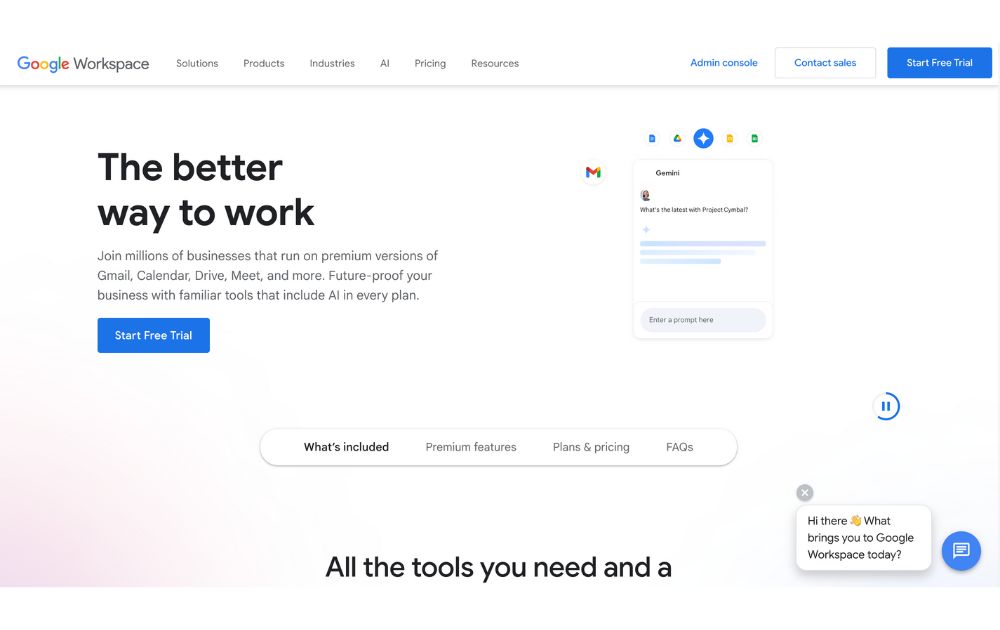
Previously known as GSuite, Google Workspace offers a full suite of collaboration tools for every business size. It has tools for documents, sheets, slides, chats, calendars, and many others. All these can help you organize projects, track conversations, update proposals, and edit files, easily anywhere in the world.
If you’re looking for small business organization tools that use AI, Google has now integrated Gemini AI features (like smart summaries and design assistance) into all plans, maintaining AI access but adjusting prices accordingly. Google Workspace’s paid tiers, which let you do more than its free features, start at $7 per month.
3. 1Password
To make managing business more effortless, you’ll need to use not just one but several apps. You’ll also need accounts on multiple websites and social media platforms. To help you keep track of your passwords and any other login details, you’ll need a password manager tool such as 1Password.
This tool can help you keep your accounts safe by protecting your passwords as it is integrated into your browser. Its plans, Personal & Family and Team & Business range from $2.99 to $7.99 per month. Its Enterprise plan’s price is available upon request.
4. Dropbox
To keep your files and documents organized in one place, Dropbox is there for you. It lets your team access these anywhere in the world or on whatever device they use. It also integrates with many other collaboration apps, such as Zoom and Slack, for better team connection.
You can use Dropbox for free, but if you want more than 2GB of storage, it offers six premium plans. Depending on your usage, prices range from $9.99 to $24 per user per month. Like others on this small business organization tools list, Dropbox has an Enterprise that provides customization features for a specific price.
5. Zapier
Managing a business means doing repetitive tasks that can tire you or stress you out. If this is you, you need Zapier in your life. It is an automation platform that connects your apps and moves information based on your set rules. It frees you from tasks such as sending reminders, backing up your work, or creating custom alerts, among many others.
For those who want small business organization tools free of charge, Zapier offers a free plan with up to 100 tasks per month, making it perfect for light users or simple workflows.
If you need more, the Pro plan starts at $19.99 per month (billed annually) and includes multi-step workflows, premium app integrations, and access to Zapier’s AI-powered features.
6. Airtable

A database/spreadsheet platform, Airtable allows you to store, share, and edit information collaboratively. It can hold your business information and organize it for easy retrieval and updating anytime and anywhere. It is helpful in managing your sales funnel, the status of projects, and keeping track of your leads.
Airtable is free to use, but like others on this list, it also offers paid plans that give you more features. Pricing ranges from $20 to $45 per month, billed annually. To get its Enterprise plan, you need to contact its sales team to get a quotation.
7. Toggl
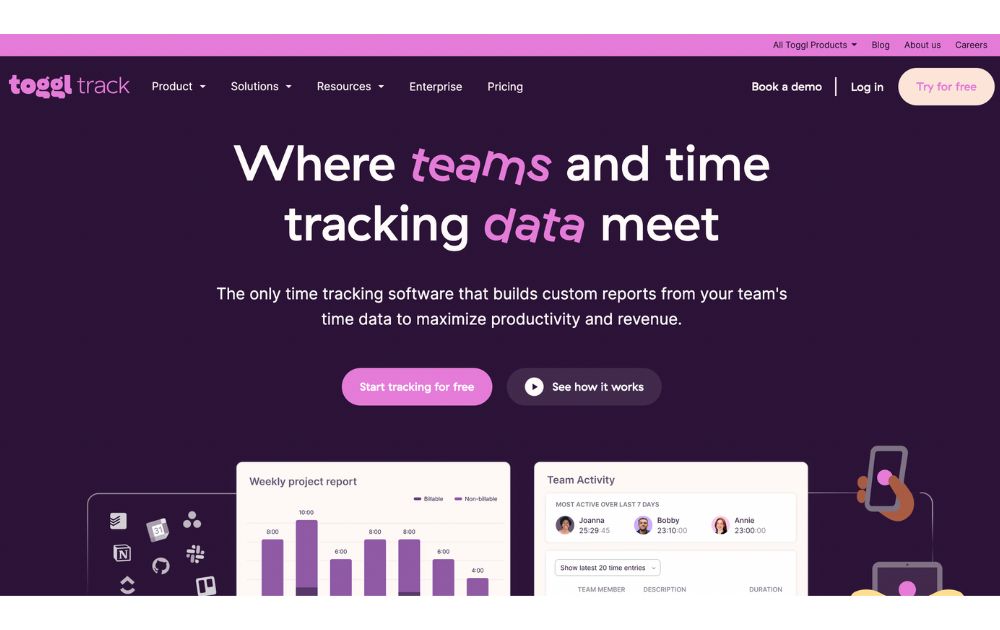
A time-tracking app, Toggl lets you track your activities daily and gives you reports on your work and projects, making it one of the must-have small business organization tools. It enables you to track the time used for billable hours, personal projects, and work hours. It is suitable for teams or individuals looking to measure and improve productivity.
You can use Toggl’s free forever plan for up to 5 users, with unlimited time tracking, projects, clients, and exports. When you’re ready to level up, the Starter plan begins at $9 per user per month (annual billing) and adds features like billable rates, customized reports, sub-projects, and project estimates.
8. Zoom
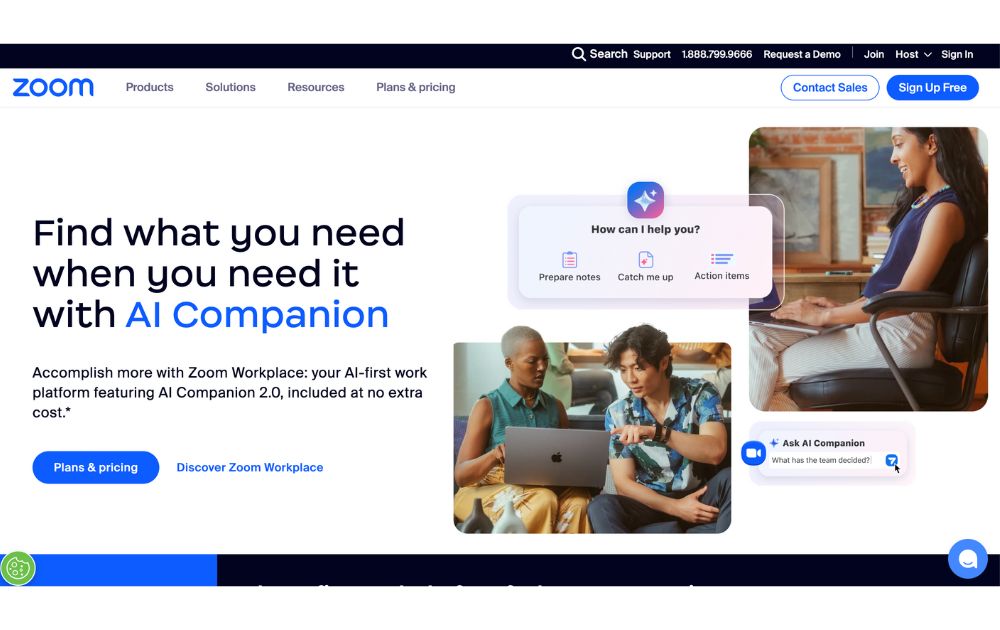
Go global and get connected to your team anywhere they are in the world with Zoom. From audio calls to video conferencing, this is one of the best small business organization tools you need. It can generate transcripts and record meetings, so you won’t have to.
You can start with Zoom’s Free plan, which supports up to 100 participants and 40-minute meetings. But for longer sessions and advanced features, there are several paid tier, starting at $15.99 per user per month (annual billing), which removes time limits (up to 30 hours), and adds cloud recording, transcripts, and Zoom AI Companion.
9. Loom
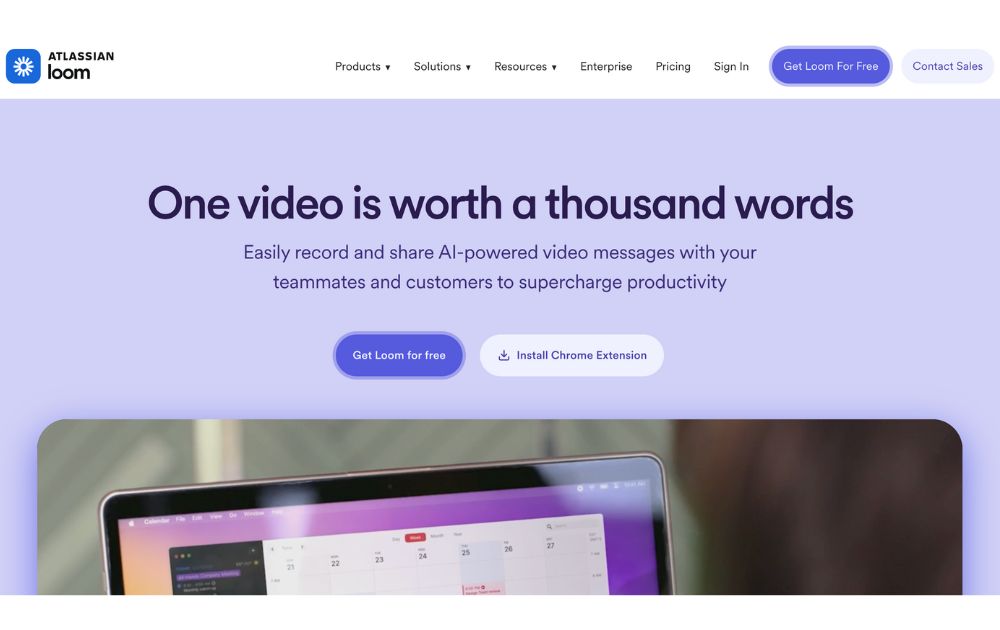
Create tutorial videos that your team can turn back to anytime they need them. Loom is the business tool you need for this specific task. This will be ideal if you need to update your team from different time zones or if you need a video for onboarding new hires.
Loom’s starter plan is free to use, but if you have more videos to create, its paid plans have affordable pricing. If you pay annually, the Business plan is priced at $15 per month per user.
10. Penji
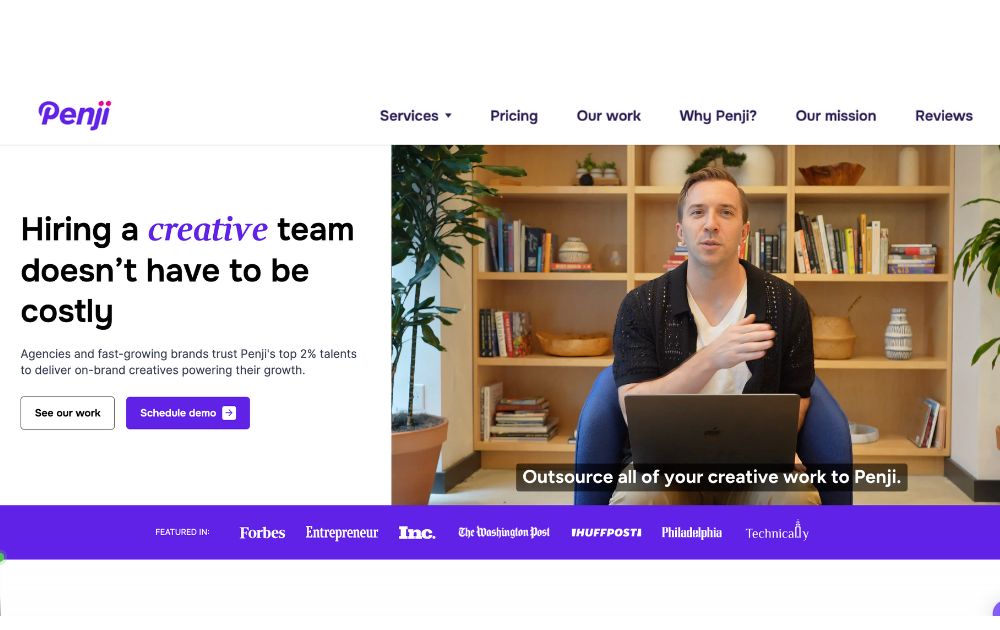
Graphic design is an integral part of doing business, so it’s almost impossible not to use it. This could be a problem for small businesses as graphic design is mostly inaccessible and often expensive. Fortunately, there is Penji, an unlimited graphic design service that lets you get all your design needs for a fixed monthly rate.
Penji has three plans, the Pro, Team, and Daytime, with prices starting at $499 per month. With this tool, you can get logo designs, social media graphics, digital ads, newsletter designs, and much more.
You can read our review of Penji here.
Conclusion
Small business owners can find relief when they get these small business organization tools and start the new year right. These will let them do more and spend their precious time doing things that matter more in their business.

YouTube remains the world’s largest video-sharing platform. With 2.53 billion monthly users as of February 2025, as per Statista, it’s bested only by Facebook in the social media platforms category.
With such massive growth, the platform has become even more competitive, requiring creators to step up their game to capture viewers’ attention.
Whether you’re just starting out as a content creator or you’re already a YouTuber looking to step up your game, here’ are’s a list of the best equipment for YouTube that would let you stand out in such a crowded space:
1. Camera
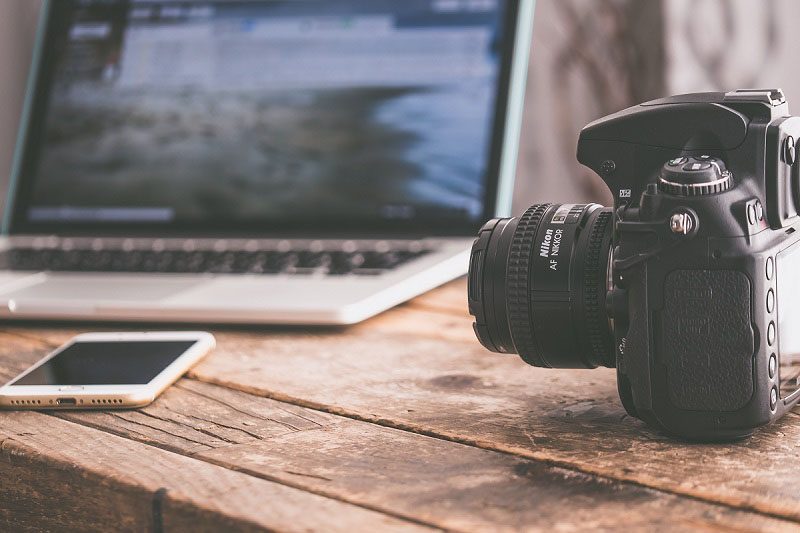
Your camera setup is an essential piece of YouTube equipment to have. But, before going to the camera store, remember that you don’t have to buy the most expensive one. You can use almost any device that can record high-quality video, or at least 1080p.
If you’re just starting out, quality camcorders, webcams, or even action cameras can do the job. For creators aiming to level up, mirrorless and DSLR cameras are still smart investments, especially if you plan to improve your production quality over time.
The right camera depends on the type of content you want to create. Here are the top choices you may want to include in your YouTube equipment for beginners list:
- Camcorder – Still a reliable, all-around video camera in 2025. Compact, easy to use, and great for beginners who want consistent recording without complicated setups.
- Webcam – Perfect for streamers, gamers, and tutorial creators who primarily shoot in front of a computer. Top 2025 models now offer 4K resolution and AI tracking for more dynamic shots.
- Action Camera – Best for travel vloggers and adventurers. GoPro Hero 13 Black and DJI Osmo Action 5 Pro lead the pack in 2025 with improved stabilization and low-light performance.
- Mirrorless Camera – Lightweight, versatile, and now the go-to for many YouTubers. Popular 2025 choices include the Canon EOS R50 V, Sony ZV-E10 II, and Fujifilm X-S20 for high-quality, portable
- DSLR – Still excellent for creators who prioritize image quality and manual controls, though many YouTubers now prefer the lighter mirrorless options. shooting.
2. External Microphone
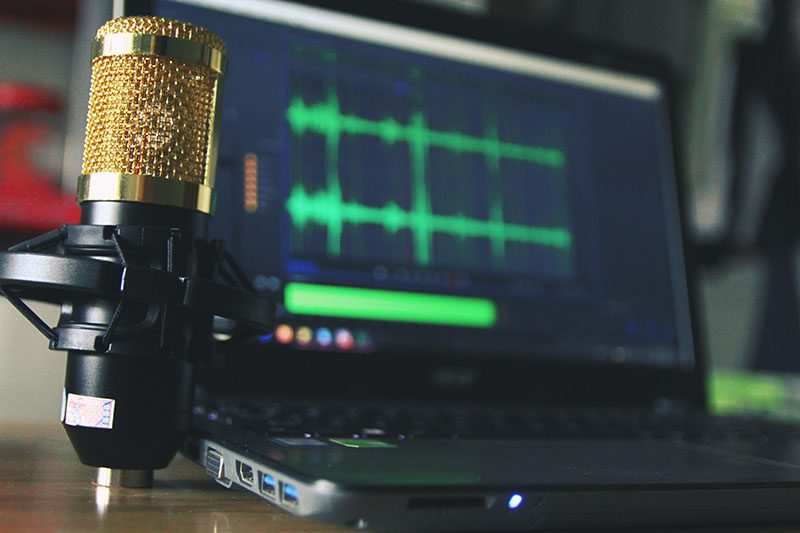
Sound is one of the most critical factors for YouTube success in 2025. That said, in terms of microphones, the best equipment for YouTube would keep your viewers engaged and focused on your message.
Built-in microphones on laptops or cameras often struggle to capture clear sound and block out background noise. That’s why investing in a quality microphone is one of the best moves you can make as a YouTube creator.
Here are some of the most popular choices:
- USB Microphones – Still the most accessible option for beginners. USB mics offer plug-and-play simplicity with impressive audio quality.
- Lapel (Lavalier) Microphones – Compact, wireless, and ideal for creators on the move. A common component of a YouTube video equipment kit, these can be wired or wireless.
- Shotgun Microphones – Perfect for vloggers, these mics are highly directional and great at isolating sound.
Condenser Microphones – Still the top pick for studio setups, thanks to their clarity and sensitivity. If you have the budget, search for the top models used by professional YouTubers and podcasters.
3. Tripods or Stabilizers
No one wants to watch blurry videos. Shaky footage is a no-no if you’re serious about becoming the next YouTube star. Tripods and gimbal stabilizers are excellent tools for stabilizing your photos and videos. You can use either of them to improve the production value of your YouTube videos, depending on how you plan to record them.
A tripod is usually the less expensive option. Many of them don’t cost over $100 and work just as well, depending on your camera setup’s weight. However, investing in a more durable, dependable tripod is still advisable to ensure your camera equipment’s safety.
4. Lighting
Level up your YouTube videos with the proper lighting equipment. You’ll need them if you’re mostly recording indoors or in dimly lit areas. Even if you’re shooting in an area with plenty of natural light, lighting equipment can change the mood and even the brightness of your videos.
For lights, here are some of the options you may want to include in your YouTube studio setup kit:
- Ring Lights – Considered one of the best equipment for YouTube for beginners, ring lights are a favorite among vloggers, beauty creators, and streamers. Ring lights provide even, flattering illumination, perfect for face-focused videos. Modern ring lights now offer adjustable color temperatures and remote app controls.
- LED Panel Lights – A top choice for creators who want versatile lighting with full RGB color control. For LED panels, the best equipment for YouTube is compact, portable, and ideal for setting creative tones and backgrounds.
- On-Camera Lighting – Useful for run-and-gun shooting, documentaries, and event coverage where you need continuous lighting on the go. On-camera lights are now smaller, more powerful, and offer better battery life.
- Softbox Lighting Kits – Great for stationary setups like tutorials and sit-down vlogs. They create soft, diffused light that reduces harsh shadows and makes subjects look more natural.
5. Laptop or PC
Next on our list of best equipment for your YouTube videos is a laptop or PC. This is where you’ll be doing your editing. If you don’t have one yet, buy one depending on your needs. A laptop can offer portability, while a desktop computer allows you more power at less the price.
Whether you get a laptop or PC, ensure that it has the right peripherals specific to your video editing needs. These are the memory, graphics cards, monitors, RAM, and USB ports, among many others.
6. Video and Audio Editing Software
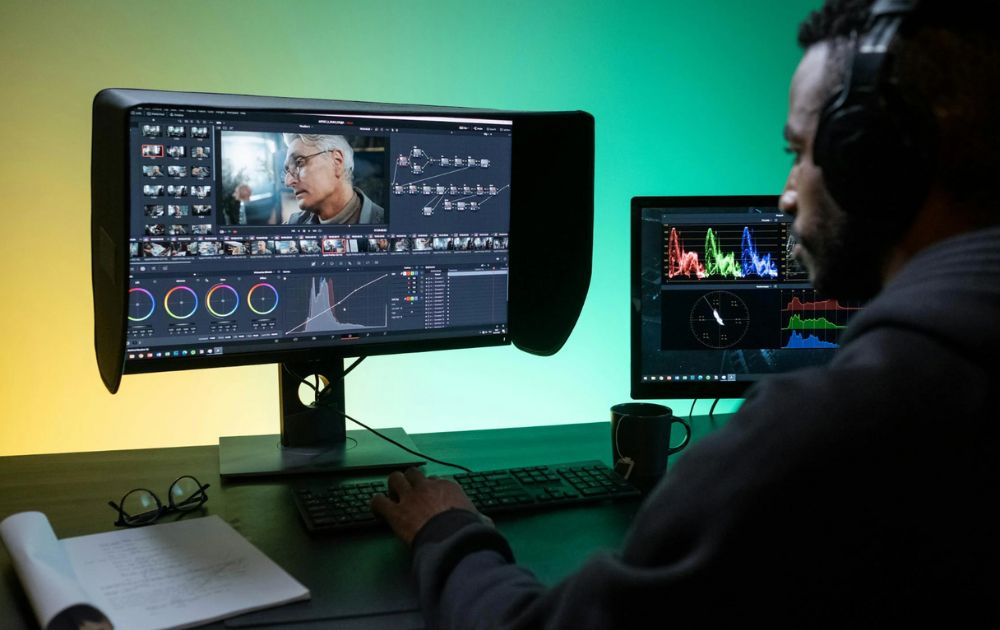
Once you’ve invested in the best equipment for YouTube, the next step is to find reliable editing software for your post-production work. While YouTube’s built-in editor is helpful for basic tasks, using professional editing software will give you full creative control to customize your videos exactly how you want.
There are plenty of free and paid video and audio editing tools that cater to beginners and professionals alike. Here are some of the most recommended options:
- DaVinci Resolve 19 – Still one of the most powerful free video editing platforms, now with enhanced AI tools for auto-captioning, color correction, and smart editing.
- Adobe Premiere Pro – An industry-standard editor with improved cloud collaboration and AI-powered workflows that speed up complex edits.
- Final Cut Pro – Fast and optimized for Apple’s latest chips, now with live multi-cam editing and advanced motion graphics support.
- CapCut – A free, beginner-friendly editor that’s extremely popular with YouTubers in 2025, thanks to its easy interface and mobile-friendly editing capabilities.
InVideo – A reliable online video editor with thousands of templates, perfect for quick YouTube videos, ads, and reels for YouTube marketing.
7. Background
Many creators today prefer using aesthetic home setups, collapsible backdrops, or virtual backgrounds powered by green screens or AI tools. Even a plain, clean wall is still perfectly acceptable, especially if you want to keep the focus on yourself.
If you want to elevate your videos:
- Consider printed backdrops, minimalist shelves, or subtle lighting accents.
- For tech-savvy creators, AI-based background removal (now available in popular editing apps like CapCut and DaVinci Resolve 19) is a quick and effective way to create clean, distraction-free videos without a physical backdrop.
8. Stream Deck
If you’re planning to stream on YouTube, a Stream Deck is one of the best YouTube equipment upgrades you can get. It allows you to seamlessly switch scenes, trigger sound effects, control lighting, launch apps, and automate complex actions with just one button press.
Modern versions now feature customizable knobs, touch screens, and deeper integrations with popular streaming software like OBS, Twitch, YouTube Live, and even smart home devices.


With more and more internet users putting a premium on privacy, Deeper Connect Pico has been earning attention.
The palm-sized gadget promises to decentralize privacy, perfect for home and entertainment. But is it worth the investment? In this post, we unpack what the Deeper Connect Pico is, how it works, who it’s for, and why it might be the next must-have tool in your tech lineup.
What Is the Deeper Connect Pico?
Deeper Connect Pico is a pocket-sized decentralized private network (DPN) router that lets users access Wi-Fi securely from anywhere.
Because of their global private network, users can save costs on sites like Netflix, Spotify, YouTube, and more. It also offers an ad-free experience.

Next, because a user will maintain a node or entry point to the decentralized network, a user of a Deeper Connect Pico can actually make money from owning the hardware.
In fact, it can be used as an alternative to other crypto miners like MXC miner, RAK miners, or helium miners. To sum it up, besides being a secure way to access the internet, it is also an energy-efficient crypto mining device. In fact, most Deeper Connect Pico review online are from crypto miners.
How Does the Deeper Connect Pico Work?
As a blockchain-powered device, the Deeper Connect Pico hinges on other users as entry points. It is unlike a regular VPN, where users are clients of a private service provider.
Instead, the Deeper Connect network lets a user connect to the internet through nodes run by fellow users across the globe. Here, nodes are entry points, usually the home IP addresses of users.

To use the device, simply plug in the antenna attachment that comes with the product and plug it into a power source. This can be a charging outlet, a power bank, or even another device. The light should turn red, signalling that it is on.
Because it does not have a central server, Deeper encrypts your user access logs, making it more secure than other options.
Key Benefits of Using Deeper Connect Pico
Unlike other VPN services, the device is only purchased once, so users do not need to pay a subscription fee. This makes it a good choice for people who want to save money.
The Deeper Connect Pico’s strongest feature is its enterprise-level network security. Because of this, filtering internet ads and tracking features are easier. Besides this, it can also identify and block cyberattacks.

Furthermore, it also has strong geo-unblocking features. This is helpful for people who live in countries where access to certain social media platforms is limited. This could also be helpful for people who want to save subscription costs on sites like Netflix, which have adjusted rates in certain regions.
Finally, it comes in a travel-friendly size that makes it handy to bring around on trips. Plus, it provides coverage for living spaces of 1500 square feet. That said, you can use it to connect to public WiFi when traveling without worrying about the risk.
With a max local speed of 100 Mbps, the hardware can support multiple devices at the same time. In fact, it supports 4K video playback on five devices at the same time. Plus, according to their website, Deeper’s private network has over 200K servers.
Price
Compared to other products by Deeper, the Pico is in the middle price range. The Deeper Connect Pico price is at $199, although it is currently on sale for $129. In turn, the Deeper Connect Pico Lite costs $119.
Meanwhile, the more travel-friendly option, Deeper Connect Air, retails for $210.
On the flip side, there’s also the Deeper Connect Mini, a new router product that costs $229. It has a 1 Gbps speed and a 7-layer firewall.
Use Cases and Who It’s For
Deeper Connect Pico is good for frequent travelers who want to safely use the Wi-Fi in airports, cafes, and lounges. It is a solid choice for people concerned with cybersecurity and privacy. Plus, it is a solid option for people who want an ad-free experience on their web and mobile devices.
It has an easy plug-and-play setup, which makes it great for people on the go.
It is also great for people who want to bypass IP trackers to access streaming sites like Netflix.
Besides this, though, Deeper Connect Pico can also be used to mine crypto with ease. It is a great product for crypto miners as users only buy the hardware once.
Limitations and Considerations
People who want to invest in Deeper Connect Pico usually use it to mine cryptocurrency. If you are not particular about whether you want to use a centralized or decentralized private network, then you might find a limited difference between this device and a normal VPN service provider.
One consideration users should have when using the device is the bandwidth sharing. This might not bother users who have good internet to begin with, but it might bother others more. The feature, though, can be disabled.
Apart from this, you might also notice slightly reduced internet speeds.
Deeper Connect Pico Amazon review articles are a mix online. Most rave about the device, but some mention that the network does not work. Others also raise that they cannot get some features, like the Wi-Fi adaptor, to work.
If you compare the Deeper Connect Pico vs Air, the latter has more Mbps capacity and is lighter.
Final Thoughts
The Deeper Connect Pico is a bold experiment in decentralized internet access, wrapped in a sleek, palm-sized shell. It’s best for:
- Privacy-conscious users
- Frequent flyers
- Crypto enthusiasts
- Casual streamers looking to save on subscriptions
If you’re any or all of the descriptions above, then the Pico offers real value. Its one-time purchase model, combined with built-in ad-blocking and mining capabilities, makes it stand out in a sea of subscription-based VPNs and traditional routers.
That said, it’s not for everyone. If you’re expecting blazing-fast speeds or a plug-and-forget experience like with mainstream VPN apps, you may need to lower your expectations. The device still relies on bandwidth sharing and user-managed nodes, which can sometimes mean inconsistent performance.
But for those willing to explore a new way of connecting—and earning—the Deeper Connect Pico could be a surprisingly powerful tool in your digital toolkit.
And if you want to get more news and stories, read more here at Owner’s Mag!

Top 10 Small Business Organization Tools for 2025

8 Best Equipment for YouTube Every Content Creator Needs

Why Having an Advisory Board Could Make or Break Your Startup

Best Gift Guide for Men: Perfect Gifts for Every Occasion

What’s the Deal With Elomir? Is Axis Klarity a Scam?

The Best Ways to Recession Proof Your Business

Discover 2025’s Top 10 Online Banks for Smart Savings
What’s the Deal With Elomir? Is Axis Klarity a Scam?
Why Having an Advisory Board Could Make or Break Your Startup

Loom Review: Features, Use Cases, and How It Stacks Up Against Zoom
8 Best Equipment for YouTube Every Content Creator Needs
The Best Ways to Recession Proof Your Business
Top 10 Small Business Organization Tools for 2025