
Technology
Top 14 Portable Gadgets You Must Buy


You won’t be able to live without these 14 portable tech gadgets. Check this out!
1. Momoho Buetooth Speaker ($14.99)
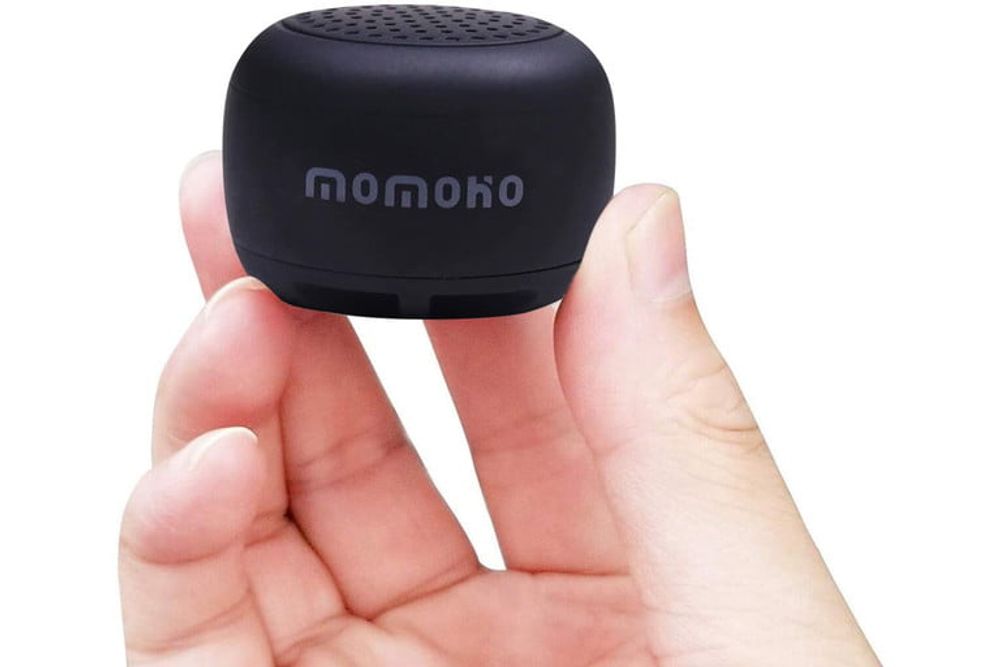
Buy an on-the-go tech gadget for your camping or picnic trips. What this small portable speaker lacks in size, it makes up for its sound. The sound is more powerful than your ordinary mobile phones. Plus, it only takes 30 minutes to charge fully and lasts two hours!
2. Streamlight 73001 Nanon Keychain/Flashlight ($6.36)
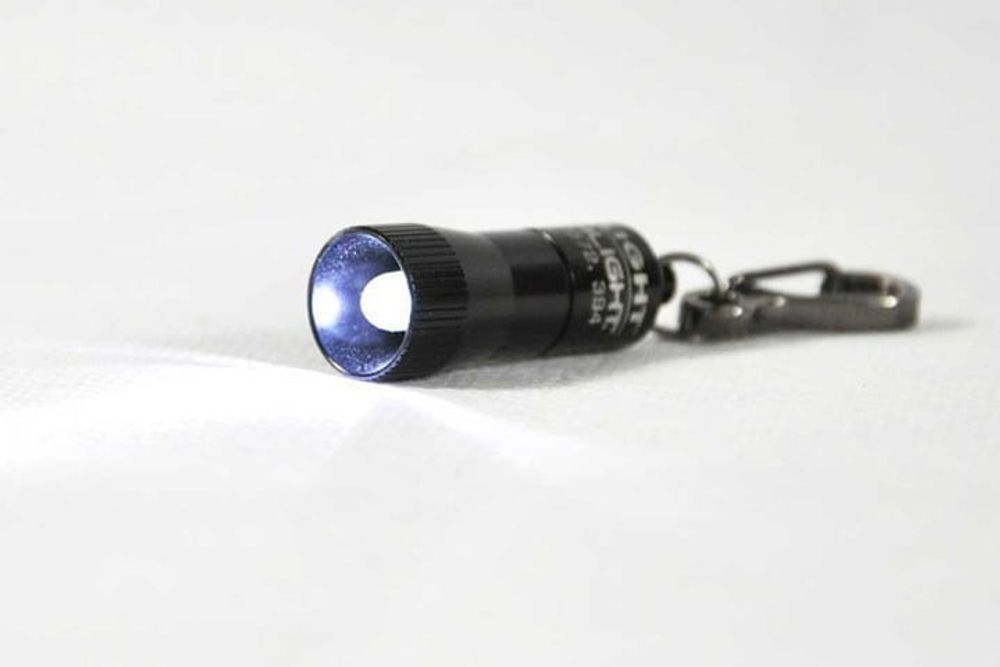
One of the portable tech gadgets for adventure seekers, this nano keychain flashlight is weatherproof with 100,000-hour battery life in LED. It features a non-rotating snap hook to make it more convenient to hook it to just about anything. It can last up to eight hours with has a nice aircraft-grade aluminum and anodized finish.
3. Amir Clip-On Phone Camera Lens ($17.99)
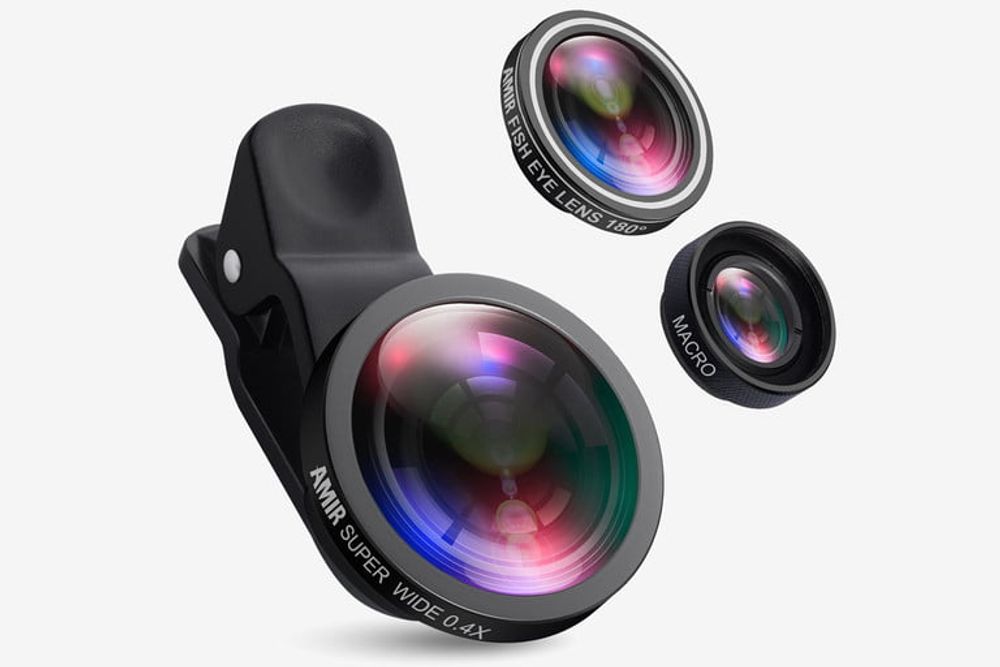
This camera lens for smartphones features a 180-degree fisheye lens with no distortion and higher lens clarity. It’s made of high-quality glass and an HD lens that reduces ghosting and flare.
4. Tesla Coil Rechargeable Lighter/USB ($16.99)

Here’s a USB and lighter in one you can recharge as many times as you want. It’s easy to use with a one-click feature to light up. Plus, one charge can last up to a week of constant use.
5. Tophome Earbud and Card Organizer ($4.99)

Don’t you just get annoyed when your earbuds get tangled in your pocket or bag? Well, this earbud organizer will do the trick. Plus, it holds your IDs and cards as well. Its leather material also gives it a nice and durable look.
6. JLab Wireless Bluetooth Earbuds (From $24)
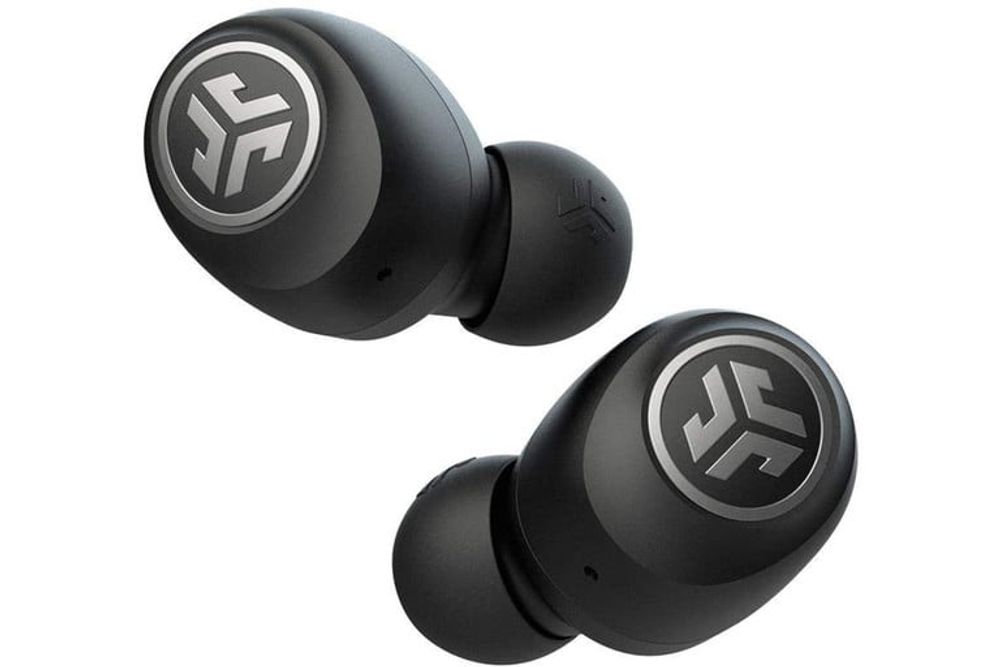
Each earbud can last up to five hours of playtime, and 15 extra hours when charged in its case. You may use one earbud or both. The JLab Go Air model is 20 percent smaller than JBuds Air but offers crystal clear sound.
7. Anker PowerDrive Car USB Charger ($32.99)

You get speed and functionality all in one USB car charger. It charges any device up to 80 percent within 35 minutes! Plus, it’s compact with two USB ports and a carbon-fiber mesh feature for a sleek finish.
8. Travelambo RFID Wallet ($9.99)

This portable tech wallet has RFID technology for more added security. It’s also soft and durable with leather material. It comes in a slim and minimalist design for convenience. Finally, it features six card slots for your IDs or credit cards.
9. Samsung Evo Adapter and MicroSD Card ($7.49)
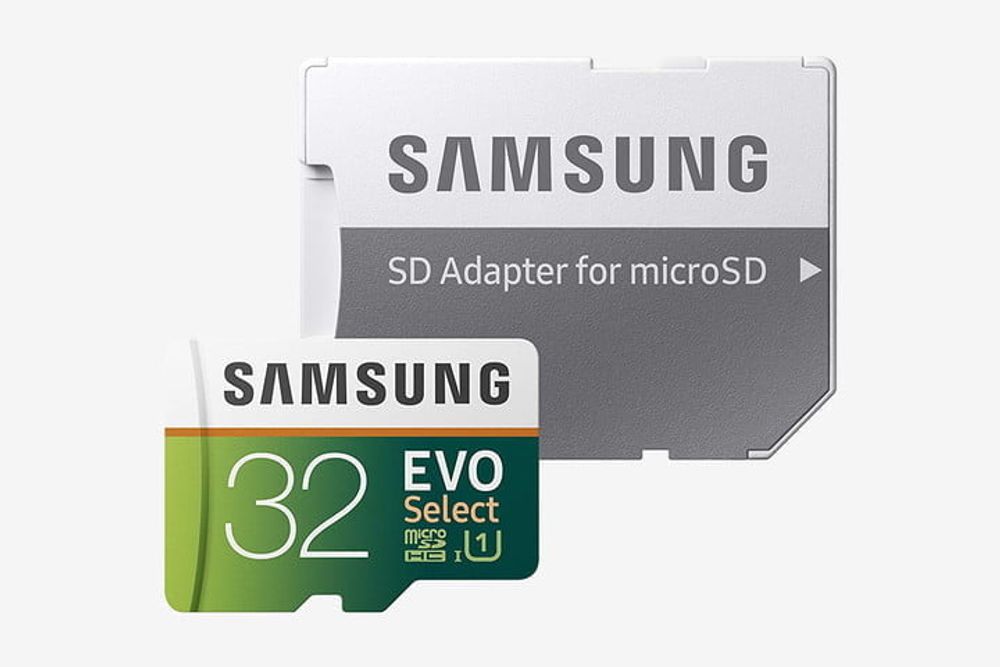
The Samsung Evo adapter and microSD card features a read speed of up to 95MB/S and a write speed of 20MB/S. It’s excellent for recording 4K UHD videos and high-resolution photos, tablets, laptops, music, gaming, action cameras, and more.
10. MoKo Folding Bluetooth Keyboard ($25.99)
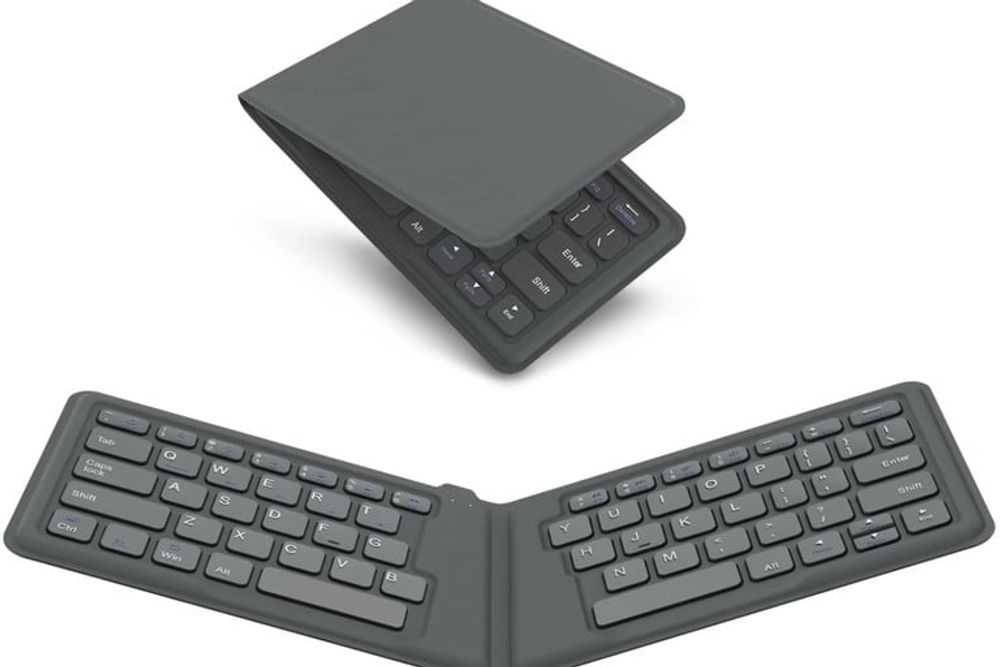
This folding portable tech keyboard has an ultra-thin and lightweight design that’s compatible with any operating system and almost all wireless-enabled devices. It automatically turns on once opened and turns off once folded.
11. Anker PowerCore Power Bank 10,000mAh ($35)
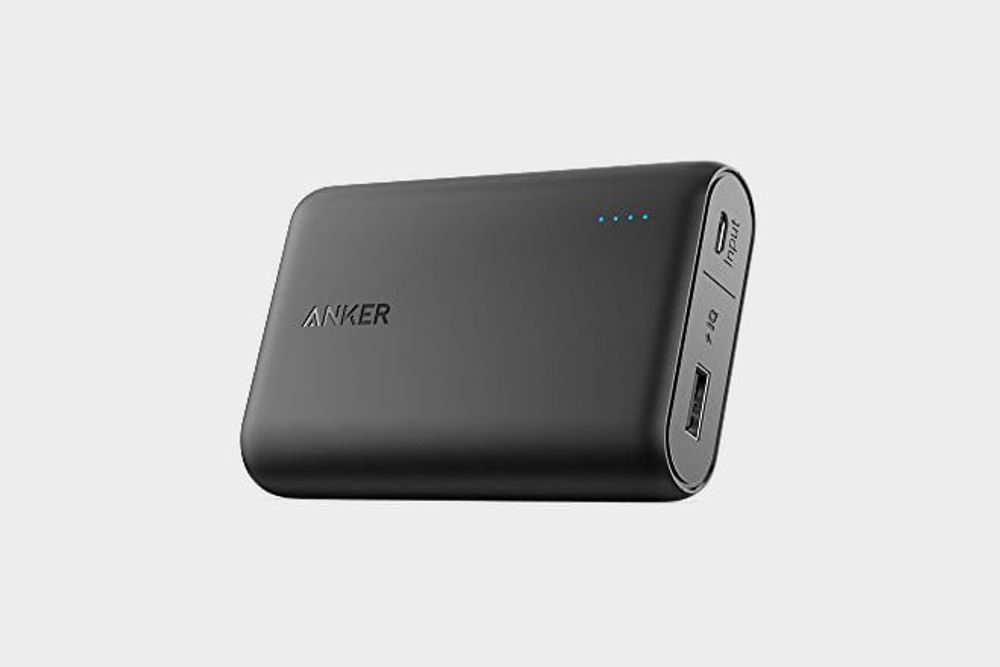
Charge your iPhone 30 minutes with a 50-percent battery with this ultra-slim and lightweight power bank. It’s only 0.6 inches thin but features enough power to charge an iPhone twice and a Samsung over 1 ½ times.
12. Tile Mate Item Finder ($49.90)

No more hassles of consistently trying to find your phone if you misplaced it. Use the Tile Mate item finder by ringing your phone even when it’s on silent mode, out of sight but in range. It’s easy to use by clicking one button to activate its feature.
13. Bellabeat Leaf Health Tracker ($74)

This water-resistant health tracker lets you monitor your health for 24 hours. And what’s best is that this device doesn’t need charging! It has a coin cell battery which will be good for six months.
14. Geekey Key-Shaped Multi Pocket Tool ($22.99)
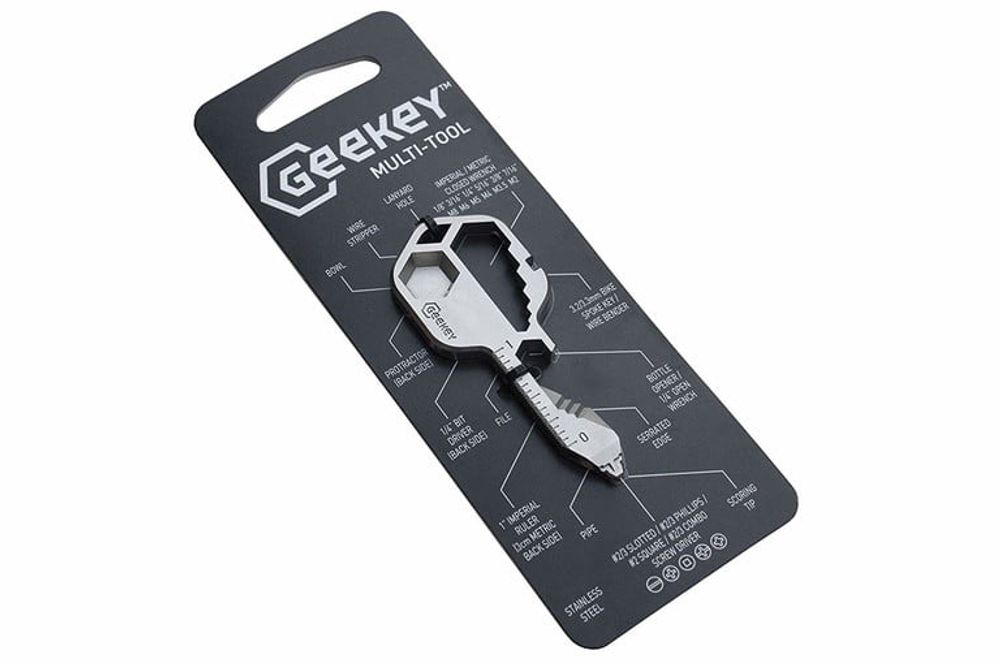
This multi-tool features 16 functions for everyday use — including a smoking pipe! Its portable and compact style allows you to hook it to your keychain for convenience. It’s made of 420 stainless steel, perfect for every biker, handyman, or outdoorsman.


With more and more internet users putting a premium on privacy, Deeper Connect Pico has been earning attention.
The palm-sized gadget promises to decentralize privacy, perfect for home and entertainment. But is it worth the investment? In this post, we unpack what the Deeper Connect Pico is, how it works, who it’s for, and why it might be the next must-have tool in your tech lineup.
What Is the Deeper Connect Pico?
Deeper Connect Pico is a pocket-sized decentralized private network (DPN) router that lets users access Wi-Fi securely from anywhere.
Because of their global private network, users can save costs on sites like Netflix, Spotify, YouTube, and more. It also offers an ad-free experience.

Next, because a user will maintain a node or entry point to the decentralized network, a user of a Deeper Connect Pico can actually make money from owning the hardware.
In fact, it can be used as an alternative to other crypto miners like MXC miner, RAK miners, or helium miners. To sum it up, besides being a secure way to access the internet, it is also an energy-efficient crypto mining device. In fact, most Deeper Connect Pico review online are from crypto miners.
How Does the Deeper Connect Pico Work?
As a blockchain-powered device, the Deeper Connect Pico hinges on other users as entry points. It is unlike a regular VPN, where users are clients of a private service provider.
Instead, the Deeper Connect network lets a user connect to the internet through nodes run by fellow users across the globe. Here, nodes are entry points, usually the home IP addresses of users.

To use the device, simply plug in the antenna attachment that comes with the product and plug it into a power source. This can be a charging outlet, a power bank, or even another device. The light should turn red, signalling that it is on.
Because it does not have a central server, Deeper encrypts your user access logs, making it more secure than other options.
Key Benefits of Using Deeper Connect Pico
Unlike other VPN services, the device is only purchased once, so users do not need to pay a subscription fee. This makes it a good choice for people who want to save money.
The Deeper Connect Pico’s strongest feature is its enterprise-level network security. Because of this, filtering internet ads and tracking features are easier. Besides this, it can also identify and block cyberattacks.

Furthermore, it also has strong geo-unblocking features. This is helpful for people who live in countries where access to certain social media platforms is limited. This could also be helpful for people who want to save subscription costs on sites like Netflix, which have adjusted rates in certain regions.
Finally, it comes in a travel-friendly size that makes it handy to bring around on trips. Plus, it provides coverage for living spaces of 1500 square feet. That said, you can use it to connect to public WiFi when traveling without worrying about the risk.
With a max local speed of 100 Mbps, the hardware can support multiple devices at the same time. In fact, it supports 4K video playback on five devices at the same time. Plus, according to their website, Deeper’s private network has over 200K servers.
Price
Compared to other products by Deeper, the Pico is in the middle price range. The Deeper Connect Pico price is at $199, although it is currently on sale for $129. In turn, the Deeper Connect Pico Lite costs $119.
Meanwhile, the more travel-friendly option, Deeper Connect Air, retails for $210.
On the flip side, there’s also the Deeper Connect Mini, a new router product that costs $229. It has a 1 Gbps speed and a 7-layer firewall.
Use Cases and Who It’s For
Deeper Connect Pico is good for frequent travelers who want to safely use the Wi-Fi in airports, cafes, and lounges. It is a solid choice for people concerned with cybersecurity and privacy. Plus, it is a solid option for people who want an ad-free experience on their web and mobile devices.
It has an easy plug-and-play setup, which makes it great for people on the go.
It is also great for people who want to bypass IP trackers to access streaming sites like Netflix.
Besides this, though, Deeper Connect Pico can also be used to mine crypto with ease. It is a great product for crypto miners as users only buy the hardware once.
Limitations and Considerations
People who want to invest in Deeper Connect Pico usually use it to mine cryptocurrency. If you are not particular about whether you want to use a centralized or decentralized private network, then you might find a limited difference between this device and a normal VPN service provider.
One consideration users should have when using the device is the bandwidth sharing. This might not bother users who have good internet to begin with, but it might bother others more. The feature, though, can be disabled.
Apart from this, you might also notice slightly reduced internet speeds.
Deeper Connect Pico Amazon review articles are a mix online. Most rave about the device, but some mention that the network does not work. Others also raise that they cannot get some features, like the Wi-Fi adaptor, to work.
If you compare the Deeper Connect Pico vs Air, the latter has more Mbps capacity and is lighter.
Final Thoughts
The Deeper Connect Pico is a bold experiment in decentralized internet access, wrapped in a sleek, palm-sized shell. It’s best for:
- Privacy-conscious users
- Frequent flyers
- Crypto enthusiasts
- Casual streamers looking to save on subscriptions
If you’re any or all of the descriptions above, then the Pico offers real value. Its one-time purchase model, combined with built-in ad-blocking and mining capabilities, makes it stand out in a sea of subscription-based VPNs and traditional routers.
That said, it’s not for everyone. If you’re expecting blazing-fast speeds or a plug-and-forget experience like with mainstream VPN apps, you may need to lower your expectations. The device still relies on bandwidth sharing and user-managed nodes, which can sometimes mean inconsistent performance.
But for those willing to explore a new way of connecting—and earning—the Deeper Connect Pico could be a surprisingly powerful tool in your digital toolkit.
And if you want to get more news and stories, read more here at Owner’s Mag!


The social media landscape is changing, and in a few short years, new tools will enter the market. While many of these tools have been used for marketing your business successfully in recent years, only a handful are worth investing in as they will become popular. Here are our best bets for social media marketing tools:
1. Sprout Social
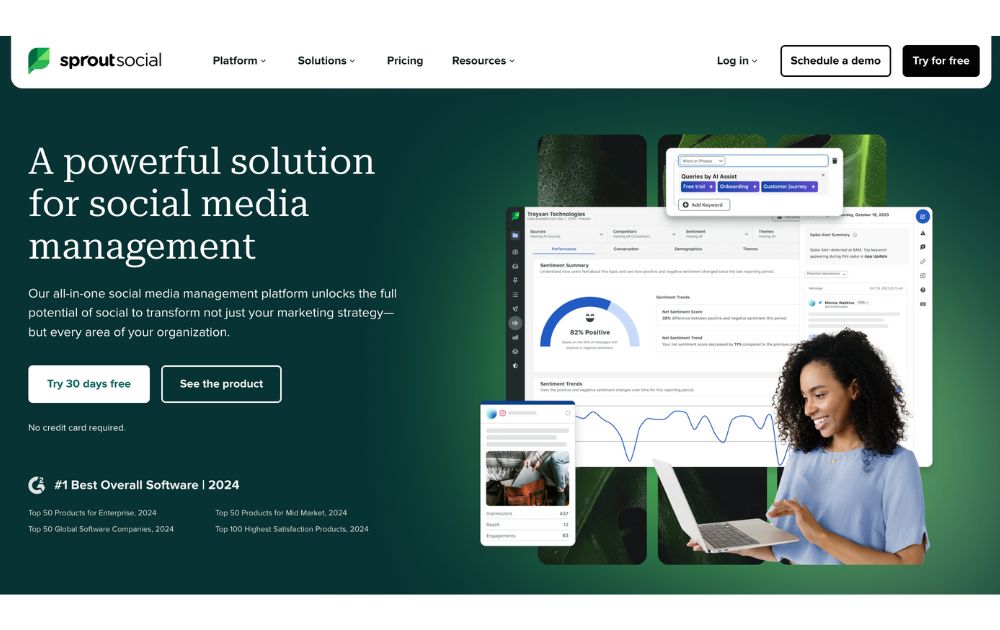
An all-in-one social media marketing tool, Sprout Social enables businesses to effectively manage their online presence and engage with their customers across all social networks. It allows businesses to monitor conversations, publish content, and track performance across their social media accounts.
Additionally, it offers advanced analytics and insights to help businesses understand their audience and optimize their content strategy. Sprout Social has a free trial, which you can upgrade to any of its paid plans with prices starting at $199 per month.
2. Hootsuite
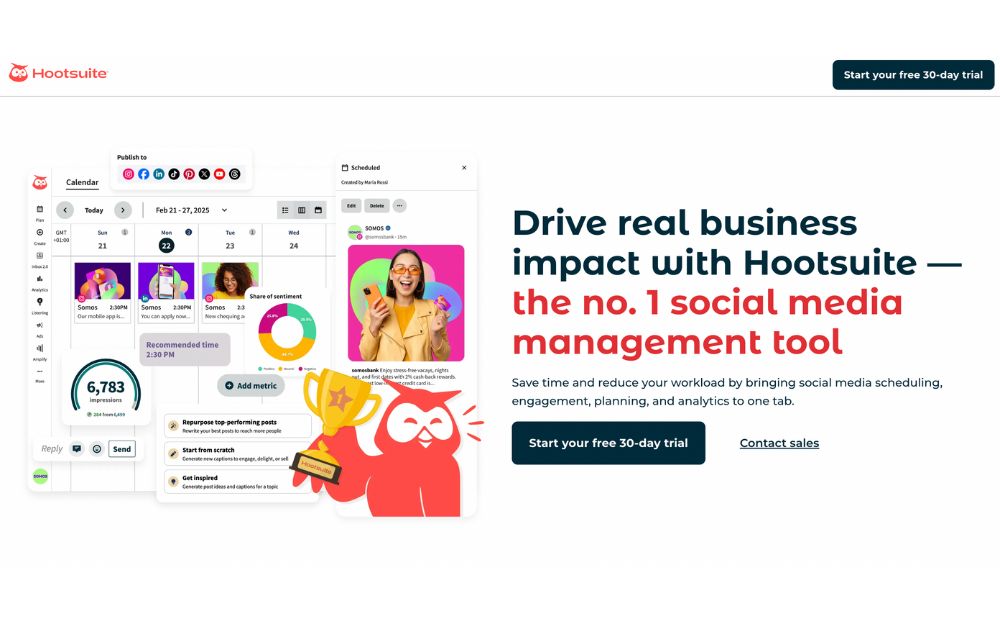
Another popular social media marketing tool, Hootsuite helps businesses efficiently manage their presence across multiple social networks. It provides features such as scheduling and publishing content, monitoring conversations, and tracking performance metrics. Furthermore, it offers advanced analytics to help businesses gain insights into their audience and optimize their content strategy.
Hootsuite also offers a variety of integrations with popular third-party services such as Mailchimp and Salesforce that allow businesses to extend the tool’s capabilities further. Start using this social media marketing tool for as low as $99 per month.
3. AgoraPulse
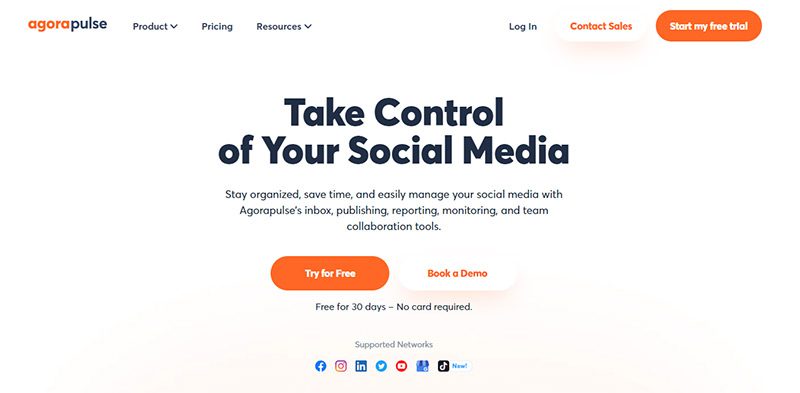
AgoraPulse is a powerful social media management tool that helps you stay on top of your social media activity. You can use it to monitor conversations about your brand, respond to comments and messages, and analyze the performance of your content. It also provides detailed insights on how to improve your results.
AgoraPulse is excellent for larger teams, as it allows you to assign tasks to different team members and keep track of the progress. Its pricing stats at $79 per month.
4. Buzzsumo
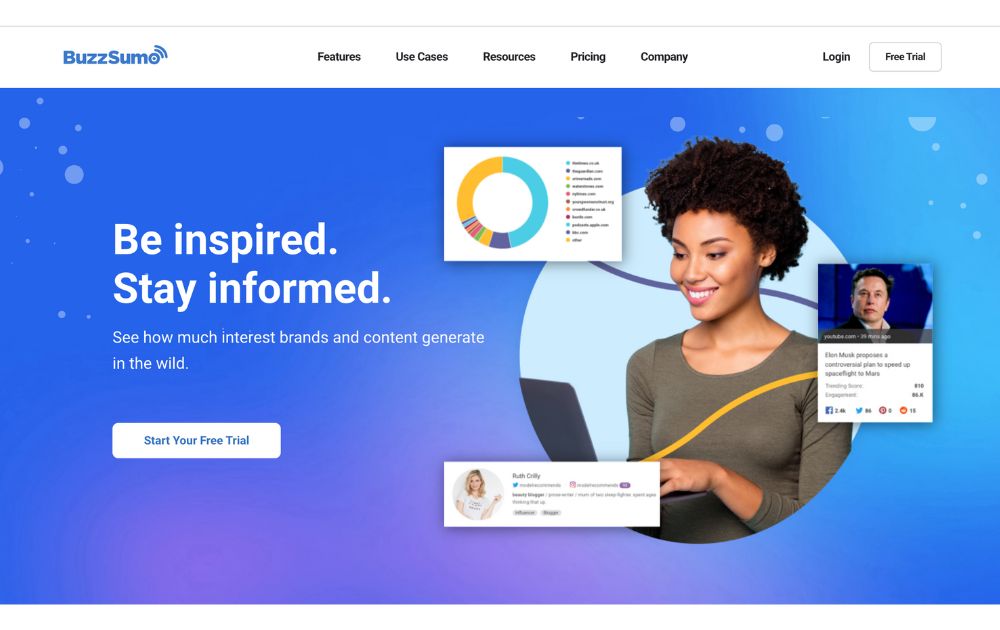
Want to know the most popular content in your niche? Buzzsumo is the social media marketing software you need. It is a powerful content marketing tool that allows you to see the engagement and shares of each post, giving you insight into what is working and what isn’t.
With the help of Buzzsumo, you can quickly identify the top influencers in your industry and target them for collaboration. It offers a free but limited plan. If you need more features, you can choose from its paid plans with prices starting at $199 per month.
5. Later
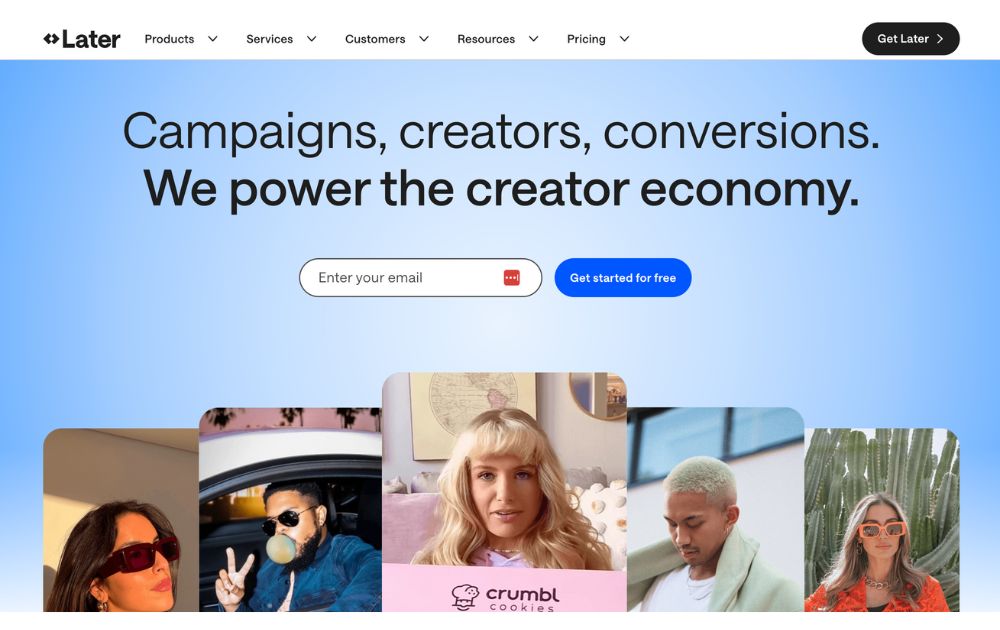
Later is a popular social media management platform best known for its visual content calendar. It’s an ideal tool for scheduling posts on the best social media platforms for ecommerce, including Instagram and Facebook. With its drag-and-drop interface, you can plan posts visually and preview your feed before publishing.
It also features Smart Scheduling, a Hashtag Suggestion tool, Linkin.bio for Instagram traffic tracking, and AI-powered post-writing assistance to streamline your workflow.
If you’re looking for social media marketing tools free of charge, Later offers a free plan with basic tools, while paid plans start at $16.67 per month depending on the number of social profiles and users.
6. Semrush Social

Next on our social media marketing tools list is Semrush Social, which gives marketers the power to schedule, draft, and analyze social media posts across Facebook, Instagram, LinkedIn, Pinterest, and X.
The platform allows AI-generated captions, built-in image editors, and easy performance tracking, making it among the best social media marketing tools for many users.
Semrush Social is included in Semrush’s Pro, Guru, and Business plans, starting at $139.95 per month. A free trial is available for first-time users.
7. Iconosquare
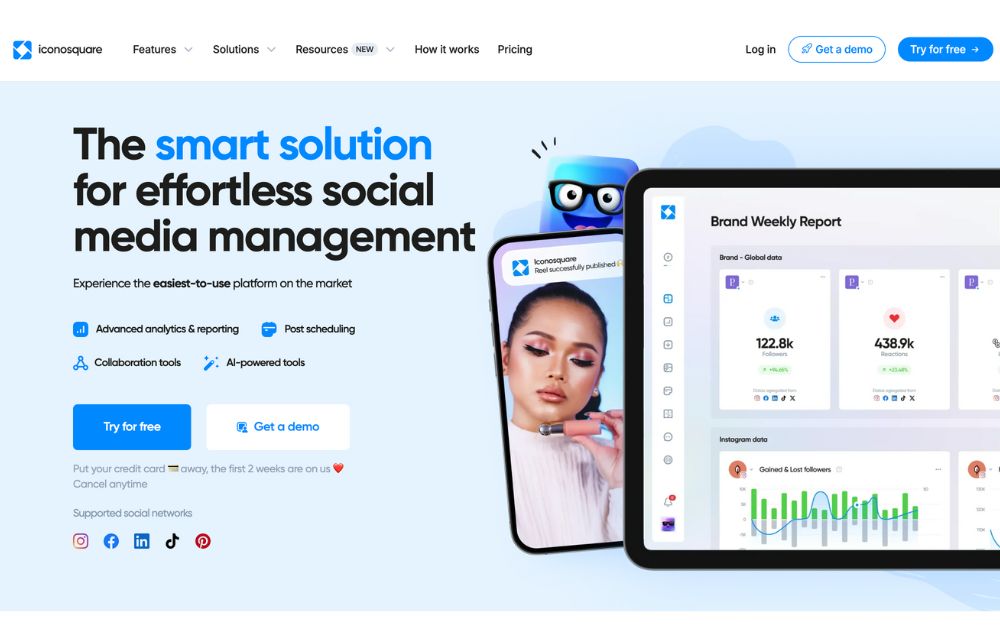
Also included in our top 10 social media marketing tools is Iconosquare is a powerful analytics and scheduling tool made for Instagram, Facebook, LinkedIn, and TikTok. It offers in-depth performance tracking, content planning, and industry benchmarking to help businesses on top of their accounts on social media marketing platforms.
Iconosquare offers a free trial, with paid plans starting at $33 per month for individuals.
8. Buffer
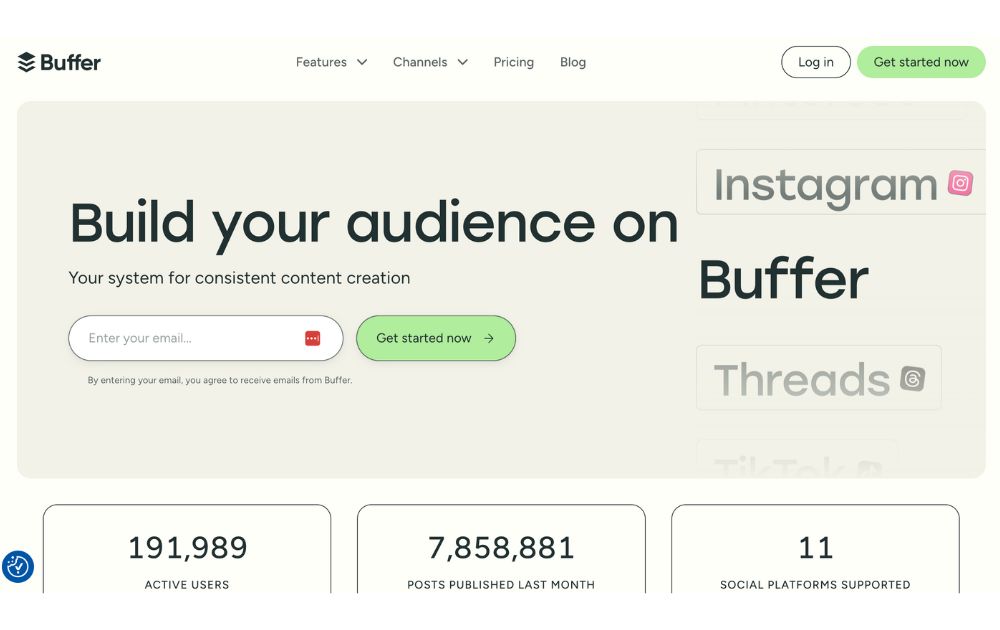
Buffer remains one of the most reliable social media management tools in 2025, offering simple post scheduling, team collaboration, and basic analytics. It supports Facebook, Instagram, X, Pinterest, LinkedIn, YouTube, and Mastodon.
Its clean dashboard is easy to navigate, making it perfect for small business owners and solo marketers. Buffer also features an AI Assistant to generate post ideas and captions, plus a start page feature to build basic landing pages linked to social bios.
Buffer offers a free plan with limited scheduling, and paid plans start at $6 per month per social channel.
9. Adobe Express
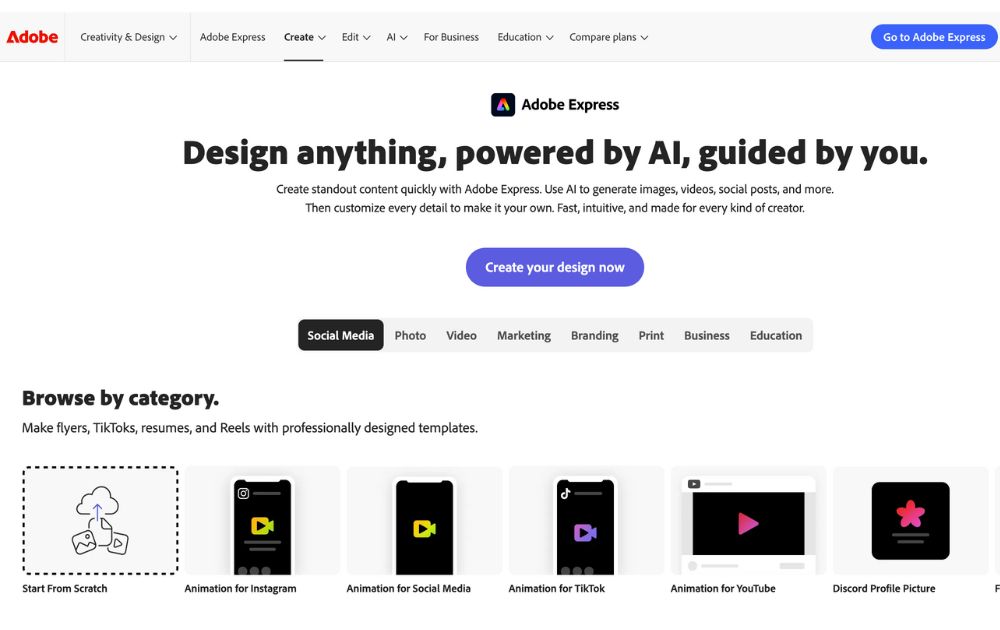
Adobe Express combines graphic design and social media marketing in one tool. It allows users to create scroll-stopping posts, videos, and stories using its vast template library and AI-powered tools. You can then schedule and publish directly to Facebook, Instagram, and Twitter without leaving the app.
Adobe Express offers a free plan with basic tools, while the Premium version costs $9.99 per month with added social scheduling and branding features.
10. Canva
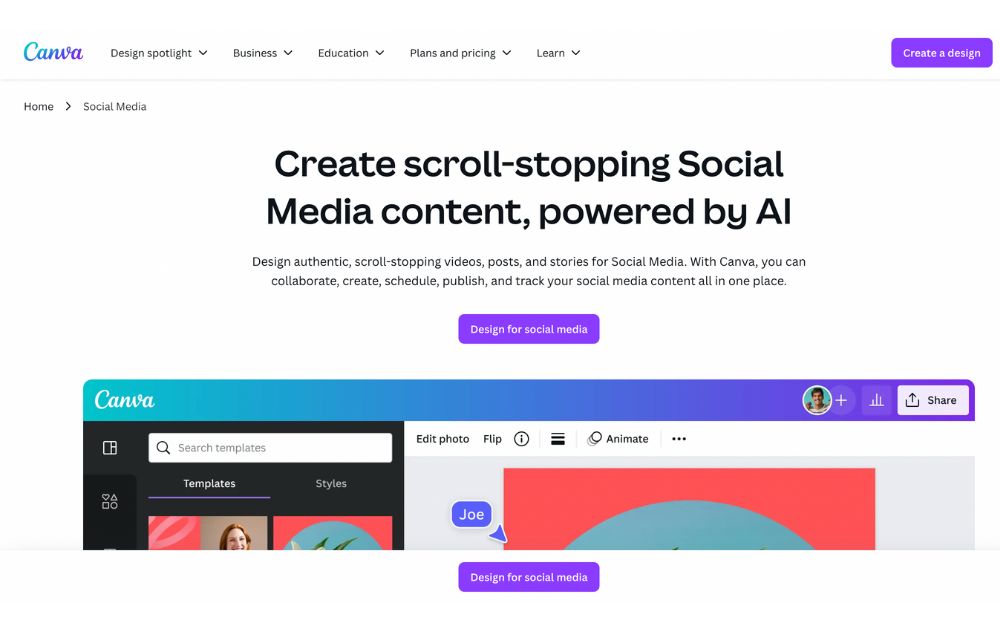
Last but not least in our featured social media marketing tools is Canva, which has become more than a design tool and is now a full-fledged social media management platform. With Canva, you can design graphics, edit videos, and publish posts to multiple platforms like Facebook, Instagram, LinkedIn, Pinterest, TikTok, and X.
The Content Planner lets you schedule posts directly, while AI-powered features like Magic Write help you draft captions. Canva also provides brand kits, design resizing, and collaboration tools—perfect for teams working remotely.
Canva offers a free plan with generous features, while Canva Pro starts at $14.99 per month.
Final Thoughts
Social media marketing tools are an essential part of any successful business strategy. The tools mentioned in this article provide a great starting point for any business looking to engage its audience on social media and grow its reach. By leveraging these tools, companies can create content, measure performance, and increase their reach on social media in 2025.

Managing a business means careful planning, from product development to budgeting finances. More so if you’re a small business. This is the reason you need a budgeting software made specifically for you. Here are ten of the best small business budgeting software programs to try out in 2025:
1. Google Sheets
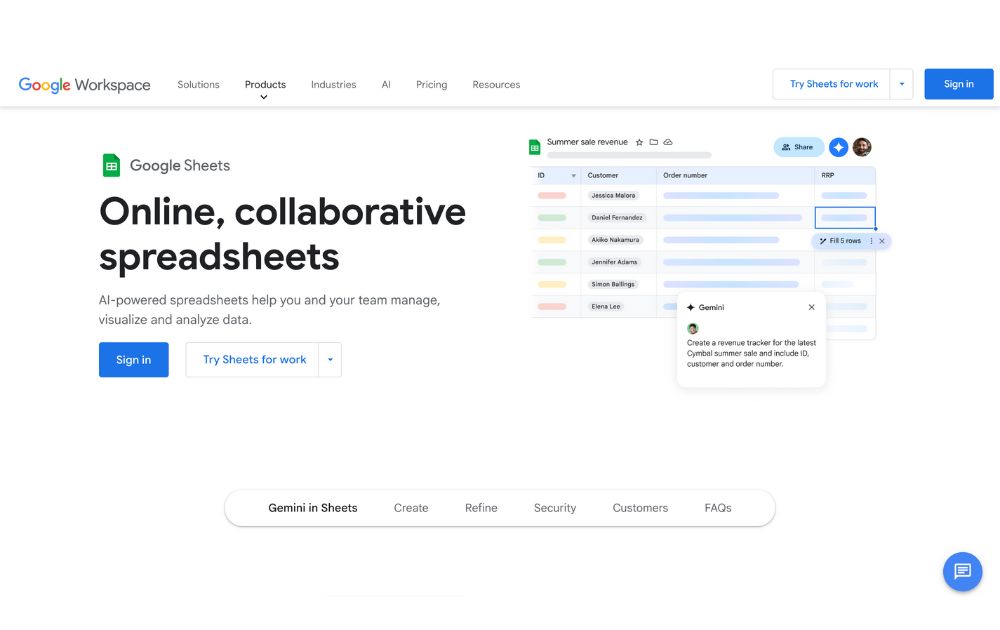
Track and monitor your spending habits with Google Sheets. It is a favorite of many small business owners, as you can use it completely free! It is flexible, robust, and has collaborative features that larger businesses can also appreciate. It has various templates and lets you link it to third-party applications to import your bank transactions automatically.
Google Sheets is free to use; all you need is to create a Gmail account. However, you can purchase Google Workspace if you need more features and larger storage space.
2. Float
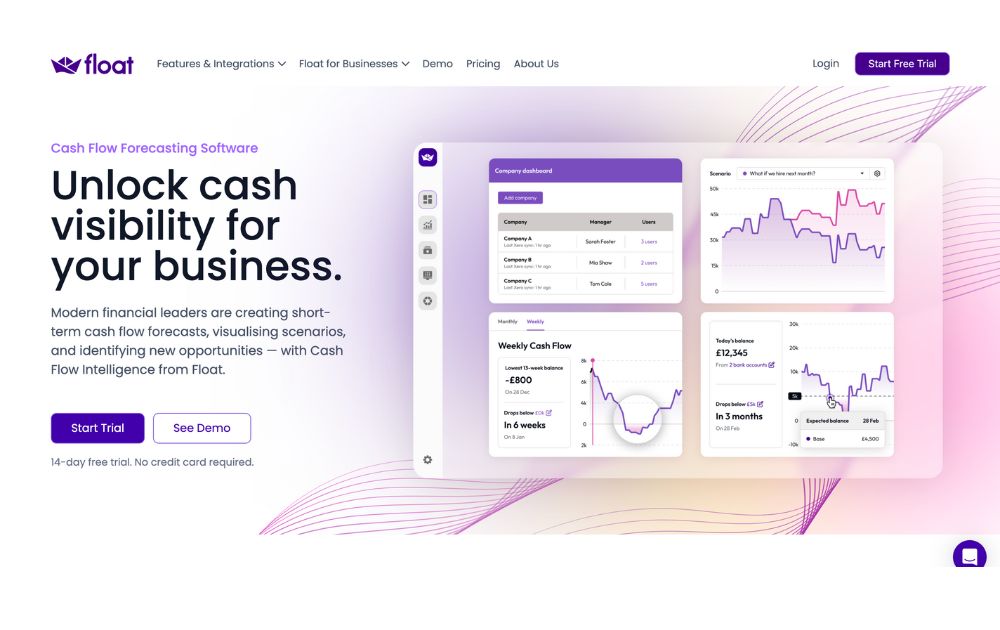
Float is a powerful cash flow forecasting and budgeting tool, making it a practical small business budgeting software. It connects directly with your accounting software (Xero, QuickBooks, or FreeAgent) and pulls real-time data to help you track your finances effortlessly.
With Float, you can visualize your cash flow, set budgets, and plan for different financial scenarios without getting lost in spreadsheets. In addition, it offers an intuitive dashboard, giving business owners clear visibility over short- and long-term finances.
Float offers a 14-day free trial. After that, pricing starts at £40 per month, depending on your accounting software and the number of users.
3. Xero
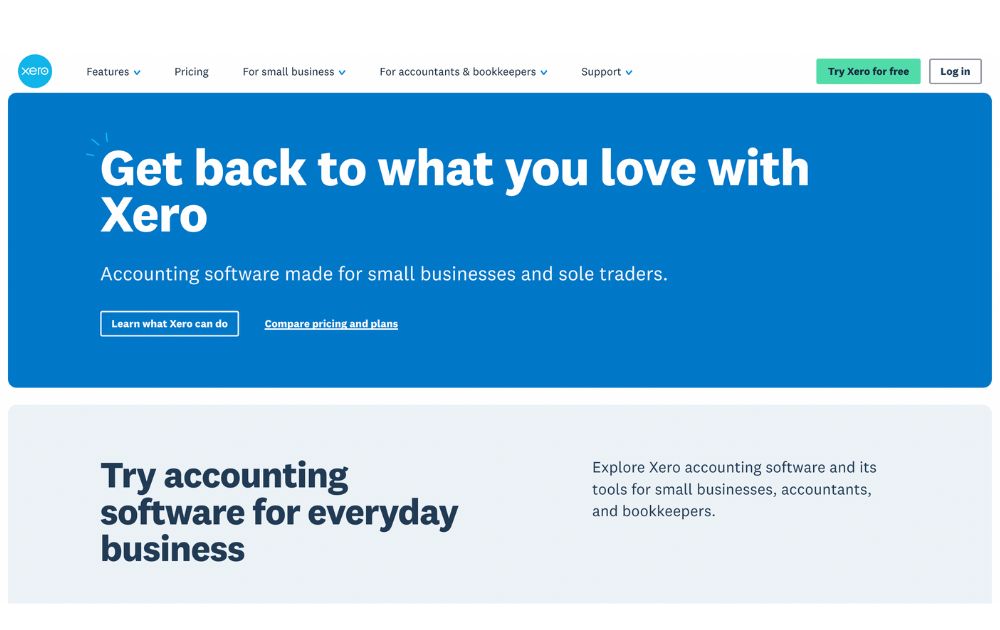
Working mainly as a cloud accounting software, Xero has built-in budgeting features that are useful for small businesses. It can help you generate and track budget and accounting reports. Xero can also manage fixed assets, which many budgeting and accounting software lack.
This small business budgeting software has three subscription plans. Its pricing starts at $29 per month, but they offer discounts that could go as low as $2.90 per month. Each plan lets you get add-ons depending on the features you need. You can get its 30-day free trial to see if it would be an excellent fit for your business.
4. Freshbooks
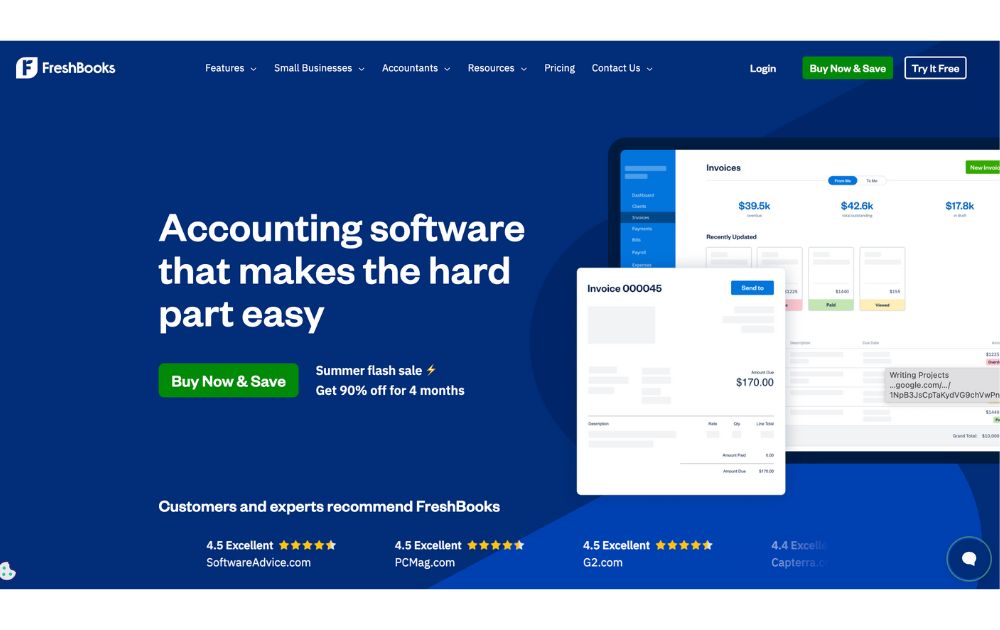
Create and view estimates and manage your budget easily with FreshBooks. Not only will it help you with budgeting, but it will also help you track income statements, expenses, balance sheets, and other financial statements. Its efficient expense tracking system lets you create and view estimates and manage your budget.
One of the more affordable budgeting apps, you can get Freshbooks for as low as $2.10 per month.
5. QuickBooks
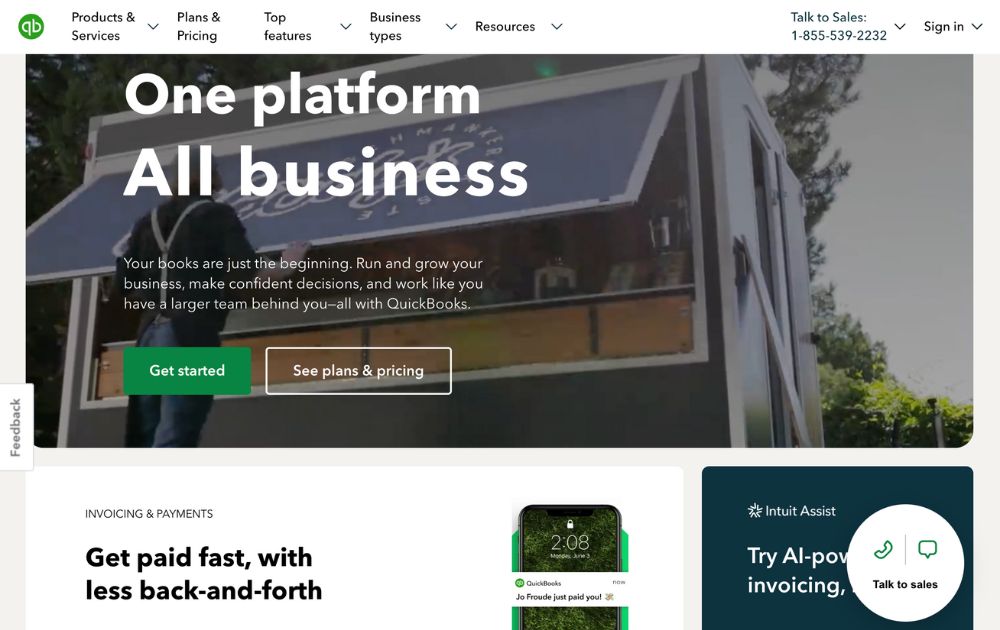
Cloud accounting software Quickbooks is one of the most popular budgeting software for accountants the world over. It is filled with useful features such as expense tracking, budget planning, and custom reporting, among many others. Simply put, it is an all-in-one budgeting and accounting app.
Quickbooks offers a free 30-day trial, but if you want to go ahead and use it, you can choose from its three cost-effective plans. Pricing starts at $3.50 per month.
6. LiveFlow
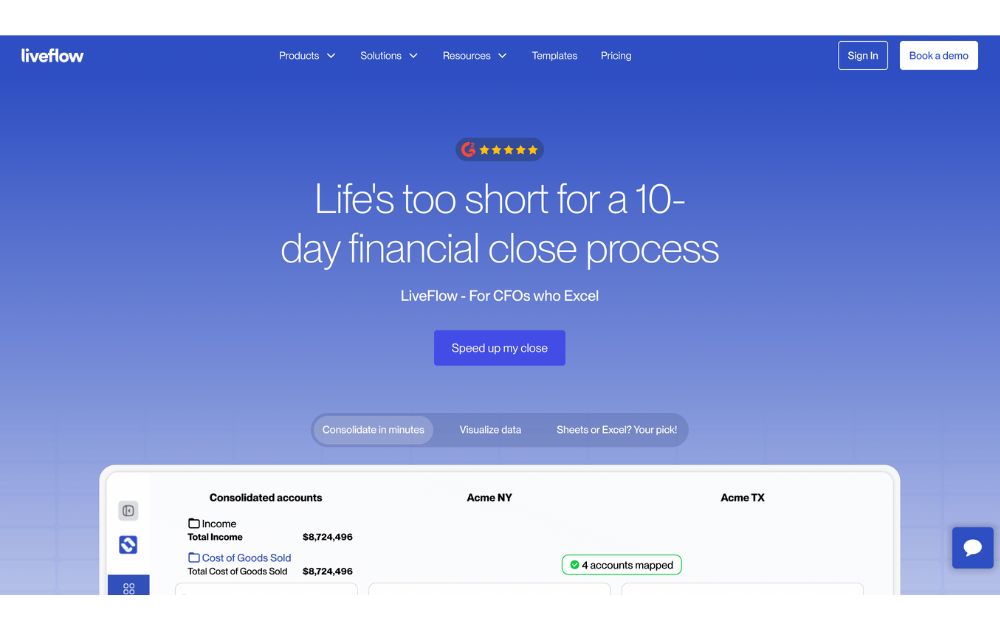
If you love Google Sheets but want more automation, LiveFlow could be one of the most practical small business organization tools for you. It syncs your accounting data (from QuickBooks Online and others) with your spreadsheets, giving you real-time visibility into your finances without needing to manually update your budget. You can also build custom dashboards and reports right within Google Sheets.
LiveFlow offers custom pricing depending on your business needs.
7. Zoho Books
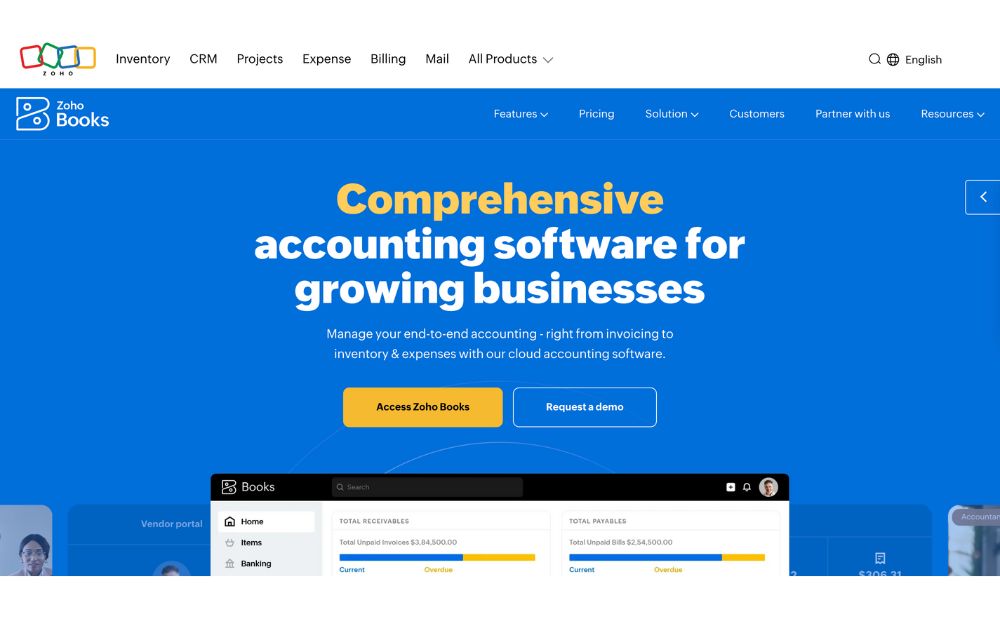
Zoho Books is a cloud-based accounting software that comes with built-in budgeting tools perfect for small businesses. It lets you create and manage budgets, automate banking tasks, and generate real-time reports. Zoho Books integrates seamlessly with other Zoho apps, such as Zoho Invoice, which is one of the most popular invoicing software for small business ventures.
If you’re looking for budget management software free of charge, Zoho Books offers a free plan for businesses with revenue under a certain threshold, and paid plans start at $15 per organization per month.
8. Relay
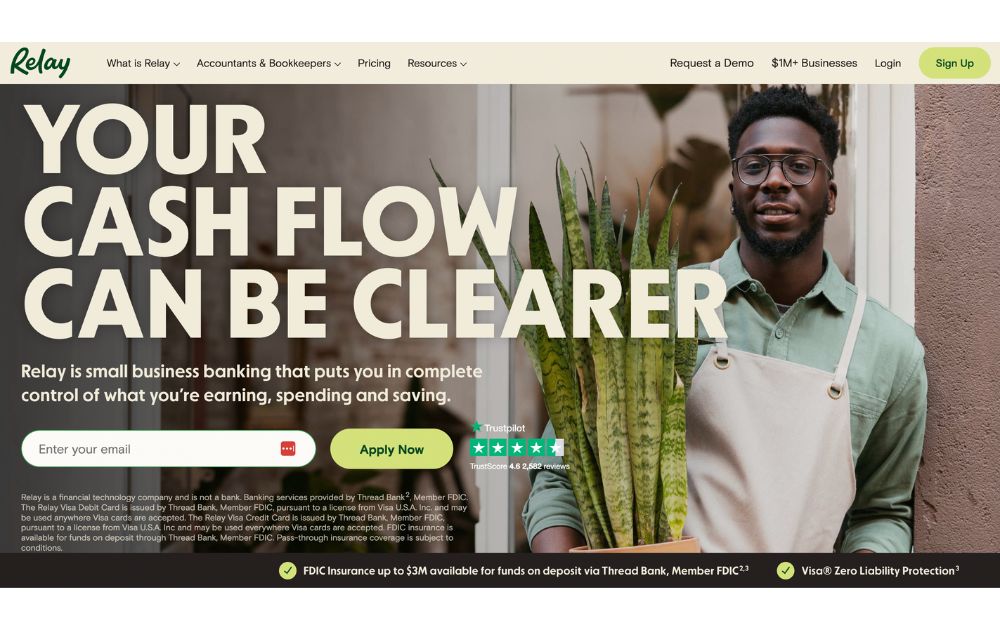
A business banking platform, Relay is a budgeting software with small businesses in mind. It allows you to create up to 20 free, no-fee checking accounts to help you organize your money into different categories. It gives you a glimpse of how much money you have in every expense category, among many other helpful features.
Relay offers two pricing plans that will suit any type and size of business. It has a free plan and the Relay Pro that will cost you $30 per business per month. Check out each to know what would suit your small business the best.
9. PocketSmith
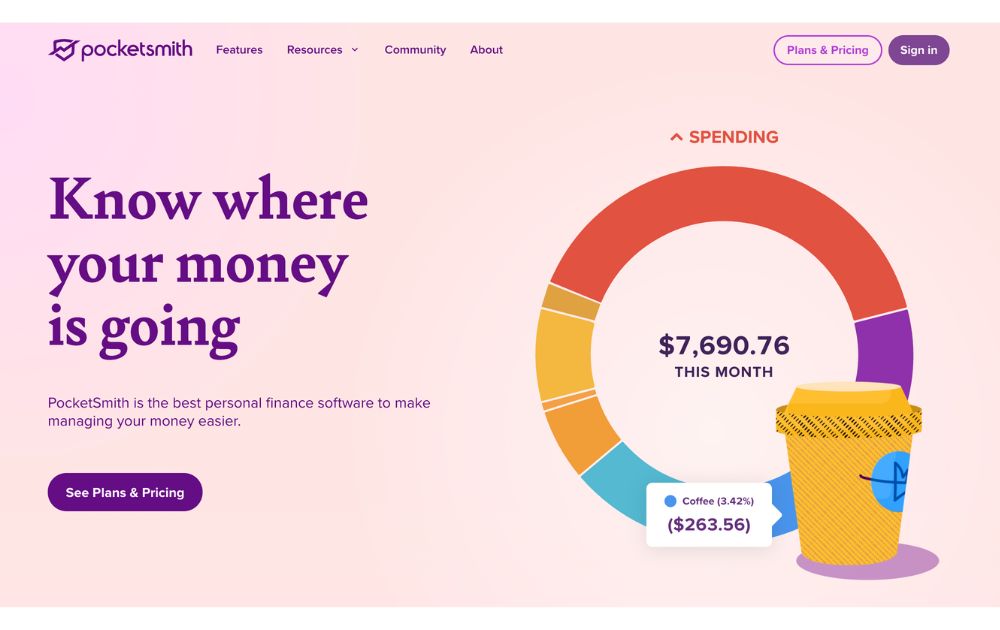
Next on our list of small business budgeting software options is PocketSmith, which takes a unique approach to budgeting by letting you view your finances on a calendar. If you’re a small business owner who wants to see the big picture when it comes to forecasting income, expenses, and savings, this could be the best small business budgeting software for you.
Though originally built for personal finance, its flexible features and multi-currency support make it a strong contender for solopreneurs and small business use.
PocketSmith offers a free plan with limited features. Paid plans start at $9.95 per month, with a 14-day free trial of its Premium tier.
10. Finmark
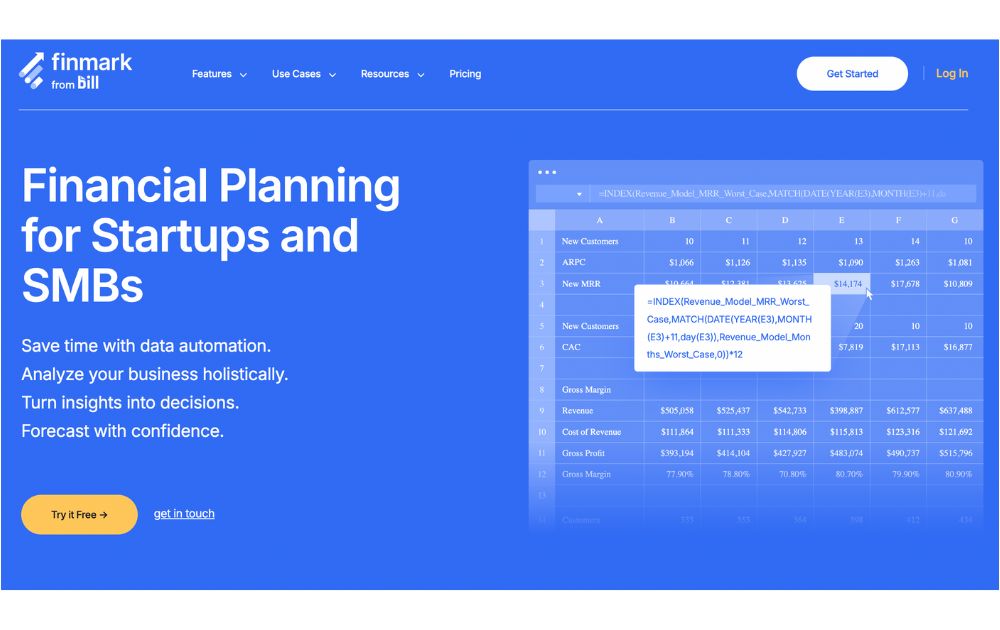
If your small business is ready for growth, Finmark offers robust budgeting, forecasting, and financial modeling features without the need for spreadsheets. You can manage runway, expenses, revenue, and headcount planning, all in one platform. It’s tailored for startups and small teams who need to make data-driven decisions without hiring a full-time CFO.
Pricing starts at $25 per month for one user, with custom pricing for larger teams. A free trial is available to test its core features.
Final Thoughts
Small business owners have a lot on their plate, and having software to make business management easier is always welcome. This list of budgeting software is explicitly designed with limited budgets in mind. They have already been filtered, and it’s up to you to choose the most suitable for your company.

Why Having an Advisory Board Could Make or Break Your Startup

Best Gift Guide for Men: Perfect Gifts for Every Occasion

What’s the Deal With Elomir? Is Axis Klarity a Scam?

The Best Ways to Recession Proof Your Business

Discover 2025’s Top 10 Online Banks for Smart Savings

Digital Nomads Flock To These 10 Amazing Tax-Free Cities

Loom Review: Features, Use Cases, and How It Stacks Up Against Zoom
What’s the Deal With Elomir? Is Axis Klarity a Scam?
Why Having an Advisory Board Could Make or Break Your Startup
Loom Review: Features, Use Cases, and How It Stacks Up Against Zoom
The Best Ways to Recession Proof Your Business
Best Gift Guide for Men: Perfect Gifts for Every Occasion
Discover 2025’s Top 10 Online Banks for Smart Savings




Evan Ruiz
February 28, 2022 at 12:04 am
I am a huge fan of JLab. I have been using the earbuds for years and they are great! They’re super lightweight, durable, and come with multiple sizes of silicone ear tips to ensure a comfortable fit in your ears. The sound quality is excellent as well – clear voices through the mic on my phone and decent sound coming out of these little buds themselves.