Technology
Cash (Apps) Rule Everything Around Me

Gone are the days of giving your waiter 6 different credit cards to split the check. With all the different peer-to-peer money apps available, it’s easier than ever to pay up. Whether you’re splitting the check, paying your share of the cable bill, or helping out your little brother with some cash, these apps have got you covered. Besides, who carries cash anymore? These days, you have options if you want to turn your wallet digital. Let’s break down the different P2P money apps available to you.
Venmo
Venmo is the first app on everybody’s mind when it comes to money transferring. The app is free to sign up and free to use. Users can send money and request payment from any of their ‘friends’ online. Its fun social feature lets you post the payment and what you’re paying for, or you can keep your transactions private.
P2P money app features
- Offers bank card? Yes
- Need a bank account? No
- Transfer fees? 1-3 business days – free. Instant transfer – 1% up to $10
Cash App
The other big name in the game, Cash App is like Venmo without the social aspect. If what you do with your money is your business and yours alone, Cash App lets you transfer money using a $cashtag. $cashtag is an anonymous handle to you use to keep private. Cash App also lets you invest in Bitcoin or stocks right from the app and allows for direct deposit.
P2P money app features:
- Offers a bank card? Yes
- Need a bank account? No
- Transfer fees? 1-3 business days – free. Instant transfer – 1.5% minimum $.25.
PayPal
You remember PayPal. It’s that service you signed up for when you first bought something off eBay. PayPal was one of the early pioneers that helped you spend money over the internet. PayPal has become the swiss army knife of P2P money apps. It lets you transfer money between apps, sends money directly to bank accounts, and is widely accepted on websites. PayPal also lets you purchase Cryptocurrency through the app and sends push notifications to your phone every time you spend money. You will, however, need to link a bank account.
P2P money app features
- Offers a bank card? Yes
- Need a bank account? Yes
- Transfer fees? 2.9% of personal transfer from credit card plus $.30
Zelle
If you use one of the major banks, chances are you’ve seen or possibly used Zelle. Zelle operates a little differently than the other p2p money apps. Instead of keeping a separate balance of funds that needs to be replenished as it depletes, Zelle is a client that works with your bank account. Zelle has its own app or operates within your major banking app.
P2P money app features
- Offers a bank card? Not a standalone card, only your bank’s checking card
- Need a bank account? Yes
- Transfer fees? No
Apple Pay Cash
You know Apple had to get in on the action. Apple Pay Cash works in tandem with your bank account like Zelle. You do not have a separate balance of money in an Apple account. The big benefit of Apple Pay Cash is that you can use it at checkouts at most retailers just by tapping your phone or Apple watch. (You do need an Apple device.) Apple Pay cash also lets you send and request money through the iPhone messaging app.
P2P money app features
- Offers a bank card? Yes
- Need a bank account? Yes
- Transfer fees? No
Google Pay
Google Pay works very similarly to Apple Pay Cash. You link a bank account to make payment. You can send and receive money to peers. You can use the NFC feature on your phone or Android Smartwatch to pay at retail checkouts. The difference is Google Pay can be used on Apple devices as well as Android devices.
P2P money app features
- Offers a bank card? Yes
- Need a bank account? Yes
- Transfer fees? No
Which App is King?
There are many p2p money apps, each with their own features that can appeal to different users. What features are important to you? Do you need a bank card? Do you want to be able to use it at a retail store? Do you want the app to work with your bank or separately? Rounding up the different features, it seems there is one clear leader in the p2p money game: PayPal. PayPal is blend of all the best features. You can send money to friends, invest through the app, use it online, or use the free debit card at retail stores and atm. And while you do need to link it to a bank account, it also allows you to store a balance separate from your bank funds.
Still, nobody said you need to have just one p2p money app. All these apps are free to download and use. And if someone tells you they can pay you using an app you don’t have, creating a new account seems like a no-brainer.



While many companies and small businesses struggle to capture their target audience’s attention amidst competition from giant brands, it’s clear that marketing needs to be taken up a notch. To do this, it requires marketing optimization tools to not only achieve marketing objectives but also generate leads. But how do you go about optimizing your marketing efforts and what tools can help?
1. Make Use of Data
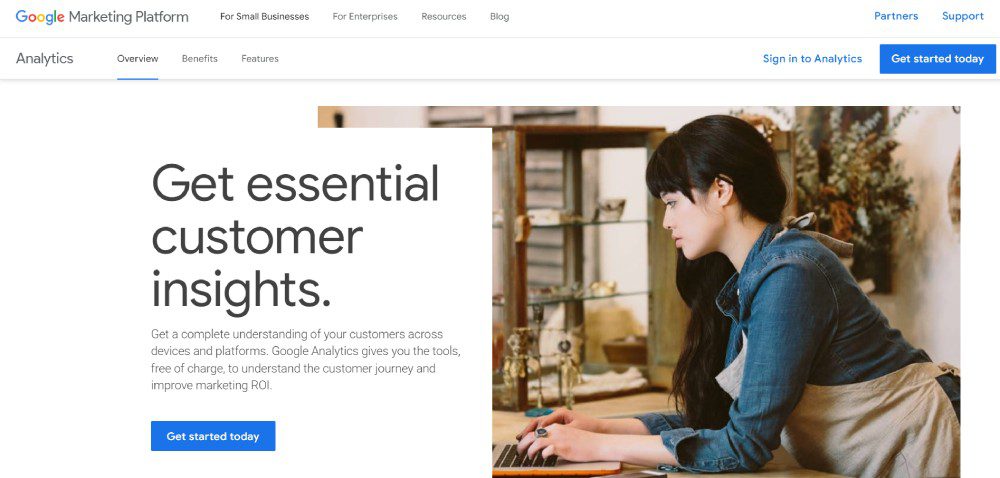
According to Hubspot, marketing in 2025 will heavily focus on data. That said, data will give you insights into your target audience. Plus, you can better understand how your business works better through data. Fortunately, many marketing optimization tools have data and analytics to help you reach targets.
If your strategy is understanding your audience better through data, Google Analytics is your best free option. With Google Analytics, you’ll know where your users are coming from and how many of them are visiting your website.
Another data-heavy strategy is social media marketing. After all, you don’t want your social media marketing efforts to go in vain. Although MeetEdgar is primarily a social media scheduler, it will help you understand which of your posts are doing great in engagement. Plus, you can make decisions regarding your other non-performing posts.
2. Focus on SEO
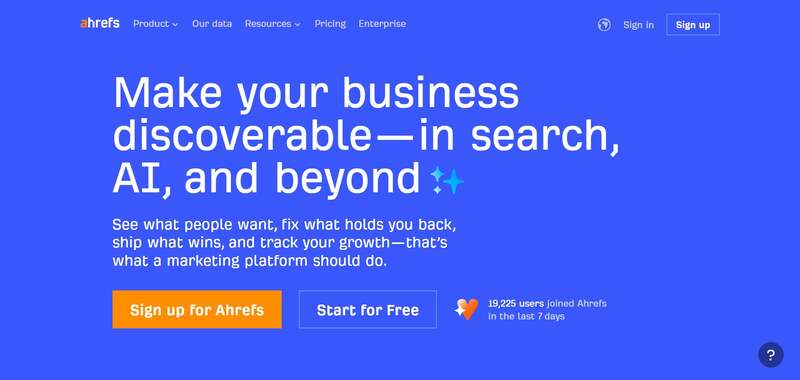
Data isn’t enough when optimizing your marketing campaigns or strategies. Marketing strategies are best served with the help of SEO. You shouldn’t overlook or underestimate the impact of what SEO can do for your business. After all, you want to drive customers to your website, right? SEO is your best bet in getting more clicks and visits. Plus, you can earn your place on the coveted first page of search engines.
With SEO, you don’t have to overcomplicate it. Plus, you don’t want to skimp on SEO, especially if you want visitors to flock to your site. You can use one simple tool to help you research keywords, explore your competitors, and track your progress. Ahrefs is one of the tools you should have in your arsenal. They have an all-in-one tool ready to help you learn about your content, links, competitors, and more!
3. Stay Active on Social Media
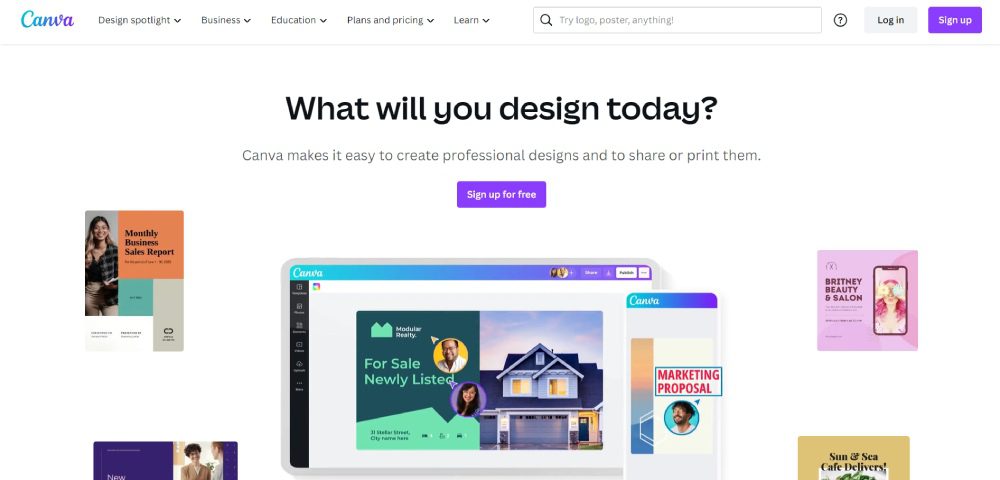
Social media platforms are the best places to reach your target audience. You can post on Facebook, Instagram, Twitter, and TikTok to engage with your audience and promote your products or services. But posting on social media requires constant efforts and well-thought-out strategies. You need to post regularly with the right content, copy, and visuals to attract your target audience. Content creation tools like graphic design software and video editors will help you meet your social media marketing goals.
Canva is the go-to for many marketers because of its ease of use and UI. Plus, you can make graphics in minutes. Meanwhile, Clipchamp is a trusted name in video editing. Marketers can use templates to create videos in a snap. Plus, they can make compelling videos by adding filters and AI voiceovers.
4. Keep Content Consistent
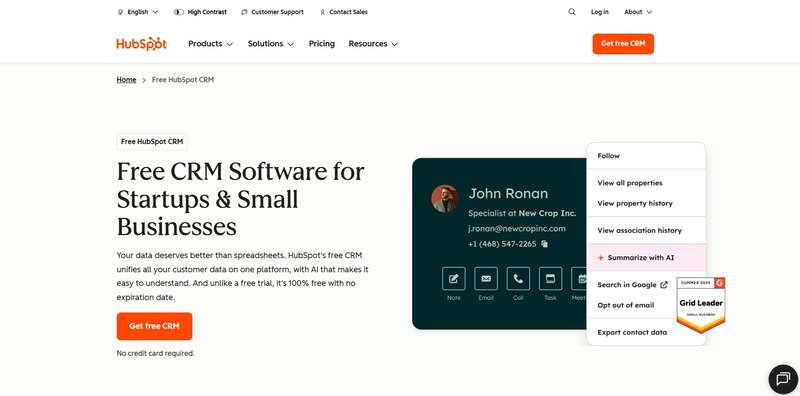
During the planning stages, it’s important that your content should also be ready before it’s published. If you are launching a marketing campaign, you need your visual assets and marketing copy prepared. But you don’t create for creation’s sake. You need to keep your messaging and visuals consistent on every platform.
You want to ensure that people across various channels view and interact with your campaign assets while getting your main message out.
There are a couple of marketing optimization tools for this strategy:
- Hubspot is the popular choice for content marketing since you can publish and schedule your blogs on this platform.
- Like with social media marketing, you need content creation tools. However, an alternative to content creation tools is unlimited graphic design and video editing services. For graphic design, you can rely on Penji. You can request your graphics in one place while you work on your company. Meanwhile, Video Husky is a trusted video editing service helping you with short-form and long-form videos.
- Email marketing is another content strategy you should consider when reaching your audiences. Mailerlite is your best bet in achieving your email marketing goals.
5. Research Your Competitors
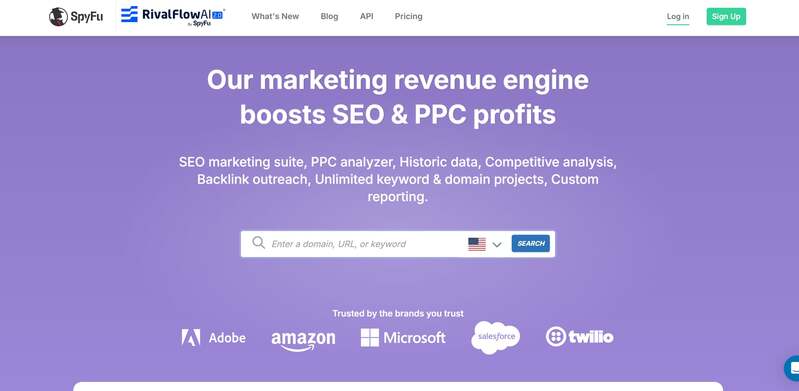
Aside from learning about your audience, you should also keep an eye out for your competitors. After all, you want to see how your target audience responds to their posts. Plus, you want to compare how different your websites could be. This will give you an idea of how to improve your posts and websites.
Although Ahrefs has a competitor research tool, an alternative to this is SpyFu. They specialize in analyzing competitor keywords, traffic, ads, and domains.
Other Marketing Optimization Tools to Use:
Marketing Automation
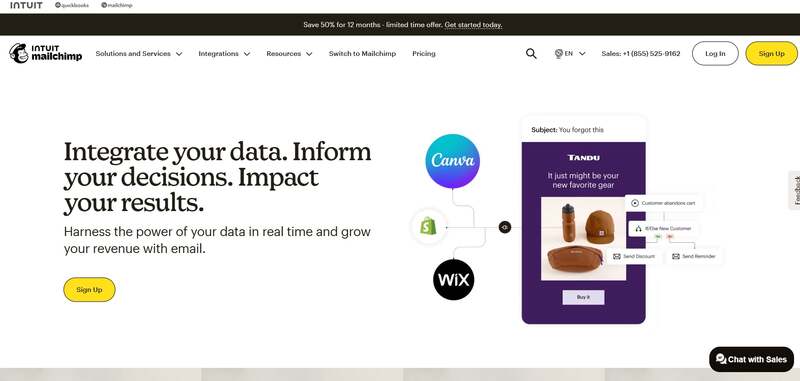
Marketing automation tools have been the go-to applications for most marketers. After all, marketing automation streamlines your work. Plus, you can leave it to the AI or other automated sequences to do your job for you. That said, there are tons of marketing automation tools.
One stands out from the rest, and that is MailChimp. Although known as an email marketing tool, they have a marketing automation feature by building relationships with your customers and ad retargeting.
Customer Relationship Management
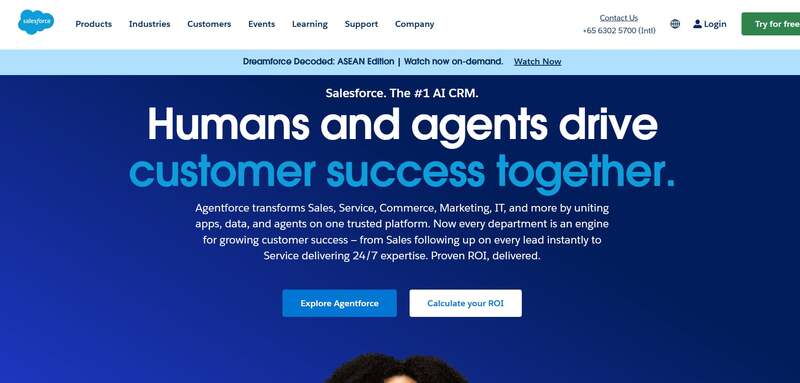
Customer relationship management (CRM) software is one tool you need to reach more customers. This works best if you have an email marketing strategy. And if you need a CRM tool, Salesforce is the highly recommended one. You can run your marketing campaigns on their software. Plus, you can nurture leads and provide the best customer experience.
Project Management
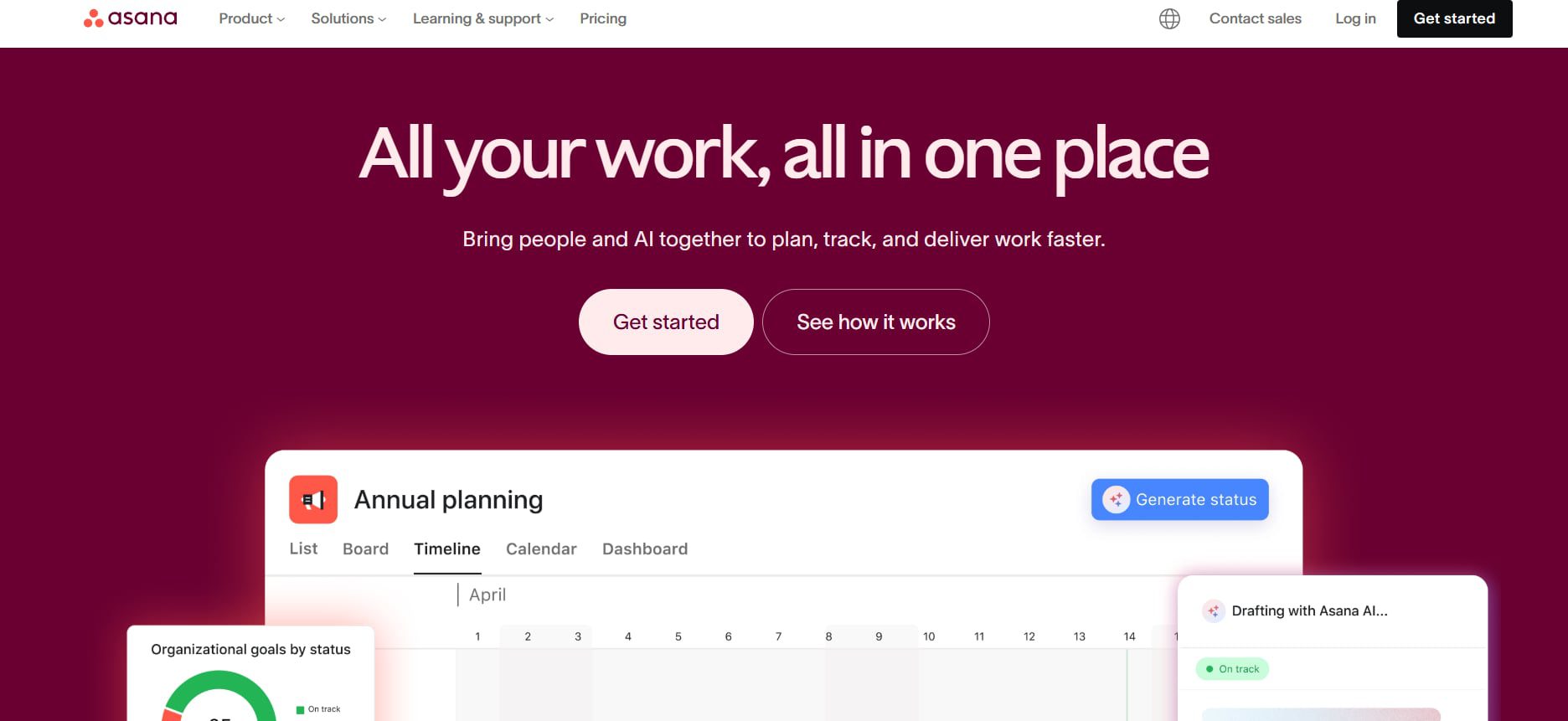
One overlooked marketing optimization tool is project management. You should use a project management tool to help you get on track with your campaigns. Asana is a must-subscribe project management tool for marketing. You can collaborate with your teammates, assign them various projects, and organize them for each strategy.
Final Thoughts
In the competitive landscape of 2026, optimizing your marketing strategy is no longer optional, it’s essential. It can be challenging to entice your target audience digitally nowadays, especially if you’re hesitant to use optimization tools. That’s why it’s essential to use them to help you achieve your marketing goals. And with the tools above, you can be on your way to reaching your audience and increasing your sales.


Are you looking to create a stunning presentation that keeps your audience engaged? It would be best if you had excellent presentation software to take your slides to new heights. Let’s review the ten best presentation software in 2026 so you can choose the best for your business.
1. Visme
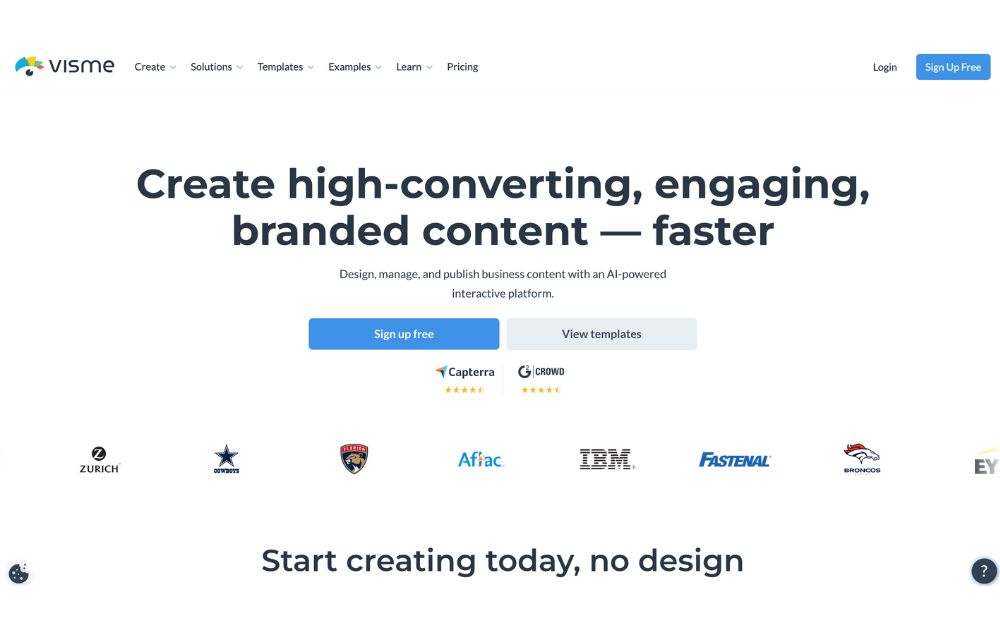
Visme is a cloud-based presentation software that enables users to create visually engaging and interactive presentations, infographics, and other visual content. Its user-friendly drag-and-drop interface makes it easy for users to add text, images, charts, and other elements to their presentations. Likewise, it offers design options like custom color schemes, fonts, and layouts. On top of that are interactive features like videos which can engage audiences and make the presentation more interactive.
Visme also offers collaboration features that allow multiple users to work on a presentation simultaneously. Users can also share it for feedback and review.
Best for: Visme is perfect for small and large businesses, marketers, project managers, content creators, and educators.
Pricing:
- Personal: $12.25/month paid annually
- Business: $24.75/month paid annually
- Enterprise: Custom
2. Prezi
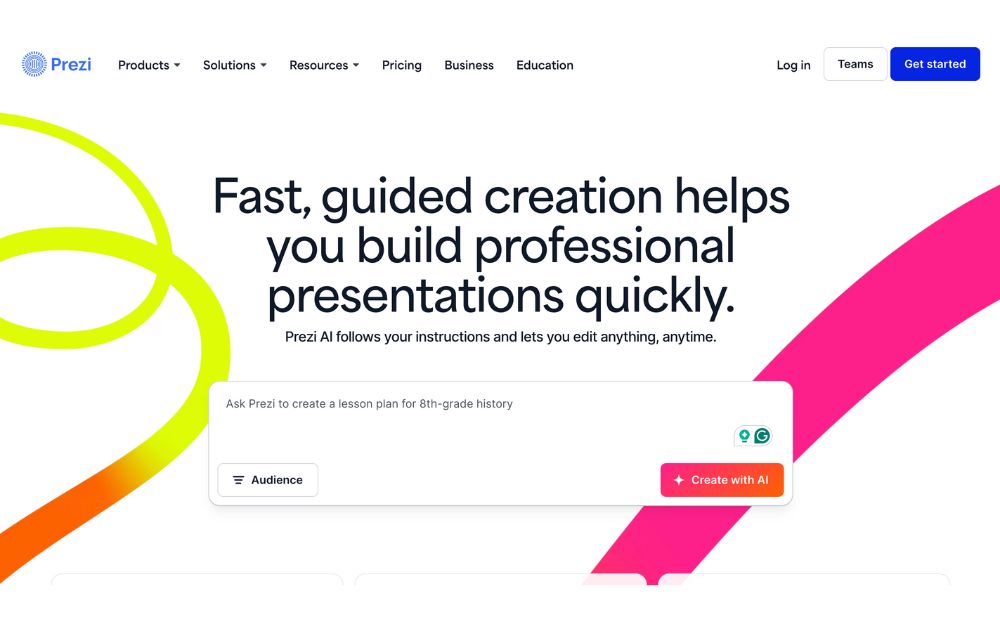
Prezi offers a great alternative to the typical presentation format that goes slide by slide. Prezi’s creative idea is to create an animated, non-sequential flow of slides with hidden topics and subtopics until you zoom in. While Prezi’s interface can be slightly complicated, it is a good option for people who want to add a creative touch to their slides.
Best for: Businesses and educators.
Pricing:
- Free plan: $0
- Plus: $15/month
- Premium: $25/month
- Teams: Starts at $39/month
3. Google Slides
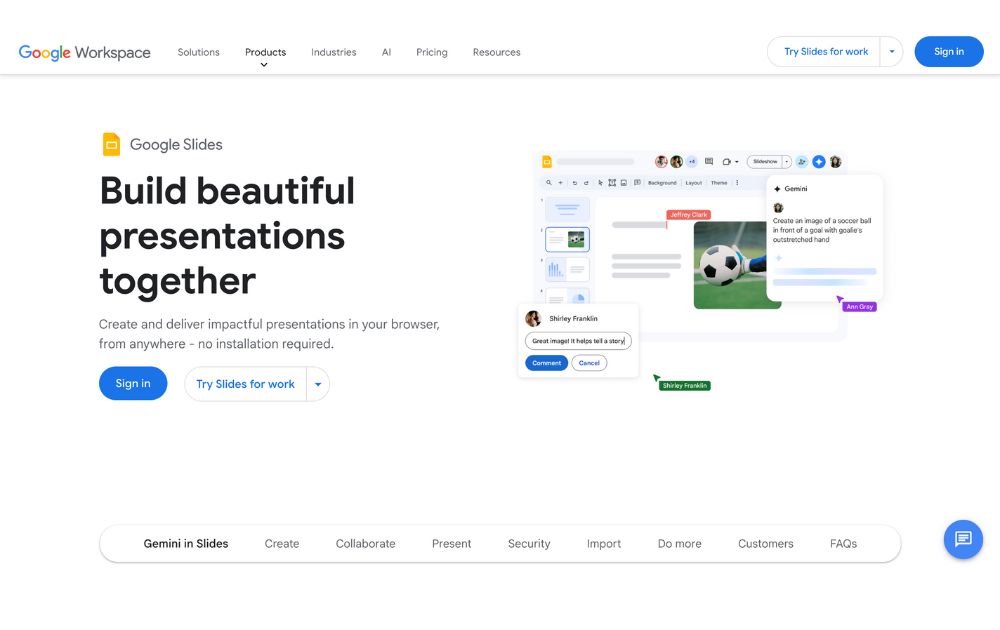
One of the most used tools online, Google Slides is a web-based presentation software part of the Google Suite of productivity tools. Google Slides is a web-based presentation software part of the Google Suite of productivity tools. It enables users to create, edit, and share presentations online, and it is similar in functionality to other presentation software such as Microsoft PowerPoint.
With Google Slides, users can create a new presentation from scratch or use one of the many templates provided by Google. Users can add text, images, charts, and other elements to their presentations using a simple drag-and-drop interface. Google Slides also offers a wide range of design options, including custom color schemes, fonts, and layouts, as well as the ability to add animations, transitions, and other effects to slides.
Best for: Business professionals, educators and students
Pricing:
- Free to use for anyone with a Google account.
- Plans for business accounts start at $6.30/user/month.
4. Keynote
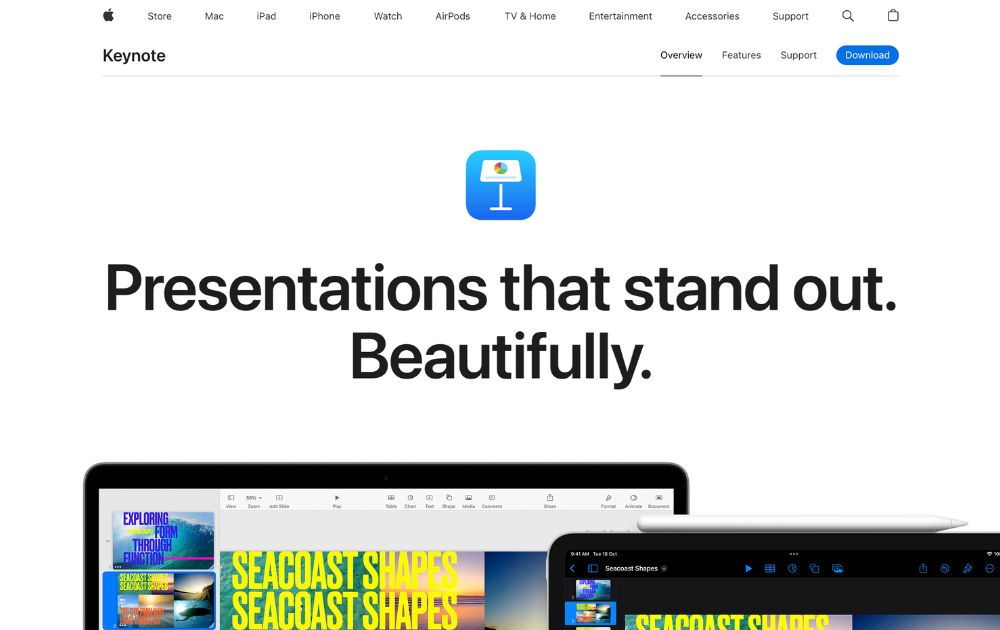
Keynote is an Apple presentation software and one of the original alternatives to Microsoft’s PowerPoint. The best thing with Keynote is that it is the most similar to PowerPoint and Google Slides.
Best for: Keynote is good for businesses, educators, and individuals.
Pricing: Free for anyone with Apple ID
5. Microsoft PowerPoint
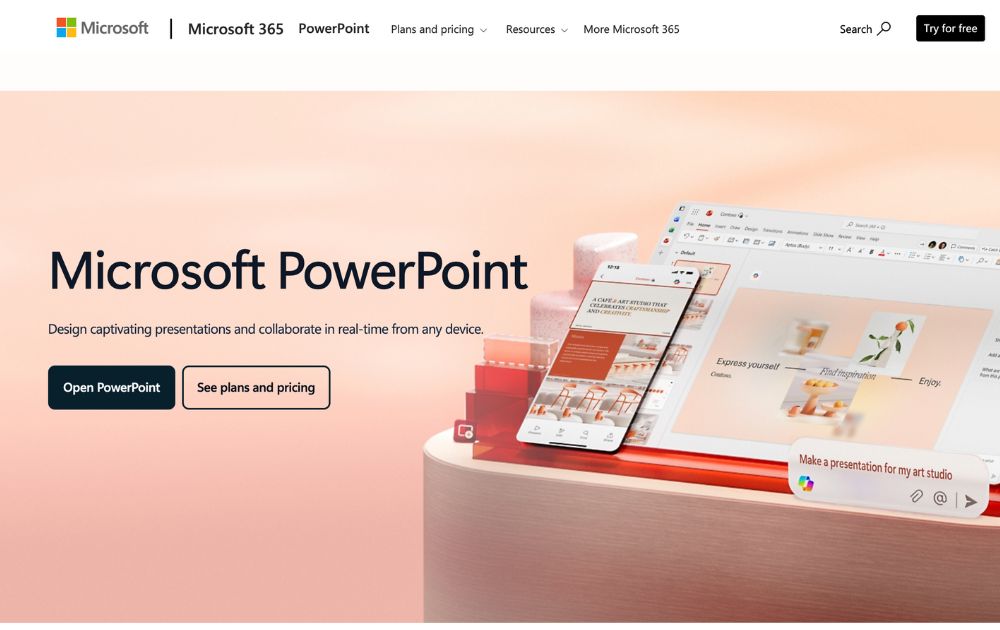
Microsoft PowerPoint is the world’s most widely used presentation software. It is similar in functionality to other presentation software such as Apple Keynote and Google Slides.
PowerPoint also offers collaboration capabilities, including sharing presentations for feedback and review. It also allows users to work on presentations with other users simultaneously. Plus, it enables users to export their presentations in PDF, PPTX, and JPG formats.
Best for: Businesses, individuals, students, teachers and individual who use a Windows PC or device.
Pricing:
- Free to download on desktop or mobile devices
- Microsoft 365 Personal starts at $9.99/month
6. Ludus
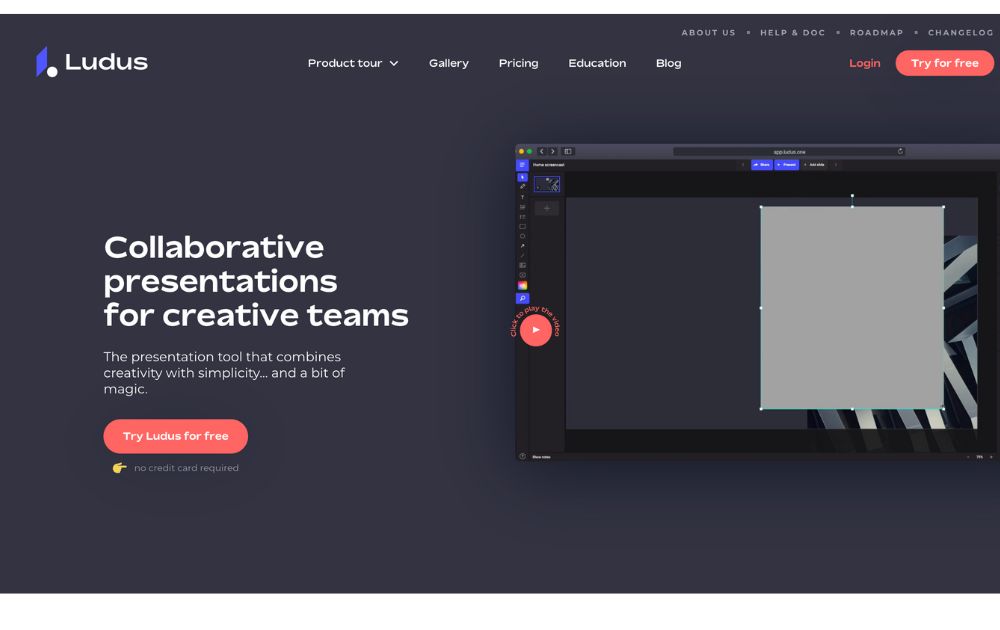
Ludus is one of the coolest presentation tools available online. The main attractions of Ludus are the clean black screen to edit on and the number of integrations that provide importing capabilities for all sorts of content.
Best for: Designers and business owners
Pricing:
- Starts at $14.90/month for teams of 1-15 people.
- Offers a 30-day free trial
7. Slides
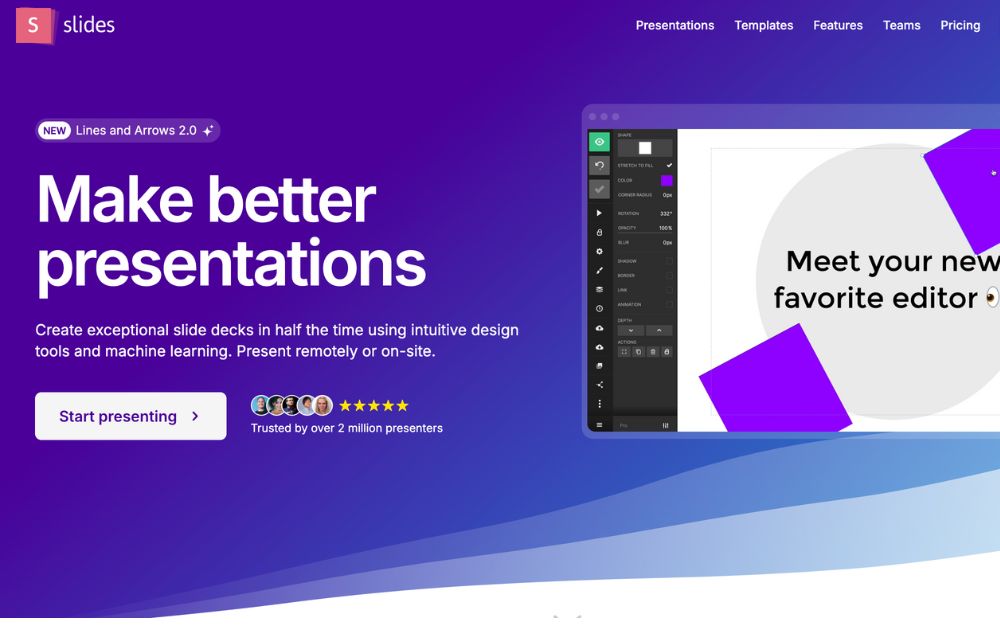
Slides promotes itself as “pixel-perfect” presentation software. Its editor includes a built-in grid to help with composition. Slides have a lower cost at the highest price tag, which suits smaller businesses.
Best for: Small business owners, startups, and individuals.
Pricing:
- Free plan
- Paid plans start at $5/month
8. Slidebean
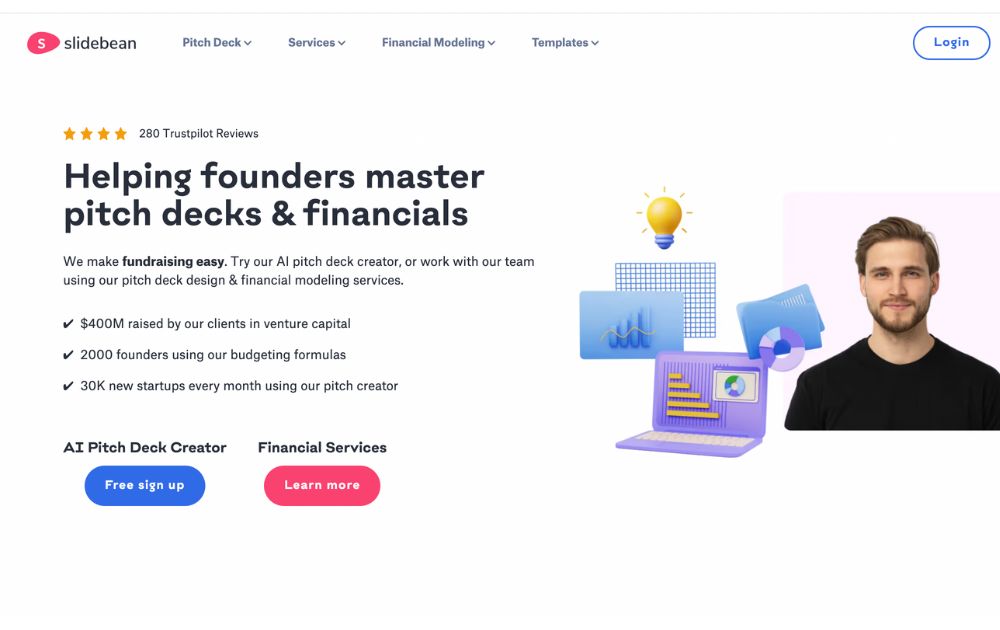
SlideBean is a cloud-based presentation software that enables users to create visually engaging and professional presentations quickly and easily. The software is developed as user-friendly and intuitive, making it easy for users to create high-quality presentations without any design experience.
Slidebean also takes pride in its AI pitch deck creator, which offers a fast way to create a presentation.
Best for: Small businesses, startups, and entrepreneurs.
Pricing:
- Paid plans start at $12/month
9. Beautiful.ai
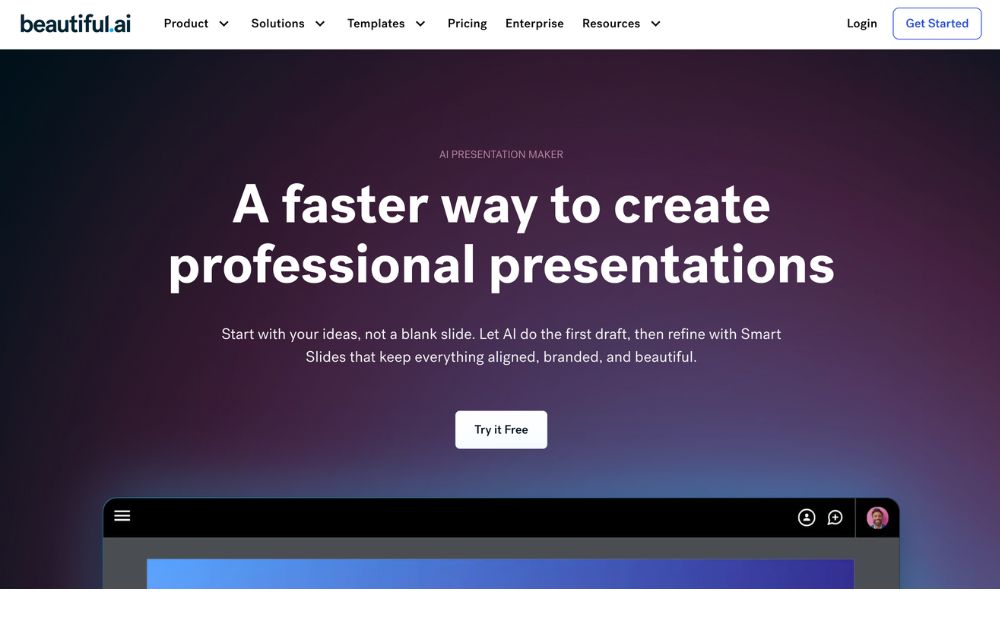
The cloud-based presentation software Beautiful.ai uses artificial intelligence to help users create visually stunning and professional-looking presentations. It has user-friendly and intuitive features, making it easy for users to create high-quality presentations without any design experience.
Best for: Beautiful.ai is a perfect tool for beginners and non-designers.
Pricing:
- Pro plan: $12/month, billed annually
- Team plan: $40/month, billed annually
- Offers a 14-day free trial
10. Zoho Show
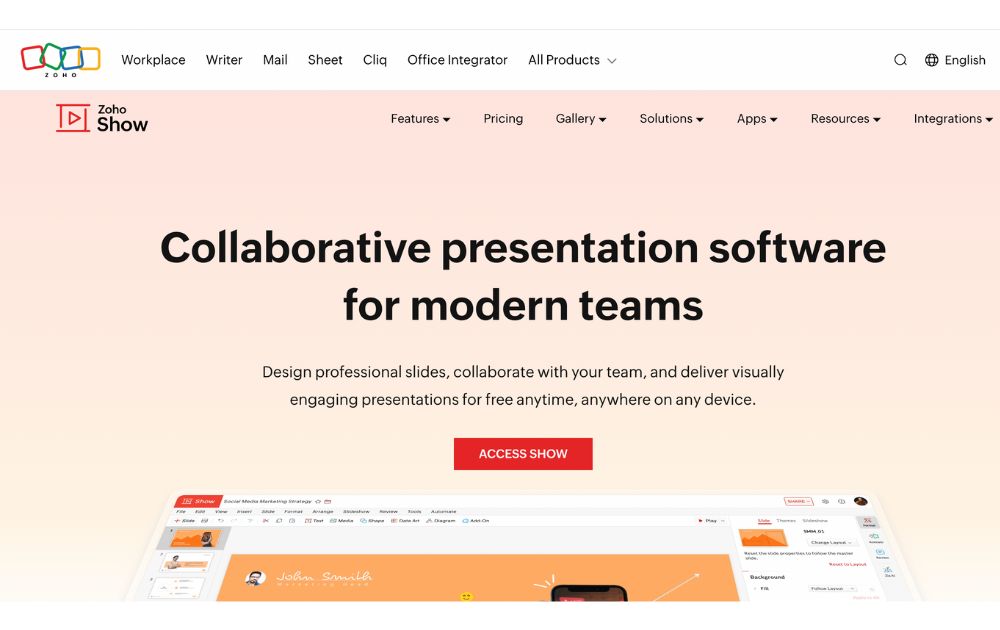
Zoho Show is a web-based presentation software developed by Zoho, a company that provides a suite of productivity and collaboration tools. It is part of the Zoho Office Suite, which also includes tools such as Zoho Writer for word processing, Zoho Sheet for spreadsheets, and Zoho Meeting for online meetings.
With Zoho Show, users can create a new presentation from scratch or use one of the many templates provided. Users can add text, images, charts, and other elements to their presentations using a simple drag-and-drop interface.
Best for: Businesses, entrepreneurs, educators, and students.
Pricing:
- Free plan: up to 5 users
- Paid plans start from $2.5/user/month, paid annually
The Lowdown
Presentation software is the most common tool used to pitch an idea to investors and present proposals to prospective clients. Likewise, it is utilized by many organizations to introduce new products or services, train staff on new policies, or teach students new or complex concepts. The collection of the best presentation software will help broaden your choices regarding the tools that will improve your productivity.
Featured Image Credit: Photo by RDNE Stock project from Pexels

Social media managers have a lot on their plates. Creating, scheduling, and publishing posts can take up a huge chunk of their time. Fortunately, there are social media schedulers that can make your life easy. Here is our list of the 10 best:
Best Time and Day to Post on Social Media
Before we discuss the top 10 social media scheduling apps, you might wonder what the best time is to post on social media. Search Engine Journal and Sprout Social report that the best days to do it are Tuesday through Thursday. Meanwhile, the best time to post it is from 9 AM to 10 AM on those days. Avoid posting on Sundays.
But should you follow this?
The thing is, you don’t have to follow this social media best practice. One way to determine the best day and time to post for your business is through testing. For example, you can post at 2 PM ET for two weeks. Then, you can run a new test by switching to 3 PM after two weeks.
Now, let’s hop into the top 10 social media scheduler apps you can try.
1. Buffer
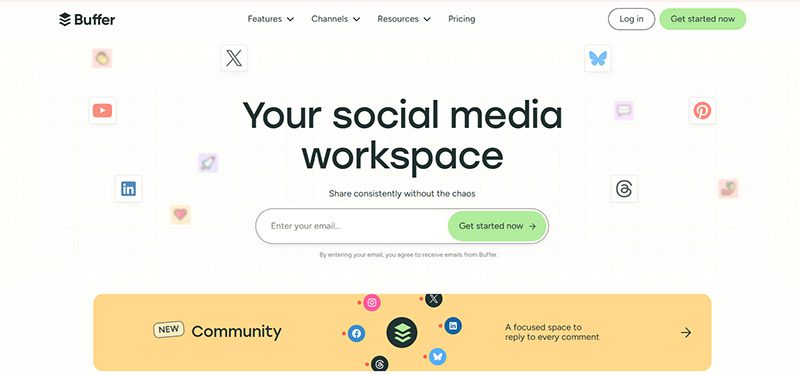
Buffer is an all-in-one social media management tool. Beyond being a social media scheduling tool, it can help you level up your social media marketing. You can add the first comment on your Instagram post and drive more traffic to your website. Aside from that, you have control before publishing your TikTok posts. Buffer will send you a notification, and you can approve the post before it goes out.
Pricing:
- Free
- Essentials – $6/mo/channel
- Team – $12/mo/channel
2. Hootsuite
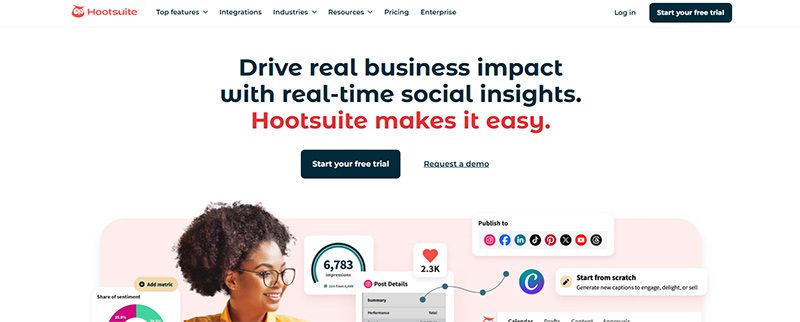
Hootsuite has been a well-known social media scheduler since the early 2010s. And the social media management tool is still the leading choice for 200,000+ businesses worldwide. Once you subscribe to Hootsuite, you can access its Hootsuite Planner. This enables you to schedule posts at any time. Plus, you can publish bulk posts on different social media channels, such as Facebook, Instagram, Twitter, and LinkedIn.
Pricing:
- Standard – $149/user/mo
- Advanced – $399/user/mo
- Enterprise – Contact sales
3. Agorapulse
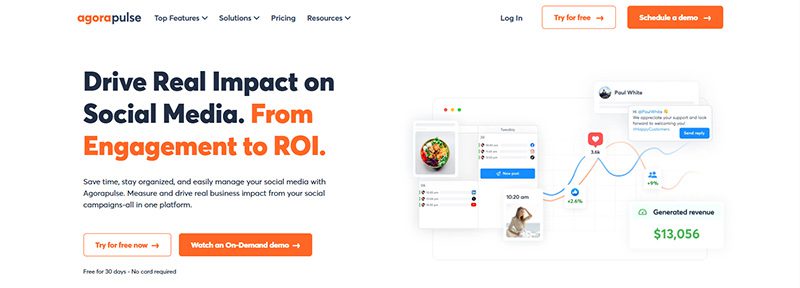
If you need a collaborative social media scheduler, Agorapulse is one of the best options for your team. Team members can approve, reject, and leave feedback on draft posts before scheduling them. And if you manage different brands, you can organize and store files in folders. Aside from that, they have a rescheduling feature. This allows you to republish an old post and promote it again on your social media channels. Plus, if you’re on the go, they have an app too!
Pricing:
- Standard – $99/user/mo
- Professional – $149/user/mo
- Advanced – $199/user/mo
- Custom – Contact sales
4. SocialPilot
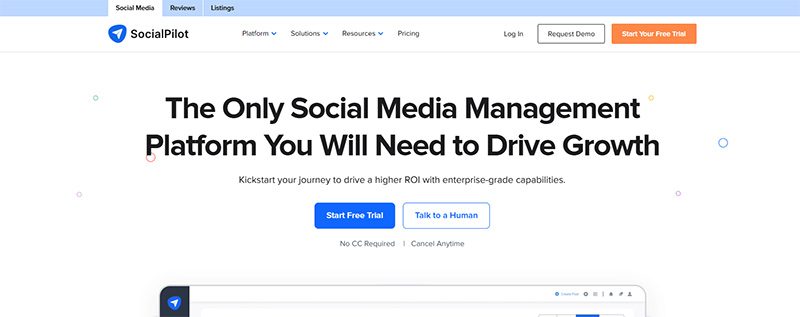
If you want an all-around social media scheduler, SocialPilot should be one of your top choices. You can publish posts on the following platforms:
- TikTok
- YouTube
- Google Business Profile
Aside from that, you can publish 500 posts in one go! You don’t have to worry about posting every week or month. You can be ahead and save time to do other tasks!
Pricing:
- Essentials – $30/mo
- Standard – $50/mo
- Premium – $100/mo
- Ultimate – $200/mo
- Enterprise – Contact sales
5. Sprout Social
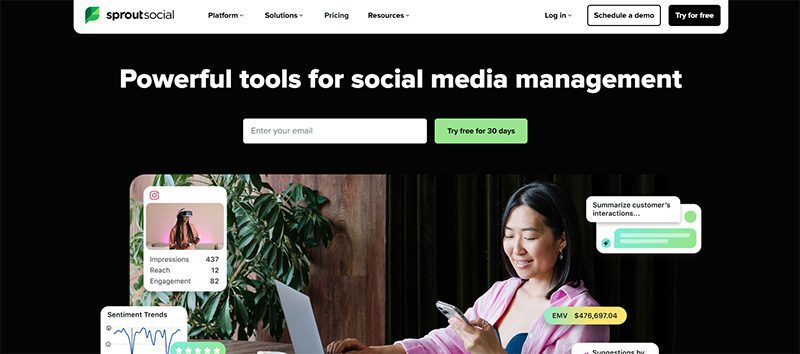
eCommerce businesses and agencies will benefit from using Sprout Social. For eCommerce businesses, they can integrate Shopify and Facebook Shops into Sprout Social. You can share your assets seamlessly on Sprout Social.
Meanwhile, agencies can benefit from Sprout Social’s asset library and message-approval workflows. This allows collaboration between your teams and clients.
Another useful feature of Sprout Social is content suggestions. If you run out of inspiration, Sprout Social can provide post ideas to help you create engaging content.
Pricing:
- Standard – $199/per seat/mo
- Professional – $299/per seat/mo
- Advanced – $399/per seat/mo
- Enterprise – Request a demo
6. MeetEdgar
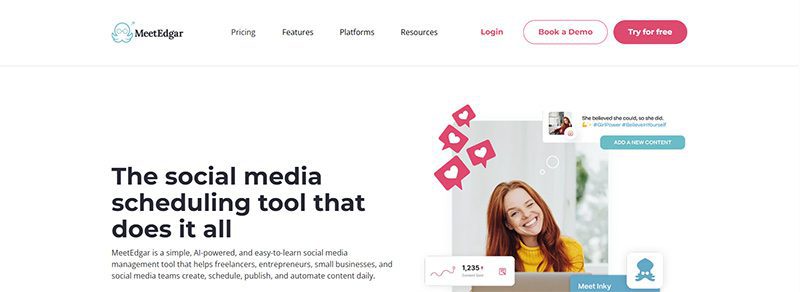
If you want to organize your social media posts according to categories, MeetEdgar should be one of your top choices. The platform allows you to create “Categories.” This enables you to organize the content you want to share on a specific social media platform. Aside from that feature, you can also easily upload your assets to your library and import content. Finally, get an overview of your postings for the next two weeks and review them before they’re published!
Pricing:
- Eddie – $29.99/mo
- Edgar – $49.99/mo
7. SocialBee
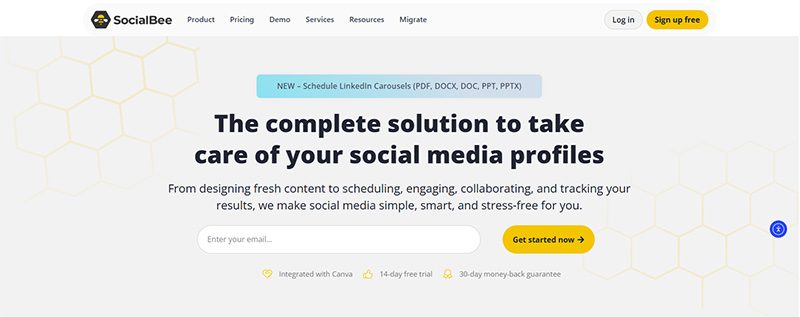
SocialBee is an excellent choice for social media experts who need more control over scheduling and publishing. You can choose to publish your content on ALL active social media platforms or select channels. Plus, SocialBee has a recurring schedule feature where you can repost old content at a later time. However, you can reverse the recurring feature by “expiring” a post. You can stop it when it reaches a number of shares or after a certain time.
Pricing (Standard):
- Bootstrap – $29/mo
- Accelerate – $49/mo
- Pro – $99/mo
Pricing (Agency):
- Pro50 – $179/mo
- Pro100 – $329/mo
- Pro150 – $449/mo
8. Later
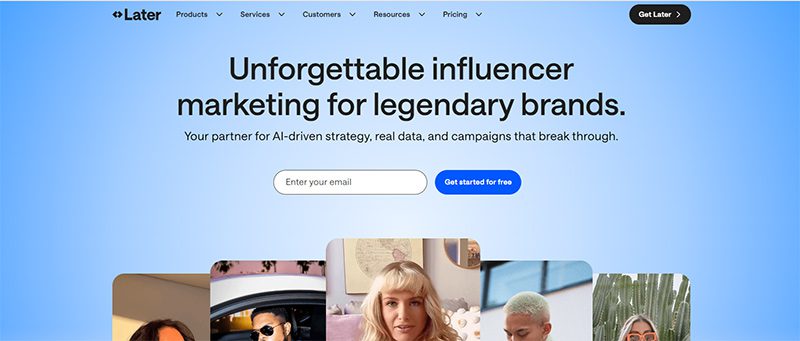
Does your business love reposting user-generated content? Later is the best option for your business. You can follow a hashtag on the dashboard and share the post immediately on your social media channels. When uploading assets, you can use the library or connect your Google Drive or Dropbox account for seamless uploads. Finally, you can download their Chrome extension for faster sharing of images to share on your social media accounts.
Pricing:
- Starter – $25/mo
- Growth – $50/mo
- Scale – $110/mo
9. Pallyy
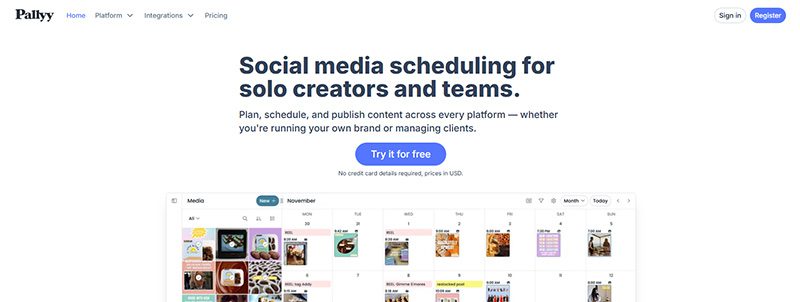
If you run an agency and need a social media scheduling tool, you should consider Pallyy as your primary social media management tool. You can create brand folders to organize posts. You can also select what post you’re publishing on the dashboard. Plus, it’s easy to collaborate with team members and leave drafts for next time. With Pallyy, you can post on popular social media sites like Facebook, Twitter, Instagram, and TikTok.
Pricing:
- Starter – $15/mo
- Pro – $25/mo
- Agency – $99/mo
- Scale – $199/mo
10. Planable
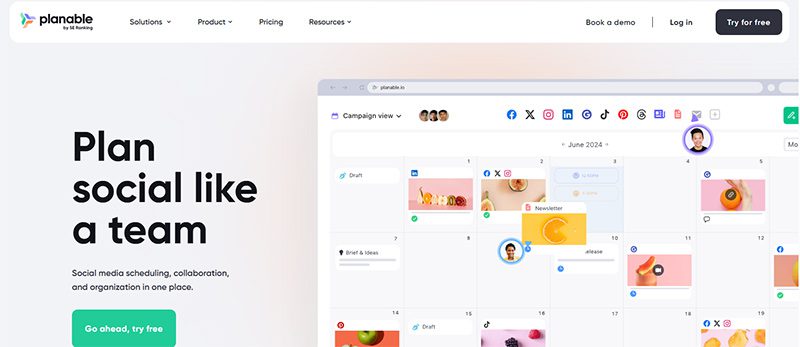
Planable is another social media scheduler focused on team collaboration. Before a team member schedules or publishes a post, other team members can chime in with feedback. Plus, like most apps on this list, you can preview a post before publishing it to your social media channels. Many businesses that use this app have saved time by scheduling multiple posts to various channels.
Pricing:
- Free
- Basic – $39/workspace/mo
- Pro – $59/workspace/mo
- Enterprise – Contact sales

How Marketing Optimization Tools Level Up Your Marketing Game

Top 10 Presentation Software To Use in 2026

Top 10 Social Media Scheduler Apps to Automate Your Postings

The Top CRM Platforms for Small Agencies & Service Businesses

What’s the Best Unlimited Graphic Design Subscription Platform?

What’s the Best Graphic Design Service for Long-Term Projects

What’s the Best Affordable Graphic Design Service?
Top 10 Presentation Software To Use in 2026

10 Best Startup Software for 2026 Every New Business Should Use
Top 10 Social Media Scheduler Apps to Automate Your Postings
How Marketing Optimization Tools Level Up Your Marketing Game
Pinco Casino 2025–2026 oyun erasında ən yaxşı seçim olaraq tanınır

What’s the Best Graphic Design Service for Fast Turnaround

What’s the Best Graphic Design Service for Infographics Today?
 Technology2 days ago
Top 10 Presentation Software To Use in 2026
- Technology2 days ago
Top 10 Social Media Scheduler Apps to Automate Your Postings
- Business1 day ago
How Marketing Optimization Tools Level Up Your Marketing Game
- Business3 days ago
What’s the Best Unlimited Graphic Design Subscription Platform?
- Business4 days ago
What’s the Best Affordable Graphic Design Service?
- Business3 days ago
What’s the Best Graphic Design Service for Long-Term Projects
- Business3 days ago
The Top CRM Platforms for Small Agencies & Service Businesses