Technology
What is the Best Portable Speaker?

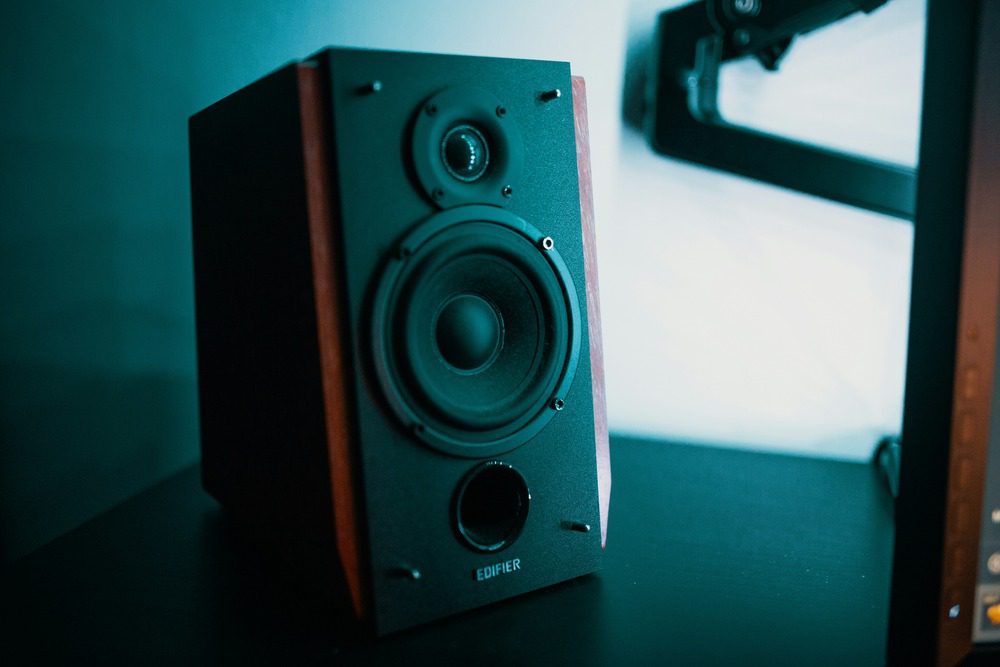
Listening to your favorite tunes anywhere you go instantly improves your mood. Having a portable speaker at your beck and call means you can enjoy picnics, adventures, or hangouts with music. But what is the best portable speaker? Here are 10 options you can look into.
1. Sony ULT Field 1
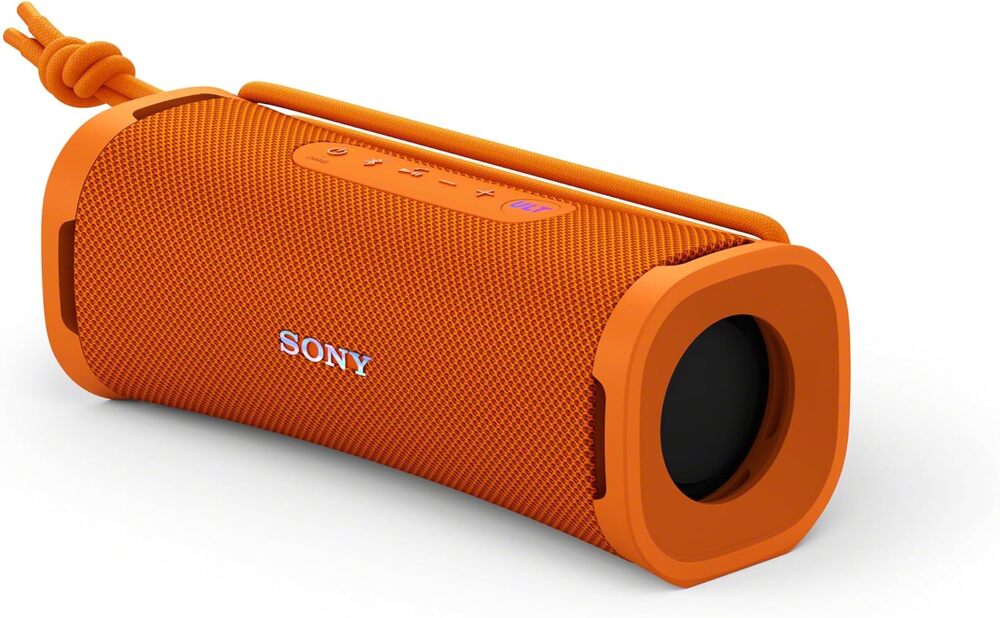
This is the smallest rectangular-shaped portable speaker that allows stereo pairing. Although an underdog amongst other Sony portable speakers, this model produces decent audio. Due to its bass-boosting ULT feature, you’ll enjoy average audio with this one. The Sony ULT Field 1 is also waterproof and dustproof and comes with a speakerphone. One caveat is its battery life, which users claim needs improvement.
Price: $119.99
2. JBL Charge 5
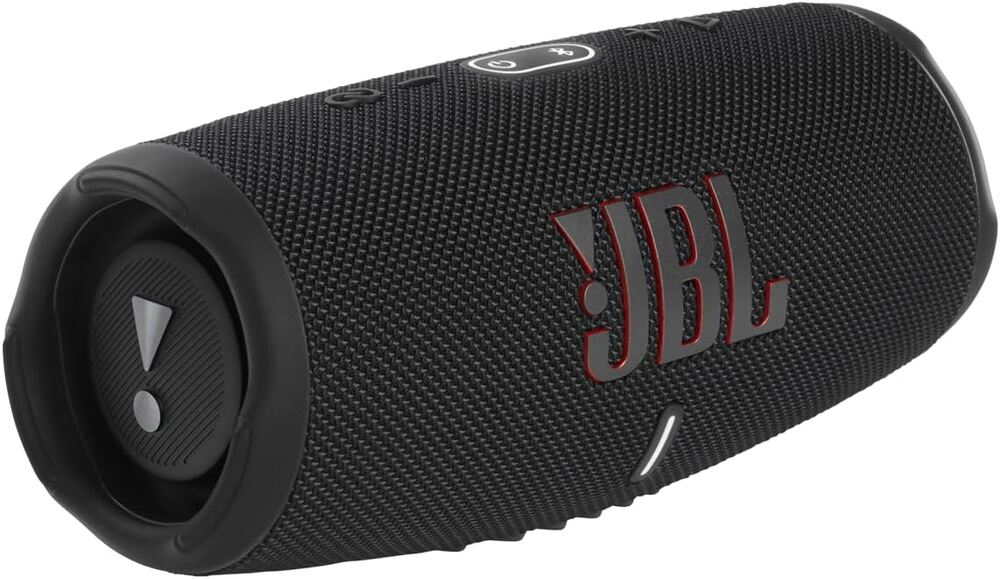
If you’re looking for the best portable speaker with one of the most reliable battery life, get the JBL Charge 5. It offers a 20-hour battery life, not bad for a portable speaker worth a hundred dollars! You may also pair this with other JBL speakers for stereo audio. In terms of audio, the JBL Charge 5 offers clear and rich audio with dual JBL bass radiators. You can put this speaker in a big room and it will deliver. Its PartyBoost feature allows you to pair two JBL speakers with the same functionality. Plus, this speaker also doubles as a power bank!
Price: $101+
3. UE Wonderboom 3
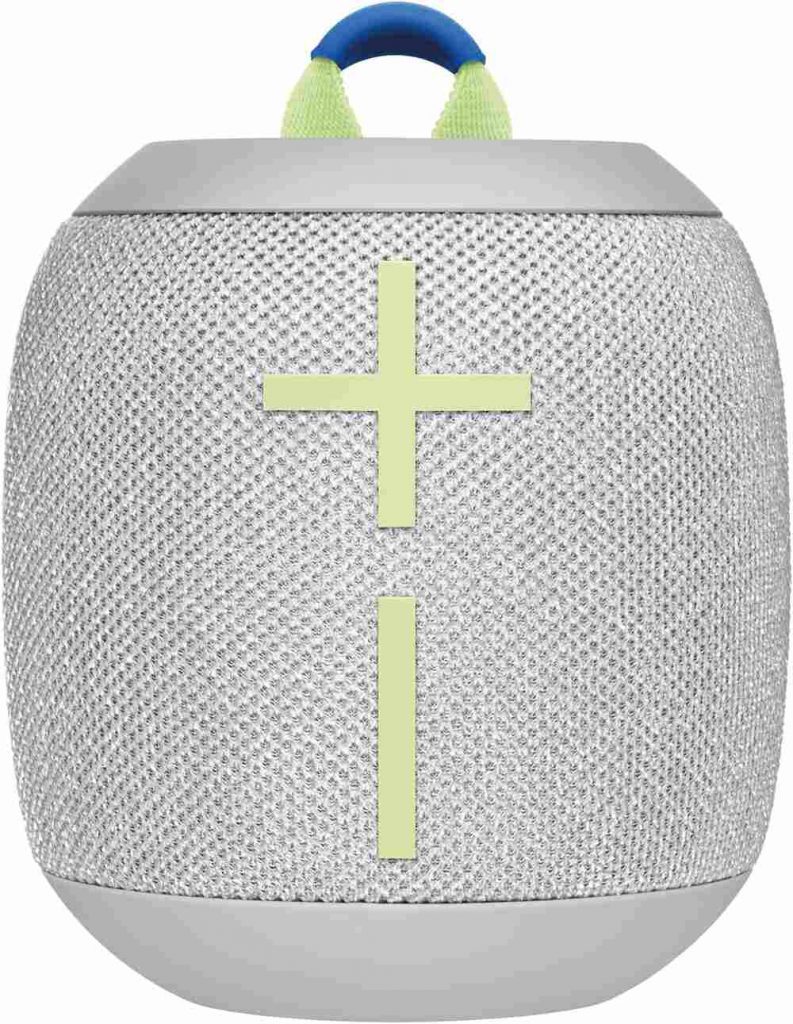
This waterproof speaker is comfortable to carry around due to its compact design. The UE Wonderboom 3 is excellent for outdoor use because of its 360-degree sound. It has nice build quality, great sound, and is sturdy. With a 14-hour battery life, you can enjoy intimate parties uninterrupted. The only drawback is the need for a USB-C, which can be a hassle when charging with limited cords.
Price: $88.99
4. Sonos Roam
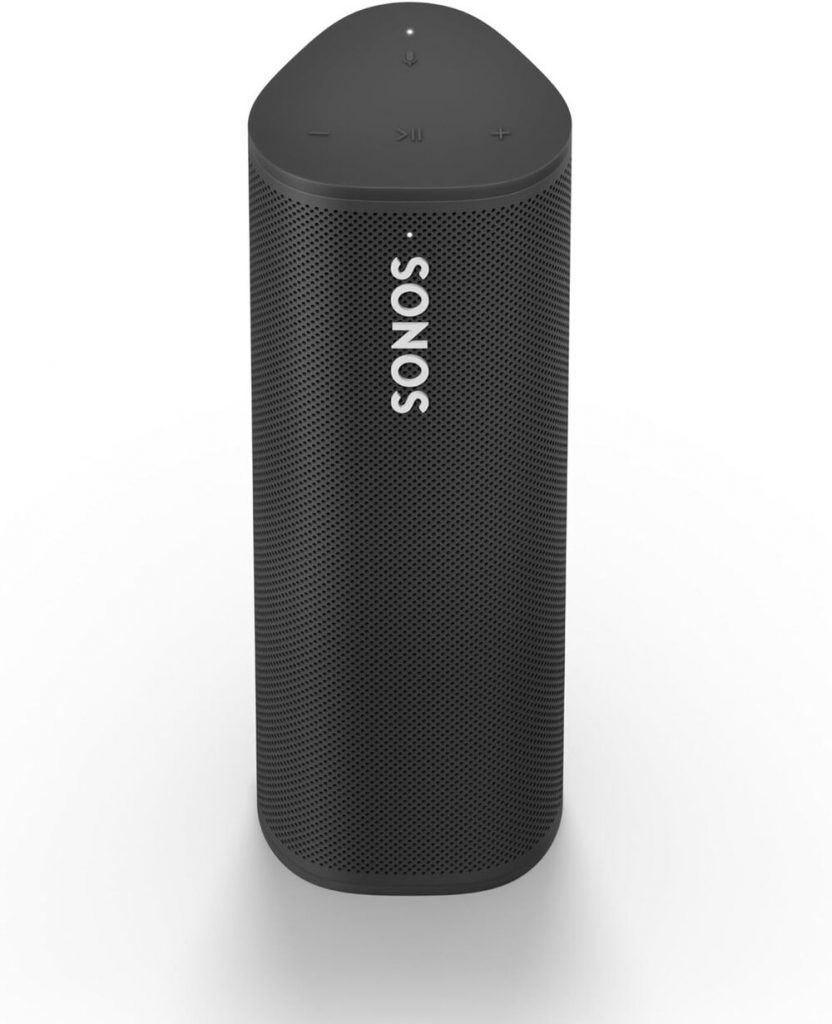
Many users say the Sonos Roam is the most well-thought-out portable speaker in terms of design. It offers exceptional sound considering its size, with clear mids and bass. This speaker offers multiple charging options, such as USB-C and Qi wireless. Plus, it also supports Alexa, Google Assistant, and AirPlay 2. The rugged design only means two things—it’s exceptionally waterproof and dustproof. The only lacking features are stereo pairing and speakerphone, and its Sound Swap function doesn’t work on some other channels.
Price: $179
5. Sony SRS-XB100
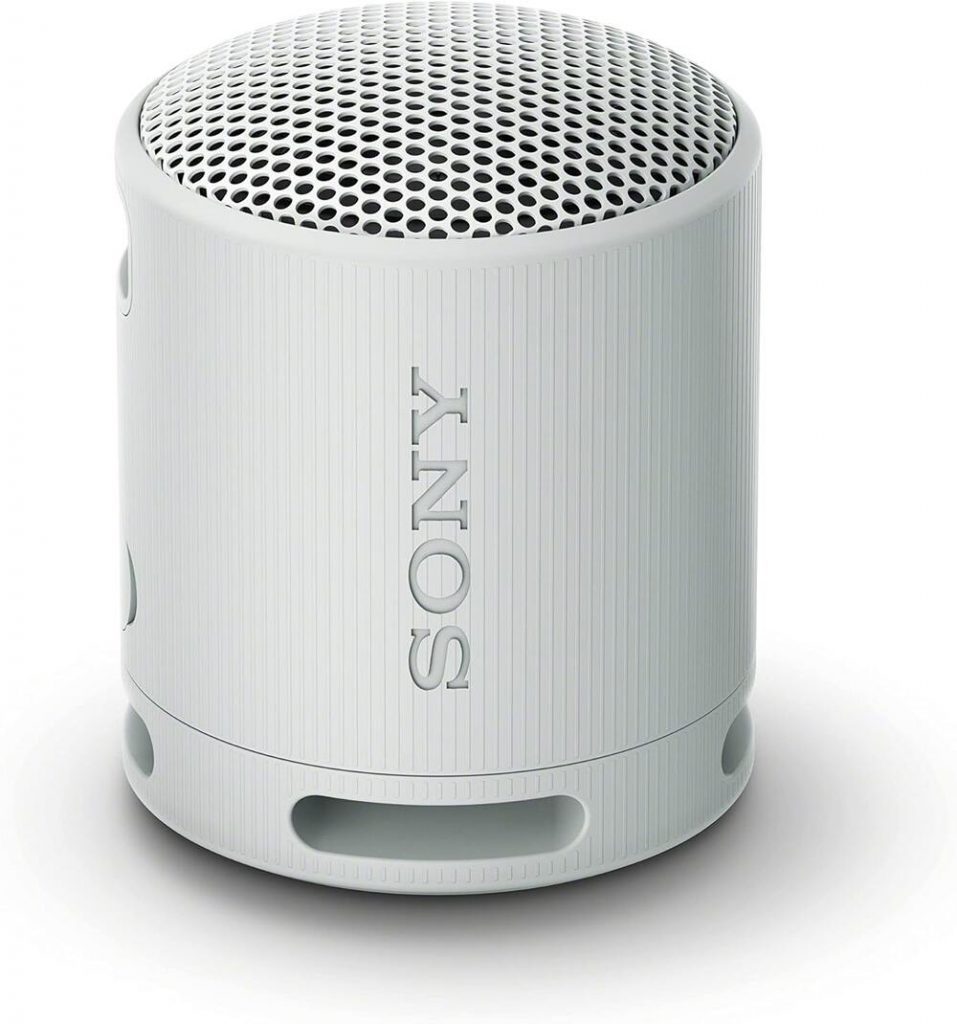
Don’t let the Sony SRS-XB100 fool you with its small design. It boasts a 16-hour battery life, and it’s also water resistant, which is excellent for kitchen use or hiking. This is Sony’s smallest portable speaker with a built-in strap that can be attached to your bag. You can opt for different colors to fit your lifestyle. Although portable and lightweight, the sound isn’t enough to fill a big room. It has some compression at maximum volume.
Price: $48
6. UE Megaboom 3
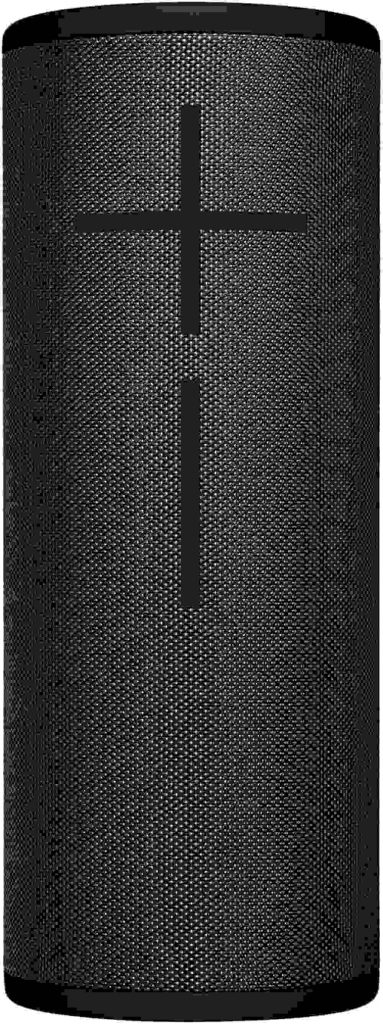
If you’re looking for powerful bass from a portable speaker, the UE Megaboom 3 does a bang-up job. It’s louder than its predecessors and perfect for indoor or outdoor parties. Despite its sturdy and bulky build, this portable speaker is lightweight and convenient. It also offers a 20-hour battery life, which is excellent if you want uninterrupted use. It boasts an IP67 rating for water and dust resistance. It also provides a broad and spacious soundstage. The only downside is the compression present when used at maximum volume.
Price: $129
7. Bose SoundLink Flex
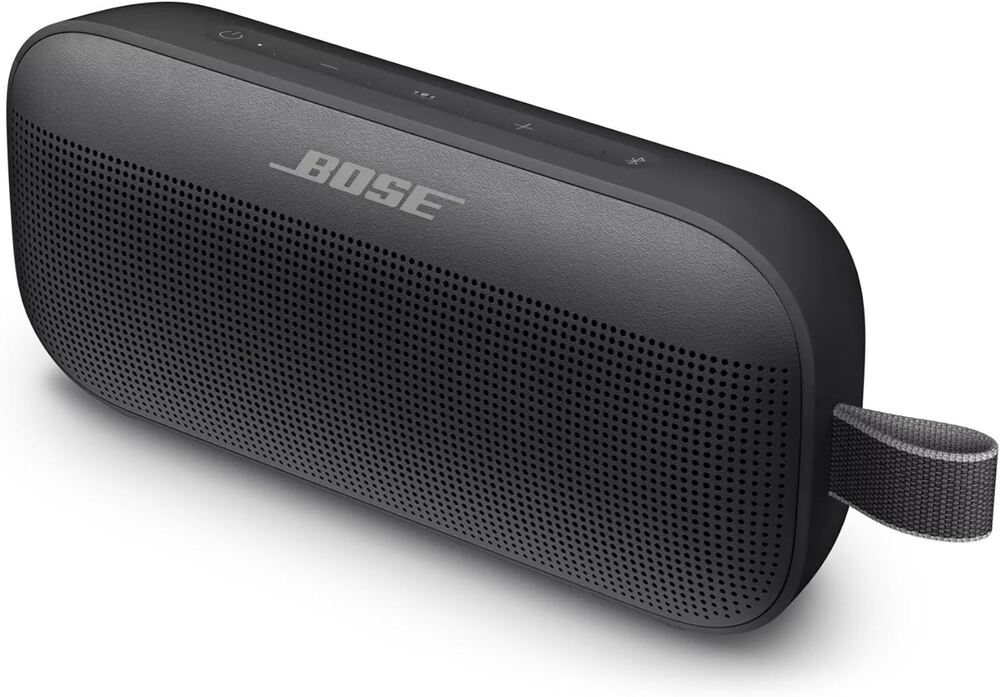
The Bose SoundLink Flex exudes a sleek and unique design that is convenient to carry around. This thoughtfully designed portable speaker comes with immersive, precise, and deep audio—thanks to its custom-engineered transducer! It’s also waterproof with an IP67 rating, and it even floats on water, perfect for outdoor adventures! You can also enjoy its built-in microphone and, receive calls and access any voice assistant. We don’t like its short battery life at 12 hours and long charging time at four hours.
Price: $108.99
8. Anker Soundcore Motion+
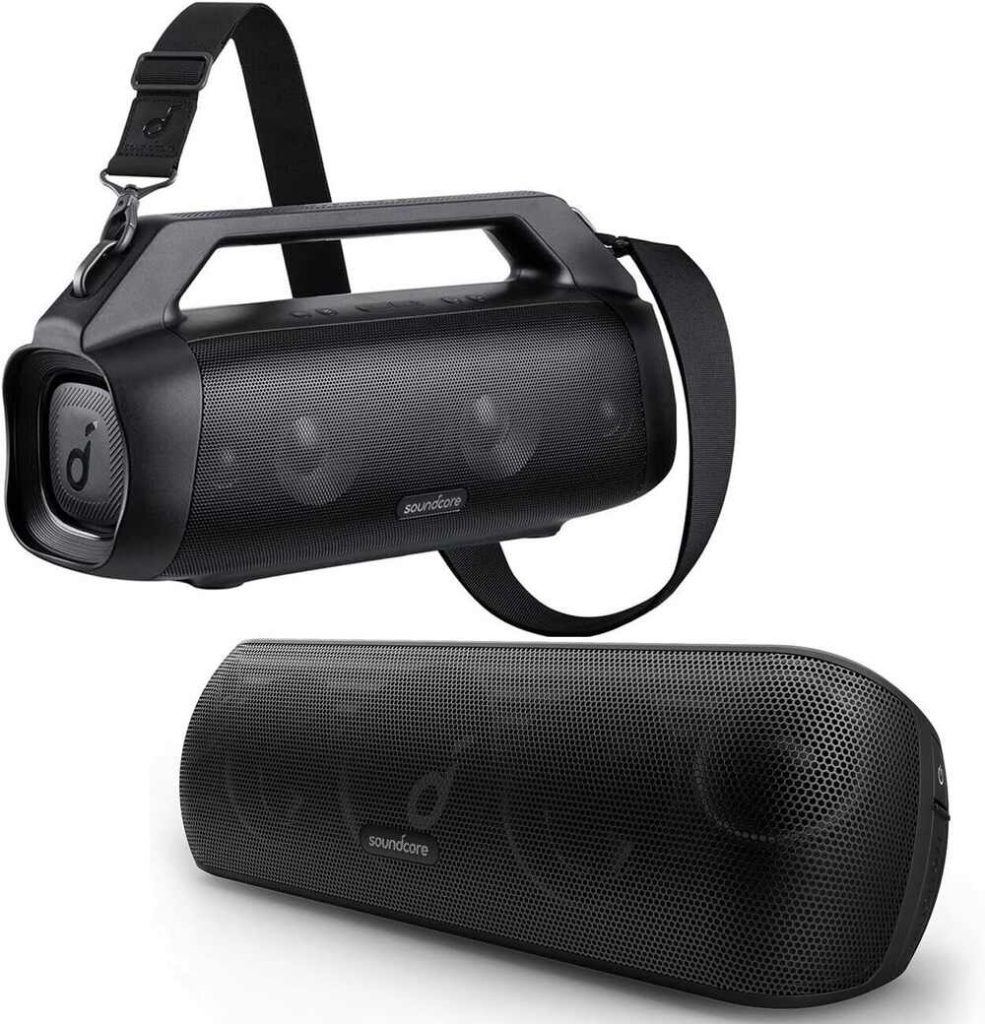
This portable speaker is impressive, with Hi-Res audio enhanced by its Qualcomm aptX feature. It’s also recommended for outdoor use because of its 80W stereo sound. You will enjoy two 30W woofers and 10W tweeters, and BassUp technology, ensuring listening to music from a portable speaker will never be the same again. It also prevents treble through titanium drivers that offer listeners epic, powerful, crisp sound. A single charge can get you 15 hours of playtime. Some drawbacks would be compression at maximum volume and the lack of low bass.
Price: $39.99
9. Marshall Emberton II
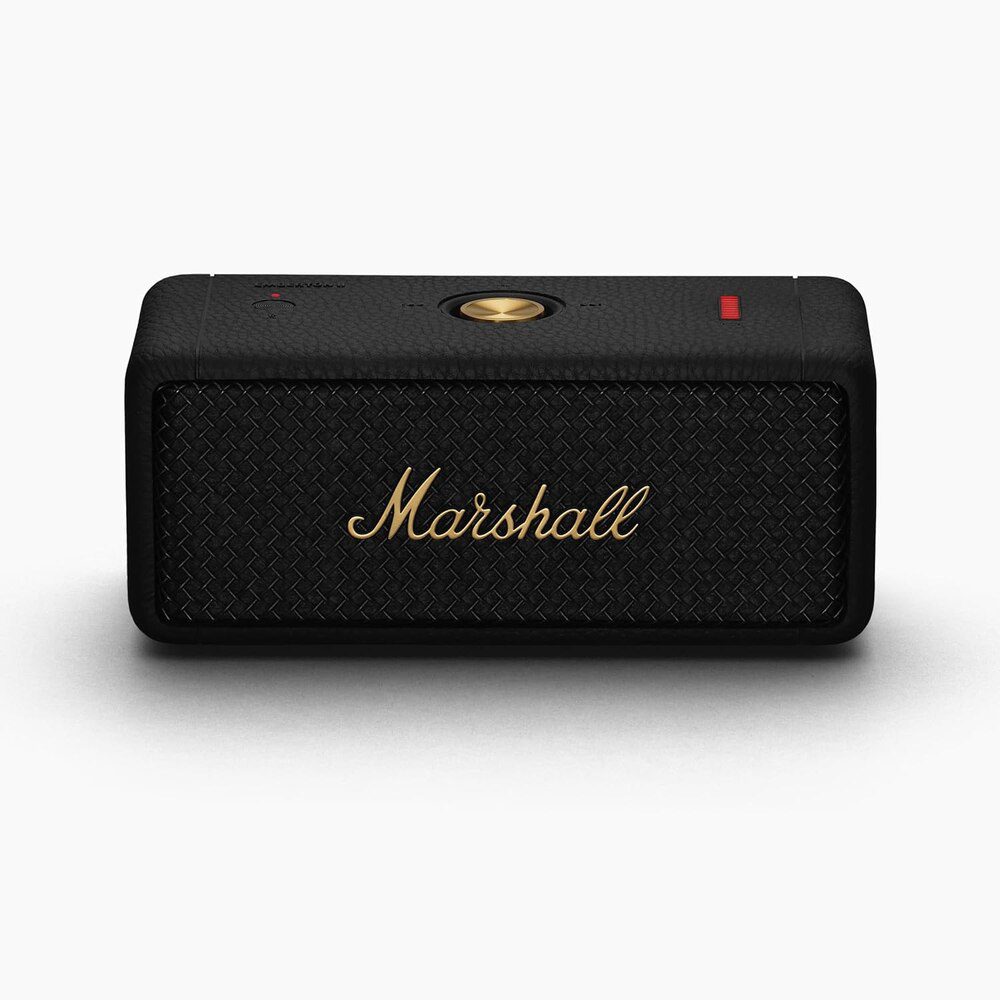
I got a Marshall Emberton II and am impressed with the sound quality! It offers a classic design with a 30-hour battery life and a quick one to two-hour charge! It’s waterproof and boasts a powerful rich bass and bright highs. It comes with a 360-degree sound with True Stereophonic. The design is extremely tough and resilient, ensuring you can take this speaker anywhere and in any condition. Plus, the Marshall Emberton II also has a Stackmode feature, which means you can connect your speaker to other Emberton II speakers to amplify sound!
Price: $129
10. Bang & Olufsen Beosound A1
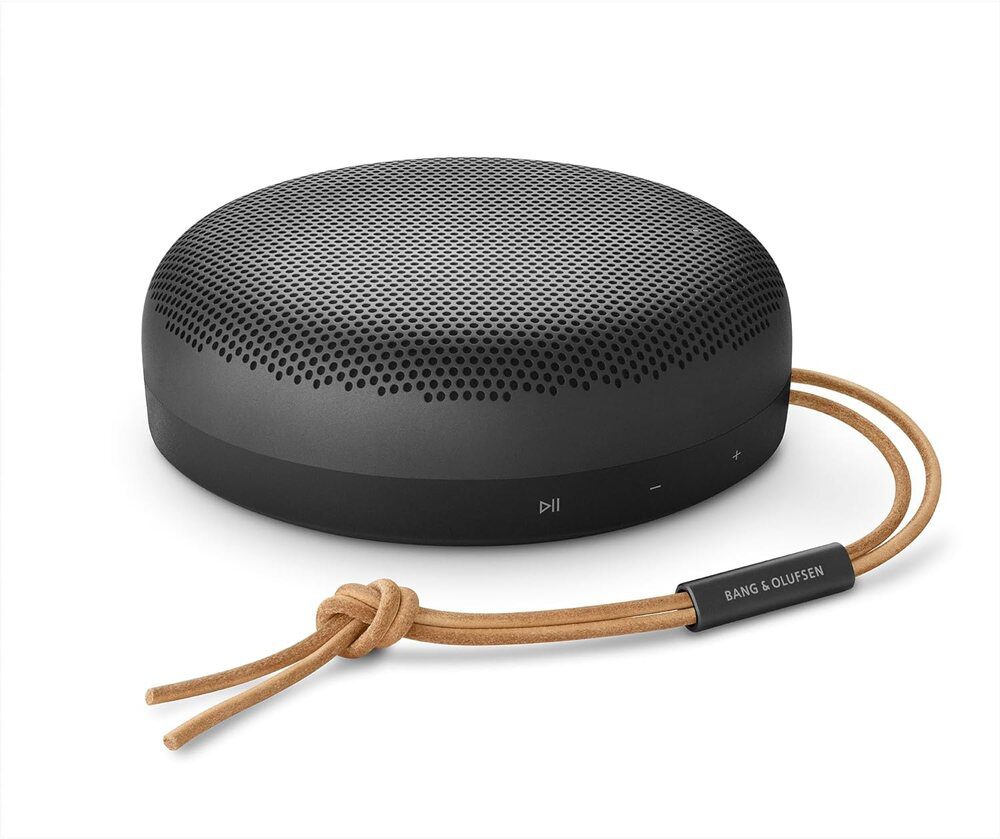
The Bang & Olufsen Beosound A1 portable speaker is a top choice if you want a premium design that integrates with Alexa seamlessly. It offers a 2×140 watts peak power sound in a sleek and small speaker. It’s durable, wireless, and lightweight, perfect for sharing music on the go outdoors! The aluminum design is dustproof and water-resistant. Plus, the sound EQ is highly customizable with Beosonic Tuning. You can enjoy music from this best portable speaker with 18 hours of battery life!
Price: $349


Interested in signing up for Demio? You can support us by getting started with this link.
I kind of hate the word “webinar.”
I’m not alone, either. You can find it in several lists of the English language’s biggest travesties. It’s a holdover from the heyday of lame Web 2.0 portmanteaus, alongside “webisode,” “netizen,” and “listicle.”
However you feel about the word, the webinar itself is anything but dated. The more work moves online, the more vital webinars become for drawing new clients (and keeping the old ones).
Yet, despite their importance, many platforms still haven’t nailed the experience. Some are clunky, others unreliable.
In this updated Demio SaaS review, we take another look at the browser-based webinar tool by Banzai to see if it still strikes the right balance between simplicity and functionality in 2025. Can Demio stay ahead of the curve—or is it time to move on?
Let’s find out.
What is Demio?
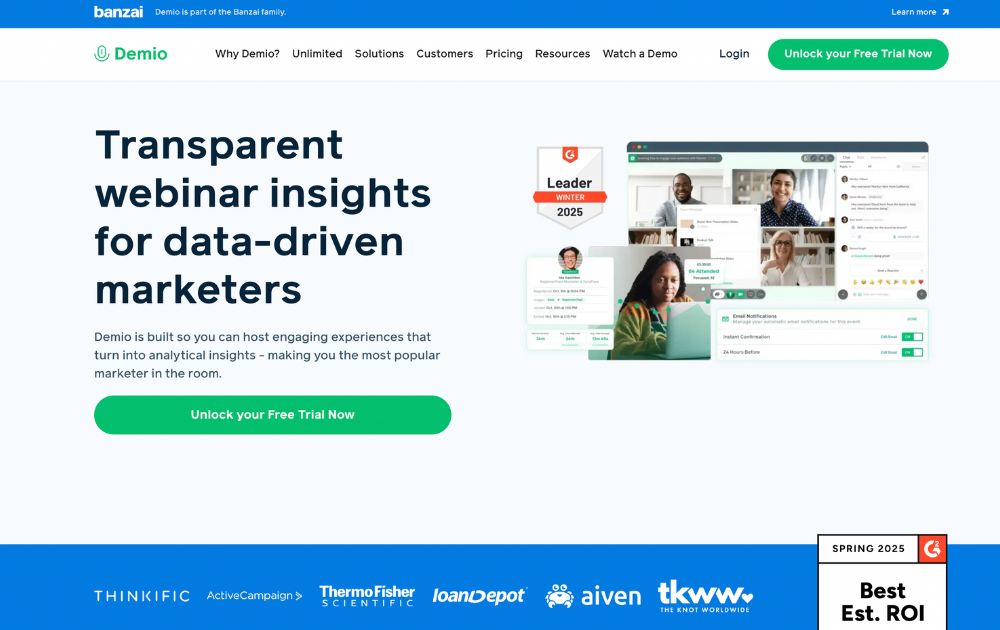
Demio is a browser-based webinar platform designed to make hosting and attending online events as frictionless as possible. Founded in 2014 and now part of the Banzai ecosystem, it was built in response to the clunky, download-heavy webinar tools that dominated the early 2010s.
As this Demio SaaS review shows, that original mission still holds up in 2025. While the pandemic era pushed dozens of companies to improve their virtual tools, many platforms still require attendees to install software or jump through technical hoops just to join a session.
Demio’s solution? Keep it in the browser. No downloads. No plugins. Just clean, streamlined webinar tech that anyone can use right away.
It’s positioned squarely in the SaaS space, with subscription plans that scale from solo creators to enterprise teams. And while it’s optimized for marketing and lead generation, the platform’s ease of use makes it appealing across industries.
Looking for other video communication tools? Check out our Loom review.
Getting started with Demio: Free Trial and Pricing
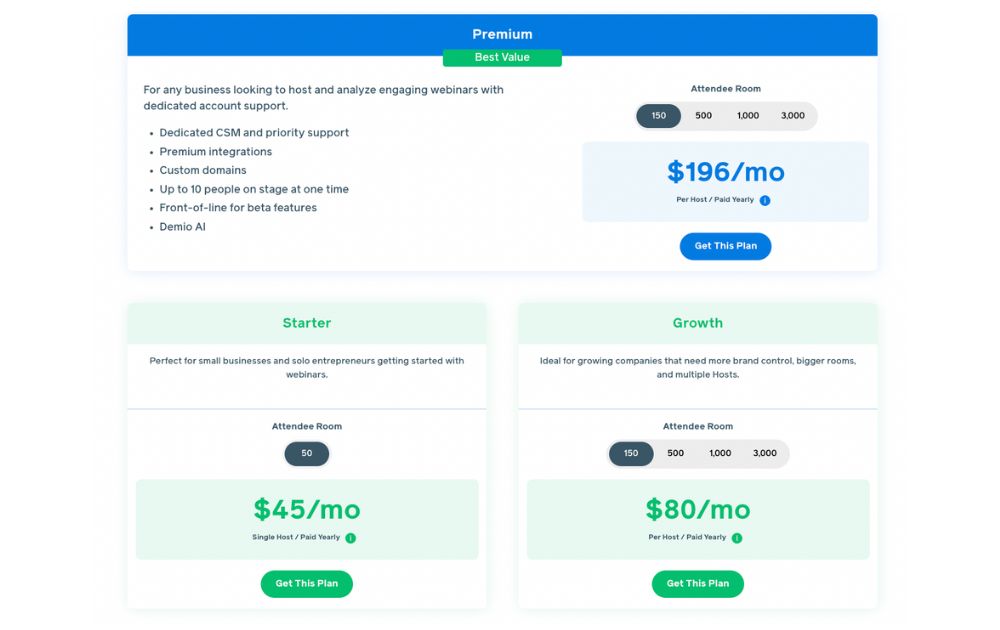
No Demio SaaS review will be complete without the pricing tier. To sign up for a 14-day free trial, just create an account, and you’re ready to explore the platform.
When you’re ready to upgrade, Demio offers three main plans tailored to different business needs:
- Starter – $45/month per host (paid yearly). Perfect for small businesses and solo entrepreneurs getting started with webinars. This tier is for one host for up to 50 attendees. It also comes with core features to launch live webinars easily.
- Growth – $80/month per host (paid yearly). Ideal for growing companies that need more flexibility and brand control. This tier accommodates multiple hosts, with attendee rooms from 150 up to 3,000. This plan also comes with custom branding and enhanced integrations, and reporting.
- Premium – $196/month per host (paid yearly). Designed for larger teams and enterprise use. This tier comes with dedicated CSM and priority support, premium integrations and custom domains, Demio AI, and access to beta features. With this plan, you can have up to 10 people on stage, with attendee rooms of 150, 500, 1,000, or 3,000.
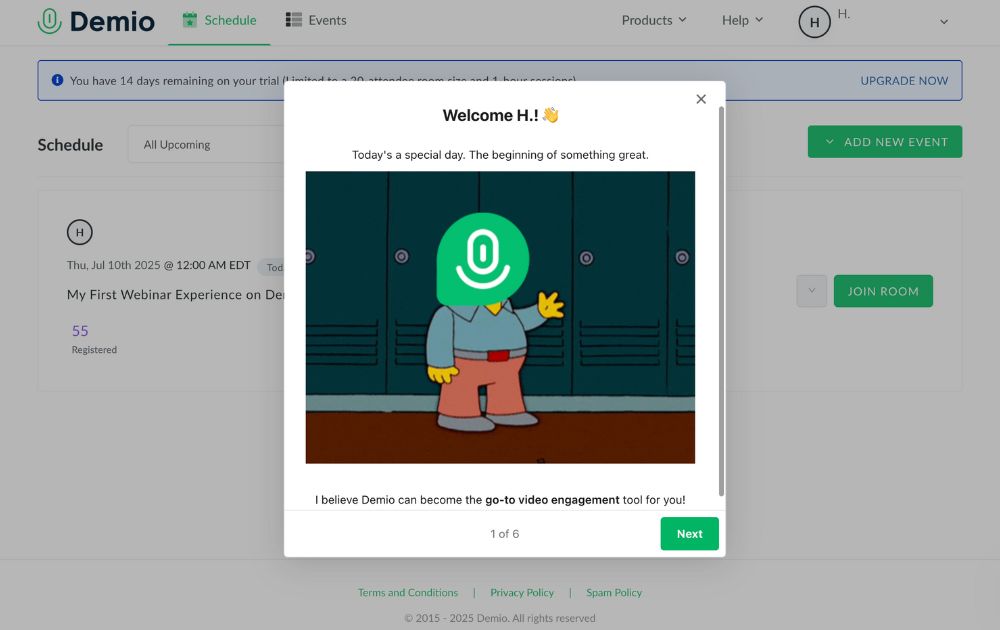
Demio’s free trial requires no commitment or credit card details. Just sign up, fill out a brief survey on how you plan to use the app, and you’re golden.
Demio Features
Demio keeps things simple without skimping on functionality. Once you’re signed in, you’re welcomed by a clean, intuitive dashboard that puts your upcoming events front and center.
Here’s a breakdown of the core features that make Demio a standout in the crowded webinar space:
Dashboard
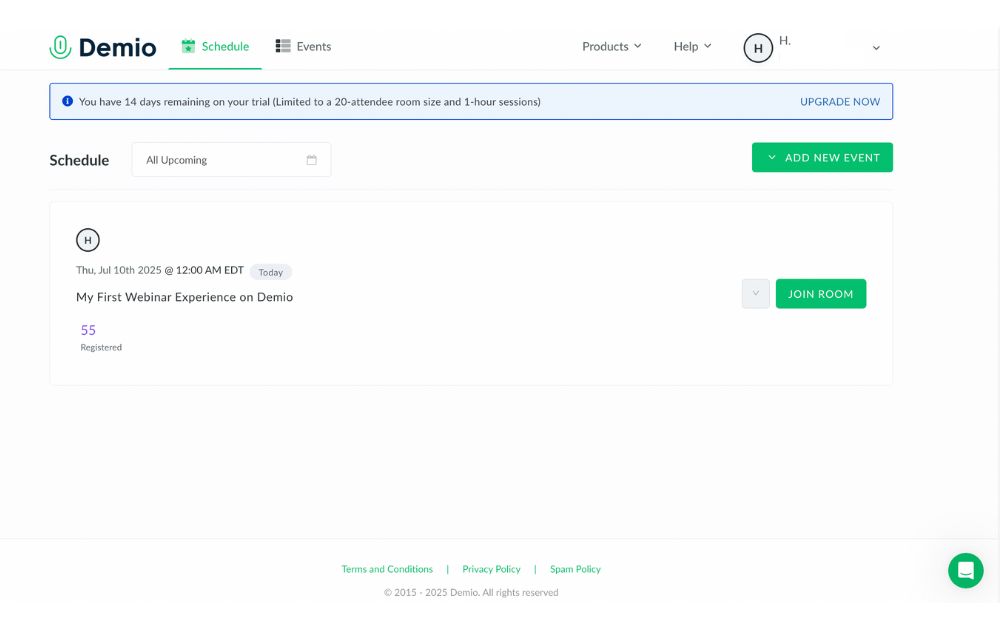
Demio’s dashboard is built for clarity. You can quickly scroll through upcoming sessions, monitor your events, and navigate between tabs like Schedule and Events. It’s functional, but still has room to improve,especially when switching between creating and managing events. A unified view would make it even smoother.
Events
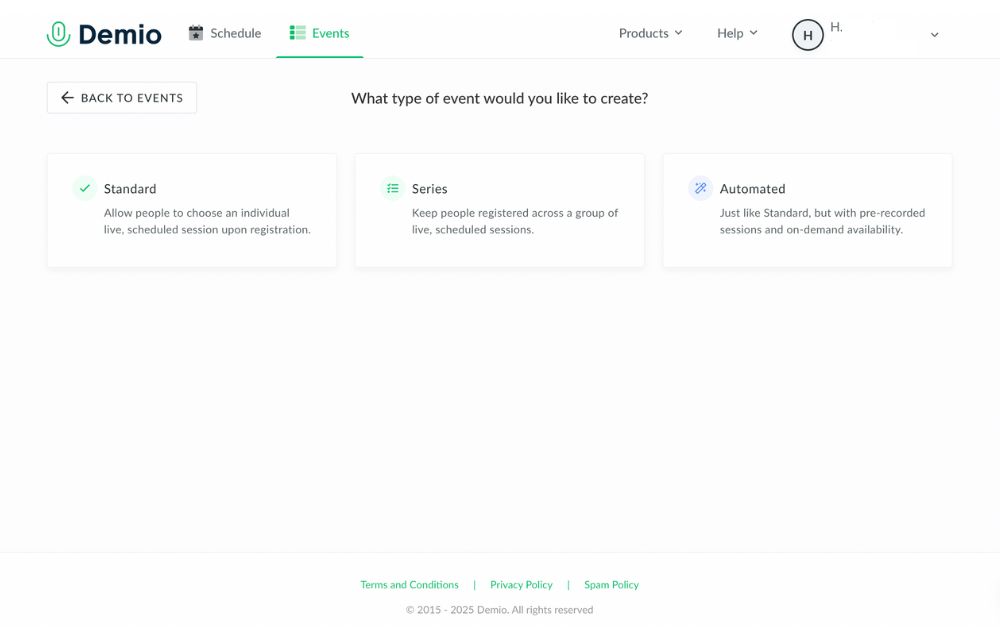
Demio lets you create three types of events, each tailored to different use cases:
- Standard Events – Traditional live webinars where attendees register for a single session at a specific time.
- Series Events – Great for multi-part webinars or training sessions. When users register for one, they’re automatically signed up for the entire series.
- Automated Events – Pre-recorded sessions that run on autopilot. Perfect for lead nurturing or delivering evergreen content without going live.
Automated events continue to be one of Demio’s strongest features, letting you scale your content while staying hands-off.
Customization
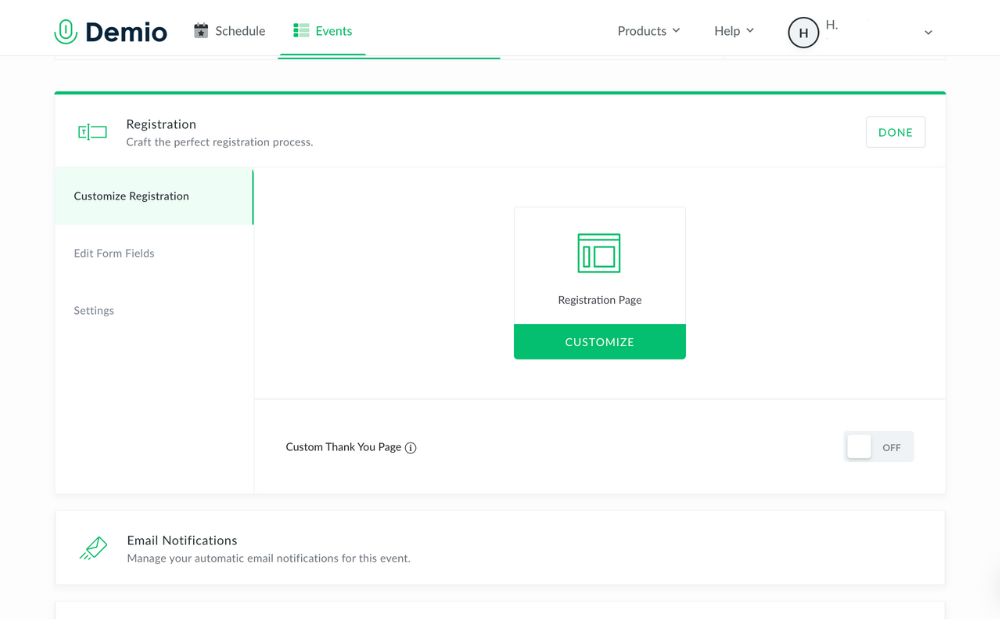
Before your webinar goes live, the Customize tab lets you tweak everything from registration forms to event visuals. You can upload slide decks, create interactive polls, set up handouts, and even brand your webinar pages to match your company’s look.
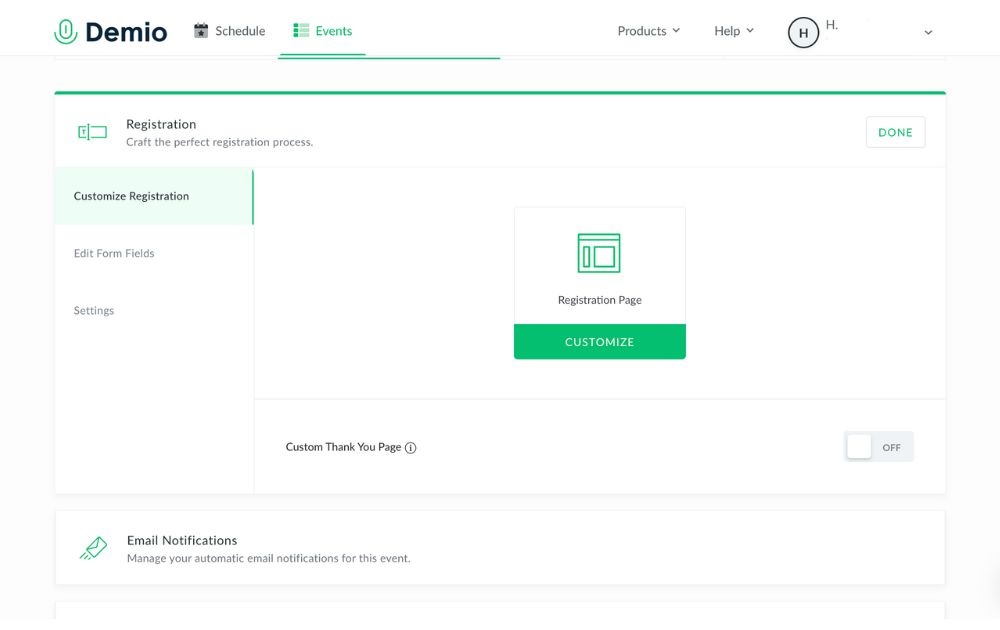
For Growth and Premium users, custom domains and branding take things even further—ideal for marketing teams or agencies.
Once you’re ready to get started, you can join your session in the Schedule tab. The layout is familiar, with speakers’ video taking up the left and center while the chat tab takes up the right side.
Only one person can be “on stage” at a time, but you can also add and access materials like slides and videos with the middle button on the bottom toolbar. Meanwhile, the + icon next to the chat box lets users access polls, links, and handouts.
Reports
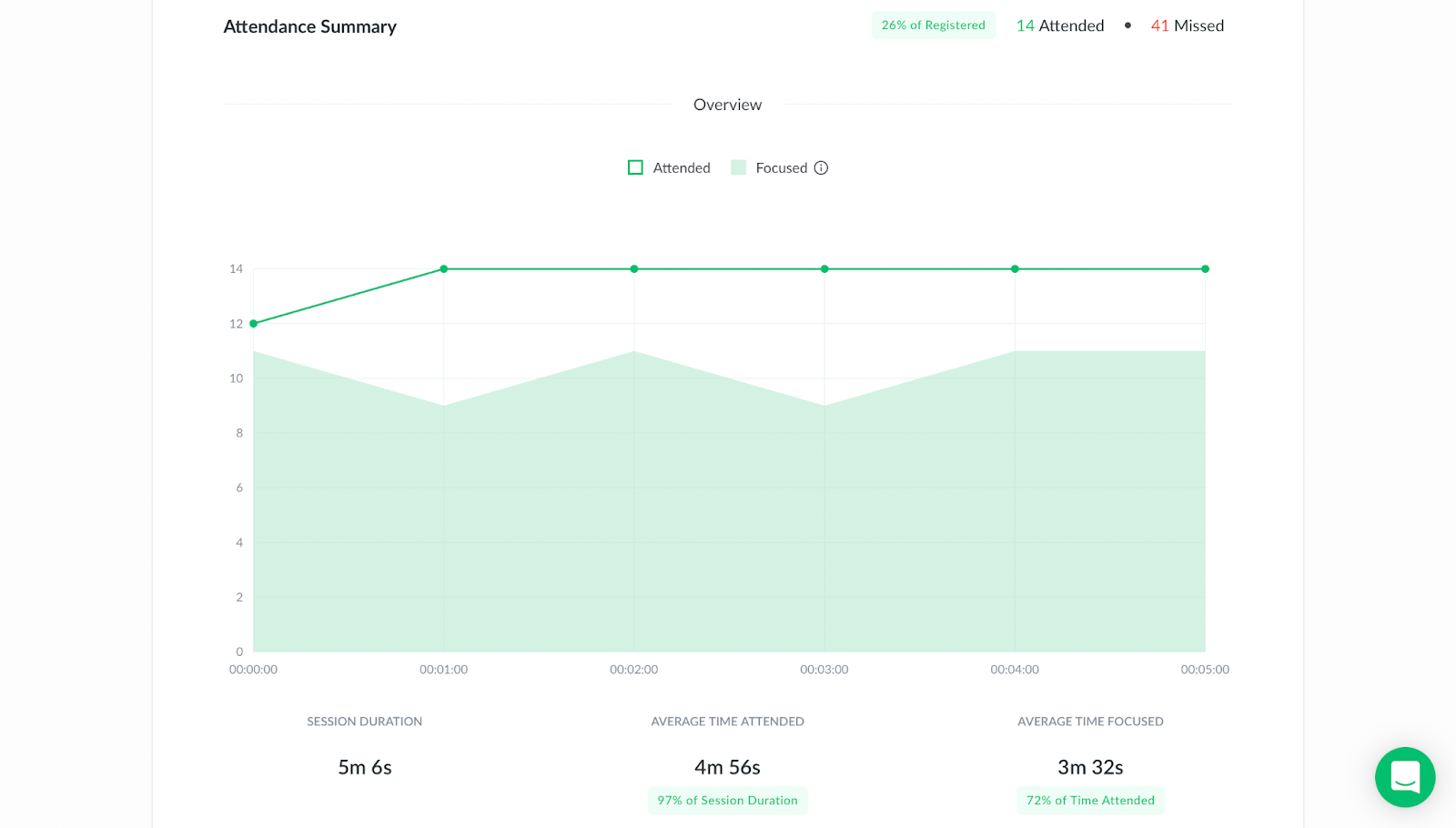
After your session ends, head to the Activity tab to access attendance reports. You’ll see who registered, who actually attended, how long they stayed, and what they engaged with during the session.
Downloadable CSV files make it easy to follow up with participants or segment your leads—an especially useful feature for marketers.
While the data is useful, the reporting could be more advanced (think engagement heatmaps or behavioral trends). Hopefully, that’s in Demio’s roadmap for the near future.
Integrations
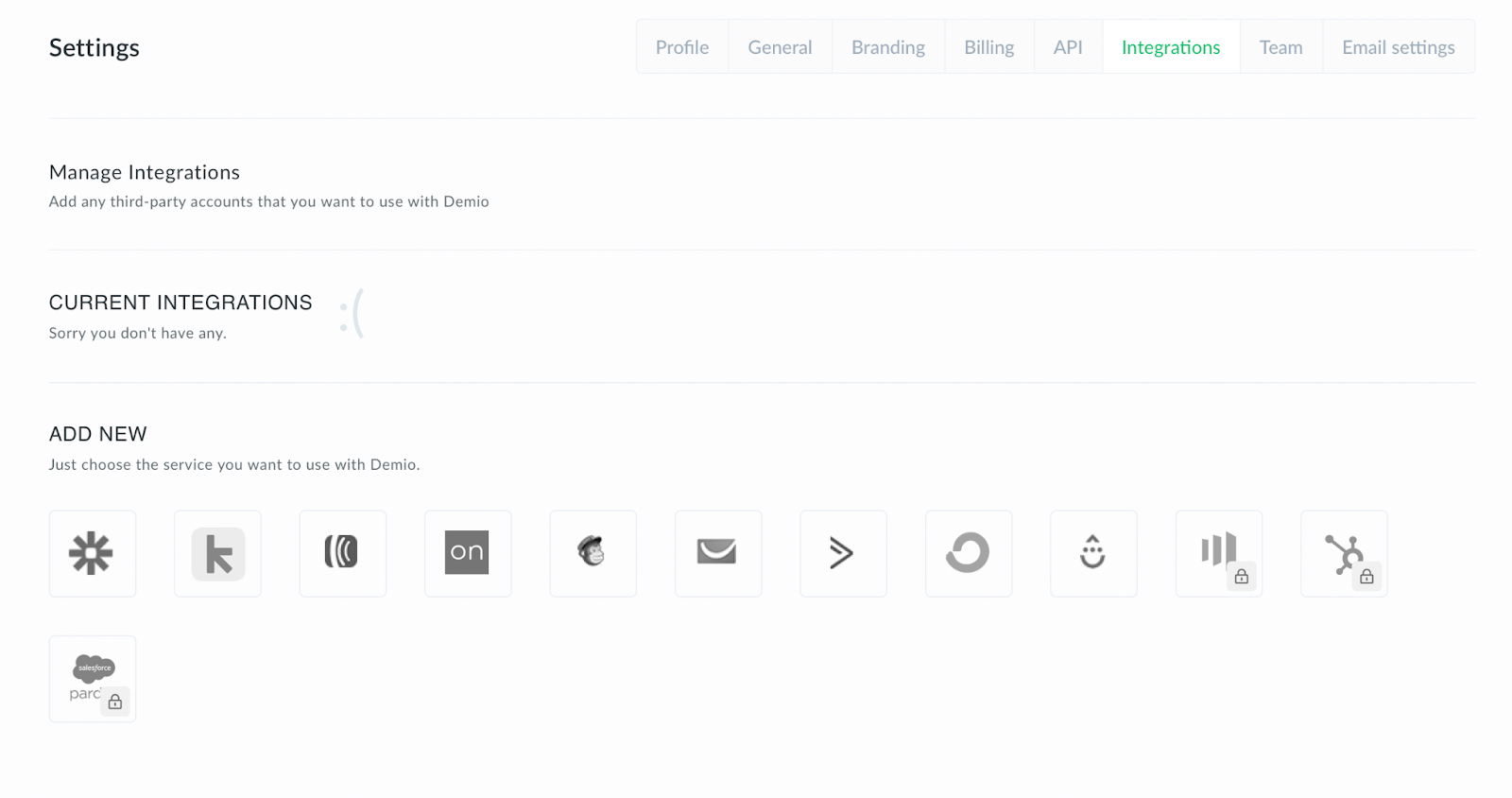
I’d honestly like to see a little more variety from Demio’s integrations. On the one hand, their tilt towards martech integrations makes sense. Webinars are generally used for marketing, and being able to connect with Keap, Mailchimp, or your CRM of choice has obvious benefits.
Still, I think there’s a lot more potential to be had with connecting different software to a video conferencing tool. Translators, editing tools, OBS… the sky’s the limit.
Perhaps the most useful integration is with Zapier. Their micro-integrations let you connect to PayPal, Gmail, Slack, and more.
Conclusion: Is Demio worth it?
If you’re seeking a platform to create engaging webinars, Demio is a great place to look. It’s as intuitive as they come, with a number of unique features that set it apart from the competition. Even among browser-based video tools, the fact that it works on any browser puts it ahead.
As of now, Demio is completely focused on webinars. It’s a leader in that market, so they’re clearly doing something right. Where it disappoints, however, is where it feels too laser-guided towards marketing. By just slightly expanding a few features (integrations, reports, in-call elements), I think Demio’s potential could be that much greater.
PROS
- No-download, browser-based platform
- Quick, user-friendly setup
- Supports live, automated, and series events
- Clean, customizable interface
- Great for marketing and lead generation
- Solid integrations with CRMs and email platforms
- Zapier access unlocks thousands of app connections
- Custom branding and domains (Growth & Premium plans)
- Strong customer support and onboarding
- Scalable plans for teams of any size
CONS
- Limited native integrations outside of marketing tools
- Reporting could be more robust (e.g., engagement insights, AI summaries)
- Dashboard navigation could be more streamlined
- Higher-tier pricing may be steep for very small teams
Overall rating: 8.9/10
Ready to give Demio a try? Sign up here.
Frequently Asked Questions
Is demio.com safe?
Yes, demio.com is a secure and reputable site owned by Banzai, using encryption and standard security protocols to protect user data and webinar content.
Is Demio like Zoom?
Demio and Zoom both support video communication, but Demio is specifically built for webinars and marketing events, while Zoom is designed primarily for meetings and general video conferencing.
Is Demio easy to use?
Yes, Demio is known for its clean interface and intuitive setup, making it easy for both hosts and attendees to run or join webinars directly from a browser.


Virtual reality is changing the way we live. Whether you’re using it at home or for work, the metaverse has already made a big impact. But did you know there are many other ways to use it? In this article, you’ll discover 12 exciting uses for the metaverse that could change your everyday life.
1. Residences
Whether you’re using the metaverse for gaming or your home office, this is one place you’ll expect to use virtual reality. One of the most common uses for metaverse technology is entertainment. VR can make gaming more immersive through flying simulators or other advanced computer-connected devices.
2. Office spaces

One of the uses for the metaverse that also drew flak from experts is 3D communication. Employees can shift from 2D to 3D virtual communication and make the interaction more connected. While many say the metaverse made them less productive, many love the idea of more immersive connections.
3. Cinemas
Imagine yourself watching a movie in big theaters with a head-mounted VR and experiencing the action like it’s happening in your surroundings? The metaverse will make the cinematic experiences more enjoyable. People love good entertainment, and this is one way to spruce it up.
4. Stadiums
Stadiums that can accommodate thousands of people can undeniably have a use for the metaverse. These days, some smartphone apps let you point your device to a particular player to download some statistics automatically. The metaverse can do that in the future. Plus, this is an excellent way to have a realistic game experience even when sitting on the farthest benches. This is one of the most exciting uses for the metaverse in sports.
5. Theme parks

There are many uses for the metaverse in theme parks. For one, you can let visitors immerse themselves in different unique worlds through VR. Secondly, VR integrates digital augmentation for a more realistic ride experience. Plus, movies can also shift from 2D to 3D to make you connect with the fictional universe.
6. Travel
When people travel, they want to know more about the destination or tourist attraction. Virtual reality can provide information excitingly and uniquely that will persuade visitors to see it in person.
7. Shopping malls
The metaverse can replace some store assistants to entertain customers with their initial queries. That’s one of the clever uses for metaverse tools in shopping. This can be an attractive way to promote the store due to this unique concept. Moreover, clothing retail stores can also use VR to let customers try on the clothes without even wearing them. This saves them time to go to dressing rooms and change clothes one after the other.
8. Hospitals
The use of VR in hospitals can give patients and residents a more fun interaction, especially for difficult patients. Caregivers can interact with isolated patients through avatars and vice versa.
9. Universities
Colleges and universities are undoubtedly places where we see a future using VR technology. Instead of the standard projector, students can learn through more enjoyable methods via 3D learning.
10. Industrial spaces
We’ll see more VR integration in logistic terminals, warehouses, and factories. For instance, training could involve virtual coaching from trainers using the metaverse. It can also assist with flying and driving simulation, which is helpful in some industries like car manufacturers.
11. Concerts
People are watching and attending concerts differently nowadays. And the use of metaverse can let you enjoy music gigs without actually being present or with an incomplete band. This also increases safety as security can identify guests via real-time information.
12. Metropolitan areas

People can explore the city in a new way via hybrid AR overlays. They can use VR to augment perceptual backgrounds and give them a glimpse of the metropolitan area.


Running a small business can get overwhelming without the right systems in place. That’s why finding the best small business organization tools is key to saving time, reducing stress, and keeping your operations on track.
If you’re wondering, what are the organizational tools for small businesses? They include everything from project management apps to file-sharing platforms and automation software.
Here, we’ve gathered some of the most reliable and easy-to-use tools that can help you stay organized and productive.
1. Trello
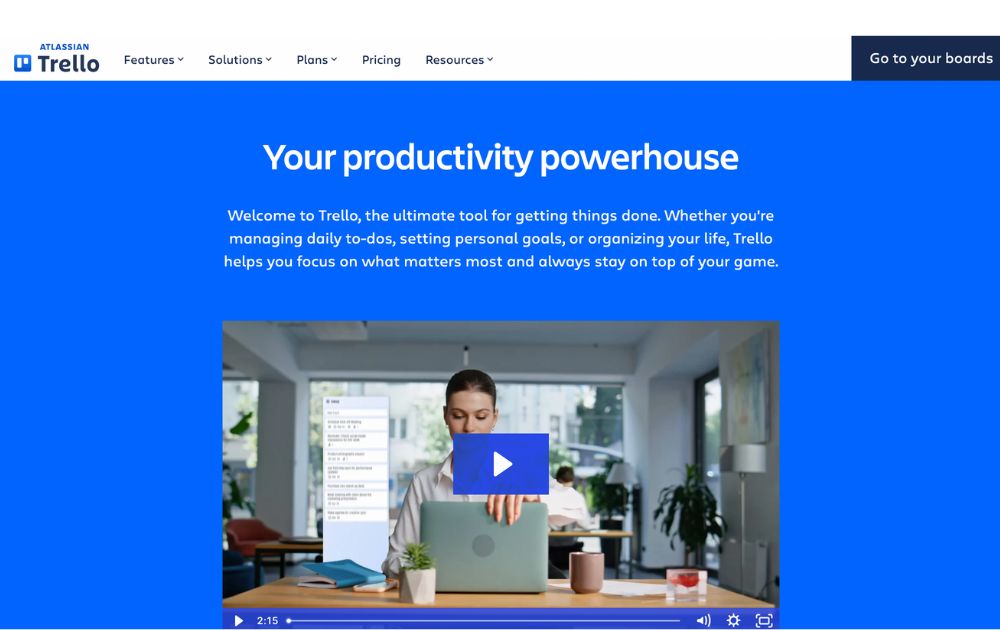
A project management software, Trello has boards that will help you organize tasks for each team member. At a glance, you’ll instantly know who is working on what and also see the progress for each. You’ll know when something is due and when something has already been done.
It’s one of the small business organization tools free forever, making it a major draw. For upgrades, Trello now offers:
- Standard: $5 per user/month (billed annually)
- Premium: $10 per user/month (annually)
- Enterprise: $17.50 per user/month (annually), with volume pricing options
If you’re looking for small business organization tools similar to Trello, here are some standout alternatives:
- Monday.com – Offers visual boards, automations, dashboards, and CRM integration—ideal for growing teams (Free up to 2 users, with paid tiers starting at $9 per user per month).
- ClickUp – An all-in-one platform combining boards, docs, time tracking, and goals—often seen as a step up from Trello’s simplicity (Free forever pricing, with paid tiers starting at $7 per user per month).
2. Google Workspace
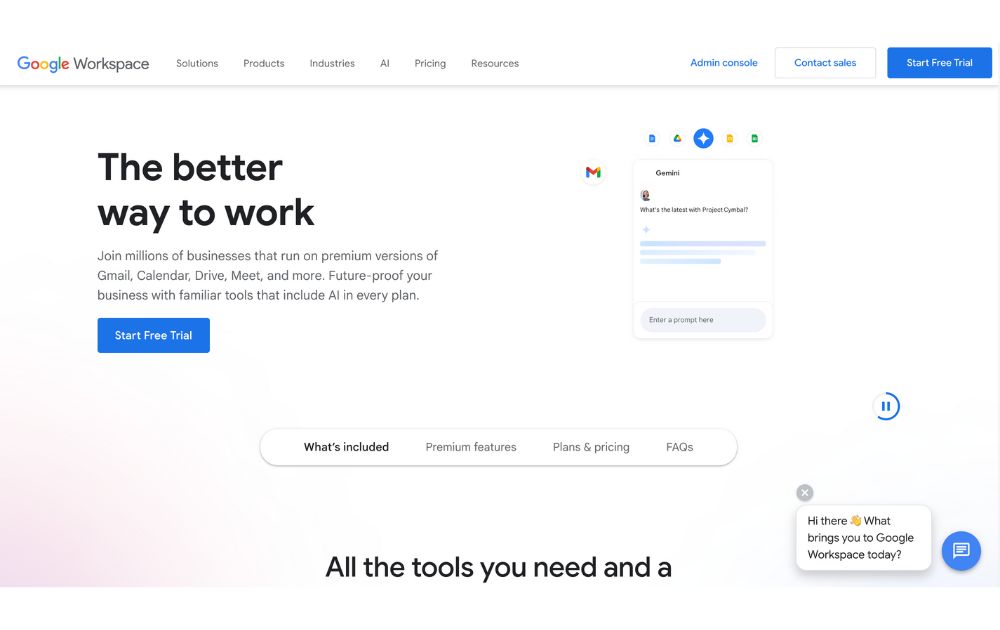
Previously known as GSuite, Google Workspace offers a full suite of collaboration tools for every business size. It has tools for documents, sheets, slides, chats, calendars, and many others. All these can help you organize projects, track conversations, update proposals, and edit files, easily anywhere in the world.
If you’re looking for small business organization tools that use AI, Google has now integrated Gemini AI features (like smart summaries and design assistance) into all plans, maintaining AI access but adjusting prices accordingly. Google Workspace’s paid tiers, which let you do more than its free features, start at $7 per month.
3. 1Password
To make managing business more effortless, you’ll need to use not just one but several apps. You’ll also need accounts on multiple websites and social media platforms. To help you keep track of your passwords and any other login details, you’ll need a password manager tool such as 1Password.
This tool can help you keep your accounts safe by protecting your passwords as it is integrated into your browser. Its plans, Personal & Family and Team & Business range from $2.99 to $7.99 per month. Its Enterprise plan’s price is available upon request.
4. Dropbox
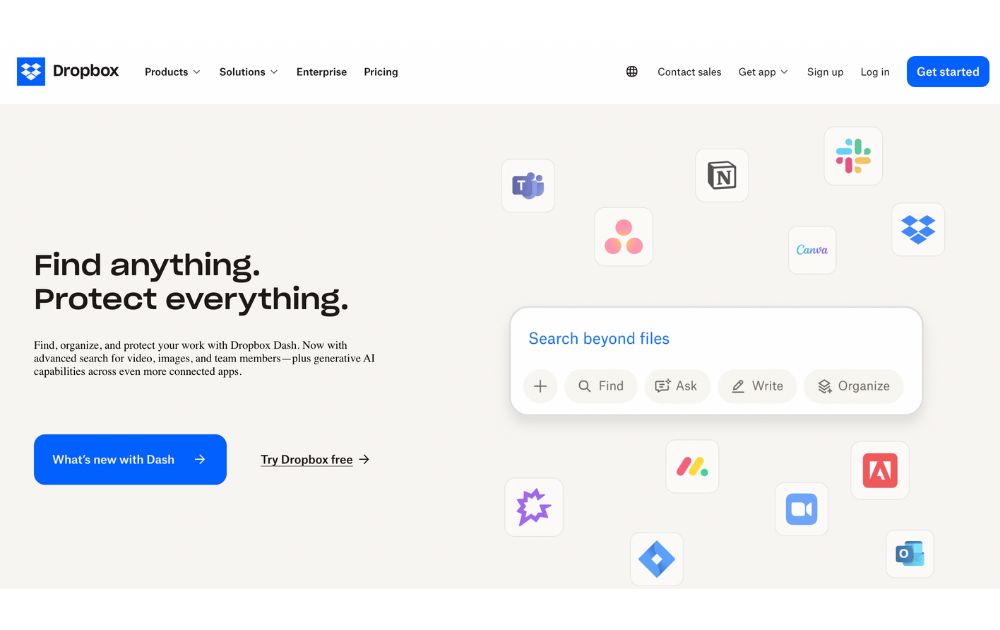
To keep your files and documents organized in one place, Dropbox is there for you. It lets your team access these anywhere in the world or on whatever device they use. It also integrates with many other collaboration apps, such as Zoom and Slack, for better team connection.
You can use Dropbox for free, but if you want more than 2GB of storage, it offers six premium plans. Depending on your usage, prices range from $9.99 to $24 per user per month. Like others on this small business organization tools list, Dropbox has an Enterprise that provides customization features for a specific price.
5. Zapier
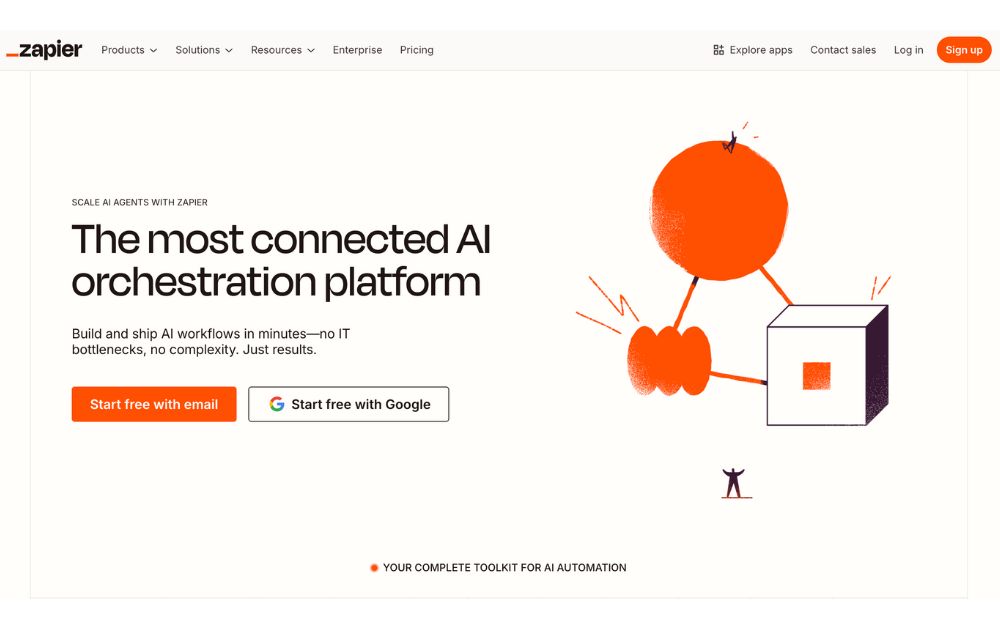
Managing a business means doing repetitive tasks that can tire you or stress you out. If this is you, you need Zapier in your life. It is an automation platform that connects your apps and moves information based on your set rules. It frees you from tasks such as sending reminders, backing up your work, or creating custom alerts, among many others.
For those who want small business organization tools free of charge, Zapier offers a free plan with up to 100 tasks per month, making it perfect for light users or simple workflows.
If you need more, the Pro plan starts at $19.99 per month (billed annually) and includes multi-step workflows, premium app integrations, and access to Zapier’s AI-powered features.
6. Airtable
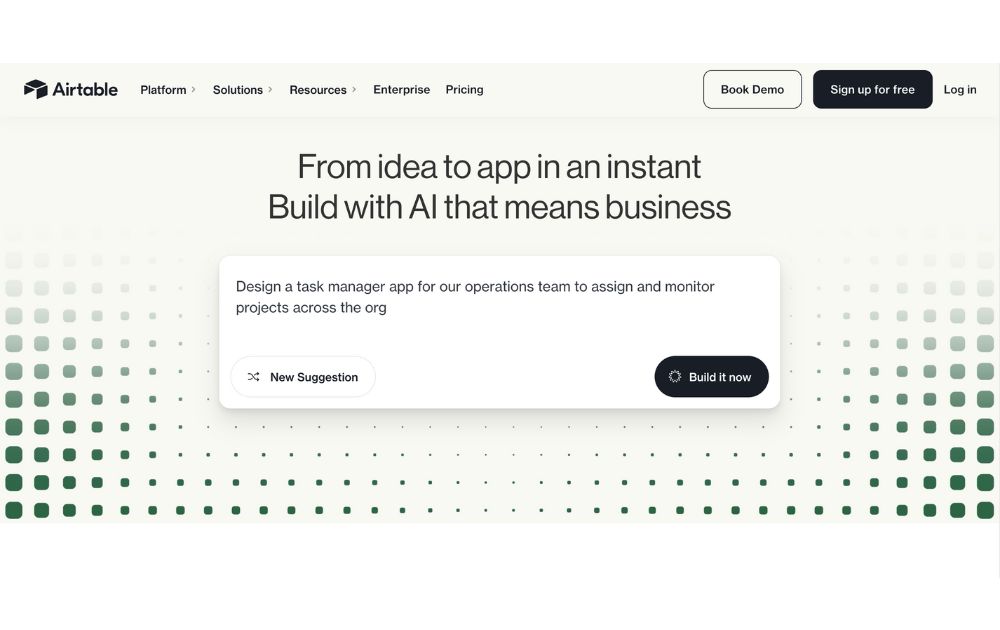
A database/spreadsheet platform, Airtable allows you to store, share, and edit information collaboratively. It can hold your business information and organize it for easy retrieval and updating anytime and anywhere. It is helpful in managing your sales funnel, the status of projects, and keeping track of your leads.
Airtable is free to use, but like others on this list, it also offers paid plans that give you more features. Pricing ranges from $20 to $45 per month, billed annually. To get its Enterprise plan, you need to contact its sales team to get a quotation.
7. Toggl
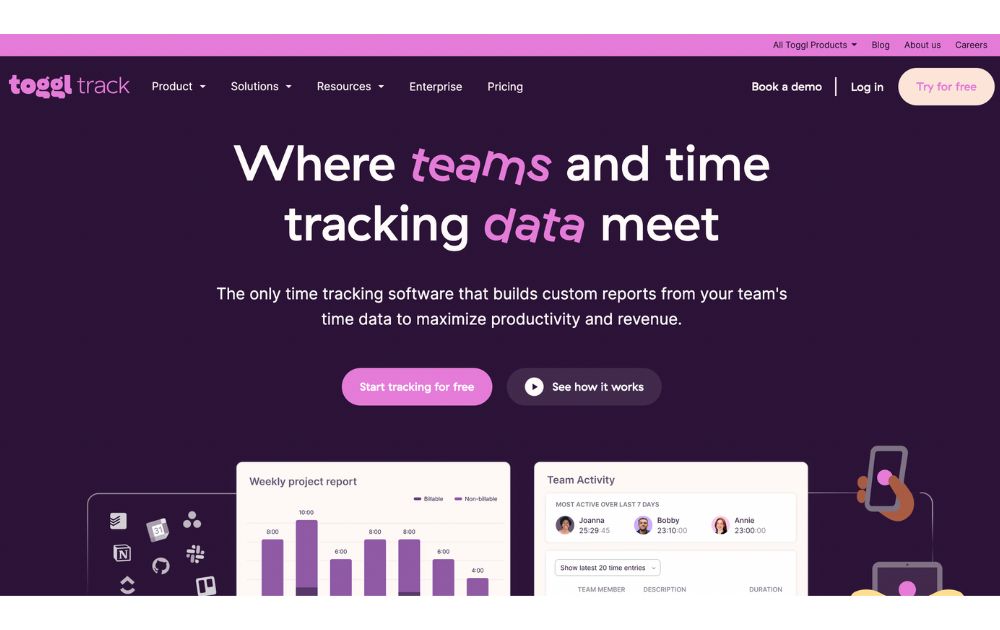
A time-tracking app, Toggl lets you track your activities daily and gives you reports on your work and projects, making it one of the must-have small business organization tools. It enables you to track the time used for billable hours, personal projects, and work hours. It is suitable for teams or individuals looking to measure and improve productivity.
You can use Toggl’s free forever plan for up to 5 users, with unlimited time tracking, projects, clients, and exports. When you’re ready to level up, the Starter plan begins at $9 per user per month (annual billing) and adds features like billable rates, customized reports, sub-projects, and project estimates.
8. Zoom
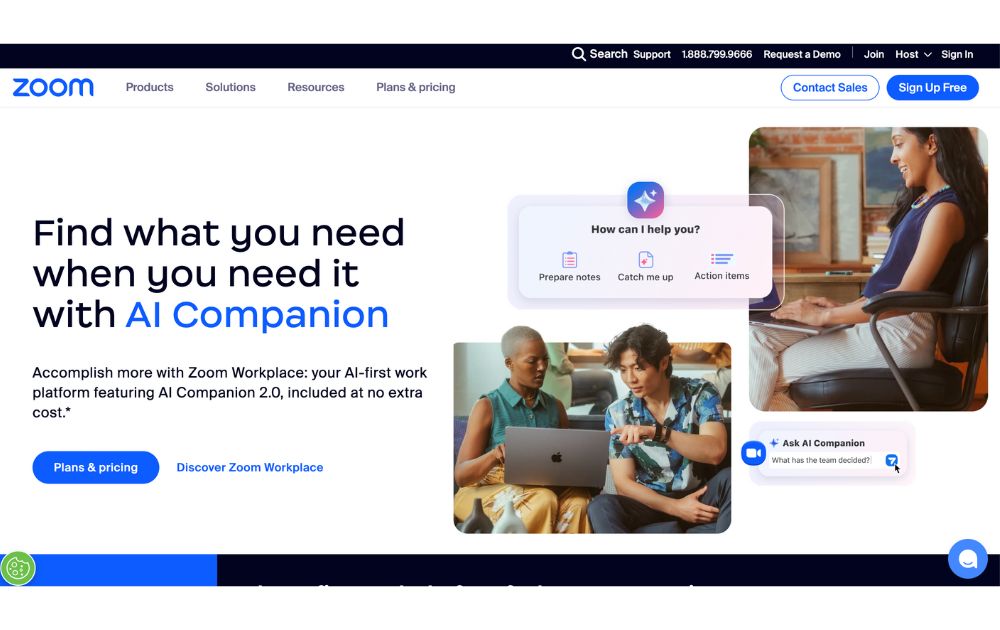
Go global and get connected to your team anywhere they are in the world with Zoom. From audio calls to video conferencing, this is one of the best small business organization tools you need. It can generate transcripts and record meetings, so you won’t have to.
You can start with Zoom’s Free plan, which supports up to 100 participants and 40-minute meetings. But for longer sessions and advanced features, there are several paid tier, starting at $15.99 per user per month (annual billing), which removes time limits (up to 30 hours), and adds cloud recording, transcripts, and Zoom AI Companion.
9. Loom
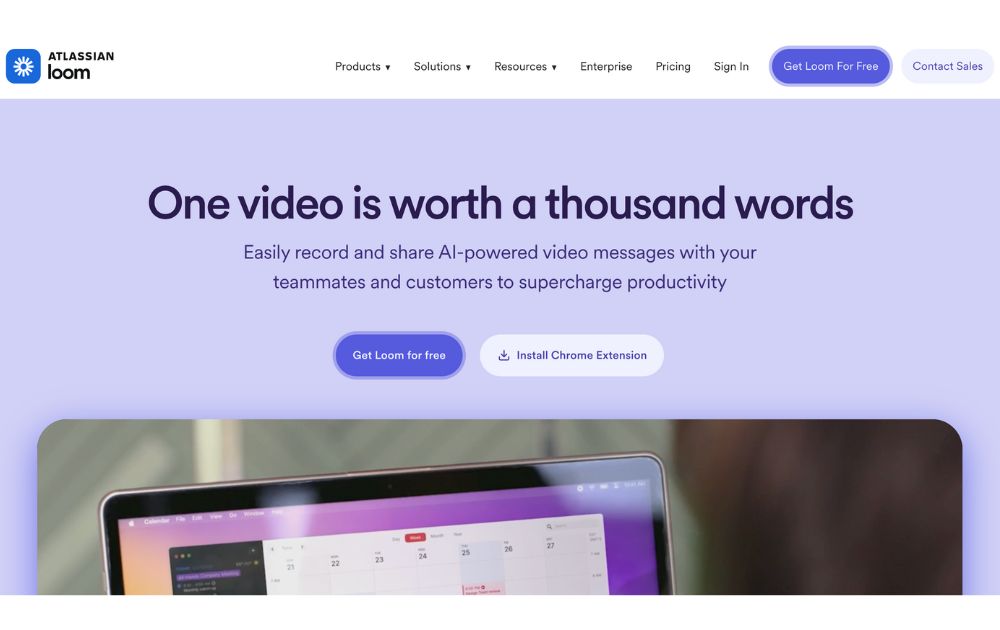
Create tutorial videos that your team can turn back to anytime they need them. Loom is the business tool you need for this specific task. This will be ideal if you need to update your team from different time zones or if you need a video for onboarding new hires.
Loom’s starter plan is free to use, but if you have more videos to create, its paid plans have affordable pricing. If you pay annually, the Business plan is priced at $15 per month per user.
10. Penji
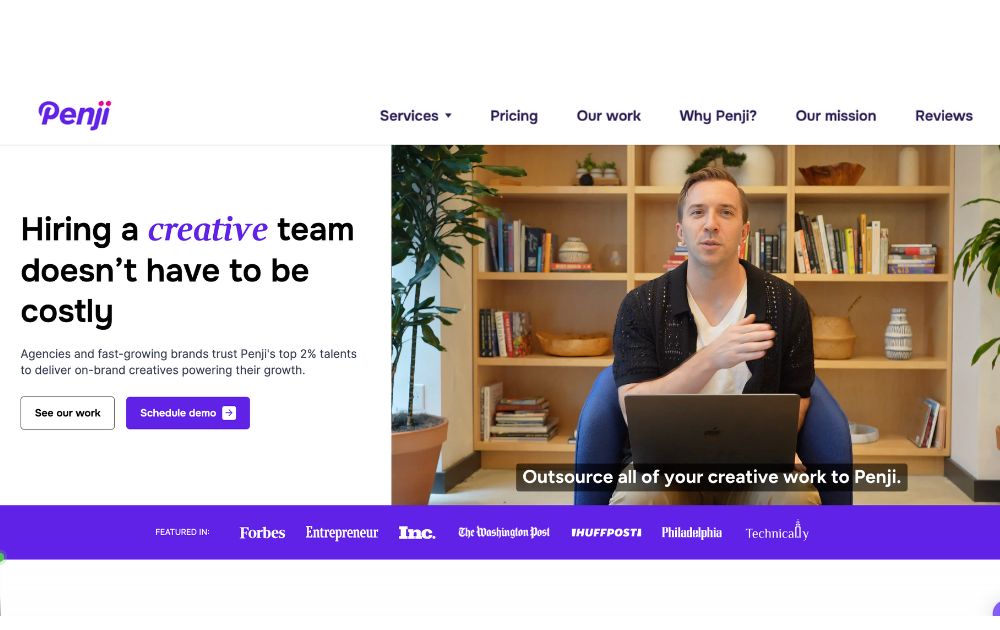
Graphic design is an integral part of doing business, so it’s almost impossible not to use it. This could be a problem for small businesses as graphic design is mostly inaccessible and often expensive. Fortunately, there is Penji, an unlimited graphic design service that lets you get all your design needs for a fixed monthly rate.
Penji has three plans, the Pro, Team, and Daytime, with prices starting at $499 per month. With this tool, you can get logo designs, social media graphics, digital ads, newsletter designs, and much more.
You can read our review of Penji here.
Conclusion
Small business owners can find relief when they get these small business organization tools and start the new year right. These will let them do more and spend their precious time doing things that matter more in their business.

What Is Tiktok Pink Sauce? The Viral Condiment, Explained

Did You Drop Your Smartphone in The Ocean? Here’s How to Retrieve It

Gift Guide: 25 Best Gifts for Women for All Occasions

History of the NBA: The Success Behind the Big League

Demio SaaS 2025 Review: Features, Pricing, Pros & Cons

Top 12 Uses for The Metaverse That Will Change Your Life

Top 10 Best Places to Buy a Mid Century Modern Office Chair
Top 10 Best Places to Buy a Mid Century Modern Office Chair
History of the NBA: The Success Behind the Big League

8 Best Equipment for YouTube Every Content Creator Needs
Demio SaaS 2025 Review: Features, Pricing, Pros & Cons
Did You Drop Your Smartphone in The Ocean? Here’s How to Retrieve It

Top 10 Small Business Organization Tools for 2025
Top 12 Uses for The Metaverse That Will Change Your Life
 Entertainment5 days ago
History of the NBA: The Success Behind the Big League
- Lifestyle4 days ago
Did You Drop Your Smartphone in The Ocean? Here’s How to Retrieve It
- Lifestyle5 days ago
Gift Guide: 25 Best Gifts for Women for All Occasions
- Top Stories4 days ago
What Is Tiktok Pink Sauce? The Viral Condiment, Explained