Technology
8 Top AI Trends


AI has been dominating almost all sectors of business and society. Business owners, students, professionals, and employees are comfortable having artificial intelligence at their beck and call. Although relying solely on AI is not advisable, having AI as your convenient assistance undeniably makes your job easier. Here are some ways AI is making waves in any industry. These top AI trends are only evolving, offering better features for users.
1. AI in Cybersecurity

Cybersecurity was once protected by software and applications manufactured by the same malware companies. AI prevents loopholes and ensures you keep your data safe. It enhances real-time monitoring, detection, and response to cyber threats by analyzing vast amounts of data to identify patterns indicative of attacks. AI scans networks for vulnerabilities, detects unusual behavior, and restricts unauthorized access.
Compared to ordinary malware detection software, AI can prioritize risks and detect malware early, thus automating security tasks and reducing human error. Although AI will not replace human security professionals, it assists by processing large data volumes faster than traditional methods. AI addresses these limitations, improving cybersecurity efficiency and effectiveness as technology evolves.
2. AI in Medicine and Healthcare
Artificial intelligence (AI) revolutionizes medical sciences by enhancing patient diagnosis, drug discovery, physician-patient communication, and remote treatment. AI systems, such as deep convolutional neural networks, have matched or surpassed human experts in accuracy, especially in visually oriented fields like dermatology.
Some AI models are trained on extensive datasets and can classify skin cancers and diabetic retinopathy with high precision, offering benefits like increased diagnostic efficiency, early disease detection, and reduced barriers to healthcare access. While AI excels in these areas, it complements rather than replaces human expertise, transforming the medical landscape.
3. AI in Education

Some educational institutions still need to be updated regarding learning systems and practices. While AI can’t replace teachers, it will only enhance learning processes and student-teacher collaboration. AI can transform education by addressing significant challenges, improving teaching and learning practices, and advancing Sustainable Development Goal 4.
AI can assist educators in their pedagogy by quickly creating customized plans that align with the teachers’ educational goals. AI helps educators integrate AI effectively, streamline administrative tasks, and provide personalized learning experiences, making AI implementation less daunting for schools and districts.
4. AI in Finance
Another sector that widely uses AI is finance. Aside from fintech apps, AI also keeps the finance engines smooth and safe. AI is commonly utilized in finance across several key areas. In algorithmic trading, AI develops trading algorithms to analyze market trends and execute trades faster than humans. It automates repetitive tasks, enhancing efficiency and reducing costs. AI fosters innovation, providing financial institutions with a competitive edge. It ensures regulatory compliance by automating monitoring and reporting.
Another way AI helps in finance is by assessing creditworthiness by analyzing diverse data and enhancing customer service through chatbots and personal assistants. More importantly, it also detects fraud, streamlines loan processing, manages personal finances, optimizes portfolios, enables predictive analytics, and analyzes risks and market sentiment for better decision-making.
5. Sustainable AI

Sustainable AI refers to developing and deploying artificial intelligence technologies that prioritize environmental, economic, and social sustainability. It involves creating energy-efficient AI systems, minimizing carbon footprints, and ensuring ethical practices. Sustainable AI aims to balance technological advancement with the preservation of resources and equitable benefits for society, promoting long-term ecological and human well-being.
Some examples of how AI helps sustainability are AI-driven precision agriculture, weather predictions, natural disaster response, infrastructure response, and strengthening.
6. AI in Customer Service
AI is revolutionizing customer service across various domains. Generative AI improves response times by analyzing customer conversations and generating human-like replies. AI-powered chatbots handle basic inquiries and are available 24/7. By understanding human language, Natural Language Processing (NLP) enhances chatbots, voice assistants, and sentiment analysis tools. Sentiment analysis monitors customer feedback to personalize experiences.
Another way it can offer seamless customer service is through AI-driven recommendation systems. Predictive analytics anticipates customer needs, while AI-powered self-service solutions and intelligent routing systems enhance efficiency by providing relevant information and connecting customers to the correct representatives.
7. AI in Autonomous Vehicles

AI significantly enhances autonomous vehicle capabilities by enabling advanced functionalities. Machine learning algorithms analyze vast amounts of sensor data to interpret the vehicle’s surroundings, identifying objects, pedestrians, and other vehicles. AI supports real-time decision-making for navigation, optimizing routes, and managing traffic situations. Predictive analytics foresee potential hazards, improving safety. AI-powered systems ensure precise localization, which is crucial for accurate mapping and positioning.
Enhanced connectivity allows autonomous vehicles to communicate with each other and infrastructure, promoting coordinated traffic flow. These advancements collectively contribute to safer, more efficient, and reliable autonomous transportation solutions.
8. AI in Manufacturing
AI helps manufacturing industries by making processes more efficient and accurate. It uses machine learning to predict when machines need maintenance, reducing downtime. AI can optimize production schedules, ensuring resources are used effectively and reducing waste. It improves quality control by quickly detecting defects in products.
Additionally, AI-powered robots can perform repetitive or dangerous tasks, enhancing safety and productivity. By analyzing data, AI also helps forecast demand, allowing manufacturers to plan inventory better and meet customer needs. Overall, AI streamlines operations, cuts costs, and boosts manufacturing productivity.
Final Words
Without a doubt, AI helps expedite processes in several industries and sectors. It automates repetitive tasks that can be done more efficiently with machine learning. Overall, AI is a good assistant in some aspects of business. While AI eliminates human errors, it’s also crucial to consider AI’s lapses. Injecting human insight and creativity is still essential to ensure quality.



Virtual reality is changing the way we live. Whether you’re using it at home or for work, the metaverse has already made a big impact. But did you know there are many other ways to use it? In this article, you’ll discover 12 exciting uses for the metaverse that could change your everyday life.
1. Residences
Whether you’re using the metaverse for gaming or your home office, this is one place you’ll expect to use virtual reality. One of the most common uses for metaverse technology is entertainment. VR can make gaming more immersive through flying simulators or other advanced computer-connected devices.
2. Office spaces

One of the uses for the metaverse that also drew flak from experts is 3D communication. Employees can shift from 2D to 3D virtual communication and make the interaction more connected. While many say the metaverse made them less productive, many love the idea of more immersive connections.
3. Cinemas
Imagine yourself watching a movie in big theaters with a head-mounted VR and experiencing the action like it’s happening in your surroundings? The metaverse will make the cinematic experiences more enjoyable. People love good entertainment, and this is one way to spruce it up.
4. Stadiums
Stadiums that can accommodate thousands of people can undeniably have a use for the metaverse. These days, some smartphone apps let you point your device to a particular player to download some statistics automatically. The metaverse can do that in the future. Plus, this is an excellent way to have a realistic game experience even when sitting on the farthest benches. This is one of the most exciting uses for the metaverse in sports.
5. Theme parks

There are many uses for the metaverse in theme parks. For one, you can let visitors immerse themselves in different unique worlds through VR. Secondly, VR integrates digital augmentation for a more realistic ride experience. Plus, movies can also shift from 2D to 3D to make you connect with the fictional universe.
6. Travel
When people travel, they want to know more about the destination or tourist attraction. Virtual reality can provide information excitingly and uniquely that will persuade visitors to see it in person.
7. Shopping malls
The metaverse can replace some store assistants to entertain customers with their initial queries. That’s one of the clever uses for metaverse tools in shopping. This can be an attractive way to promote the store due to this unique concept. Moreover, clothing retail stores can also use VR to let customers try on the clothes without even wearing them. This saves them time to go to dressing rooms and change clothes one after the other.
8. Hospitals
The use of VR in hospitals can give patients and residents a more fun interaction, especially for difficult patients. Caregivers can interact with isolated patients through avatars and vice versa.
9. Universities
Colleges and universities are undoubtedly places where we see a future using VR technology. Instead of the standard projector, students can learn through more enjoyable methods via 3D learning.
10. Industrial spaces
We’ll see more VR integration in logistic terminals, warehouses, and factories. For instance, training could involve virtual coaching from trainers using the metaverse. It can also assist with flying and driving simulation, which is helpful in some industries like car manufacturers.
11. Concerts
People are watching and attending concerts differently nowadays. And the use of metaverse can let you enjoy music gigs without actually being present or with an incomplete band. This also increases safety as security can identify guests via real-time information.
12. Metropolitan areas

People can explore the city in a new way via hybrid AR overlays. They can use VR to augment perceptual backgrounds and give them a glimpse of the metropolitan area.


Running a small business can get overwhelming without the right systems in place. That’s why finding the best small business organization tools is key to saving time, reducing stress, and keeping your operations on track.
If you’re wondering, what are the organizational tools for small businesses? They include everything from project management apps to file-sharing platforms and automation software.
Here, we’ve gathered some of the most reliable and easy-to-use tools that can help you stay organized and productive.
1. Trello
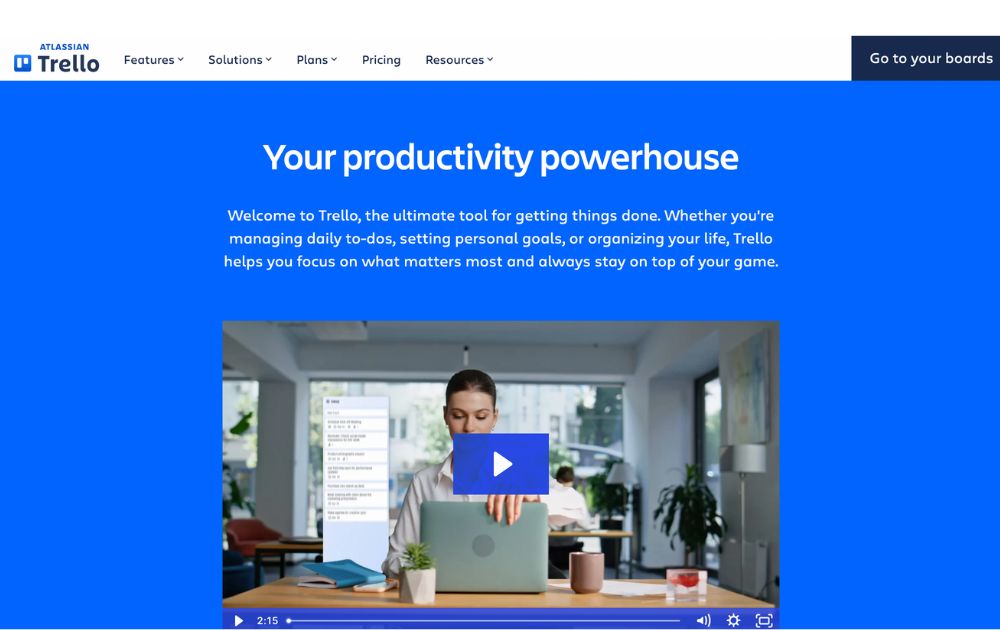
A project management software, Trello has boards that will help you organize tasks for each team member. At a glance, you’ll instantly know who is working on what and also see the progress for each. You’ll know when something is due and when something has already been done.
It’s one of the small business organization tools free forever, making it a major draw. For upgrades, Trello now offers:
- Standard: $5 per user/month (billed annually)
- Premium: $10 per user/month (annually)
- Enterprise: $17.50 per user/month (annually), with volume pricing options
If you’re looking for small business organization tools similar to Trello, here are some standout alternatives:
- Monday.com – Offers visual boards, automations, dashboards, and CRM integration—ideal for growing teams (Free up to 2 users, with paid tiers starting at $9 per user per month).
- ClickUp – An all-in-one platform combining boards, docs, time tracking, and goals—often seen as a step up from Trello’s simplicity (Free forever pricing, with paid tiers starting at $7 per user per month).
2. Google Workspace
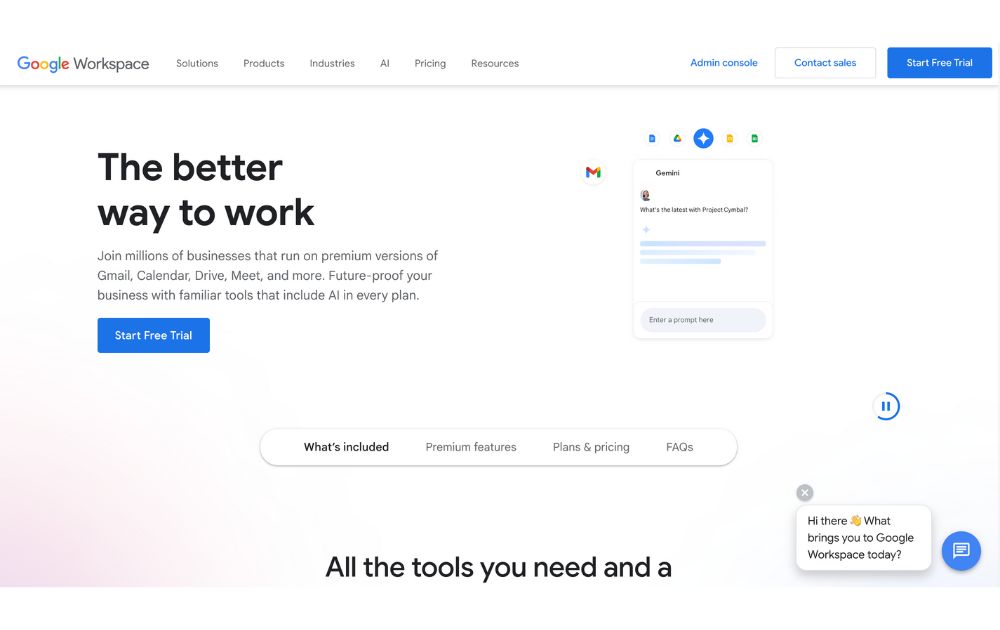
Previously known as GSuite, Google Workspace offers a full suite of collaboration tools for every business size. It has tools for documents, sheets, slides, chats, calendars, and many others. All these can help you organize projects, track conversations, update proposals, and edit files, easily anywhere in the world.
If you’re looking for small business organization tools that use AI, Google has now integrated Gemini AI features (like smart summaries and design assistance) into all plans, maintaining AI access but adjusting prices accordingly. Google Workspace’s paid tiers, which let you do more than its free features, start at $7 per month.
3. 1Password
To make managing business more effortless, you’ll need to use not just one but several apps. You’ll also need accounts on multiple websites and social media platforms. To help you keep track of your passwords and any other login details, you’ll need a password manager tool such as 1Password.
This tool can help you keep your accounts safe by protecting your passwords as it is integrated into your browser. Its plans, Personal & Family and Team & Business range from $2.99 to $7.99 per month. Its Enterprise plan’s price is available upon request.
4. Dropbox
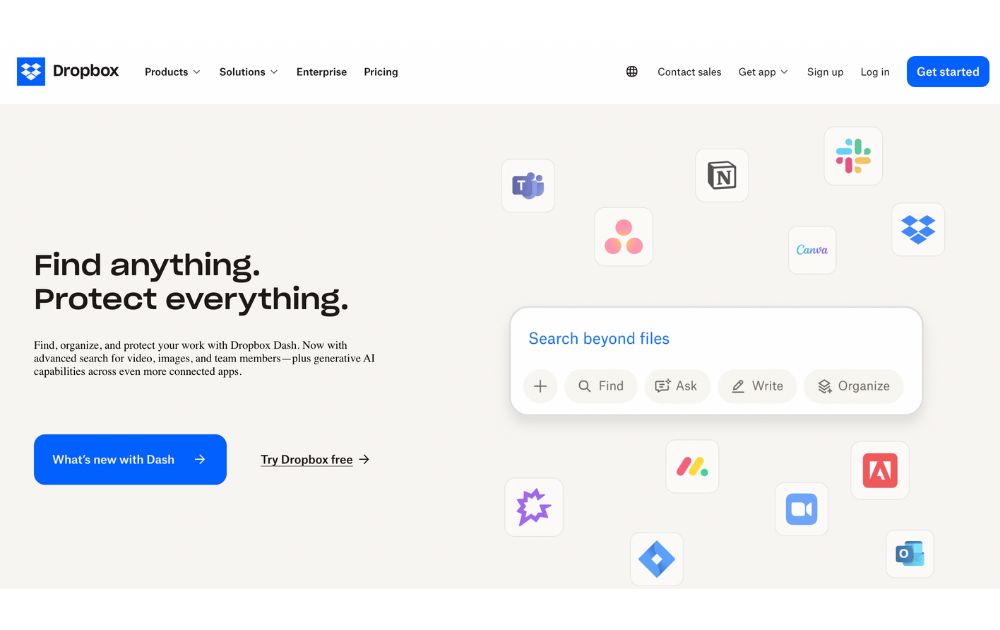
To keep your files and documents organized in one place, Dropbox is there for you. It lets your team access these anywhere in the world or on whatever device they use. It also integrates with many other collaboration apps, such as Zoom and Slack, for better team connection.
You can use Dropbox for free, but if you want more than 2GB of storage, it offers six premium plans. Depending on your usage, prices range from $9.99 to $24 per user per month. Like others on this small business organization tools list, Dropbox has an Enterprise that provides customization features for a specific price.
5. Zapier
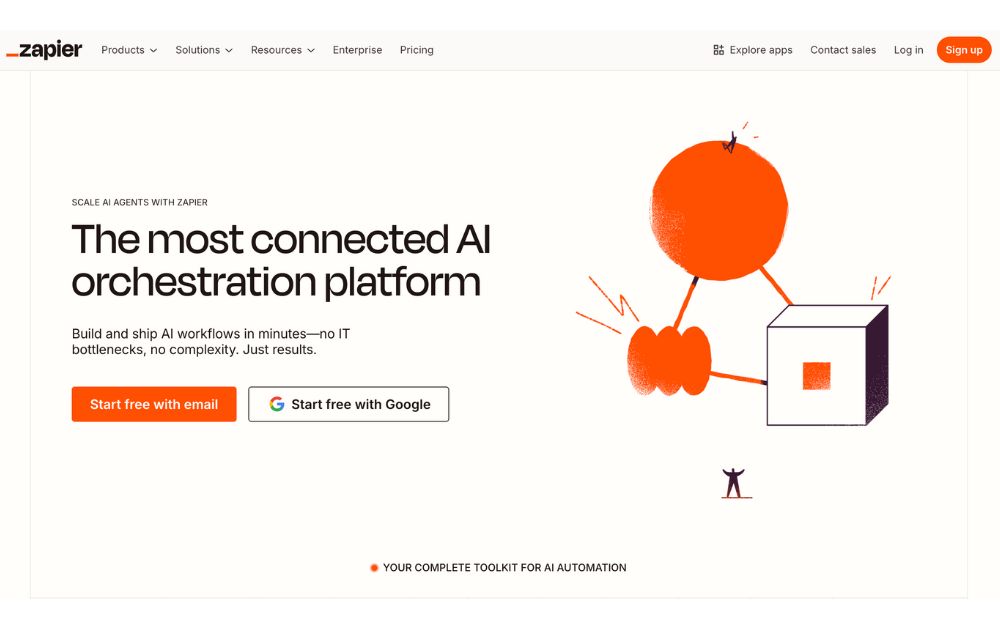
Managing a business means doing repetitive tasks that can tire you or stress you out. If this is you, you need Zapier in your life. It is an automation platform that connects your apps and moves information based on your set rules. It frees you from tasks such as sending reminders, backing up your work, or creating custom alerts, among many others.
For those who want small business organization tools free of charge, Zapier offers a free plan with up to 100 tasks per month, making it perfect for light users or simple workflows.
If you need more, the Pro plan starts at $19.99 per month (billed annually) and includes multi-step workflows, premium app integrations, and access to Zapier’s AI-powered features.
6. Airtable
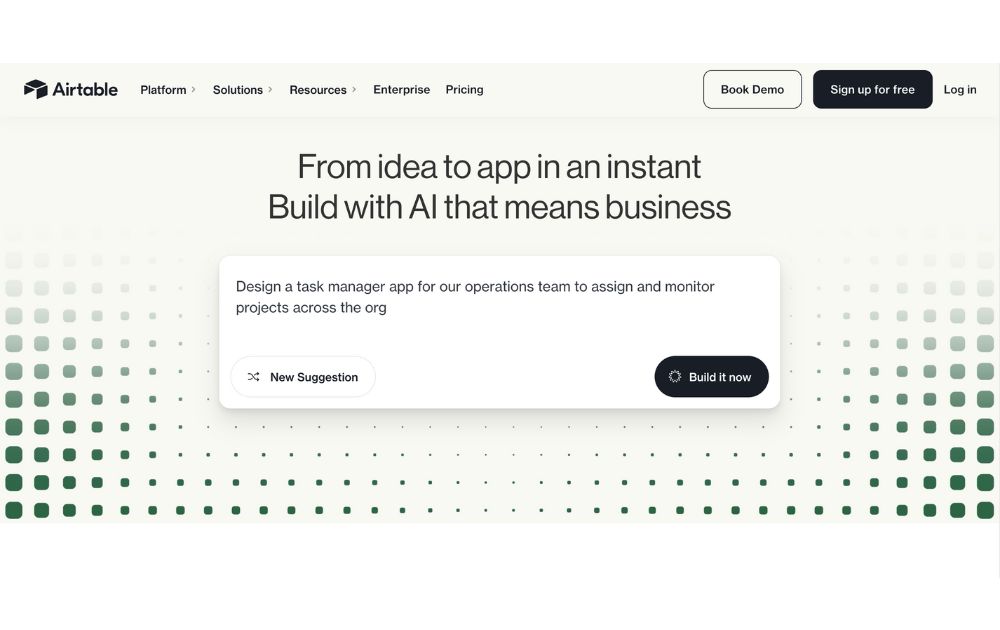
A database/spreadsheet platform, Airtable allows you to store, share, and edit information collaboratively. It can hold your business information and organize it for easy retrieval and updating anytime and anywhere. It is helpful in managing your sales funnel, the status of projects, and keeping track of your leads.
Airtable is free to use, but like others on this list, it also offers paid plans that give you more features. Pricing ranges from $20 to $45 per month, billed annually. To get its Enterprise plan, you need to contact its sales team to get a quotation.
7. Toggl
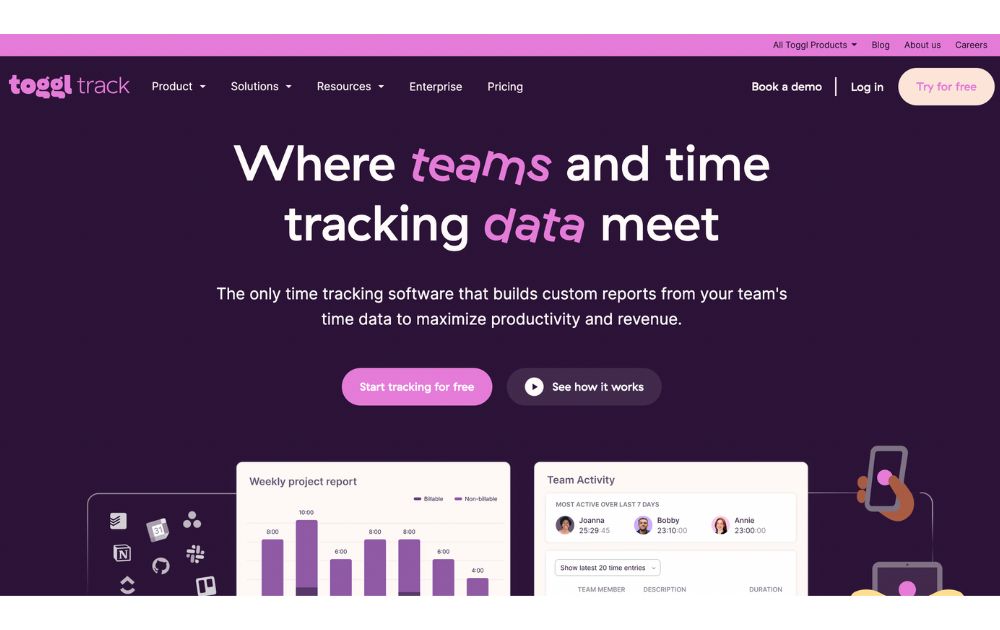
A time-tracking app, Toggl lets you track your activities daily and gives you reports on your work and projects, making it one of the must-have small business organization tools. It enables you to track the time used for billable hours, personal projects, and work hours. It is suitable for teams or individuals looking to measure and improve productivity.
You can use Toggl’s free forever plan for up to 5 users, with unlimited time tracking, projects, clients, and exports. When you’re ready to level up, the Starter plan begins at $9 per user per month (annual billing) and adds features like billable rates, customized reports, sub-projects, and project estimates.
8. Zoom
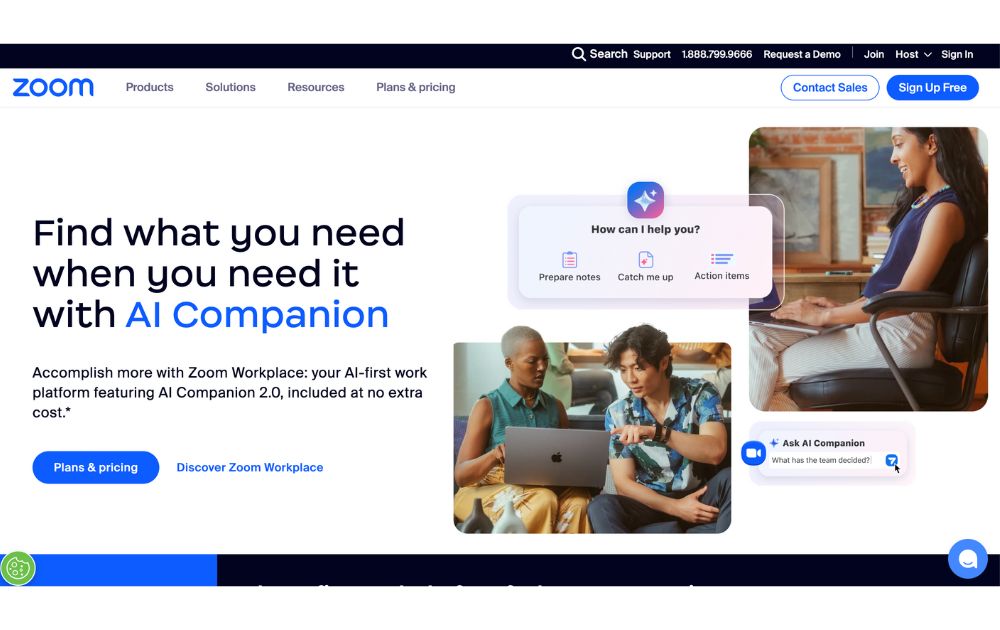
Go global and get connected to your team anywhere they are in the world with Zoom. From audio calls to video conferencing, this is one of the best small business organization tools you need. It can generate transcripts and record meetings, so you won’t have to.
You can start with Zoom’s Free plan, which supports up to 100 participants and 40-minute meetings. But for longer sessions and advanced features, there are several paid tier, starting at $15.99 per user per month (annual billing), which removes time limits (up to 30 hours), and adds cloud recording, transcripts, and Zoom AI Companion.
9. Loom
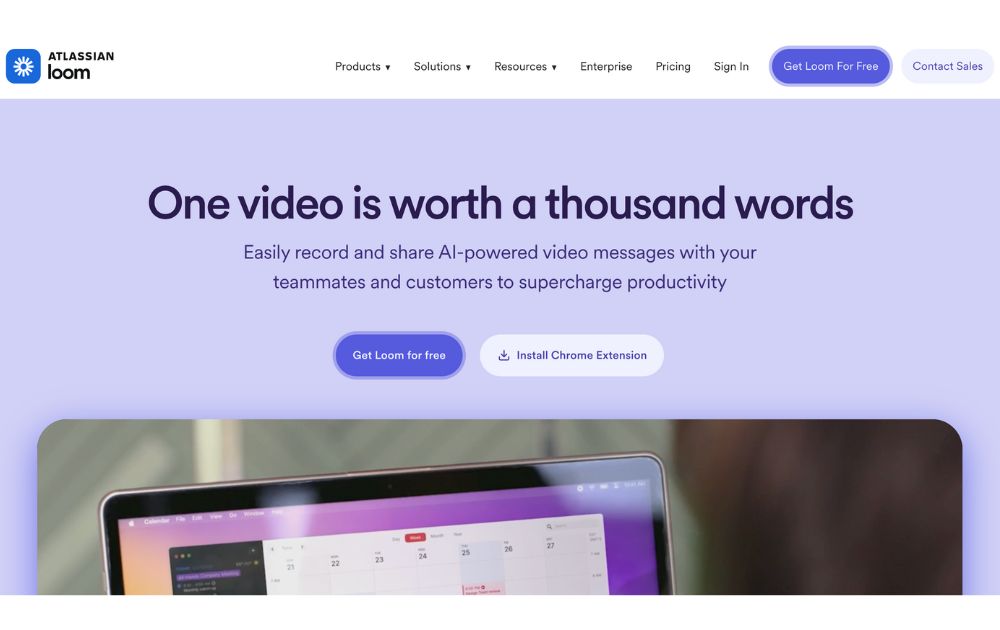
Create tutorial videos that your team can turn back to anytime they need them. Loom is the business tool you need for this specific task. This will be ideal if you need to update your team from different time zones or if you need a video for onboarding new hires.
Loom’s starter plan is free to use, but if you have more videos to create, its paid plans have affordable pricing. If you pay annually, the Business plan is priced at $15 per month per user.
10. Penji
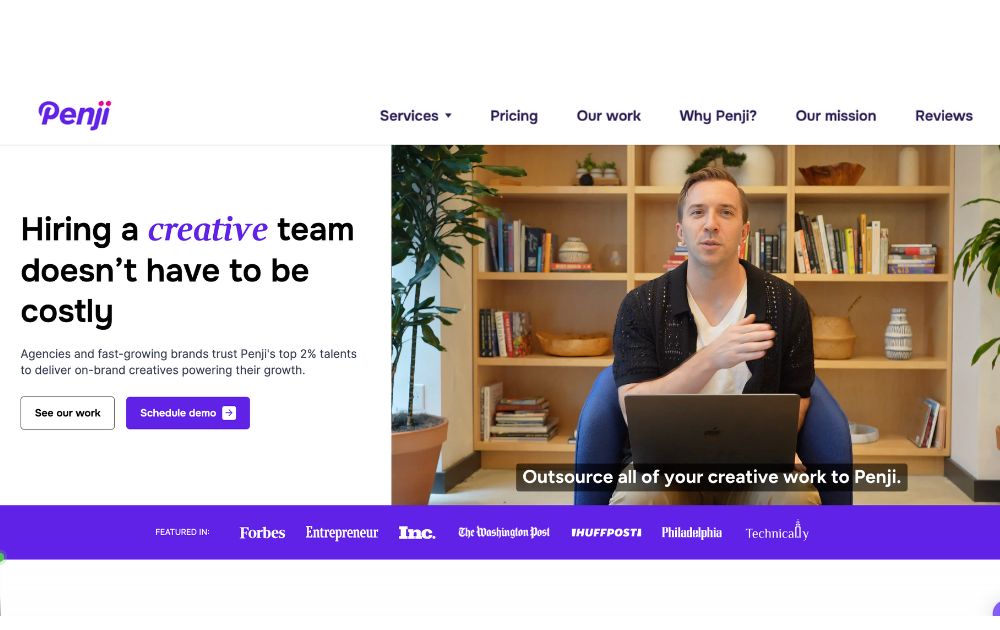
Graphic design is an integral part of doing business, so it’s almost impossible not to use it. This could be a problem for small businesses as graphic design is mostly inaccessible and often expensive. Fortunately, there is Penji, an unlimited graphic design service that lets you get all your design needs for a fixed monthly rate.
Penji has three plans, the Pro, Team, and Daytime, with prices starting at $499 per month. With this tool, you can get logo designs, social media graphics, digital ads, newsletter designs, and much more.
You can read our review of Penji here.
Conclusion
Small business owners can find relief when they get these small business organization tools and start the new year right. These will let them do more and spend their precious time doing things that matter more in their business.

YouTube remains the world’s largest video-sharing platform. With 2.53 billion monthly users as of February 2025, as per Statista, it’s bested only by Facebook in the social media platforms category.
With such massive growth, the platform has become even more competitive, requiring creators to step up their game to capture viewers’ attention.
Whether you’re just starting out as a content creator or you’re already a YouTuber looking to step up your game, here’ are’s a list of the best equipment for YouTube that would let you stand out in such a crowded space:
1. Camera

Your camera setup is an essential piece of YouTube equipment to have. But, before going to the camera store, remember that you don’t have to buy the most expensive one. You can use almost any device that can record high-quality video, or at least 1080p.
If you’re just starting out, quality camcorders, webcams, or even action cameras can do the job. For creators aiming to level up, mirrorless and DSLR cameras are still smart investments, especially if you plan to improve your production quality over time.
The right camera depends on the type of content you want to create. Here are the top choices you may want to include in your YouTube equipment for beginners list:
- Camcorder – Still a reliable, all-around video camera in 2025. Compact, easy to use, and great for beginners who want consistent recording without complicated setups.
- Webcam – Perfect for streamers, gamers, and tutorial creators who primarily shoot in front of a computer. Top 2025 models now offer 4K resolution and AI tracking for more dynamic shots.
- Action Camera – Best for travel vloggers and adventurers. GoPro Hero 13 Black and DJI Osmo Action 5 Pro lead the pack in 2025 with improved stabilization and low-light performance.
- Mirrorless Camera – Lightweight, versatile, and now the go-to for many YouTubers. Popular 2025 choices include the Canon EOS R50 V, Sony ZV-E10 II, and Fujifilm X-S20 for high-quality, portable
- DSLR – Still excellent for creators who prioritize image quality and manual controls, though many YouTubers now prefer the lighter mirrorless options. shooting.
2. External Microphone

Sound is one of the most critical factors for YouTube success in 2025. That said, in terms of microphones, the best equipment for YouTube would keep your viewers engaged and focused on your message.
Built-in microphones on laptops or cameras often struggle to capture clear sound and block out background noise. That’s why investing in a quality microphone is one of the best moves you can make as a YouTube creator.
Here are some of the most popular choices:
- USB Microphones – Still the most accessible option for beginners. USB mics offer plug-and-play simplicity with impressive audio quality.
- Lapel (Lavalier) Microphones – Compact, wireless, and ideal for creators on the move. A common component of a YouTube video equipment kit, these can be wired or wireless.
- Shotgun Microphones – Perfect for vloggers, these mics are highly directional and great at isolating sound.
Condenser Microphones – Still the top pick for studio setups, thanks to their clarity and sensitivity. If you have the budget, search for the top models used by professional YouTubers and podcasters.
3. Tripods or Stabilizers
No one wants to watch blurry videos. Shaky footage is a no-no if you’re serious about becoming the next YouTube star. Tripods and gimbal stabilizers are excellent tools for stabilizing your photos and videos. You can use either of them to improve the production value of your YouTube videos, depending on how you plan to record them.
A tripod is usually the less expensive option. Many of them don’t cost over $100 and work just as well, depending on your camera setup’s weight. However, investing in a more durable, dependable tripod is still advisable to ensure your camera equipment’s safety.
4. Lighting
Level up your YouTube videos with the proper lighting equipment. You’ll need them if you’re mostly recording indoors or in dimly lit areas. Even if you’re shooting in an area with plenty of natural light, lighting equipment can change the mood and even the brightness of your videos.
For lights, here are some of the options you may want to include in your YouTube studio setup kit:
- Ring Lights – Considered one of the best equipment for YouTube for beginners, ring lights are a favorite among vloggers, beauty creators, and streamers. Ring lights provide even, flattering illumination, perfect for face-focused videos. Modern ring lights now offer adjustable color temperatures and remote app controls.
- LED Panel Lights – A top choice for creators who want versatile lighting with full RGB color control. For LED panels, the best equipment for YouTube is compact, portable, and ideal for setting creative tones and backgrounds.
- On-Camera Lighting – Useful for run-and-gun shooting, documentaries, and event coverage where you need continuous lighting on the go. On-camera lights are now smaller, more powerful, and offer better battery life.
- Softbox Lighting Kits – Great for stationary setups like tutorials and sit-down vlogs. They create soft, diffused light that reduces harsh shadows and makes subjects look more natural.
5. Laptop or PC
Next on our list of best equipment for your YouTube videos is a laptop or PC. This is where you’ll be doing your editing. If you don’t have one yet, buy one depending on your needs. A laptop can offer portability, while a desktop computer allows you more power at less the price.
Whether you get a laptop or PC, ensure that it has the right peripherals specific to your video editing needs. These are the memory, graphics cards, monitors, RAM, and USB ports, among many others.
6. Video and Audio Editing Software

Once you’ve invested in the best equipment for YouTube, the next step is to find reliable editing software for your post-production work. While YouTube’s built-in editor is helpful for basic tasks, using professional editing software will give you full creative control to customize your videos exactly how you want.
There are plenty of free and paid video and audio editing tools that cater to beginners and professionals alike. Here are some of the most recommended options:
- DaVinci Resolve 19 – Still one of the most powerful free video editing platforms, now with enhanced AI tools for auto-captioning, color correction, and smart editing.
- Adobe Premiere Pro – An industry-standard editor with improved cloud collaboration and AI-powered workflows that speed up complex edits.
- Final Cut Pro – Fast and optimized for Apple’s latest chips, now with live multi-cam editing and advanced motion graphics support.
- CapCut – A free, beginner-friendly editor that’s extremely popular with YouTubers in 2025, thanks to its easy interface and mobile-friendly editing capabilities.
InVideo – A reliable online video editor with thousands of templates, perfect for quick YouTube videos, ads, and reels for YouTube marketing.
7. Background
Many creators today prefer using aesthetic home setups, collapsible backdrops, or virtual backgrounds powered by green screens or AI tools. Even a plain, clean wall is still perfectly acceptable, especially if you want to keep the focus on yourself.
If you want to elevate your videos:
- Consider printed backdrops, minimalist shelves, or subtle lighting accents.
- For tech-savvy creators, AI-based background removal (now available in popular editing apps like CapCut and DaVinci Resolve 19) is a quick and effective way to create clean, distraction-free videos without a physical backdrop.
8. Stream Deck
If you’re planning to stream on YouTube, a Stream Deck is one of the best YouTube equipment upgrades you can get. It allows you to seamlessly switch scenes, trigger sound effects, control lighting, launch apps, and automate complex actions with just one button press.
Modern versions now feature customizable knobs, touch screens, and deeper integrations with popular streaming software like OBS, Twitch, YouTube Live, and even smart home devices.

Top 12 Uses for The Metaverse That Will Change Your Life

Top 10 Best Places to Buy a Mid Century Modern Office Chair

The Best Online Payroll Services [Updated for 2025]

Top 10 Small Business Organization Tools for 2025

8 Best Equipment for YouTube Every Content Creator Needs

Merck Seagen Buyout: What to Know About the Deal

The Rise and Fall of Juul: Once a Silicon Valley Darling, Now Banned by FDA

What’s the Deal With Elomir? Is Axis Klarity a Scam?

Why Having an Advisory Board Could Make or Break Your Startup
Top 10 Best Places to Buy a Mid Century Modern Office Chair

Loom Review: Features, Use Cases, and How It Stacks Up Against Zoom
8 Best Equipment for YouTube Every Content Creator Needs
The Rise and Fall of Juul: Once a Silicon Valley Darling, Now Banned by FDA

The Best Ways to Recession Proof Your Business
 Business2 days ago
Top 10 Best Places to Buy a Mid Century Modern Office Chair
- Technology3 days ago
8 Best Equipment for YouTube Every Content Creator Needs
- Technology3 days ago
Top 10 Small Business Organization Tools for 2025
- Technology1 day ago
Top 12 Uses for The Metaverse That Will Change Your Life
- Business2 days ago
The Best Online Payroll Services [Updated for 2025]