Technology
Best Livestream Apps For Your Phone





Webinars are a powerful marketing tool you need to incorporate into your business. So, next time you’re hosting an event or demo for your clients, here are the top webinar platforms you can consider for 2026.
Before we list down the ten best webinar platforms of all time, here are some examples of webinars you can host:
- Customer onboarding
- Employee training
- Thought leadership
- Product demonstration
- Live classes
- Corporate communications
- New features
- Lead nurturing
1. GoTo
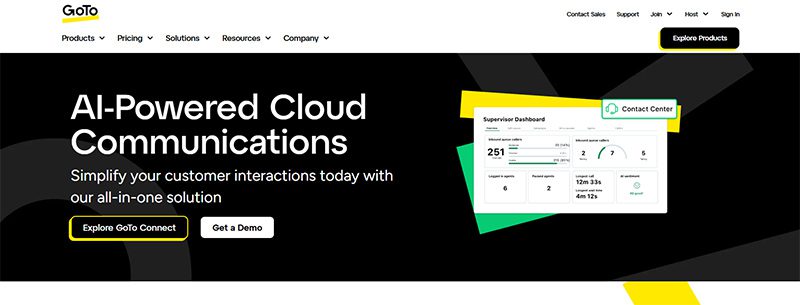
GoTo is an all-in-one video conferencing and webinar solution for many businesses and hosts. With GoTo, you can subscribe to one product at a time. That said, their webinar solution ensures security, enables personalization, and increases audience engagement rates. One reason webinar hosts love GoTo is its Stripe integration. That said, you can accept payments easily without subscribing to another invoicing app.
Pricing (billed annually):
- Reach (500 participants) – $69/mo
- Elevate (1,000 participants) – $299/mo
- Unlimited (Unlimited participants) Contact their sales team
2. WebinarNinja

WebinarNinja is the leading webinar platform for coaches and creators. This platform allows you to host a live, series, hybrid, and automated or evergreen webinar. Plus, you or your attendees won’t miss the webinar since they send automated emails for your upcoming events. In addition, you can engage audiences before or during the webinar with handouts, landing pages, chats, and audience presenters.
Pricing:
- Monthly billing – $0.60 per attendee/per month
3. My Own Conference
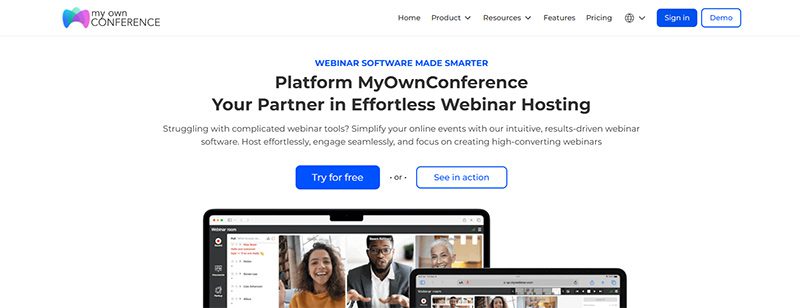
If you are hosting a webinar with fewer than 20 attendees and want to host it for free, My Own Conference is your best option. It’s a no-fuss choice because you won’t download any software and can schedule webinars anytime! Like other webinar platforms on this list, you can send an automated email about upcoming lessons or seminars anytime.
Pricing:
- Basic plan – Free
- Business plan – $28/month for 30 attendees
- Enterprise – Contact sales
4. Livestorm
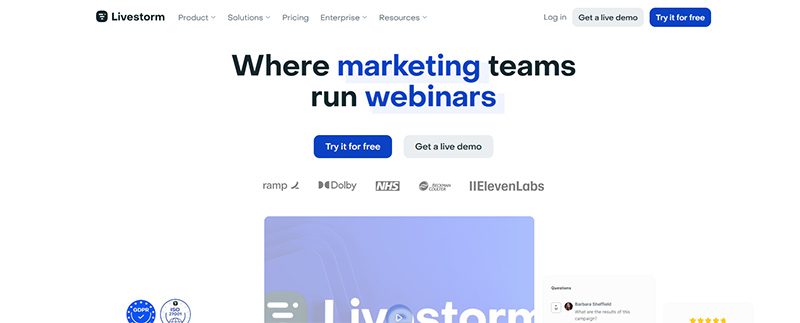
Livestorm is another webinar platform offering a free version. It’s limited, but it’s ideal for audiences of fewer than 30 people. Like other webinar platforms on this list, you can integrate Livestorm with apps, such as marketing automation and CRM software apps. Additionally, you can also customize your Livestorm webinars with branding and track your analytics.
Pricing:
- Pro – $105/mo
- Business – Contact sales
- Enterprise – Contact sales
5. Demio
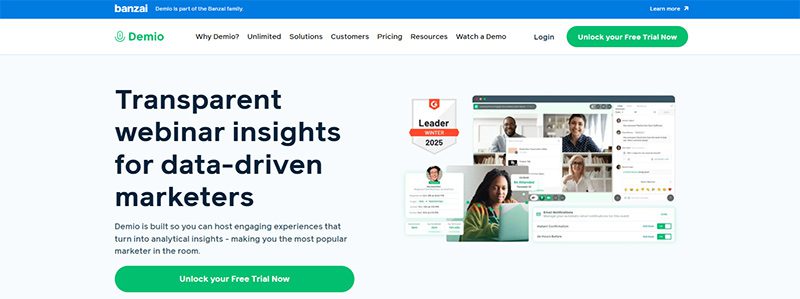
If you’re a marketer and are hosting a webinar, Demio is one of the best webinar platforms to use! With Demio, you can host a live, automated, or series webinar. You can customize Demio by adding your business logo and colors to maintain brand consistency anywhere. Plus, you can increase engagement rates with polls and handouts. Finally, you can monitor your webinar’s results with their tracking and analytics systems.
Pricing:
- Starter – $63/mo
- Growth – $117/mo
- Premium – $196/mo paid annually
6. Adobe Connect
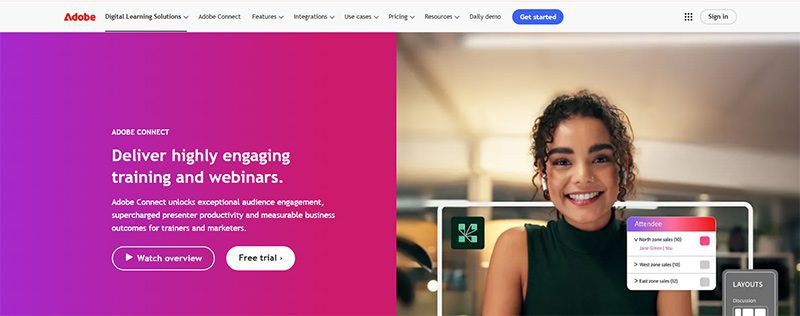
Adobe doesn’t just develop design and video editing software application. They also have a webinar platform, Adobe Connect, you can use to host events. In terms of features, they have the basics, such as polls, breakout rooms, chats, and integrations. However, Adobe Connect goes further with features such as drawing and annotations, templates, and asynchronous browsing. That said, Adobe Connect is steeper than most webinar platforms.
Pricing:
- Standard – $190 per year/per host
- Premium – $290 per year/per host
- Enterprise – $390 per year/per host
7. WebinarGeek

Here’s another webinar platform that doesn’t require a download when you use it. WebinarGeek lets you do everything on your browser, such as conducting live and hybrid webinars and co-presenting with other hosts. This platform is ideal for marketers since they have marketing integrations like Zapier, HubSpot, and MailChimp. However, creators, coaches, and teachers can benefit from the platform because of the engagement features.
Pricing:
- Basic – $81/month
- Premium – $116/month
- Enterprise – From $409/month
8. BigMarker
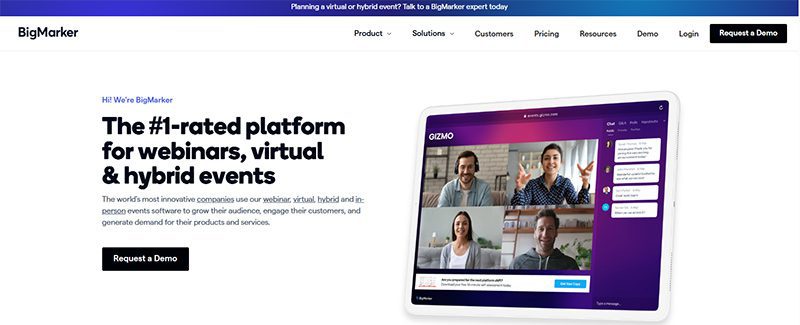
The final platform on our list is BigMarker. Once again, marketers and sales teams are the target audience for this webinar platform since it’s made to get more leads. Landing pages and registration forms make it possible. Plus, they can learn more about their potential customers through customer profiles and other marketing integrations. That said, creators can use BigMarker to host their events and invite attendees to their next event with their Call to Action feature.
Pricing:
- Basic (Up to 1000 attendees) – Request a quote
- Enterprise (Up to 10,000 attendees) – Request a quote
- Enterprise+ (Up to 500,000 attendees) – Request a quote
Final Thoughts
Webinars have increased in popularity because of accessibility and cost. For coaches and creators, they can engage with the audience even better through chats and downloads. Meanwhile, marketers can make the most out of webinars through tracking and analytics after talking to leads and customers. Luckily, for these creators, webinar platforms can help them achieve their goals and attract more audiences in different ways.

While many companies and small businesses struggle to capture their target audience’s attention amidst competition from giant brands, it’s clear that marketing needs to be taken up a notch. To do this, it requires marketing optimization tools to not only achieve marketing objectives but also generate leads. But how do you go about optimizing your marketing efforts and what tools can help?
1. Make Use of Data
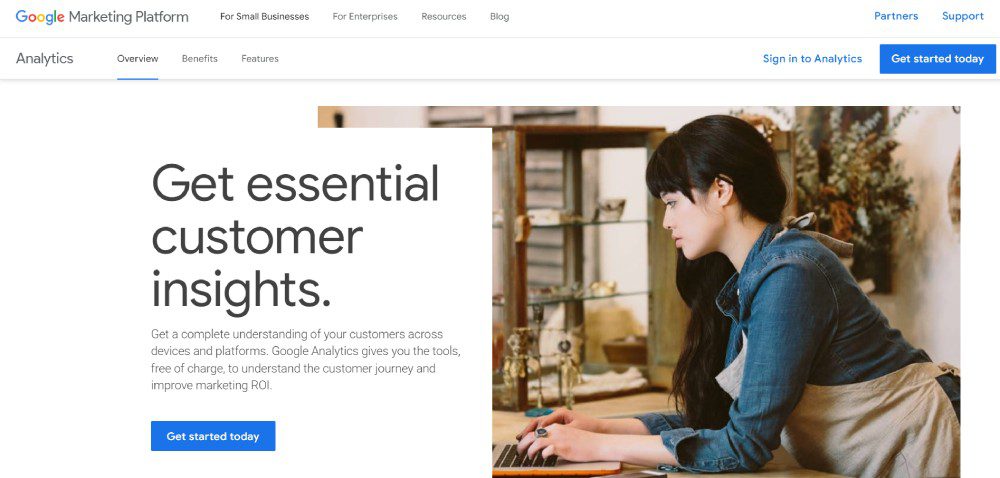
According to Hubspot, marketing in 2025 will heavily focus on data. That said, data will give you insights into your target audience. Plus, you can better understand how your business works better through data. Fortunately, many marketing optimization tools have data and analytics to help you reach targets.
If your strategy is understanding your audience better through data, Google Analytics is your best free option. With Google Analytics, you’ll know where your users are coming from and how many of them are visiting your website.
Another data-heavy strategy is social media marketing. After all, you don’t want your social media marketing efforts to go in vain. Although MeetEdgar is primarily a social media scheduler, it will help you understand which of your posts are doing great in engagement. Plus, you can make decisions regarding your other non-performing posts.
2. Focus on SEO
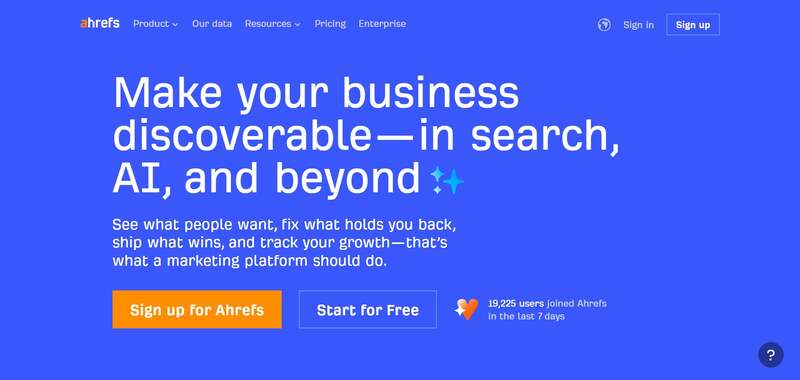
Data isn’t enough when optimizing your marketing campaigns or strategies. Marketing strategies are best served with the help of SEO. You shouldn’t overlook or underestimate the impact of what SEO can do for your business. After all, you want to drive customers to your website, right? SEO is your best bet in getting more clicks and visits. Plus, you can earn your place on the coveted first page of search engines.
With SEO, you don’t have to overcomplicate it. Plus, you don’t want to skimp on SEO, especially if you want visitors to flock to your site. You can use one simple tool to help you research keywords, explore your competitors, and track your progress. Ahrefs is one of the tools you should have in your arsenal. They have an all-in-one tool ready to help you learn about your content, links, competitors, and more!
3. Stay Active on Social Media
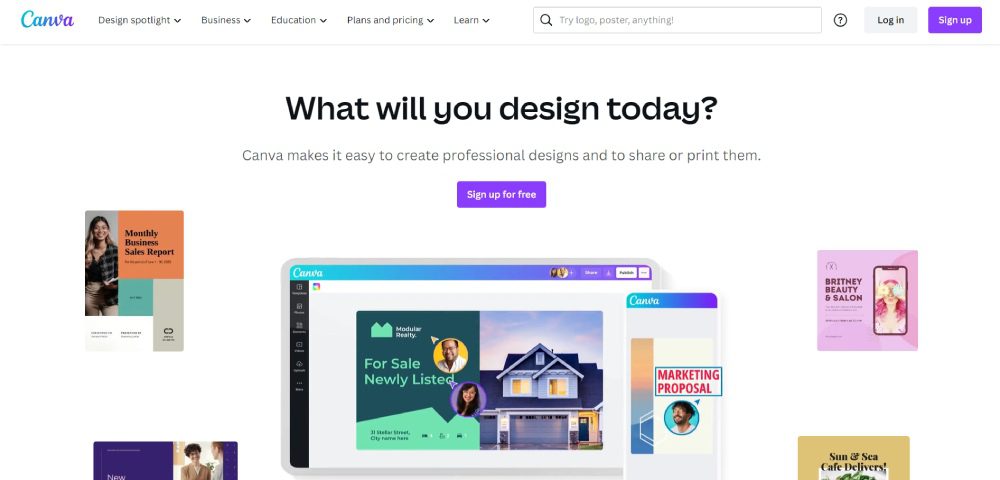
Social media platforms are the best places to reach your target audience. You can post on Facebook, Instagram, Twitter, and TikTok to engage with your audience and promote your products or services. But posting on social media requires constant efforts and well-thought-out strategies. You need to post regularly with the right content, copy, and visuals to attract your target audience. Content creation tools like graphic design software and video editors will help you meet your social media marketing goals.
Canva is the go-to for many marketers because of its ease of use and UI. Plus, you can make graphics in minutes. Meanwhile, Clipchamp is a trusted name in video editing. Marketers can use templates to create videos in a snap. Plus, they can make compelling videos by adding filters and AI voiceovers.
4. Keep Content Consistent
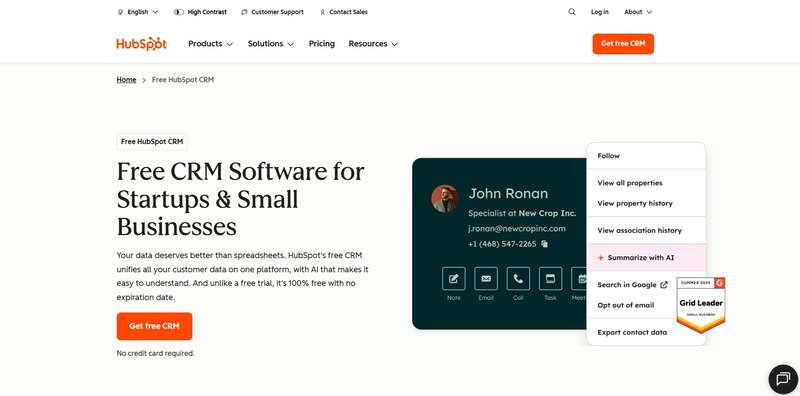
During the planning stages, it’s important that your content should also be ready before it’s published. If you are launching a marketing campaign, you need your visual assets and marketing copy prepared. But you don’t create for creation’s sake. You need to keep your messaging and visuals consistent on every platform.
You want to ensure that people across various channels view and interact with your campaign assets while getting your main message out.
There are a couple of marketing optimization tools for this strategy:
- Hubspot is the popular choice for content marketing since you can publish and schedule your blogs on this platform.
- Like with social media marketing, you need content creation tools. However, an alternative to content creation tools is unlimited graphic design and video editing services. For graphic design, you can rely on Penji. You can request your graphics in one place while you work on your company. Meanwhile, Video Husky is a trusted video editing service helping you with short-form and long-form videos.
- Email marketing is another content strategy you should consider when reaching your audiences. Mailerlite is your best bet in achieving your email marketing goals.
5. Research Your Competitors
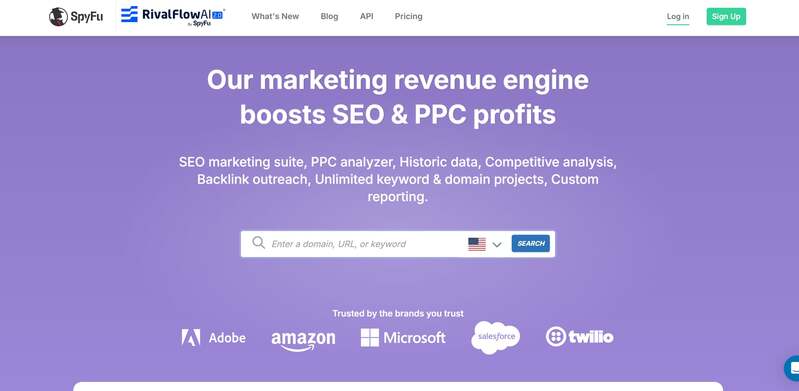
Aside from learning about your audience, you should also keep an eye out for your competitors. After all, you want to see how your target audience responds to their posts. Plus, you want to compare how different your websites could be. This will give you an idea of how to improve your posts and websites.
Although Ahrefs has a competitor research tool, an alternative to this is SpyFu. They specialize in analyzing competitor keywords, traffic, ads, and domains.
Other Marketing Optimization Tools to Use:
Marketing Automation
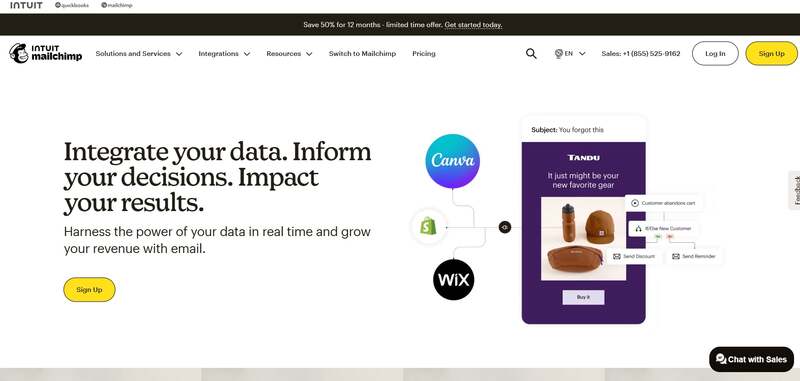
Marketing automation tools have been the go-to applications for most marketers. After all, marketing automation streamlines your work. Plus, you can leave it to the AI or other automated sequences to do your job for you. That said, there are tons of marketing automation tools.
One stands out from the rest, and that is MailChimp. Although known as an email marketing tool, they have a marketing automation feature by building relationships with your customers and ad retargeting.
Customer Relationship Management
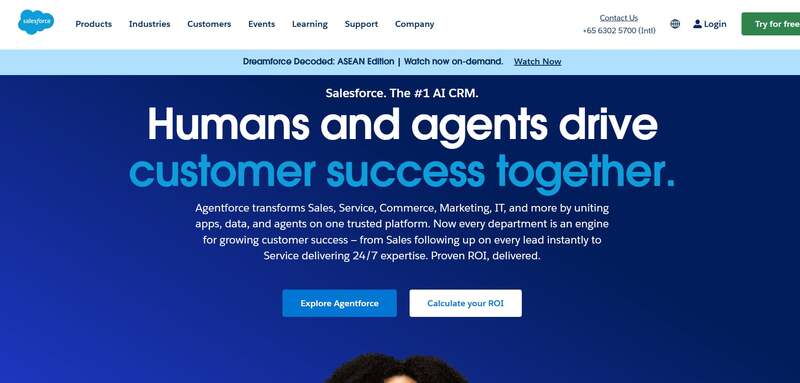
Customer relationship management (CRM) software is one tool you need to reach more customers. This works best if you have an email marketing strategy. And if you need a CRM tool, Salesforce is the highly recommended one. You can run your marketing campaigns on their software. Plus, you can nurture leads and provide the best customer experience.
Project Management
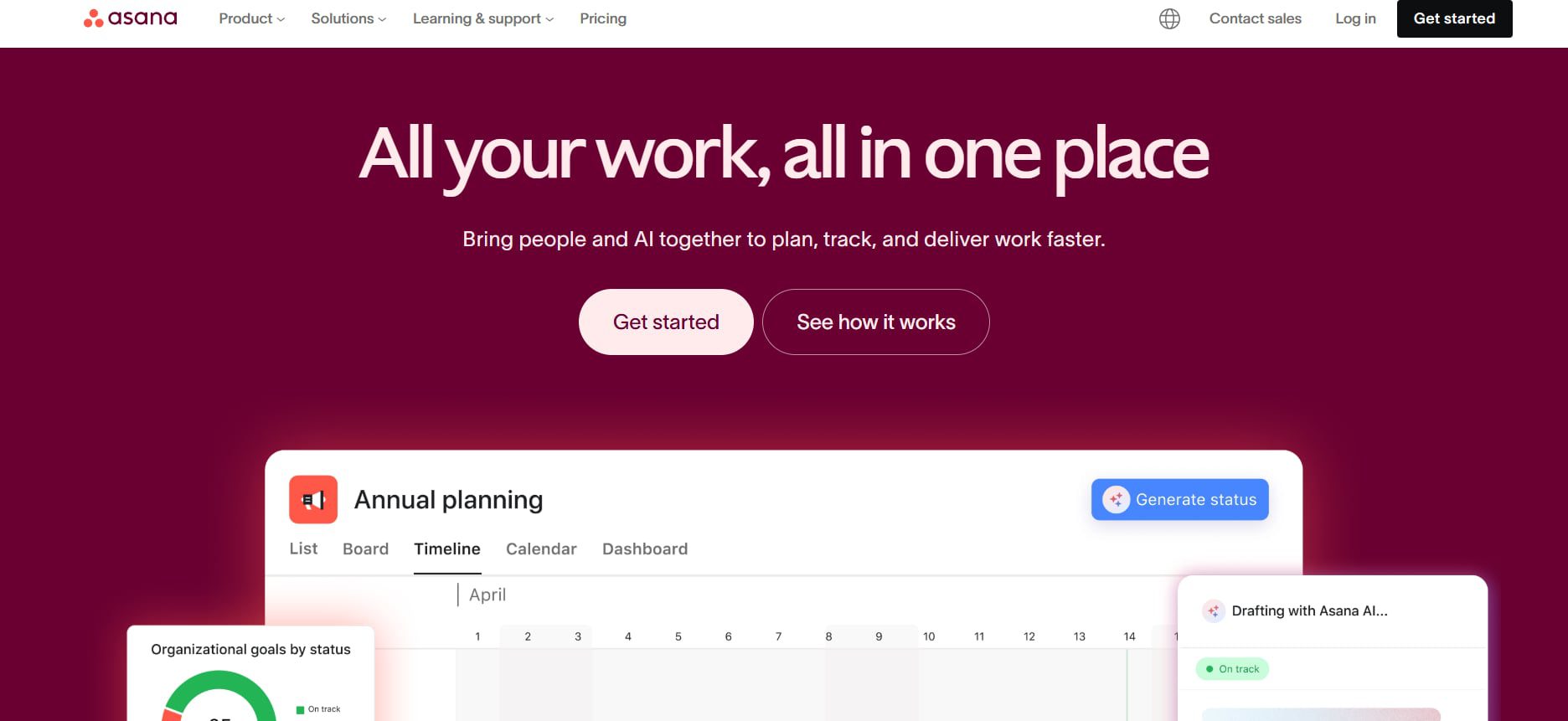
One overlooked marketing optimization tool is project management. You should use a project management tool to help you get on track with your campaigns. Asana is a must-subscribe project management tool for marketing. You can collaborate with your teammates, assign them various projects, and organize them for each strategy.
Final Thoughts
In the competitive landscape of 2026, optimizing your marketing strategy is no longer optional, it’s essential. It can be challenging to entice your target audience digitally nowadays, especially if you’re hesitant to use optimization tools. That’s why it’s essential to use them to help you achieve your marketing goals. And with the tools above, you can be on your way to reaching your audience and increasing your sales.


Are you looking to create a stunning presentation that keeps your audience engaged? It would be best if you had excellent presentation software to take your slides to new heights. Let’s review the ten best presentation software in 2026 so you can choose the best for your business.
1. Visme
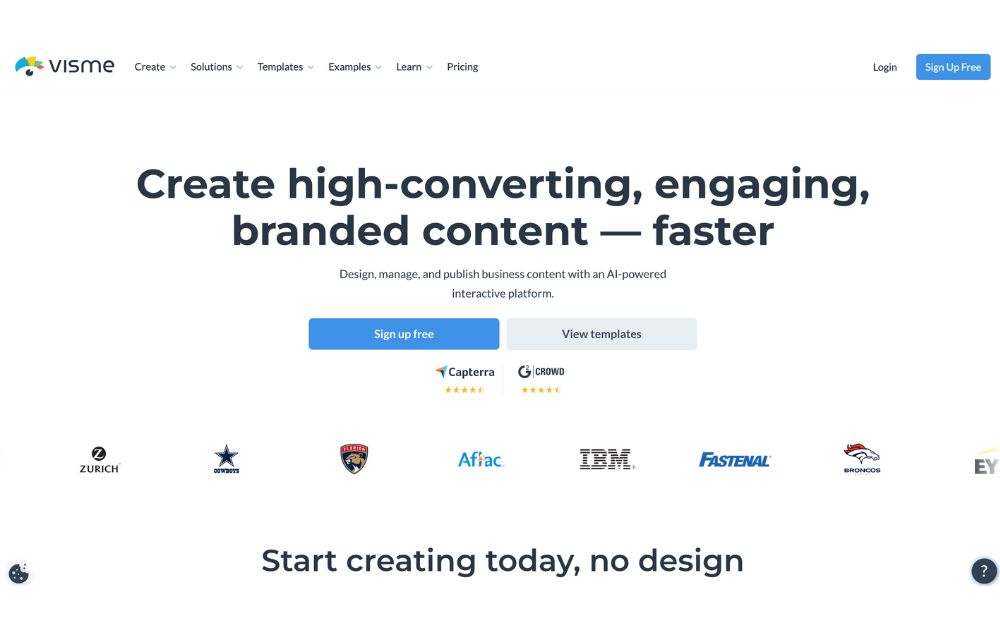
Visme is a cloud-based presentation software that enables users to create visually engaging and interactive presentations, infographics, and other visual content. Its user-friendly drag-and-drop interface makes it easy for users to add text, images, charts, and other elements to their presentations. Likewise, it offers design options like custom color schemes, fonts, and layouts. On top of that are interactive features like videos which can engage audiences and make the presentation more interactive.
Visme also offers collaboration features that allow multiple users to work on a presentation simultaneously. Users can also share it for feedback and review.
Best for: Visme is perfect for small and large businesses, marketers, project managers, content creators, and educators.
Pricing:
- Personal: $12.25/month paid annually
- Business: $24.75/month paid annually
- Enterprise: Custom
2. Prezi
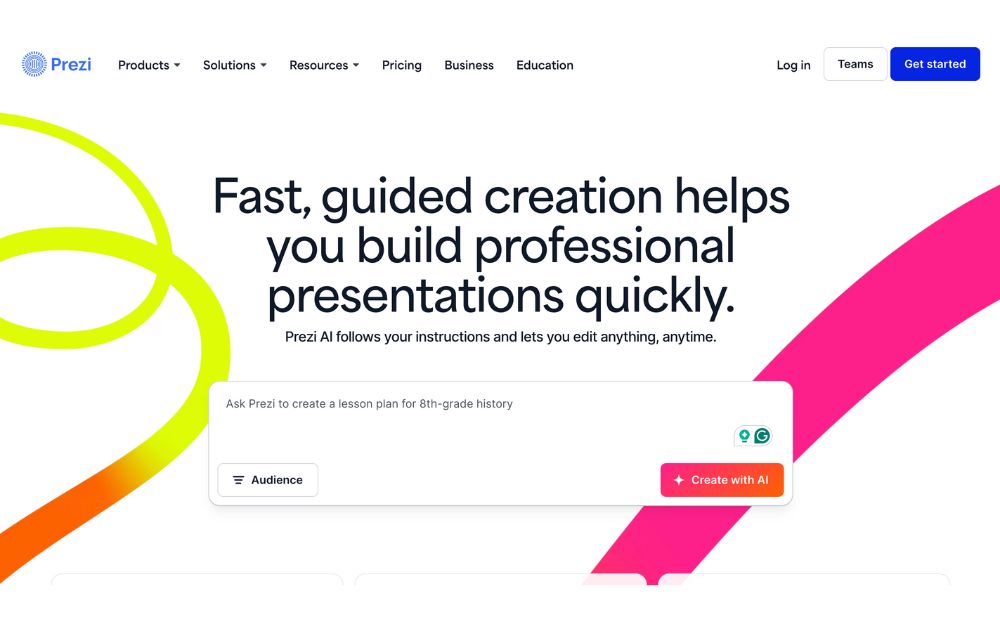
Prezi offers a great alternative to the typical presentation format that goes slide by slide. Prezi’s creative idea is to create an animated, non-sequential flow of slides with hidden topics and subtopics until you zoom in. While Prezi’s interface can be slightly complicated, it is a good option for people who want to add a creative touch to their slides.
Best for: Businesses and educators.
Pricing:
- Free plan: $0
- Plus: $15/month
- Premium: $25/month
- Teams: Starts at $39/month
3. Google Slides
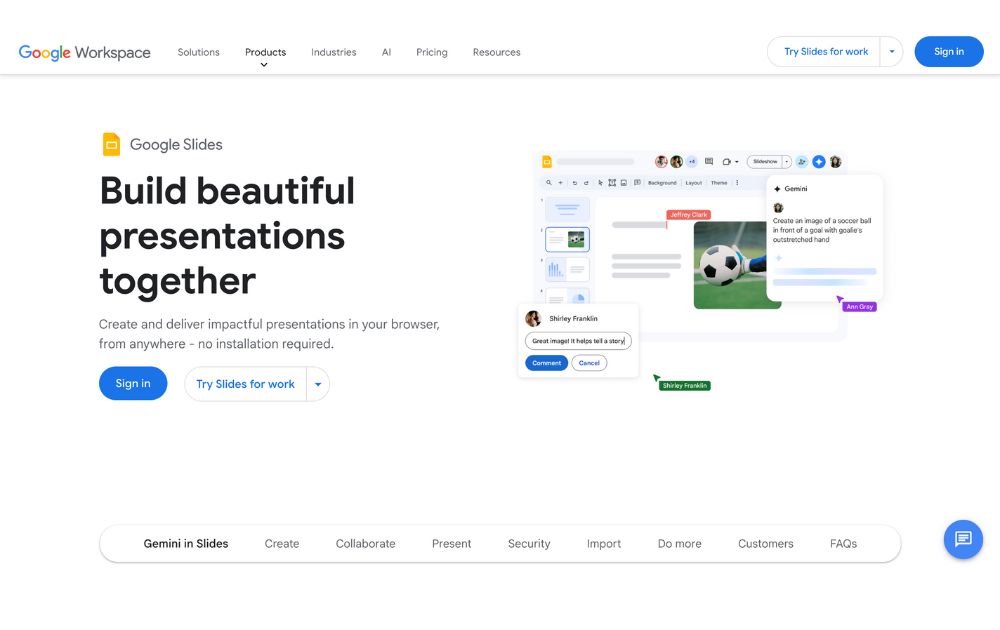
One of the most used tools online, Google Slides is a web-based presentation software part of the Google Suite of productivity tools. Google Slides is a web-based presentation software part of the Google Suite of productivity tools. It enables users to create, edit, and share presentations online, and it is similar in functionality to other presentation software such as Microsoft PowerPoint.
With Google Slides, users can create a new presentation from scratch or use one of the many templates provided by Google. Users can add text, images, charts, and other elements to their presentations using a simple drag-and-drop interface. Google Slides also offers a wide range of design options, including custom color schemes, fonts, and layouts, as well as the ability to add animations, transitions, and other effects to slides.
Best for: Business professionals, educators and students
Pricing:
- Free to use for anyone with a Google account.
- Plans for business accounts start at $6.30/user/month.
4. Keynote
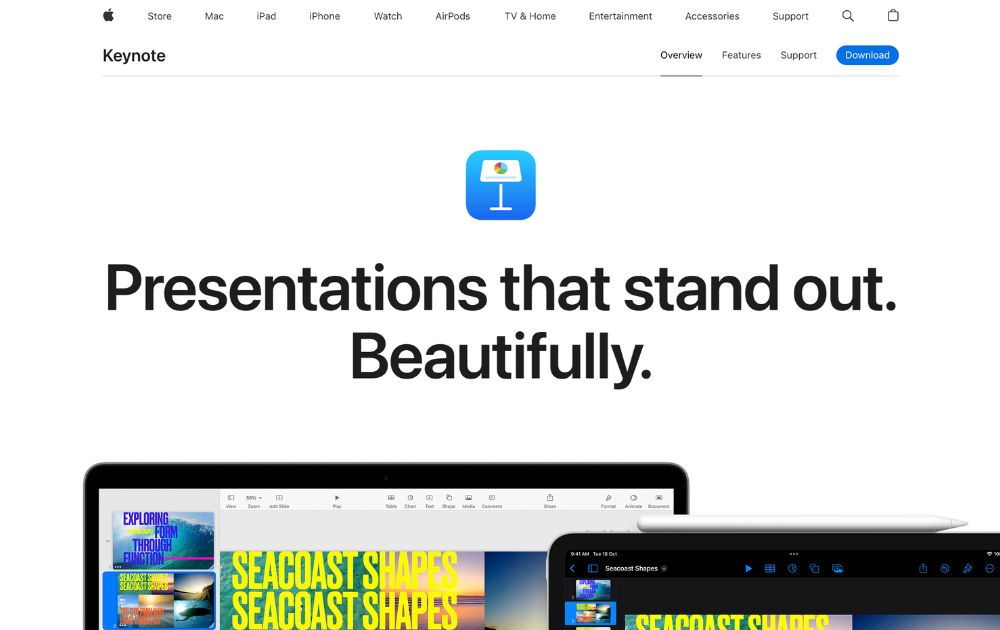
Keynote is an Apple presentation software and one of the original alternatives to Microsoft’s PowerPoint. The best thing with Keynote is that it is the most similar to PowerPoint and Google Slides.
Best for: Keynote is good for businesses, educators, and individuals.
Pricing: Free for anyone with Apple ID
5. Microsoft PowerPoint
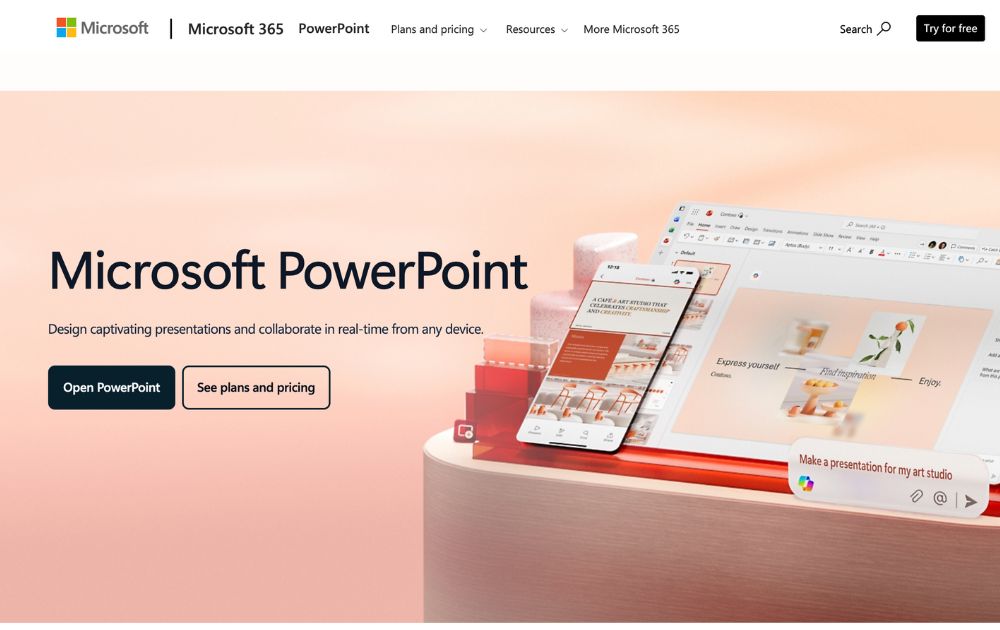
Microsoft PowerPoint is the world’s most widely used presentation software. It is similar in functionality to other presentation software such as Apple Keynote and Google Slides.
PowerPoint also offers collaboration capabilities, including sharing presentations for feedback and review. It also allows users to work on presentations with other users simultaneously. Plus, it enables users to export their presentations in PDF, PPTX, and JPG formats.
Best for: Businesses, individuals, students, teachers and individual who use a Windows PC or device.
Pricing:
- Free to download on desktop or mobile devices
- Microsoft 365 Personal starts at $9.99/month
6. Ludus
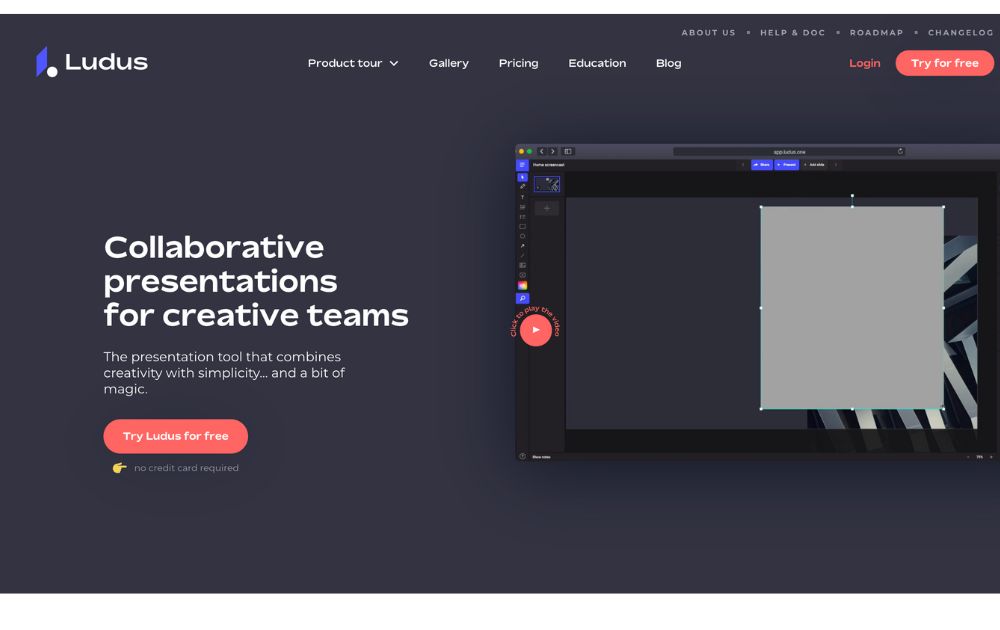
Ludus is one of the coolest presentation tools available online. The main attractions of Ludus are the clean black screen to edit on and the number of integrations that provide importing capabilities for all sorts of content.
Best for: Designers and business owners
Pricing:
- Starts at $14.90/month for teams of 1-15 people.
- Offers a 30-day free trial
7. Slides
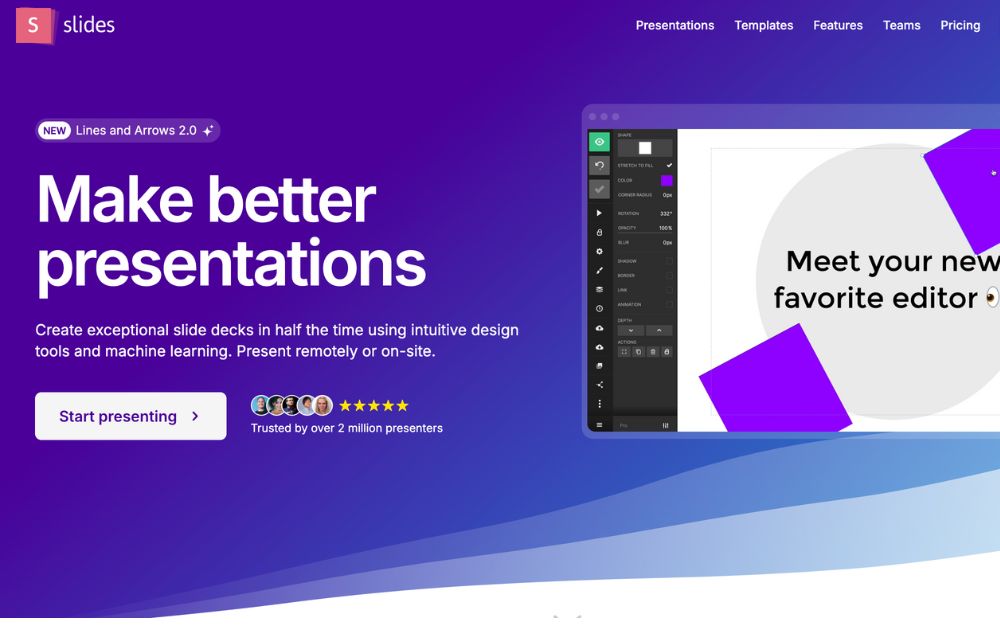
Slides promotes itself as “pixel-perfect” presentation software. Its editor includes a built-in grid to help with composition. Slides have a lower cost at the highest price tag, which suits smaller businesses.
Best for: Small business owners, startups, and individuals.
Pricing:
- Free plan
- Paid plans start at $5/month
8. Slidebean
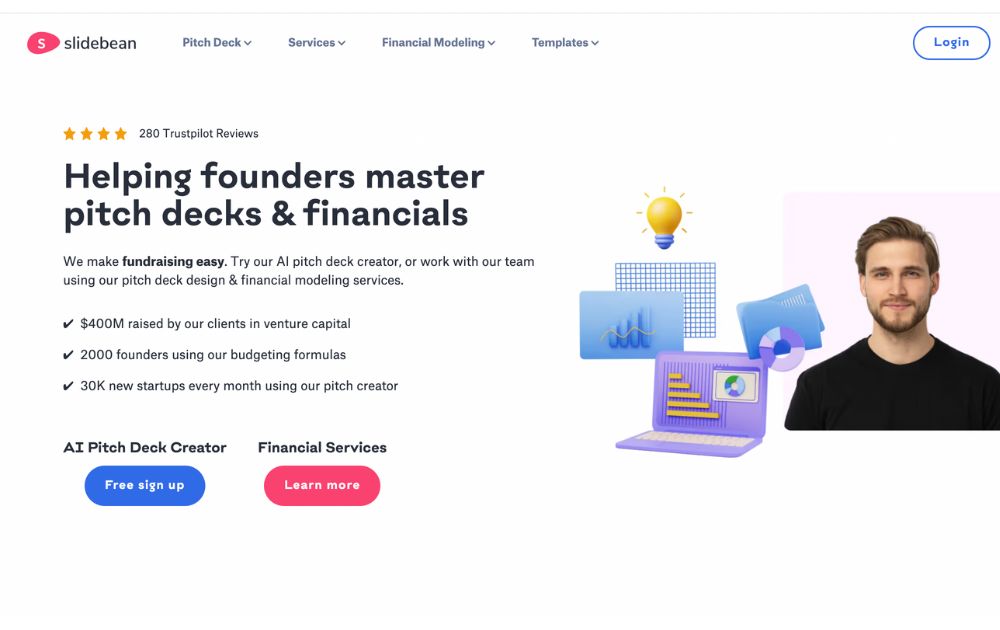
SlideBean is a cloud-based presentation software that enables users to create visually engaging and professional presentations quickly and easily. The software is developed as user-friendly and intuitive, making it easy for users to create high-quality presentations without any design experience.
Slidebean also takes pride in its AI pitch deck creator, which offers a fast way to create a presentation.
Best for: Small businesses, startups, and entrepreneurs.
Pricing:
- Paid plans start at $12/month
9. Beautiful.ai
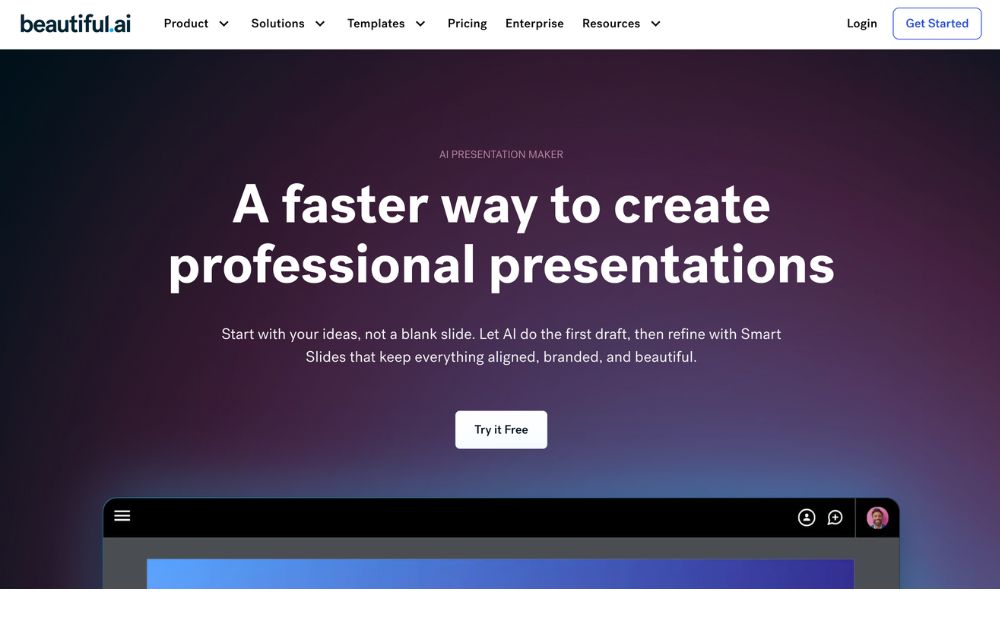
The cloud-based presentation software Beautiful.ai uses artificial intelligence to help users create visually stunning and professional-looking presentations. It has user-friendly and intuitive features, making it easy for users to create high-quality presentations without any design experience.
Best for: Beautiful.ai is a perfect tool for beginners and non-designers.
Pricing:
- Pro plan: $12/month, billed annually
- Team plan: $40/month, billed annually
- Offers a 14-day free trial
10. Zoho Show
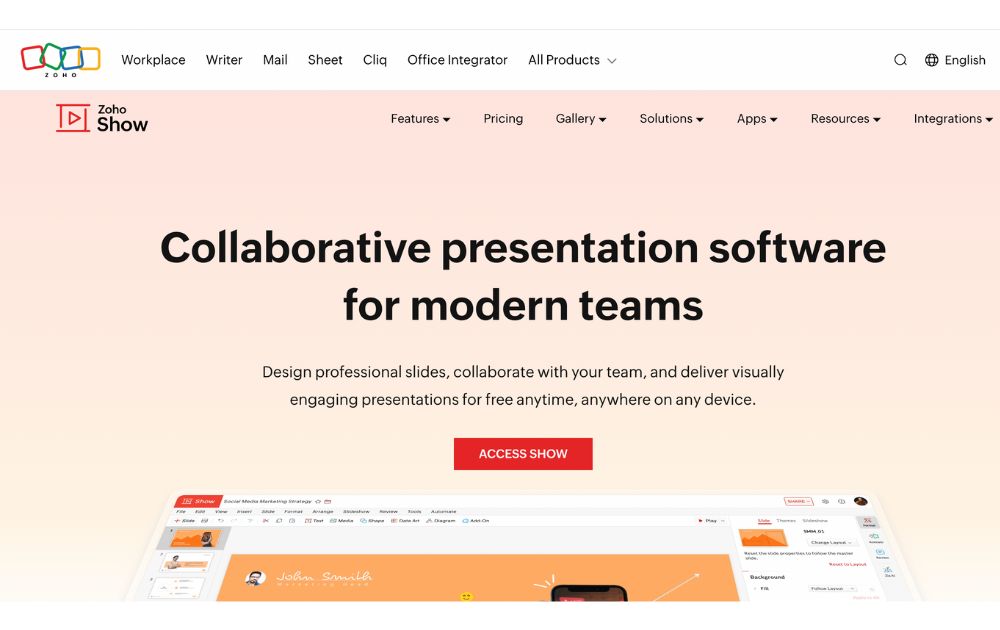
Zoho Show is a web-based presentation software developed by Zoho, a company that provides a suite of productivity and collaboration tools. It is part of the Zoho Office Suite, which also includes tools such as Zoho Writer for word processing, Zoho Sheet for spreadsheets, and Zoho Meeting for online meetings.
With Zoho Show, users can create a new presentation from scratch or use one of the many templates provided. Users can add text, images, charts, and other elements to their presentations using a simple drag-and-drop interface.
Best for: Businesses, entrepreneurs, educators, and students.
Pricing:
- Free plan: up to 5 users
- Paid plans start from $2.5/user/month, paid annually
The Lowdown
Presentation software is the most common tool used to pitch an idea to investors and present proposals to prospective clients. Likewise, it is utilized by many organizations to introduce new products or services, train staff on new policies, or teach students new or complex concepts. The collection of the best presentation software will help broaden your choices regarding the tools that will improve your productivity.
Featured Image Credit: Photo by RDNE Stock project from Pexels
21 bit casino bonuscode

Top 10 Video Marketing Agencies You Must Check Out in 2026
Casino mobile apps

The Top 8 Webinar Platforms For Your Next Virtual Event or Demo
Hash casino
Bizzo casino deposit bonus
Geheime casino tricks de erfahrung

Top 10 Presentation Software To Use in 2026
Top 10 Video Marketing Agencies You Must Check Out in 2026

Top 10 Social Media Scheduler Apps to Automate Your Postings

How Marketing Optimization Tools Level Up Your Marketing Game
The Top 8 Webinar Platforms For Your Next Virtual Event or Demo

What’s the Best Unlimited Graphic Design Subscription Platform?

What’s the Best Graphic Design Service for Long-Term Projects
 Business2 days ago
Top 10 Video Marketing Agencies You Must Check Out in 2026
- Technology2 days ago
The Top 8 Webinar Platforms For Your Next Virtual Event or Demo
- cresuscasino5 days ago
Cadoola casino review
- Business4 days ago
What’s the Best Design Agency in Chicago
- azurcasino4 days ago
888 casino willkommensbonus
- Business3 days ago
What’s the Best Design Agency in Los Angeles?
- leonbetcasino4 days ago
Doubledown casino free chips bonus collector
- Business3 days ago
What’s the Best Graphic Design Service for Ongoing Marketing?
- cresuscasino4 days ago
Casino chateaufarine
- instantcasino3 days ago
Casino royal mottoparty