Technology
A New Apple Watch Pro Redesign Might Debut This Fall


In less than two months, Apple will reportedly unveil its next-generation wearable: the Apple Watch Series 8. As with previous model updates, we anticipate that Apple will use the same name and numbering convention for this new device. In fact, based on Apple’s recent product launches, we’re much more likely to see an updated version of an existing model rather than an entirely new device category at their September launch.
But there were also rumors circulating about a potential Apple Watch Pro redesign and whether it would be called that or something else entirely. It seems as if every few months, there is a new rumor about it being released, with some new features that are different from the current wearable series. Here’s everything we’ve gathered so far.
The Apple Watch Pro redesign

The new Apple Watch Pro redesign will have a more rugged look that will likely attract extreme sports athletes and enthusiasts, according to a Bloomberg news published by Mark Gurman on July 07, 2022.
Gurman added that this high-end Apple watch is made of solid metal than aluminum, with its casing made of “a more durable formulation of titanium to make it extra rugged.” He also claimed that the Apple Watch Pro redesign has the “largest smartwatch display to date”, with a screen size of almost 2 inches diagonally compared to the standard Apple watch’s 1.9 inches display.
Possible features
Guzman also noted that having a bigger display can better present fitness metrics, perfect for “tracking metrics like elevation during hiking workouts and data while swimming.” Moreover, as part of their new features, the Apple Watch Series 8 and “Pro” will reportedly be able to take a person’s temperature to check for fever.
In the same Bloomberg post, Guzman shared that all upcoming Apple watches in 2022 “will use an S8 processor with similar performance to the S7 chip in the Apple Watch Series 7, which was on par with the S6 in the Apple Watch Series 6 from two years ago”. Macworld noted in a July 8 post that this seems like “bad news” as there appears to be no upgrade in terms of processor performance compared to the Apple Watch 7.
What do we call it?
In a recent post, Macworld speculates on a few names for the rumored high-end Apple watch, naming Apple Watch Pro, Apple Watch Max, Apple Watch Sports, Apple Watch Extreme, and Apple Watch Explorer Edition as possible options. However, they believe Apple will use the name Apple Watch Pro because “Pro is a brand that Apple uses to emphasize the pro features of its Macs and iPhones and iPads, so it would make sense for it to come to the Watch.”
Mark Gurman also noted the same in his July 10 Bloomberg post, saying, “I think the company will probably go with the Apple Watch Pro name and marketing.”
Gurman added, “whether it will be called the Apple Watch Extreme, Apple Watch Max, Apple Watch Explorer Edition, or the Apple Watch Pro, Apple Inc. is set to give the Apple Watch its ‘Pro’ tier.”
Price Predictions
Macworld anticipates that this upcoming high-end watch will cost more than the Apple Watch 8. But they also noted that it wouldn’t probably be at the top of the price tier since “Apple sells watches with different bands, it’s likely not to be the most expensive watch and strap combination you can buy”. They predicted that the price would be $499/£499.
Gurman also gave his fearless forecast saying that “given that the new high-end Apple Watch will pack in a slightly larger display, new sensors and higher-end materials, I wouldn’t be surprised if it starts closer to $900 to $999.”
According to rumors, the new Apple Watch Pro release date might be the same as the Apple Watch Series 8. Apple will reportedly unveil the Apple Watch Pro redesign in September this year.





Wireless internet and digital platforms have become the norm for managing businesses, driven by the widespread use of smartphones, laptops, and tablets. So, it comes as no surprise to see the demand for apps growing even more. If you want to create your own, here are the top 10 app development software that can help you create a stunning mobile app for your business.
1. Quixy
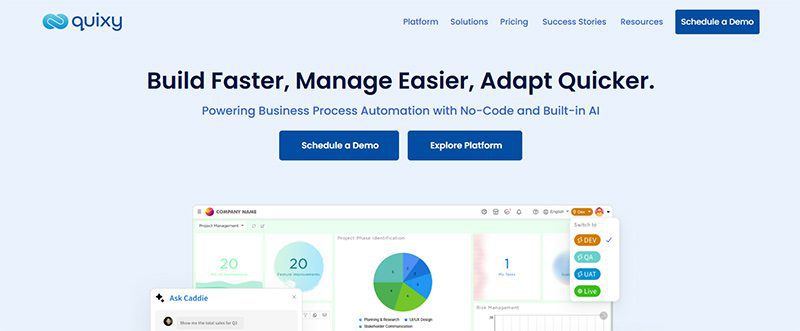
Businesses use Quixy’s cloud-based no-code environment to empower their consumers. The goal is to automate workflows by developing applications based on their needs. And everything is done without writing any code!
Quixy helps eliminate manual processes and translate ideas into applications. It assists business to become more transparent, innovative, and productive. Through the platform, users can either develop an app from scratch or customize the pre-made apps from the Quixy app store in minutes. Quixy has several drag-and-drop forms, including a rich text editor, e-signature, QR-Code scanner, and Facial Recognition widget.
Pricing:
- Contact the sales team to request a quote.
2. Zoho Creator
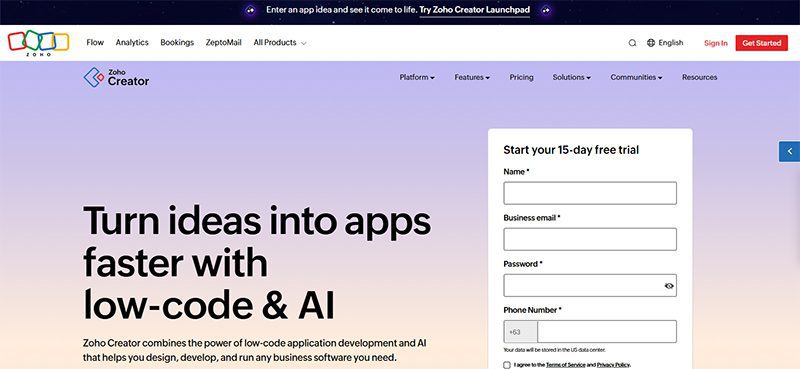
Zoho Creator is a low-code platform that fuels the fast development and delivery of web and mobile applications. Like Quixy, there’s no need to write endless lines of code to build an application. Some of the key features of Zoho Creator are AI, cloud functions, JavaScript, third-party integrations, multiple languages, offline mobile access, and payment gateway integration.
Zoho Creator promises to remove about 90% of the complexities in the application development lifecycle so that you can create the apps you need without too much trouble. From conceptualization to launch, Zoho helps you focus more on features, business value, and the customer—not code.
Pricing:
- Free 15-day trial
- Standard – $12/user/month
- Enterprise – $37/user/month
- Flex – contact them for pricing
3. AppyPie
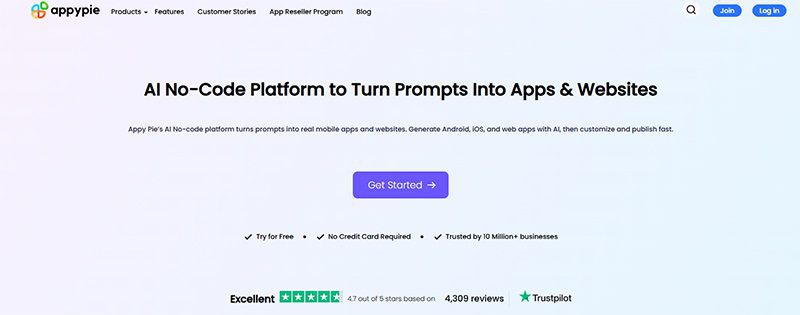
AppyPie allows you to build apps for multiple objectives. It has several app builders, covering payment app builders to worship app creators. Plus, you do not worry about resubmitting the app after making some modifications.
ApplePie can create apps for small businesses, restaurants, real estate radio, and much more. AppyPie’s no-code technology is precisely what it sounds like: programming without coding to build enterprise-grade applications.
Pricing:
- Free trial
- Basic – $16 /app/month
- Gold – $36 /app/month
- Platinum – $60 /app/month
- Enterprise – Price varies, contact the sales team
4. Google AppSheet
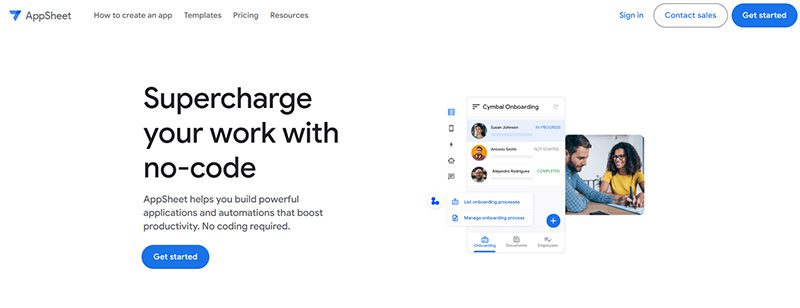
AppSheet is a trustworthy no-code platform, which means anyone can build powerful mobile and desktop apps minus the codes. With AppSheet, you can deliver an app that is rich in functionalities. It also provides shared innovation, team collaboration, security and governance, and lifecycle management for enterprise clients.
Pricing:
- Starter – $5/user/month
- Core – $10/user/month
- Enterprise Plus – contact the sales team to request a quote
5. Appery.io
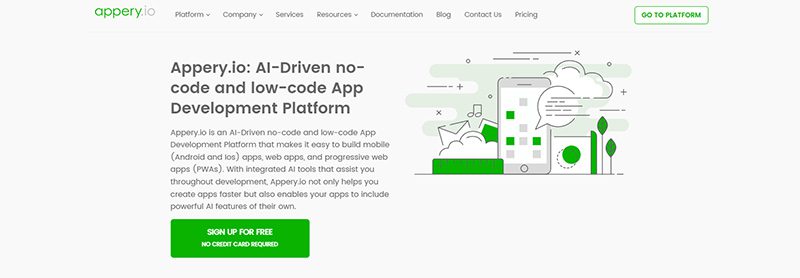
Our next app development software is called Appery.io. It is a low-code app development software for developing hybrid mobile apps, web apps, and progressive web apps (PWAs). Apps created through Appery.io work well with all devices and platforms. Aside from that, Appery.io helps you integrate your existing backend with your app. It also allows instant import and uses backend services in the app builder.
Pricing:
- Beginner – $25/month
- Pro – $70/user/month
- Team – $135/month
- Enterprise – contact them for pricing
6. Buildfire
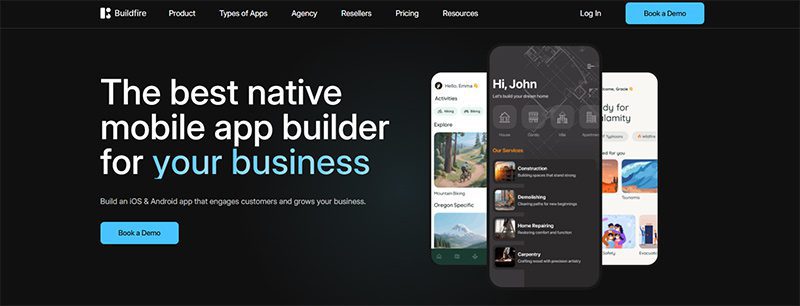
An excellent platform for small and medium-sized businesses, Buildfire helps you build native iOS and Android apps. You don’t need to have programming knowledge, thanks to its drag-and-drop builder. It has premium features, including a plugin marketplace, push notifications, analytics, media streaming, loyalty programs, and e-commerce integrations.
Pricing:
- Standard – $165/month
- Growth – $315/month
- Scale – $440/month
- Professional Services – Book a demo
7. UI Bakery
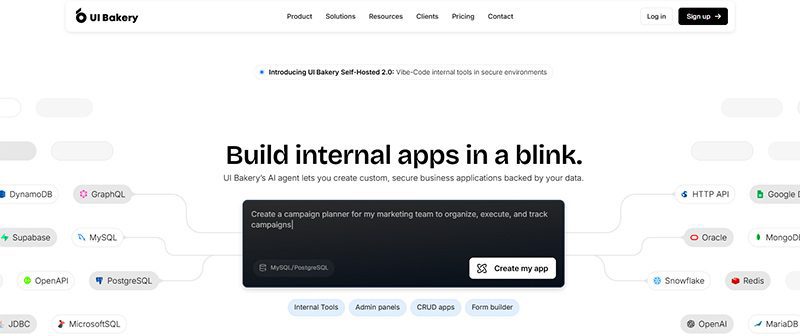
A modern low-code platform, UI Bakery can help you build stunning web and internal apps easily and quickly. It has an intuitive drag-and-drop interface, AI-assisted workflows, and seamless integration with popular databases and APIs. It also lets you design responsive applications without the heavy coding. If you want to create dashboards, admin panels, or full-fledged apps, this is the software for you.
Pricing:
- Free
- Builder – $25/per month/developer
- Team – $35/per month/developer
- Enterprise – contact them for pricing
8. Shoutem
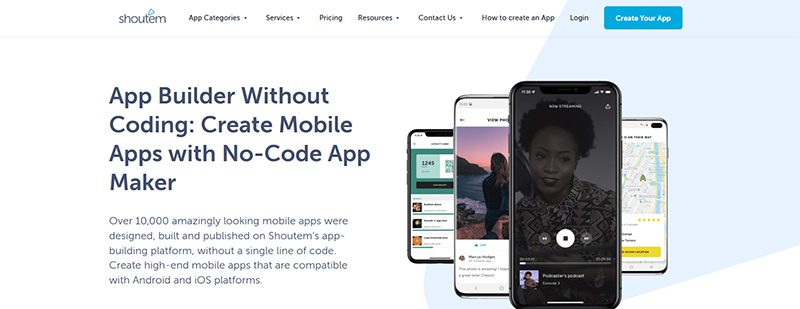
Shoutem is a Mobile App creator for small to large businesses. The app provides a drag-and-drop designer with a re-publish feature that is free of charge. Likewise, it can give you a preview in the native preview app.
Pricing:
- Android – $59/month
- Standard – $99/month
- Professional – $179/month
9. AppInstitute
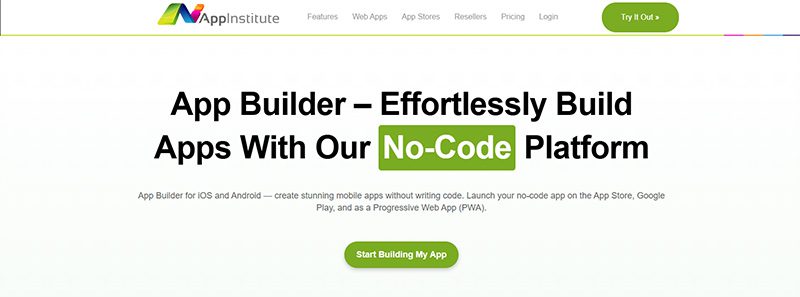
AppInstitute enables you to create apps for small businesses, including beauty salons, radio stations, sports and fitness, coffee shops, and more. It has a drag-and-drop app builder. It guides launching, promoting, and marketing your apps.
Pricing:
- Instant – $49/month
- App Stores – $99/month
- App Stores Premium – $149/month
10. Caspio
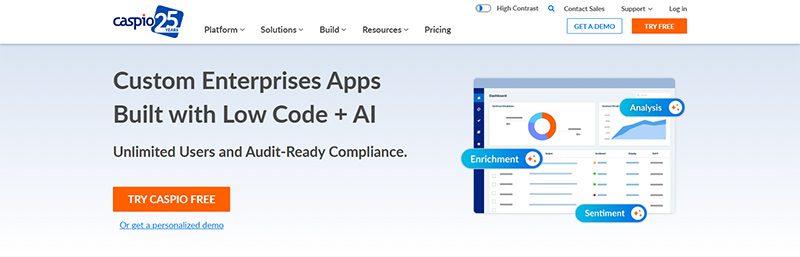
Caspio is a low-code app development platform designed for SMBs. It is an all-in-one platform for creating database applications with features of a visual application builder and a robust cloud database. Moreover, it is a powerful, secure, and compliant platform that provides interactive web-based reports. That said, it’s time to bid goodbye to obsolete systems and start building modern cloud-based applications for your business. With two decades of expertise, Caspio accelerates digital transformation for companies, industries, and organizations.
Pricing:
- Lite – $100/month
- Plus – $300/month
- Business – $600/month
- Enterprise – Contact the sales team
Conclusion
We hope you found the app development software that provides sufficient templates and features for building your app. However, creating a complicated app using a single builder is not always practical. You can develop several apps utilizing software that contains all the necessary features. And if you’re a startup company, consider getting the best startup software to build your online presence. This way, you’ll get the best value for your money.


Webinars are a powerful marketing tool you need to incorporate into your business. So, next time you’re hosting an event or demo for your clients, here are the top webinar platforms you can consider for 2026.
Before we list down the ten best webinar platforms of all time, here are some examples of webinars you can host:
- Customer onboarding
- Employee training
- Thought leadership
- Product demonstration
- Live classes
- Corporate communications
- New features
- Lead nurturing
1. GoTo
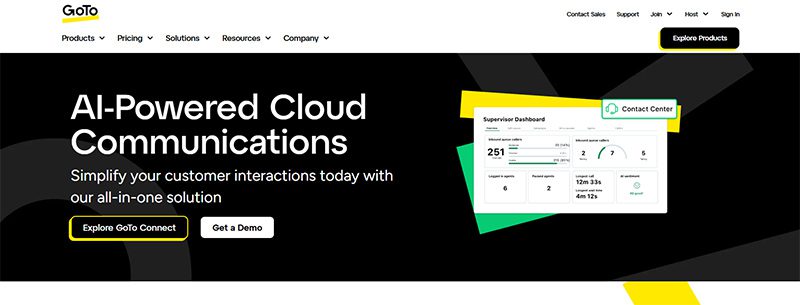
GoTo is an all-in-one video conferencing and webinar solution for many businesses and hosts. With GoTo, you can subscribe to one product at a time. That said, their webinar solution ensures security, enables personalization, and increases audience engagement rates. One reason webinar hosts love GoTo is its Stripe integration. That said, you can accept payments easily without subscribing to another invoicing app.
Pricing (billed annually):
- Reach (500 participants) – $69/mo
- Elevate (1,000 participants) – $299/mo
- Unlimited (Unlimited participants) Contact their sales team
2. WebinarNinja

WebinarNinja is the leading webinar platform for coaches and creators. This platform allows you to host a live, series, hybrid, and automated or evergreen webinar. Plus, you or your attendees won’t miss the webinar since they send automated emails for your upcoming events. In addition, you can engage audiences before or during the webinar with handouts, landing pages, chats, and audience presenters.
Pricing:
- Monthly billing – $0.60 per attendee/per month
3. My Own Conference
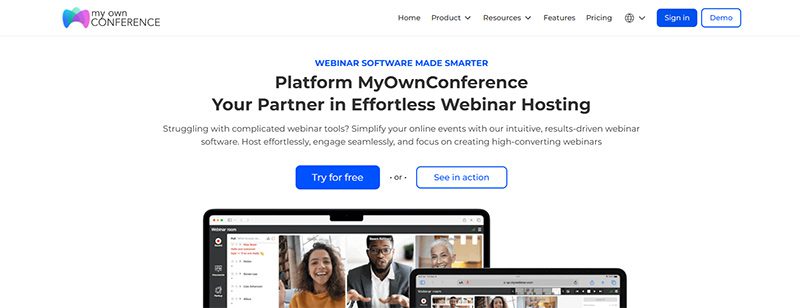
If you are hosting a webinar with fewer than 20 attendees and want to host it for free, My Own Conference is your best option. It’s a no-fuss choice because you won’t download any software and can schedule webinars anytime! Like other webinar platforms on this list, you can send an automated email about upcoming lessons or seminars anytime.
Pricing:
- Basic plan – Free
- Business plan – $28/month for 30 attendees
- Enterprise – Contact sales
4. Livestorm
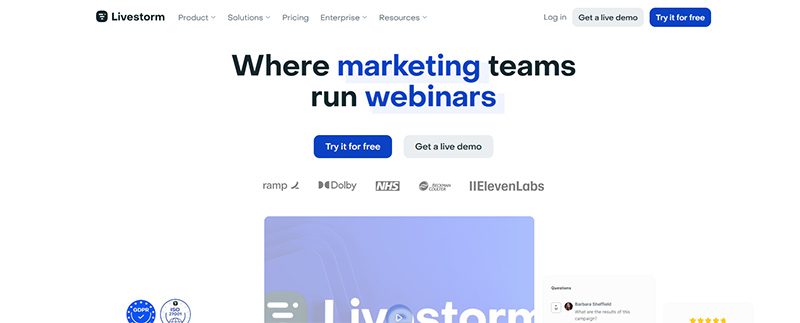
Livestorm is another webinar platform offering a free version. It’s limited, but it’s ideal for audiences of fewer than 30 people. Like other webinar platforms on this list, you can integrate Livestorm with apps, such as marketing automation and CRM software apps. Additionally, you can also customize your Livestorm webinars with branding and track your analytics.
Pricing:
- Pro – $105/mo
- Business – Contact sales
- Enterprise – Contact sales
5. Demio
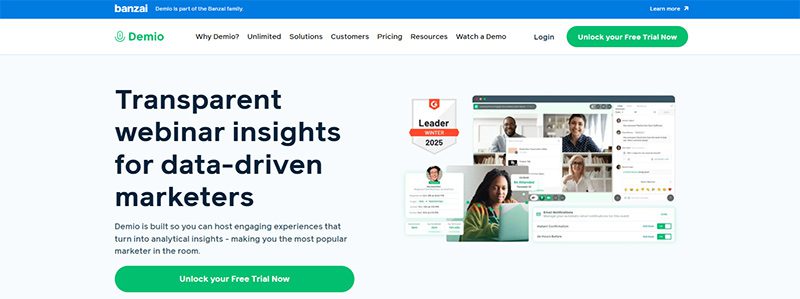
If you’re a marketer and are hosting a webinar, Demio is one of the best webinar platforms to use! With Demio, you can host a live, automated, or series webinar. You can customize Demio by adding your business logo and colors to maintain brand consistency anywhere. Plus, you can increase engagement rates with polls and handouts. Finally, you can monitor your webinar’s results with their tracking and analytics systems.
Pricing:
- Starter – $63/mo
- Growth – $117/mo
- Premium – $196/mo paid annually
6. Adobe Connect
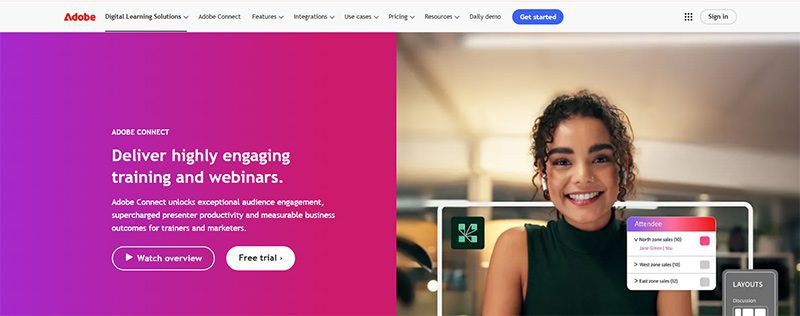
Adobe doesn’t just develop design and video editing software application. They also have a webinar platform, Adobe Connect, you can use to host events. In terms of features, they have the basics, such as polls, breakout rooms, chats, and integrations. However, Adobe Connect goes further with features such as drawing and annotations, templates, and asynchronous browsing. That said, Adobe Connect is steeper than most webinar platforms.
Pricing:
- Standard – $190 per year/per host
- Premium – $290 per year/per host
- Enterprise – $390 per year/per host
7. WebinarGeek

Here’s another webinar platform that doesn’t require a download when you use it. WebinarGeek lets you do everything on your browser, such as conducting live and hybrid webinars and co-presenting with other hosts. This platform is ideal for marketers since they have marketing integrations like Zapier, HubSpot, and MailChimp. However, creators, coaches, and teachers can benefit from the platform because of the engagement features.
Pricing:
- Basic – $81/month
- Premium – $116/month
- Enterprise – From $409/month
8. BigMarker
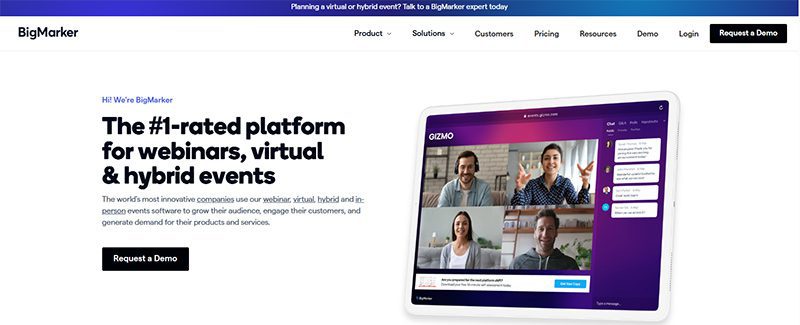
The final platform on our list is BigMarker. Once again, marketers and sales teams are the target audience for this webinar platform since it’s made to get more leads. Landing pages and registration forms make it possible. Plus, they can learn more about their potential customers through customer profiles and other marketing integrations. That said, creators can use BigMarker to host their events and invite attendees to their next event with their Call to Action feature.
Pricing:
- Basic (Up to 1000 attendees) – Request a quote
- Enterprise (Up to 10,000 attendees) – Request a quote
- Enterprise+ (Up to 500,000 attendees) – Request a quote
Final Thoughts
Webinars have increased in popularity because of accessibility and cost. For coaches and creators, they can engage with the audience even better through chats and downloads. Meanwhile, marketers can make the most out of webinars through tracking and analytics after talking to leads and customers. Luckily, for these creators, webinar platforms can help them achieve their goals and attract more audiences in different ways.

How to Determine Which Social Network Is Right For Your Business

Here’s How You Can Scale Your Business Beyond a 7-Figure Revenue

Know These Logo Statistics and Facts to Grow Your Business

What’s the Best Design Agency in Las Vegas?

What’s the Best Design Agency in Florida

What’s the Best Design Agency in Texas for Growing Businesses?

What’s the Best Design Agency in Indianapolis?

170 Web Design Questions to Ask Your Clients
How to Determine Which Social Network Is Right For Your Business
Know These Logo Statistics and Facts to Grow Your Business

Top 4 Best Blog Writing Services for Your Business

How You Can Effectively Beat the Fear of Starting a Business
Here’s How You Can Scale Your Business Beyond a 7-Figure Revenue

What’s the Best Design Agency in Boston? Expert Picks for 2026
 Business24 hours ago
How to Determine Which Social Network Is Right For Your Business
- Business2 days ago
Know These Logo Statistics and Facts to Grow Your Business
- Business2 days ago
Here’s How You Can Scale Your Business Beyond a 7-Figure Revenue
- Business2 days ago
What’s the Best Design Agency in Las Vegas?
- Business3 days ago
What’s the Best Design Agency in Texas for Growing Businesses?
- Business2 days ago
What’s the Best Design Agency in Florida