
Business
Barracuda Email Protection – Why You Might Need This Now


According to Pumble, email is still one of the most preferred forms of communication for many businesses. And as it has always been, it can still pose risks such as malware and phishing. If you don’t want to become a victim of these, it’s high time you use protection: Barracuda email protection. While it is one of the best out there, it’s helpful to explore a few alternatives.
Barracuda Email Protection

Barracuda offers comprehensive email protection to their users. They ensure safety and help users stay compliant. So far, Barracuda has helped secure one billion business emails.
Which industries will greatly benefit from their email protection software?
The healthcare, retail, financial services, education, and state and government industries can protect all their emails using Barracuda. And it makes sense that these industries would need their software to secure information via email and ensure that no phishing or other threats can leak information or compromise it.
Plus, in August 2022, Barracuda email protection was recognized as the BEST email protection software in the SC Awards.
Features
Protection from the following:
- Spam, malware, and advanced threats
- Phishing and impersonation
- Account takeover
- Domain fraud
Other features include
- DNS filtering
- Incident response
- Security awareness training
- Email encryption and data loss prevention
- Cloud-to-cloud backup
- Cloud archiving service
- Data inspector
But Barracuda doesn’t only offer email protection. They also offer the following products:
- App and cloud security
- Network security
- Data protection
Now that you’ve learned about their features, what about pricing? They don’t have their pricing up on their page. However, you can contact sales for more information. Or you can try their software for free for 14 days!
Alternatives to Barracuda
Although Barracuda is considered The Best in the market, what other alternatives can businesses consider to protect their emails?
Proofpoint
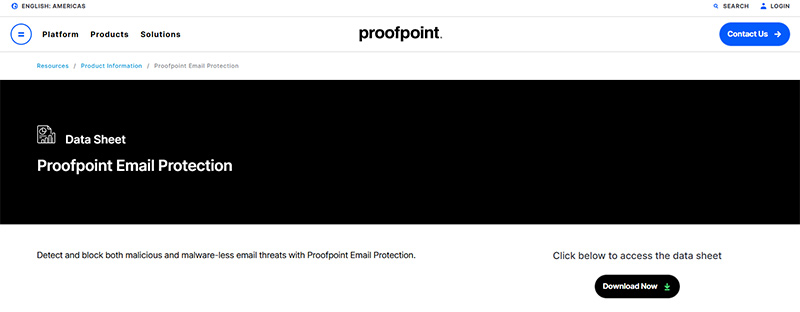
Proofpoint email protection is one of Barracuda’s main competitors in the industry. Similar to Barracuda, Proofpoint offers protection against fraud and phishing. But what makes Proofpoint different from Barracuda is they have an additional smart search feature, allowing businesses to trace emails. Plus, they can also filter your emails.
Like Barracuda, Proofpoint has no pricing available on the site. However, potential subscribers can also sign up for a free trial through this link.
Check Point
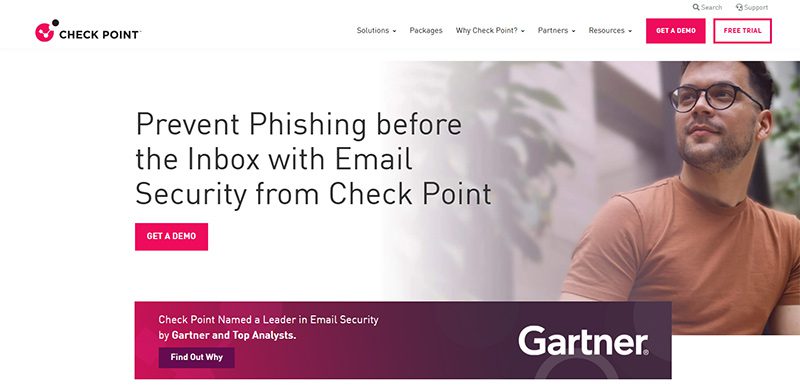
Check Point email protection is another competitor to Barracuda. They have the same services, such as anti-phishing, account takeover protection, protection from malware and ransomware, and incident response. Avanan also has a data loss protection and compliance feature. And those interested in subscribing to Avanan, here are their pricing tiers:
You can contact Check Point directly for pricing information.
Mimecast
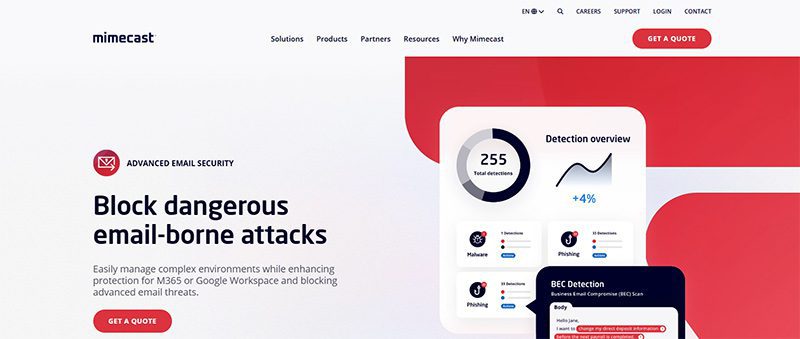
If you’re looking for full-service protection, Mimecast is one option to consider. Although some of the companies mentioned offer protection outside of email, Mimecast specializes in protecting data and websites, too. Mimecast has a comprehensive list of features for organizations needing email protection:
- Email security and resilience
- Email incident response
- Social engineering defense
- Continuity
- Message encryption
- Insider risk protection
- DMARC management
- Security awareness training and user behavior
- Web security
- Brand protection
- Data retention and compliance
- Data migration
- Data synchronization and recovery
- Compliance and supervision
- Archive for Microsoft Teams
And for other news and stories, read more here at Owner’s Mag!



Software-as -a-Service (SaaS) is no longer just a convenient way to access software through the cloud. In 2026, the software-as-a-service business model is now the very backbone of how modern businesses operate and scale. In fact, data tells us that SaaS and enterprise software companies have raised about $4.7 billion in investments in 2024.
In this guide, let’s break down how the SaaS business model works, why it continues to dominate the software industry, and what has changed leading into 2026.
What Is SaaS?

SaaS is a delivery model of centrally hosted software that is licensed to customers via a subscription plan. If a company leases its software through a central, cloud-based system is technically a SaaS company.
These companies maintain responsibility and oversight of servers, databases, and any relevant software that allows people to access and use their products.
Some of the most popular SaaS giants in 2026 include:
- Adobe
- Google Workspace
- Salesforce
- Microsoft 365
- Notion
- Canva
- OpenAI
- Grammarly
In 2026, SaaS applications are often enhanced by built-in AI capabilities, such as in the cases of OpenAI, Grammarly, and many others.
The way that SaaS companies lease their product is through subscription plans. These plans can vary greatly from company to company. SaaS business models offer different services and different applications within their systems. Different subscription plans give different access to different services. Many offer a regular plan with one or two other plans that offer more access and increased services.
What Is The Software As A Service Business Model?

The software as a service business model includes a number of factors that are unique to it. There are three in particular that are important to take note of.
Recurring Payments
In SaaS, clients do not buy hardware. The software as a service business model involves providing a subscription service for software. Recurring payments typically take the form of Monthly Recurring Revenue (MRR), though many SaaS companies now track additional metrics like Annual Recurring Revenue (ARR), Net Revenue Retention (NRR), and expansion revenue.
When your customer signs up and subscribes, you will get some money upfront. It is imperative that this initial cash not be counted as revenue until it’s been properly earned. It is a liability until the terms of service have been completed. A customer can ask for that money back at any point if the service isn’t delivered.
Revenue recognition is one of the most fundamental aspects of running a successful SaaS company. Alongside subscriptions, SaaS companies also monetize through usage-based pricing, AI consumption pricing, or hybrid billing models that combine multiple approaches.
Heightened Customer Retention

All businesses care about customer retention. In SaaS business models, however, it is ten times more important. Customer retention is what keeps SaaS companies afloat. Because you cannot lay claim to all of your customers’ subscription money until the term of service has been completed.
If you sign a customer for one year or twelve months and they leave after two, then you’re without ten months of recurring revenue. As a result, it is critical to put a significant value on cultivating customer relationships and upselling.
An existing SaaS customer spends more money on average than a new one. It is in a SaaS company’s best interest to upkeep and maintain higher-quality customer service. If you don’t, or if the quality of customer service is poor, your customer is very likely to jump to a competitor.
No matter how great the product, poor customer service can break a company.
Consistent Updates

SaaS companies must continuously release updates, security patches, AI model improvements, and new automation capabilities to stay competitive and retain customers. Plenty of companies provide “next-gen” product versions, but SaaS has to continuously update and patch to stay above water.
This is now standard across modern cloud software, where continuous deployment and rapid feature iteration are expected by customers. Software vulnerabilities can put customer information at risk from hackers. Nobody wants that. That’s why continuously assessing and updating security fixes is a top priority in the software as a service business model.
Since SaaS companies host their own products, they can push updates as needed. They can release new features or enhance prior versions whenever they want. Between consistent updates and quality customer service, SaaS companies have the potential to be highly responsive to customer base feedback.
This is a real-time luxury that most other industries do not have.
How Are SaaS Companies Built?

Generally speaking, there are three critical stages as to how to build and develop a SaaS company: Setup, Growth, Stabilization.
Setup
This is the early stage where the company establishes its foundation. These are fairly typical processes. Founders discover the need for the products they intend to develop, identify their target market, and create the product.
This is also the opportunity to create an effective marketing campaign and sales strategy, consider various customer support plans, and organize finances.
Growth
Once the product has hit the market, it’s time to expand. This is arguably the fun part. Because there is seemingly no limit to how far a SaaS company can expand in its market, it’s possible for a SaaS company to expect new customers. This creates a sudden demand for marketing, sales, and customer service teams.
This is when a company has to act quickly in order to capitalize and secure a loyal customer base. Ideally, this growth will be accompanied by additional revenue. Companies then reinvest the capital back into their products and services. That way, they have the resources necessary to meet their customers’ needs.
Stabilization
Now that the business is beginning to acclimate with a steady incoming stream of customers, that means the company does not have to invest in more overhead. If the SaaS company has wisely invested in customer service software, marketing automation, and consistent product updates, it is on the right track to stabilization.
Why This Business Model Works

The SaaS business model is now a mature and dominant software delivery standard across nearly every industry. You can find the evidence of this in the vast investments in SaaS. How many office spaces use Slack to communicate? How many designers use Adobe? As our technology advances, so does the SaaS industry.
While the SaaS market remains full of opportunity, success in 2026 requires strong differentiation, AI integration, and clear customer value.
Featured Image Credit: Photo by Markus Winkler from Pexels

For many business owners, video marketing may seem like the best strategy. However, studies show that email remains a powerful channel for promoting your brand. If you want to jump on the bandwagon, you’ll need reliable email marketing software. Fortunately, we compiled a list of the best to help you decide.
1. Brevo
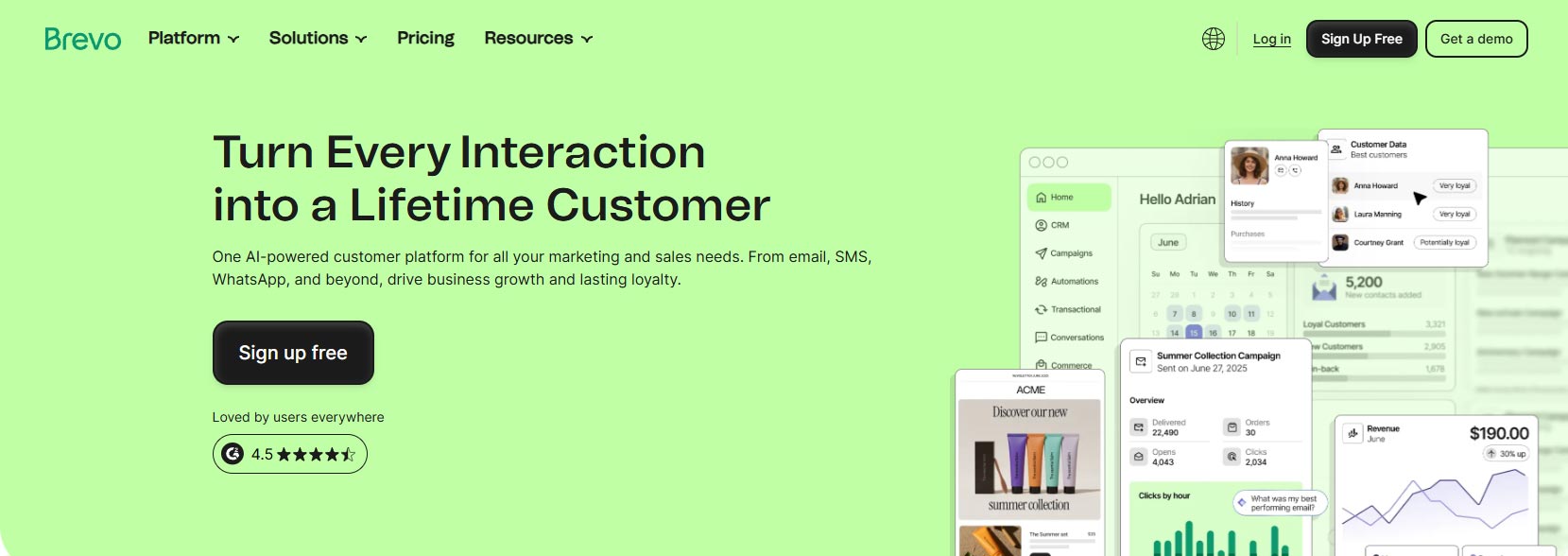
Most email marketing software applications these days have an all-in-one marketing solution, and an example of an all-in-one marketing platform like this is Brevo. Formerly known as Sendinblue, it lets you design emails on its platform using its drag-and-drop features. But if you’re not a designer, don’t fret! You can use templates to create email newsletters. Aside from that, you can personalize their emails by adding your subscribers’ names. Plus, you can also segment emails or A/B test emails to different groups.
No wonder Sendinblue is one of the best email marketing software applications on the market.
Pricing:
Free
Starter – $9/mo
Standard – $18/mo
Professional – $499/mo
Enterprise – Contact sales
2. MailChimp
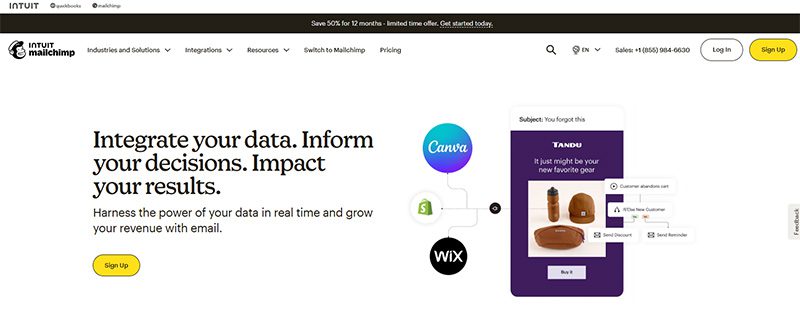
This top 10 email marketing software list won’t be complete without mentioning MailChimp. After all, MailChimp is one of the original email marketing software platforms. And even though they have been there for a long time, MailChimp’s pricing remains affordable for small businesses. But MailChimp is no longer just an email marketing software application since it expanded its list of features in the last few years. Here’s what to expect when you’re subscribed to MailChimp for your email marketing strategy:
- Drag-and-drop email builder
- Email templates
- Content optimizer
- Customer journey builder
- Analytics and reports
Pricing
Free: For 250 contacts
Premium: Starts at $175/mo, for 500 contacts
Standard: Starts at $10/mo, for 500 contacts
Essentials: Starts at $6.50/mo, for 500 contacts
3. Salesmate
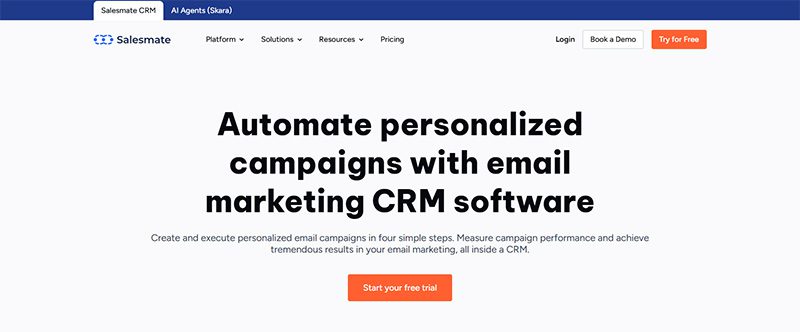
Salesmate is an amazing CRM and customer journey software. It might be one of your company’s best cost-to-value investments because it can be a beneficial tool for your sales, marketing, and customer experience teams.
Specifically speaking of marketing teams, Salesmate is a potent email marketing CRM that assists you in quickly designing and implementing campaigns.
Email campaigns are created using a drag-and-drop journey builder by Salesmate.
Using different metrics, such as Live Views, Campaign Goals, Automation Logs, etc., you can quickly monitor the effectiveness of your campaigns. You have enough information from that to run A/B tests on campaigns and find the best fit.
Pricing
Basic: $29 per user/ month
Pro: $49 per user/ month
Business: $79 per user/ month
4. Omnisend
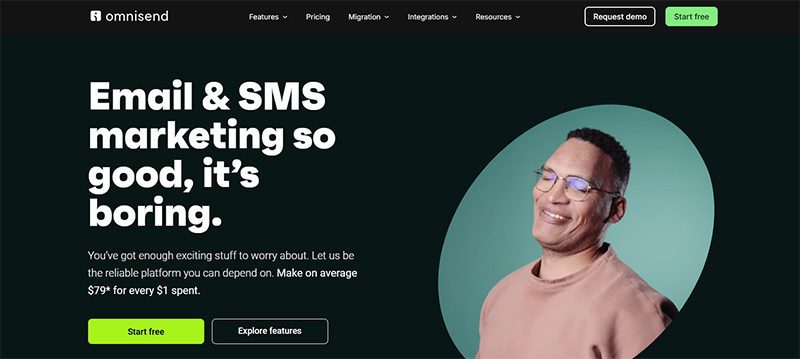
Here’s another email marketing software for eCommerce businesses. Omnisend will help you increase sales through campaigns and automated workflows as well. They make it easy and simple for you to create beautiful email designs to send to subscribers.
Plus, creating promotional emails through their drag-and-drop builder and content blocks is faster. In addition, you can also segment emails and optimize them through A/B testing and boosters. And if you want to improve your email marketing efforts, Omnisend lets you access reports and insights, too.
Pricing
Free
Standard: $11.20/mo
Pro: $41.30/mo
Custom: Contact Sales
5. Kit
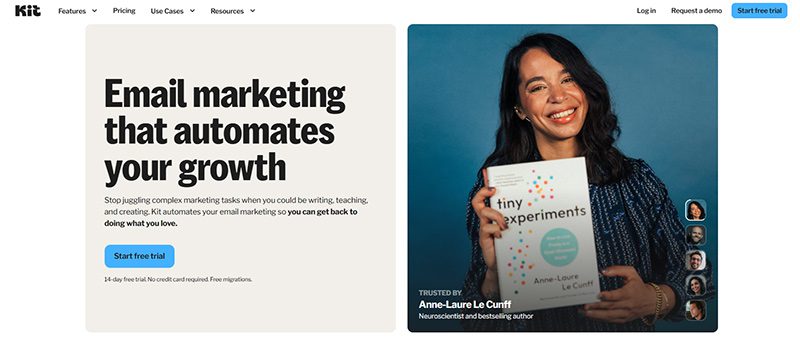
Kit ensures that your emails don’t get filtered, and your subscribers will read every email you send them. They make it so through their amazing email templates and styling options.
Similar to other email marketing software applications here, you can integrate your email marketing efforts with other strategies, like building a landing page or sign-up forms. Plus, you can also segment your subscribers and automate your email funnel. And if you want to improve your campaigns, Kit presents you with data.
And if you’re a creator, Kit is the BEST email marketing software for you.
Pricing
Newsletter: Free, up to 10,000 subscribers
Creator: $39/mo, for 1,000 subscribers
Pro: $79/mo, for 1,000 subscribers
6. Campaign Monitor
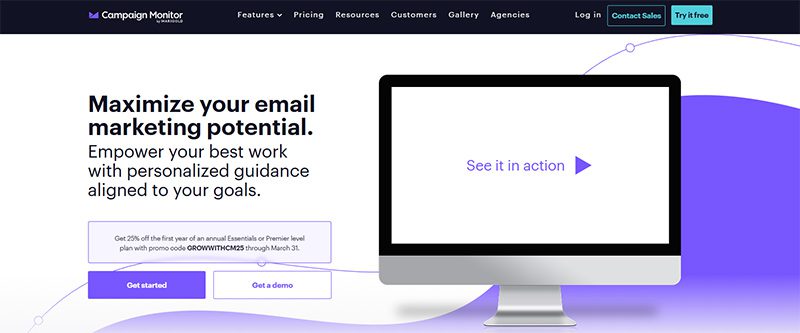
If you want to combine email marketing with your SMS marketing efforts, Campaign Monitor is your best option. Of course, like the others on this list, you can design your emails through their drag-and-drop builder and email templates, personalize emails, and create customer journeys.
Aside from those, one feature that helps Campaign Monitor to stand out from the rest is its Link Review. Before sending your email newsletter, Campaign Monitor will check if there are any dead links.
Pricing
Lite: $12/mo
Essentials: $29/mo
Premier: $159/mo
Enterprise: Contact Sales
7. EmailOctopus
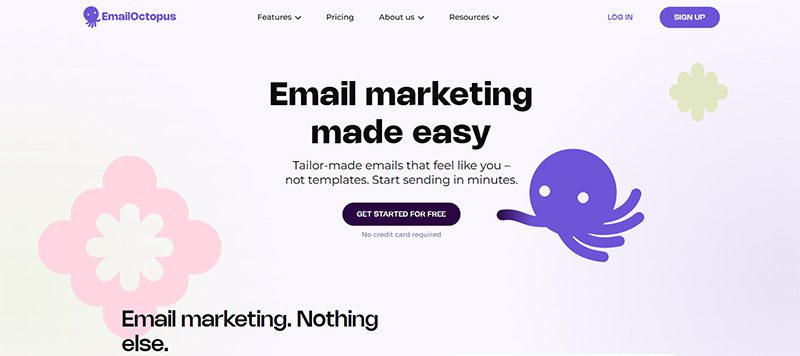
If you want customized email designs, EmailOctopus helps you create designs from scratch. Aside from that, you will also find the exact features in any email marketing software, such as landing page creation and data analysis. In addition to that, you can connect EmailOctopus with other apps, such as Shopify, Squarespace, and Gravity Forms.
Pricing
Starter: Free
Pro: $10/mo (500 subscribers, 10,000 emails)
8. Constant Contact
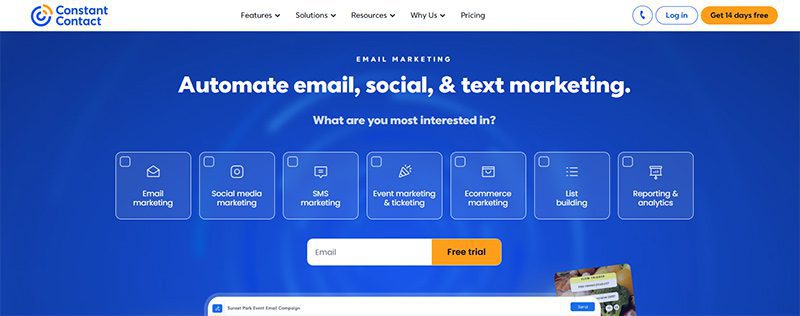
Constant Contact simplifies its features into three categories: do, reach, and engage. With “do”, businesses can create email templates, manage their customer list, automate emails, and know how to improve their campaigns through data.
For reach, you can integrate your email marketing campaigns with Google and social media ads, landing pages, and sign-up forms.
And finally, for engage, you can engage with your target audience by publishing social media posts and surveys or polls.
Pricing
Lite: $9.99/mo
Standard: $35/mo
Premium: $80/mo
9. HubSpot Email Marketing
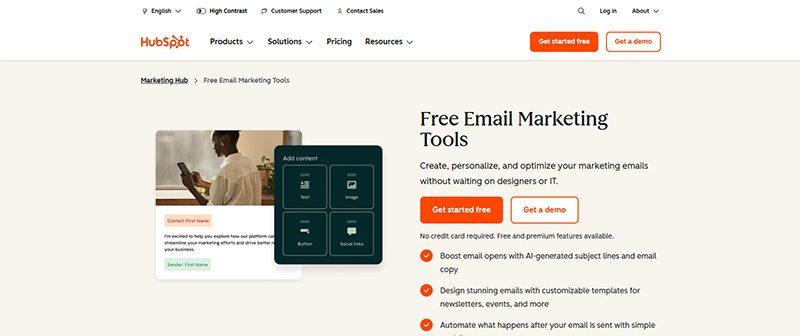
The reason many love HubSpot is they offer free tools for marketers. That’s the case for their email marketing software. Marketers can use them for free and get access to amazing features, such as a built-in email design editor, personalization, and A/B testing.
HubSpot recommends that you also use their CRM to get more out of your email marketing strategy. But if you need to level up your email marketing efforts, you can subscribe to HubSpot’s Marketing Hub. This gives you access to other marketing features.
Free
Starter: $9/mo/seat
Professional: $800/mo
Enterprise: $3,600/mo
10. Moosend
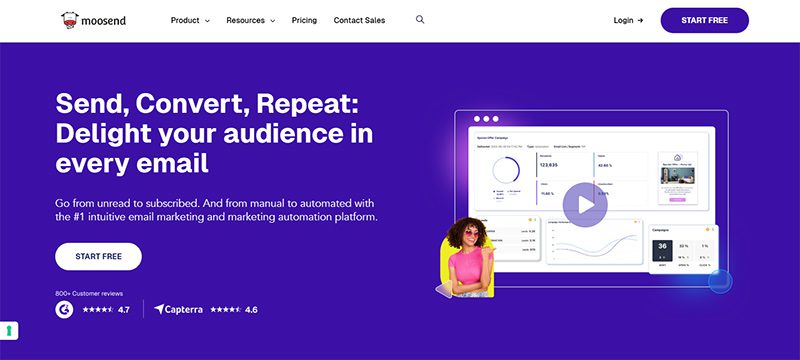
If your business is part of these industries: eCommerce, travel, publishers, SaaS, and agencies, Moosend is the best option for you. You can rely on Moosend to have the basic features of any email marketing software, such as automated workflows, design, and personalization. Aside from their regular pricing tiers, you can also buy email credits from Moosend if you want to send more newsletters or campaigns to more subscribers.
Pricing
Free Trial (30 days)
Pro: $7/mo
Moosend+: Contact Sales
Enterprise: Contact Sales
Key Thoughts
These software applications have become the most trusted names in email marketing. Not only that, but they are also beginner-friendly software applications to make it easy for you to create and send emails in minutes!


TL;DR – Even enterprises lose millions of dollars not from major product or investment failures but from operational issues hidden from plain sight, such as decision-making inefficiencies, workflow problems, execution and tech systems, and slow customer feedback integration.
Whatever the size of the business, operational efficiency is a crucial factor that spells the difference between a venture that thrives and one that bleeds. In fact, a study cited by Forbes revealed that companies lose 20% to 30% of revenue to process inefficiencies annually.
While it’s easy to assume that operational issues affect businesses more when they’re still at their initial growth phase, not many realize that these small inefficiencies could amplify consequences during scaling, when headcount, revenue, and investments grow fast.
In this article, let’s unpack five common operational areas where issues go unnoticed, causing even Fortune 500 companies millions of dollars. We’ll also discuss the best practices in each area to help optimize operations.
1. Decision Latency
How much time passes between identifying an issue in your organization and actually taking an action to address or correct it?
Oftentimes, enterprises have too many stakeholders, making it harder to align and make decisions fast. In addition, risk-avoidant companies typically push decisions upward, giving birth to a risk-escalation culture.

But does slower decision-making equal better decision-making? Not really. A survey by McKinsey & Company shows that people who spend more than one-third of their time and those who spend less reported the same effectiveness. The same survey reveals that 78% of respondents were involved in cross-cutting decisions, which typically require multiple approval layers.
It all boils down to a lack of a decision system design, which means repeated reviews, muddled accountability, and cross-functional dependency loops that could eat up time and other resources. How does it translate to real-world operational issues? Think project launch delays, missed market opportunities, and campaign schedule disruptions.
Best Practice: Build a decision design system that defines who should make and own which types of decisions. The design must also identify which decisions can go ahead without needing escalation.
2. Cross-Functional Hand-Offs
There are always opportunities for inefficiency within a department or team when all its parts are moving. This opportunity further widens when work moves across departments, regions, and even vendor arrangements.
Research by Deloitte on Global Business Services models shows that having a standard structure to unify cross-functional operations can reduce costs by 5 to 10%. Without such a unified structure, it means the company is missing potential efficiency gains of up to 10%.
At scale, the operational efficiency in this area can lead to duplication of work, loss of context, and delays between functions caused by poorly coordinated queues.
Best Practice: Design workflows that foster end-to-end accountability instead of workflows that pass through department boundaries. Doing so can help reduce cross-functional issues and improve speed.
3. Creative Execution and Production Workflows
Creativity doesn’t come cheap. A survey of over 1,000 businesses found the average monthly agency cost of social media marketing to be between $100 and $5,000, search engine optimization (SEO) at around $2,500, and content marketing falling at $5,001 to $10,000.
And these are just the regular businesses. Fortune 500 companies could potentially allot more resources for the production of creative assets, as well as campaign design and marketing assets.
And here’s where it can get tricky: expensive as it is already, creative execution and production can leak even more resources when there’s no clear creative workflow and regional offices recreate the same assets. It could also be the case when there’s an overlap between the work done by internal creative teams, agencies, and hired freelancers.

Most importantly, brands of all sizes risk suffering financially when there’s creative inconsistency. A 2024 UK study by System1, the Creative Effectiveness Platform, and the Institute of Practitioners in Advertising revealed that brands that didn’t focus on creative consistency needed to spend more to achieve the same growth as those that did. In fact, the cost gap is estimated at £3.47 billion.
System1 Global Partnerships Senior Vice President Andrew Tindall emphasized the data’s implication on businesses.
“…Brands win big on fame building, profit gain, market share gain and more when they foster a culture that supports creativity and consistency,” Tindall said in a statement.
Best Practice: Standardize the creative workflow and ensure that it’s centralized to reduce production timelines and improve creative consistency. Internal shared-service teams or design-as-a-service platforms like Penji can help streamline production and maintain consistent output.
4. Complexity Tax
Getting the latest AI solutions or adding something new to your tech stack regularly might seem productive, but it could be the opposite.
In fact, a study by Nexthink found that 49.96% of software installed in 2023 was unused by team members. This average spans 6 million customer environments in 12 regions, putting forward the question of sustainable efficiency.
However, pulling out from licenses altogether isn’t the solution and could even lead to higher costs that could quietly waste millions, according to Nexthink Chief Strategy and Marketing Officer Yassine Zaied.
“Only when IT has access to all the information about who is using what, what is not used, what is still performing and what needs to be repaired or replaced, can it see and take advantage of greater efficiencies in a sustainable and recurring manner,” Zaied said.
Best Practice: Design your tech ecosystem based on the value they offer around your workflow, and not based on maximizing the tools because they’re already available. By doing so, you can avoid redundant tools and improve tech adoption across teams.
5. Customer Feedback Integration Latency
Fortune 500 leaders have always been vocal about the importance of customer satisfaction.
As Michael L. Tipsord, the former CEO and Chairman of State Farm Insurance, once said, “Our success in serving our customers, that is what will ultimately determine the opportunities that are available to all of us.”
Walmart founder Sam Walton, meanwhile, famously said the customer is the boss.
“And he can fire everybody in the company from the chairman on down, simply by spending his money somewhere else,” Walton emphasized.
In an ideal business environment, customer feedback is part and parcel of product and service improvement. And rarely do enterprises lack data; the problem lies with integrating that data into their operations.

The American Customer Satisfaction Index 2025 Q3 results point to a broader systemic risk. While the national score remained flat at 76.9, it followed a period of decline and long-term stagnation. Analysts say this trend could potentially decouple buyer utility from seller profit, meaning companies may continue generating revenue without improving customer value.
Whether you’re managing a Fortune 500 company or a small business, one thing holds true: customer feedback is only valuable when you convert it into action in a timely manner.
Best Practice: Make sure your feedback systems move at the same speed as your customers. Treat feedback as a core part of your operating system and not a separate entity that’s only reviewed when the occasion presents itself.
Frequently Asked Questions (FAQs)
What is decision latency in simple terms?
Decision latency pertains to the time between identifying an issue and the time the company takes action to address such an issue.
Why are cross-functional hand-offs risky for large companies?
Cross-functional hand-offs can pose risks for enterprises because there’s always a chance for miscommunication, context misinterpretation, and work duplication. Such hand-offs can also make accountability harder to define clearly.
Why do Fortune 500 companies still experience operational inefficiencies?
Scale not only increases revenue and opportunities but also the complexities that come with it, especially when the inefficiencies that remain unnoticed between the processes multiply across teams and systems.
Featured Image Credit: Photo by Artem Podrez from Pexels

What’s the Best Logo Design Agency in Chicago?

The Software As A Service Business Model Explained

Best Design Agency in Washington – 2026 Top Picks

Top 10 Email Marketing Software Modern Businesses Need Today

What’s the Best Design Agency in San Francisco?

5 Quiet Operational Leaks Costing Fortune 500s Millions

The Biggest Hidden Cost in Healthcare Isn’t Staff Time. It’s Operational Friction.

How to Determine Which Social Network Is Right For Your Business

How To Do Business Marketing For Free

OpenStudio – Business Management All-In-One
Top 10 Email Marketing Software Modern Businesses Need Today
The Software As A Service Business Model Explained

Top 10 Artificial Intelligence Solutions Your Business SHOULD Use

What’s the Best Design Agency in Arizona for Small Businesses?
 Business5 hours ago
Top 10 Email Marketing Software Modern Businesses Need Today
- Business2 hours ago
The Software As A Service Business Model Explained
- People4 days ago
The Biggest Hidden Cost in Healthcare Isn’t Staff Time. It’s Operational Friction.
- Business4 days ago
5 Quiet Operational Leaks Costing Fortune 500s Millions
- Uncategorized4 days ago
The Biggest Hidden SaaS Cost Isn’t Ads—It’s Post-Click Execution
- Business4 days ago
5 Things Even Fortune 500 Companies Quietly Waste Money On
- Uncategorized2 days ago
What’s the Best Design Agency in San Francisco?
- Uncategorized4 hours ago
Best Design Agency in Washington – 2026 Top Picks
- Uncategorized13 minutes ago
What’s the Best Logo Design Agency in Chicago?


