
Technology
Augmented Reality Medical Appointments – Will They Happen Soon?





If there’s one thing we all learned from the pandemic, it’s that remote working offers a ton of benefits for both workers and businesses. Because of this, 98% of people now prefer to work remotely, at least part of the time. If you need the best remote working tools for your business, we listed the top 10 best ones!
1. Slack
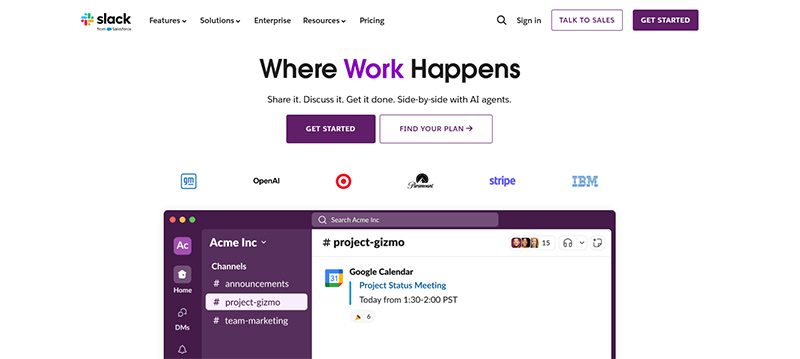
One remote working tool that gained popularity during the pandemic was Slack. Many businesses that have shifted to remote work have used Slack to communicate with fellow employees. But Slack has also branched out to bring in business clients or customers for seamless communications, eliminating the need for email threads. And one perk of using Slack is you can use it for free!
Pricing:
- Free
- Pro – $8.25/mo
- Business+ – $18/mo
- Enterprise – Contact sales
2. Basecamp
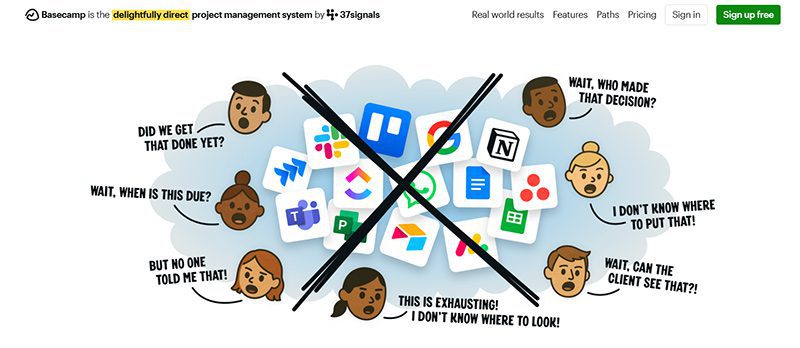
Basecamp is one of many project management tools that remote businesses can use. With Basecamp, you can view ALL of your active projects in one dashboard. From there, you can keep the conversation flowing with their Messages feature. You can also break down tasks with their To-Dos and share all the files you need to complete a project with their file-sharing feature.
Plus, you can chat with others and check in with your team without leaving the app. And for data nerds, you’ll have insight into project progress with their Reports.
Pricing:
- Free
- Basecamp Plus – $15/user per month
- Basecamp Pro Unlimited – $299/month billed annually, all-inclusive
3. Zoom
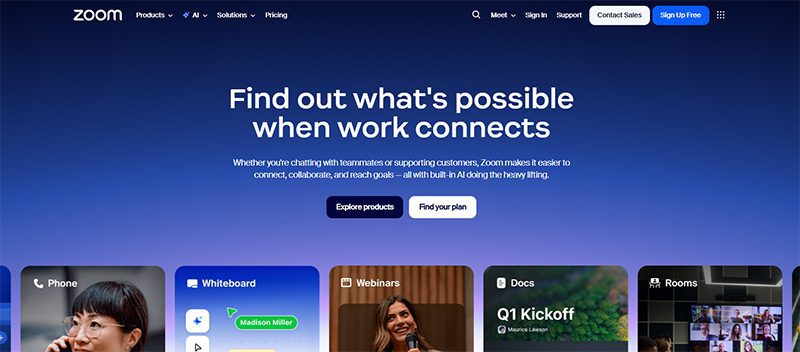
Here’s another must-have remote working tool for remote teams. Zoom has become one of the most used communication tools.
For one, you can chat with your team via video, whether it’s for meetings or check-ins. You can share your screen to show teams about new tasks or presentations. But Zoom is more than just a video communication tool. You can also share files here via chats. Plus, they have a whiteboard feature where you can collaborate with others and brainstorm ideas through drawing tools, connectors, and sticky notes. And you can group teams via Rooms, too.
Pricing:
- Basic – Free
- Pro – $16.99/mo/user
- Business – $21.99/mo/user
- Enterprise – Contact sales
4. Google Drive
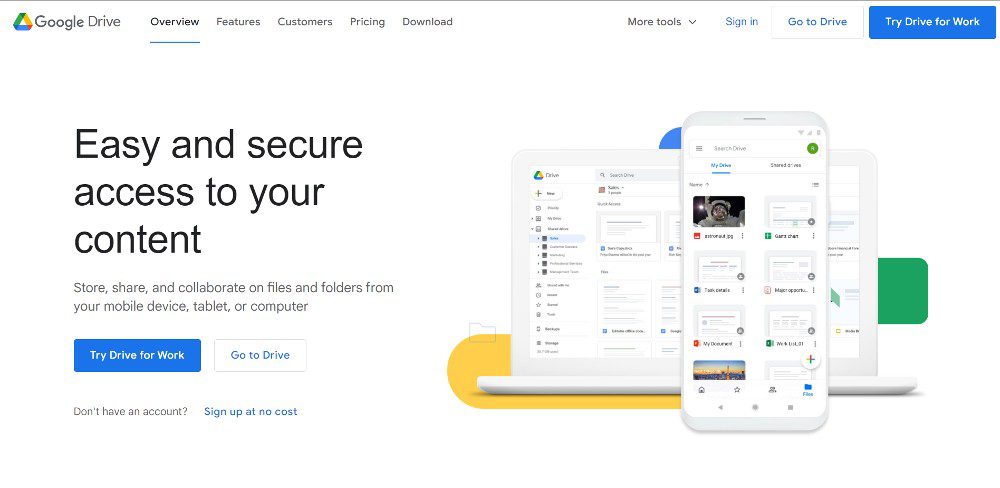
File sharing is necessary for remote teams. And if you want a file-sharing tool for your remote business, Google Drive is your best option. With Google Drive, users get 15GB once they sign up for Gmail. And it’s all for free! Plus, all your files are secure with the file-sharing tool. But if your business has tons of files to share and needs more than 15GB, they have a Business Standard account plan.
Plus, employees can add more to their personal Google Drive if they need more files to share with fellow employees with a Google One subscription.
Pricing:
Google One Personal Pricing (Monthly USD):
- 15 GB – Free
- 100 GB – $1.99
- 200 GB – $2.99
- 2 TB – $9.99
- AI Premium (2 TB + Gemini) – $19.99
- Google Workspace Business Pricing (Per User/Month USD):
- Business Starter – $6-$7 (30 GB)
- Business Standard – $12-$14 (2 TB)
- Business Plus – $18-$22 (5 TB)
5. TeamViewer
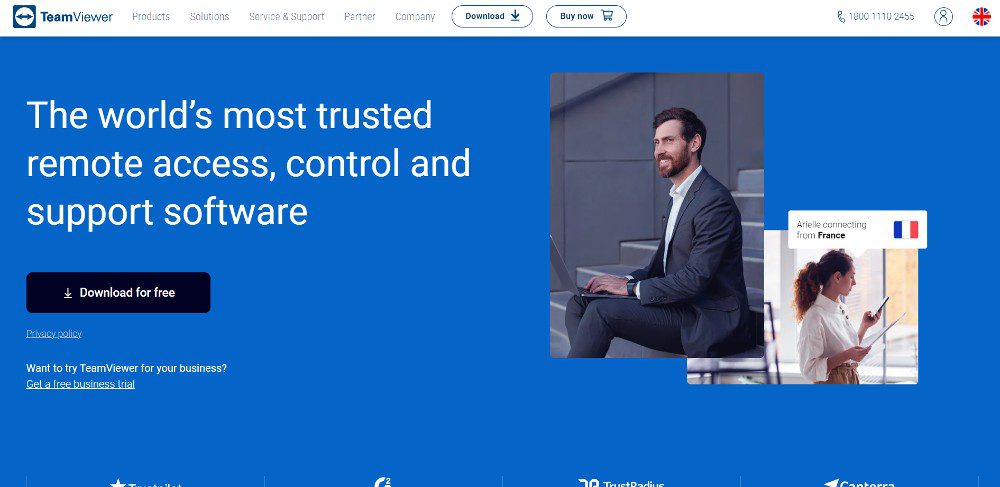
Collaborating with teammates remotely can be challenging, especially when you need to guide someone through a task in real time. TeamViewer makes this easier by letting you take temporary control of a colleague’s computer for quick demonstrations or troubleshooting. Its newer AI features also help streamline support by identifying common issues, suggesting fixes, and reducing the back‑and‑forth that usually slows remote collaboration.
While remote access can feel uncomfortable at first, TeamViewer is built for legitimate, secure use cases like tech support, file sharing, and short working sessions. The platform uses end‑to‑end encryption and two‑factor authentication to keep sessions protected, giving teams confidence that their devices and data remain safe
Pricing:
- For single users
- TeamViewer Remote Access – $24.90/mo
- TeamViewer Business – $50.90/mo
- For teams
- TeamViewer Premium – $120.90/mo
- TeamViewer Corporate – $245.90/mo
- For Enterprise
- TeamViewer Tensor – Contact Sales
6. Sign In App & Scheduling
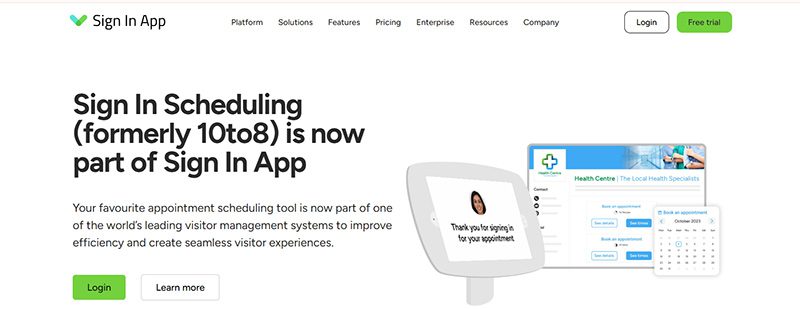
Staying on top of team meetings can get messy when everyone’s remote, which is where Sign In App & Scheduling becomes useful. It lets you set appointments in just a few clicks and mark recurring sessions for ongoing tasks or projects, so your calendar stays organized without extra effort.
Once a meeting is scheduled, the tool automatically notifies your team by email or syncs the event to Google, Microsoft 365, or iCal. It removes the back‑and‑forth of manual reminders and helps everyone stay aligned on timing and commitments.
Pricing:
- Core – $630/per site/year
- Enhanced – $1,260/per site/year
- Pro – $1,890/per site/year
- Enterprise – Contact Sales
7. Loom

If you don’t have time to hold a meeting but want to show your team members that they should be working on a new task, Loom is the best remote working tool for your team. You can share your screen and demonstrate how the new task should be done. With Loom, you can download their software to your computer or add it as an extension on Google Chrome.
You can record your screen and camera or either one. Plus, you can edit your video before sending it to your team.
Pricing:
- Starter – Free
- Business – $18/user/mo
- Business + AI – $24/user/mo
- Enterprise – Contact Sales
8. Unito
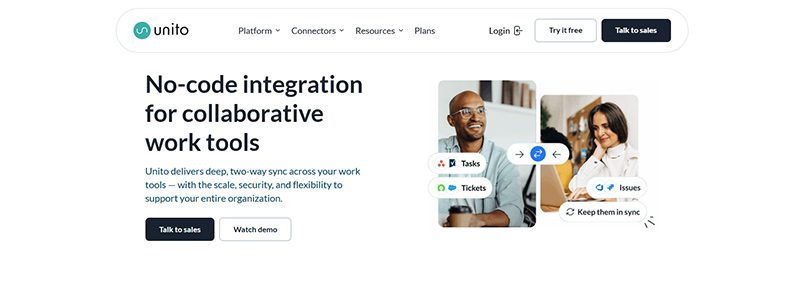
Do you spend way more time moving things around when you can focus on other tasks? You can automate these tasks thanks to Unito! Unito is like IFTTT, where you can automate certain tasks when you start or finish one. It’s an underrated integration tool that you can use on the following apps:
- Trello
- Google Drive
- Asana
- Basecamp
- Hubspot
Pricing:
- Basic & Pro – Contact Sales
- Enterprise – Contact Sales
9. Notion
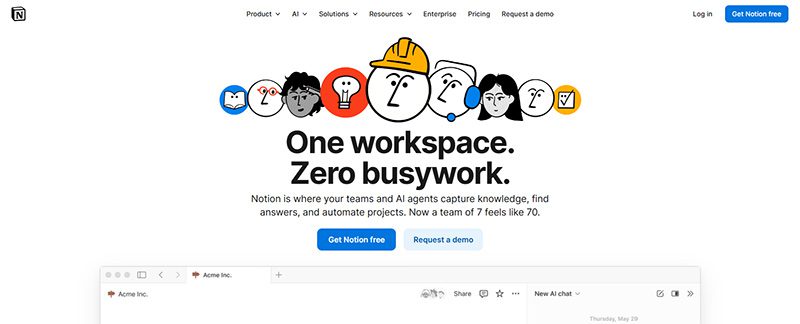
If your business is heavy on note-taking, Notion is a remote working tool you should use. With Notion, you can put all your processes and tasks in one place. Plus, you can add all of your meeting notes in there too. In addition, you can also create workflows for seamless work.
Pricing:
- Free
- Plus – $12/user/mo
- Business – $24/user/mo
- Enterprise – Contact Sales
10. Workleap
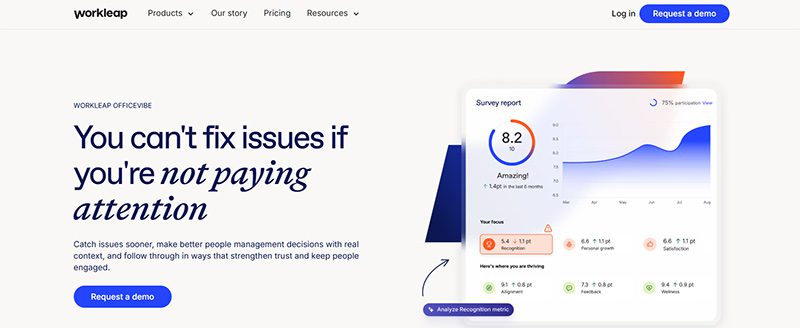
When you’re working remotely, you also want to ensure your employees are heard. After all, there is no face-to-face interaction since team members work from home. It sometimes hinders communication, which prevents members from voicing their feedback. With Workleap, you’ll know what employees are thinking by allowing them to give you feedback through surveys and anonymous messaging.
Aside from feedback, recognize what employees do for you with the Recognition feature. Plus, you can align with your employees through 1-on-1 meetings and progress tracking.
Pricing:
- Officevibe – $6.25/user/mo
- Performance – $6.25/user/mo
Final Thoughts
Remote working tools can definitely make your workplace efficient outside the office. You don’t need to use fancy software applications to keep your business running. With project management and employee communication tools, you will have a productive remote workplace.

Small business owners have a lot on their plates, having everything working as efficiently as possible. When reducing costs while increasing sales is a priority, you need all the help you can get. This is why a small business inventory management software is a necessity. Here are the top 8:
What is a Small Business Inventory Management Software?
Have you ever found it frustrating to track items or parts throughout your supply chain? Handling the storage, inventory, and sales from manufacturer to wholesaler to retailer can be a Herculean task. This is where small business inventory management software comes in.
This is a tool that automatically tracks how many products or items a business has in stock. It also records and helps monitor how many were sold, returned, or when you should reorder. The most basic software may include accounting tools and point-of-sale systems suitable for small businesses.
The Best Small Business Inventory Management Software
1. Zoho Inventory
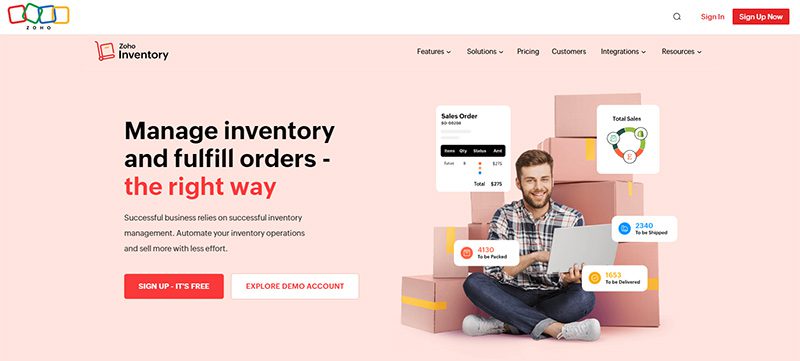
A popular choice for small business owners, Zoho Inventory is great value for your money. It allows you to handle multiple ecommerce stores and warehouses. You can check stock levels, manage warehouse items, and fulfill orders.
It features order management, analytics, reporting, and barcode scanning capabilities. It has a free plan with limited features, so if you want to make the most out of the software, the paid plans are highly recommended.
Pros
- Can handle multiple warehouses, currencies, and channels
- Comes with bundling, kitting, and composite tools
- One of the least expensive options
Cons
- No return management feature
- Limited POS integrations
2. FreshBooks
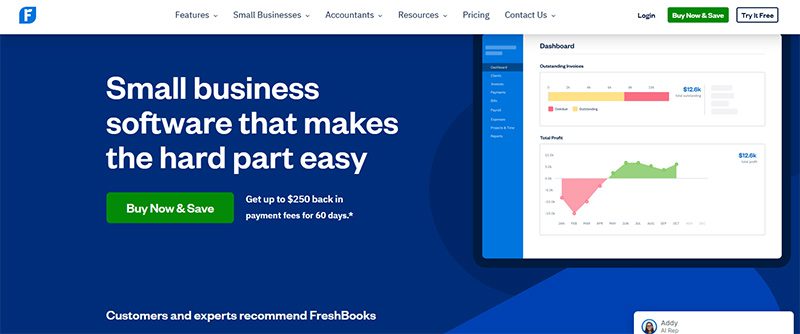
Primarily an accounting software, FreshBooks also has the capabilities of an inventory management software. This is an excellent option for small businesses with fundamental inventory needs. Not only does it enable you to track your items, but it’ll also make accounting easier.
It integrates with many assets and transportation management software, such as 2ship and Barcloud. If you sell in different channels, FreshBooks will come in handy. It automatically gathers data from Shopify or Squarespace for effortless management of your inventories.
Pros
- Easy to navigate user interface
- It comes with excellent invoicing features
- Superb customer support
Cons
- Limited users and clients
- Tier-based pricing is confusing to some users
3. Agiliron
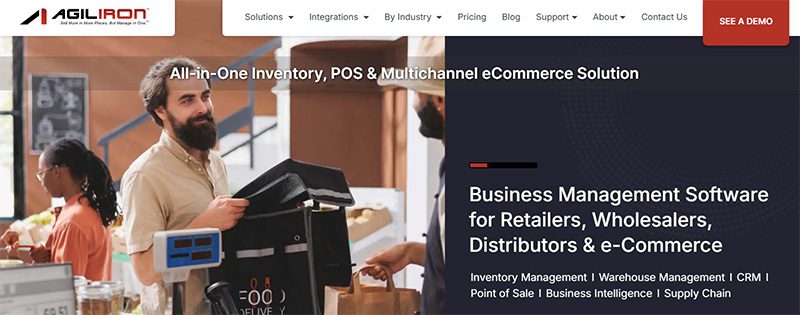
This small business inventory management software is truly cost-effective. Agiliron lets you manage multiple channels with e-commerce, social media, retail, and wholesale features. It will also provide you with comprehensive B2B and B2C inventory, kitting, and many other unique features.
It integrates with QuickBooks, Amazon, Shopify, PayPal, and many other e-commerce-related software and platforms. All its subscription plans offer unlimited orders and 24/7 customer support.
Pros
- Has customer-specific price settings
- International capabilities
- Wide ecommerce applications
Cons
- High learning curve
- Only one user per plan
4. Veeqo
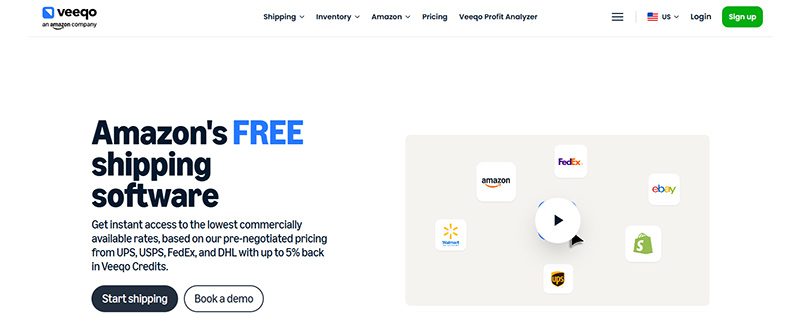
Built explicitly for ecommerce businesses, Veeqo has many features that make inventory and shipping a breeze. It has purchasing, reporting, shipping, and order management tools, whether you have one warehouse or more. Its straightforward platform is centralized to make tracking and management simple and uncomplicated.
One notable feature of Veeqo is its shipping integrations. This includes major shipping couriers such as FedEx and UPS. It has a limited-time, 14-day free trial that lets you try out its service without making a huge commitment.
Pros
- Shipping discounts
- User-friendly interface
- Multi-channel inventory management
Cons
- Some reports of software bugs
- So-so customer support
5. Lightspeed Retail
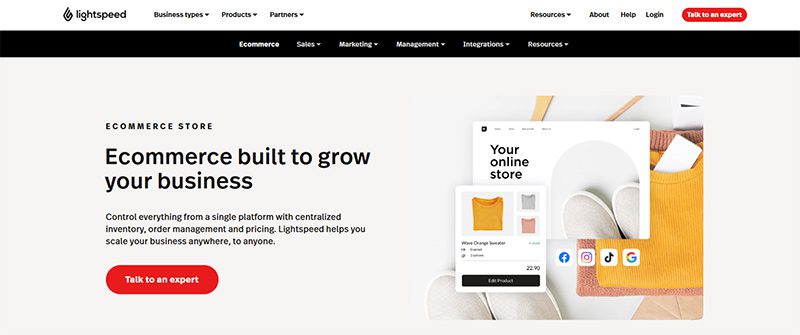
Most popularly known as a point-of-sale software, Lightspeed Rail also has impressive inventory management features. It allows you to conduct sales online or in-store while tracking your inventory levels in real time. This is a very helpful software to have if you’re in the retail industry.
This small business inventory management software lets you select from a wide array of business types, such as apparel, home and gift shops, and many others. Lightspeed will then show you how it can work in your precise retail niche.
Pros
- Offers seamless integration with ecommerce and in-store POS
- Provides advanced reporting on CRM, vendor, and granular inventory
- Unlimited entries across all plans
Cons
- Has no free plan
- No options for managing perishable products
6. Sortly
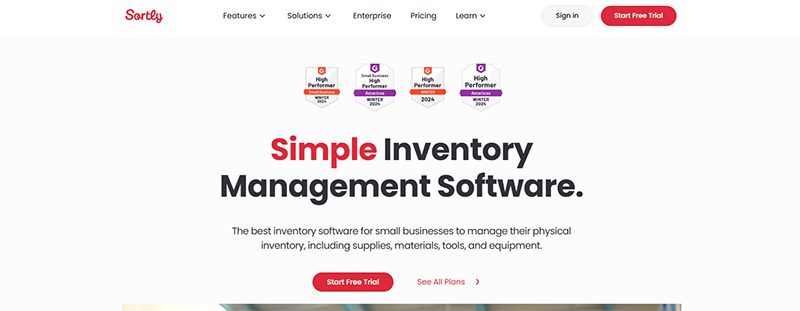
Small non-retail businesses will find Sortly an excellent inventory management software, thanks to its free plan. Well, it’s not only that, this software has many more amazing features to its name. Its intuitive functionality helps new business owners get the hang of tracking inventory and other minute details about their products.
Sortly can help you with warehouse management, inventory control and reports, and barcode scanning, among others. It also enables you to keep track of stock levels and returns through its alerting feature.
Pros
- Reasonably priced premium plans
- Ideal for those starting a new inventory
- Easy-to-use interface
Cons
- Integrating with other apps is for paid plans only
- Customer service may be hard to contact
7. CIN7
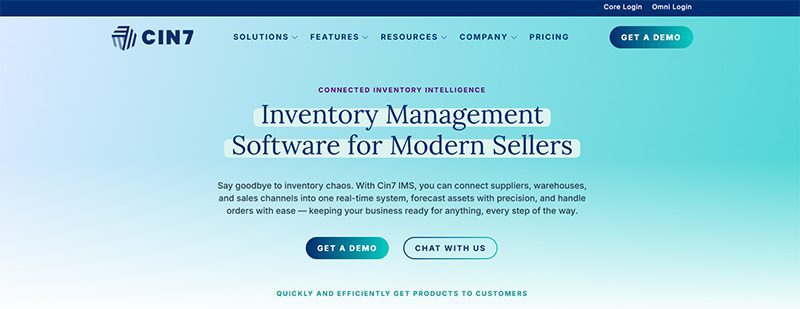
With its robust inventory and multi-warehouse features, CIN7 has become small business owners’ favorite. Among all the small business inventory management software on this list, CIN7 offers the most integrations. It has a return management feature that is essential for ecommerce business owners.
This software offers advanced options for purchase orders, which include duplication, custom fields, and importing and exporting features.
Pros
- Multi-channel, centralized inventory system
- Great workflow automation
- Gives detailed real-time data
Cons
- No free plan
- Android-only mobile app
8. Katana
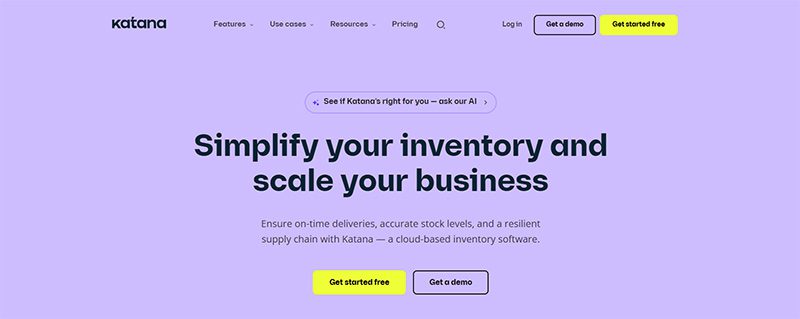
Specifically created for manufacturers, Katana will help you track all your products and supplies at every level of the manufacturing process. Its automatic workflow lets you concentrate on manufacturing. Aside from inventory features, this software will help you with scheduling, production planning and control, and many other tasks.
It has a very low learning curve; you’ll quickly know how to keep track of sales and purchase orders, production receipts, warehouse statuses, productions, and many others.
Pros
- Has inventory control and optimization tools
- Has comprehensive manufacturing shop floor control
- Allows tracking by the expiration date
Cons
- Only has email support
- No mobile app
Honorable Mention
The eight small business inventory management software listed above are our top choices. But there is one outstanding brand that we can’t ignore, so we added it to our honorable mention list:
Megaventory
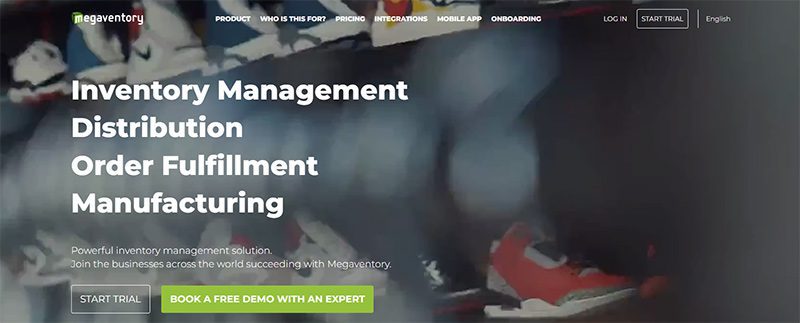
Suitable for small and medium-sized businesses, Megaventory is a cloud-based order and inventory management solution. Its key features include order fulfillment, invoicing, reporting, and manufacturing management. It also offers comprehensive customer support that will help you provide better customer experiences.
Pros
- Alerts you when you are running low on stocks
- Provides automatic calculation of the inventory’s value
- Handles customer and vendor returns without human intervention
Cons
- The dashboard can be hard to navigate on small screens
- The item editor has a high learning curve
Final Thoughts
To find out which small business inventory management software is the best for you, you need to know your inventory tracking needs quite well. After doing so, you can choose from the list above and get the most suitable one for your brand.


Software-as -a-Service (SaaS) is no longer just a convenient way to access software through the cloud. In 2026, the software-as-a-service business model is now the very backbone of how modern businesses operate and scale. In fact, data tells us that SaaS and enterprise software companies have raised about $4.7 billion in investments in 2024.
In this guide, let’s break down how the SaaS business model works, why it continues to dominate the software industry, and what has changed leading into 2026.
What Is SaaS?

SaaS is a delivery model of centrally hosted software that is licensed to customers via a subscription plan. If a company leases its software through a central, cloud-based system is technically a SaaS company.
These companies maintain responsibility and oversight of servers, databases, and any relevant software that allows people to access and use their products.
Some of the most popular SaaS giants in 2026 include:
- Adobe
- Google Workspace
- Salesforce
- Microsoft 365
- Notion
- Canva
- OpenAI
- Grammarly
In 2026, SaaS applications are often enhanced by built-in AI capabilities, such as in the cases of OpenAI, Grammarly, and many others.
The way that SaaS companies lease their product is through subscription plans. These plans can vary greatly from company to company. SaaS business models offer different services and different applications within their systems. Different subscription plans give different access to different services. Many offer a regular plan with one or two other plans that offer more access and increased services.
What Is The Software As A Service Business Model?

The software as a service business model includes a number of factors that are unique to it. There are three in particular that are important to take note of.
Recurring Payments
In SaaS, clients do not buy hardware. The software as a service business model involves providing a subscription service for software. Recurring payments typically take the form of Monthly Recurring Revenue (MRR), though many SaaS companies now track additional metrics like Annual Recurring Revenue (ARR), Net Revenue Retention (NRR), and expansion revenue.
When your customer signs up and subscribes, you will get some money upfront. It is imperative that this initial cash not be counted as revenue until it’s been properly earned. It is a liability until the terms of service have been completed. A customer can ask for that money back at any point if the service isn’t delivered.
Revenue recognition is one of the most fundamental aspects of running a successful SaaS company. Alongside subscriptions, SaaS companies also monetize through usage-based pricing, AI consumption pricing, or hybrid billing models that combine multiple approaches.
Heightened Customer Retention

All businesses care about customer retention. In SaaS business models, however, it is ten times more important. Customer retention is what keeps SaaS companies afloat. Because you cannot lay claim to all of your customers’ subscription money until the term of service has been completed.
If you sign a customer for one year or twelve months and they leave after two, then you’re without ten months of recurring revenue. As a result, it is critical to put a significant value on cultivating customer relationships and upselling.
An existing SaaS customer spends more money on average than a new one. It is in a SaaS company’s best interest to upkeep and maintain higher-quality customer service. If you don’t, or if the quality of customer service is poor, your customer is very likely to jump to a competitor.
No matter how great the product, poor customer service can break a company.
Consistent Updates

SaaS companies must continuously release updates, security patches, AI model improvements, and new automation capabilities to stay competitive and retain customers. Plenty of companies provide “next-gen” product versions, but SaaS has to continuously update and patch to stay above water.
This is now standard across modern cloud software, where continuous deployment and rapid feature iteration are expected by customers. Software vulnerabilities can put customer information at risk from hackers. Nobody wants that. That’s why continuously assessing and updating security fixes is a top priority in the software as a service business model.
Since SaaS companies host their own products, they can push updates as needed. They can release new features or enhance prior versions whenever they want. Between consistent updates and quality customer service, SaaS companies have the potential to be highly responsive to customer base feedback.
This is a real-time luxury that most other industries do not have.
How Are SaaS Companies Built?

Generally speaking, there are three critical stages as to how to build and develop a SaaS company: Setup, Growth, Stabilization.
Setup
This is the early stage where the company establishes its foundation. These are fairly typical processes. Founders discover the need for the products they intend to develop, identify their target market, and create the product.
This is also the opportunity to create an effective marketing campaign and sales strategy, consider various customer support plans, and organize finances.
Growth
Once the product has hit the market, it’s time to expand. This is arguably the fun part. Because there is seemingly no limit to how far a SaaS company can expand in its market, it’s possible for a SaaS company to expect new customers. This creates a sudden demand for marketing, sales, and customer service teams.
This is when a company has to act quickly in order to capitalize and secure a loyal customer base. Ideally, this growth will be accompanied by additional revenue. Companies then reinvest the capital back into their products and services. That way, they have the resources necessary to meet their customers’ needs.
Stabilization
Now that the business is beginning to acclimate with a steady incoming stream of customers, that means the company does not have to invest in more overhead. If the SaaS company has wisely invested in customer service software, marketing automation, and consistent product updates, it is on the right track to stabilization.
Why This Business Model Works

The SaaS business model is now a mature and dominant software delivery standard across nearly every industry. You can find the evidence of this in the vast investments in SaaS. How many office spaces use Slack to communicate? How many designers use Adobe? As our technology advances, so does the SaaS industry.
While the SaaS market remains full of opportunity, success in 2026 requires strong differentiation, AI integration, and clear customer value.
Featured Image Credit: Photo by Markus Winkler from Pexels

Top 10 Remote Working Tools for Productivity and Collaboration

What’s the Best Logo Design Agency in New York?

What’s the Best Logo Design Agency in Ohio for Your Business?

Design Hack Your Office For Maximum Productivity

Tips For Starting A Profitable Business

Top 8 Small Business Inventory Management Software for Growth

What’s the Best Logo Design Agency in San Francisco?
Design Hack Your Office For Maximum Productivity
Tips For Starting A Profitable Business
Top 8 Small Business Inventory Management Software for Growth
Top 10 Remote Working Tools for Productivity and Collaboration

The Biggest Hidden Cost in Agencies Isn’t Talent — It’s Throughput

Here are the Best Design Agencies in New Jersey in 2026


