Business
6 Video Marketing Best Practices You Should Know


In today’s digital works, video marketing has become essential for businesses looking to expand their reach and audience engagement.
Videos have become popular for sharing information, promoting products, and showcasing services. And with the rise of video marketing platforms and social media channels like YouTube, Facebook, and Instagram, having an online presence has become a vital requirement.
However, creating and sharing videos is not enough; it requires a well-planned strategy that includes video marketing best practices to ensure that assets are effective and successful. In this article, we’ll discuss ten video marketing best practices that you should know.
1. Know Your Audience
First on our list of video marketing best practices is to understand your target audiences. What are their demographics? What are their interests, and what motivates them to take action? Once you have this information, you can create videos that resonate with them and are more likely to be watched and shared.
One way to know your audience is by creating buyer personas. A buyer persona is a detailed description of your ideal customer, including demographic info, interests, pain points, and buying habits. Buyer personas can help you better understand your target audience and tailor your video content to their needs and preferences. Conduct market research, analyze customer data, and interview current customers to make your buyer personas realistic.
2. Keep it Short and Sweet

Research has shown that the average attention span of humans is decreasing, with one study suggesting it’s now just eight seconds. With so many distractions available, it’s important to grab your audience’s attention quickly and keep them engaged throughout your video. Shorter videos are more likely to attract and interest your audience.
Keeping your videos short and to the point is crucial while still providing value and relevant information. Ideally, your video should be under two minutes long, with the most important information shared within the first 15 seconds.
With limited time available, it’s essential to have a clear message in mind. What do you want your audience to take away from the video? Keeping your message concise and straightforward will help you create a shorter video that still delivers your key points effectively.
3. Focus on Storytelling
People love stories, which help create a connection between the viewer and the brand. That said, you need to use storytelling techniques to share your message. In addition, you have to ensure that it’s relevant, compelling, and memorable.
Storytelling allows you to connect with your audience on an emotional level, making your brand more relatable and memorable. Try to tell a story that resonates with your audience’s experiences, values, and aspirations. This way, you can build a deeper relationship with them and inspire them to take action.
One way to catch your audience’s attention is by starting with a hook. Begin the story with an angle piquing their interest – a dramatic opening scene, a surprising fact, or a provocative question.
4. Optimize for Mobile
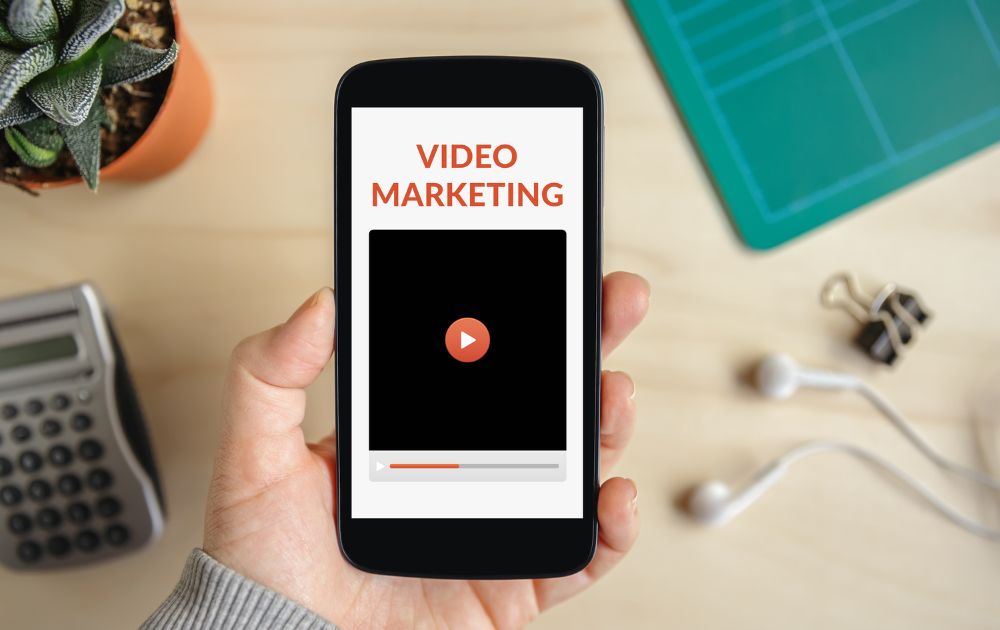
Did you know that Mobile devices account for over half of all video views? That said, it’s crucial to optimize your videos for mobile. That means ensuring your videos are compatible with different devices and screen sizes and creating vertical and square videos that work well on mobile platforms.
Aside from format and size requirements, you must also design videos to be easily shareable on social media. For instance, you need to remember that many mobile users watch videos with the sound off. That means it’s best to include captions or subtitles to convey your message. In addition, captions and subtitles also make your videos more accessible to viewers with hearing impairments.
5. Incorporate Calls to Action
Just like marketing emails or landing pages, your videos must also include a clear call to action (CTA) is also part of video marketing best practices. The desired action could be visiting your website, purchasing, or subscribing to your channel. Make sure that your call to action is clear and easy to follow.
To make your CTA effective, you must place it strategically. For instance, you could put it in a prominent location within the video so that viewers cannot miss it. You can also use pop-ups, overlays, or captions to highlight the CTA. Timing is another crucial element in CTAs. Ideally, you should place the CTA towards the end of the video when the viewer is more likely to take action.
Providing a benefit for the viewer will increase their chances of clicking on the CTA. For example, if you’re selling a product, offer a discount code to entice them to buy. It should also be easy for the viewer to follow through if it’s too complicated or requires too many steps.
6. Measure and Analyze

Part of video marketing best practices is understanding what is working and what isn’t. Use analytics tools to track metrics such as views, engagement, and conversions, and use this data to optimize your video marketing strategy.
Before creating any video content, set clear goals for what you want to achieve with your video marketing campaign. Is it to increase brand awareness, generate leads, or drive sales? Defining your goals will help you measure the success of your videos. It will also set your key performance indicators (KPIs), which are quantifiable measures of performance over time for a specific objective.
When measuring and analyzing the performance of your campaigns, determine the metrics that matter most to your goals. For example, if you aim to increase brand awareness, you might track metrics such as views, impressions, and reach. If you want to generate leads, you might focus on engagement metrics like click-through and conversion rates.
Many tools are available to help you track and analyze the performance of your video marketing. YouTube, for example, has an analytics dashboard that provides data on views, engagement, and demographics. Google Analytics can track how video content contributes to your website’s traffic and conversions.
The Bottomline
Along with the video marketing best marketing practices above, always remember that consistency is key. Create a schedule for releasing videos and stick to it. Doing so will help build anticipation among your audience and ensure that your brand remains top of mind.



Having your own business provides a multitude of benefits, but why is it that not everyone is doing it? The majority of people see the prospect of leaving a steady paycheck behind as scary. They look at opening a business, a task that requires a first step that’s steeped in uncertainty, fear, and self-doubt. Here are a few steps you can take to create your own business without the hesitations:
Set Achievable Goals
Identify your goals and start listing smaller but attainable goals from them. This way, you will become less fearful and avoid being overwhelmed. Small goals will be easier to digest and reduce your chances of failure, enough to help build your confidence gradually.
Stop with the Perfectionist Mindset
You may want that website to be perfectly working or that version of your product to be as perfect as possible. According to Entrepreneur, mixing perfectionism with entrepreneurship is a bad idea. Getting started is hard enough. You’d do better if you ignored perfectionism. It will be so easy to set yourself up for disappointment when goals aren’t met. Make sure they are attainable.
Do Your Research
When starting a business, you’ll find yourself doing a lot of research. Don’t get tired of learning, as this is what will propel you toward success. The more you know about your niche, the better you’ll be equipped to handle it. In this day and age that information is just a few taps away, research, learn, and absorb.
Start Small
Easing into entrepreneurship can be the best route if starting big is daunting for you. Start with a part-time business, and as you grow and build confidence, you can add to it more and more. This will also let you keep your day job and still look forward to that paycheck until your business is stable enough to let you focus on it full time.
Have Realistic Expectations
The idea of having that perfect work-life balance when having your own business may only be a myth for beginners. Of course, it would be difficult, and if it were easy, everybody would be doing it. Having realistic expectations can help you prevent disappointments. The key is to have great support from family and friends and the understanding that you’ll have that balance soon if you remain persistent.
Go For Low-Risk Businesses
It would really be daunting if you start with a high-risk business, but if you go for something smaller, it wouldn’t be as scary as it seems. Make sure to align your goals with your resources. If you have a limited budget, it’s okay to find a business that matches your finances. Just thinking of production and marketing costs can stress you out, so start small.
Identify and Build Your Community
If you have the passion, grit, and a bit of cash, you’re well on your way to beating your fear of starting a business. Back these all up with an equally passionate community, and you have the foundation of a successful business. Build this community of investors, partners, and customers to help you gain confidence and the finances to get your business going. When you know you have a support group to lend you a hand, your fears will slowly melt away.
Believe in Yourself and Your Business
Don’t let fear get into your mindset. Start believing in yourself and your business, thinking that you don’t need others to be confident. You can boost it for yourself. Focus on what you need to do and steer clear of your insecurities and uncertainties. If they can do it, why can’t you? Just remember that failure is part and parcel of doing business and that it shouldn’t be a cause for fear.




TLDR: For scalable, high-volume, high-quality design without hiring hassles, Penji is your best bet. For deeply strategic, narrative branding work, go traditional with Contrast & Co, BB Agency, or ProDesigns.
Did you know design is responsible for 94% of first impressions? That means your design is the welcome mat for your soon-to-be customers.
Are you a startup or agency based in Space City looking to launch your design into the stratosphere? You need a design partner who can match your pace.
1. Penji
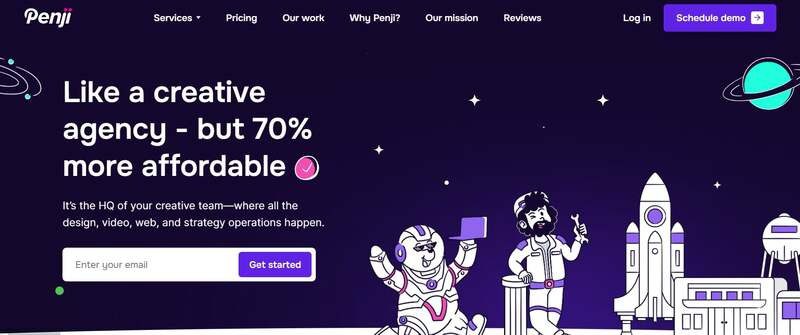
Welcome to the future of design. Penji combines the top 2% of design talent and AI tools for on-demand, monthly subscription, unlimited graphic design, illustration, and UI/UX work.
Get a whole team at your fingertips. Get drafts in 24-48 hours without having to hire a team or deal with inconsistent freelance pricing. From a quick social media graphic to a full web mockup, Penji keeps your project on track at all times.
Pros:
- Unlimited Requests: Submit as many projects as you want.
- Fast Turnaround: Drafts in 24-48 hours.
- Cost-Effective: Flat monthly fee, no hidden charges.
- Expert Designers: Access to top global talent.
Cons:
- Not Strategy-Focused: Best for execution, not long-term brand strategy.
2. Contrast & Co

If you’re looking for the traditional agency model with a little storytelling flair, Contrast & Co is the way to go. Although they’re based in Annapolis, they are experienced with many Houston clients and are known for building brands based on “radical differentiation.” They don’t just design; they tell stories.
Pros:
- Strategic Depth: Excellent for complex rebranding and brand positioning.
- High-End creative: Known for award-winning, narrative-driven visuals.
Cons:
- Cost: Their premium strategic approach often comes with a higher price tag ($10,000+ minimums).
- Timeline: Traditional agency models typically have longer turnaround times than on-demand services.
3. BB Agency
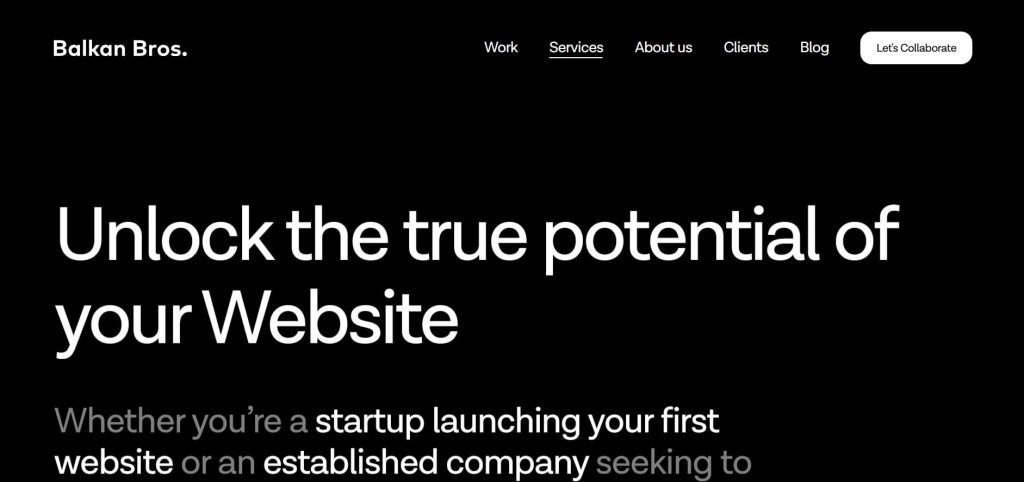
BB Agency works with SaaS and tech companies. They build businesses through thorough B2B branding and digital product design. If you are in the B2B tech space, their portfolio speaks for itself—clean, modern work which places UX at its core.
Pros:
- Tech Focus: Deep expertise in SaaS and B2B sectors.
- Holistic Approach: They handle everything from branding to development.
Cons:
- Niche: Their specific focus on tech might not be the right fit for consumer lifestyle brands.
- Budget: Project costs often range between $50,000 and $200,000.
4. ProDesigns
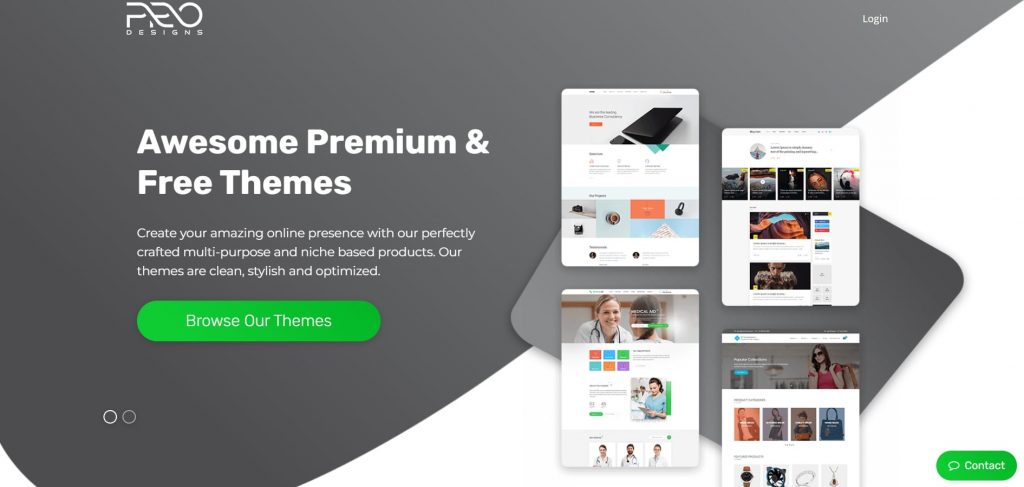
For businesses needing specific, project-based graphic design services, ProDesigns offers a solid middle ground. They focus heavily on logos, corporate design, and packaging. So if you need something created without a subscription or heavy retainer price, they’re great for local one-off projects.
Pros:
- Project-Based: Good for one-off needs like a logo or brochure.
- Affordable: generally more accessible pricing for small businesses compared to large agencies.
Cons:
- Limited Scalability: Managing high-volume, ongoing design needs can become costly on a per-project basis.
- Slower Feedback Loops: Revisions may take longer compared to a subscription model.
FAQs
How much does a graphic design agency cost in Houston?
Agencies in Houston typically charge $100–$175 per hour. Project costs range from $1,000 for small tasks to over $50,000 for full branding. Services like Penji offer a flat monthly rate, often much lower than a single agency project.
What is “design as a service”?
Design as a service offers a subscription model with a flat monthly fee for as much design work as you need for that monthly fee. Instead of paying per hour or project as normal with an agency, this is a way to ensure predictable budgeting and consistency with your design team.
Credit for cover image: Photo by Mikael Blomkvist on pexels

How You Can Effectively Beat the Fear of Starting a Business

170 Web Design Questions to Ask Your Clients

What’s the Best Design Agency in Detroit?

What’s the Best Design Agency in Boston? Expert Picks for 2026

Top 4 Best Blog Writing Services for Your Business

What’s the Best Design Agency in New York City

What’s the Best Design Agency in Houston?
170 Web Design Questions to Ask Your Clients
Top 4 Best Blog Writing Services for Your Business
How You Can Effectively Beat the Fear of Starting a Business
What’s the Best Design Agency in Boston? Expert Picks for 2026
What’s the Best Design Agency in Detroit?
 Business4 hours ago
170 Web Design Questions to Ask Your Clients
- Reviews3 days ago
Top 4 Best Blog Writing Services for Your Business
- Business1 hour ago
How You Can Effectively Beat the Fear of Starting a Business
- Uncategorized1 day ago
What’s the Best Design Agency in Boston? Expert Picks for 2026
- Uncategorized21 hours ago
What’s the Best Design Agency in Detroit?