Business
Snapchat ecommerce: The Future of Social Media Shopping


The photo and video-sharing app Snapchat registered 375 million daily active users in 2022, recording steady increases since the beginning of 2019. This proves that social media platforms have changed how we connect with family, friends, and other people worldwide. They also revolutionized the way we shop.
Businesses have leveraged social media to reach new customers and sell products. Snapchat is one of the most promising social media ecommerce platforms. Read on to explore the potential of Snapchat ecommerce and how it can shape the future of online shopping.
What is Snapchat ecommerce?

Snapchat ecommerce is the way of selling products or services directly through the Snapchat app. Brands can create ads or product catalogs that users can access and buy without leaving the app. They can also purchase products via Snapchat’s new shopping features called Stores. The Stores feature allows brands to create their storefronts within the app. These ecommerce capabilities make the shopping experience seamless for users while also allowing brands to tap into Snapchat’s massive user base.
Why is Snapchat ecommerce Important?
Given that Snapchat is a popular social media platform, there is a massive opportunity for brands to reach new customers and sell products directly through the app. Brands can capitalize on Snapchat engagement and reach users at the right time with the right message.
Snapchat ecommerce also allows brands to create a more personalized shopping experience. By leveraging user data and targeting capabilities, brands can feature products more relevant to users’ interests and needs. This makes the shopping experience more enjoyable and increases the likelihood of a purchase.
The Snapchat Stories feature also provides companies or retailers more control over the shopping experience. It allows them to showcase their brand in a more immersive way.
How Does Snapchat ecommerce Work?
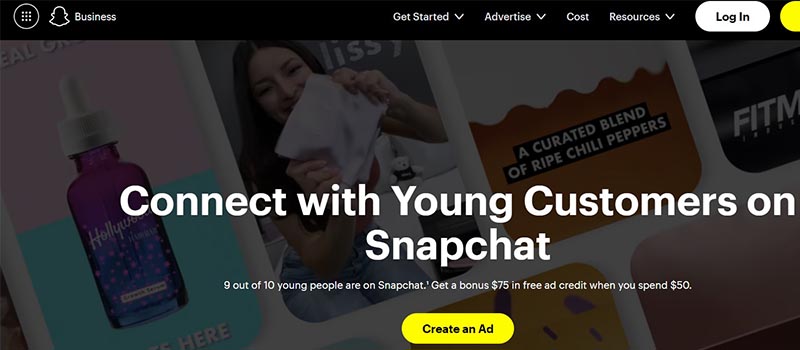
Setting up Snapchat ecommerce requires some resources and preparation. Brands should create high-quality content, provide a seamless user experience, and protect privacy. Here are the general steps to establishing Snapchat ecommerce:
1. Create a Snapchat Business Account
To start with Snapchat ecommerce, you must create a Business account. Just visit Snapchat’s Business website and follow the instructions to create an account. You must input some information about your business and verify your account.
2. Set up a Product Catalog
Once the Business account is set up, create a product catalog using Snapchat’s Catalog Manager. This catalog will contain information about the products you want to sell on Snapchat, including product images, descriptions, prices, and inventory. The catalog can be created manually or uploaded through a feed.
3. Create Shoppable Ads
The third step is to create shoppable ads using Snapchat’s Ad Manager. These ads can target specific audiences depending on their interests, behaviors, and location. Once a user clicks on a shoppable ad, they are taken to a product page within the app and purchase the product.
4. Set up a Store
Snapchat’s new “Stores” feature allows you to create your own storefronts within the app. You can customize your product offerings so users can purchase directly through the app.
5. Use the Targeting Capabilities
Snapchat offers advanced targeting capabilities to help you reach target customers. Targeting may be based on demographics, interests, behaviors, and location.
6. Test and Optimize
Once your ecommerce strategy on this platform is available, testing and optimizing the approach to improve performance is crucial. Use Snapchat’s analytics tools to monitor key performance metrics such as click-through, conversion, and revenue.
Snapchat ecommerce FAQS

1. How can I increase online sales through Snapchat ads?
To increase sales, brands can use Snapchat’s 2-ad strategy. Then, you can decide which of your products has the best potential to appeal to the audiences so you can feature them in your ad.
2. Can I use third-party ecommerce platforms with Snapchat?
Yes, you can use third-party ecommerce platforms like Shopify or Magento to sell products on Snapchat. You can integrate these platforms with Snapchat to manage inventory and process transactions.
3. How do I promote my Snapchat store?
You can use various features of Snapchat, such as Snap Ads, Sponsored Lenses, and Sponsored Geofilters. You can also tap influencers to promote your products and use Snapchat’s Story Ads to showcase your products.
4. What types of products can I sell on Snapchat?
You can sell various products on Snapchat, including clothing, accessories, beauty products, electronics, and more. But you should comply with Snapchat’s commerce policies and guidelines.
5. How does Snapchat Checkout work?
Snapchat Checkout allows users to purchase products within the app. When a user clicks on a product, they are redirected to a checkout page where they can enter their payment and shipping details. Once the transaction is completed, the product is shipped to the user’s address.
6. What are the fees for selling on Snapchat?
Snapchat charges a 5% transaction fee for each sale through its Checkout platform. You may also incur additional costs for payment processing and shipping.
7. How do I fulfill orders on Snapchat?
You can fulfill orders on Snapchat using its integrated fulfillment partner or a third-party logistics provider. You can also manage your orders and shipping details within the Snapchat Commerce Manager.
8. What are the age restrictions for selling on Snapchat?
To sell products on Snapchat, you must be at least 18 and have a valid tax ID number. If you are under 18, you can sell products with the help of a parent or guardian.
9. How can I track my Snapchat sales and performance?
You can track your sales and performance on Snapchat by using the Snapchat Commerce Manager.
Conclusion
Snapchat ecommerce is indeed a promising platform for selling products directly from a social media channel. Whether you set up a stand-alone Snapchat store or integrate with a third-party ecommerce site, we’ve provided several options to promote and sell your products or services. And the good news is that Snapchat has features to offer users a seamless and convenient online shopping experience. In short, no matter what social channel you decide to use to grow your online business, make sure you make the buying journey as easy as possible for your customers.



While many companies and small businesses struggle to capture their target audience’s attention amidst competition from giant brands, it’s clear that marketing needs to be taken up a notch. To do this, it requires marketing optimization tools to not only achieve marketing objectives but also generate leads. But how do you go about optimizing your marketing efforts and what tools can help?
1. Make Use of Data
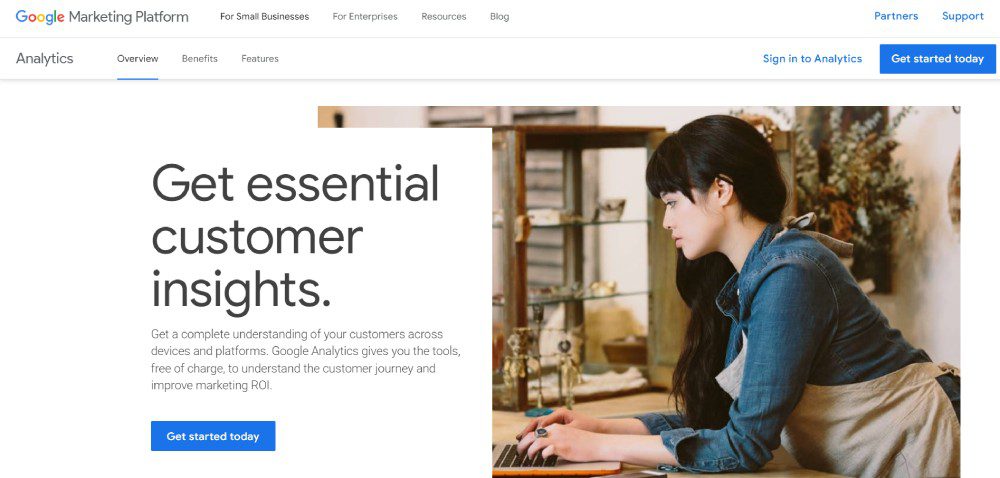
According to Hubspot, marketing in 2025 will heavily focus on data. That said, data will give you insights into your target audience. Plus, you can better understand how your business works better through data. Fortunately, many marketing optimization tools have data and analytics to help you reach targets.
If your strategy is understanding your audience better through data, Google Analytics is your best free option. With Google Analytics, you’ll know where your users are coming from and how many of them are visiting your website.
Another data-heavy strategy is social media marketing. After all, you don’t want your social media marketing efforts to go in vain. Although MeetEdgar is primarily a social media scheduler, it will help you understand which of your posts are doing great in engagement. Plus, you can make decisions regarding your other non-performing posts.
2. Focus on SEO
Data isn’t enough when optimizing your marketing campaigns or strategies. Marketing strategies are best served with the help of SEO. You shouldn’t overlook or underestimate the impact of what SEO can do for your business. After all, you want to drive customers to your website, right? SEO is your best bet in getting more clicks and visits. Plus, you can earn your place on the coveted first page of search engines.
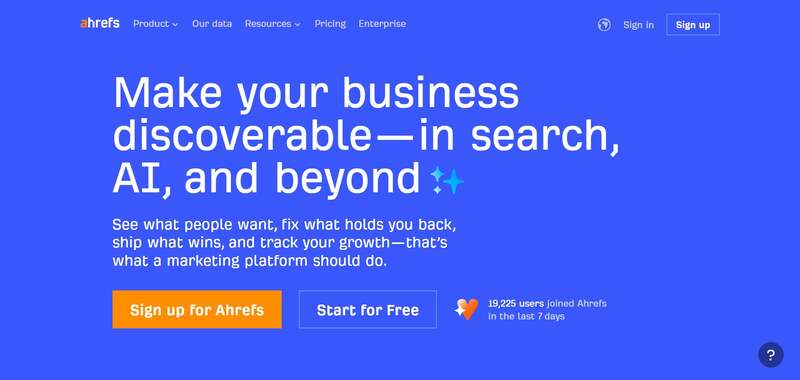
With SEO, you don’t have to overcomplicate it. Plus, you don’t want to skimp on SEO, especially if you want visitors to flock to your site. You can use one simple tool to help you research keywords, explore your competitors, and track your progress. Ahrefs is one of the tools you should have in your arsenal. They have an all-in-one tool ready to help you learn about your content, links, competitors, and more!
3. Stay Active on Social Media
Social media platforms are the best places to reach your target audience. You can post on Facebook, Instagram, Twitter, and TikTok to engage with your audience and promote your products or services. But posting on social media requires constant efforts and well-thought-out strategies. You need to post regularly with the right content, copy, and visuals to attract your target audience. Content creation tools like graphic design software and video editors will help you meet your social media marketing goals.
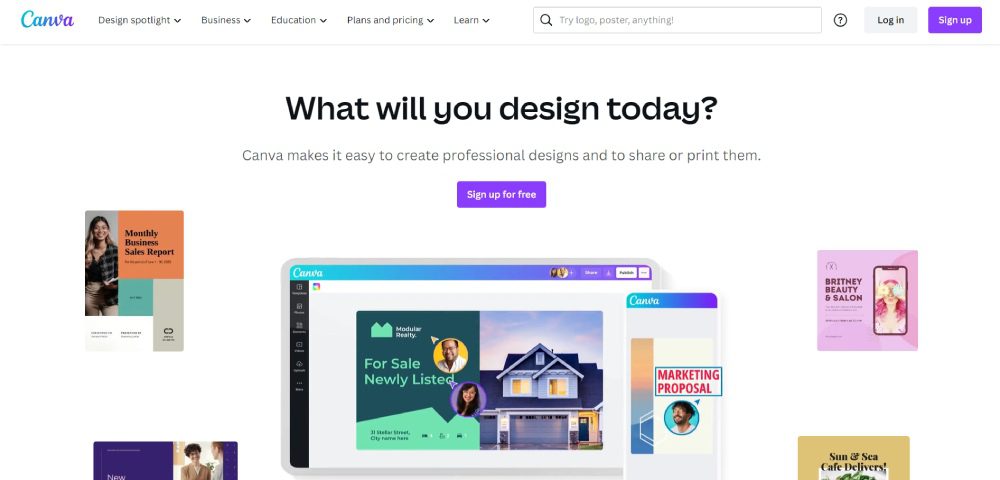
Canva is the go-to for many marketers because of its ease of use and UI. Plus, you can make graphics in minutes. Meanwhile, Clipchamp is a trusted name in video editing. Marketers can use templates to create videos in a snap. Plus, they can make compelling videos by adding filters and AI voiceovers.
4. Keep Content Consistent
During the planning stages, it’s important that your content should also be ready before it’s published. If you are launching a marketing campaign, you need your visual assets and marketing copy prepared. But you don’t create for creation’s sake. You need to keep your messaging and visuals consistent on every platform.
You want to ensure that people across various channels view and interact with your campaign assets while getting your main message out.
There are a couple of marketing optimization tools for this strategy:
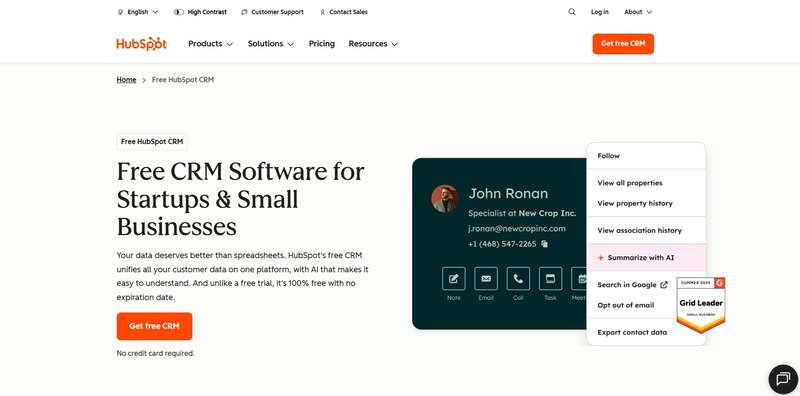
- Hubspot is the popular choice for content marketing since you can publish and schedule your blogs on this platform.
- Like with social media marketing, you need content creation tools. However, an alternative to content creation tools is unlimited graphic design and video editing services. For graphic design, you can rely on Penji. You can request your graphics in one place while you work on your company. Meanwhile, Video Husky is a trusted video editing service helping you with short-form and long-form videos.
- Email marketing is another content strategy you should consider when reaching your audiences. Mailerlite is your best bet in achieving your email marketing goals.
5. Research Your Competitors
Aside from learning about your audience, you should also keep an eye out for your competitors. After all, you want to see how your target audience responds to their posts. Plus, you want to compare how different your websites could be. This will give you an idea of how to improve your posts and websites.
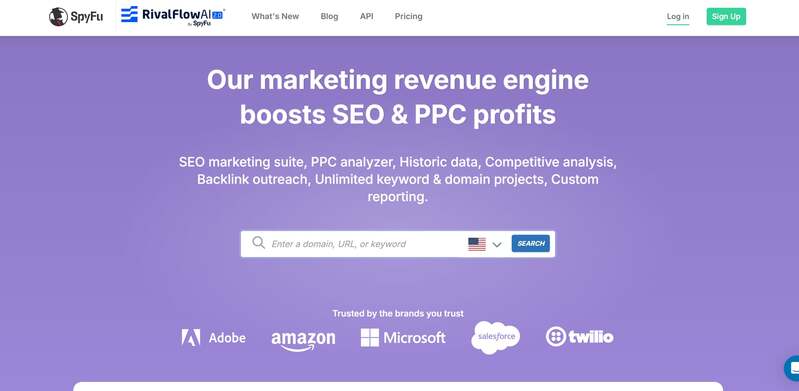
Although Ahrefs has a competitor research tool, an alternative to this is SpyFu. They specialize in analyzing competitor keywords, traffic, ads, and domains.
Other Marketing Optimization Tools to Use:
Marketing Automation
Marketing automation tools have been the go-to applications for most marketers. After all, marketing automation streamlines your work. Plus, you can leave it to the AI or other automated sequences to do your job for you. That said, there are tons of marketing automation tools.
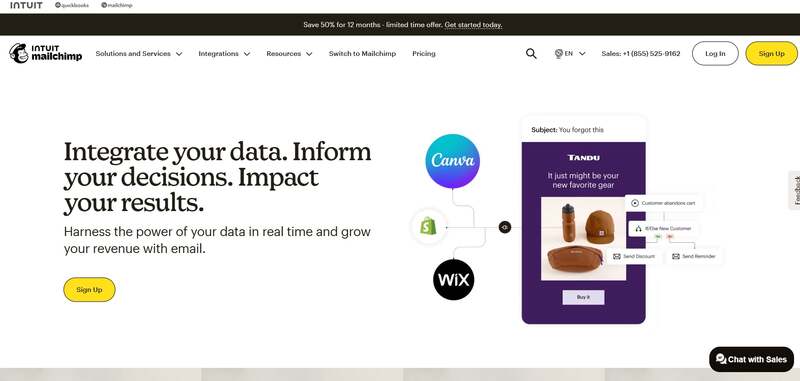
One stands out from the rest, and that is MailChimp. Although known as an email marketing tool, they have a marketing automation feature by building relationships with your customers and ad retargeting.
Customer Relationship Management
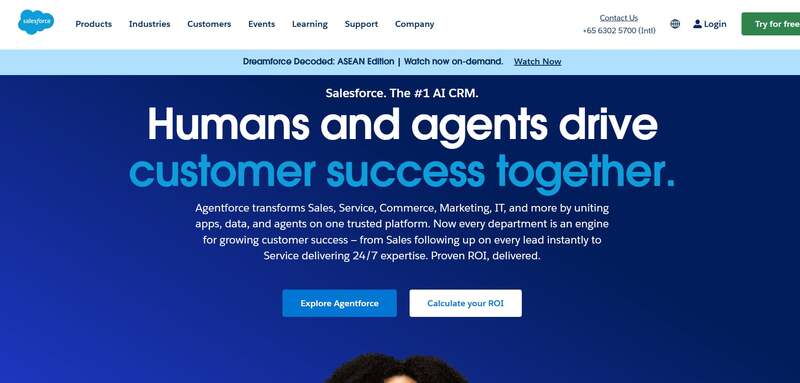
Customer relationship management (CRM) software is one tool you need to reach more customers. This works best if you have an email marketing strategy. And if you need a CRM tool, Salesforce is the highly recommended one. You can run your marketing campaigns on their software. Plus, you can nurture leads and provide the best customer experience.
Project Management
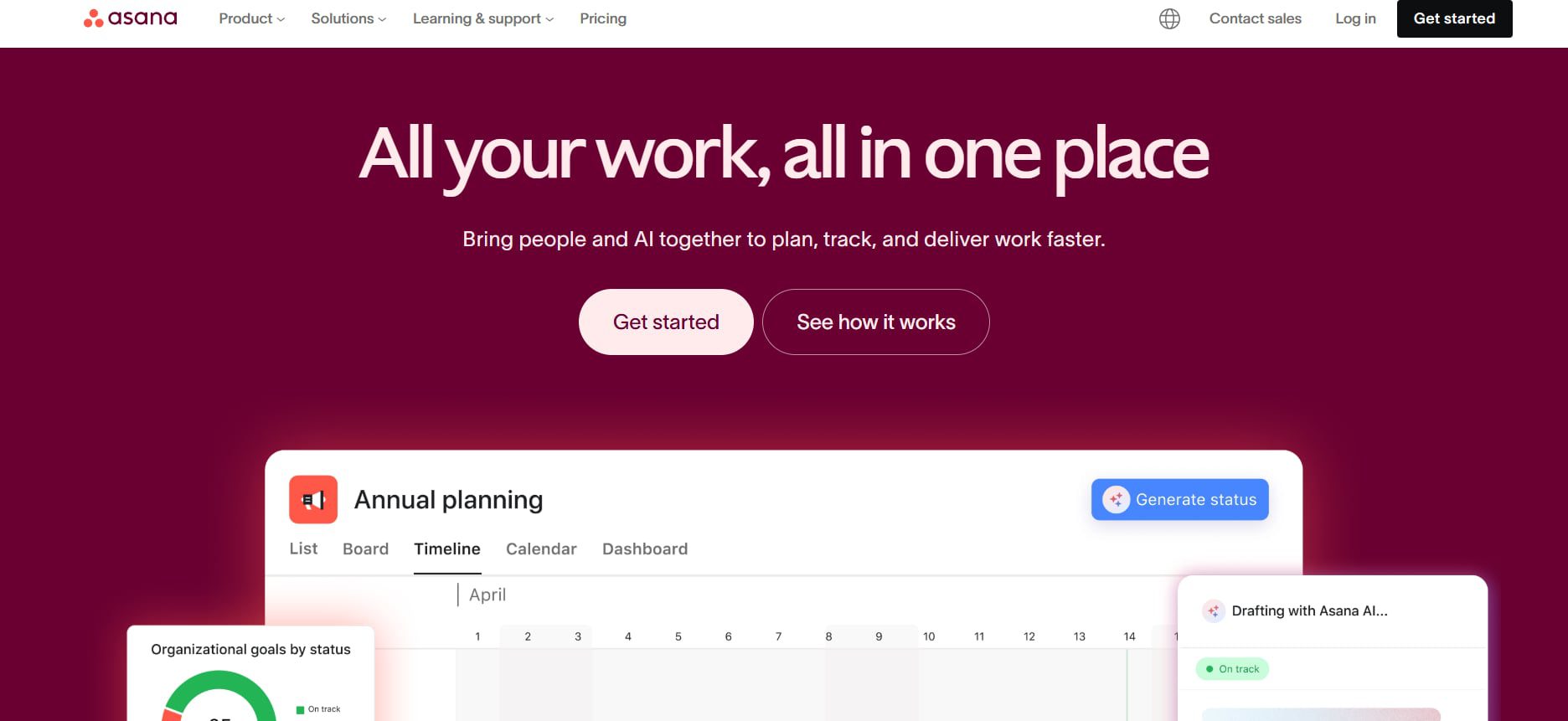
One overlooked marketing optimization tool is project management. You should use a project management tool to help you get on track with your campaigns. Asana is a must-subscribe project management tool for marketing. You can collaborate with your teammates, assign them various projects, and organize them for each strategy.
Final Thoughts
In the competitive landscape of 2026, optimizing your marketing strategy is no longer optional, it’s essential. It can be challenging to entice your target audience digitally nowadays, especially if you’re hesitant to use optimization tools. That’s why it’s essential to use them to help you achieve your marketing goals. And with the tools above, you can be on your way to reaching your audience and increasing your sales.

TL;DR: Managing client relationships shouldn’t feel like herding cats. The top CRM platforms for small agencies and service businesses help you track leads, manage projects, and keep client communication organized without needing a degree in software engineering. HubSpot offers the best free option, Salesforce works for growing teams, Zoho gives you affordability, and Pipedrive keeps sales simple.
The top CRM platforms for small agencies include HubSpot (best free option), Salesforce (scalable for growth), Zoho CRM (budget-friendly), and Pipedrive (sales-focused). These platforms help manage client relationships, track leads, and automate workflows starting from free to $25+ per user monthly.
Top CRM Platforms for Small Agencies and Service Businesses
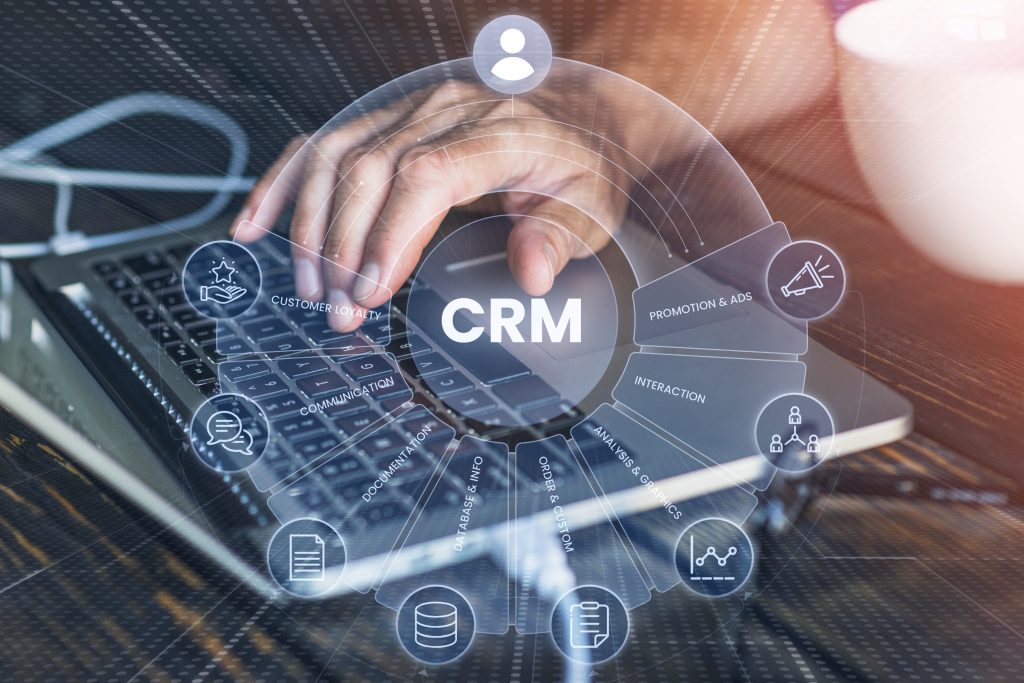
Running a small agency means wearing twenty different hats, and somewhere between managing projects and chasing invoices, client relationships start falling through the cracks. You’ve got sticky notes everywhere, emails buried in your inbox, and that one lead who asked for a proposal three weeks ago that you completely forgot about.
The top CRM platforms solve this chaos by putting all your client information, communication history, and sales pipeline in one place that actually makes sense. After testing various options and talking to other agency owners, here’s what actually works when you’re running a lean operation.
HubSpot CRM
HubSpot offers the best free CRM option for small agencies just getting started with client management systems. The free version gives you contact management, email tracking, meeting scheduling, and basic pipeline management without paying a dime, which matters when you’re bootstrapping and every dollar counts.
The interface makes sense from day one, so you’re not spending three days watching tutorial videos just to figure out how to add a contact. You can track every email conversation with clients, log calls automatically, and see exactly where each prospect sits in your sales process. HubSpot works with Gmail and Outlook, which means you’re not constantly switching between different tools just to check if someone responded.
The paid tiers starting at $45 per month unlock marketing automation, custom reporting, and workflow tools that grow with your agency. Companies like Penji use strong systems to manage thousands of client relationships, and HubSpot scales from solo operations to full teams.
Best For: Agencies wanting room to grow
Salesforce
Salesforce remains one of the top CRM platforms for agencies planning serious growth, though it comes with a steeper learning curve and higher price tag. The system handles complex sales processes and detailed reporting.
Many small agencies find it overkill when managing 20 clients instead of 2,000. But if you’re planning to scale quickly or already have multiple team members managing different client accounts, Salesforce prevents the chaos that happens when everyone’s using different systems.
Best For: Growing agencies with complex sales processes
Zoho CRM
Zoho CRM offers serious functionality at prices that don’t make you wince when the monthly bill arrives. You get contact management, pipeline tracking, email integration, and workflow automation starting at just $14 per user monthly.
The interface isn’t quite as polished as HubSpot, and the mobile app can be clunky, but when you’re choosing between a CRM that works and paying rent, Zoho delivers the basics without the premium pricing. It connects with other Zoho products if you’re already using their suite for invoicing or project management.
Best For: Budget-conscious agencies needing core features
Pipedrive
Pipedrive focuses on sales pipeline management, which makes it perfect for agencies where closing new clients is the top priority. The visual pipeline shows exactly where every prospect sits, what actions you need to take next, and which deals are about to close versus which ones have gone cold.
Setting up is refreshingly simple compared to enterprise systems that require consultant help just to configure basic fields. You can start using Pipedrive the same day you sign up.
Best For: Sales-focused agencies
Making Your Choice
The right CRM depends on your specific situation. If you’re just starting and budget is tight, HubSpot’s free tier gives you everything needed to stop losing track of leads. If you’re already managing steady client flow and need better organization, Zoho or Pipedrive deliver solid functionality at reasonable prices.
Pick one that matches how your agency actually works instead of trying to force your processes into whatever system has the fanciest marketing website.
Stop Losing Leads, Start Growing
Ready to get your client relationships organized? Pick a CRM from this list and actually implement it this week. Your future self will thank you when you’re not frantically searching through email threads trying to remember what you promised that client six months ago.
Frequently Asked Questions
Do small agencies really need a CRM?
If you’re managing more than five active clients or prospects, yes. CRMs prevent leads from falling through the cracks and keep all client communication in one searchable place instead of scattered across emails and sticky notes.
What’s the difference between free and paid CRM plans?
Free plans typically limit users, contacts, and advanced features like automation and custom reporting. Paid plans unlock team collaboration tools and detailed analytics that become crucial as you grow.
How long does CRM implementation take?
Basic setup takes a few hours. You can start tracking contacts and deals immediately. Full setup with custom fields and team training might take a few weeks depending on complexity.
Can I switch CRMs later if I outgrow my choice?
Yes, though migrating data takes effort. Most CRMs allow CSV exports to transfer contact information. Starting with scalable options like HubSpot can prevent the need to switch as you grow.


For your business to gain traction in today’s digital-first world, it needs to have amazing graphic design assets. However, if you’re on a tight budget, resorting to DIY design tools or online templates may seem the next best thing to working with an agency or freelancer. Fortunately for us, there are unlimited graphic design subscriptions that offer affordability and high-quality creative work. Here is our list of the best:
Penji
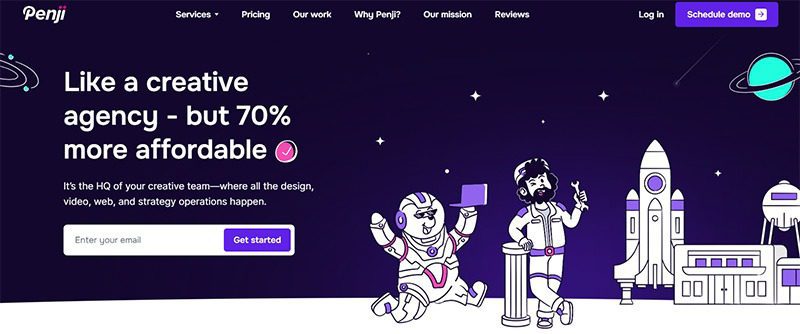
With a team of professional designers from the world’s top 2% of designers, Penji is the best unlimited graphic design subscription. You can request from any of its over 120 design categories in as little as 24 to 48 hours, without signing any contract. Its affordable plans also include unlimited revisions, assuring you of the best ever designs for your brand.
Kimp
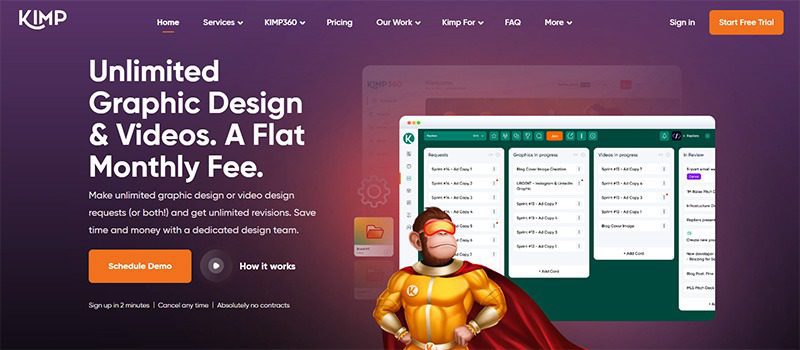
If you need videos in addition to unlimited graphic design services, Kimp is the design solution you need. Its premium pricing plans allow you to request website, app, landing page designs, custom illustrations, print and digital design, GIFs, and animations, among others. You can try out its graphic design services for seven days free!
Design Pickle
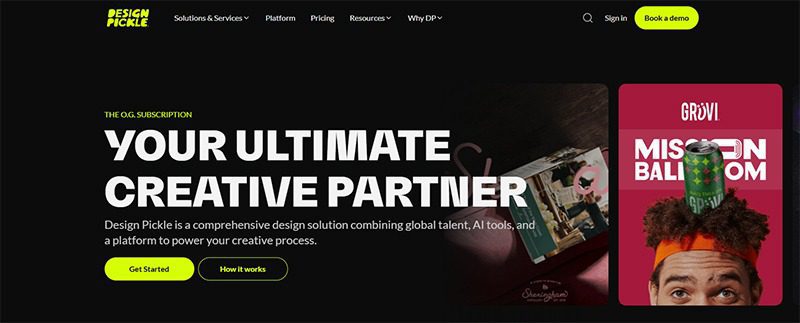
Another subscription-based creative platform, Design Pickle, lets you get all the designs you need for a fixed monthly rate. A premium plan also gets you unlimited revisions, assuring you of the best designs possible. Its team of design experts will work on your branding, marketing, print, videos, motion graphics, and even eBooks and digital reports.
Superside
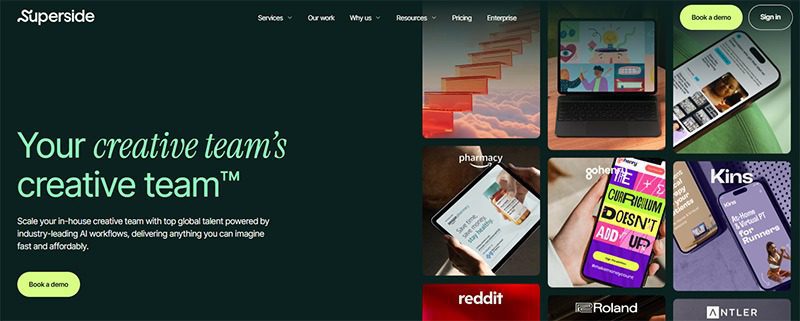
Also taking your unlimited design requests and revisions is Superside. For a flat monthly fee, you can request ad creatives, social media graphics, illustrations, print designs, branding services, and more. It also offers specialized services, including video production, motion design, immersive design, and email creation, to name a few.
DotYeti
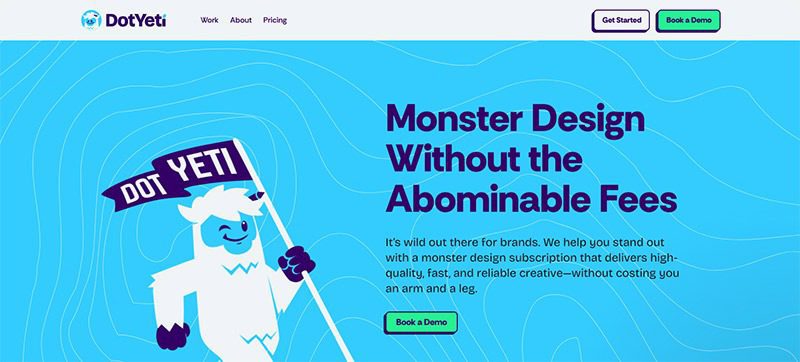
Promising “monster” unlimited graphic design services, DotYeti is another design-as-a-service platform you can consider. Having worked with over 300 startups, SMEs, and enterprises, it has achieved a 98% client satisfaction rating across over 15,000 designs.
Casino 400
888 casino willkommensbonus
Cadoola casino review
BDMBet Sito web ufficiale 450 di bonus + 250 giri gratis
Built for long-term growth, Pinco Casino secures its dominance through the 2025–2026 evolution

How Marketing Optimization Tools Level Up Your Marketing Game

Top 10 Presentation Software To Use in 2026
Top 10 Presentation Software To Use in 2026

10 Best Startup Software for 2026 Every New Business Should Use

Top 10 Social Media Scheduler Apps to Automate Your Postings
How Marketing Optimization Tools Level Up Your Marketing Game

What’s the Best Graphic Design Service for Fast Turnaround

What’s the Best Graphic Design Service for Brochures & Flyers?

What are the Best Kimp Alternatives?
 Technology5 days ago
Top 10 Presentation Software To Use in 2026
- Business5 days ago
How Marketing Optimization Tools Level Up Your Marketing Game
- Uncategorized3 days ago
Built for long-term growth, Pinco Casino secures its dominance through the 2025–2026 evolution
- Uncategorized1 day ago
BDMBet Sito web ufficiale 450 di bonus + 250 giri gratis
- azurcasino7 hours ago
888 casino willkommensbonus
- cresuscasino11 hours ago
Cadoola casino review
- cresuscasino2 hours ago
Casino 400