Technology
Top 10 Digital Cameras for Beginners


While digital cameras are fairly easy to use, finding one suitable for beginners is still a good recommendation. If you’re in the dark about where to find them, here is a list of the best digital cameras for beginners:
1. KODAK SMILE Instant Print Digital Camera
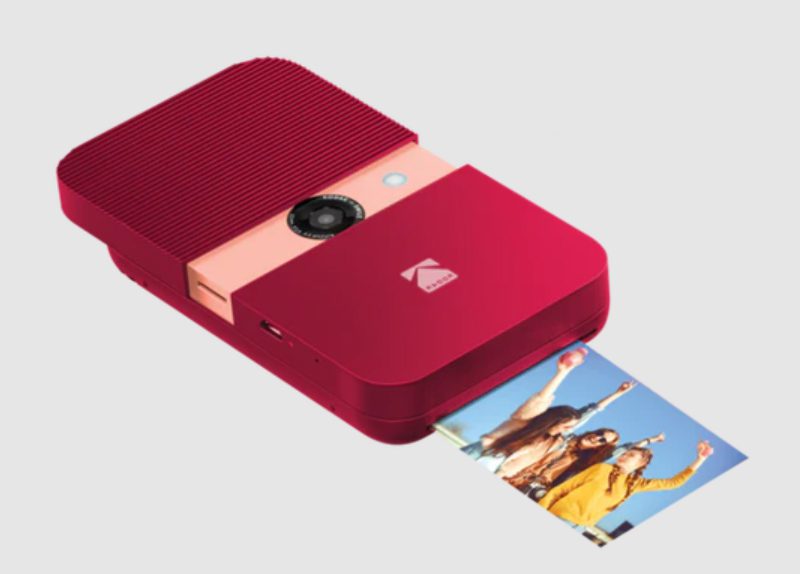
Small and lightweight, the Kodak Smile Instant Print digital camera is ideal for those new to photography. It lets you shoot good-quality photos in daylight and bright scenes. It has a controllable or automatic flash, focus, and exposure, making shooting easy for first-time photographers.
The Kodak Smile Classic has a sliding mechanism that turns it on and opens the lens and the controls. It has four filters: normal, vintage, monochrome, and aqua. Its prints are good enough to practice on as its quality isn’t for professional use.
2. Fujifilm FinePix XP140

An excellent option for beginners, the Fujifilm FinePix XP140 will also see you through as you get more experienced taking photos. It is ruggedly built as it is waterproof, freezeproof, shockproof, and dustproof. It features a 5x optical zoom and 4K movie recording capabilities.
This digital camera has a 16.4 megapixel back-illuminated CMOS sensor that lets you shoot images underwater or in low light settings. Its advanced SR auto mode automatically optimizes the settings as it detects the subject. Its battery allows for up to 240 images on a single charge.
3. Ricoh GR IIIx
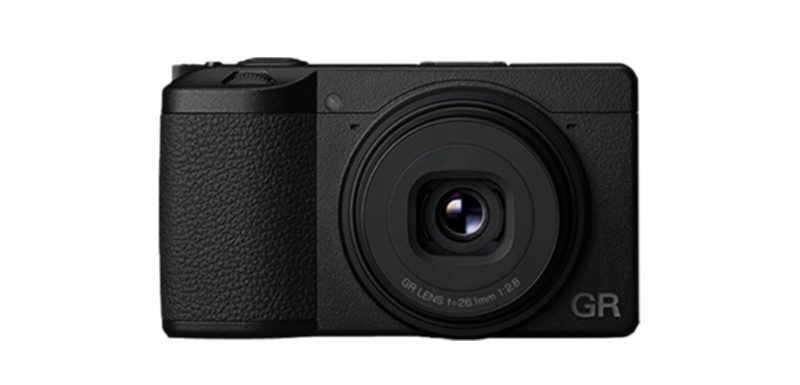
Small enough to fit in your pocket, the Ricoh GR IIIx is another great option for beginners. If you want to move forward with your photography journey, this camera is the ideal choice. It is simple for beginners but has advanced features that professionals can appreciate.
Its intuitive design will train you to use manual controls and produce high-quality images with its large APS-C sensor. This camera is perfect for street photography and casual walking as it does not feature weather sealing. Its built-in stabilizer and ND filter make it a good choice for landscape and travel photography.
4. Nikon D3500
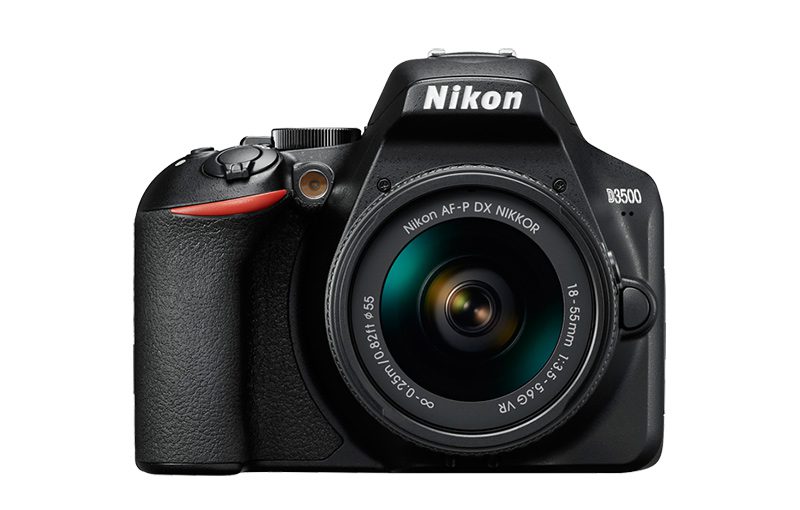
Described as similar to shooting with your phone’s camera, the Nikon D3500 suits beginners wanting to become pros. It has a Guide Mode that you can turn on for simple on-screen guidance. It has an auto mode feature that delivers fantastic results, whatever the situation is.
The D3500 has simple controls that won’t confuse newbies. You can just point, shoot, and, voila, pictures ready for sharing! You can download Nikon’s SnapBridge app to get your images to instantly appear on your smartphone or tablet.
5. Sony W800 Compact Camera
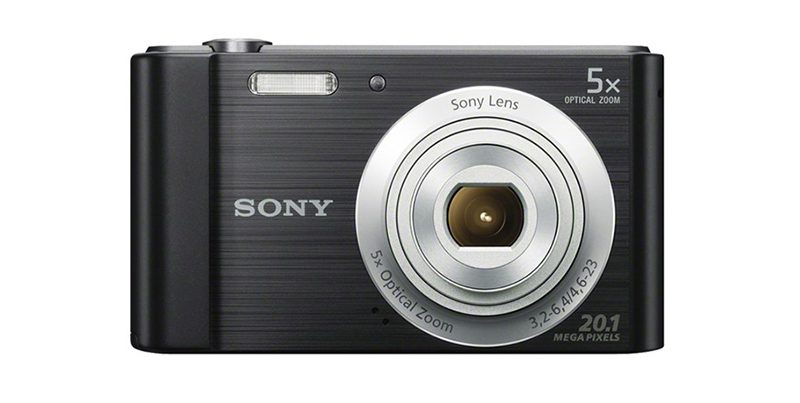
One of Sony’s most affordable digital cameras is the W800. At around $99, this camera is ideal for beginners because of its basic features and small and lightweight build. However, it has an impressive auto mode, several scene modes, panoramic shooting, and an ‘Easy’ mode that enlarges the icons to make it even easier to use. It has a 5x zoom lens, a 20mp CCD sensor, and a maximum video recording resolution of 720p (1280×720 pixels).
This budget option from Sony does not have some of the advanced features of other models, but it still has features not found on most smartphone cameras.
6. GoPro Hero10 Black
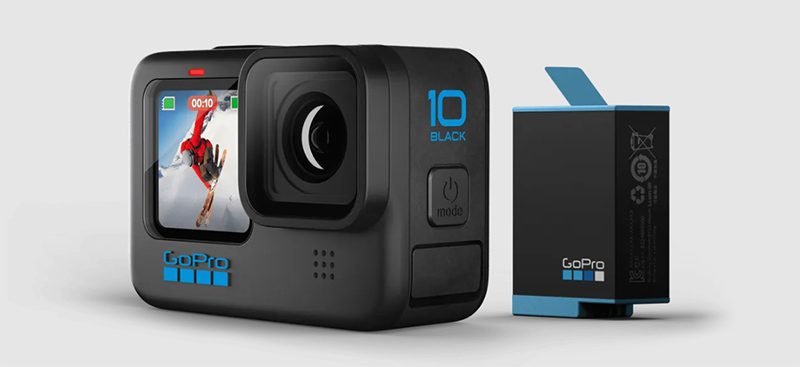
A good action camera, the GoPro Hero10 Black is another excellent option for those new to the photography scene. It has a user-friendly interface and easy-to-navigate menus that quickly prepare you for those once-in-a-lifetime shots. It has slow-mo frame rates and small image quality, making it a perfect camera for b-roll footage and outdoor adventures.
It has a 23MP 1/2.3 inch sensor and is waterproof for up to 10 meters, thanks to its hardier lens cover and water-repelling coat. Its small and compact size is excellent for helmet mounting.
7. Leica SOFORT 2
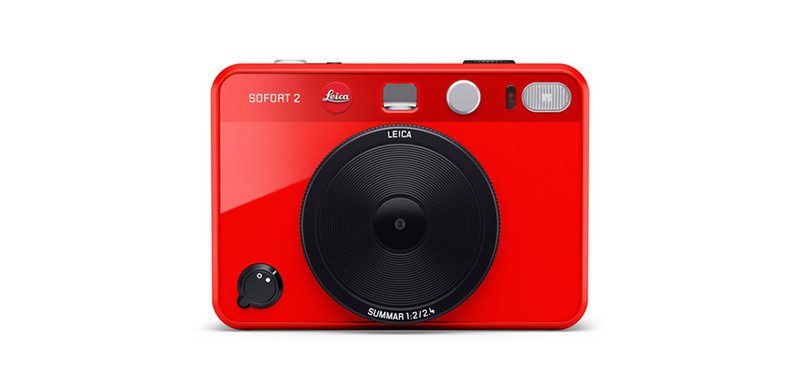
Designed to be easy to use, the Leica SOFORT 2 is a hybrid camera that looks stylish and sophisticated. It can take instant film pictures, so this is a great way to learn if you want to experience loading film to your camera. It lets you save images permanently through the Leica Fotos app.
The SOFORT 2 has a 1/5-in CMOS sensor and a printer that uses Fujifilm’s Instax Mini prints. It is equipped with a very thin pancake lens that is ideal for shooting wide-angle street scenes and pictures of large groups. It also has a second shutter button for quick and easy selfies.
8. Panasonic LUMIX DMC-TS25
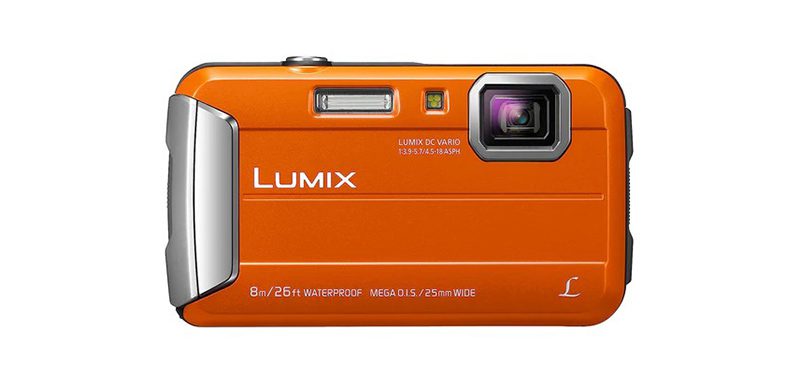
If you’re a beginner who wants to take pictures in wet and dirty conditions, the Panasonic Lumix DMC-TS25 digital camera is your best bet. It has a dustproof, shockproof, freezeproof, and waterproof compact and portable build. It has a 25-100 mm F3.9-5.7 4× zoom lens with a maximum aperture of f3.90 at 25mm.
The TS25 has optical image stabilizers ideal for low shutter speed scenarios. Its proprietary battery will give you a battery life of up to 250 shots. It also lets you record videos at a resolution of 1280 x 720 at 30 fps and save them in MPEG-4 formats.
9. Sigma fpL
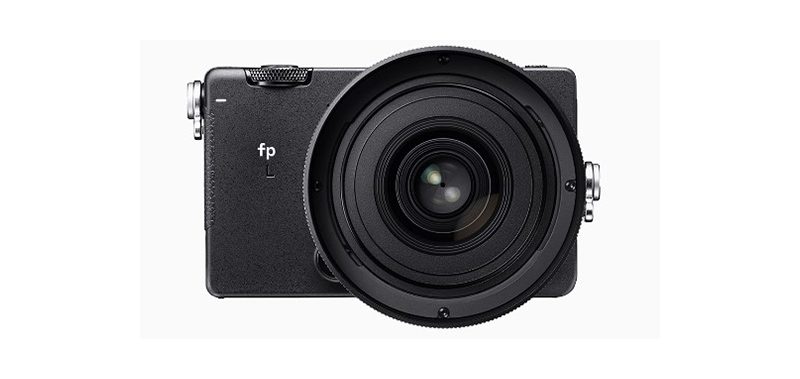
A high-resolution, compact, full-frame camera, the Sigma fpL is a user-oriented camera that is easy and fun to use. It has a flexible, adaptable, and lightweight build. It comes with a 61MP BSI-CMOS full-frame sensor, an on-sensor phase detector, a full-time silent electronic shutter, and twin control dials.
The fpL is packed with features that can be good if you don’t want to upgrade once you become more experienced in photography. It is well-equipped with features that allow you to record high-quality videos.
10. DJI Osmo Action 3
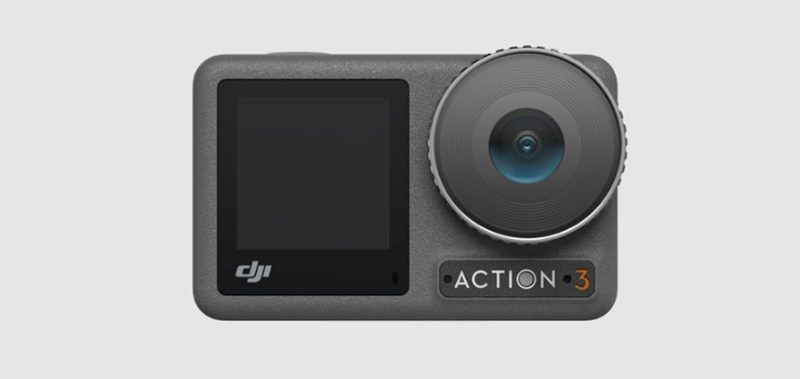
An excellent action camera, the DJI Osmo Action 3 has a rugged build quality ideal for shooting outdoors. It has horizontal and vertical mounting, front and rear parameter and playback controls, and a full-color touchscreen to take fast-action images. It has a wide field of view, long battery life, and is waterproof for up to 16m.
The Osmo Action 3 offers solid low-light performance, 4k resolution video recording capabilities, and color temperature calibration. It is also cold-resistant to up to -20° C (-4° F).
Conclusion
Starting your photography journey is easy with these top cameras for beginners. With the many options out there, finding the right one can be a tedious task. This list narrows down your options and helps you make an informed decision.



Wireless internet and digital platforms have become the norm for managing businesses, driven by the widespread use of smartphones, laptops, and tablets. So, it comes as no surprise to see the demand for apps growing even more. If you want to create your own, here are the top 10 app development software that can help you create a stunning mobile app for your business.
1. Quixy
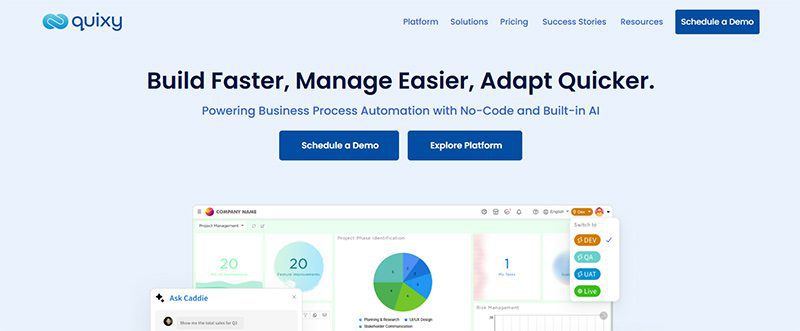
Businesses use Quixy’s cloud-based no-code environment to empower their consumers. The goal is to automate workflows by developing applications based on their needs. And everything is done without writing any code!
Quixy helps eliminate manual processes and translate ideas into applications. It assists business to become more transparent, innovative, and productive. Through the platform, users can either develop an app from scratch or customize the pre-made apps from the Quixy app store in minutes. Quixy has several drag-and-drop forms, including a rich text editor, e-signature, QR-Code scanner, and Facial Recognition widget.
Pricing:
- Contact the sales team to request a quote.
2. Zoho Creator
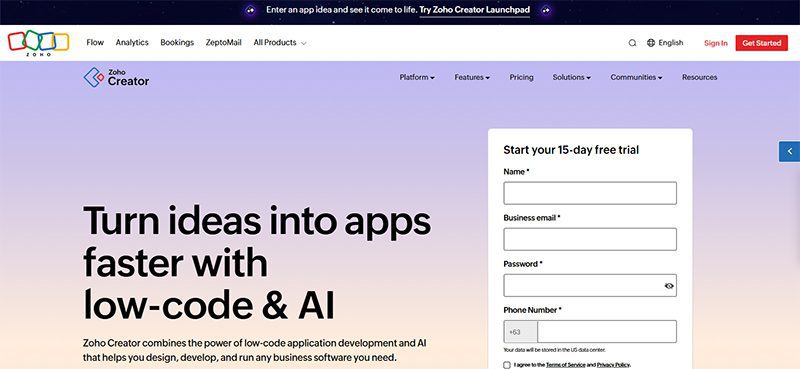
Zoho Creator is a low-code platform that fuels the fast development and delivery of web and mobile applications. Like Quixy, there’s no need to write endless lines of code to build an application. Some of the key features of Zoho Creator are AI, cloud functions, JavaScript, third-party integrations, multiple languages, offline mobile access, and payment gateway integration.
Zoho Creator promises to remove about 90% of the complexities in the application development lifecycle so that you can create the apps you need without too much trouble. From conceptualization to launch, Zoho helps you focus more on features, business value, and the customer—not code.
Pricing:
- Free 15-day trial
- Standard – $12/user/month
- Enterprise – $37/user/month
- Flex – contact them for pricing
3. AppyPie
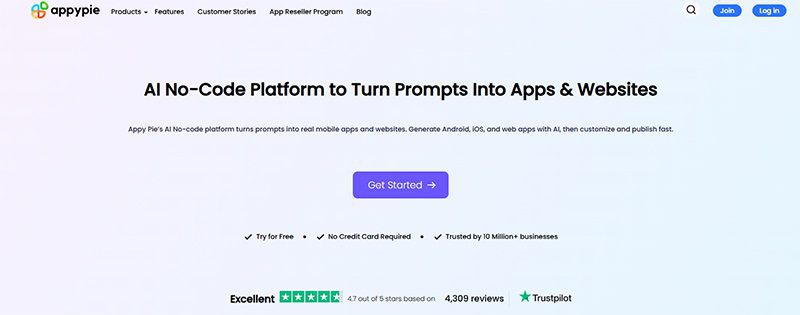
AppyPie allows you to build apps for multiple objectives. It has several app builders, covering payment app builders to worship app creators. Plus, you do not worry about resubmitting the app after making some modifications.
ApplePie can create apps for small businesses, restaurants, real estate radio, and much more. AppyPie’s no-code technology is precisely what it sounds like: programming without coding to build enterprise-grade applications.
Pricing:
- Free trial
- Basic – $16 /app/month
- Gold – $36 /app/month
- Platinum – $60 /app/month
- Enterprise – Price varies, contact the sales team
4. Google AppSheet
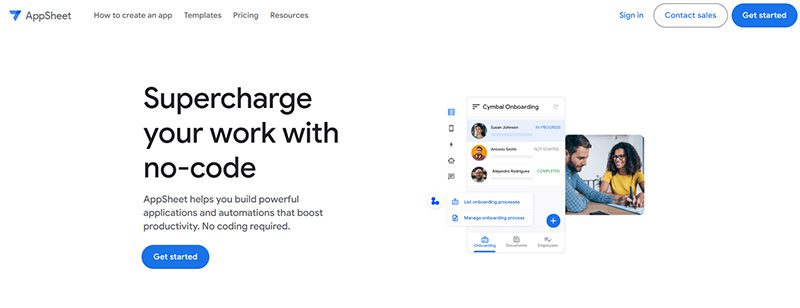
AppSheet is a trustworthy no-code platform, which means anyone can build powerful mobile and desktop apps minus the codes. With AppSheet, you can deliver an app that is rich in functionalities. It also provides shared innovation, team collaboration, security and governance, and lifecycle management for enterprise clients.
Pricing:
- Starter – $5/user/month
- Core – $10/user/month
- Enterprise Plus – contact the sales team to request a quote
5. Appery.io
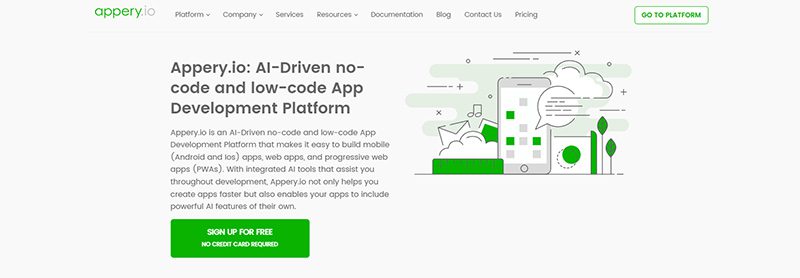
Our next app development software is called Appery.io. It is a low-code app development software for developing hybrid mobile apps, web apps, and progressive web apps (PWAs). Apps created through Appery.io work well with all devices and platforms. Aside from that, Appery.io helps you integrate your existing backend with your app. It also allows instant import and uses backend services in the app builder.
Pricing:
- Beginner – $25/month
- Pro – $70/user/month
- Team – $135/month
- Enterprise – contact them for pricing
6. Buildfire
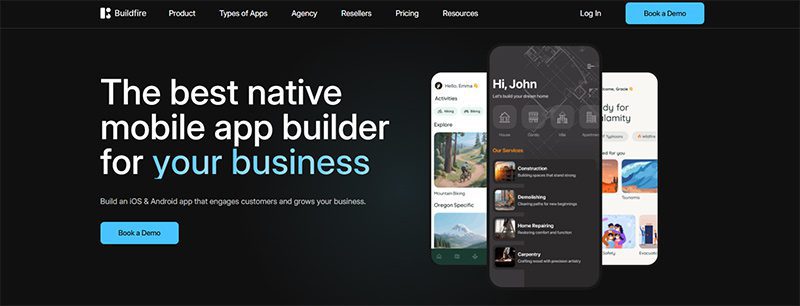
An excellent platform for small and medium-sized businesses, Buildfire helps you build native iOS and Android apps. You don’t need to have programming knowledge, thanks to its drag-and-drop builder. It has premium features, including a plugin marketplace, push notifications, analytics, media streaming, loyalty programs, and e-commerce integrations.
Pricing:
- Standard – $165/month
- Growth – $315/month
- Scale – $440/month
- Professional Services – Book a demo
7. UI Bakery
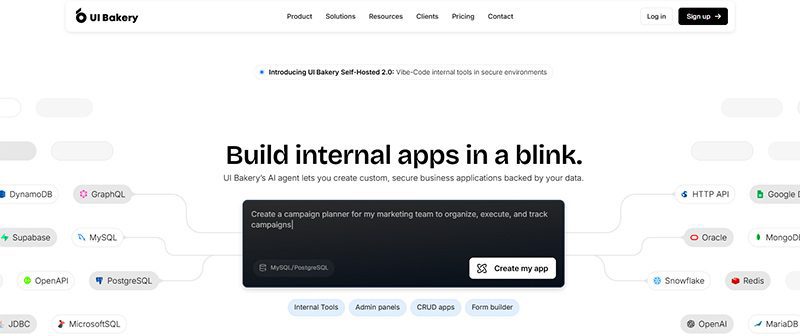
A modern low-code platform, UI Bakery can help you build stunning web and internal apps easily and quickly. It has an intuitive drag-and-drop interface, AI-assisted workflows, and seamless integration with popular databases and APIs. It also lets you design responsive applications without the heavy coding. If you want to create dashboards, admin panels, or full-fledged apps, this is the software for you.
Pricing:
- Free
- Builder – $25/per month/developer
- Team – $35/per month/developer
- Enterprise – contact them for pricing
8. Shoutem
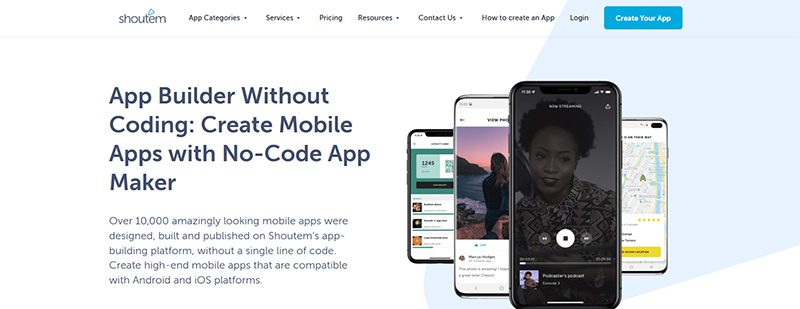
Shoutem is a Mobile App creator for small to large businesses. The app provides a drag-and-drop designer with a re-publish feature that is free of charge. Likewise, it can give you a preview in the native preview app.
Pricing:
- Android – $59/month
- Standard – $99/month
- Professional – $179/month
9. AppInstitute
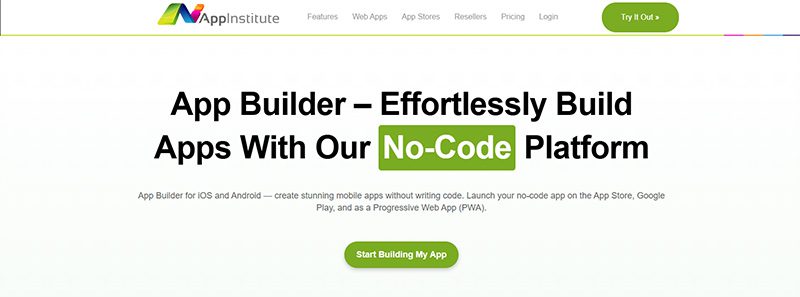
AppInstitute enables you to create apps for small businesses, including beauty salons, radio stations, sports and fitness, coffee shops, and more. It has a drag-and-drop app builder. It guides launching, promoting, and marketing your apps.
Pricing:
- Instant – $49/month
- App Stores – $99/month
- App Stores Premium – $149/month
10. Caspio
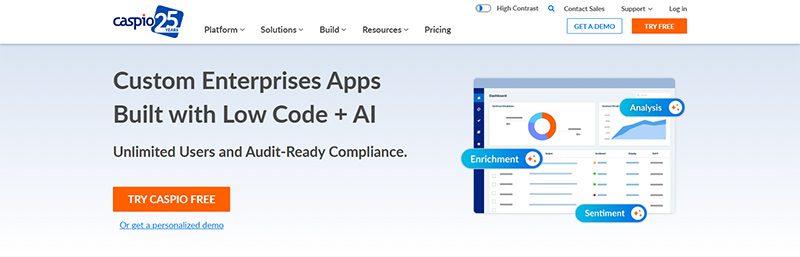
Caspio is a low-code app development platform designed for SMBs. It is an all-in-one platform for creating database applications with features of a visual application builder and a robust cloud database. Moreover, it is a powerful, secure, and compliant platform that provides interactive web-based reports. That said, it’s time to bid goodbye to obsolete systems and start building modern cloud-based applications for your business. With two decades of expertise, Caspio accelerates digital transformation for companies, industries, and organizations.
Pricing:
- Lite – $100/month
- Plus – $300/month
- Business – $600/month
- Enterprise – Contact the sales team
Conclusion
We hope you found the app development software that provides sufficient templates and features for building your app. However, creating a complicated app using a single builder is not always practical. You can develop several apps utilizing software that contains all the necessary features. And if you’re a startup company, consider getting the best startup software to build your online presence. This way, you’ll get the best value for your money.


Webinars are a powerful marketing tool you need to incorporate into your business. So, next time you’re hosting an event or demo for your clients, here are the top webinar platforms you can consider for 2026.
Before we list down the ten best webinar platforms of all time, here are some examples of webinars you can host:
- Customer onboarding
- Employee training
- Thought leadership
- Product demonstration
- Live classes
- Corporate communications
- New features
- Lead nurturing
1. GoTo
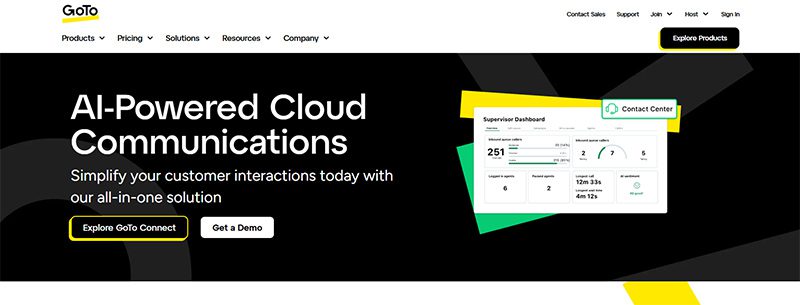
GoTo is an all-in-one video conferencing and webinar solution for many businesses and hosts. With GoTo, you can subscribe to one product at a time. That said, their webinar solution ensures security, enables personalization, and increases audience engagement rates. One reason webinar hosts love GoTo is its Stripe integration. That said, you can accept payments easily without subscribing to another invoicing app.
Pricing (billed annually):
- Reach (500 participants) – $69/mo
- Elevate (1,000 participants) – $299/mo
- Unlimited (Unlimited participants) Contact their sales team
2. WebinarNinja

WebinarNinja is the leading webinar platform for coaches and creators. This platform allows you to host a live, series, hybrid, and automated or evergreen webinar. Plus, you or your attendees won’t miss the webinar since they send automated emails for your upcoming events. In addition, you can engage audiences before or during the webinar with handouts, landing pages, chats, and audience presenters.
Pricing:
- Monthly billing – $0.60 per attendee/per month
3. My Own Conference
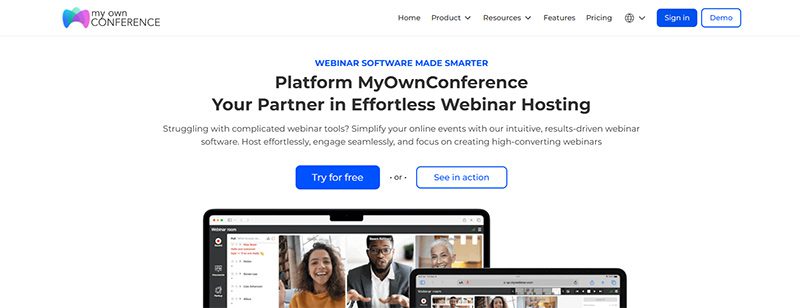
If you are hosting a webinar with fewer than 20 attendees and want to host it for free, My Own Conference is your best option. It’s a no-fuss choice because you won’t download any software and can schedule webinars anytime! Like other webinar platforms on this list, you can send an automated email about upcoming lessons or seminars anytime.
Pricing:
- Basic plan – Free
- Business plan – $28/month for 30 attendees
- Enterprise – Contact sales
4. Livestorm
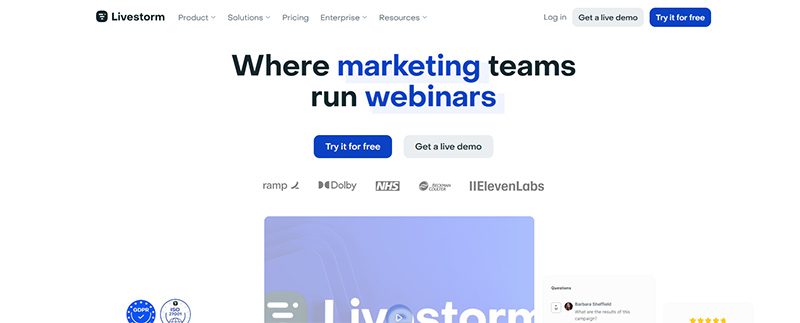
Livestorm is another webinar platform offering a free version. It’s limited, but it’s ideal for audiences of fewer than 30 people. Like other webinar platforms on this list, you can integrate Livestorm with apps, such as marketing automation and CRM software apps. Additionally, you can also customize your Livestorm webinars with branding and track your analytics.
Pricing:
- Pro – $105/mo
- Business – Contact sales
- Enterprise – Contact sales
5. Demio
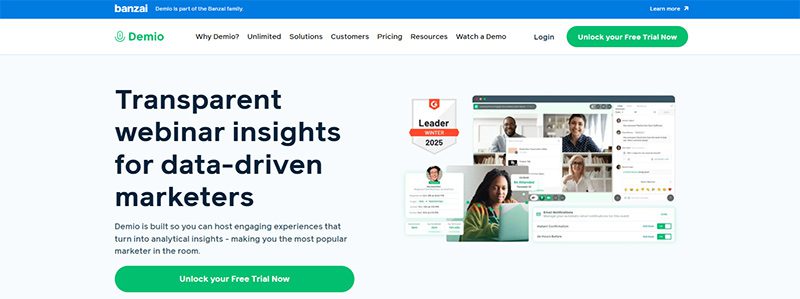
If you’re a marketer and are hosting a webinar, Demio is one of the best webinar platforms to use! With Demio, you can host a live, automated, or series webinar. You can customize Demio by adding your business logo and colors to maintain brand consistency anywhere. Plus, you can increase engagement rates with polls and handouts. Finally, you can monitor your webinar’s results with their tracking and analytics systems.
Pricing:
- Starter – $63/mo
- Growth – $117/mo
- Premium – $196/mo paid annually
6. Adobe Connect
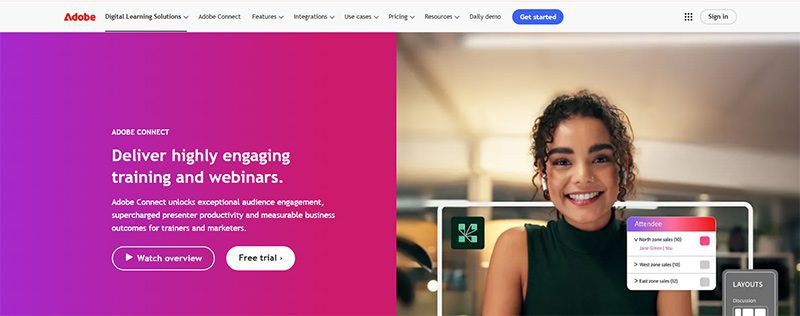
Adobe doesn’t just develop design and video editing software application. They also have a webinar platform, Adobe Connect, you can use to host events. In terms of features, they have the basics, such as polls, breakout rooms, chats, and integrations. However, Adobe Connect goes further with features such as drawing and annotations, templates, and asynchronous browsing. That said, Adobe Connect is steeper than most webinar platforms.
Pricing:
- Standard – $190 per year/per host
- Premium – $290 per year/per host
- Enterprise – $390 per year/per host
7. WebinarGeek

Here’s another webinar platform that doesn’t require a download when you use it. WebinarGeek lets you do everything on your browser, such as conducting live and hybrid webinars and co-presenting with other hosts. This platform is ideal for marketers since they have marketing integrations like Zapier, HubSpot, and MailChimp. However, creators, coaches, and teachers can benefit from the platform because of the engagement features.
Pricing:
- Basic – $81/month
- Premium – $116/month
- Enterprise – From $409/month
8. BigMarker
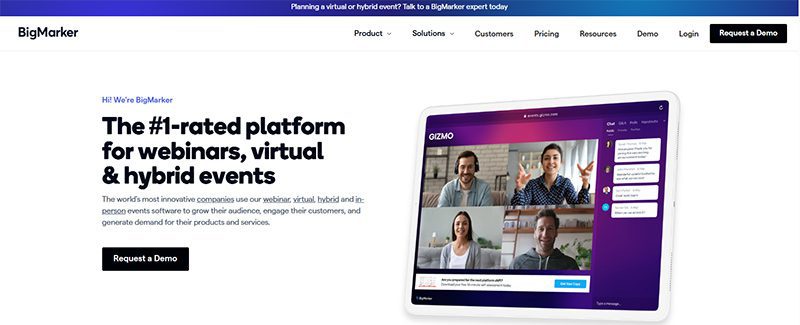
The final platform on our list is BigMarker. Once again, marketers and sales teams are the target audience for this webinar platform since it’s made to get more leads. Landing pages and registration forms make it possible. Plus, they can learn more about their potential customers through customer profiles and other marketing integrations. That said, creators can use BigMarker to host their events and invite attendees to their next event with their Call to Action feature.
Pricing:
- Basic (Up to 1000 attendees) – Request a quote
- Enterprise (Up to 10,000 attendees) – Request a quote
- Enterprise+ (Up to 500,000 attendees) – Request a quote
Final Thoughts
Webinars have increased in popularity because of accessibility and cost. For coaches and creators, they can engage with the audience even better through chats and downloads. Meanwhile, marketers can make the most out of webinars through tracking and analytics after talking to leads and customers. Luckily, for these creators, webinar platforms can help them achieve their goals and attract more audiences in different ways.

While many companies and small businesses struggle to capture their target audience’s attention amidst competition from giant brands, it’s clear that marketing needs to be taken up a notch. To do this, it requires marketing optimization tools to not only achieve marketing objectives but also generate leads. But how do you go about optimizing your marketing efforts and what tools can help?
1. Make Use of Data
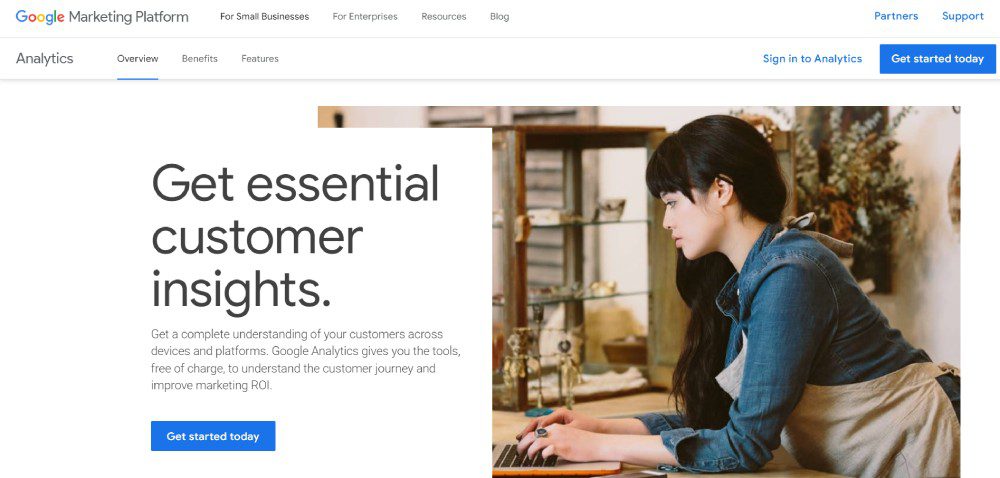
According to Hubspot, marketing in 2025 will heavily focus on data. That said, data will give you insights into your target audience. Plus, you can better understand how your business works better through data. Fortunately, many marketing optimization tools have data and analytics to help you reach targets.
If your strategy is understanding your audience better through data, Google Analytics is your best free option. With Google Analytics, you’ll know where your users are coming from and how many of them are visiting your website.
Another data-heavy strategy is social media marketing. After all, you don’t want your social media marketing efforts to go in vain. Although MeetEdgar is primarily a social media scheduler, it will help you understand which of your posts are doing great in engagement. Plus, you can make decisions regarding your other non-performing posts.
2. Focus on SEO
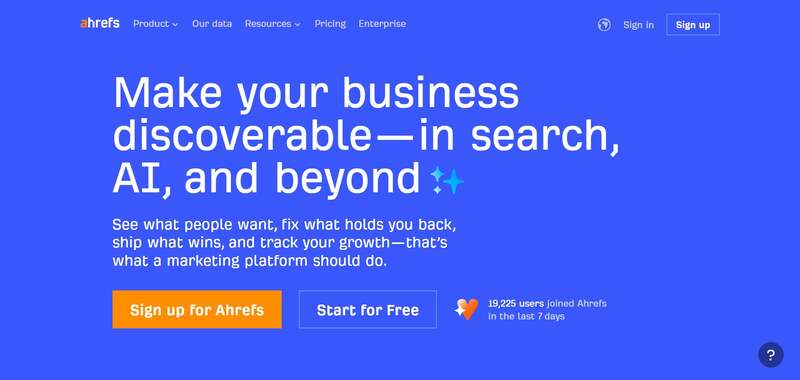
Data isn’t enough when optimizing your marketing campaigns or strategies. Marketing strategies are best served with the help of SEO. You shouldn’t overlook or underestimate the impact of what SEO can do for your business. After all, you want to drive customers to your website, right? SEO is your best bet in getting more clicks and visits. Plus, you can earn your place on the coveted first page of search engines.
With SEO, you don’t have to overcomplicate it. Plus, you don’t want to skimp on SEO, especially if you want visitors to flock to your site. You can use one simple tool to help you research keywords, explore your competitors, and track your progress. Ahrefs is one of the tools you should have in your arsenal. They have an all-in-one tool ready to help you learn about your content, links, competitors, and more!
3. Stay Active on Social Media
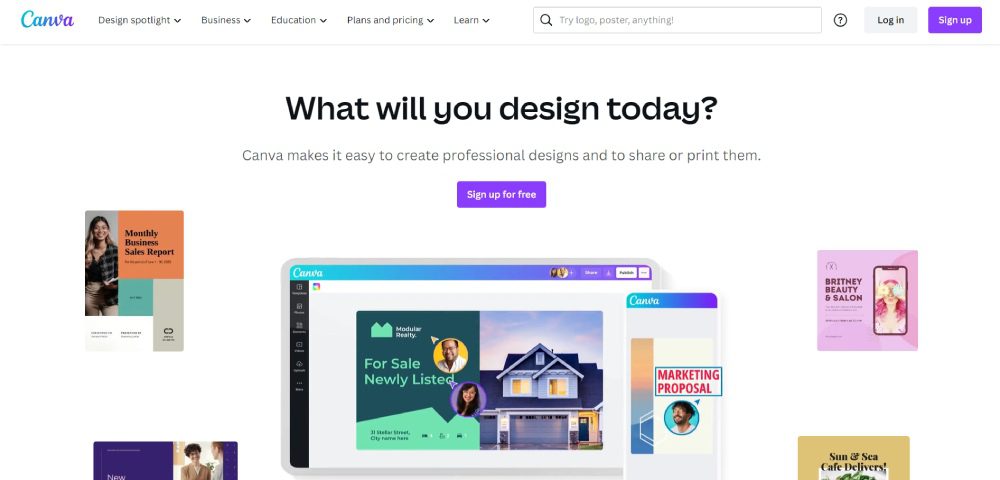
Social media platforms are the best places to reach your target audience. You can post on Facebook, Instagram, Twitter, and TikTok to engage with your audience and promote your products or services. But posting on social media requires constant efforts and well-thought-out strategies. You need to post regularly with the right content, copy, and visuals to attract your target audience. Content creation tools like graphic design software and video editors will help you meet your social media marketing goals.
Canva is the go-to for many marketers because of its ease of use and UI. Plus, you can make graphics in minutes. Meanwhile, Clipchamp is a trusted name in video editing. Marketers can use templates to create videos in a snap. Plus, they can make compelling videos by adding filters and AI voiceovers.
4. Keep Content Consistent
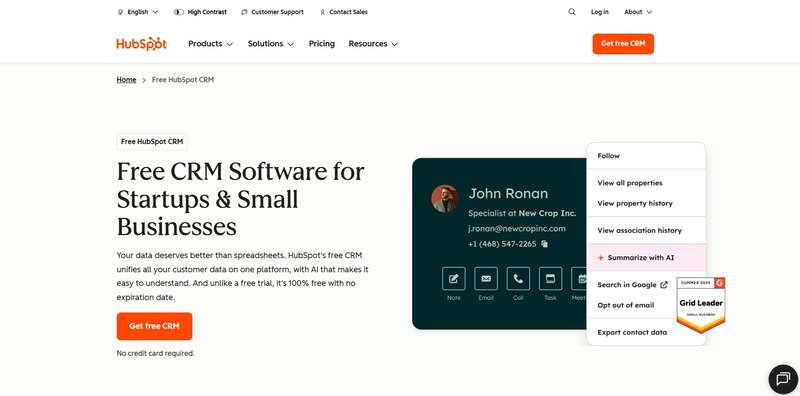
During the planning stages, it’s important that your content should also be ready before it’s published. If you are launching a marketing campaign, you need your visual assets and marketing copy prepared. But you don’t create for creation’s sake. You need to keep your messaging and visuals consistent on every platform.
You want to ensure that people across various channels view and interact with your campaign assets while getting your main message out.
There are a couple of marketing optimization tools for this strategy:
- Hubspot is the popular choice for content marketing since you can publish and schedule your blogs on this platform.
- Like with social media marketing, you need content creation tools. However, an alternative to content creation tools is unlimited graphic design and video editing services. For graphic design, you can rely on Penji. You can request your graphics in one place while you work on your company. Meanwhile, Video Husky is a trusted video editing service helping you with short-form and long-form videos.
- Email marketing is another content strategy you should consider when reaching your audiences. Mailerlite is your best bet in achieving your email marketing goals.
5. Research Your Competitors
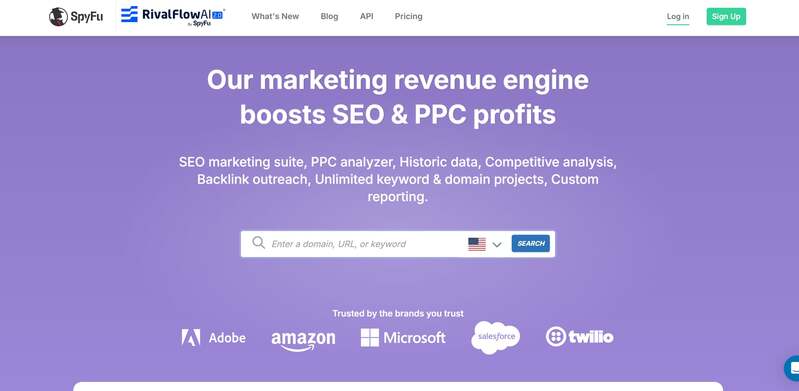
Aside from learning about your audience, you should also keep an eye out for your competitors. After all, you want to see how your target audience responds to their posts. Plus, you want to compare how different your websites could be. This will give you an idea of how to improve your posts and websites.
Although Ahrefs has a competitor research tool, an alternative to this is SpyFu. They specialize in analyzing competitor keywords, traffic, ads, and domains.
Other Marketing Optimization Tools to Use:
Marketing Automation
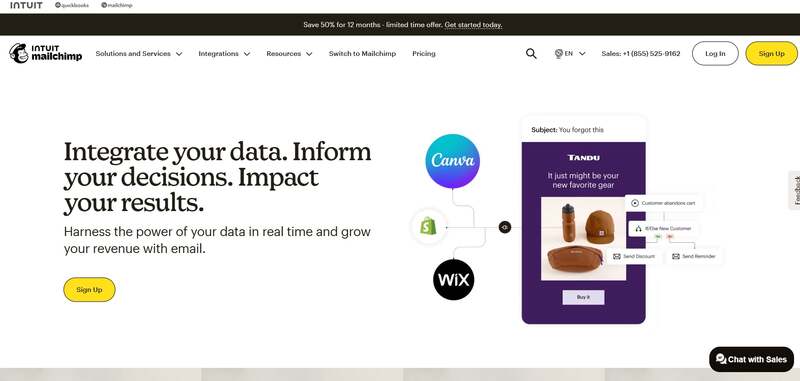
Marketing automation tools have been the go-to applications for most marketers. After all, marketing automation streamlines your work. Plus, you can leave it to the AI or other automated sequences to do your job for you. That said, there are tons of marketing automation tools.
One stands out from the rest, and that is MailChimp. Although known as an email marketing tool, they have a marketing automation feature by building relationships with your customers and ad retargeting.
Customer Relationship Management
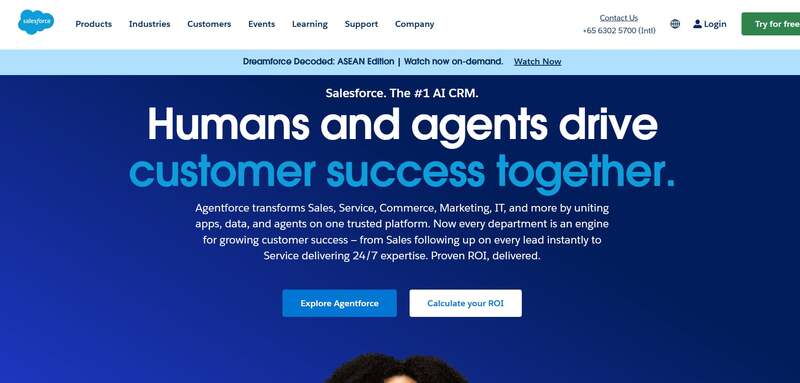
Customer relationship management (CRM) software is one tool you need to reach more customers. This works best if you have an email marketing strategy. And if you need a CRM tool, Salesforce is the highly recommended one. You can run your marketing campaigns on their software. Plus, you can nurture leads and provide the best customer experience.
Project Management
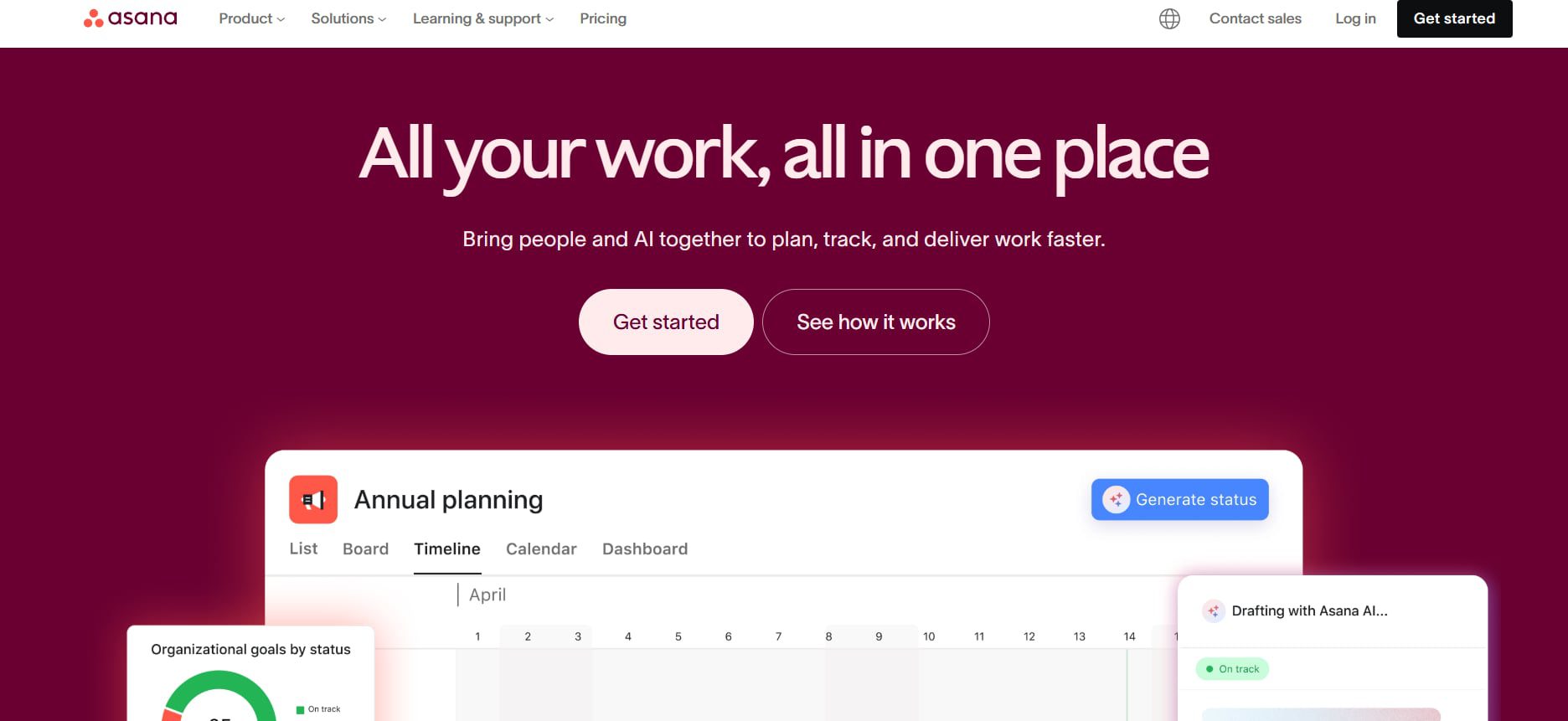
One overlooked marketing optimization tool is project management. You should use a project management tool to help you get on track with your campaigns. Asana is a must-subscribe project management tool for marketing. You can collaborate with your teammates, assign them various projects, and organize them for each strategy.
Final Thoughts
In the competitive landscape of 2026, optimizing your marketing strategy is no longer optional, it’s essential. It can be challenging to entice your target audience digitally nowadays, especially if you’re hesitant to use optimization tools. That’s why it’s essential to use them to help you achieve your marketing goals. And with the tools above, you can be on your way to reaching your audience and increasing your sales.

What’s the Best Design Agency in Detroit?

What’s the Best Design Agency in Boston? Expert Picks for 2026

Top 4 Best Blog Writing Services for Your Business

What’s the Best Design Agency in New York City

What’s the Best Design Agency in Houston?

Top 10 App Development Software That Help Create Stunning Apps