Business
We Used 99designs For Logos: Here’s Our Review

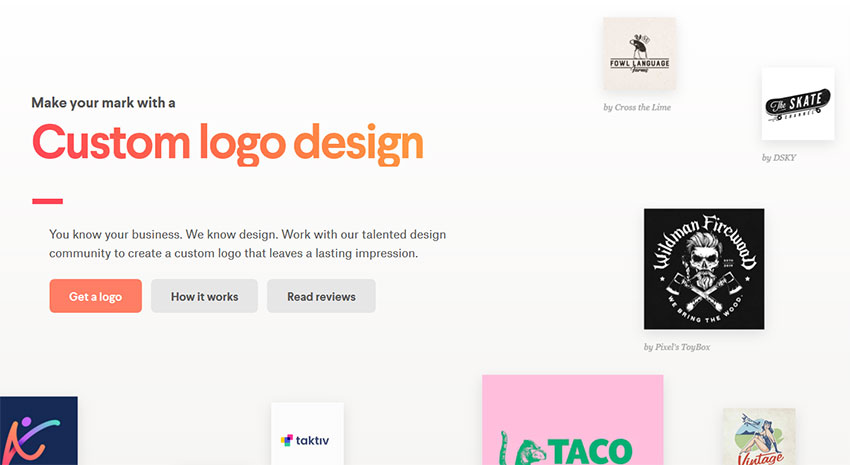
What is it like to use 99designs? We’re going to go through the process of creating a design contest from start to finish to show you what the entire experience is like, so you can decide for yourself if 99designs is for you. For this 99designs review, we’re going to follow all instructions given and document each step of our journey for you to see below.
For this test project, we’re going to submit a contest for Owner’s Mag logo to see if 99designs can interpret a better logo for us. The chances of me getting this approved and having the CEO change the logo is practically 0, but this will be a fun project that everyone in our office can contribute feedback to. It couldn’t hurt, right?
1. Creating our design project
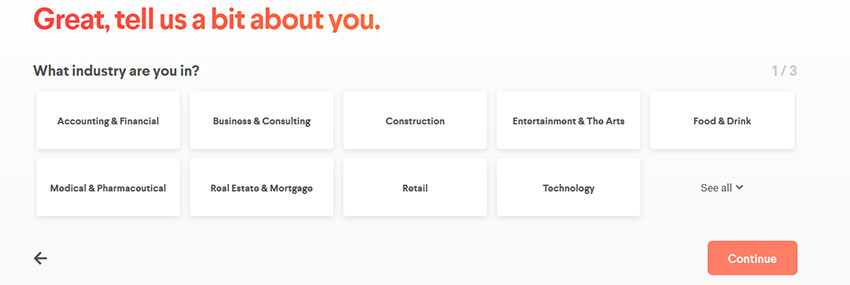
We went ahead and searched “Logo” and went through the process of creating the logo project. When selecting the business category, surprisingly there’s nothing related to digital publication, news, or publisher there. We went ahead and chose “Internet” as our category.
2. Choosing a name
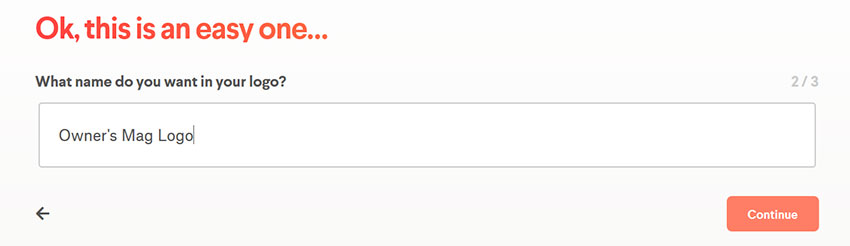
Now it’s time to name our project. We’re going to call this one “Owner’s Mag Logo Design”. Not sure if I’ll ever get the approval to change the logo, but it’ll be a fun project that everyone at the office can give input on.
3. Types of logo
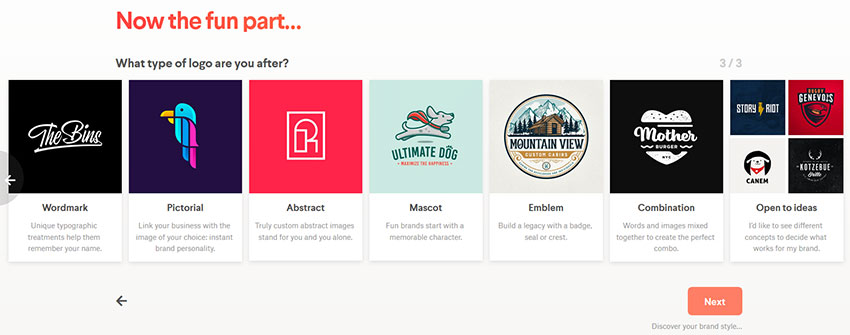
Logos come in all different shapes, themes, and types. They can be just a word logo, icons, abstract, or something unique with a mascot. Here’s where you can tell the 99designers what type of logo you want.
4. Choosing a style
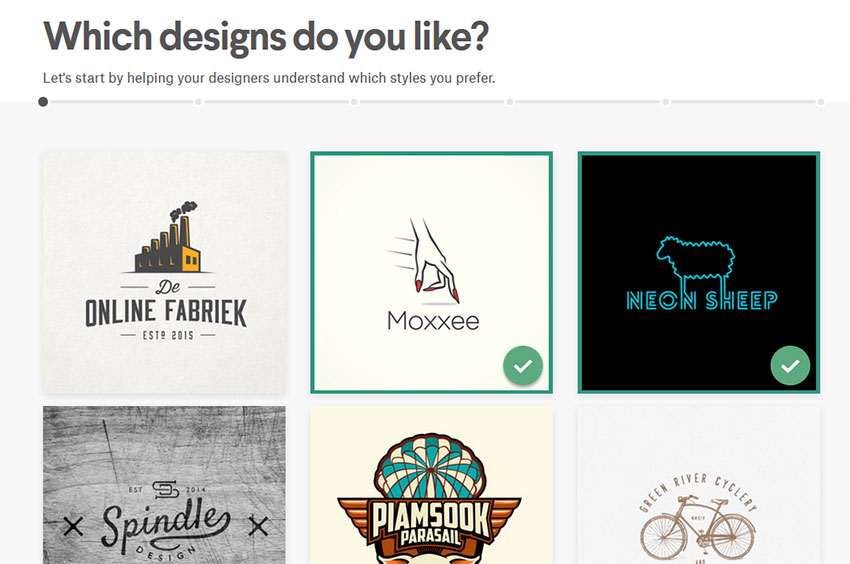
I like this section a lot. Sometimes it’s difficult to actually describe what you want. Here, you can browse through a long list of logo designs that cover a wide spectrum of styling. Select the ones that best fit your taste and it’ll give the 99designers a better idea of what you want.
I went ahead and chose a few text-focused logo, since Owner’s Mag is a text-only logo. The selected examples in the screenshot above aren’t the ones I chose.
5. Brand Style Meter
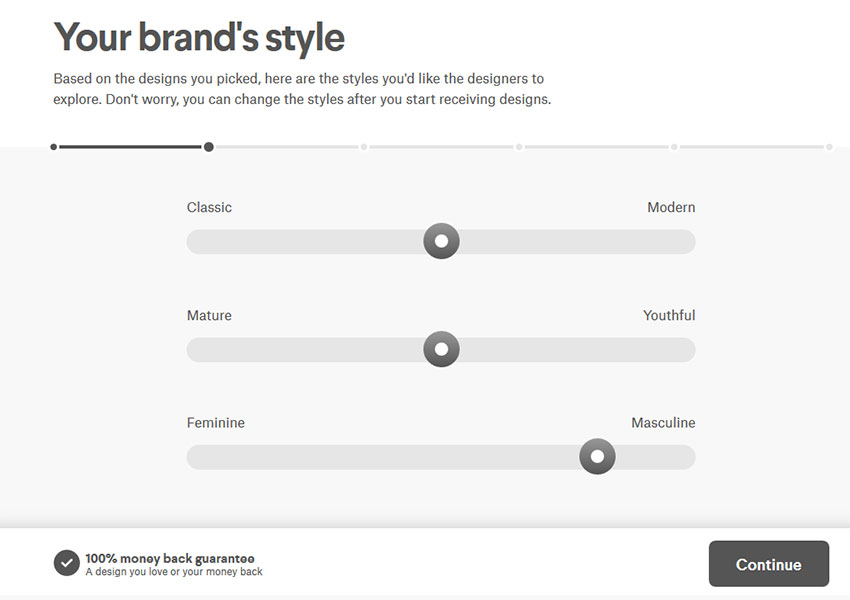
I’ll be honest, this section is a bit weird for me. On this page, 99design asked me to explain the style I want using different sliding scales. There’s more than the 3 listed in the image above. I personally had a hard time deciding if Owner’s mag logo should be “Classic” or “Modern”, “Mature” or “Youthful”. Femine vs Masculine I can work with. But the other categories aren’t intuitive for me.
6. Choosing Colors
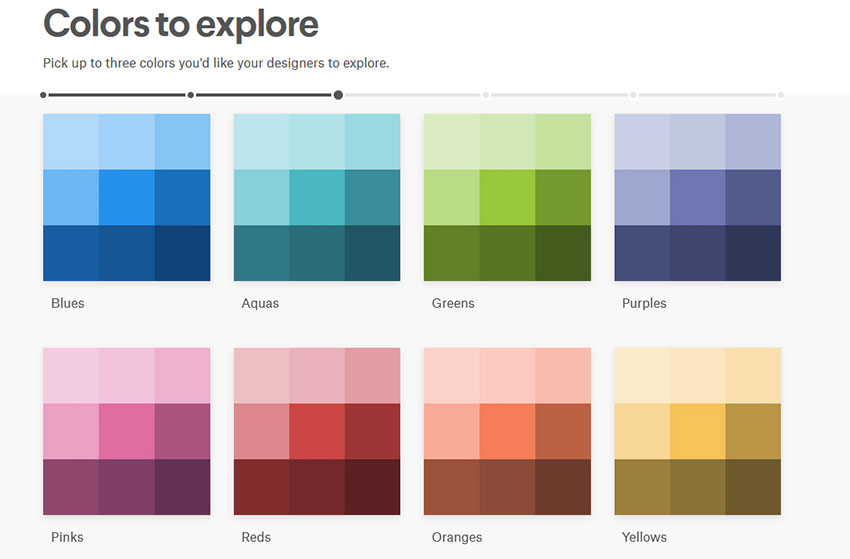
Now it’s time to pick our color preferences. I stuck with “Reds”.
7. Writing project brief
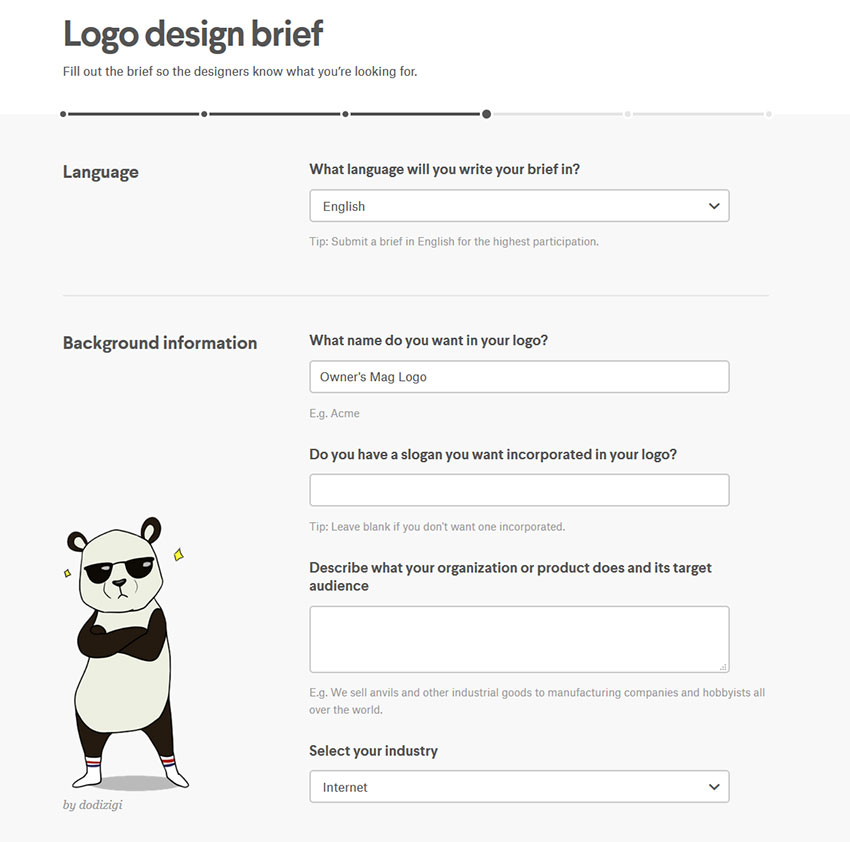
Filling out the project brief didn’t take too long. The questions were straight forward and all makes sense. It is odd that the project brief itself is this far down the process.
8. Choose your package
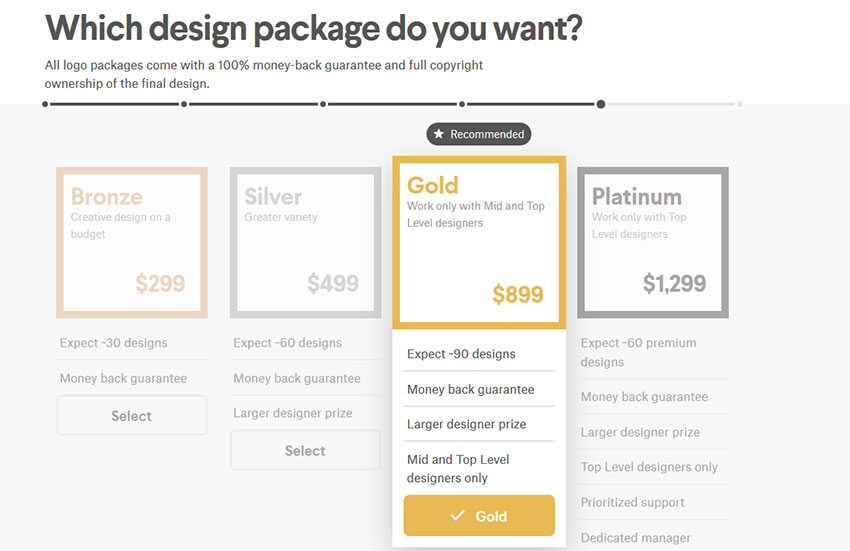
So far, we haven’t paid 99designs anything. Now it’s time for us to pick a tier for our plan. Although the Logo starts at $299, that’s actually for the Bronze tier. The higher tier you go, the more submissions and higher quality the work will be. Or at least that’s what 99designs promise.
For this, we chose the Silver $499 plan. We’ll be expecting about 60 designs to be submitted with this package.
9. Add-ons
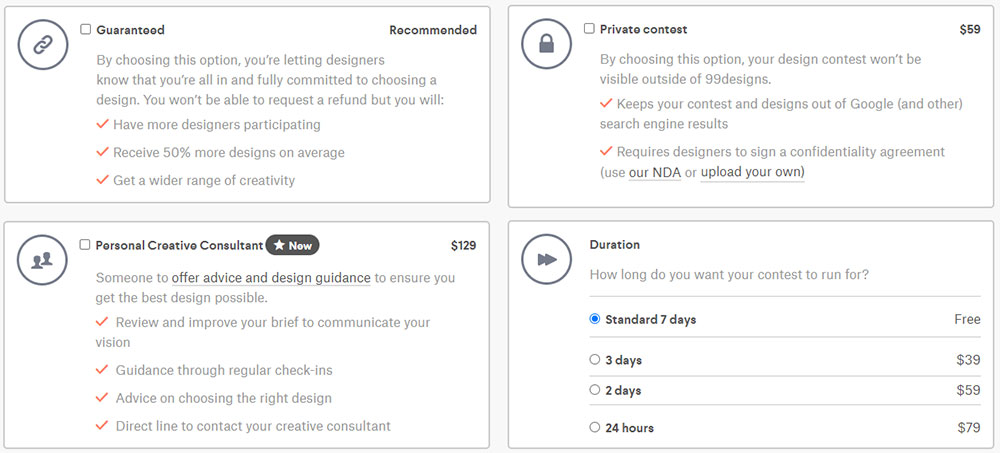
In addition to the $499 we’re paying for the Silver tier, 99designs will upsell us for a few things. Some of these I think makes sense, others I felt should be included in the price I’m paying.
Personal Creative Consultant ($129) actually looks like customer support to me. I’m not a designer. Of course, I will need some help through this process. I felt like this should’ve already been included in the price instead of being a $129 add-on.
Guaranteed doesn’t cost anything. But it will null your money-back guarantee. This ensures the designer WILL get paid if they make it to the final round. Because of 99designs’ pay structure, this makes your project much more appealing to designers and more will likely submit drafts if you opt out of their guarantee.
Private ($59), this came as a shocker. I didn’t know this would even be public. Why my project is even open to the public in the first place is beyond me. This doesn’t feel right. Paying $59 just so 99designs keep my designs private seems like a scare tactic for me to cough up more money. Not a fan.
Duration lets you pay a bit more for faster delivery. For this, I feel the prices are fair and it’s typical to pay more for expedited work anyway. You can pay $39 for 3 day instead of 4 day delivery, $59 for 2 days, and $79 for 1 day.
9. Complete! Now we wait…
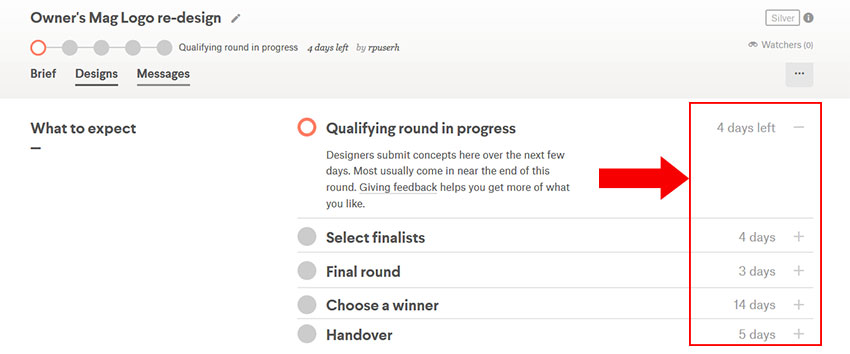
I opted to not purchase any add-ons for this review. Once paid, we’re redirected to 99designs’ dashboard where we can see the estimated timeline for the project. From today, it’ll take about 4 days for all of the designs to be submitted. Each day some designers will submit their work and on the final day, the round will be closed and we have 4 days to pick finalists.
The Designs Are In!
First off, I was very disappointed that we only received 17 designs instead of the promised 60. I contacted 99designs support about the issue and they claim that they don’t guarantee “60”, even though their pricing tiers clearly listed “Expect ~60 designs”.
Maybe the 17 designs we received are good? I’ll let you be the judge of that before we give our verdict.
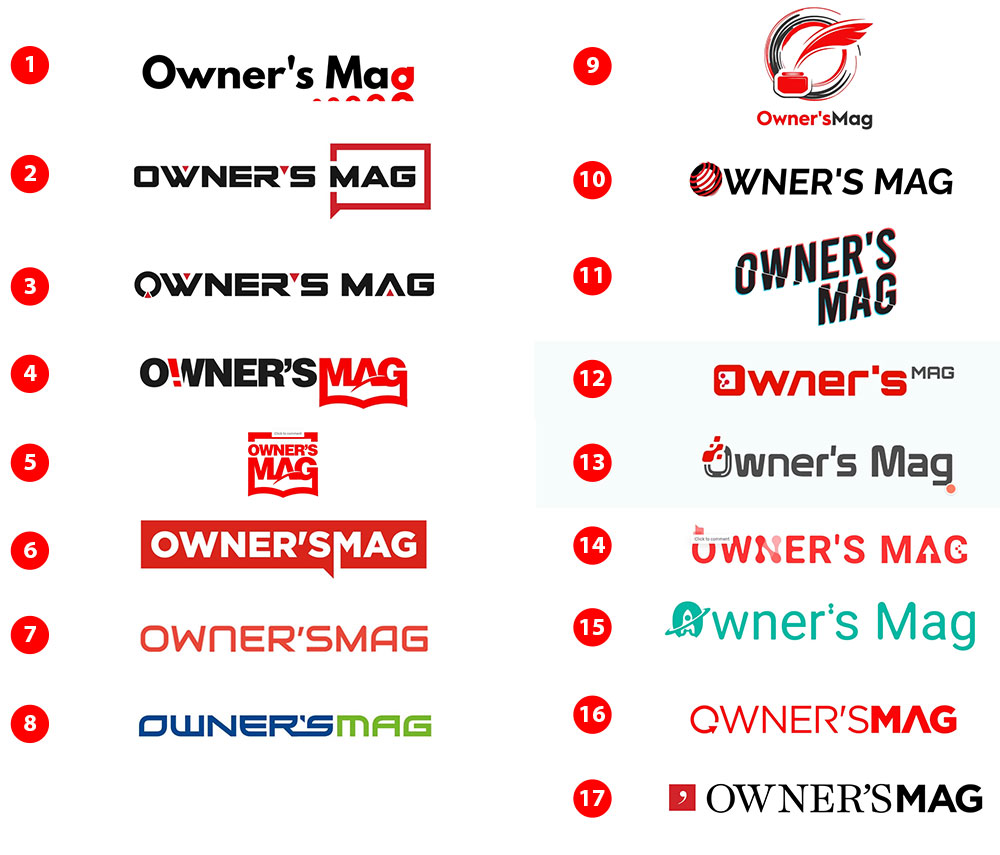
Here are the 17 designs that 99designers submitted to us after 4 days.
What does our office think?
We passed the designs around our office to get some initial thoughts. Most thought the designs were random and not aligned with any of the directions given. Some look templated. Others look like they just slap a random icon in front of the text and call it a logo.
Overall, none of us were impressed by the results thus far. We eventually picked #6 to give feedback just to move the process along, not because we love the design. We felt let down that only 17 versions were submitted since 99designs promised we’d get around 60 designs to choose from.
We submitted our revisions and now wait for our designer to spin something back to us.
4 days later…
We received new versions of logo #6 within about 3-4 days. Personally I wasn’t happy with the new versions, but I shared the new designs with the office. You can probably guess how we all felt about the new drafts. Results…were disappointing and not what we had suggested. At this point, we didn’t feel compelled to give any further instructions or move the project to the final round.
We’re not happy
We decided not to continue the project given we’re not happy with any of the drafts so far. Even revisions were still so far off what we would even accept. I understand graphic design is subjective, and that sometimes you just have a difficult client. I assure you, we’re not that difficult and was looking for a very simple logo.
It was hard for us to justify even moving to the final round given the designers barely followed our directions. We specifically asked them to design the logo using our RED, and some of them ignored it completely. We asked them to NOT use any icons and just keep it text-based, yet there were logos with random icons.
Getting a Refund
Our experience could be a unique case and your experience could be much more pleasant. We eventually asked for a refund and was met with another obstacle. You can’t get a refund on the website, they request a call to speak to you to “verify” your identity before releasing your refund.
This is an annoying step clearly put in place just to discourage refunds. I oblige and got on a call with a representative. The rep was understanding and didn’t try too hard to sell me, which I appreciated. Our refund was promptly processed afterward.
Final Verdict
Our experience with 99designs has been mixed. I like how intuitive the website is and how easy it was to get your logo project started. The biggest let down were the number of submissions we received (17 instead of the promised 60) and the quality of each design. You can judge for yourself. Looking at the logos submitted, I didn’t feel like we got even intermediate level designers. These just felt rushed, patched together, and overall unpolished work.
Giving revision was difficult because most of the designs were so far off base. I didn’t know where to start, except tell the designer to re-read my project brief and start over.
Overall, it wasn’t the best experience for us. We would’ve gladly paid an agency or a freelancer the same amount and get more dedicated care and attention to produce 2-3 good logos instead of 17 poorly design random logos.



TLDR: For scalable, high-volume, high-quality design without hiring hassles, Penji is your best bet. For deeply strategic, narrative branding work, go traditional with Contrast & Co, BB Agency, or ProDesigns.
Did you know design is responsible for 94% of first impressions? That means your design is the welcome mat for your soon-to-be customers.
Are you a startup or agency based in Space City looking to launch your design into the stratosphere? You need a design partner who can match your pace.
1. Penji
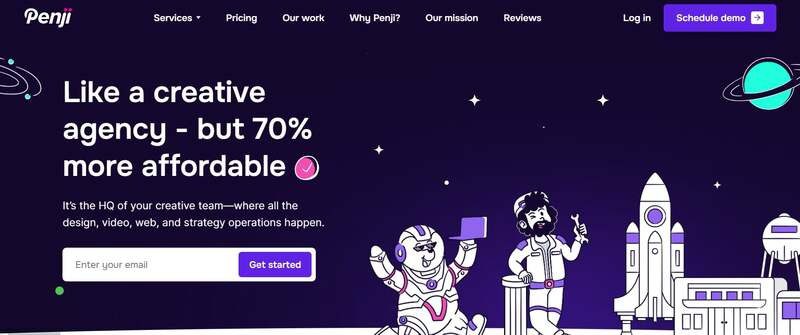
Welcome to the future of design. Penji combines the top 2% of design talent and AI tools for on-demand, monthly subscription, unlimited graphic design, illustration, and UI/UX work.
Get a whole team at your fingertips. Get drafts in 24-48 hours without having to hire a team or deal with inconsistent freelance pricing. From a quick social media graphic to a full web mockup, Penji keeps your project on track at all times.
Pros:
- Unlimited Requests: Submit as many projects as you want.
- Fast Turnaround: Drafts in 24-48 hours.
- Cost-Effective: Flat monthly fee, no hidden charges.
- Expert Designers: Access to top global talent.
Cons:
- Not Strategy-Focused: Best for execution, not long-term brand strategy.
2. Contrast & Co
If you’re looking for the traditional agency model with a little storytelling flair, Contrast & Co is the way to go. Although they’re based in Annapolis, they are experienced with many Houston clients and are known for building brands based on “radical differentiation.” They don’t just design; they tell stories.
Pros:
- Strategic Depth: Excellent for complex rebranding and brand positioning.
- High-End creative: Known for award-winning, narrative-driven visuals.
Cons:
- Cost: Their premium strategic approach often comes with a higher price tag ($10,000+ minimums).
- Timeline: Traditional agency models typically have longer turnaround times than on-demand services.
3. BB Agency
BB Agency works with SaaS and tech companies. They build businesses through thorough B2B branding and digital product design. If you are in the B2B tech space, their portfolio speaks for itself—clean, modern work which places UX at its core.
Pros:
- Tech Focus: Deep expertise in SaaS and B2B sectors.
- Holistic Approach: They handle everything from branding to development.
Cons:
- Niche: Their specific focus on tech might not be the right fit for consumer lifestyle brands.
- Budget: Project costs often range between $50,000 and $200,000.
4. ProDesigns
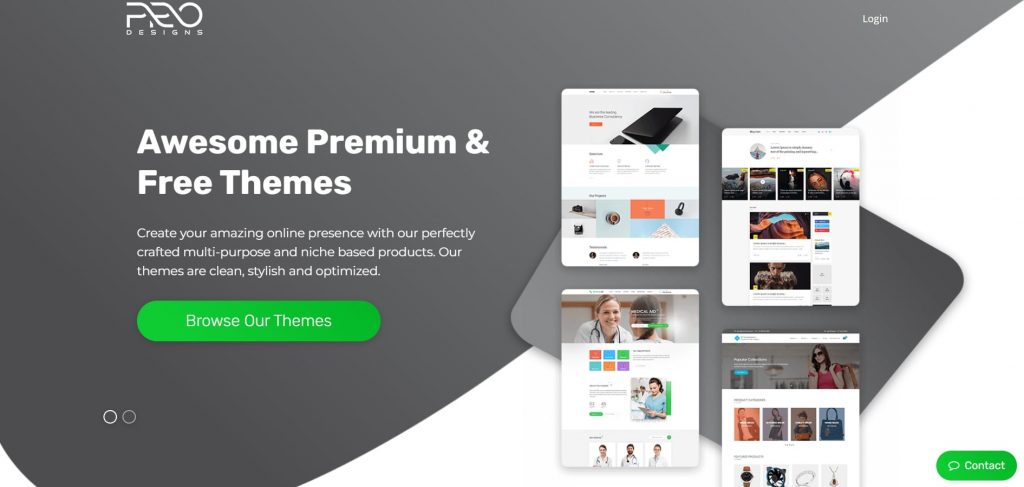
For businesses needing specific, project-based graphic design services, ProDesigns offers a solid middle ground. They focus heavily on logos, corporate design, and packaging. So if you need something created without a subscription or heavy retainer price, they’re great for local one-off projects.
Pros:
- Project-Based: Good for one-off needs like a logo or brochure.
- Affordable: generally more accessible pricing for small businesses compared to large agencies.
Cons:
- Limited Scalability: Managing high-volume, ongoing design needs can become costly on a per-project basis.
- Slower Feedback Loops: Revisions may take longer compared to a subscription model.
FAQs
How much does a graphic design agency cost in Houston?
Agencies in Houston typically charge $100–$175 per hour. Project costs range from $1,000 for small tasks to over $50,000 for full branding. Services like Penji offer a flat monthly rate, often much lower than a single agency project.
What is “design as a service”?
Design as a service offers a subscription model with a flat monthly fee for as much design work as you need for that monthly fee. Instead of paying per hour or project as normal with an agency, this is a way to ensure predictable budgeting and consistency with your design team.
Credit for cover image: Photo by Mikael Blomkvist on pexels

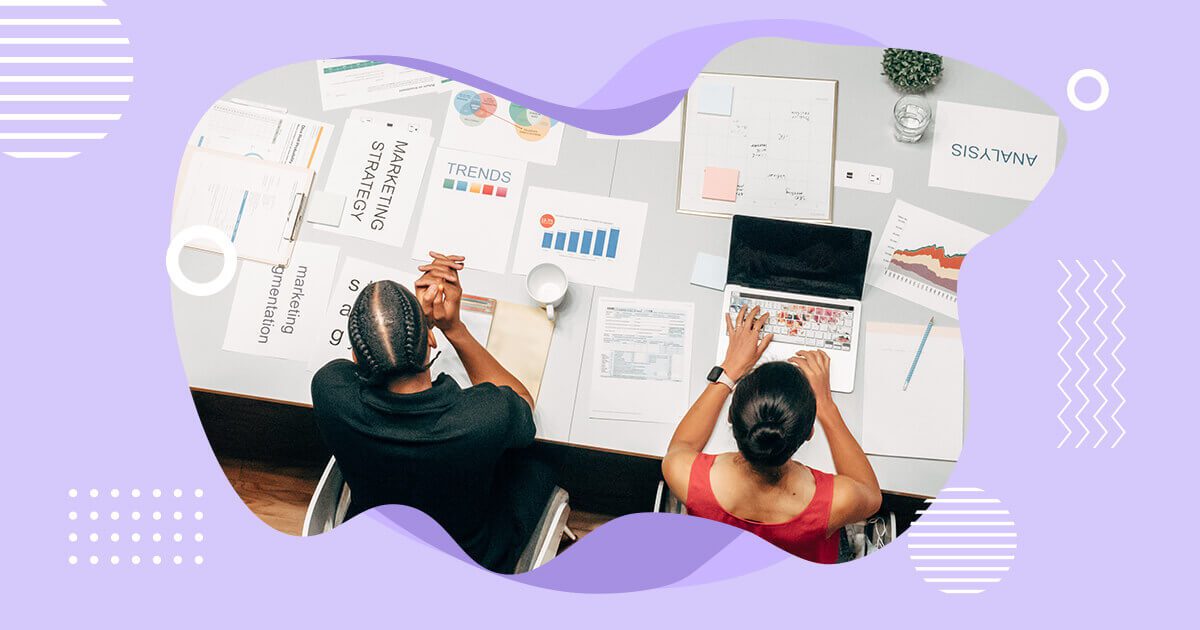
In today’s world, digital advertising is the most effective and efficient way to reach potential customers. Facebook advertising, in particular, has become a crucial tool for marketers to promote their brands, engage with their target audience, and generate a high return on investment (ROI). To stand out from the crowd, it’s crucial to implement the most effective actions. For this year, here are our recommendations for the top 10 Facebook ads strategy ideas you need to try:
1. Create Relevant Content
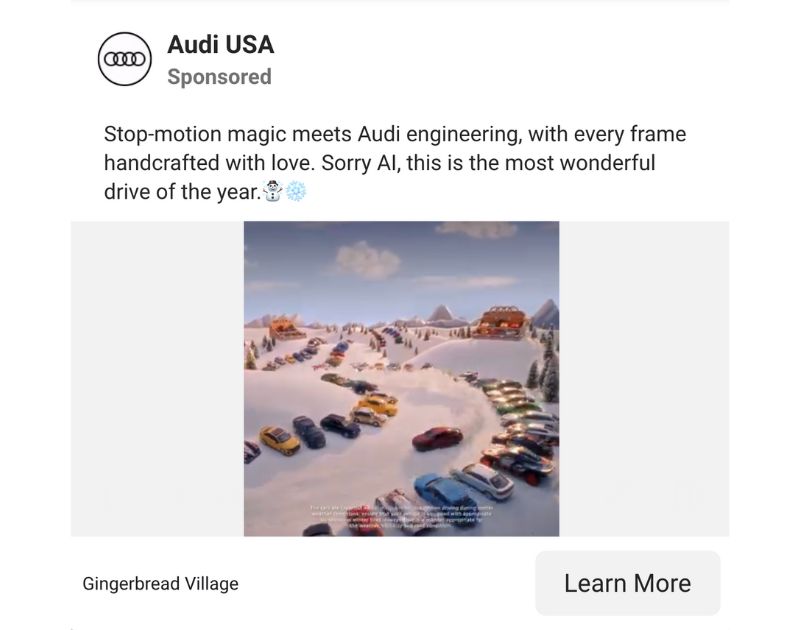
Topping our list is creating relevant content as one of the most effective Facebook ads and marketing strategy. Content tailored to your audience’s interests and needs increases engagement and builds brand awareness. This approach has been effective for years and will continue because it focuses on building a relationship between you and your audience.
Moreover, with the rise of ad-blocking software and decreasing attention spans, creating relevant content is more critical than ever. Creating informative, engaging, and valuable content for the audience ensures businesses that their ads are seen and welcomed by the audience.
2. Create Short-Form Video Ads (Reels & Stories)
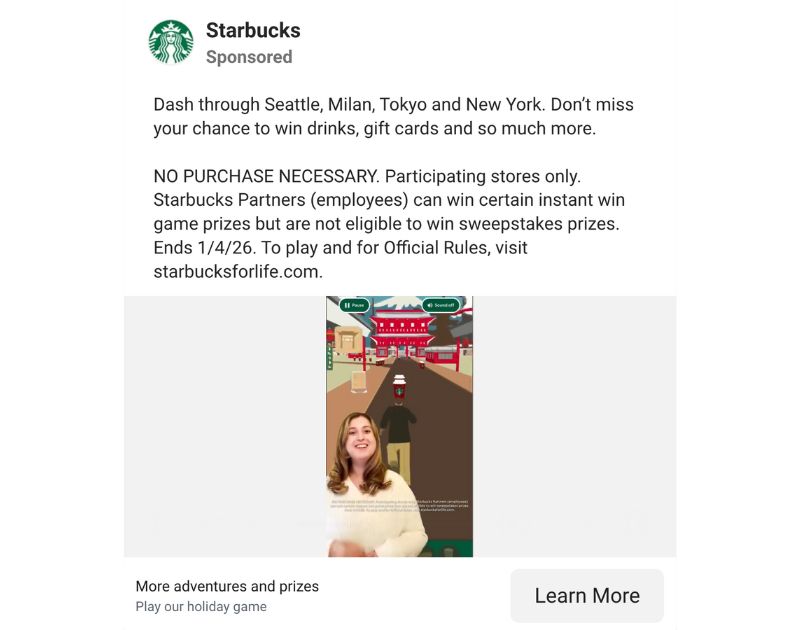
Over the past few years, we’ve seen the shift to vertical, sound-on, mobile-first consumption across Facebook and Instagram. That said, it’s best to adapt your Facebook ads to align with this shift, using Reels ads, Stories ads, and vertical in-feed videos.
To make a high-performing short video ad, include a hook in the first three seconds and use captions for sound-off viewers. It’s also a good idea to create native-looking content and have a clear CTA.
3. Personalize Your Facebook Ads
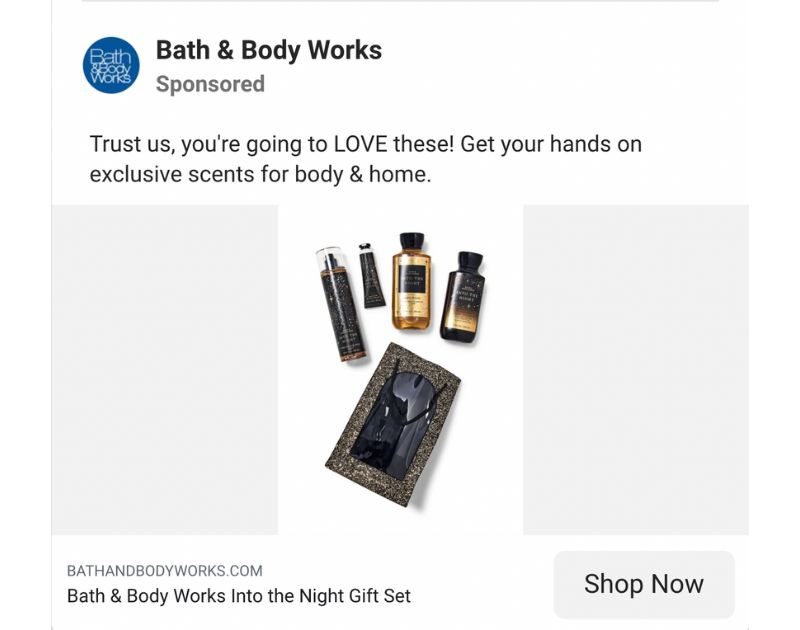
Creating personalized ads on Facebook is an effective strategy because they’re more targeted and relevant to your audience. Businesses can use data from user behavior and interests to provide content that resonates with their audience, leading to higher engagement and conversions.
Plus, personalized ads can help you build trust and brand loyalty by showing you understand and care about your audience’s needs and preferences. This approach helps establish a stronger connection with the audience, leading to increased advocacy and customer loyalty.
You can also explore Advantage+ automated creative, which now personalizes ads using AI.
4. Use Facebook Custom Audiences
Facebook Custom Audiences are essential in a effective Facebook ads strategy in 2026. However, there have been changes in the way they’re used and optimized. Today, Meta’s AI now does much of the heavy lifting.
With Advantage+ targeting, users can start with broad audience signals and allow Meta’s system to automatically expand reach based on real-time performance data.
5. Join the Facebook Video Ad Bandwagon

According to statistics, Facebook videos have 8 billion daily views. This is an excellent Facebook ads strategy idea as they are more engaging than static ads, capturing the audience’s attention and creating an emotional connection. Facebook’s autoplay feature ensures that the video will be seen, making it an effective way to increase brand awareness and drive sales.
Facebook recommends keeping video ads short and adding captions, as these ads increase view time by an average of 12%, making it a more effective strategy.
6. Consider Creating Facebook Custom Landing Pages
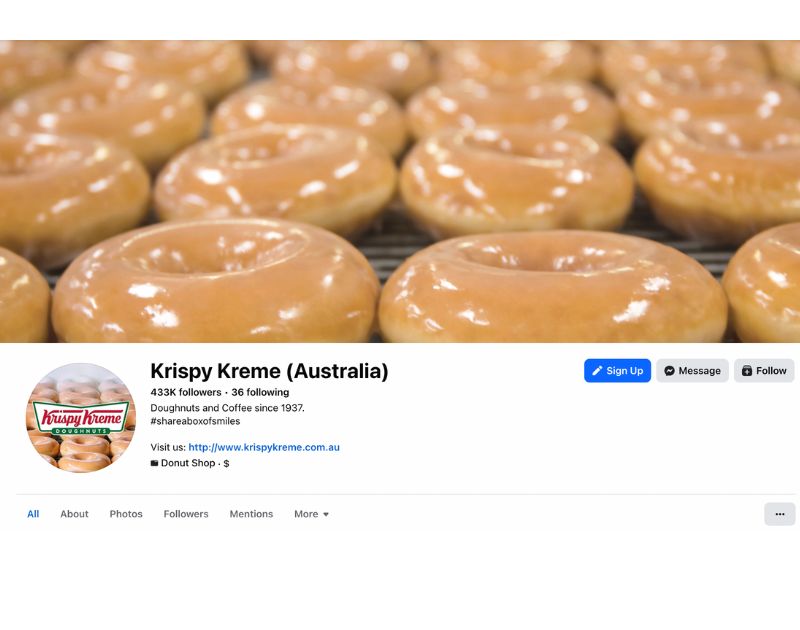
Another highly recommended Facebook ads strategy idea is to create a custom landing page. This means having a specific page for people to visit when they click on your ad instead of just using your website. Using a custom landing page makes it easier for people to take the action you want, like signing up for your email list.
It also ensures they don’t get confused or distracted by other information on your website. So, if you want more people to take action on your ad, a custom landing page is the way to go!
7. Always Think High-Quality
Having a broad reach of audiences, Facebook is also rife with advertisers, making differentiation a challenge. To work around this, you must always strive to create high-quality ads. Invest in producing the finest Facebook ads you can, as these will make your business look more professional and trustworthy. This, in turn, can increase engagement and conversions.
They also make your brand look better overall, leading to better brand recognition and customer loyalty. Ultimately, investing in high-quality ads can pay off with better results and a higher return on investment (ROI) for your Facebook advertising efforts.
8. Familiarize Yourself with Lookalike Audiences
Knowing about Facebook Lookalike Audiences is essential for creating effective Facebook ad strategies because it allows you to reach a larger yet similar audience to your existing customers. With Lookalike Audiences, Facebook will use its data to find people similar to your current customers based on their interests, behavior, and demographics.
This allows you to create more targeted and relevant ads for a group of people who are more likely to be interested in your products or services, leading to higher conversion rates and better return on ad spend.
9. Be a Facebook Remarketing Expert
Learning about the ins and outs of Facebook remarketing is crucial because it allows you to target people who have already shown an interest in your brand, reminding them of your business and increase conversions.
With Facebook’s remarketing tools, you can track potential customers’ behavior and customize your ad strategy accordingly, reaching those most likely to convert. By mastering Facebook remarketing, you can boost your advertising efforts and maximize your return on investment.
10. Hold Contests and Giveaways
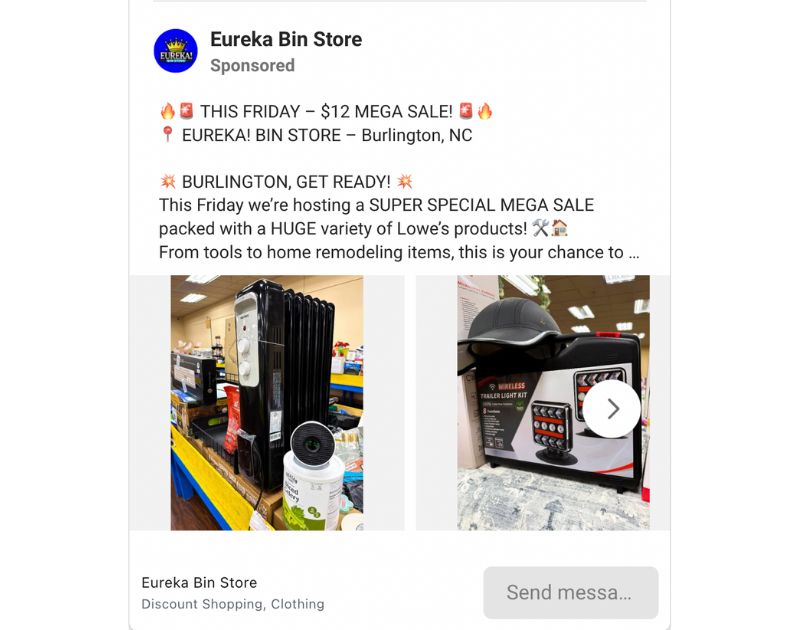
Contests and giveaways on Facebook have always been a great way to increase brand awareness, engagement, and lead generation. It encourages people to interact with your brand and share your content. They can also create a sense of urgency and excitement, driving more conversions and sales while providing valuable customer data and insights.
Holding contests and giveaways can help your business achieve short-term and long-term marketing goals. You can also explore shoppable events, live commerce promotions, and lead ad optimizations to enrich your campaigns.
Final Thoughts
To maximize your ROI in 2026, try implementing the top 10 Facebook ad strategies outlined in this guide. Standing out from the competition, engaging your target audience, and continuously improving your results, Facebook advertising can be a powerful tool for growing your business. It’s also a great idea to exp[lore Meta’s AI, which now helps automate creative, targeting, and placements.

Famous for its vibrant food scene, booming tech hub, and live music, Austin, Texas, also holds some of the best design agencies in the nation. For the coming year, you might want to work with the following agencies to boost your business:
Penji
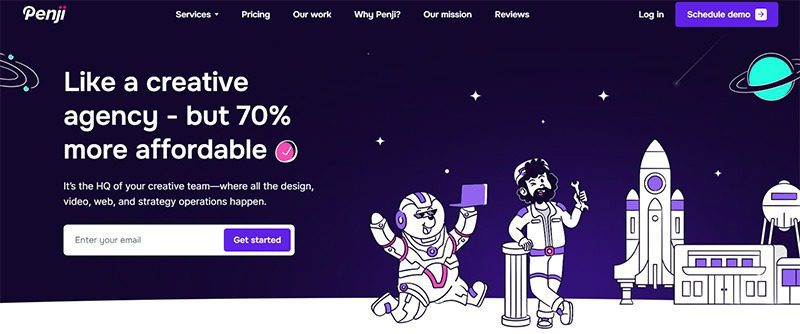
Known for its unlimited graphic design services, Penji tops this list of the best agencies in Austin. Its key services include branding visuals, infographics, social media graphics, custom illustrations, UI and UX design, and more. You can send requests for more than 120 design categories, all for a flat monthly rate. And the best part is its unlimited revisions feature, allowing you to get the exact designs you need without paying extra.
Pushstart Creative
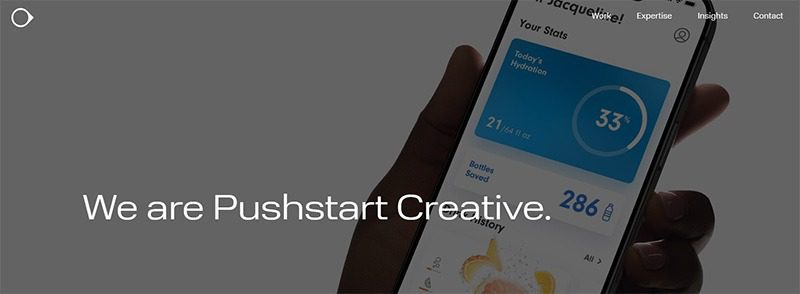
A multidisciplinary design agency, Pushstart Creative specializes in product and industrial design, user experience, research, and strategy. It has worked across various industries, most notably consumer and commercial IoT, consumer electronics, sports, and health and fitness.
Frank & Victor
Reflecting Austin’s creative spirit, Frank & Victor helps businesses resonate more deeply with their audiences. It promises to create branding and identity systems, strategic logo designs, UI/UX designs, and more, with premium quality designs and attention to detail.
Big Gorilla
With a focus on branding and identity design, web design and development, and marketing strategy, Big Gorilla is a highly recommended creative design agency for businesses in Austin. It also offers photography, video, art direction, packaging design, and a wide range of marketing and communications services.
Fahrenheit Marketing
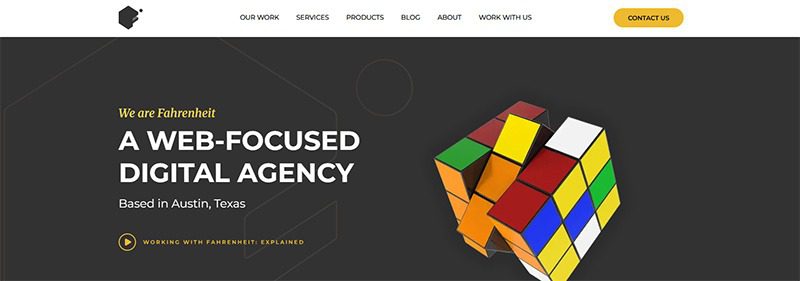
Founded in 2008, Fahrenheit Marketing is a full-service agency that offers both creative design and marketing strategy. Proudly based in Austin, Texas, it offers web development, UX/UI design, SEO, PPC, and ecommerce services. In addition to these, they sell products from Offline Order Importer, HubSpot, Klaviyo, SharpSpring, and many others.

Top 4 Best Blog Writing Services for Your Business

What’s the Best Design Agency in New York City

What’s the Best Design Agency in Houston?

Top 10 App Development Software That Help Create Stunning Apps

Maximizing ROI in 2026: The Top 10 Facebook Ads Strategy Ideas to Try

What’s the Best Design Agency in Austin for Businesses in 2026?